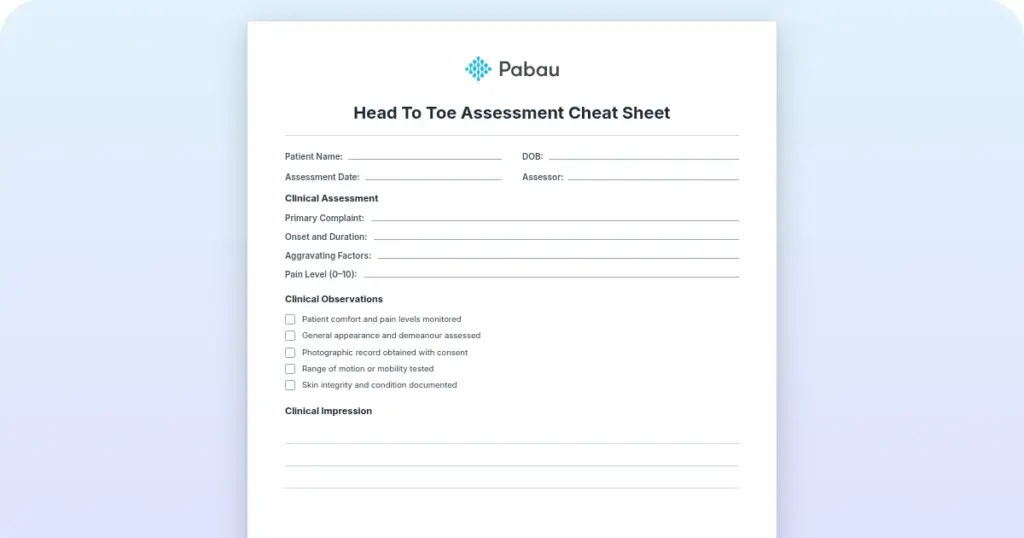
Head to toe assessment cheat sheet: Printable nursing guide
A head to toe assessment cheat sheet gives you one fixed order at the bedside, s...

5
Last Updated: Oct 23, 2026
Clinical notes AI is software that listens to or reads a patient encounter and drafts the clinical note for you. The draft is ready to review and sign in seconds instead of minutes.
For most clinicians, documentation takes the most time and gives the least back. It often runs close to two hours of admin for every hour of patient care.
These tools are safe for patient visits when the vendor is HIPAA compliant and signs a Business Associate Agreement. You still review and sign every note, so the record stays yours. Pabau Scribe, our AI scribe, drafts that note inside practice management software like Pabau and files it in the patient record.

Clinical notes AI records or reads a patient visit and drafts a structured note that the clinician reviews and signs, so most after-hours charting disappears.
It works in three steps: capture the conversation, structure it with natural language processing, then review and finalize the draft.
Used well, it saves clinicians hours a week and eases burnout, while the clinician stays responsible for every word in the final note.
It is safe to use when the tool is HIPAA compliant, offers a Business Associate Agreement, and keeps a clear audit trail.
Pabau Scribe, our AI scribe, writes the note straight into the patient record inside a full practice management system. You never copy it into a separate tool.
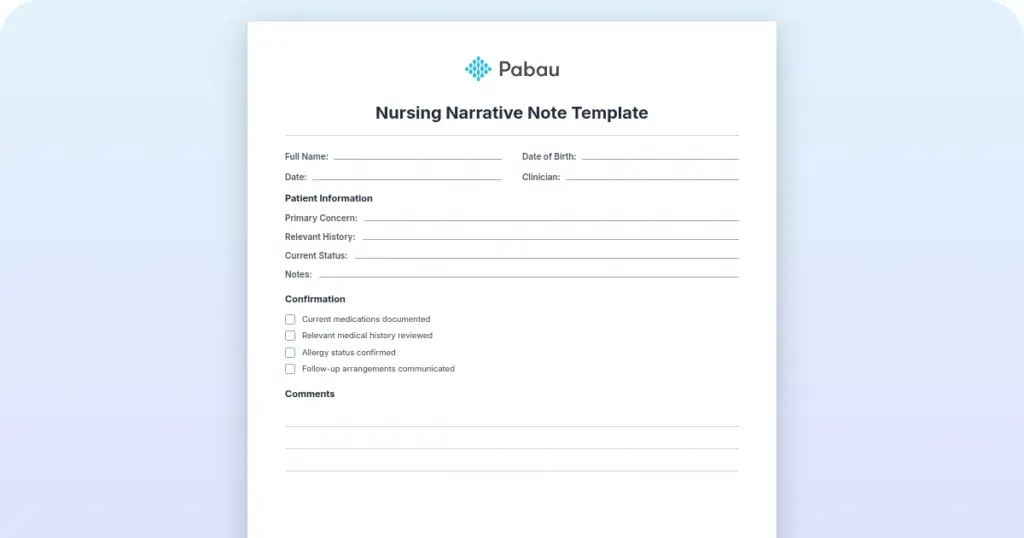
Clinical notes are the written record of what happened in a patient visit: the history, the assessment, the treatment, and the plan. Most clinicians know them as SOAP or DAP notes, and they form the backbone of the patient record.
They matter for continuity of care, for billing, and for legal protection. The problem is how long they take.
Writing them by hand, or typing them up after the fact, is why so many clinicians are still finishing notes at home in the evening.
An AI medical scribe is software that turns a spoken consultation into a written clinical note, without a person typing it up. It uses ambient AI to capture the conversation and natural language processing to organize it into the right sections.
Unlike a person taking dictation, an AI scribe interprets what was said, applies the correct clinical terms, and produces a structured draft. It is built to assist the clinician, and clinical judgment stays with you. You review and sign every note before it enters the record. Pabau’s own AI medical scribe works this way, drafting the note as you talk.
The difference is interpretation. AI medical dictation software transcribes your words exactly as you say them, so you still have to structure and edit the result yourself.
An AI scribe listens to a natural conversation between clinician and patient, then decides what belongs in the note and where it goes. Dictation gives you a transcript. An AI scribe gives you a finished draft in SOAP, DAP, or another format, ready for a quick review.
Read across the columns below and the pattern is easy to see. Each method hands one more step to the software, and one step never moves.
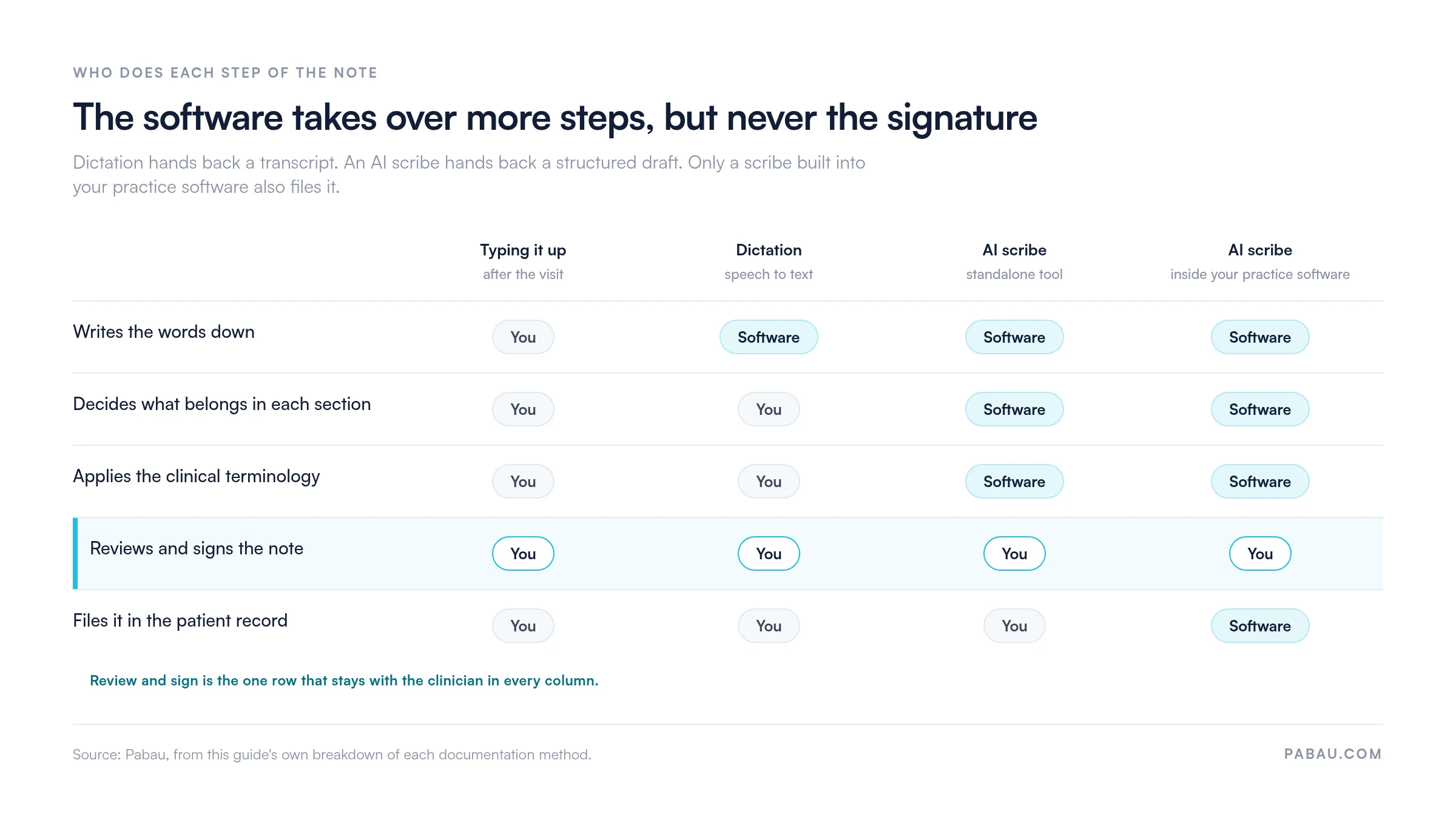
Clinical notes AI works in three stages, whether it’s a standalone scribe or built into your practice software:
AI clinical notes give clinicians their evenings back by taking over the writing. The clinical thinking stays with you, and the software handles the typing.
The knock-on effect is capacity. When notes take minutes instead of hours, a practice can see more patients in a day without anyone staying late to catch up on charting.
An AI-drafted clinical note looks almost identical to one a clinician would write by hand, with the same structure and clinical language. The difference is that it’s generated from the conversation in seconds. The formats below are the ones most AI tools can draft.
| Note format | What it is | Often used for |
|---|---|---|
| SOAP | Subjective, Objective, Assessment, Plan | General medical and aesthetic visits |
| DAP | Data, Assessment, Plan | Therapy and behavioral health sessions |
| Intake | A structured first-visit summary | New patient onboarding |
| Progress note | An update on an ongoing course of care | Follow-ups and multi-session treatments |
A SOAP note splits the visit into four parts. Subjective is what the patient reports, and Objective is what you observe or measure. Assessment is your clinical judgment, and Plan is the next steps. The Objective section often carries standardized figures, from vital signs to validated scoring tools, which any AI draft must capture exactly.
In practice, an AI scribe might turn “my forehead lines have come back since my last treatment” into a Subjective line. It records the product and units used under Objective and Plan, and flags the review date, all without you typing a word. For a fuller breakdown, see our guide to AI SOAP notes.
A patient progress notes example shows how a course of care moves forward over time. For a weekly client or a multi-session treatment plan, the note records what changed since last time, how the patient responded, and what happens next.
AI for therapy notes is especially useful here. It drafts DAP or progress notes straight from the session, so the clinician stays focused on the patient rather than the keyboard.
Yes, clinical notes AI can be fully HIPAA compliant, but only when the tool is built for it. Compliance isn’t automatic just because a product is popular.
Before you record any patient visit, check that the vendor signs a Business Associate Agreement and provides encryption, audit trails, and a clear recording-retention policy. It’s also worth confirming how long audio is kept and who can access it.
One more safeguard is human sign-off. Because the clinician reviews and approves every draft, an accurate final note doesn’t depend on the AI being perfect. Treat the draft as a starting point rather than the last word.
The first check is where the finished note ends up. A tool that writes into your patient record saves far more time than one that hands you text to copy into another system.
Even the best AI medical scribe usually stops at the note. Pabau Scribe, our AI scribe, is built into practice management software like Pabau, so the note it drafts lands straight in the patient record. It sits next to the appointment, the consent forms, the before-and-after photos, and the invoice.
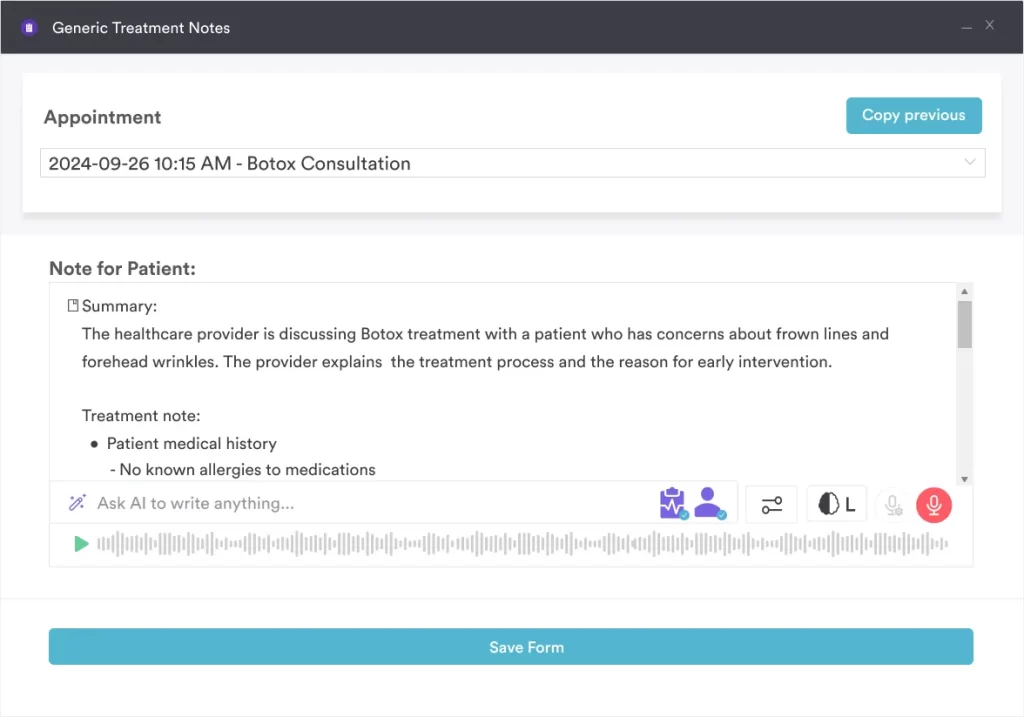
Because it sits inside one system, the note can trigger the right follow-up, feed the billing, and stay linked to the patient’s full history. The note never has to live in a separate app you reconcile later. It drafts SOAP, DAP, and specialty-specific notes, and every draft waits for your review before it’s saved.
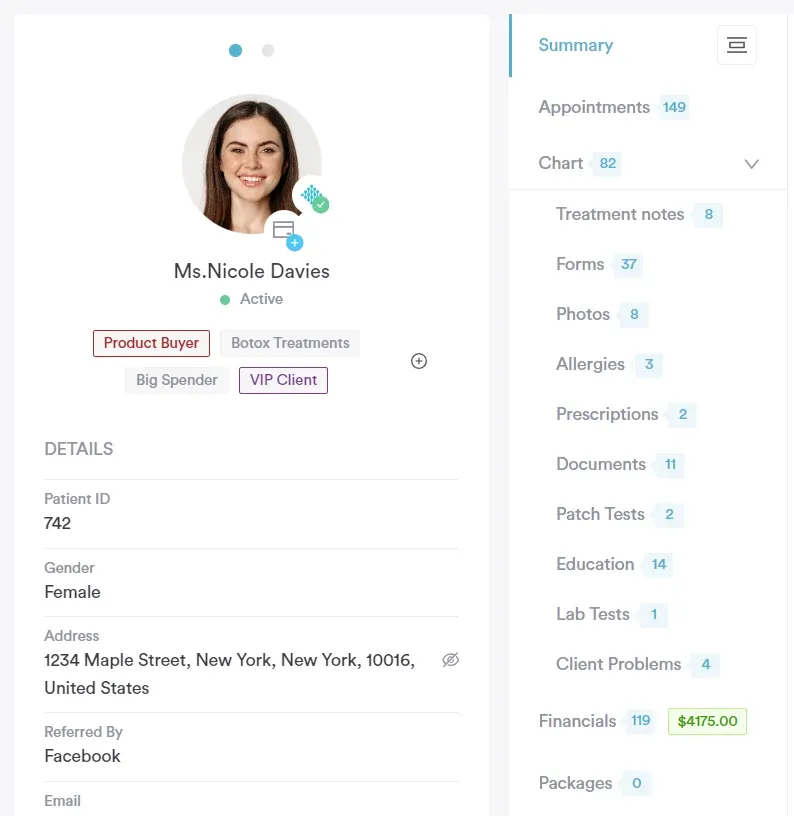
Every Pabau subscription includes the full platform, from scheduling and the patient record to digital forms, telehealth, payments, reporting, and automated workflows. AI clinical documentation isn’t a pricier-tier upgrade. Every plan includes it, though usage runs on Pabau’s credit system, topped up as needed like SMS and telehealth.
Every plan carries the same feature set, so the price moves with your team size rather than with a checklist of unlocks. Annual billing saves up to 20%.

Most AI scribes hand you a note. Pabau Scribe writes the note, attaches it to the appointment and patient record, fires the right follow-up, and feeds billing in one place. Book a personalized demo to see how it fits your specialty.

Clinical notes AI has moved past the trial stage and into everyday charting. The question now is not whether to use it, but how well it fits the way you already work.
A standalone scribe will save you time. A scribe built into your practice software saves more, because the note never leaves the system it belongs in. The trade-off is scope, since adopting a platform is a bigger decision than adding one tool.
Whichever route you take, the review step is what keeps the record yours. Want to watch Pabau Scribe draft a note and file it in the patient record? Book a demo and we’ll walk through your specialty.

Want a broader read on AI inside the practice? AI in practice management looks at how documentation, scheduling, and patient communication tools are converging.
Curious about the clinician-side benefits in detail? AI scribes for physicians covers the productivity story with specific time-savings data.
Comparing AI EHR options for your practice? AI EHR guide covers what ambient scribing does and what to look for before you choose an AI EHR.
Want to streamline check-in before the visit? AI patient intake verifies patient details before the visit, so check-in becomes a quick confirmation.
Ready to automate your booking calls? AI patient scheduling automates booking, reminders, and waitlists, so your team spends less time on the phone.
Yes. Clinical notes AI drafts the note from the visit, and the clinician reviews and signs it. The software handles the writing, while the clinician keeps responsibility for the clinical content.
They capture the consultation, then use natural language processing to structure it into a note. The clinician reviews and signs the draft before it is saved to the record.
It can be, when the vendor signs a Business Associate Agreement and provides encryption, audit trails, and clear data-retention rules. Always confirm these before recording any patient visit.
Standalone scribes range from free to several hundred dollars a month per clinician, and enterprise tiers often run $200-$700+. Practice management software like Pabau, which includes AI documentation alongside scheduling, billing, and the patient record, starts from $62 a month.
Modern tools produce accurate first drafts, and many adapt to your templates and preferences over time, though they aren’t flawless. The review-and-sign step exists so the clinician catches any error before the note is saved.
No. AI drafts the documentation, and the clinician makes the clinical decisions and signs off. It removes the typing, not the judgment.