

Staff management software
Run the team without the chase
Pabau’s team management software puts schedules, permissions, follow-ups, hours and commissions in one place. You stop asking who’s in, who’s owed and what’s outstanding, because it’s already on the screen.
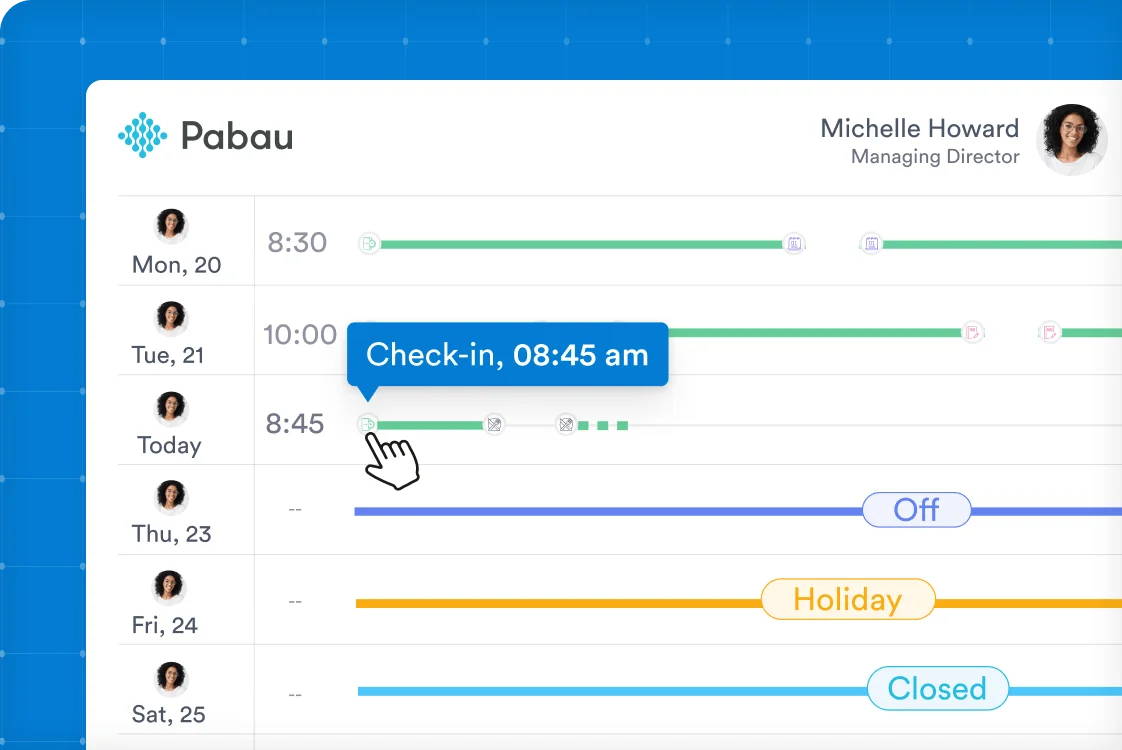


Part of Pabau, the practice management platform behind 4,000+ medical practices and medspas across the UK, US and globally



Who's working, who's owed, what's outstanding

Plan the week
Build shifts, repeat the patterns that don’t change, and approve time off so the calendar always shows who’s genuinely available.

Set the boundaries
Roles decide what each person can see and do, from front desk to clinician, and change as your team does.

Watch the work
Tasks, hours and commissions all sit where you can see them, without asking anyone for an update.
Build the rota once, not every Sunday night
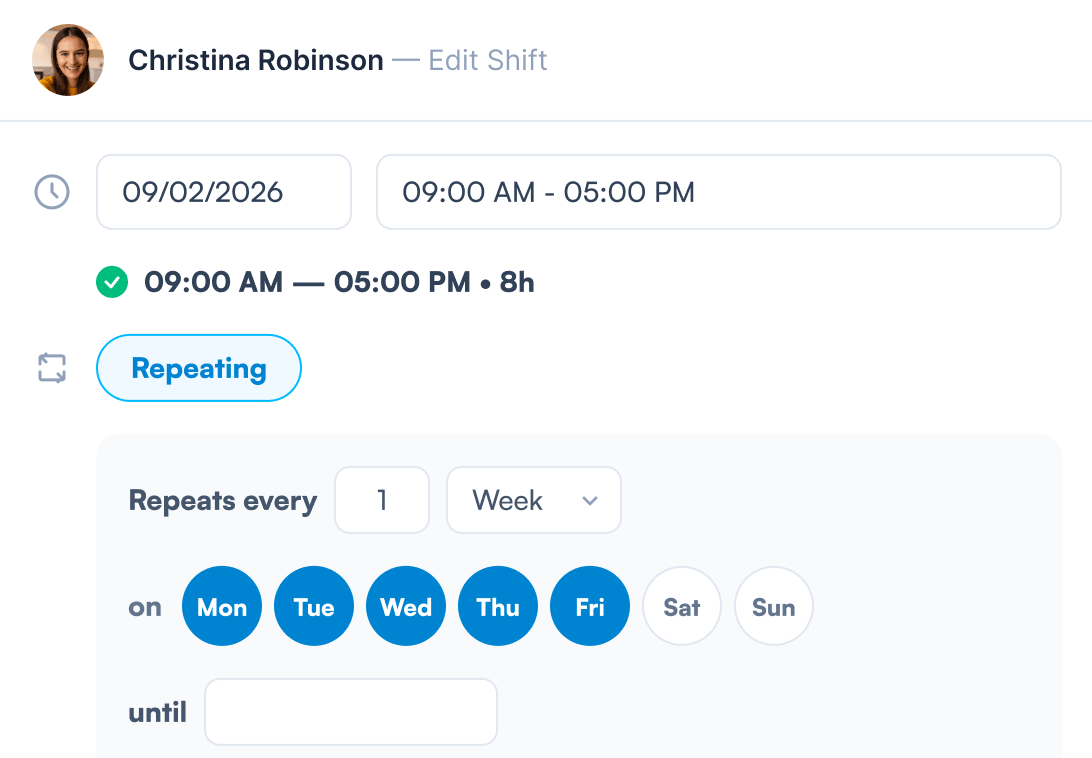
Create shifts, set the patterns that repeat, and adjust one day without unpicking the whole calendar. Time off is requested, approved and reflected in the schedule in the same place, so nobody is pencilled in for a week they booked off months ago. Your team checks their own shifts from their own devices, which is the end of the group chat asking what time they’re on.
Everyone sees what they should, and nothing more
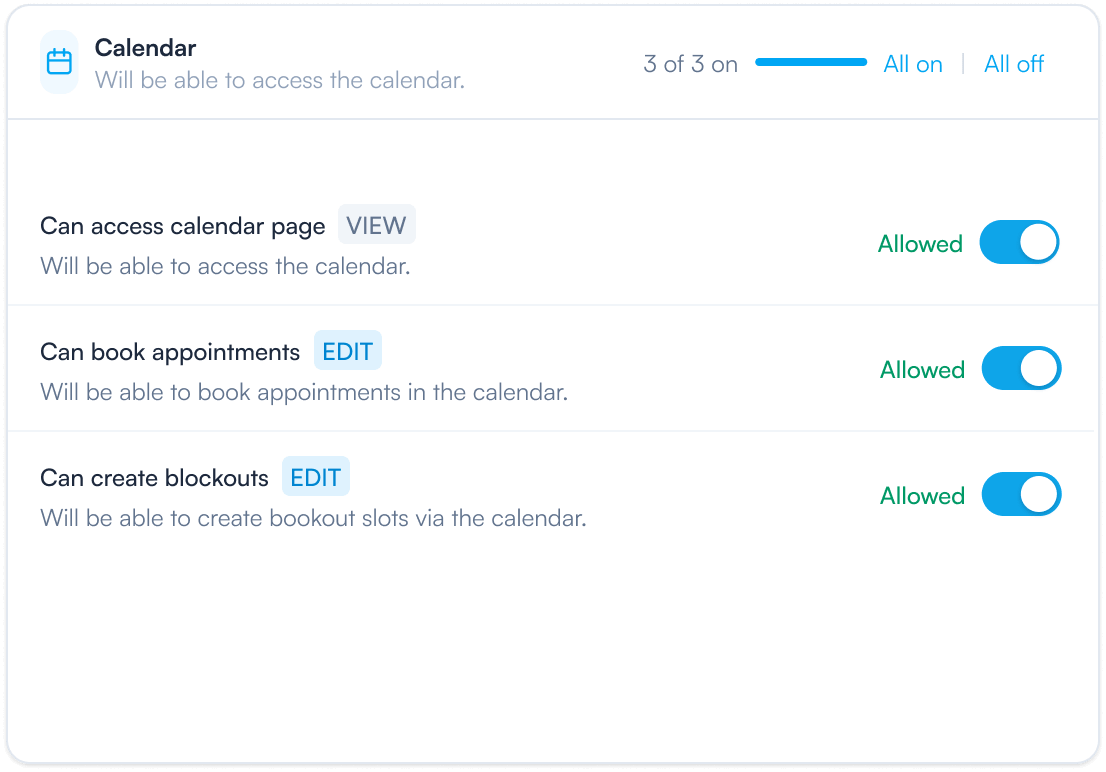
Front desk staff shouldn’t be able to open a medical record, and clinicians shouldn’t have to ask an admin for access to one. Use the predefined roles or build your own, then change them as people are promoted, move between locations or take on new responsibilities. It takes a minute, and it’s the difference between a clean audit and an awkward conversation.
Nothing falls through the cracks, and nobody has to remember
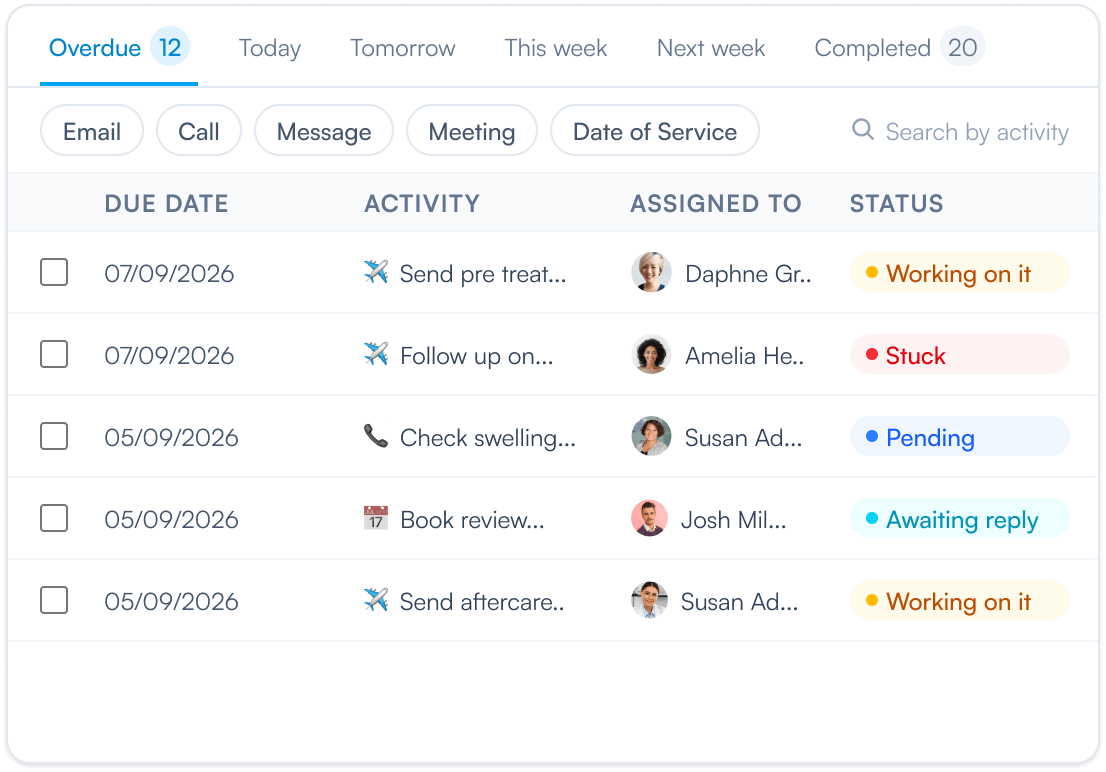
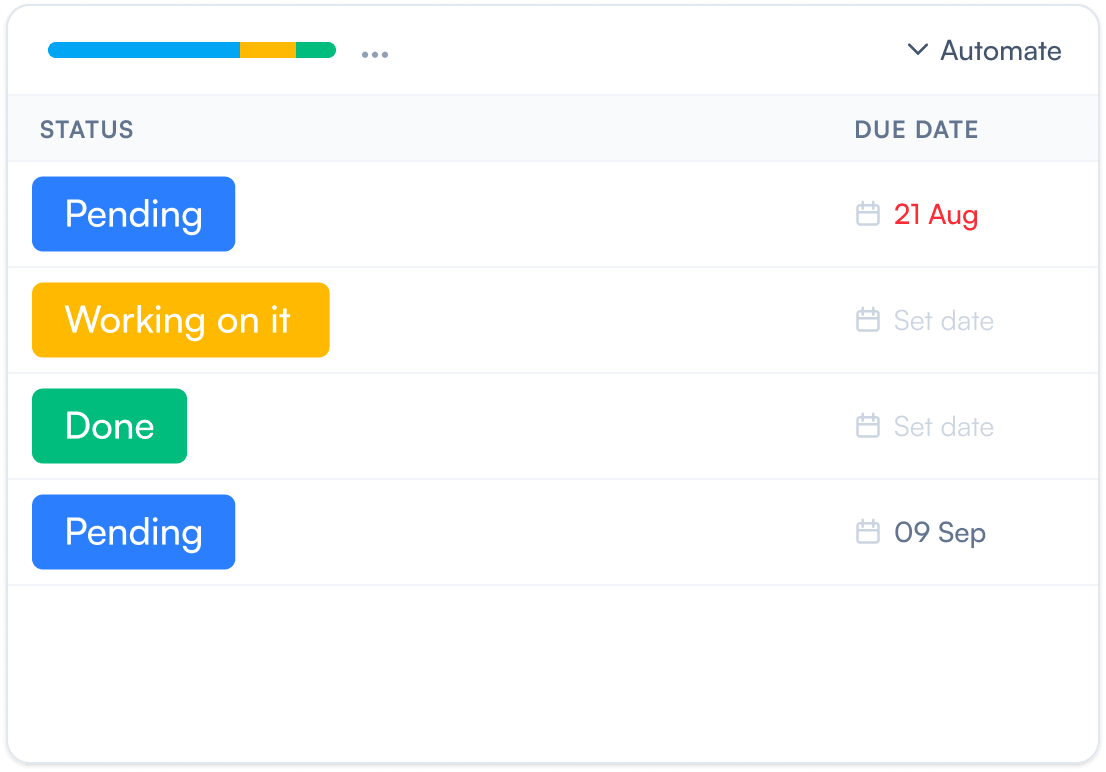
Every follow-up your clinic owes — the callback, the chase, the form that never came back, the six-week check-in — sits on a board with a name and a due date against it. Work it as a list or drag cards between columns as they move, filter down to one person or one type, and open the Overdue tab to see exactly what’s slipped. No standup required to find out where things stand.
Put the routine chasing on autopilot
The follow-ups that happen every time shouldn’t need a human to start them. Set a rule once and Pabau handles it: a due date passes and a chase appears, a task is marked done and the six-week follow-up schedules itself, something gets stuck and the owner hears about it. Your team spends its attention on the exceptions instead of the routine.
Real-time tracking and accurate staff activity
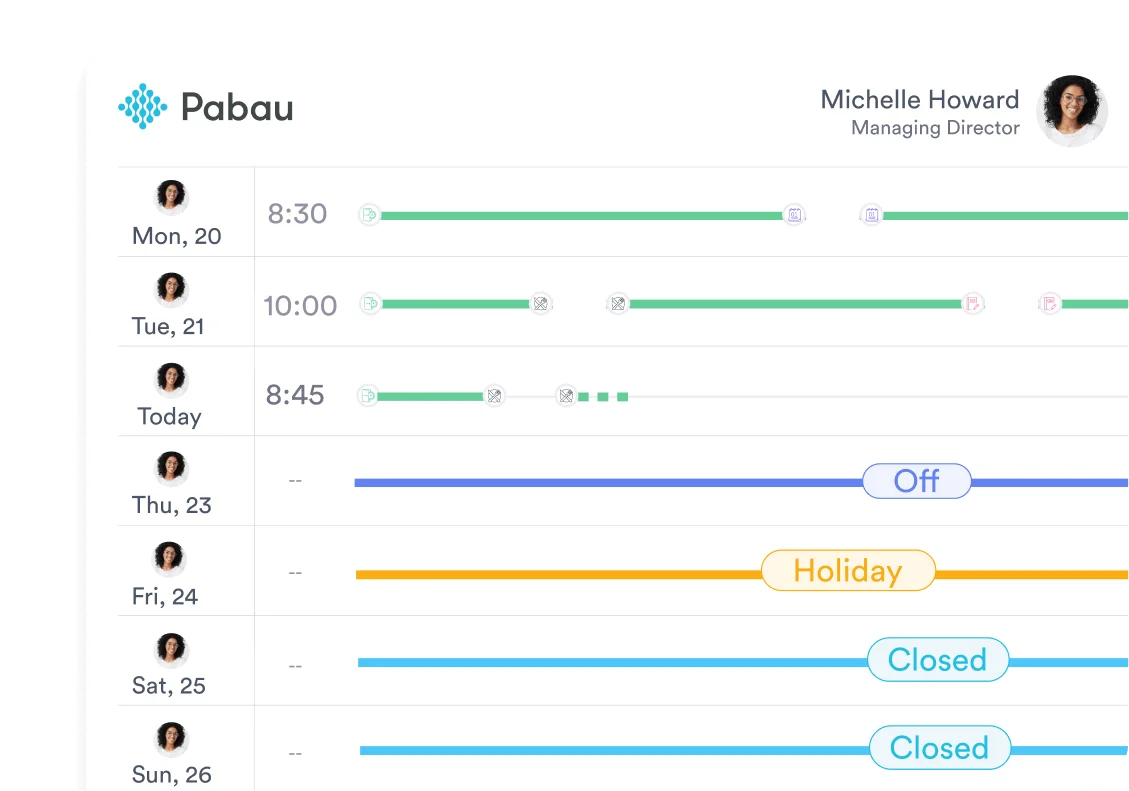
Clock-ins, breaks and hours worked are tracked as they happen, so you can see the shape of the day rather than reconstructing it later. Those hours feed straight into timesheets, wages and reporting, which means pay runs and performance reviews start from numbers that are already correct. No spreadsheets, no end-of-month archaeology.
Licences and certificates, ready before anyone asks
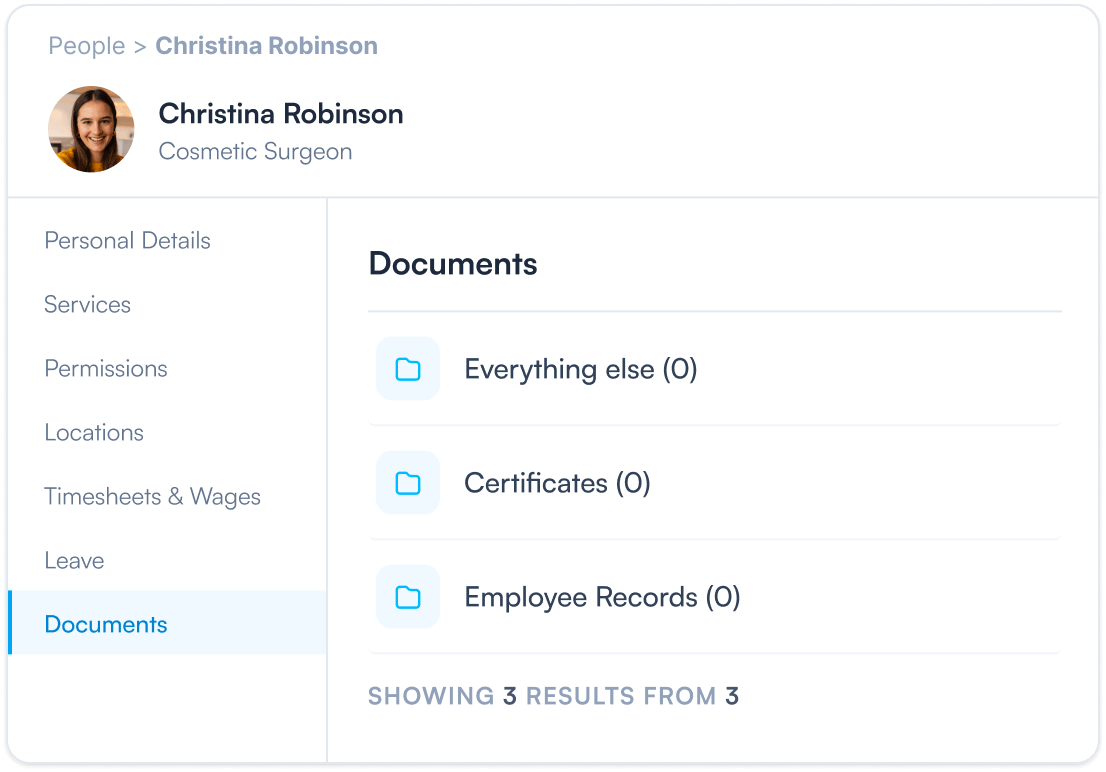
Upload insurance certificates, qualifications, DBS checks and contracts into folders that make sense to you, against the staff member they belong to. When an inspection lands or an audit comes round, everything is already where you’d look for it. It’s the least interesting part of running a clinic and the worst one to be caught out by.
Reward the people bringing the revenue in
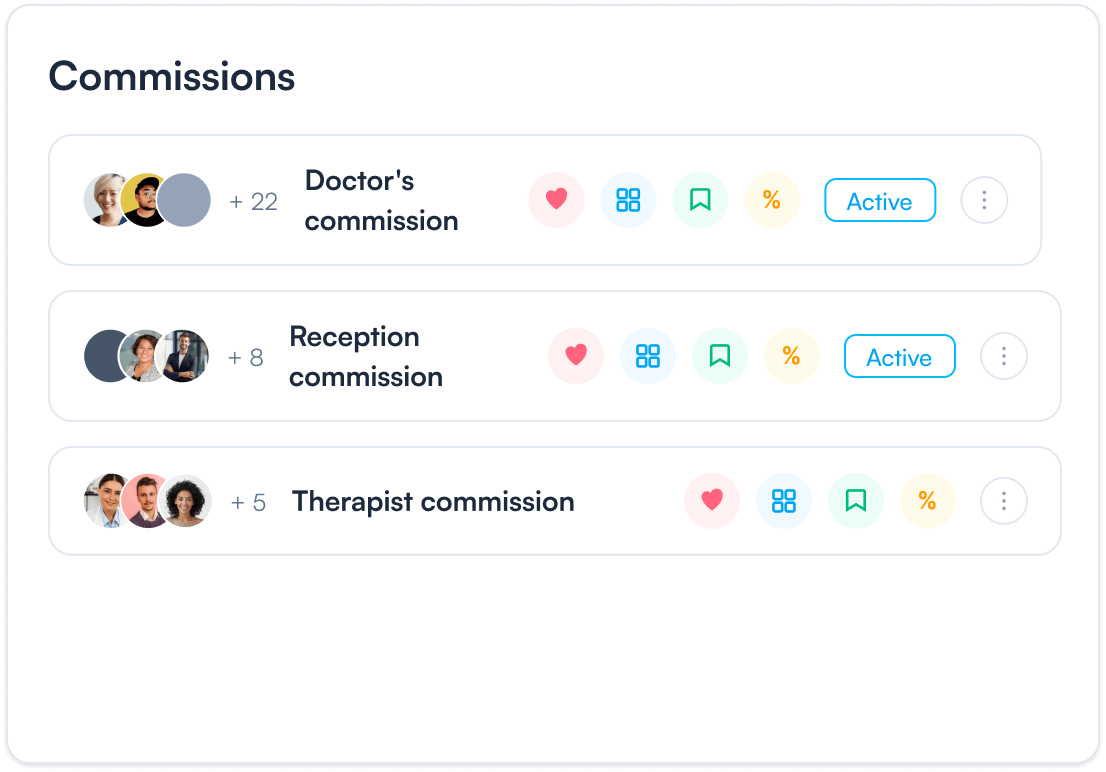
Assign commission to services, products, packages and gift vouchers, with fixed or tiered structures depending on how you like to motivate people. Earnings update in real time, so your team can see what they’ve made this month without asking, and you can see who’s actually driving growth. Nobody has to trust a spreadsheet at the end of the quarter.
Related features
Frequently asked questions
Manage your entire team from one place — schedules, roles, permissions, activities, timesheets, documents and performance reports — giving you full visibility over how your practice runs.
Roles define what each team member can see and do in the system. By assigning the right permissions, you protect sensitive information and ensure staff only access what’s relevant to their role.
Yes. Group staff into teams and control exactly what each team can view, so front desk staff can be kept out of sensitive medical records while clinicians retain full access. It’s managed alongside your roles and permissions, all from one place.
Absolutely. Choose who’s visible on the scheduler, which services they can perform, and whether they can take online bookings, so your schedule stays accurate as your team changes.
Create, edit and repeat shifts, assign services and manage availability in one place. Pabau handles recurring schedules, one-off changes and multi-location teams without disrupting daily operations.
Activities give every follow-up an owner, a due date and a status. View them as a list or a kanban board, filter by person, type or client, and use the Overdue and Today tabs to see what needs attention right now.
Yes. Set simple rules so routine work looks after itself — create a chase when a due date passes, schedule a follow-up when a task is completed, or notify the owner when something gets stuck.
Yes. Clock-ins, breaks and hours worked flow straight into timesheets, wages and reporting, so pay runs don’t need anything re-entered by hand.
The Team Report brings together hours worked, commissions earned and overall performance metrics, so you can reward the right people and make staffing decisions on evidence.
Know who's in. Know what's outstanding.
Schedules, permissions, follow-ups and commissions for your whole team, on one screen.