

Medical billing software for insurance claims
Spend less time on billing and more time with patients
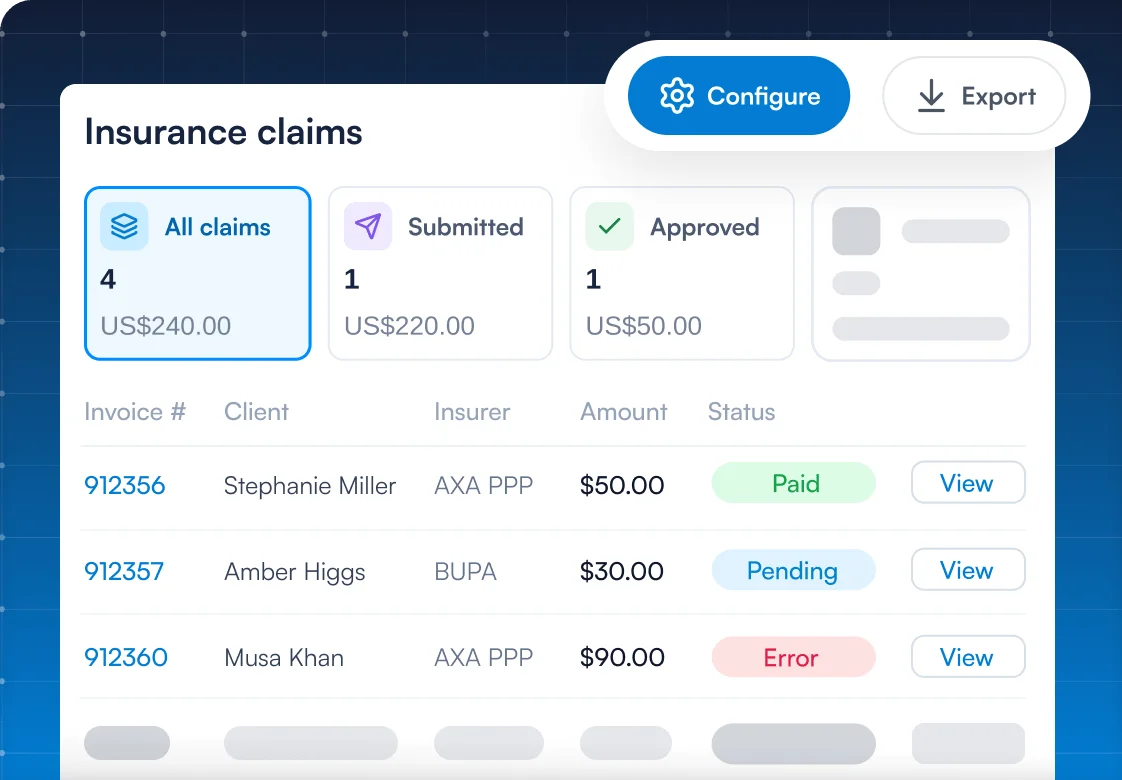
Pabau’s medical billing software raises, checks and tracks every insurance claim from the patient’s invoice. Each outstanding balance sits in one claims dashboard.



Part of Pabau, the practice management platform behind 4,000+ medical practices and medspas across the UK, US and globally



How insurance claims processing works in Pabau
Pabau processes each insurance claim from invoice to insurer payment in one system.
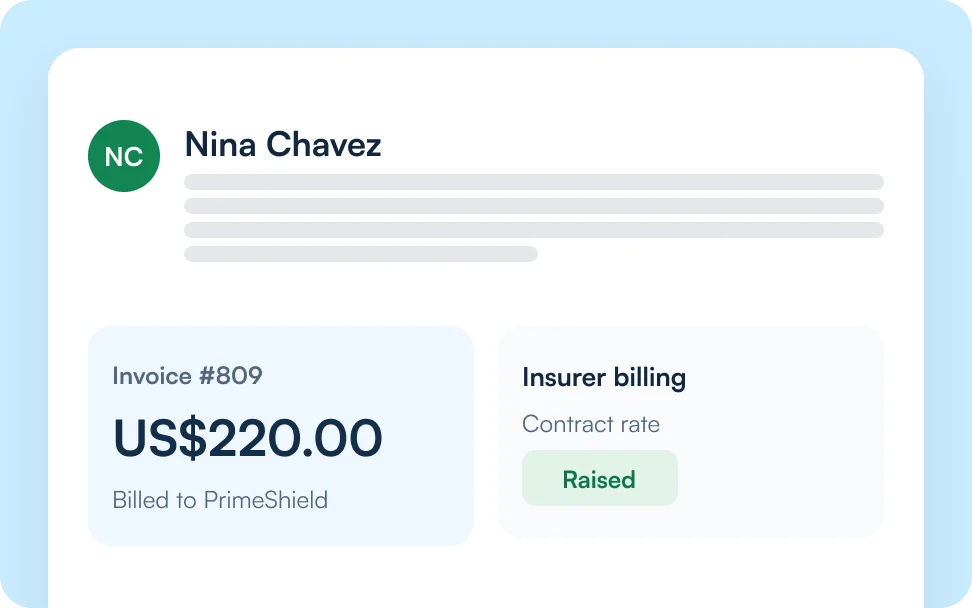
Raise
Add the patient’s insurer to their client card. Pabau then raises each invoice to that insurer at its contract rate.
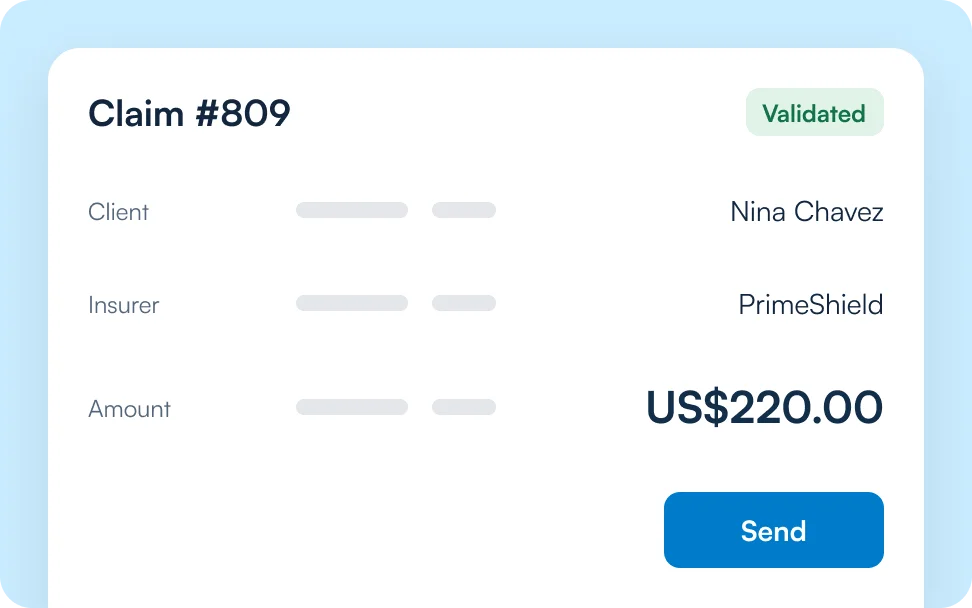
Submit
Open the claim pre-filled from the invoice, validate it and send it to your clearinghouse.
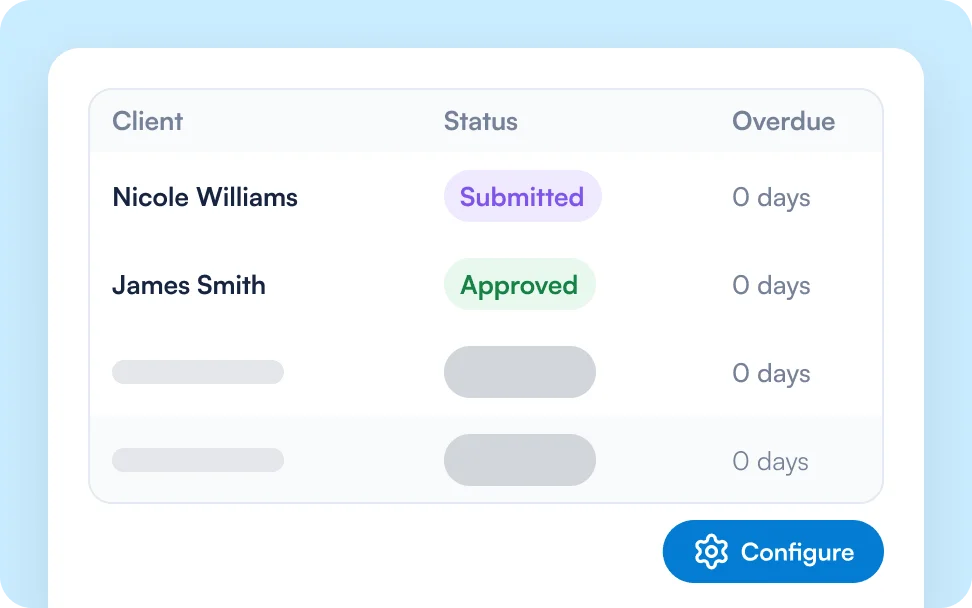
Track
Follow each claim’s status, fix claims flagged Needs action and see days overdue on every row.
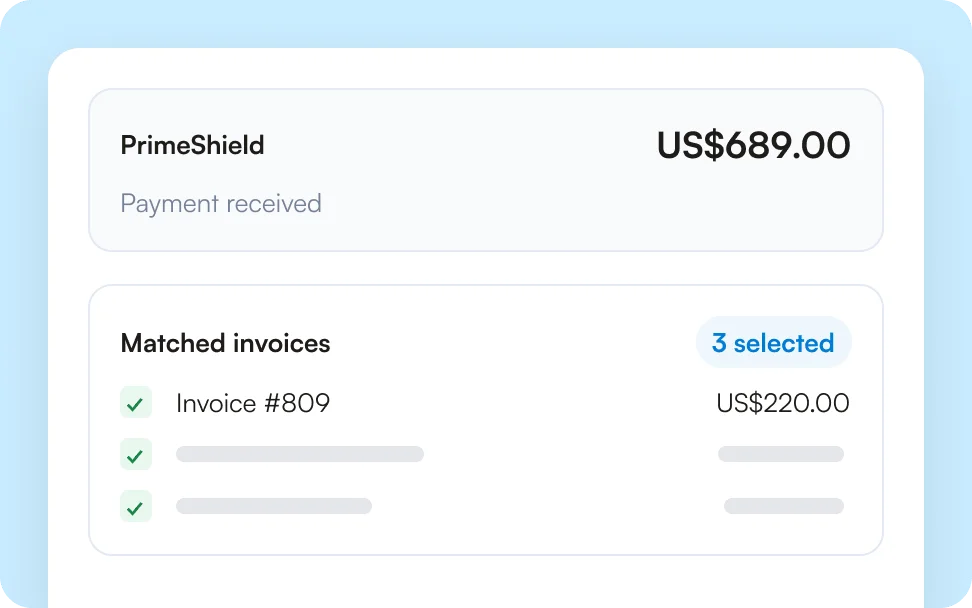
Reconcile
Record each insurer payment once and match it to every invoice it covers.
Medical claims management in one clear view
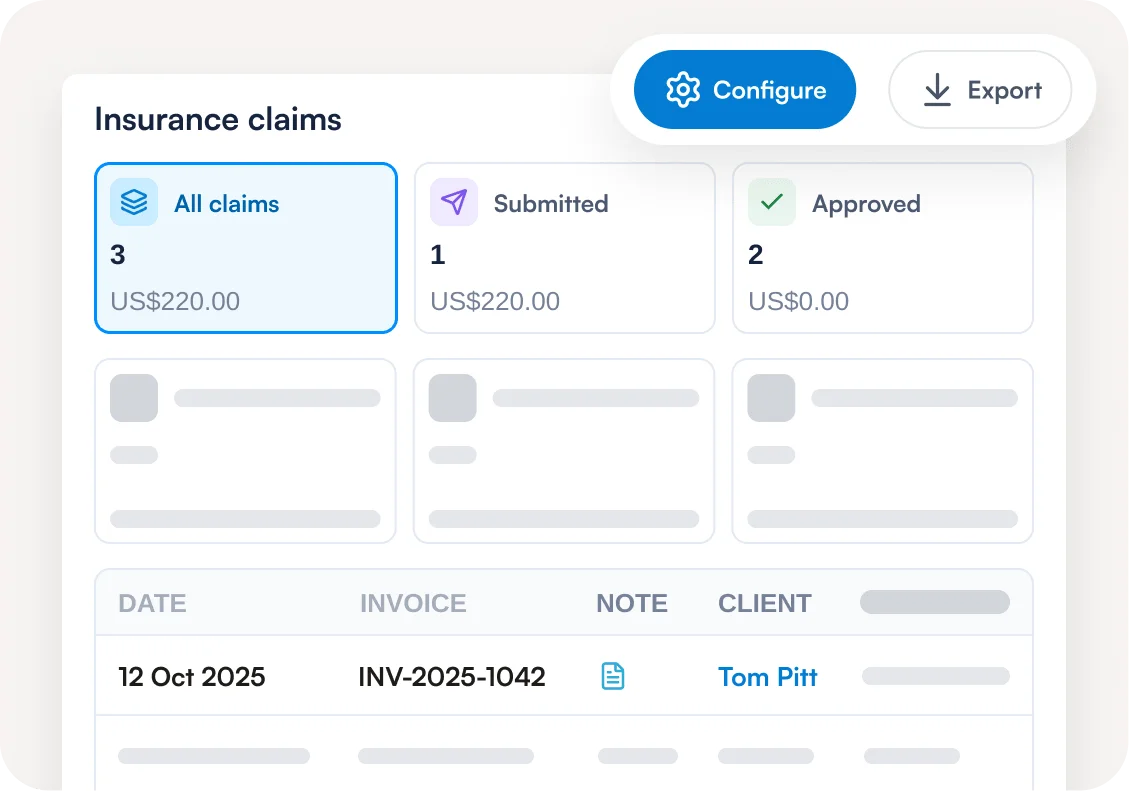
Pabau’s claims dashboard tracks every claim through the same stages, from Pending to Paid. Live counts for each stage sit at the top of the dashboard. Filter by insurer or date, then search by claim number, patient or authorization code to find the claim you need.
Enter insurance details once, no guesswork at checkout
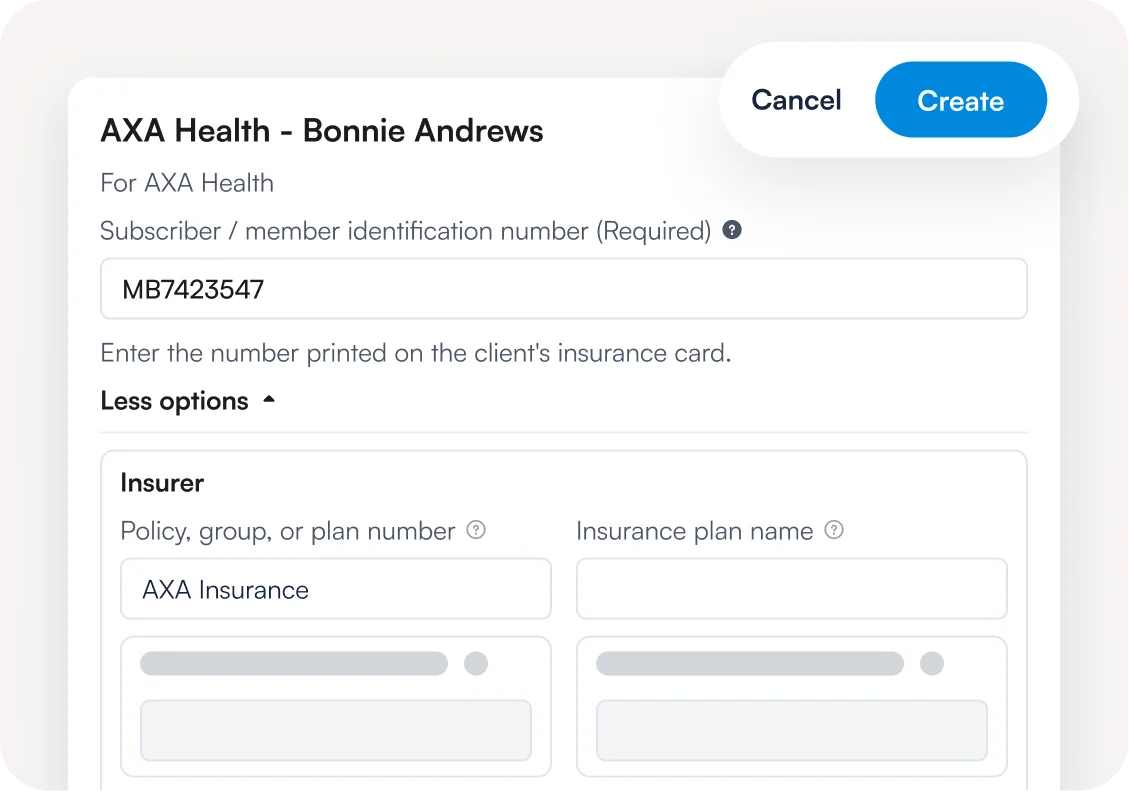
The client card stores each patient’s insurer and policy details. Pabau bills every invoice to the right insurer at the agreed rate, so checkout needs no guesswork. In the US, insurance eligibility verification runs through Claim.MD before the visit. In the UK, you can check Bupa cover in seconds.
Prior authorization codes that follow the appointment
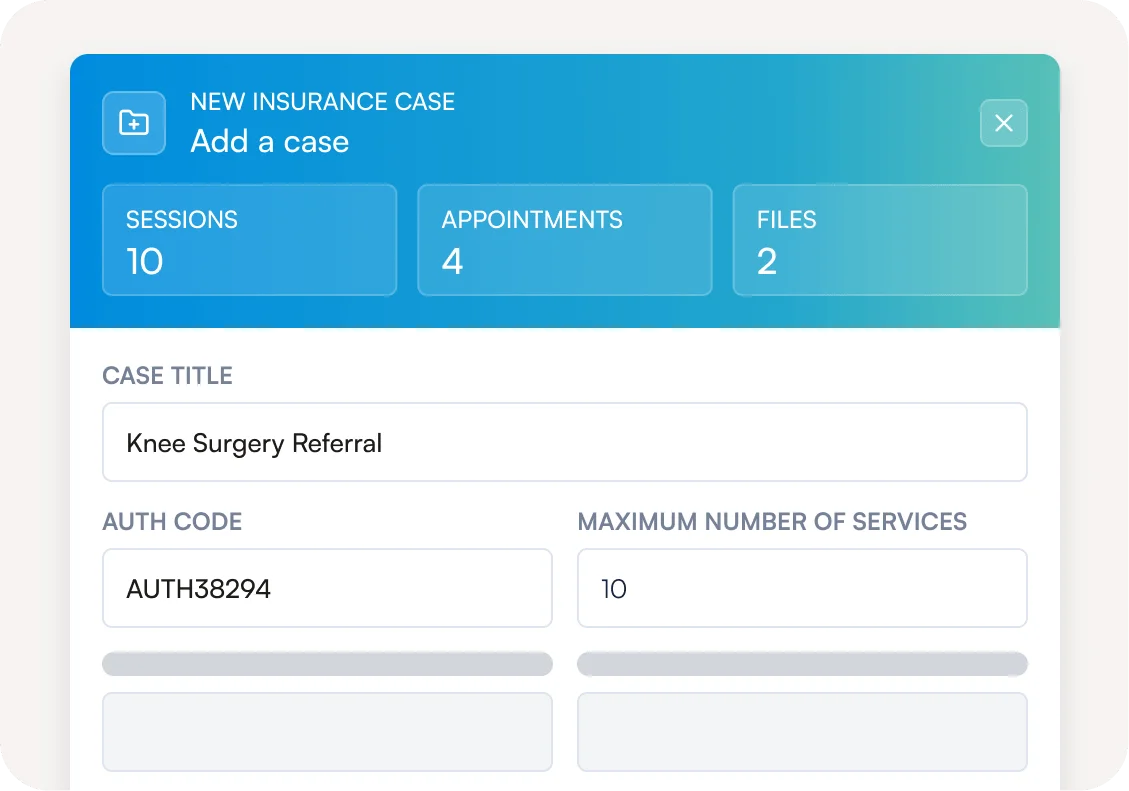
Pabau stores each insurer authorization as a case, whether it’s a prior authorization in the US or a pre-authorization in the UK. Attach the case when booking, and the authorization code follows the appointment through to the claim. The case shows how many approved sessions have been used. Any claim still missing a code is flagged with “Assign case”.
Claim validation that catches errors before a bounce back
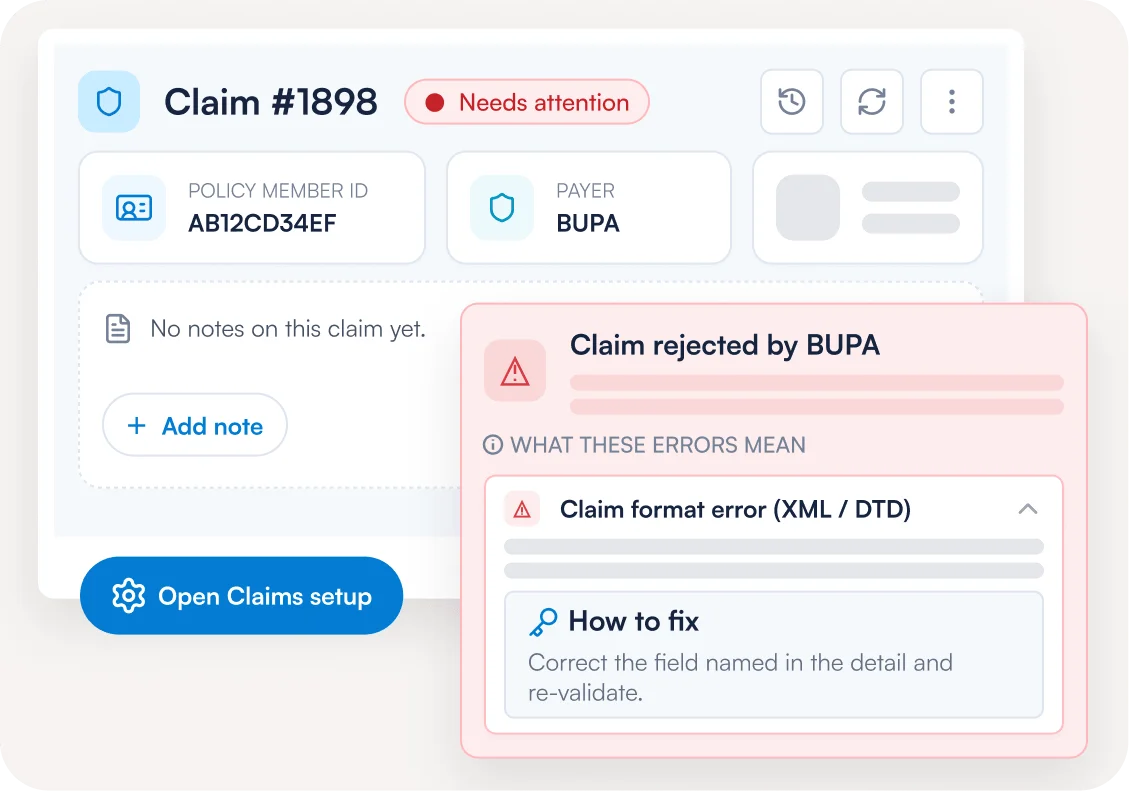
Pabau’s claim validation scrubs every claim for missing or invalid details before it leaves Pabau, so each fix takes seconds. If an error slips through or a claim comes back rejected, Pabau flags that claim Needs action. Click “Fix” to see what went wrong, with a link straight to the field that needs correcting.
Submit claims through your clearinghouse wherever you are
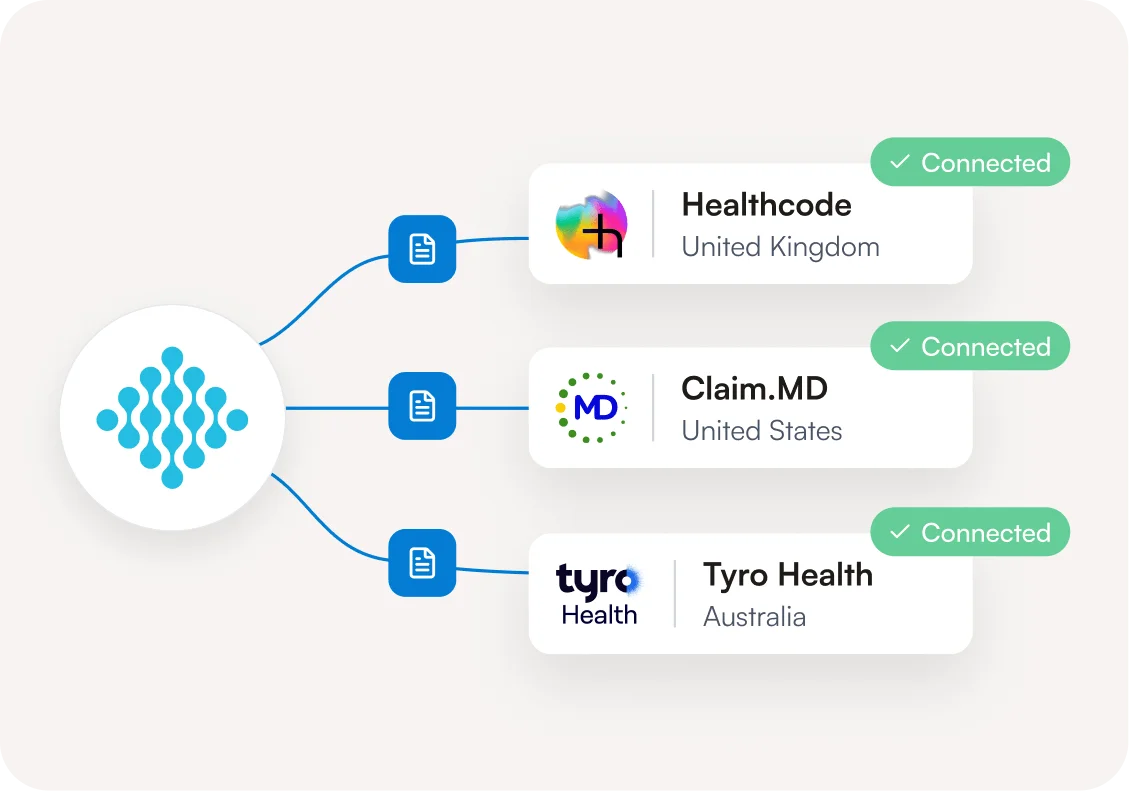
Pabau submits claims through a clearinghouse in each region, with the same workflow everywhere. Only the clearinghouse and its checks change.
 United Kingdom
Pabau sends private medical insurance claims through Healthcode to Bupa, AXA Health, Vitality and more. Check Bupa cover in seconds and pull paid Bupa invoices without matching them by hand.
 United States
Pabau submits CMS-1500 claims through Claim.MD to thousands of payers. Check eligibility before the visit, bill secondary policies and settle payments straight from electronic remittance advice (ERA) files.
 Australia
Pabau claims from Medicare, the Department of Veterans’ Affairs (DVA) and private health funds through Tyro Health. Most patient and private health fund claims come back in seconds.
Frequently asked questions
Medical billing software helps practices submit, track and reconcile insurance claims for treatment delivered to insured patients. In practice management software like Pabau, claims are raised from the patient’s invoice. They’re tracked in the same system as your calendar, patient records and payments.
Yes. Pabau keeps claims, appointments and patient records in one system, so a small team never re-keys invoice data. Each claim is raised from the patient’s invoice and tracked to Paid. Insurance claiming is included in every Pabau subscription.
Pabau connects to Healthcode in the UK, Claim.MD in the US and Tyro Health in Australia. UK practices can bill insurers such as Bupa, AXA Health, WPA, Vitality and Aviva through Healthcode. US practices can send claims to thousands of payers through Claim.MD. Australian practices can claim from Medicare, DVA and private health funds (via HealthPoint) through Tyro Health. UK insurers that aren’t on Healthcode can still be invoiced as third parties and paid via remittances.
Yes, in the US and UK. In the US, Pabau runs insurance eligibility verification through Claim.MD before the visit. In the UK, Pabau checks Bupa cover in seconds.
No software can guarantee that. Pabau’s claim validation catches missing or invalid details before you submit, but the insurer makes the final decision. If a claim is rejected, Pabau shows you the reason so you can correct it and resubmit.
Connect your clearinghouse, set up the insurers or funders you bill along with their pricing, and add insurance details to each client card. For Healthcode and Claim.MD, a setup checklist in Pabau shows what’s done and what’s still missing.
Yes, in the US. Create a secondary claim for a patient’s second policy, including when Medicare is the secondary payer, and handle crossover claims forwarded by the primary payer.
Yes, in the US. Practices can print a CMS-1500 form or download a superbill that patients submit to their insurer for reimbursement.
No. Insurance claiming is included in your Pabau subscription, and any clearinghouse fees are billed by your clearinghouse directly.
Spend less time chasing insurer payments
See how Pabau’s medical billing software takes a claim from invoice to paid, with every status and balance in one dashboard.