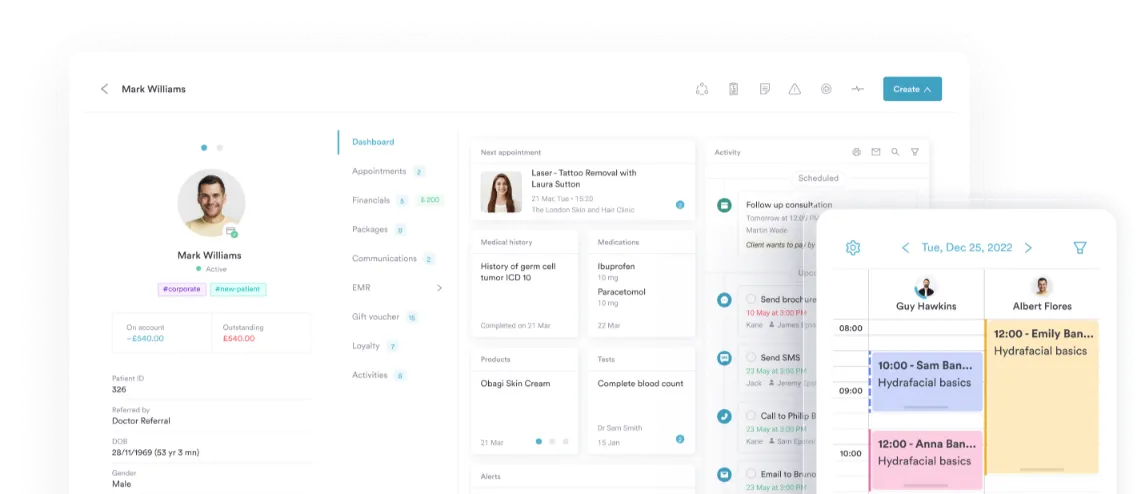
Waitlist Management Software
Turn cancellations into booked appointments
Every empty slot is lost revenue. Pabau’s waitlist management software makes it easy to fill cancellations fast — so you keep your schedule full and protect your bottom line.


Join 4,000+ practices that already use Pabau
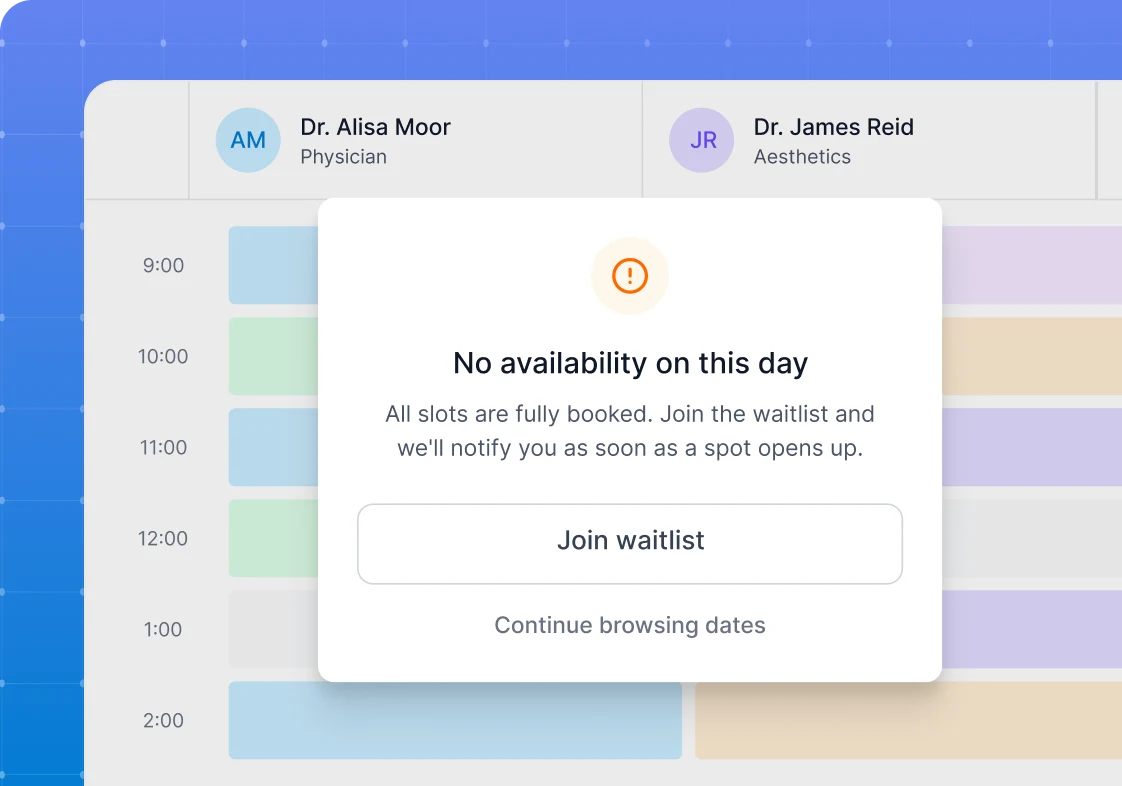
Fill empty slots faster
Unfilled appointments cost money and create unnecessary downtime.
With Pabau’s waitlist management software, when a cancellation happens, you can notify the next interested client in seconds — no digging through contact lists, no empty chairs.
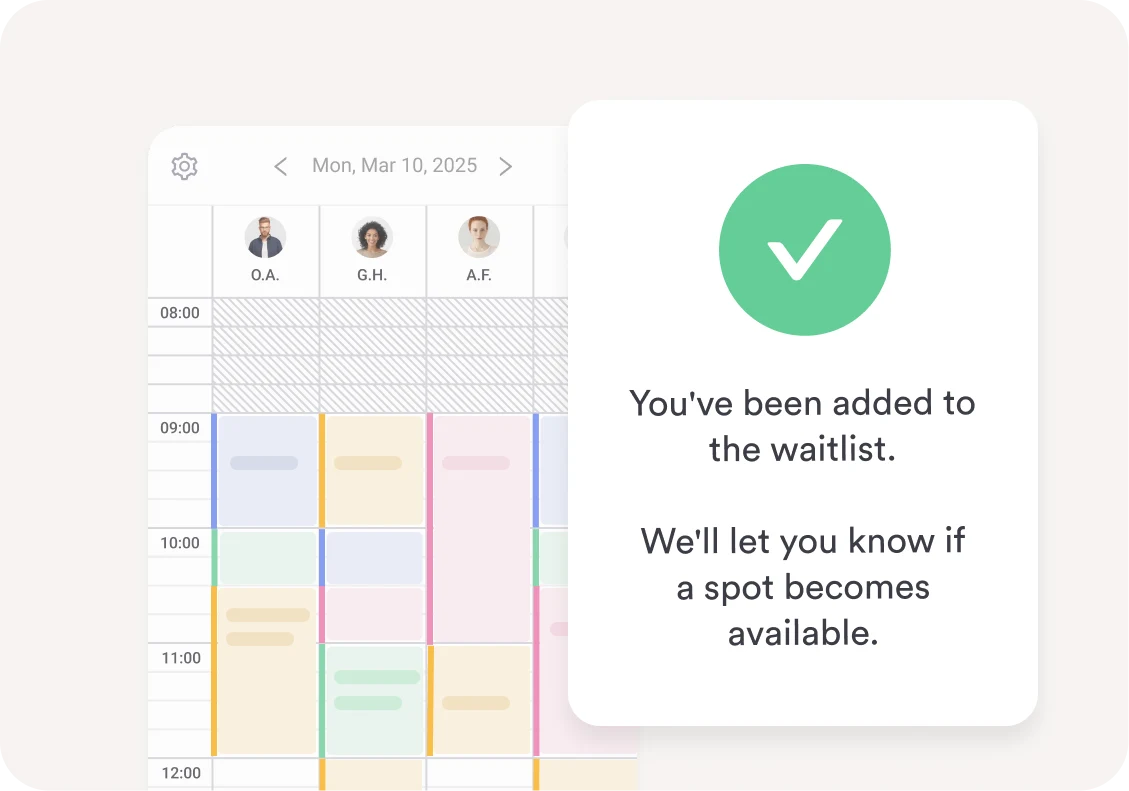
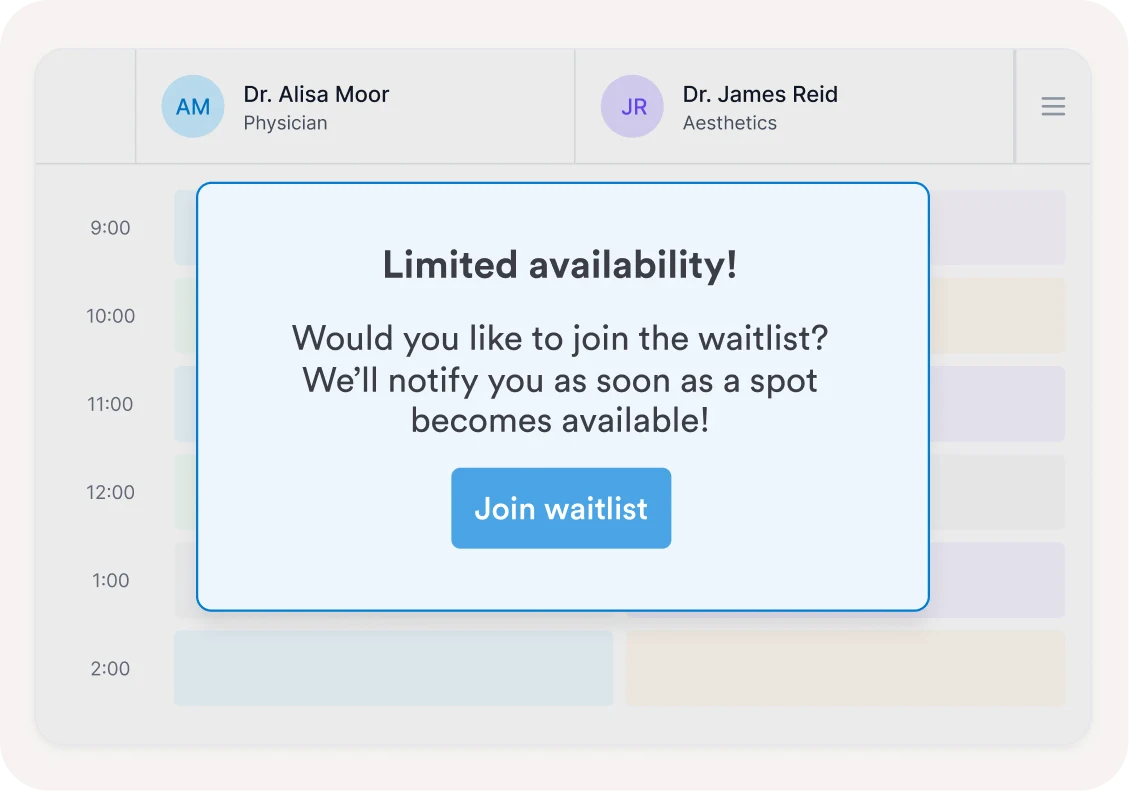
A seamless experience for clients
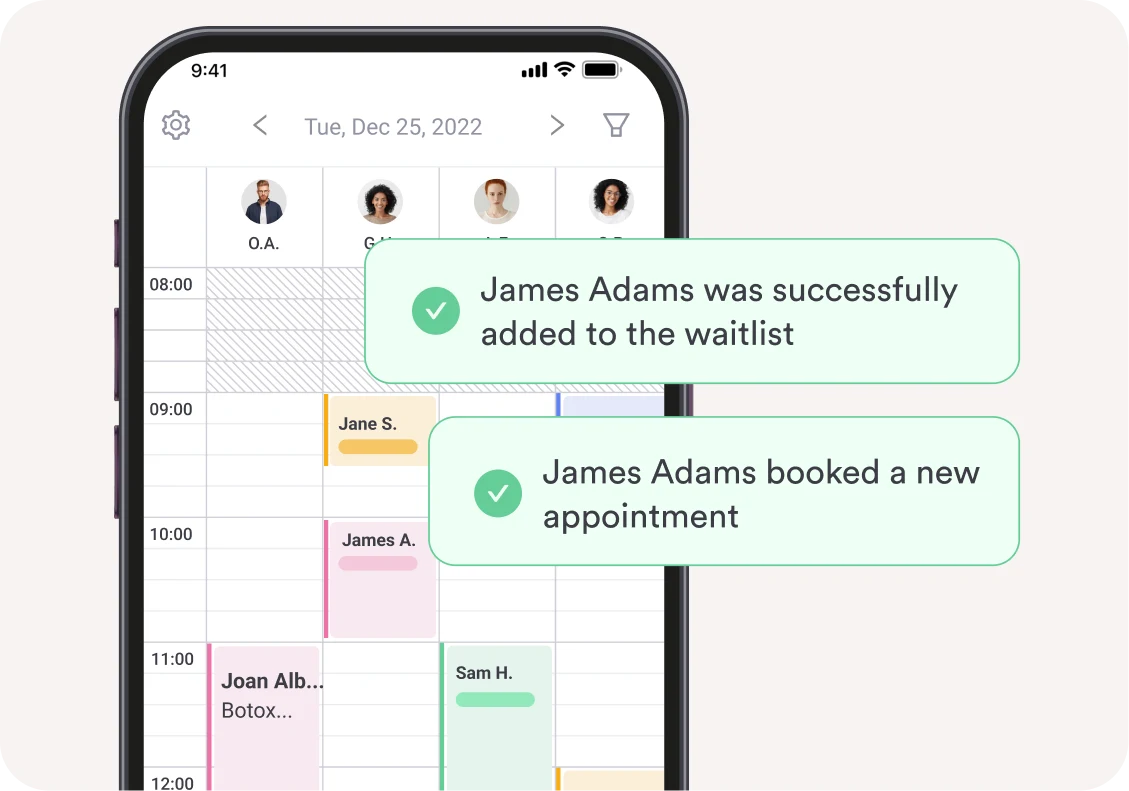
If a client’s preferred time isn’t available, they can join the waitlist directly through your online booking portal — no need to call in.
When a slot opens up, your team sends them a dedicated notification and they confirm their booking from there. Simple for them, effortless for you.
Keep your schedule and revenue on track
Tired of losing income to last-minute cancellations?
With Pabau, when a slot opens up you can quickly reach out to the next client on the waitlist — helping your practice maintain a consistently high booking rate and protect daily revenue.
Smart matching when a cancellation happens
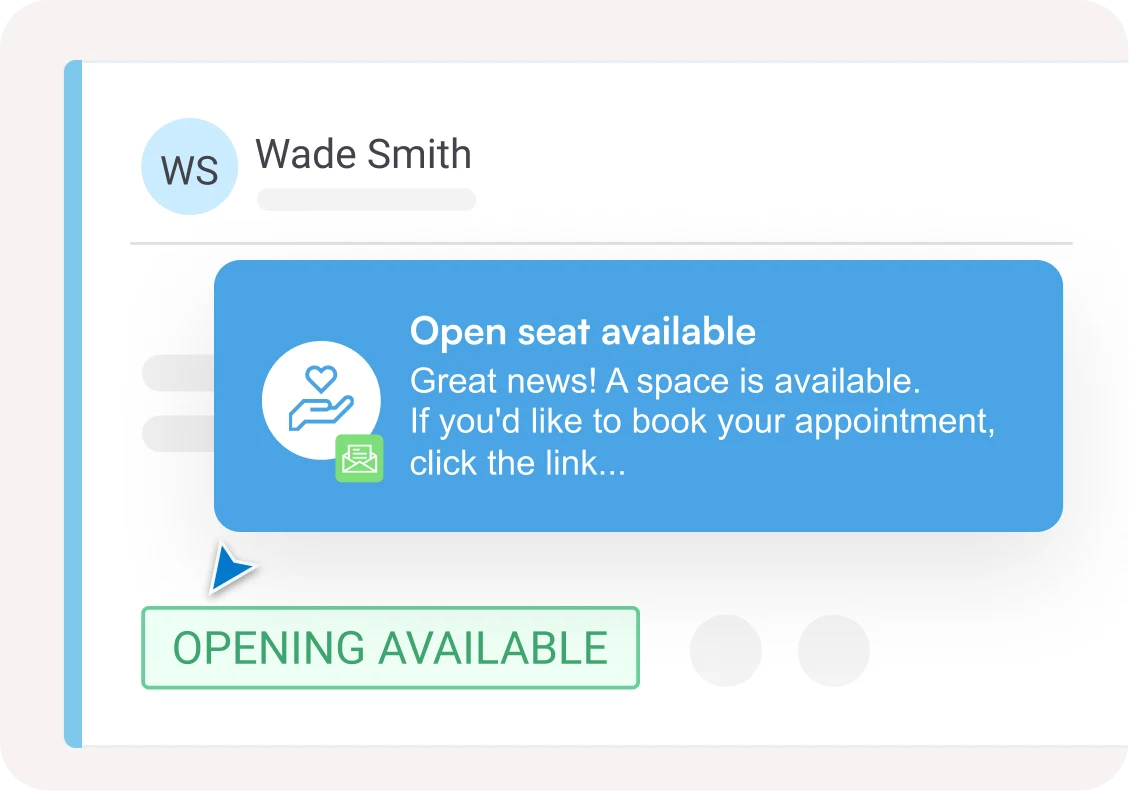
When an appointment is canceled, Pabau automatically scans the waitlist for a matching client.
If a match is found, it’s flagged instantly — highlighted in your waitlist panel so nothing slips through the cracks. No manual cross-checking required.
Book clients in or let them self-book
When a slot opens up, you choose how to handle it.
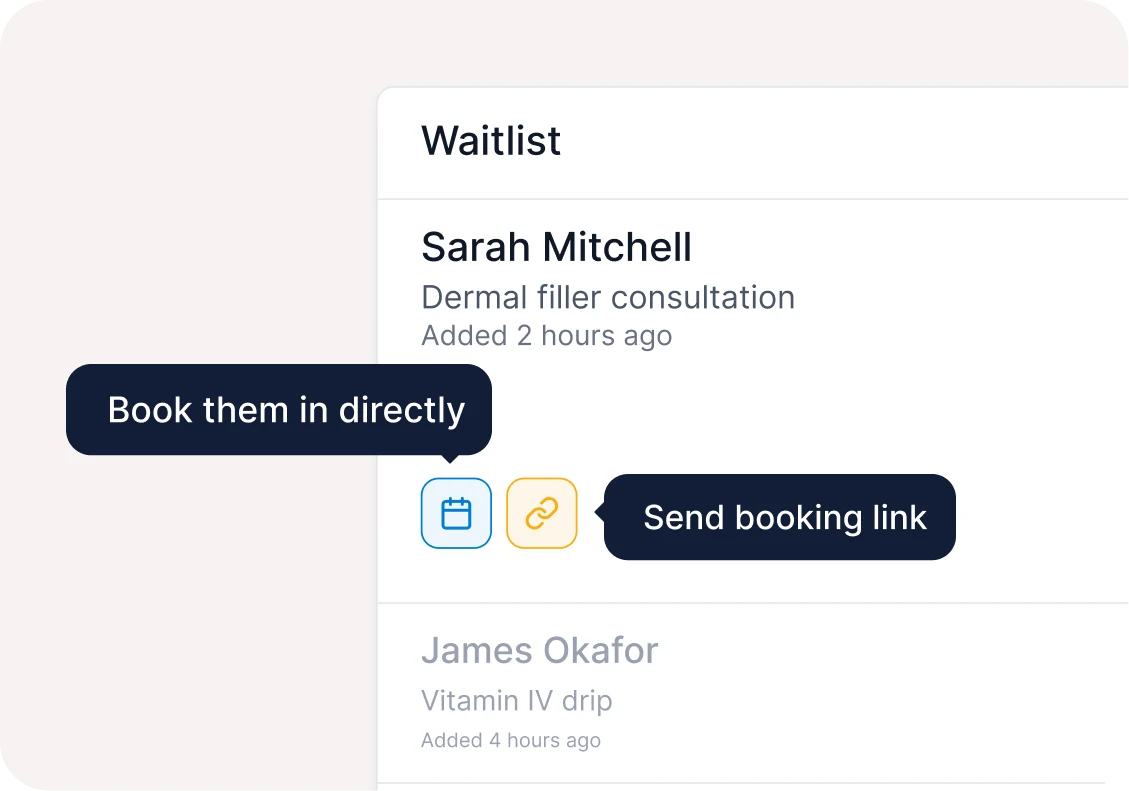
Book the client directly into the available time from the waitlist panel, or send them a dedicated waitlist notification to confirm the slot themselves.
Either way, the seat gets filled fast.
A more professional way to fill slots
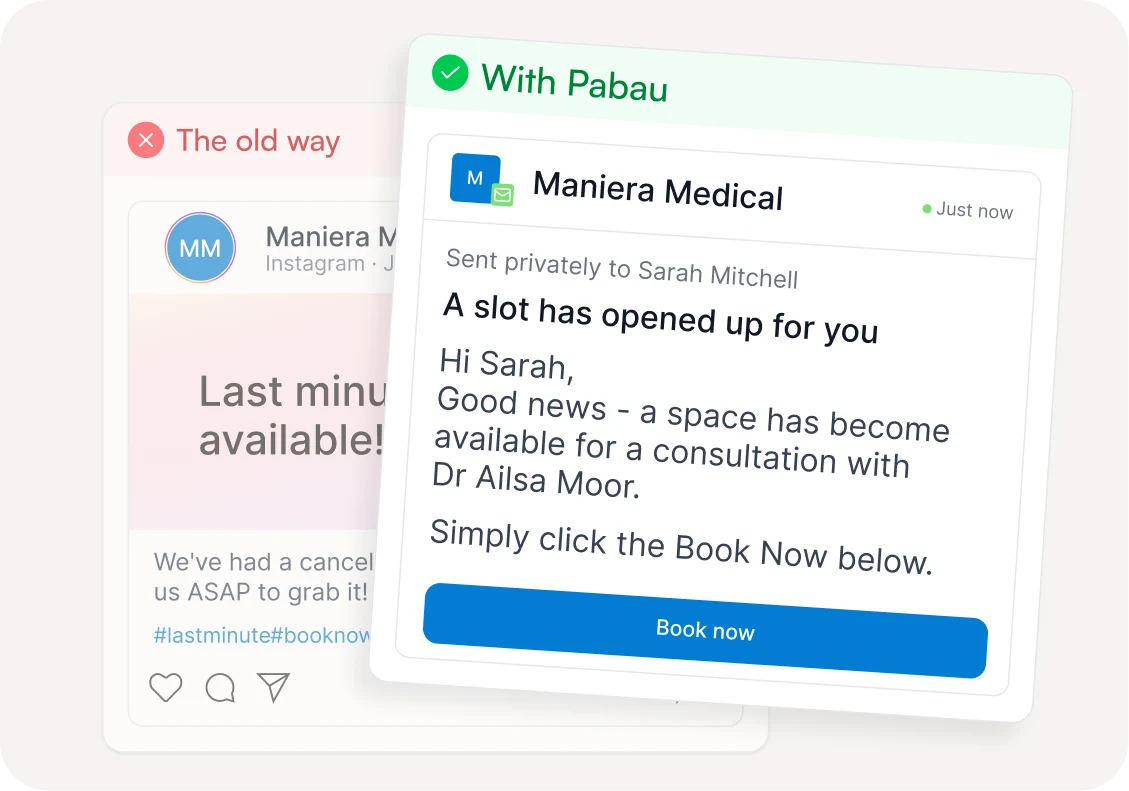
Posting vacant slots on social media or blasting one-off emails is a thing of the past.
Pabau notifies the right clients privately and professionally — no public announcements, no last-minute scramble. Just a streamlined process that saves your team hours every week.
Customize your waitlist management software to fit your practice
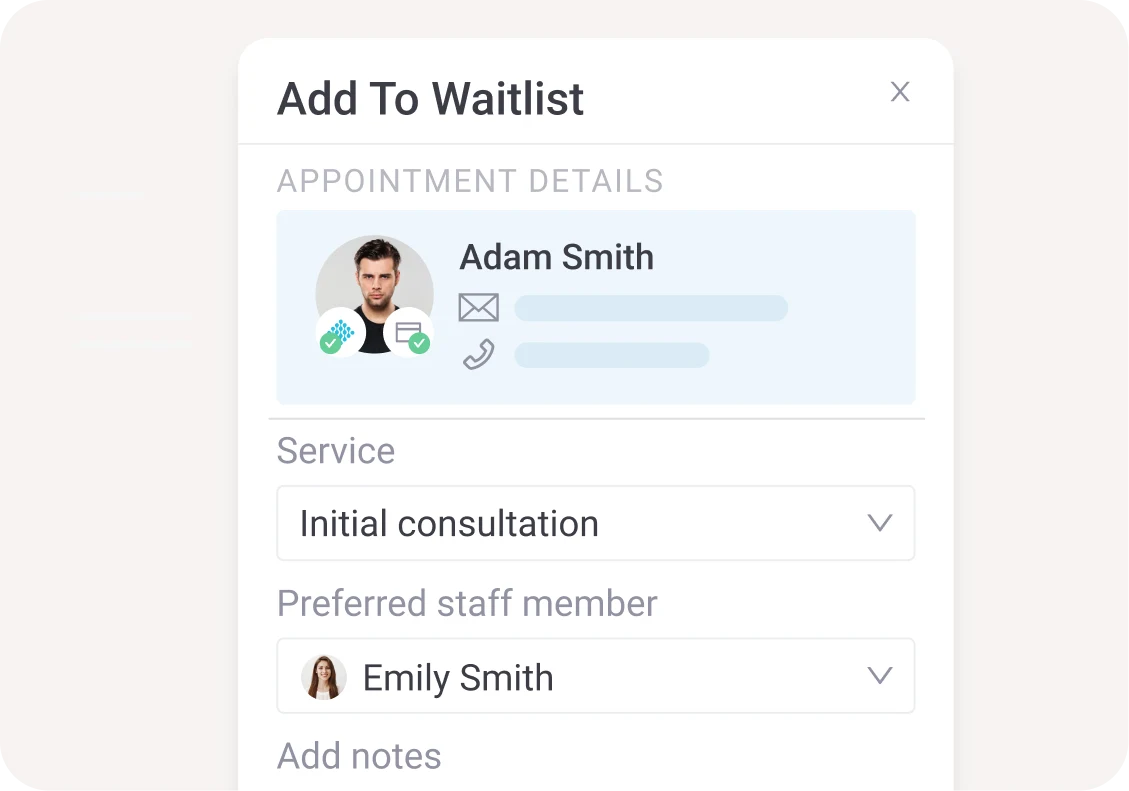
Set up the waitlist your way. Match clients to a preferred staff member, remove them after a set period, or add multiple services they’d like to be waitlisted for.
Pabau’s waitlist management software flexes around the way your practice works.
Find out if Pabau is the right fit for you
Frequently asked questions
Pabau’s waitlist software makes it easy to fill cancellations fast. If a client’s preferred time is fully booked, they’re added to the waitlist for that service — and when a slot opens up, your team can notify them in seconds to confirm their booking.
Staff can add clients manually from the client record, or clients can be added automatically when they attempt to book a fully booked service online. You can also specify preferred staff members or multiple services for each client.
When a cancellation occurs, Pabau flags any matching waitlist entries so your team can act fast. Staff can then send a dedicated waitlist notification via SMS or email — clients confirm their booking directly from the message, no phone calls needed.
Yes. Pabau’s waitlist software lets you configure waitlists per service and assign clients to preferred staff members. You can also set rules like removing clients from the waitlist after a certain period.
Absolutely. When a cancellation occurs, Pabau’s waitlist software flags the next matching client from the waitlist so your team can fill the slot fast — keeping staff productive and treatment rooms in use throughout the day.
Yes. Notifications include a direct booking link so clients can confirm their appointment online without needing to call in or wait for manual follow-up.
4.9 Trusted by 4,000+ healthcare practices worldwide
One platform for your entire practice
See how Pabau gives you all the tools you need to reduce admin, improve the patient experience, and support sustainable growth