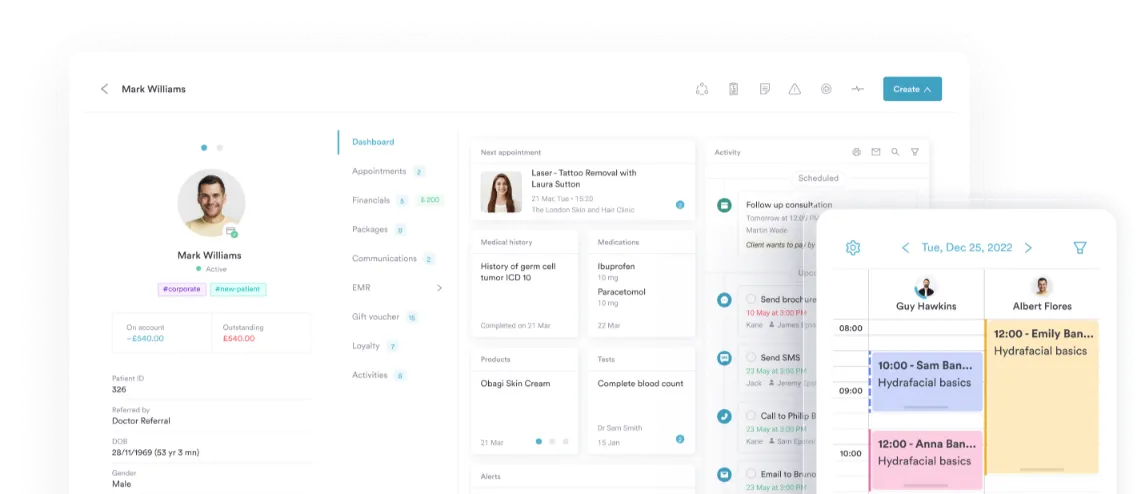
Pabau go app
Run your practice from your pocket
Run your clinic from anywhere with Pabau GO, our practice management app. Manage consultations, capture consents and photos, and accept payments on iPhone or iPad.



Join 4,000+ practices that already use Pabau

Built for clinicians on the move
Not tied to a desk? Neither is Pabau.
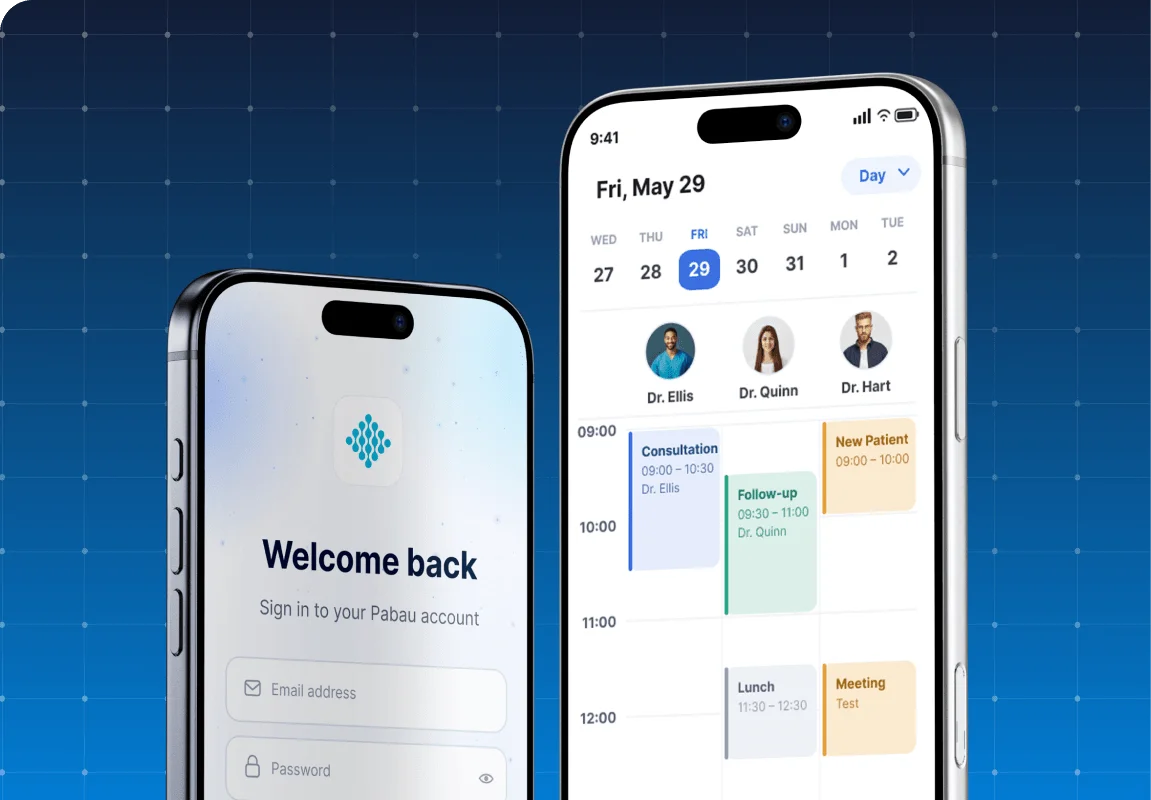
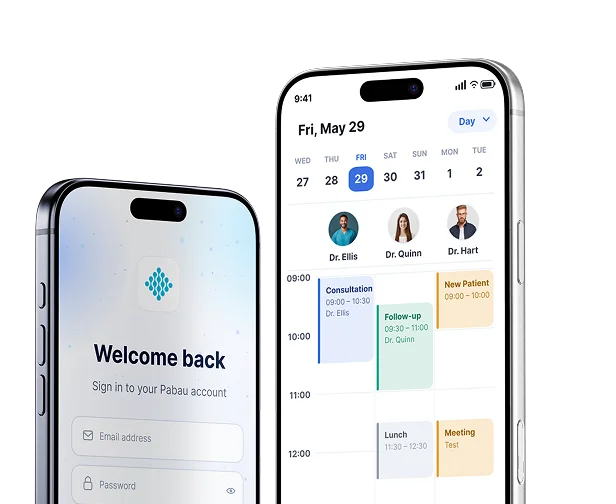
Whether you’re working across multiple sites, running a mobile clinic, or simply between patients, with Pabau GO you can run your clinic from anywhere. Your diary, patient records, and everything else comes with you.

Document faster with our AI tool, Pabau Scribe
No more catching up on notes at 8pm.
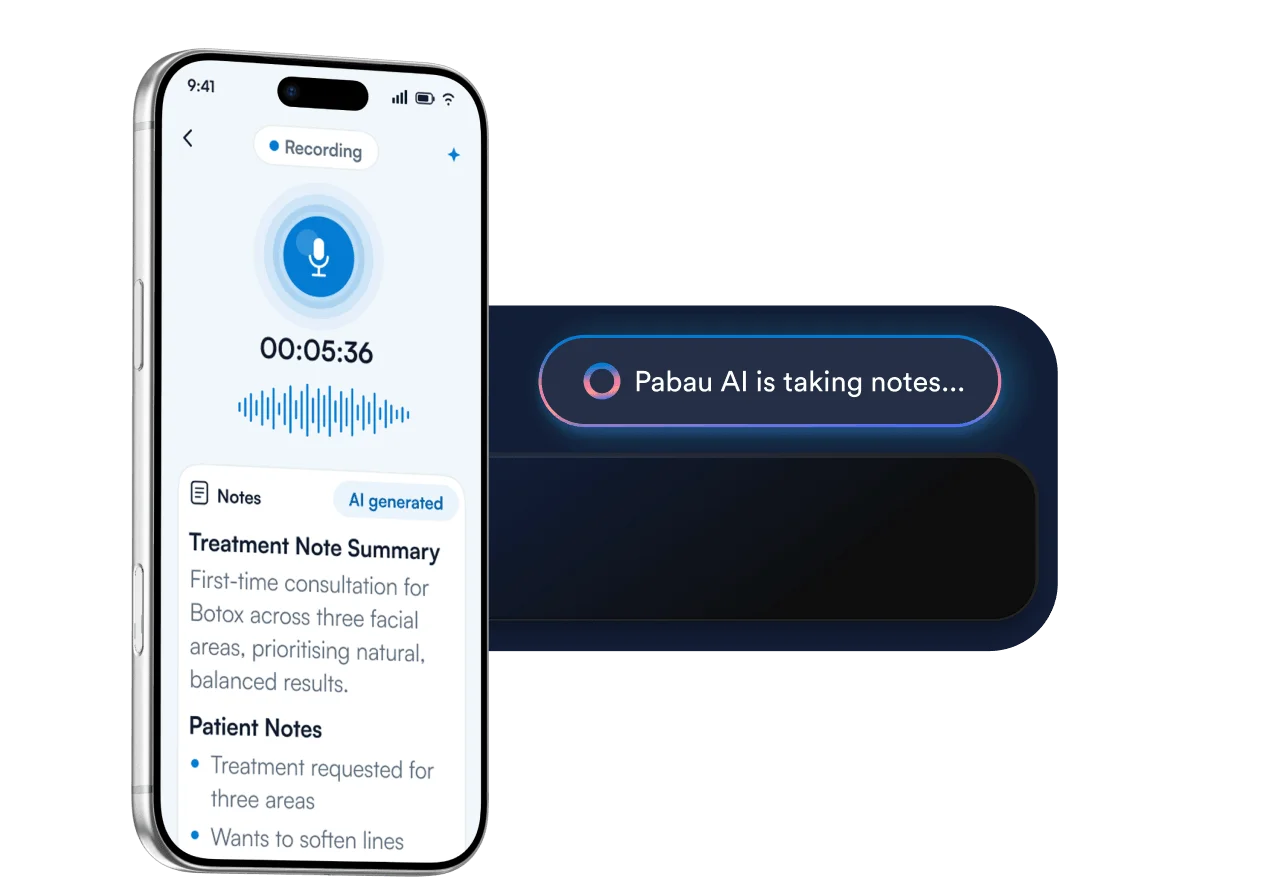
Pabau Scribe captures your consultations — either by dictation or simply hitting record — and turns them into structured treatment notes, saved straight to the patient record.
Never miss a consent form. Never miss a photo.
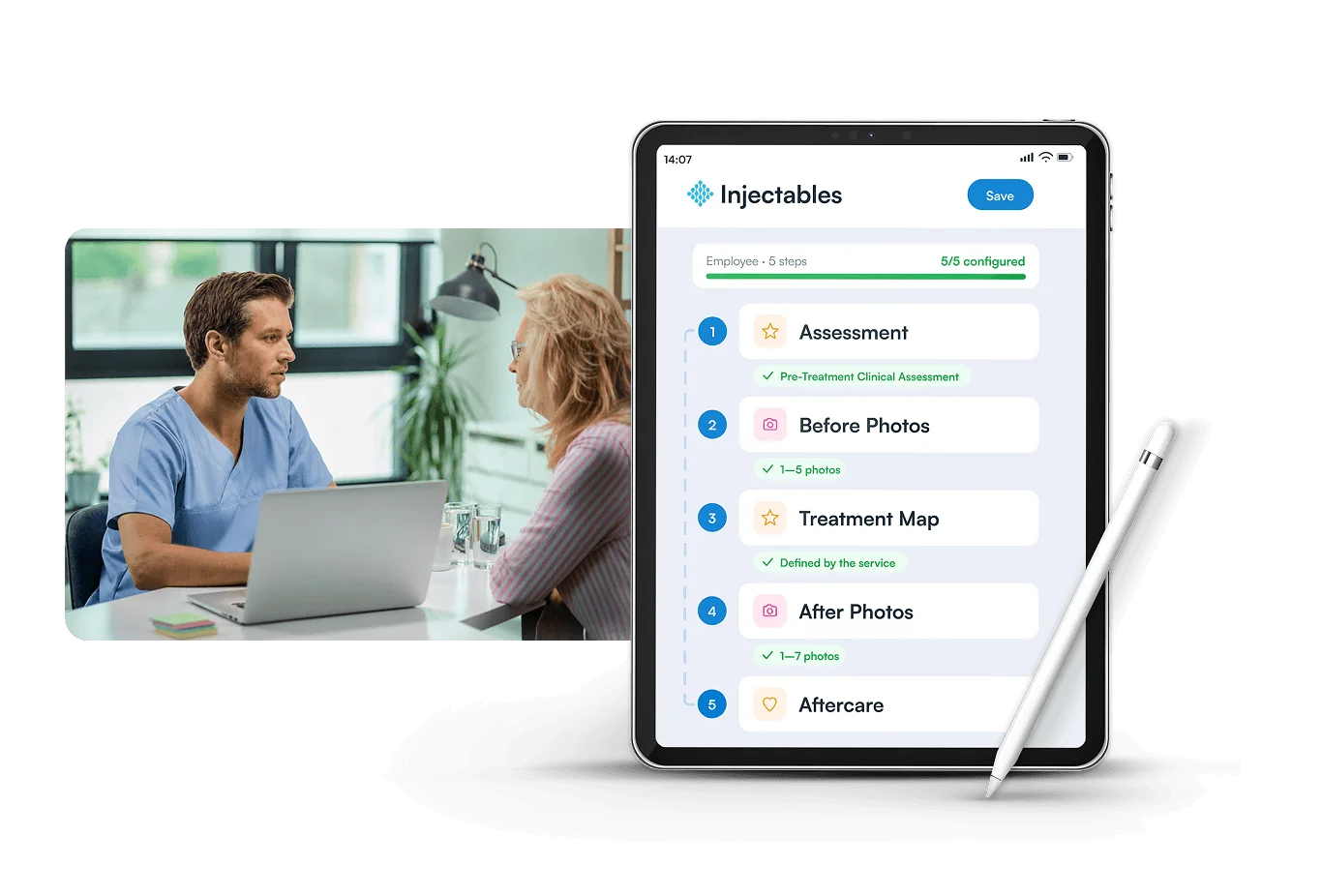
Build a pre-treatment flow for every service you offer, including consent forms, medical history, and photos.
When the patient arrives, you go through it step by step, and it all saves to the patient record.


Join practitioners using Pabau GO every day
Make taking payments simple
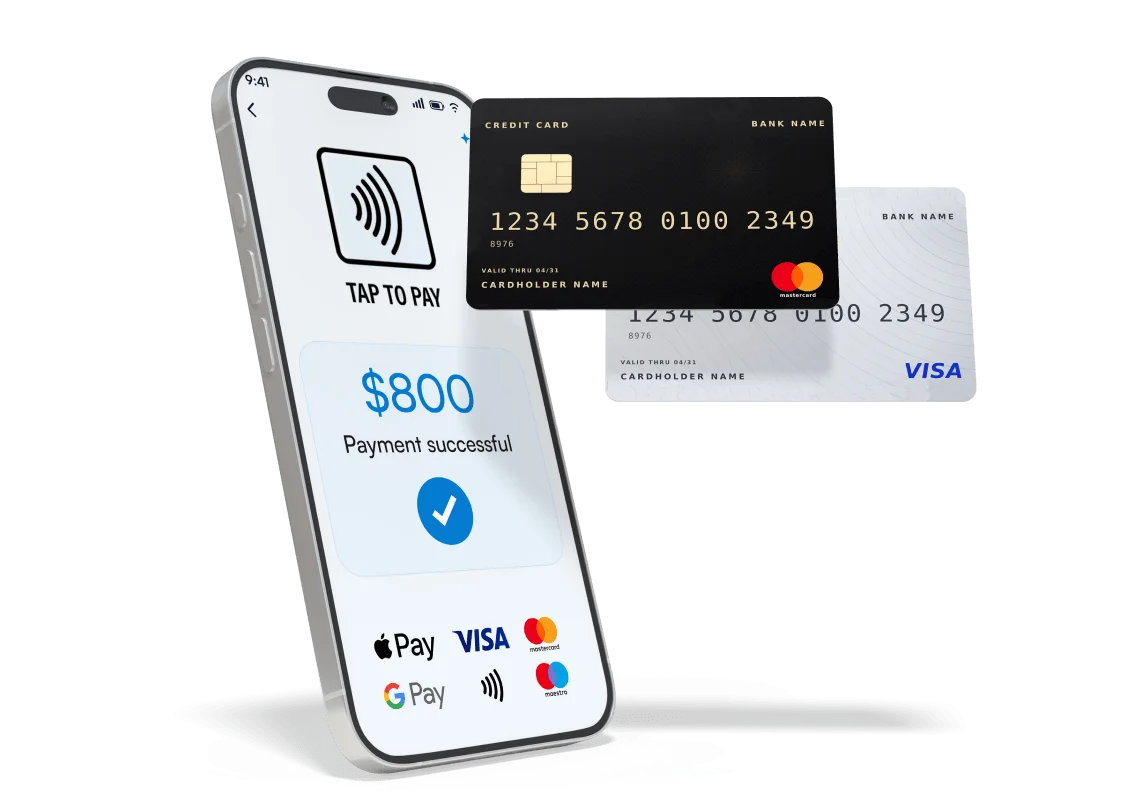
Take payment in the treatment room with Tap to Pay on iPhone — your phone becomes the card reader.
And however your patients want to pay, whether that’s via cash, card, gift vouchers, or packages, Pabau GO handles it.
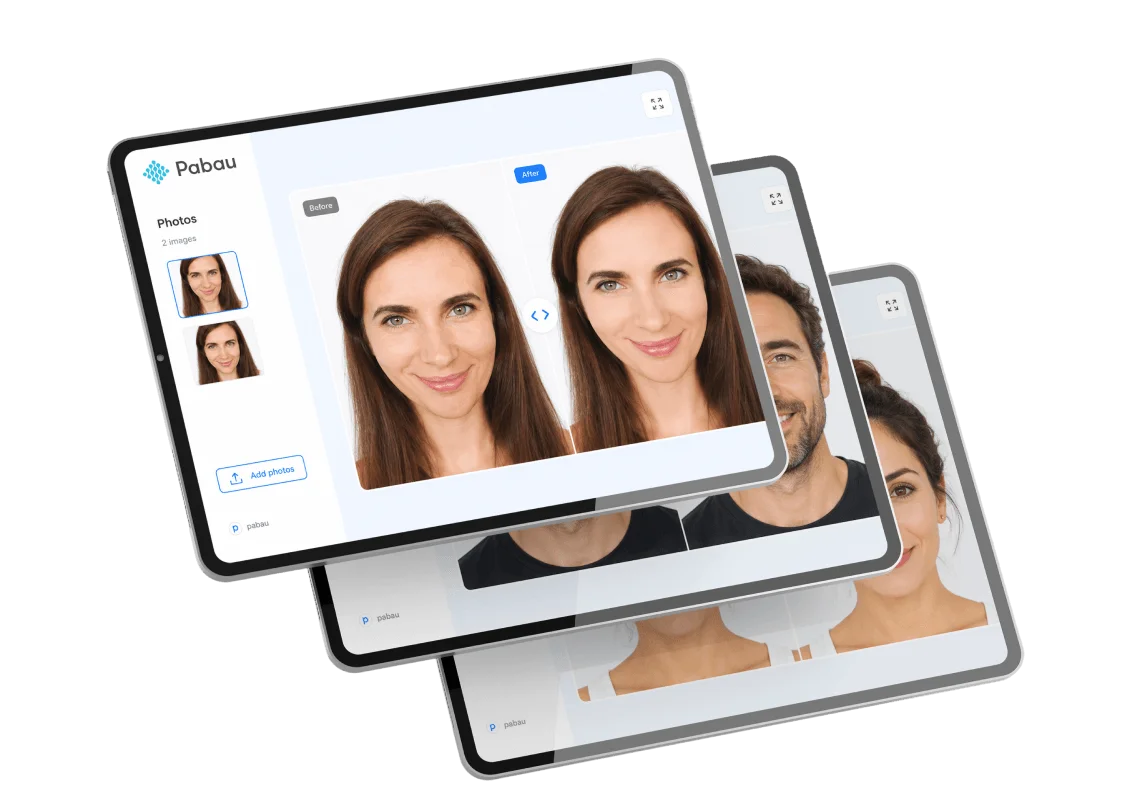
Share progress photos with patients directly from the app
Bring up any patient’s before and after photos side by side, right in the app.
Show patients their own progress between treatments, demonstrate results in consultations, and keep a clear visual record of every patient — all on your iPhone or iPad.
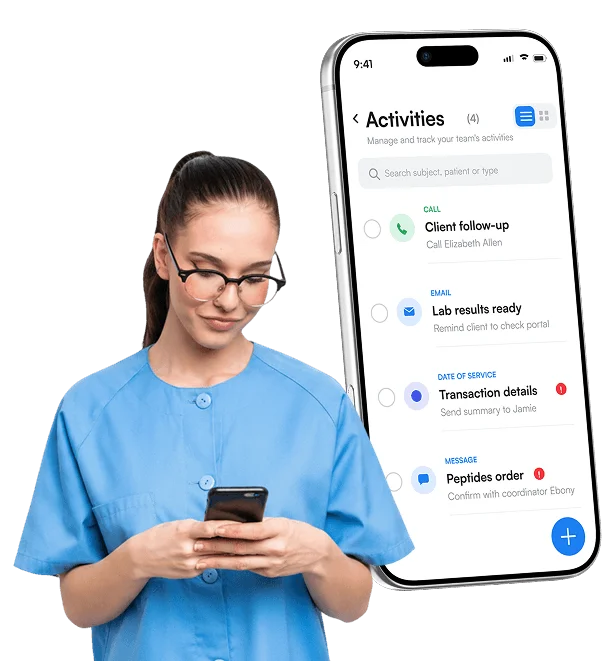
Stay on top of your day between patients
Calls to make, follow-ups to send, tasks that came up in the last consultation. Pabau GO keeps your full to-do list with you — handle it between patients, between sites, or on the way home.
You don’t have to wait until you’re back at the desk.
Find out if Pabau is the right fit for you
Frequently asked questions
You can download the Pabau GO app for iOS devices from the App Store. Simply search for “Pabau,” and you’ll find the app ready for download!
Nope, it’s free for all Pabau customers.
You should use the same login credentials as for the desktop version of Pabau. However, you will need a PIN number to log in, which you get via the desktop version.
We have knowledge base articles on this for both Pabau 1 and Pabau 2 users.
Pabau 2 users can set your PIN in app.pabau.com by navigating to your avatar at the top right corner of the page and selecting Account Settings > Security. In the PIN field, enter a 4-digit code. Click the ‘Save Changes’ button on the top right corner to finalize the action.
Here are the knowledge base articles for both:
Yes! The Pabau app allows you to easily switch between multiple practice locations, providing the flexibility to oversee operations from anywhere.
For further assistance, you can reach out to our support team directly through the app or visit our website for additional resources.
Unfortunately, the app is only available for iOS users currently, and we don’t have any development plans for an Android app currently. However, Android users can still use Pabau on the go from their browser.
A practice management app allows healthcare professionals to manage scheduling, patient management, documentation, and payments directly from a phone or tablet.
Yes. The app includes a mobile-enabled Scheduling System with real-time updates, patient scheduling, and automated appointment scheduling to keep your calendar synchronized.
Yes. You can securely view and update electronic health records, client records, session notes, and client data directly within the app.
By enabling faster client communication, digital patient Intake, secure workflows, and smoother appointment scheduling, the app enhances overall patient experience and patient engagement.
The app uses strong data security and Google Cloud, and built-in security protocols to protect sensitive client information.
While complex workflows are handled in the full platform, the app supports payment collection and contributes to billing automation by syncing transactions instantly with your main system.
Yes. Information captured in the app syncs with the Client Portal, allowing clients to complete forms, manage appointments, and stay connected through secure communication tools.
4.9 Trusted by 4,000+ healthcare practices worldwide
One platform for your entire practice
See how Pabau gives you all the tools you need to reduce admin, improve the patient experience, and support sustainable growth