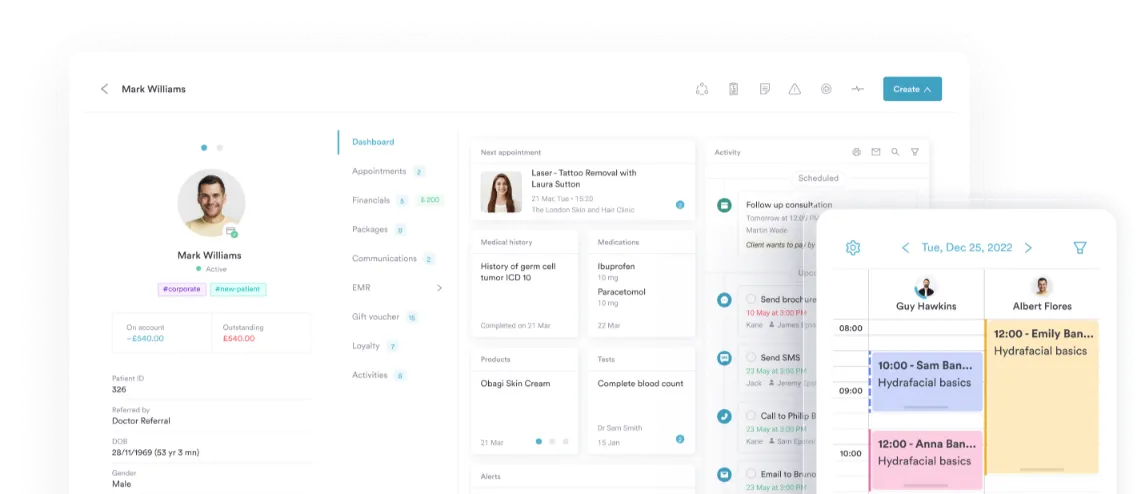
Automated workflows software
Set it up once. Let your clinic run itself
Workflows handle your clinic’s routine tasks automatically: Sending messages, assigning work, and updating records. Build it once, and it just runs.


Join 4,000+ practices that already use Pabau
Do the work without lifting a finger
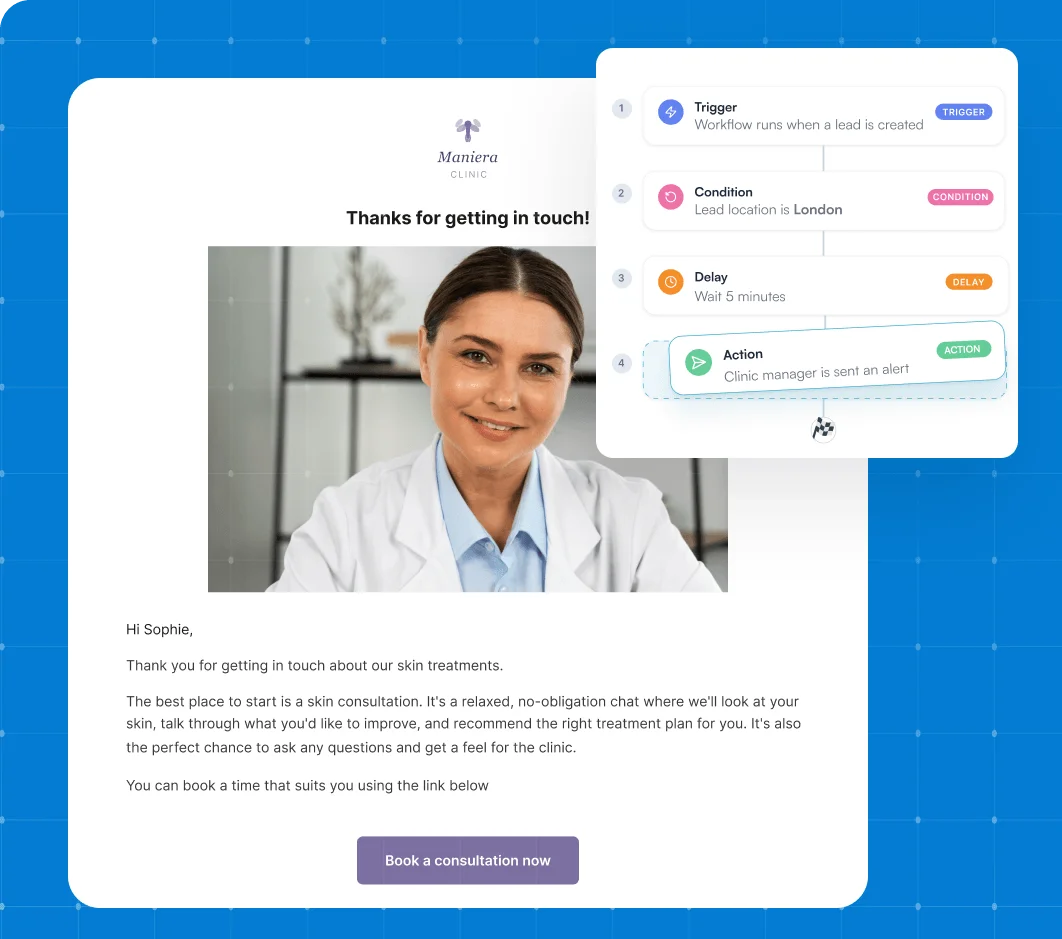
Every booking, form, and treatment kicks off a chain of tasks — confirmations, reminders, follow-ups. Workflows handle all of those tasks for you, and more.
Set up your workflows in Pabau, and the right action fires the moment something happens — so the admin handles itself while your team gets on with the day.
From the front desk to the treatment room
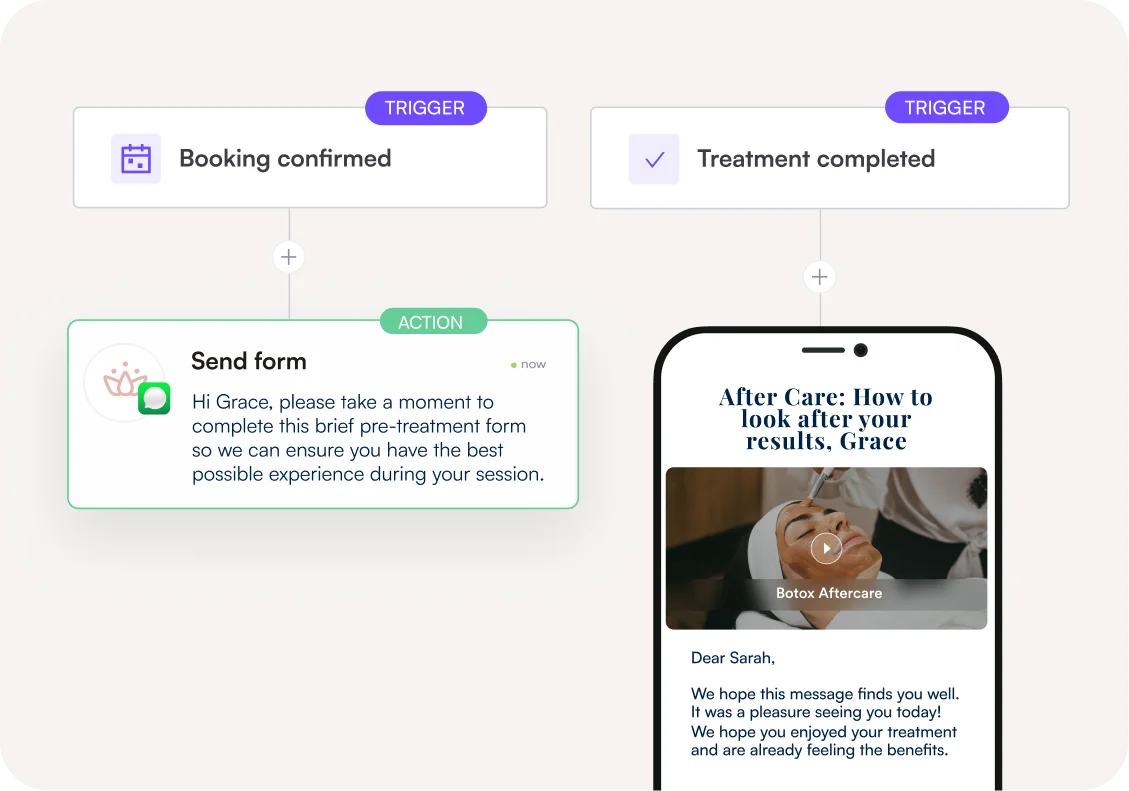
Workflows run across your whole clinic — not just marketing, although it’s got you covered on that.
Aftercare and follow-ups. Staff alerts and stock updates. Rebooking reminders. Even chasing unpaid invoices. If it’s a repeatable task, a workflow can run it.
Build it once, and it works every time
The beauty of a workflow is you set it up just once — then it runs itself. On your busiest day, your day off, and every day in between. No drift, no forgotten steps, no “Did anyone send that?” conversations.
Just your best process, performed perfectly, every single time.
Start with a template, not a blank page
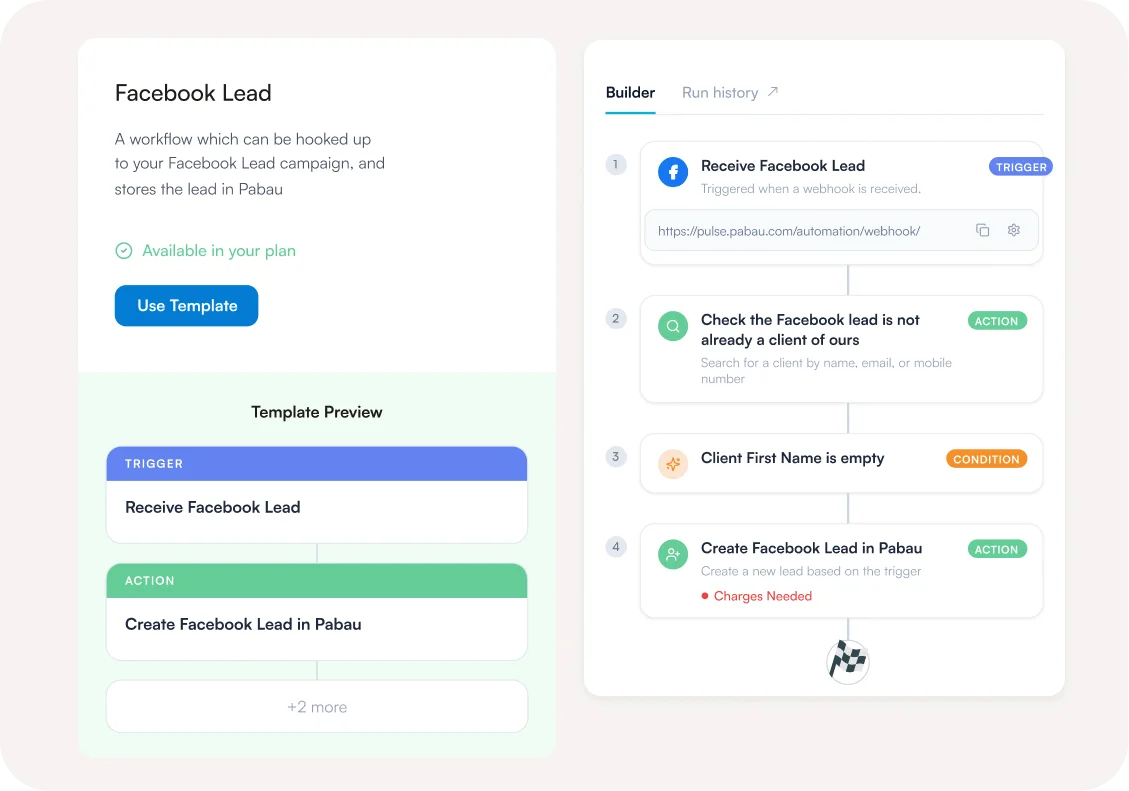
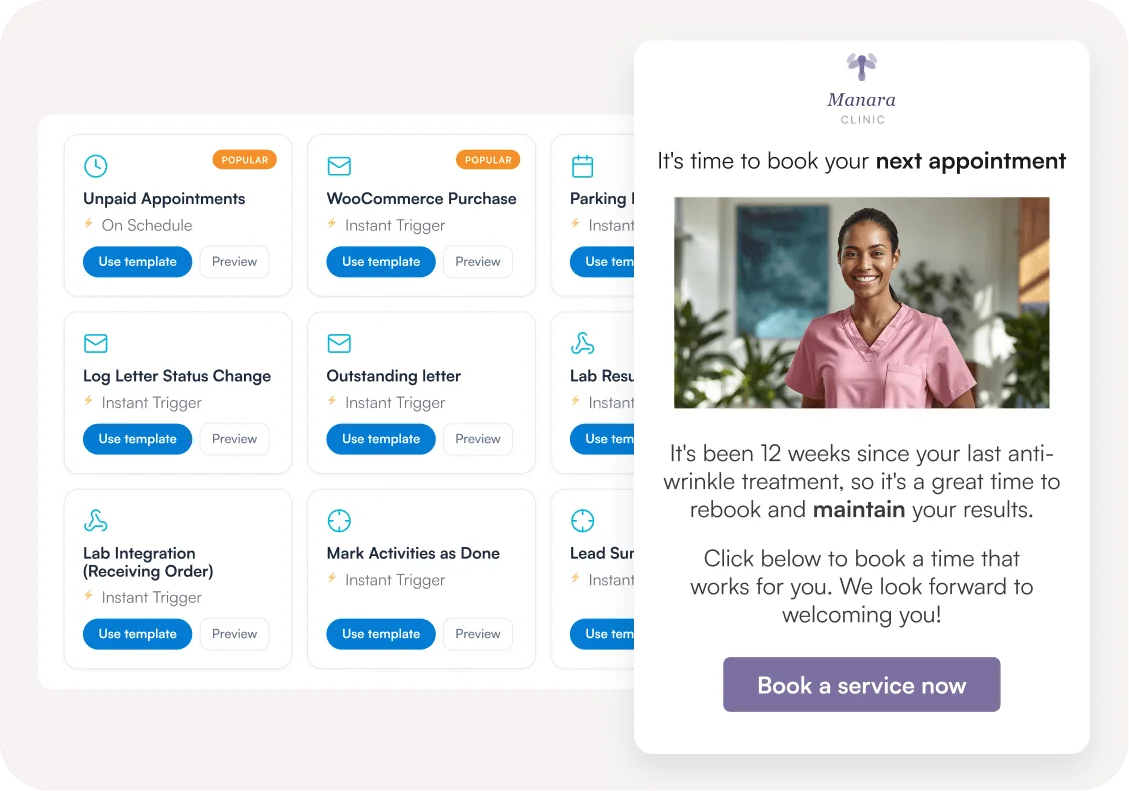
Choose from 30+ ready-made templates built around the workflows real clinics are already running — like a follow-up email after every appointment, or a new lead alert.
Adjust one to fit your clinic and switch it on, or build your own from scratch. Either way, you’re live in minutes.
The same standard of care, for every patient
A workflow never has an off day or a first week on the job.
Whether a client sees your most experienced practitioner or your newest hire, they get the same steps, the same follow-up, the same standard of care.
Grow without your admin growing with you
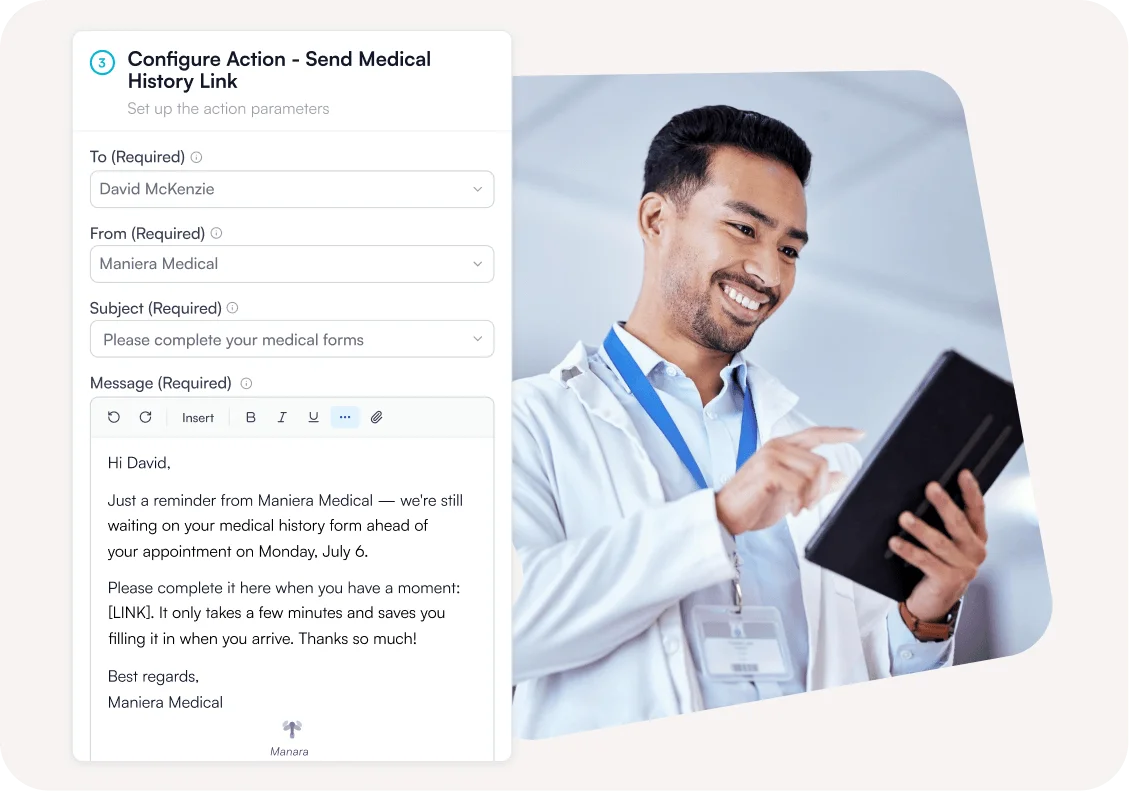
New services, new team members, new locations — with workflows, none of it means creating new processes from scratch.
Roll out the tried-and-tested workflows you already have in place, so the business scales, but the workload doesn’t.
What you can put on autopilot
Lead management
Route leads automatically, assign owners, update pipeline stages, and trigger follow-ups.
Appointments
Send reminders via email or SMS, with timing tailored to each service.
Treatments + post-care
Trigger multi-step protocols, follow-ups, and post-treatment instructions automatically.
Inventory + products
Track product usage (like Botox units) and update stock based on the treatments you've actually delivered.
Labs + prescriptions
Create lab requests, log results, and trigger prescription follow-ups automatically.
E-commerce
Sync website sales from WooCommerce or Shopify with your Pabau invoices and client records.
Data tidy-up
Keep records clean by formatting dates, capitalisation, and number formats automatically.
Multi-brand communication
Send brand-specific confirmations, reminders, and messages tailored to each service or location.
If you can describe it, we can automate it
Most clinic software boxes you into the integrations it happens to support. Pabau doesn’t.
Beyond our built-in connections, workflows reach virtually any tool through webhooks and platforms like Zapier and Make — so there’s no clinic process we can’t automate.







Xero
Sync financial data automatically for smoother accounting workflows.
Healthcode
Automate claims and billing workflows.
Zapier
Connect workflows to thousands of apps with no coding required.
Trigger automated client or internal messages directly via WhatsApp.
Gmail
Send automated emails triggered by workflow events.
GoHighLevel
Sync leads and client activity between Pabau and GoHighLevel.
Zoom
Automatically create and manage Zoom meetings from workflows.
Google Meet
Generate Google Meet links automatically when workflows run.
Google Calendar
Create, update, or sync calendar events automatically.
Outlook
Trigger emails and calendar actions directly in Outlook.
Medical Data Report
Send structured medical data reports to external systems.
Aircall
Trigger call-related actions and sync phone activity.
Data Quality
Run automated checks to maintain clean and accurate data.
Slack
Send instant messages or channel alerts when workflow events happen.
HubSpot
Sync contacts, deals, and activity with HubSpot seamlessly.
See Workflows feature in action
How to build a workflow in Pabau
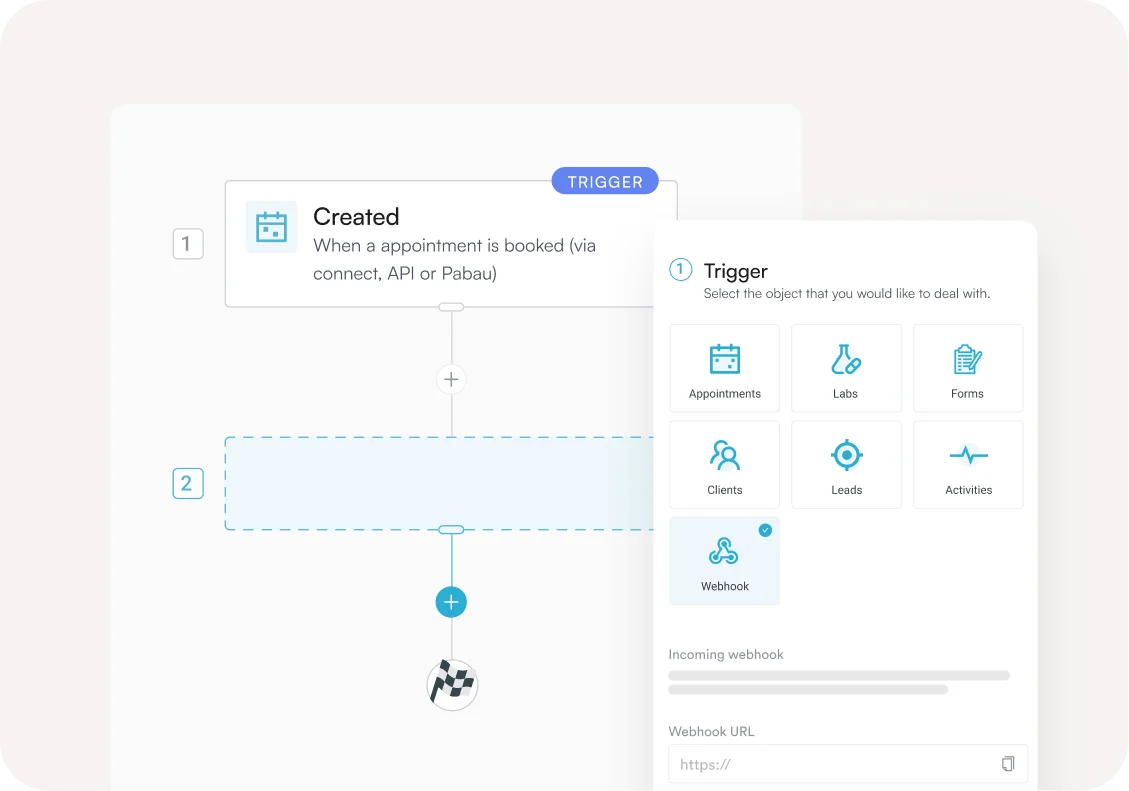
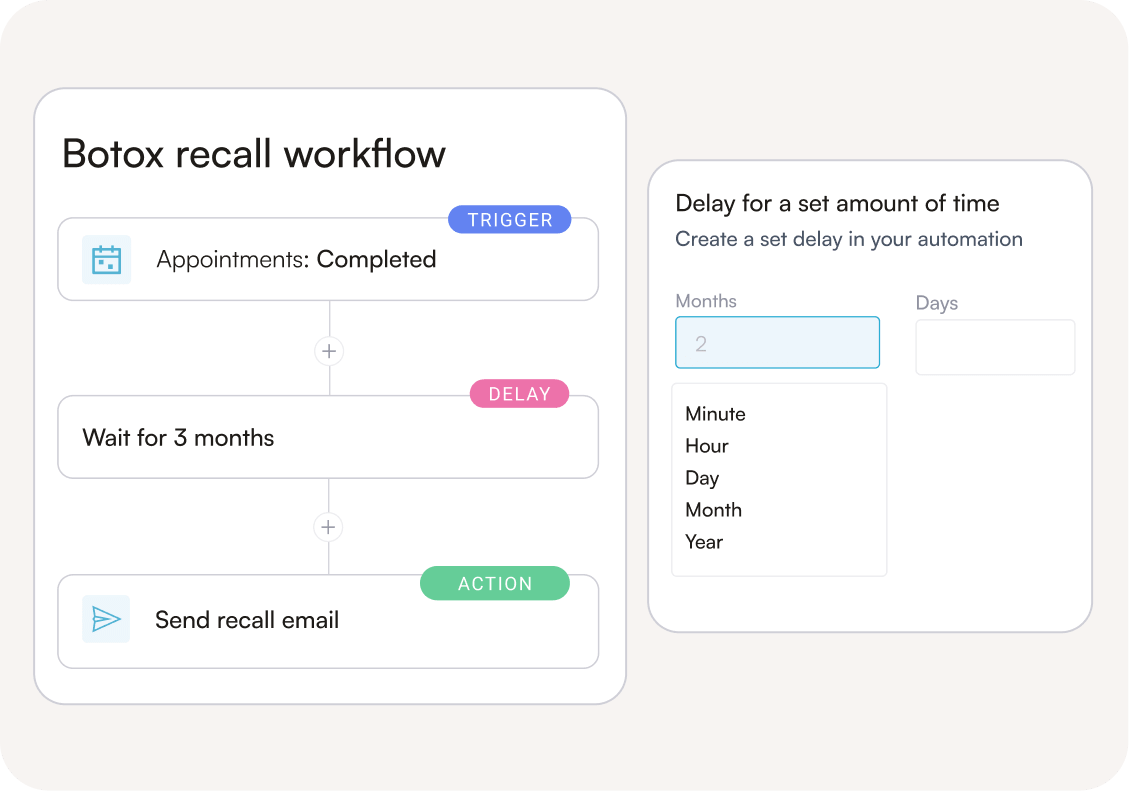
Every workflow follows the same simple shape: when this happens, do that. Here’s one a clinic might set up in minutes:
Look up Dermal FIller appointments from 6 months ago
Trigger · Appointment lookup
Check Next Appointment date is empty
Checks for existing rebook
Send rebooking reminder email
Send an email based on the trigger
Wait for 2 days
Delay before next step
Check Next Appointment date is empty
Checks for existing rebook
Send rebooking reminder SMS
Send an SMS message
Frequently asked questions
Automated workflows software carries out routine tasks for you automatically, based on triggers and rules you set once.
Things like sending messages, assigning work, and updating records. Instead of relying on staff to remember every step, Pabau handles it for you, every time.
Workflows run on credits. Each action that completes successfully, like sending an email, uses 0.5 credits.
Since a workflow can contain several actions, each run may use multiple credits.
Keep your balance topped up (we recommend auto top-up so you never run out), or upgrade to Marketing Plus for unlimited workflows with no credits to track.
On a standard plan, workflows run on credits, so usage scales with your balance.
On Marketing Plus, workflows are unlimited.
Yes. Pabau’s automated workflows software connects to virtually any tool through webhooks and platforms like Zapier and Make.
If a tool has an API, your workflow can reach it.
Yes. Workflows can be customised per service or location, and reused as you grow.
No. Pabau includes 30+ ready-made templates based on the workflows real clinics are already running.
Tweak one to fit your business, or build your own from scratch.
Yes. Simulate any workflow against your real data and see exactly what would happen at every step, with no live actions taken.
Nothing fires until you say so.
Yes. Managers can view real-time status and a full history of every run. You can also view workflows that have failed to run.
Absolutely. New team members follow the same proven process as your best staff from day one.
4.9 Trusted by 4,000+ healthcare practices worldwide
One platform for your entire practice
See how Pabau gives you all the tools you need to reduce admin, improve the patient experience, and support sustainable growth