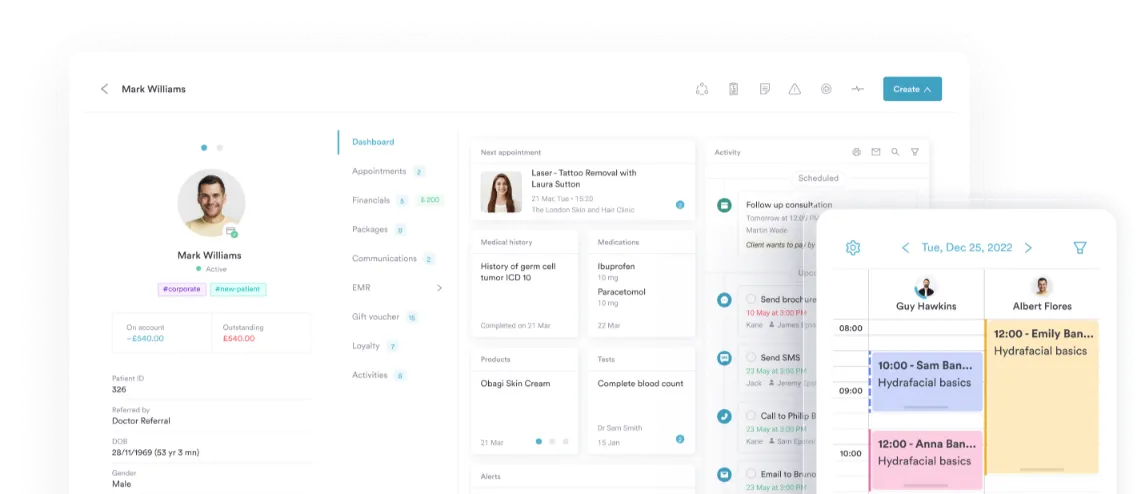
Insights Plus Upgrade
Take your Pabau
reporting further
Insights Plus turns the data already in your Pabau account into live dashboards, organized reports, and BI-ready datasets.
What changes when you upgrade
Four upgrades that turn your existing Pabau data into something your team can act on every day
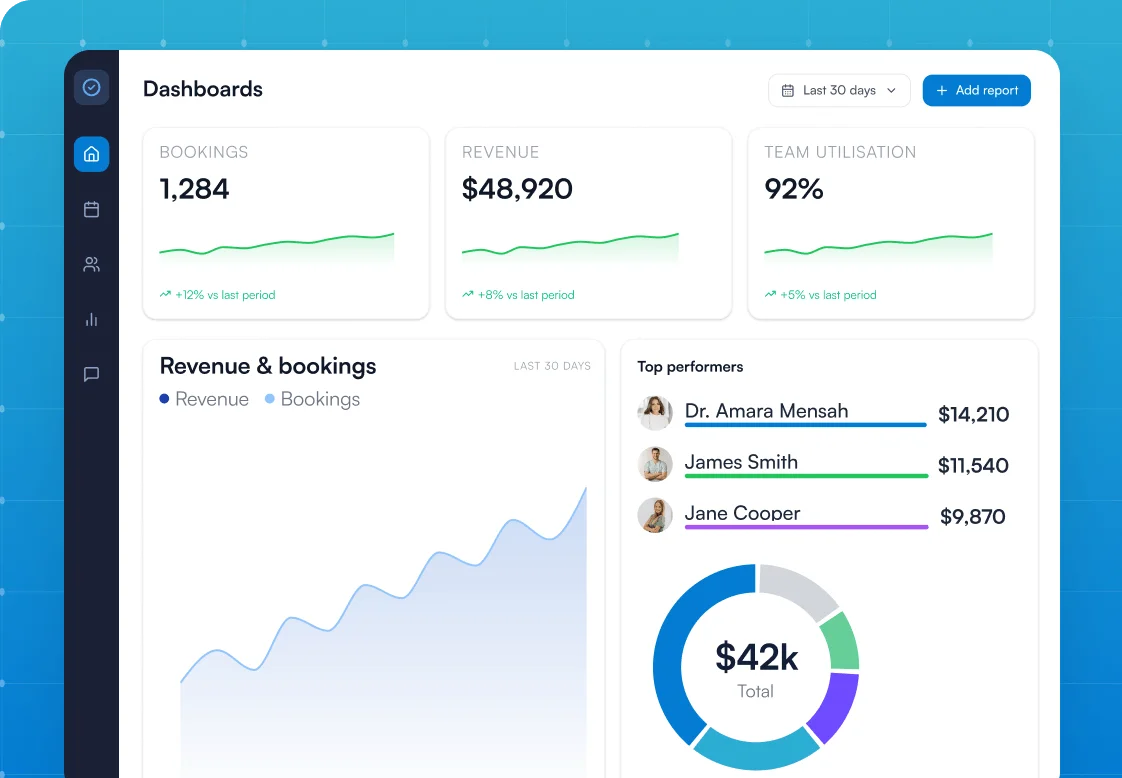
Interactive dashboards
See bookings, revenue, and team performance at a glance.
Report organization
Folders and subfolders so your reports stay tidy as you grow.
Data connector
Push live Pabau data straight into Power BI, Tableau, or Looker.
Multi-account
Link separate Pabau accounts and sync reports, forms, and templates.
Stop digging through reports.
Start seeing patterns
You're already running the numbers in Pabau. Reports, dashboards, and exports are built in from day one. Insights Plus is the next tier, for clinics where reporting needs to keep up with how the business is actually growing.
What you've already got with standard Pabau
- Pre-built reports across appointments, sales, clients, and more
- Built-in dashboards including home and online booking
- Multi-location reporting within a single account
- CSV export across every report
What Insights Plus adds
- Custom dashboards, advanced charts, and nested folders for organization
- Field Lock to standardize report views across your team
- Direct connection to Power BI, Tableau, Looker, or Excel
- Multi-account syncing for clinic groups running separate Pabau accounts
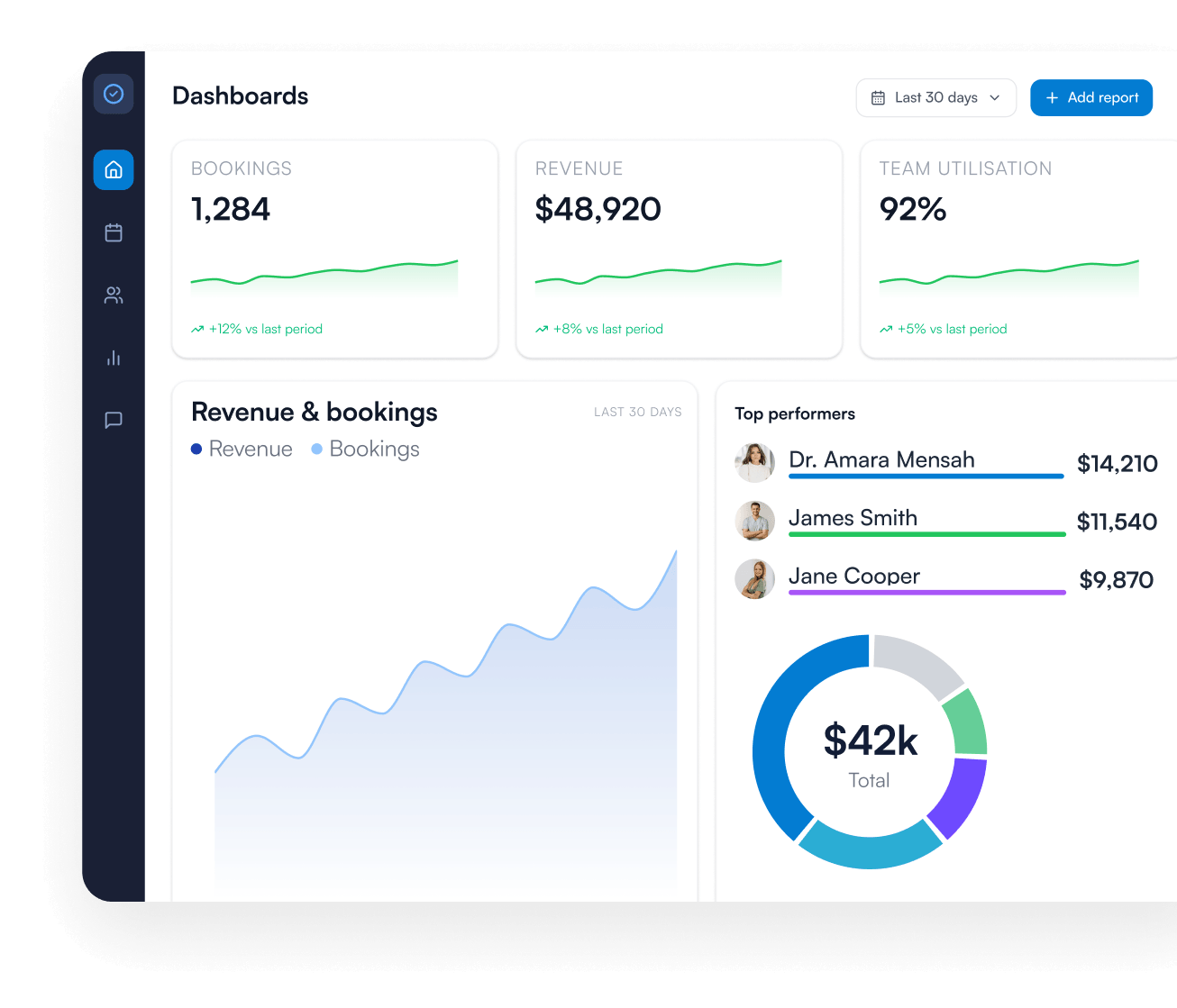
The dashboards your clinic has been waiting for
Get a live view of your whole business the moment you log in, with the numbers that matter updating automatically in real time.
- ✓See bookings, revenue, and team performance at a glance
- ✓Build the dashboards that matter to your business
- ✓Track trends across any date range
- ✓Spot what's working and what isn't, in real time
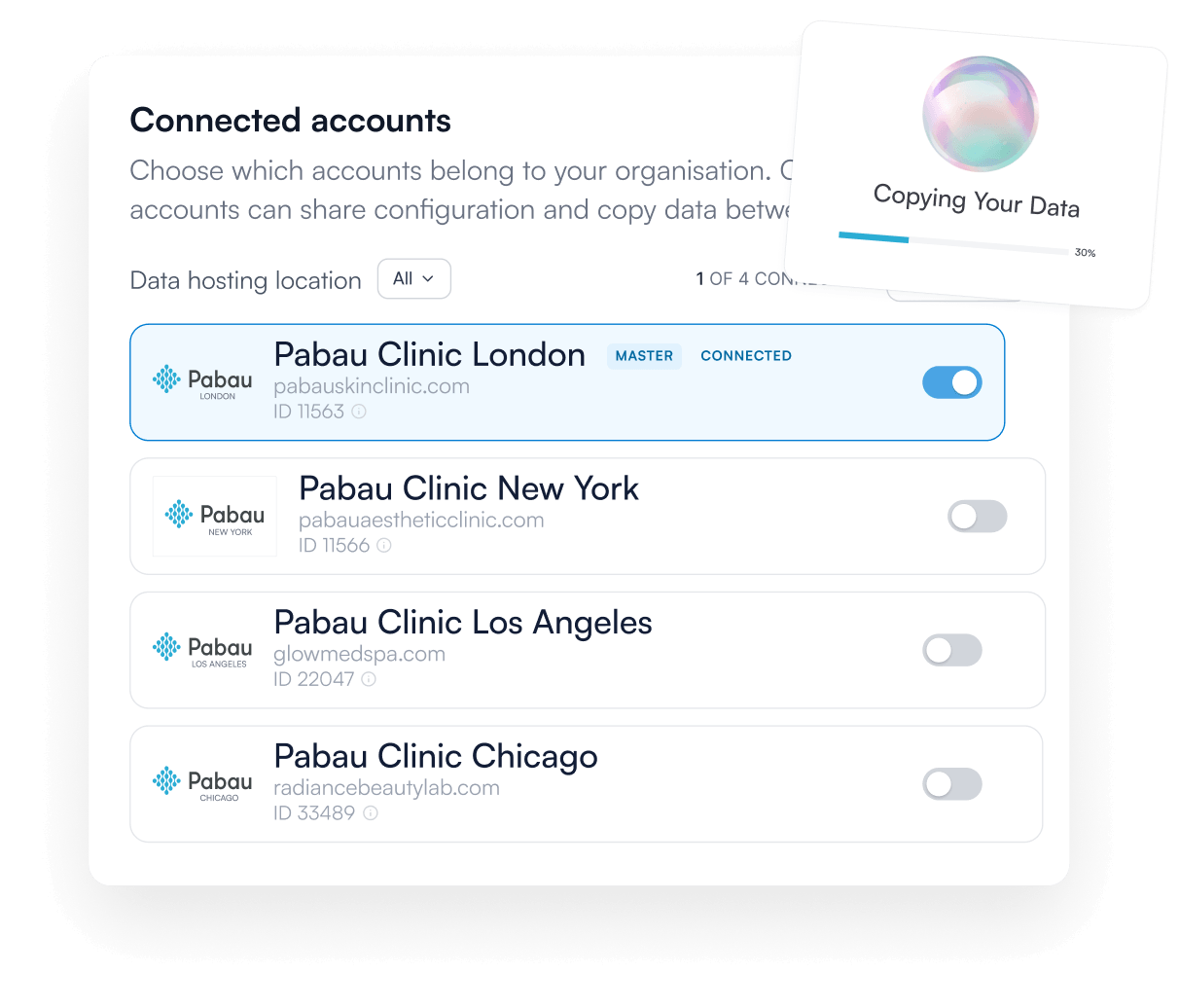
Run your clinic group like one business
Keep every Pabau account aligned without doing the same work twice, so your whole network stays consistent as you grow.
- ✓Sync reports, forms, and templates across accounts
- ✓Update once, cascade across your whole network
- ✓Lock report filters so every clinic sees the data you intend
- ✓Configuration syncs, patient data stays separate
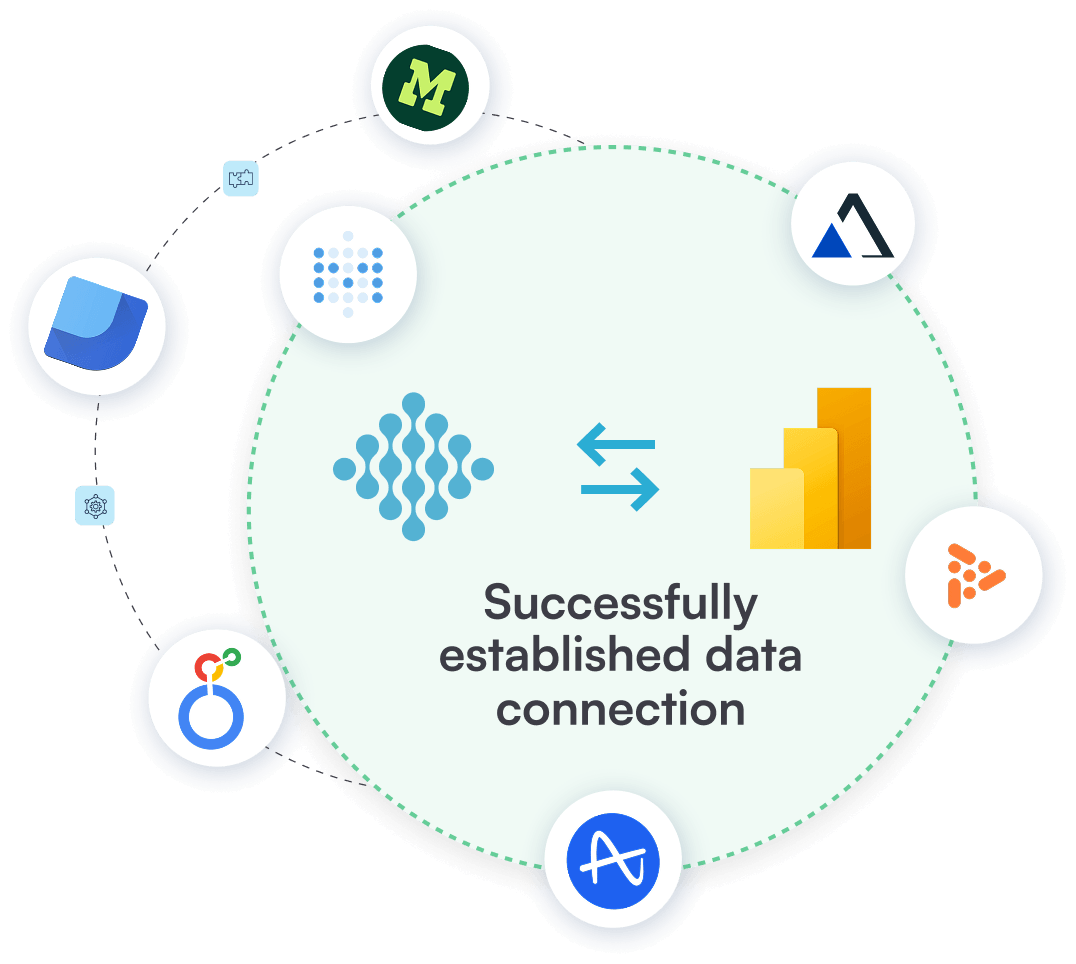
Power your BI stack with live Pabau data
Push your clinic's data straight into the BI tools you've already built, ready to analyze with no exports and no API work.
- ✓Build custom datasets without writing SQL
- ✓Connect to Power BI, Tableau, Looker, or Excel
- ✓Pre-formatted, analytics-ready datasets, no API needed
- ✓Live data, no manual exports
A reporting library that scales with you
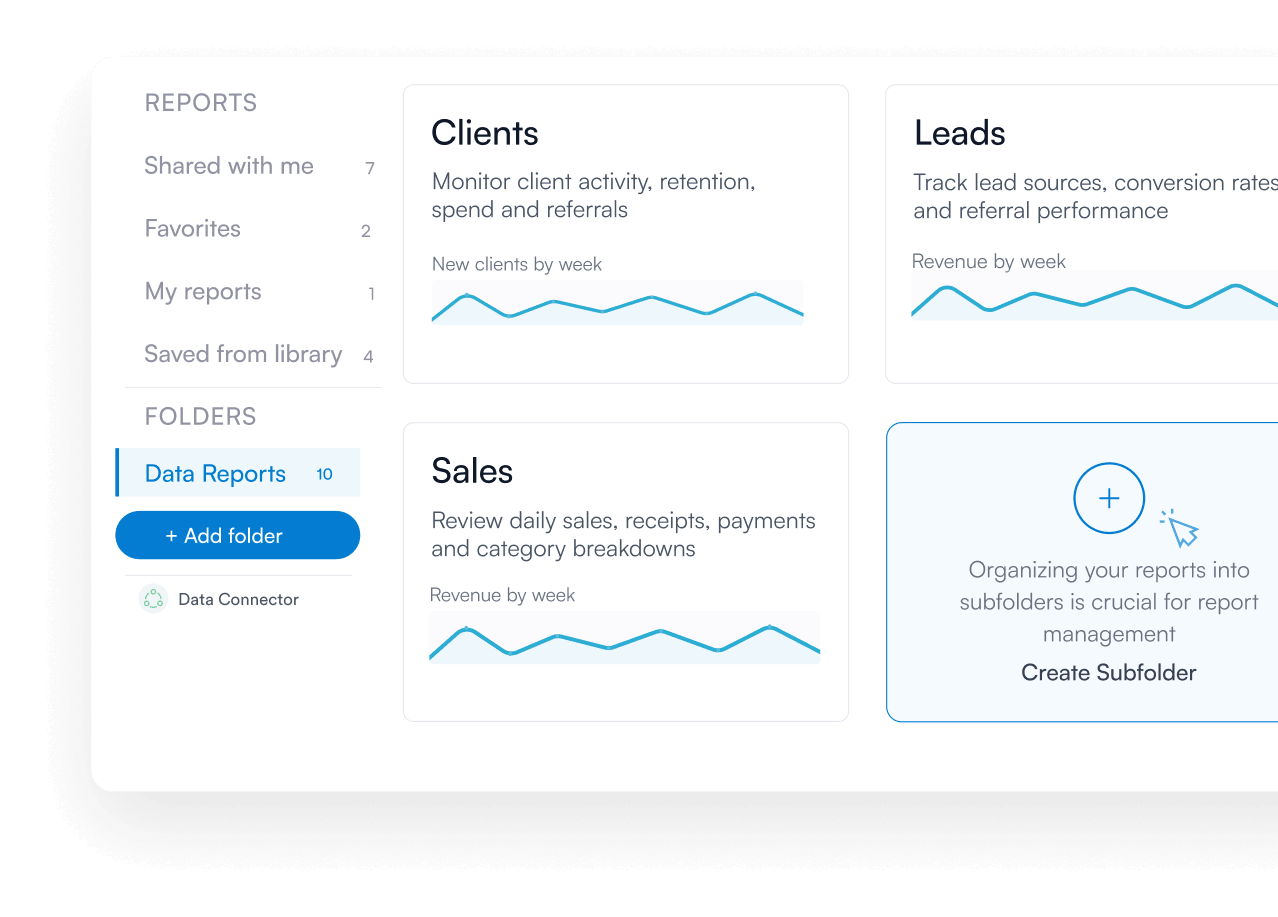
Stop scrolling through dozens of saved reports and find what you need in two clicks, however complex your business gets.
- ✓Nest folders by practitioner, location, or department
- ✓Two clicks to any report, from any folder
- ✓Mirror your business structure, however complex
- ✓No more "which report was that?" conversations
Everything you get
Custom dashboards
Build live dashboards that show the metrics actually driving your clinic.
Pre-built dashboard templates
Install ready-made dashboards for appointments, leads, sales, and team performance in two clicks.
Advanced chart types
Apply line graphs, bar charts, and pie charts across every report, including custom ones.
Custom date ranges
Compare performance across any timeframe, from this week to year-on-year.
Nested report folders
Organize your reporting library with folders and subfolders structured your way.
Field lock
Lock report fields so your team always sees data the way you intended.
Business snapshot report
Get a high-level view of your sales performance in one report.
Multi-account syncing
Link separate Pabau accounts and cascade reports, forms, and templates across them.
Data connector for BI tools
Push live Pabau data straight into Power BI, Tableau, Looker, or Excel.
Upgrade from standard reporting to advanced analytics
Calculate your price
Choose your tier
Choose your currency


All prices exclude VAT or relevant sales tax
Frequently asked questions
Standard Pabau gives you pre-built reports, built-in dashboards, and CSV export, enough for most clinics running a single location.
Insights Plus adds live custom dashboards, advanced charts on every report, nested folders for your reporting library, and Field Lock to standardize views across your team.
For clinics running a BI stack, the Data Connector pushes live Pabau data into Power BI, Tableau, or Looker. And for businesses running multiple Pabau accounts, Multi-account syncs reports, forms, and templates across all of them.
For most reporting needs, yes.
Insights Plus gives you live dashboards, advanced chart types, nested folders, and the ability to build custom datasets inside Pabau. No more CSV exports or manual chart rebuilding.
For clinics that already run a BI stack like Power BI, Tableau, or Looker, the Data Connector pushes clean, analytics-ready datasets directly into those tools, so your existing workflow keeps working with live Pabau data.
Insights Plus dashboards show your revenue broken down by service, practitioner, and location in real time.
You can see which treatments are actually driving growth, which practitioners are outperforming, and where you should invest next.
For deeper analysis, build custom datasets or push live data into Power BI, Tableau, or Looker to share with your accountant or business advisor.
Yes.
The Data Connector pushes live Pabau data into external BI tools like Power BI, Tableau, Looker, or Excel, so your accountant or advisor can work with clean, analytics-ready datasets without needing a Pabau login.
You can also export individual reports and dashboards as needed.
Yes. That's exactly what Field Lock does.
When you build a report, you can lock specific fields like location, service, or practitioner so staff running the report can't change them. Only the date range stays editable.
It's particularly useful for clinic groups that want every location team to see performance data in the same format, without anyone accidentally pulling the wrong filter.
Insights Plus is built to scale with you.
Nested folders keep a growing reporting library organized as you add locations and services, and custom dashboards stay current as your business grows.
Multi-account lets you link separate Pabau accounts if you operate across different brands or legal entities, so your reporting stays as joined-up as your operations.
There's no complex setup.
Activate a 14-day free trial directly from your Pabau account, and all Insights Plus features become available immediately.
Pre-built dashboard templates for appointments, leads, sales, activities, and performance install in two clicks, so you can see value from day one.
Yes.
You can activate a 14-day free trial directly from your Pabau account under Setup, then Subscription.
All Insights Plus features are unlocked immediately for the trial period, and you can choose whether to continue at the end.
The Data Connector delivers pre-formatted, analytics-ready datasets to Power BI, Tableau, Looker, and Excel.
No API knowledge is required. The connector handles the query work for you, so you can build reports in your BI tool of choice using live Pabau data.
The Business Snapshot Report is part of Insights Plus.
You'll need an active Insights Plus subscription or trial to access it.
One platform for your entire practice
See how Pabau gives you all the tools you need to reduce admin, improve the patient experience, and support sustainable growth.