

Practice management data reporting software
Decisions backed by your practice's data, not hunches
Most practice owners are sitting on data that could change how they run the business — it’s just hard to reach. Pabau’s practice management data reporting software turns that data into reports you can read in one click, updated as your day happens.
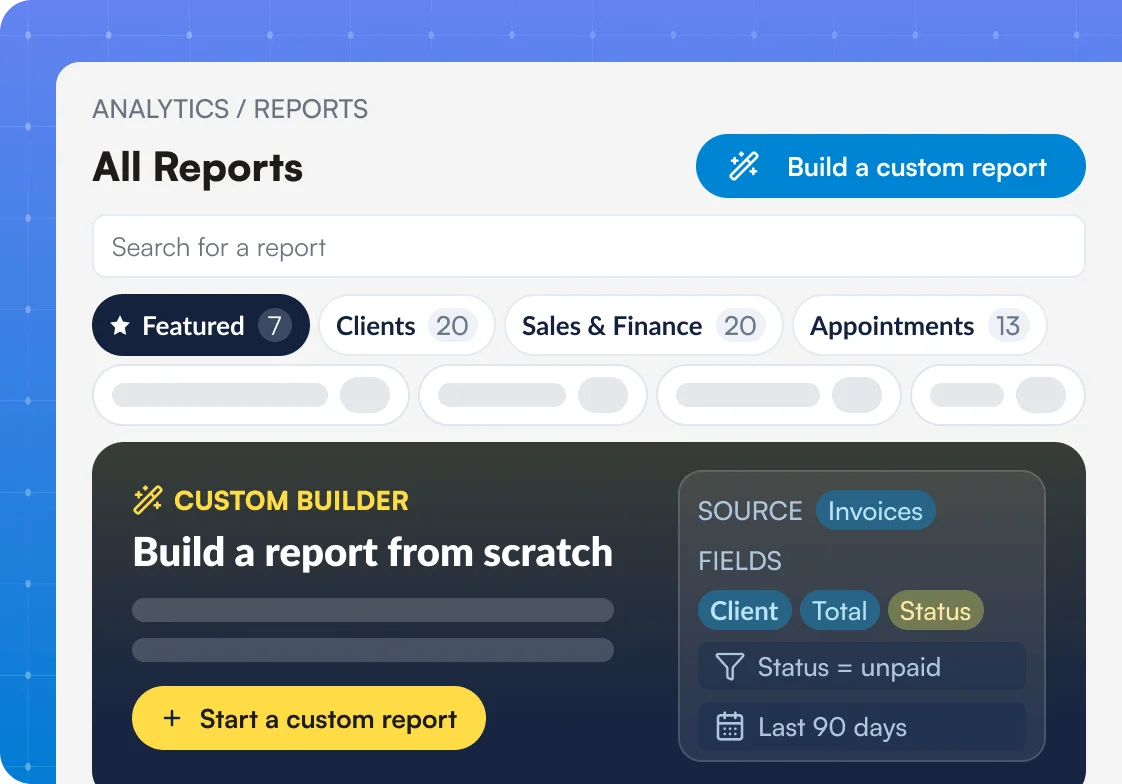


Part of Pabau, the practice management platform behind 4,000+ medical practices and medspas across the UK, US and globally



How it works
From raw practice data to the answer, without leaving Pabau.
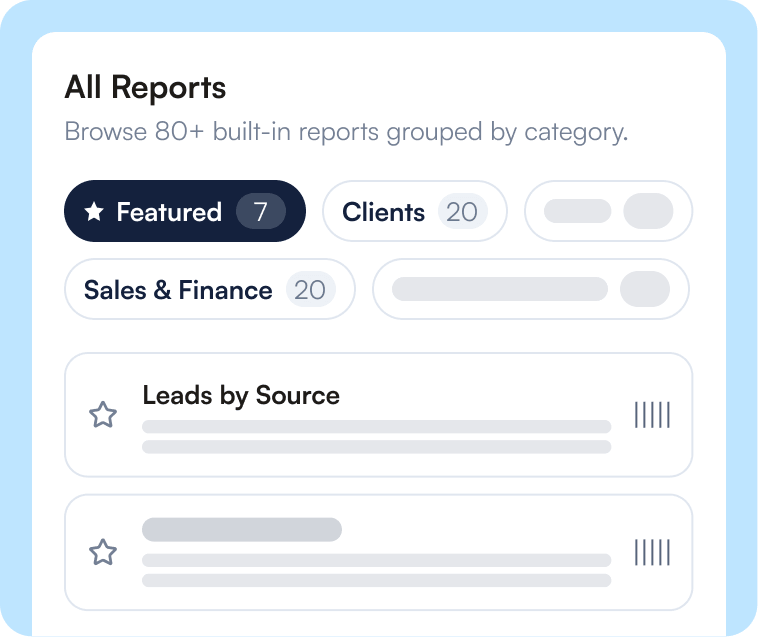
Open Reports
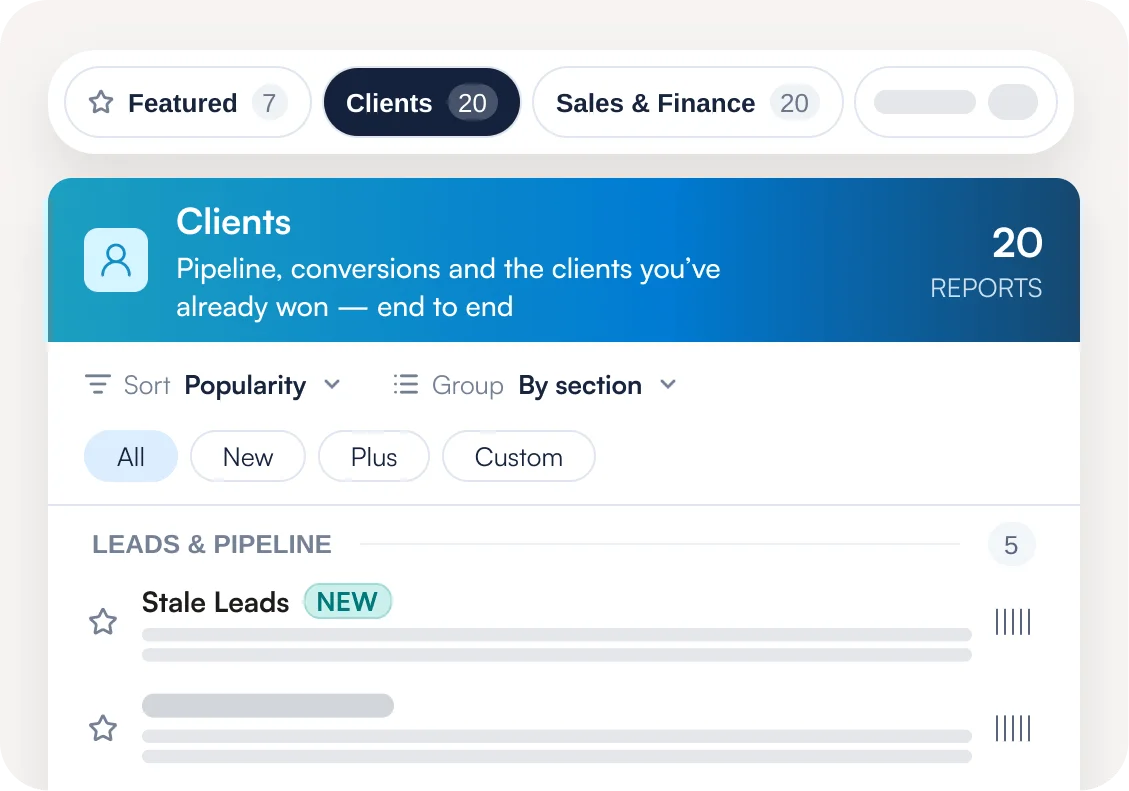
In Analytics, open Reports to see 80+ built-in reports grouped into eight categories.
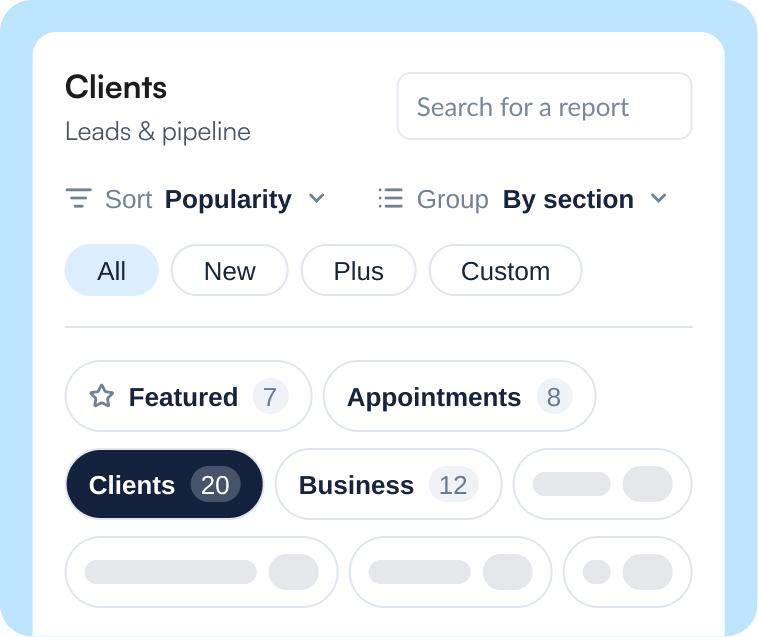
Find your answer
Search, sort, and favorite reports, or open one to read the answer at a glance.
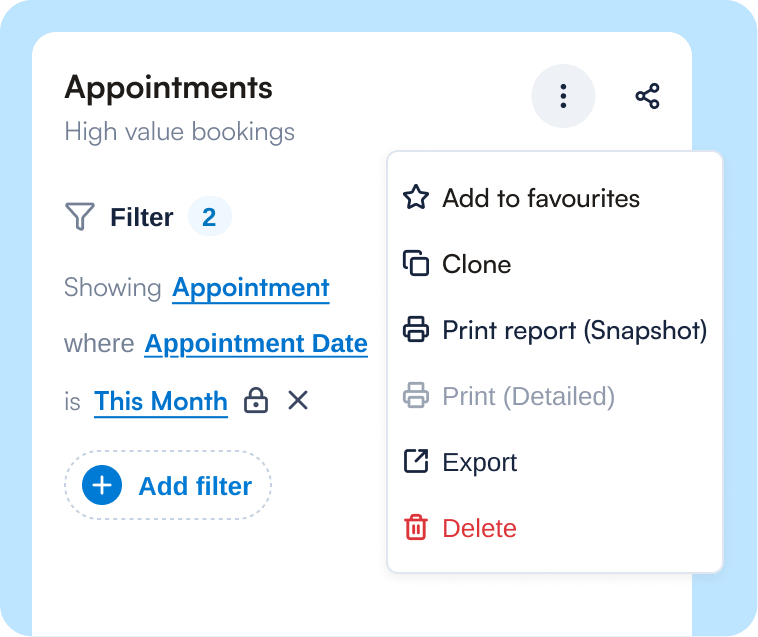
Customize and share
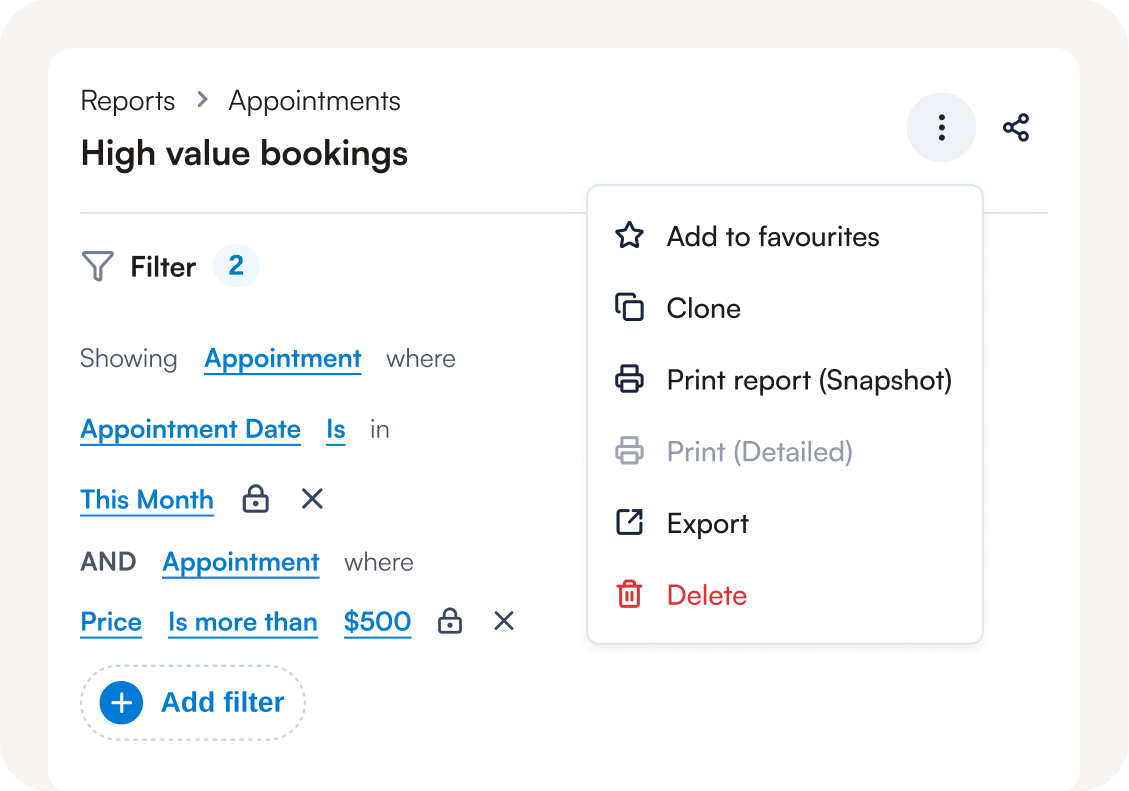
Build a custom report from your own practice data, then share it by link or export it.
Answer every business question in one click
Every question about your practice already has a report waiting. 80+ of them, in fact — financial and sales reports, staff performance, membership renewals, what’s owed at period-end, how hard your rooms are working.
No spreadsheets to build. No evenings lost to number-crunching. Open the report and the answer is already there.
Build the exact report you need
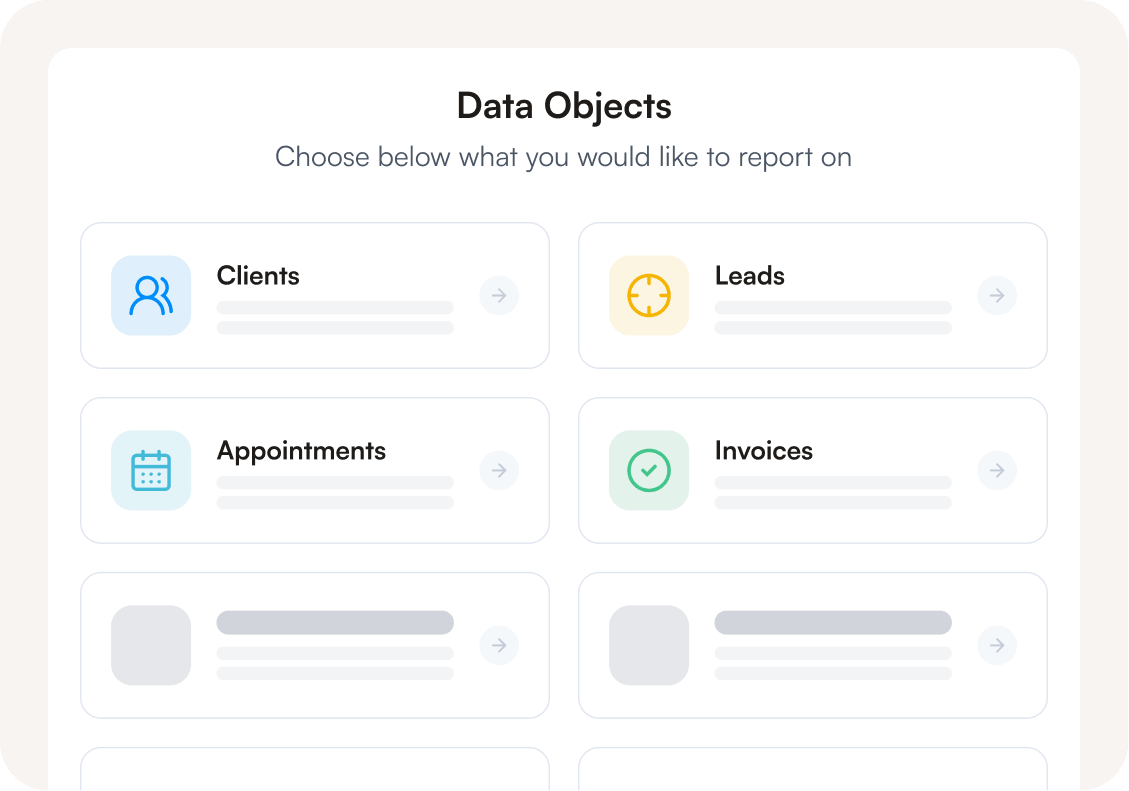
Got a question the standard reports don’t cover? Build your own in minutes with the custom report builder. Pick your data, drop in the columns that matter, and watch the numbers land as you go. Every field in Pabau is reportable, so if it happens in your practice, you can report on it.
And if you run more than one site, you can view consolidated performance across the whole organization, or filter down to a single location in the same report.
Share by link, control who sees what
No exporting. No files clogging inboxes. Just send a link — the right person opens the report, no login needed. You decide who can view and who can edit. Your data reaches the people who need it, and stops there.
One source of truth across every location
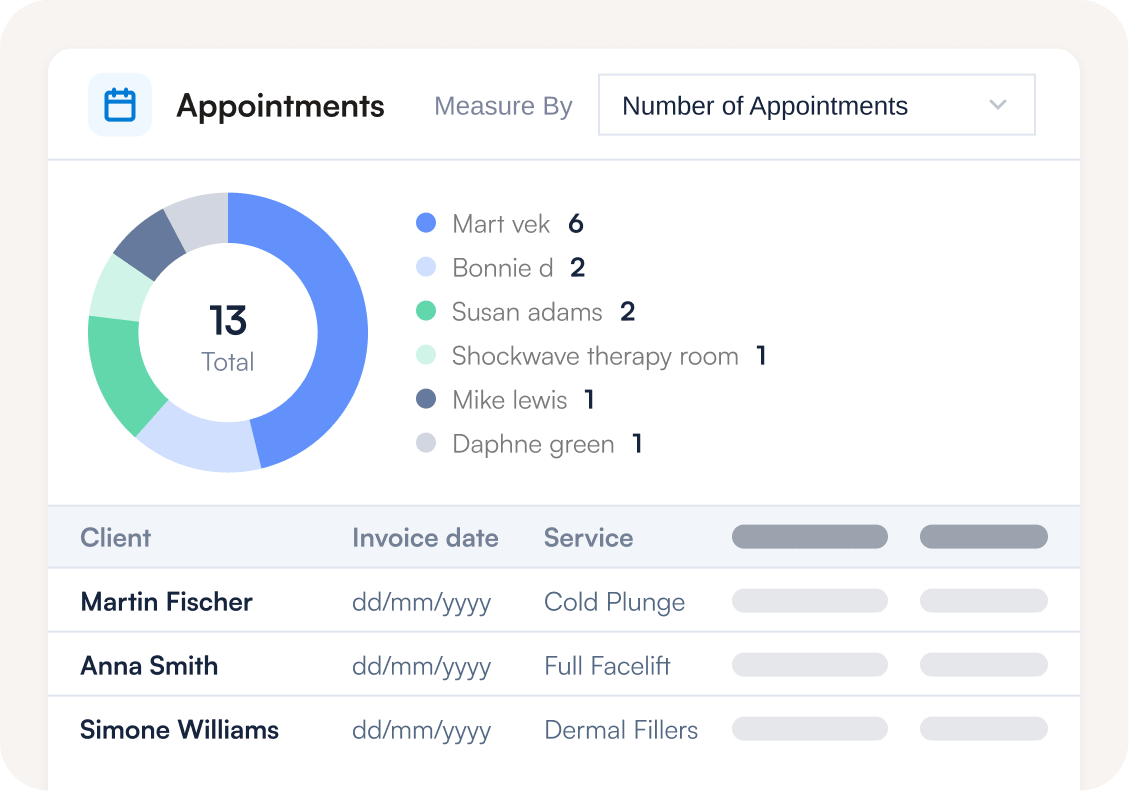
Your numbers are never out of date. A booking, a payment, an invoice — it hits the report the moment it happens.
Real-time reporting keeps every report in step with your practice as it runs. One site or ten, see the whole business at a glance or zoom into a single location. One set of numbers, one source of truth.
Every report you need to run your business

Client Reports
Find your biggest spenders, identify clients overdue a visit, track retention over time, and see who’s referring new business your way.

Sales Reports
Break down revenue by package, product, and category. Monitor invoice performance and spot what’s driving your numbers.

Appointment Reports
Track bookings by location, staff, and service. Monitor no-shows, cancellations, rebook rates, and consultation-to-treatment conversion.

Lead Reports
See which sources are generating the most leads, how many are converting into clients, and where your pipeline is losing people.

Financial Reports
Stay on top of invoices, outstanding balances, payments received, refunds, and tips — all in one place.

Team Reports
Track staff productivity, performance, and wages across your whole practice. Commissions, hours worked, and earnings — always ready for payroll.
Find out if Pabau is the right fit for you
Related features
Frequently asked questions
Your reports pull from the same system that runs your practice, so there’s nothing to connect or import. The data is already there and always current.
In real time. When a booking is made, a payment is taken, or an invoice is raised, your reports reflect it straight away — no batch processing or manual refresh.
Yes. Every field in Pabau is reportable, so you can adjust any built-in report or build one from scratch, then save it under My Reports for quick access.
Yes. Access is set per report — each person can be given view-only, view-and-edit, or no access at all, so sensitive numbers stay with the people who should see them.
Yes. Pabau generates a shareable link the recipient can open without an account, and you can export any report to Excel or CSV.
Yes. Multi-location organizations get a set of Organization reports that consolidate every site into one view, or let you filter down to a single location.
No. The full catalog and the custom report builder are included. A few advanced pieces — report folders, bar and line charts, and a set of premium reports marked “Plus” — are part of the Insights Plus add-on.
Stop guessing. Start running on your own numbers.
See how Pabau turns the practice data you already hold into reports your team will use every day.