HIPAA compliant texting: What you can send patients & how to communicate securely
HIPAA compliant texting is possible when a text holds no protected health inform...

Last Updated: Oct 16, 2026

A HIPAA compliant CRM must include a signed Business Associate Agreement (BAA), encryption, role-based access controls, and audit logs before it can legally handle patient data.
HIPAA does not certify software products – ‘HIPAA certified’ is a marketing term. Compliance is self-attested or third-party audited through frameworks like HITRUST.
General-purpose CRMs (HubSpot, Zoho, Salesforce) can be made HIPAA-ready but require significant configuration; purpose-built clinic platforms handle compliance out of the box.
Pabau bundles CRM, scheduling, patient records, and automated engagement in one HIPAA-aligned platform with a signed BAA – built specifically for clinics and medspas.
A general-purpose CRM and a HIPAA compliant CRM can look identical on a feature list. The difference only surfaces once a patient’s phone number, treatment history, or before-and-after photo enters the system and federal law starts governing how that data is stored, shared, and logged. For a clinic or medspa, choosing the wrong tool is a breach waiting to happen.
This guide breaks down the four requirements that separate a compliant platform from a liability, shows how the major CRMs actually stack up, and explains where HIPAA compliant practice management software like Pabau removes the configuration burden that generic tools push onto your team.
Most clinics already use some form of CRM to track patient contacts, follow up on leads, and manage appointment history. The problem is that many of those tools were built for sales teams, not healthcare. Once a system stores, transmits, or processes protected health information (PHI), the HIPAA Privacy Rule kicks in, and generic CRM software often falls well short of what the law requires.
A HIPAA compliant CRM is a patient relationship management platform that meets the technical, physical, and administrative safeguards defined under HIPAA. It protects PHI through encryption, restricts access to authorized users, logs every interaction with patient data, and operates under a legally binding Business Associate Agreement (BAA) with the vendor. Without those four elements, your CRM is a compliance liability, not an asset.
This guide explains exactly what makes a CRM HIPAA-compliant, how to evaluate your options, and where purpose-built clinic platforms have a clear advantage over generic tools. Whether you run a solo practice, a medspa, or a multi-location clinic, the decision matters more than most practice owners realize. Understanding how HIPAA applies to med spas and aesthetic clinics is the right starting point.
Not every software vendor that claims HIPAA compliance delivers it. What makes a CRM HIPAA compliant is not a single setting but four technical and contractual requirements, and all four have to be in place before patient data is safe.
Under 45 CFR §164.504(e) of the HIPAA Privacy Rule, any vendor that handles PHI on your behalf is classified as a Business Associate. That means they must sign a BAA before your data touches their platform.
A BAA is not optional. Without it, you are in violation the moment PHI enters the system, regardless of how secure the software claims to be. Always request the BAA in writing before signing up, and verify it covers your specific use case.
PHI must be encrypted both when it is stored on servers and when it moves between systems or devices. HIPAA classifies encryption as an “addressable” implementation specification, which in practice means any covered entity that does not encrypt data must document a specific reason why and implement an equivalent alternative.
For a CRM processing patient names, contact details, and treatment histories, encryption is non-negotiable in practice even if the statute uses hedged language.
Not every staff member needs access to every patient record. A HIPAA compliant CRM limits what each user can see and do based on their role. A receptionist booking appointments does not need access to clinical notes documenting sensitive care, such as panic disorder treatment.
A nurse practitioner managing treatment plans does not need financial reports. RBAC ensures that even if credentials are compromised, the blast radius is contained. Combined with multi-factor authentication (MFA), access controls are one of the most effective breach-prevention tools available to clinics.
Every action involving PHI must be logged: who accessed a record, when, what they changed, and from which device. Audit logs serve two purposes.
First, they deter insider misuse by making every access traceable. Second, they provide the evidence trail required during an HHS Office for Civil Rights (OCR) investigation or breach notification. A CRM without reliable, tamper-evident audit logging cannot support a defensible compliance posture.
Request a copy of your CRM vendor’s BAA before any patient data enters the system. Review it against your state’s privacy requirements as well as HIPAA’s federal baseline. Some states (California, Texas) impose stricter data protection obligations that a federal BAA alone does not satisfy.
HubSpot, Zoho CRM, Salesforce Health Cloud, and monday CRM are all platforms that offer some form of HIPAA compliance. But “HIPAA-capable” and “HIPAA-ready for clinics” are not the same thing.
| Platform type | BAA available? | Configuration needed? | Built for clinic workflows? | Best fit |
|---|---|---|---|---|
| General CRM (HubSpot, Zoho) | Yes, on specific tiers | Significant | No | Sales-led teams already invested in the platform |
| Enterprise healthcare CRM (Salesforce Health Cloud) | Yes | Extensive (IT required) | Partial (hospital-focused) | Hospital networks and large multi-site groups |
| Purpose-built clinic platform (Pabau) | Yes | Minimal | Yes | Independent clinics and med spas |
HubSpot’s HIPAA compliance, for example, is restricted to its Enterprise tier. A small aesthetic clinic paying for a mid-tier plan and assuming they are covered is exposed.
Zoho CRM requires specific configuration and paid add-ons to activate HIPAA-compliant data handling.
Salesforce Health Cloud is enterprise-grade and priced accordingly, making it impractical for independent clinics. These are not criticisms of those platforms’ core competence. They are general-purpose tools that can be adapted for healthcare with effort. The question is whether that effort is a good use of your team’s time.
General-purpose CRMs also push compliance responsibility onto the practice. Every third-party integration must be separately evaluated for HIPAA-compliant data flows. A Zapier connection to your CRM that passes patient appointment details may create a new data pathway that falls outside the original BAA.
Understanding the full scope of clinic software HIPAA requirements helps you audit these risks before they become breach events.
No CRM is HIPAA compliant by default. Each platform below can legally handle PHI only on specific tiers, and only after you sign a BAA. Here is where the most common options stand and which type of practice each one fits.
For clinics weighing the best HIPAA compliant CRM software, the deciding factor is rarely the feature list. It is how much configuration, IT time, and add-on cost each platform demands before it can legally touch patient data.
Beyond the four non-negotiable features above, the right choice depends on your practice’s operational context. Whether you run a solo practice or need a HIPAA compliant CRM for small business use, these five criteria narrow the field. They also separate true HIPAA compliant client management software from a sales tool with a compliance badge bolted on.
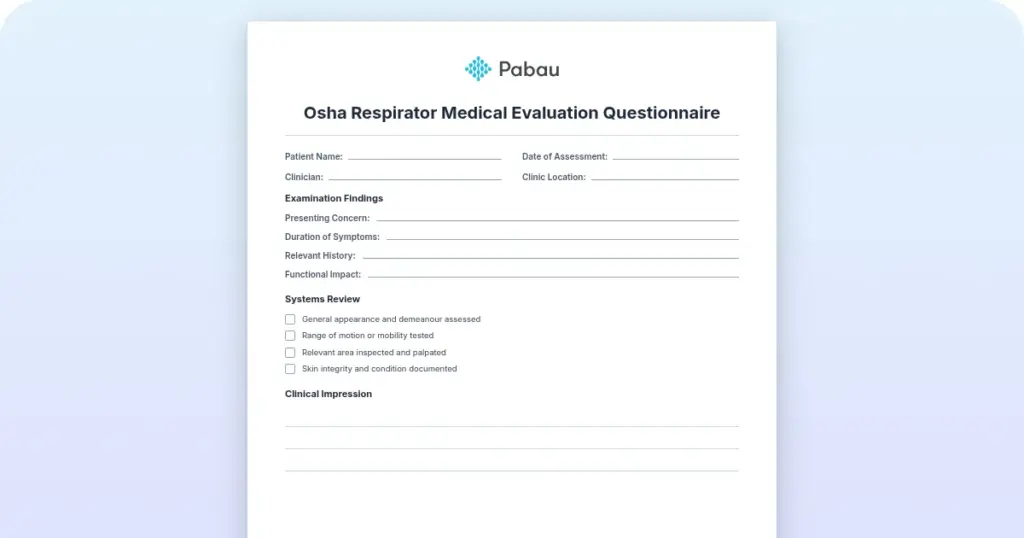
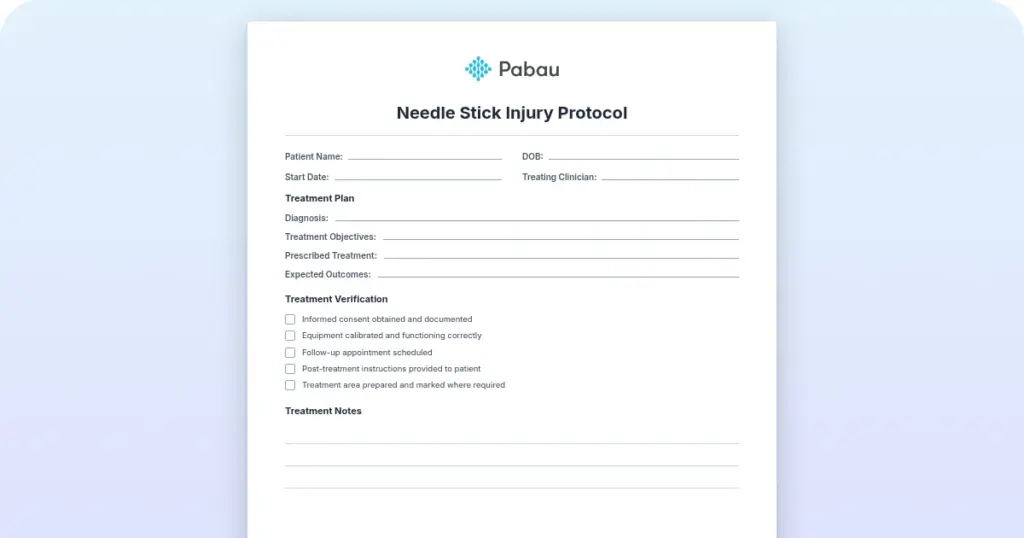
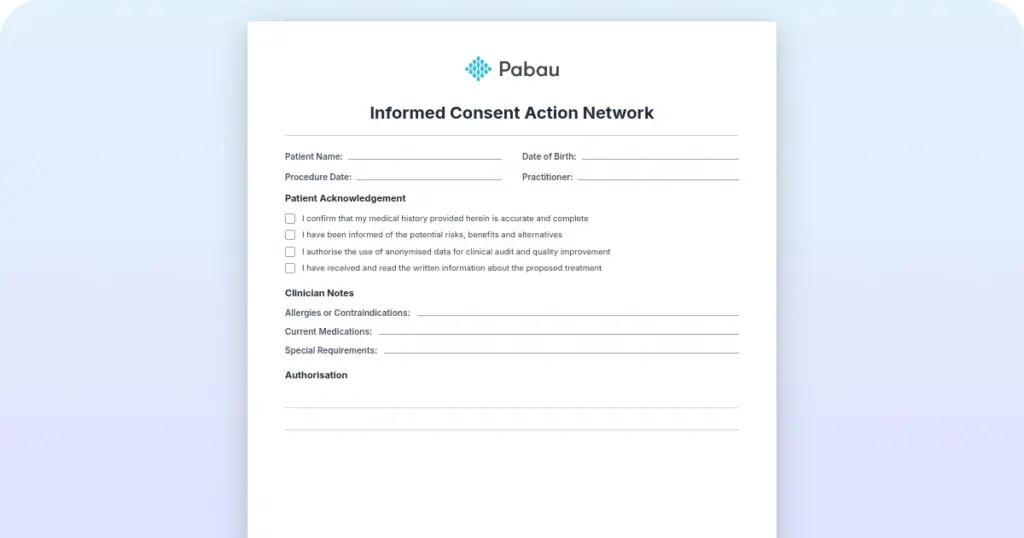
Running a paperless, HIPAA-compliant practice requires more than just switching to digital forms. The platform managing those forms must also meet the full technical safeguard requirements described above.

See how Pabau’s HIPAA-aligned platform combines CRM, scheduling, digital forms, and automated patient communication in one place, with a signed BAA included.

Most clinics searching for a HIPAA compliant CRM are not just looking for contact management. They need a platform that handles the full patient lifecycle: inquiry, booking, intake, treatment, follow-up, recall, and re-engagement. General-purpose CRMs cover the first and last parts of that journey reasonably well. They miss the clinical middle.
Pabau is built around that clinical middle. It combines appointment scheduling, patient management, digital consent forms, automated recall workflows, and treatment documentation within a single platform.
The CRM functionality, including lead capture, patient communication history, and re-engagement campaigns, runs inside the same compliant environment as the clinical records. There is no separate data silo to audit, no third-party bridge to evaluate for BAA coverage.
For aesthetic clinics and medspas specifically, this matters. The medical spa software category involves workflows that generic CRMs were not designed to support: before-and-after photo management, injection plotting, treatment plan tracking, and prescription documentation. Running those workflows inside a HIPAA-compliant architecture requires a platform that understands the clinical context, not just the contact database.
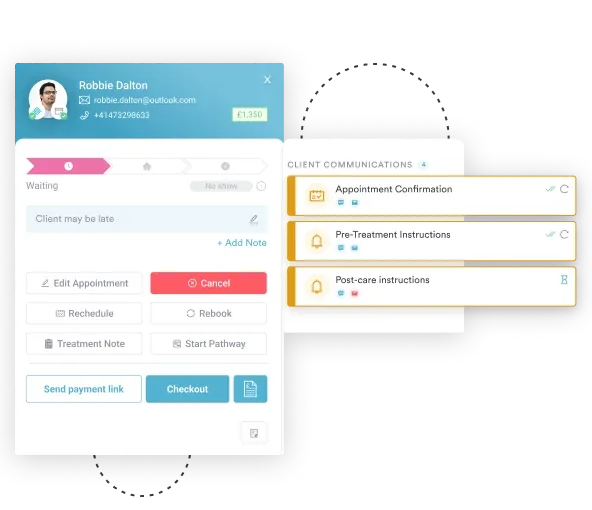
Pabau also supports automated patient engagement, including post-treatment follow-ups, recall campaigns for repeat procedures, and loyalty program management. These touchpoints involve PHI at every step. Those conversations stay in one compliant patient inbox rather than staff phones or a personal email account.
Automated SMS and email sequences that contain appointment details or treatment references must flow through a compliant channel with appropriate security controls. Pabau’s automated workflows are built within the same data environment as the patient record, so the compliance perimeter does not expand every time you add a new communication touchpoint. In effect, that gives you HIPAA compliant marketing automation without bolting on a separate email or SMS tool that sits outside your BAA.
Learn more about how medical spa CRM features work in practice, or explore the broader case for why a CRM matters for aesthetics businesses before evaluating specific platforms.
Audit your current patient communication stack before evaluating a new CRM. List every tool that touches patient data: email platform, SMS provider, booking widget, intake form tool. Each one is a potential BAA gap. A purpose-built platform consolidates those touch points and reduces the number of vendor agreements you need to manage.
Three misunderstandings consistently get clinics into trouble when evaluating HIPAA compliant CRM software.
It is not. The U.S. Department of Health and Human Services (HHS) does not issue HIPAA certifications for software products. Any vendor describing their tool as “HIPAA certified” is using a marketing term, not a regulatory one. What you should look for instead: a signed BAA, SOC 2 Type II attestation, HITRUST CSF certification where available, and transparent documentation of their security controls.
Using a HIPAA compliant CRM does not make your practice HIPAA compliant. The platform handles the technical safeguards on the vendor’s side. Your practice is still responsible for administrative safeguards: staff training, access reviews, incident response procedures, and risk assessments. OCR investigations examine both the covered entity (your practice) and the business associate (your software vendor) independently.
Free tiers of general-purpose CRMs almost never include HIPAA compliance features. HubSpot’s BAA is available only on Enterprise plans. Zoho’s HIPAA compliance requires paid add-ons and configuration. The tools that offer a free entry point typically exclude the access controls, audit logging, and encryption configurations required to handle PHI. Protecting patient data security through proper tooling is an operational investment, not a free feature.
Use these questions during your vendor evaluation. Any “no” is a red flag.
Reviewing the healthcare CRM software landscape against these criteria reveals quickly which platforms were designed for healthcare and which were retrofitted. For small-to-mid-size clinics, the Pabau HIPAA compliance page outlines the specific safeguards and contractual provisions available to practices on the platform.
Selecting a HIPAA compliant CRM is not a feature comparison exercise. It is a risk management decision. The BAA, encryption, access controls, and audit logging requirements exist because breaches involving patient data carry OCR penalties that range from $100 to $50,000 per violation, per year of non-compliance, according to HHS enforcement data.
For clinics and medspas that need a platform purpose-built for healthcare workflows, Pabau’s compliance management features handle the technical safeguards, while its integrated CRM, scheduling, and patient communication tools replace the fragmented stack that creates compliance gaps in the first place. Book a demo to see how it works in a clinic context.
A HIPAA compliant CRM is a patient relationship management platform that meets the technical and contractual requirements of the Health Insurance Portability and Accountability Act for handling protected health information (PHI). At minimum, it includes a signed Business Associate Agreement with the vendor, data encryption at rest and in transit, role-based access controls, and tamper-evident audit logging. Unlike general sales CRMs, a HIPAA compliant CRM is designed or configured to keep patient data private and secure under federal law.
Four things, and all of them are required. The vendor must sign a Business Associate Agreement, encrypt data at rest and in transit, enforce role-based access so staff only see what their job needs, and keep tamper-evident audit logs of every interaction with patient data. A platform that offers three of the four is not compliant. Independent attestations like SOC 2 Type II or HITRUST CSF are a strong signal that those controls have been verified rather than just claimed.
Several platforms offer HIPAA-compliant tiers, but the conditions vary significantly. HubSpot’s HIPAA compliance is limited to its Enterprise plan. Salesforce Health Cloud signs a BAA for healthcare customers but is enterprise-priced. Zoho CRM requires specific configuration and paid add-ons. Purpose-built clinic platforms like Pabau are designed for HIPAA compliance from the ground up, with no additional configuration required for the core feature set. SimplePractice is HITRUST-certified and purpose-built for mental health and therapy practices.
Yes. Under 45 CFR §164.504(e) of the HIPAA Privacy Rule, any vendor that stores, processes, or transmits PHI on your behalf is classified as a Business Associate and must sign a BAA before patient data enters their system. Operating without a signed BAA is a HIPAA violation even if the software itself has strong security controls. Request the BAA in writing before signing any vendor contract involving patient data.
No genuinely free CRM provides full HIPAA compliance. Free tiers of general-purpose platforms (HubSpot, Zoho, monday) typically exclude the BAA, advanced access controls, and audit logging features required to legally handle PHI. HIPAA-compliant features are consistently reserved for paid tiers. For small practices with limited budgets, the more cost-effective approach is a purpose-built clinic platform that bundles CRM, scheduling, and compliance features in one subscription rather than paying to configure a general CRM for healthcare use.
Yes, but a small practice pays for it in one of two ways. General platforms only unlock a signed BAA and the required security controls on their top tiers, so a solo clinic ends up on an enterprise plan it barely uses. The more cost-effective route is purpose-built clinic software that bundles CRM, scheduling, and patient records into one subscription with compliance included, rather than paying to configure a general tool for healthcare use.
It is a patient relationship management platform that stores contact details, appointment history, and treatment records under the same technical safeguards HIPAA requires: a signed BAA, encryption, role-based access, and audit logs. The difference from a generic contact database is that every touchpoint involving protected health information stays inside one compliant environment, so front-desk staff, clinicians, and automated messages all work from a single secured record.
A healthcare CRM is built or configured to handle PHI under HIPAA, while a regular CRM is designed for general sales and marketing workflows without healthcare data protections. Healthcare CRMs include BAA availability, encryption, role-based access, and audit logs as core features. They also integrate with clinical workflows: patient records, treatment histories, intake forms, and appointment scheduling. Regular CRMs can be adapted for healthcare use, but require significant configuration, paid add-ons, and ongoing IT oversight to maintain compliance.