HIPAA compliant texting: What you can send patients & how to communicate securely
HIPAA compliant texting is possible when a text holds no protected health inform...

Last Updated: Oct 16, 2026

Switching EHR systems requires a structured plan covering data migration, staff training, go-live execution, and post-launch monitoring.
Data migration is the highest-risk phase: audit existing records, map formats to HL7/FHIR standards, and run a test migration before cutover.
Staff training is one of the most demanding parts of any EHR transition, and role-based sessions with a super-user program reduce adoption failure.
Practice management software like Pabau provides dedicated onboarding, data import tools, and ongoing customer success support during the switch.
Most practices don’t realize how broken their EHR is until they try to fix something small. A billing workflow that takes 12 clicks. A patient record that can’t be accessed from the front desk. An integration with the lab that has been “almost working” for two years.
These aren’t edge cases. According to the American Medical Association, workflow disruption and data integrity failures are among the challenges practices face when switching EHR systems. The irony is that the pain of staying often exceeds the pain of switching.
Switching EHR systems is a significant operational project, but it’s a manageable one. This guide covers the full lifecycle:
If you understand the PMS vs EMR difference and you’re ready to move, this is your execution roadmap.
Switching EHR systems isn’t a decision practices make lightly. But a 2020 study published in Applied Clinical Informatics found that EHR dissatisfaction rates remain high across specialties. The study points to meaningful-use compliance pressure, practice consolidation, vendor issues, and unmet expectations as common drivers behind EMR replacement.
The most common triggers fall into a few clear categories of EMR problems:
Different EHR systems in healthcare serve very different specialties, and comparing the best EMR systems for your specialty upfront avoids a mismatched fit. A practice evaluating new EHR systems for a direct primary care EHR faces different drivers than one running a multi-location med spa. Either way, the transition process follows the same structure regardless of specialty.
No EHR switch succeeds without clear ownership. The single most common failure mode is treating migration as an IT project. In reality, it’s an operational change project that touches every role in the practice.
Build a transition team before you evaluate a single vendor. Assign these roles explicitly:
This team should meet weekly from contract signing through the first 30 days post-launch. After that, monthly check-ins are usually sufficient.
EHR vendor selection is where most practices evaluating new EHR systems spend too little time on the wrong criteria. Price is the most visible variable but rarely the most important one. These are the criteria that actually predict a successful switch:
Comparing options first helps. Reviews comparing the best EHR for practices and EMR platforms can narrow the shortlist before vendor demos.
Data migration is where EHR switches most often fail. Electronic health record migration succeeds or fails on how early planning starts, not on the vendor you choose. A practice can choose the right vendor, train staff well, and still face a catastrophic go-live if the migration is rushed.
Plan data migration in parallel with vendor evaluation, not after contract signing. Under the HHS HIPAA guidance on patient data access, covered entities must maintain access to protected health information throughout the transition period. That obligation starts before you switch, not after.
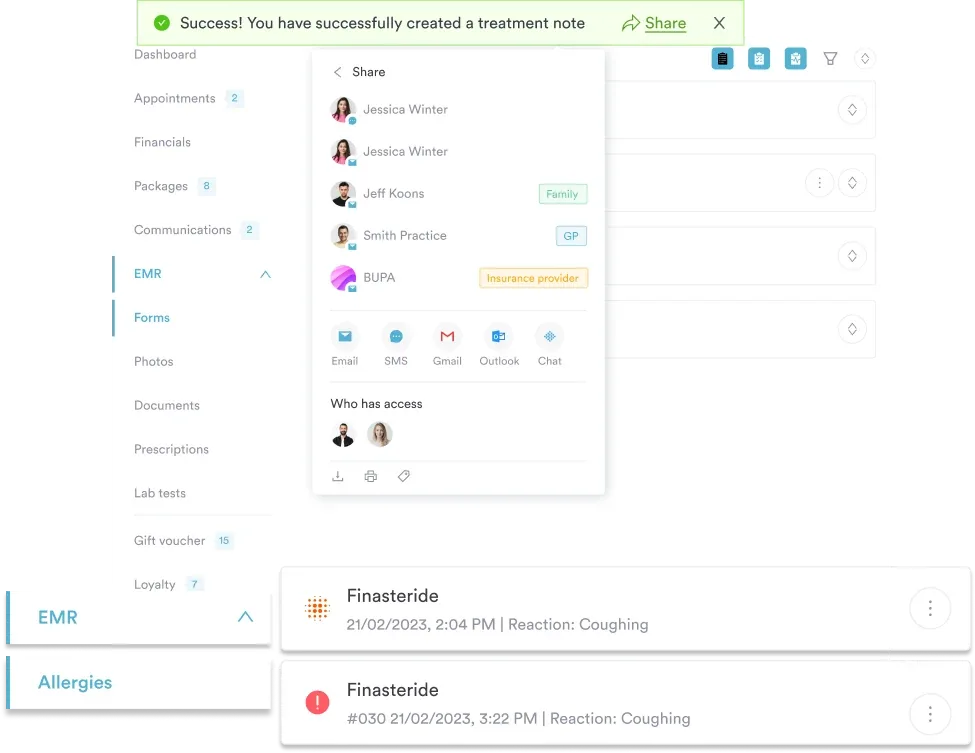
Pabau’s patient records management includes structured import tools that map incoming data fields to the correct locations in the client record. The onboarding team handles format mapping so practice staff don’t need to manage raw data files.
Run your test migration on a Monday morning when the team is sharp, not a Friday afternoon. Validation errors found during testing rarely get resolved quickly, and a tired team misses things. Schedule a full half-day for the test migration review with your clinical champion, billing lead, and front desk lead all in the room.
Training failure is the most expensive mistake in any EHR switch. A system that clinicians refuse to use, or use incorrectly, produces documentation errors, billing failures, and patient safety risks. Staff training is often the most time-intensive part of transitioning to a new EHR, across practice types.
Generic “here’s the software” demos don’t work. Role-based training does. Structure it this way:
For practices concerned about multi-site rollout complexity, Pabau’s team management tools allow role-based permission and training access to be configured at the location level. This simplifies phased training rollouts across locations.
Downtime and EMR risks during an EHR transition cost more than most practices budget for. Lost appointment capacity, manual workarounds, and delayed billing submissions compound quickly. A 3-day outage in a busy practice can mean 60-90 missed appointments and billing delays that take weeks to clear.
These tactics reduce downtime to manageable levels:
For practices tracking staff productivity through the transition, Pabau’s reporting and analytics tools, included in every subscription, provide daily and weekly activity metrics. These metrics help you detect early adoption problems before they become billing delays.
Go-live is where months of preparation is tested in real time. The practices that execute this well aren’t the ones with the most resources. They’re the ones with the clearest checklists.
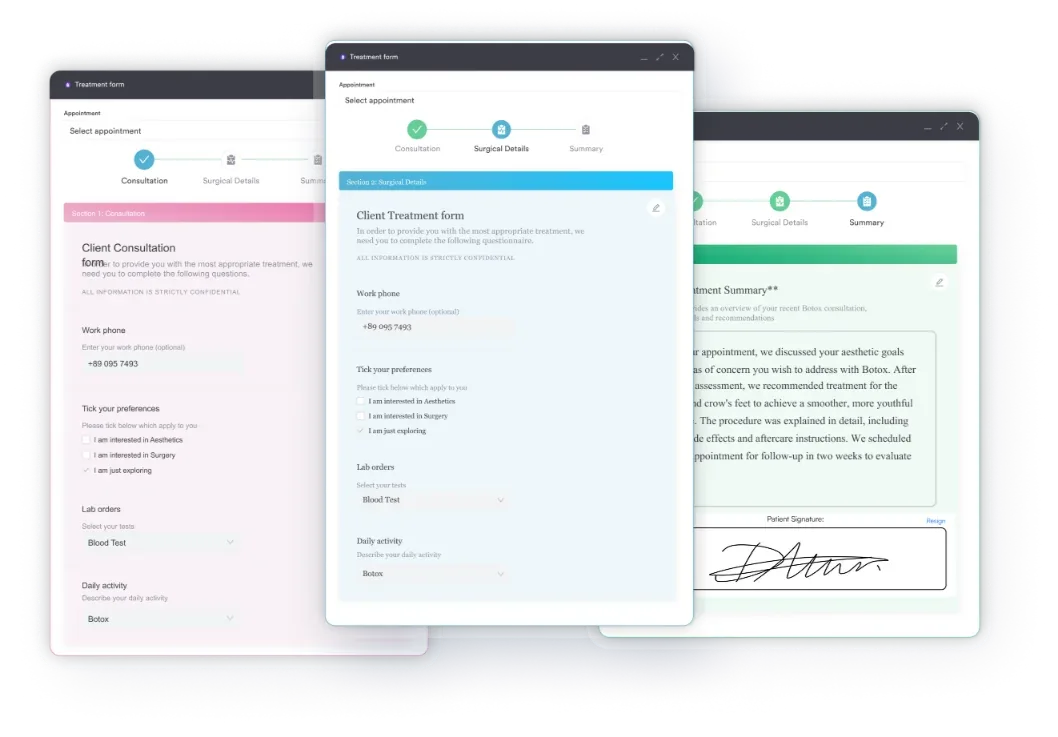
Practices switching to Pabau benefit from digital intake forms that can be configured and tested before go-live. This keeps the front desk workflow ready from day one, with no paper backlog.
Two regulatory obligations apply directly to EHR transitions, and both are non-negotiable.
HIPAA data access requirements: Under HHS guidance, covered entities must maintain access to protected health information throughout the transition. Patients who request their records during a migration window cannot be told to wait until the switch is complete. Build patient record access into your parallel operation period. For a detailed compliance walkthrough, the HIPAA compliance guide covers the obligations that apply to your practice management system.
Information blocking rules: The 21st Century Cures Act prohibits EHR vendors from blocking data portability when you exit. If your current vendor delays data export, charges excessive fees, or makes migration technically difficult without justification, that may constitute information blocking. Document everything and escalate to ONC if needed.
State-specific data retention: Data retention periods for medical records vary by state and patient age. Some states require retention of adult records for 7-10 years. Pediatric records often have longer obligations. Consult your state medical board requirements before archiving any records from the old system. For practices handling sensitive patient data, patient data security tools should be evaluated as part of the transition, not retrofitted afterward.
Most EHR transition problems don’t surface on go-live day. They surface in weeks 3-8, when the initial intensity fades and staff revert to workarounds. A structured 30/60/90-day monitoring plan catches these before they calcify.
The 30-day billing review is the most critical. A practice that doesn’t monitor claim denial rates in the first month post-switch can accumulate weeks of unpaid claims. That backlog often doesn’t surface until the revenue cycle report lands.
Most EHR vendors treat implementation as a one-time event: they hand you the keys and reduce support intensity as soon as go-live passes. Pabau’s model is different, particularly for aesthetic practices, medical spas, and private practices that lack dedicated IT departments.
The onboarding process includes a dedicated migration team that handles data import format mapping. It also includes a structured configuration period and role-based training as part of the standard setup. There’s no additional fee for migration support.
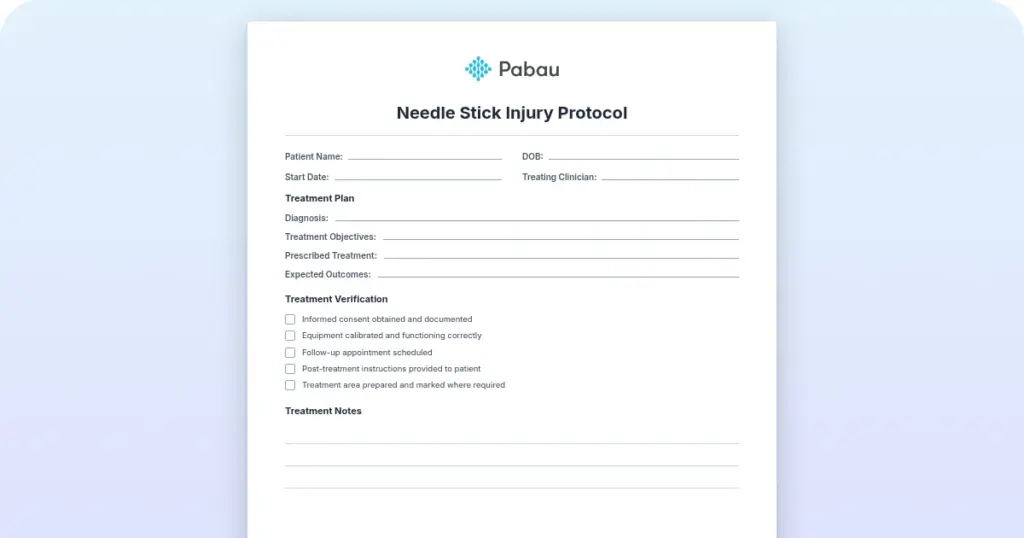
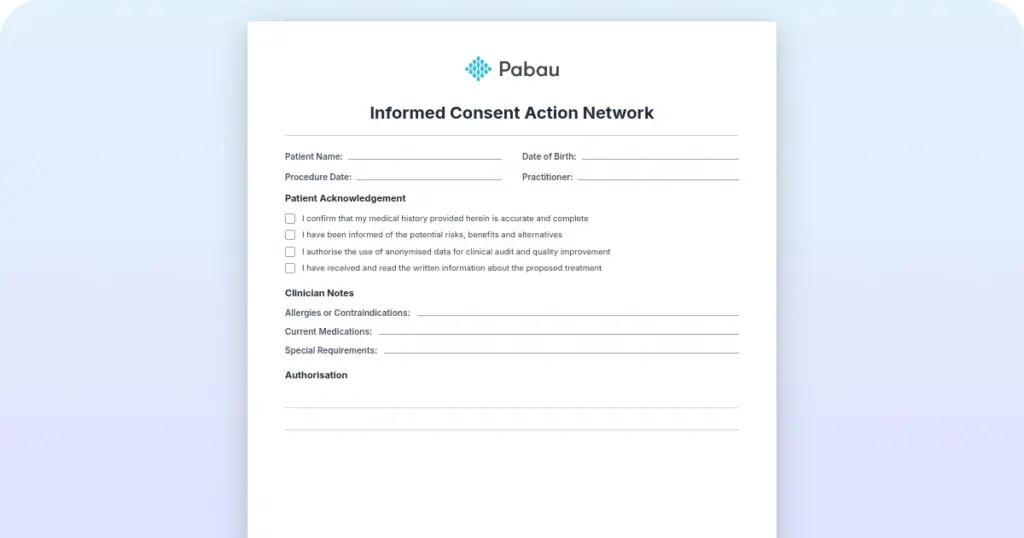
Practices researching aesthetic EMR options, or evaluating primary care EHR options, benefit from Pabau’s specialty-specific workflow depth. Consent forms, injection plotting, before-and-after photo management, and treatment plans come built in. That means less post-switch customization work than configuring a general-purpose EHR for practice use.
On contract flexibility: Pabau uses subscription-based terms without punitive data lock-in. If you later need to export your data, the process is straightforward. That’s a meaningful differentiator from enterprise EHR vendors whose exit clauses often include data export fees and multi-month termination windows.
Pabau also rates 4.7/5 on Capterra from 600+ verified reviews. Onboarding support is consistently cited as a strength by practices that switched from legacy EHR systems. The Esteem Life Medical Group case study shows why one digital-first longevity clinic made that switch, citing streamlined records and easier compliance.

Pabau’s onboarding team manages your data migration, configures your workflows, and trains your staff, so your switch is smooth, not stressful. Most practices are fully operational within their first scheduled sessions.

Switching EHR systems is disruptive by nature, and there’s no version of the process that removes all risk. The practices that come through it without lasting revenue or clinical impact treat it as a project with a named owner. It’s never a weekend task handed to whoever happens to be free.
Pabau’s dedicated migration team and role-based onboarding remove most of that risk before it reaches your patients or your revenue cycle. Book a demo to see how Pabau handles the data migration, training, and go-live support for your practice.

Need to understand what makes an EHR right for your specialty? Best EMR software review covers the key evaluation criteria across practice types.
Deciding between solo and group practice? Group practice vs private practice compares the two models and the overhead costs that come with each choice.
Want to see how Pabau handles practice data and workflows? Clinic management software guide explains how an integrated platform reduces the workflow breakdowns that drive most EHR switches.
Switching EHR systems means five phases: team formation, vendor evaluation, data migration, staff training, and go-live monitoring. Most practices take 3-9 months from first vendor contact to stable post-launch operation, depending on practice size and data complexity.
Most EHR transitions take between 3 and 9 months from contract signing to stable post-launch operation. Smaller practices with clean data and limited integration requirements may complete the process in 12-16 weeks. Larger practices with complex billing configurations, multi-site setups, or large historical datasets typically need 6-9 months.
Schedule cutover during a low-volume period and run parallel systems for 2-4 weeks post-cutover. Have IT support on-site for go-live week, and prepare paper-based contingency workflows for day-one issues. Practices that run a test migration 4-6 weeks before go-live report shorter disruption windows. Signing off data validation before cutover matters just as much.
Ask about data export fees on exit, what training is included, and how long support lasts post-launch. Confirm how the vendor handles FHIR and HL7 data portability, and whether your lab and clearinghouse integrations are pre-built or need custom configuration. Ask for the average go-live timeline for practices your size, and request references from practices that switched from your current EHR.
Under the 21st Century Cures Act’s information blocking rules, EHR vendors cannot obstruct your ability to export your patient data when you leave. Your contract should specify the export format (HL7, FHIR, or CSV), any associated fees, and the timeline for delivery. If a vendor charges excessive fees or delays export without justification, that may constitute information blocking reportable to the ONC.
Small practices typically have less data complexity and fewer integration dependencies, which speeds migration. The harder challenge is staff capacity: a 3-clinician practice can’t dedicate a full-time project manager to the switch the way a large group can. Choosing a vendor with a hands-on onboarding team (rather than a self-serve implementation model) significantly reduces the burden on small practice staff during the transition.