








Standard intake questionnaire template for healthcare practices
Download your free standard intake questionnaire template A ready-to-use intake ...

Last Updated: August 11, 2026


A standard intake questionnaire is a structured form that collects patient details, history, presenting concern, and consent before the first visit.
Sending it out before the appointment frees the first 10 to 15 minutes for clinical work instead of data collection.
Explicit consent and privacy fields turn the form into a timestamped audit trail for HIPAA and GDPR checks.
Keep the form to 15 to 25 questions, and match every field to your clinical note template so nothing is retyped.
Practice management software like Pabau sends the questionnaire automatically and files each answer in the patient record.
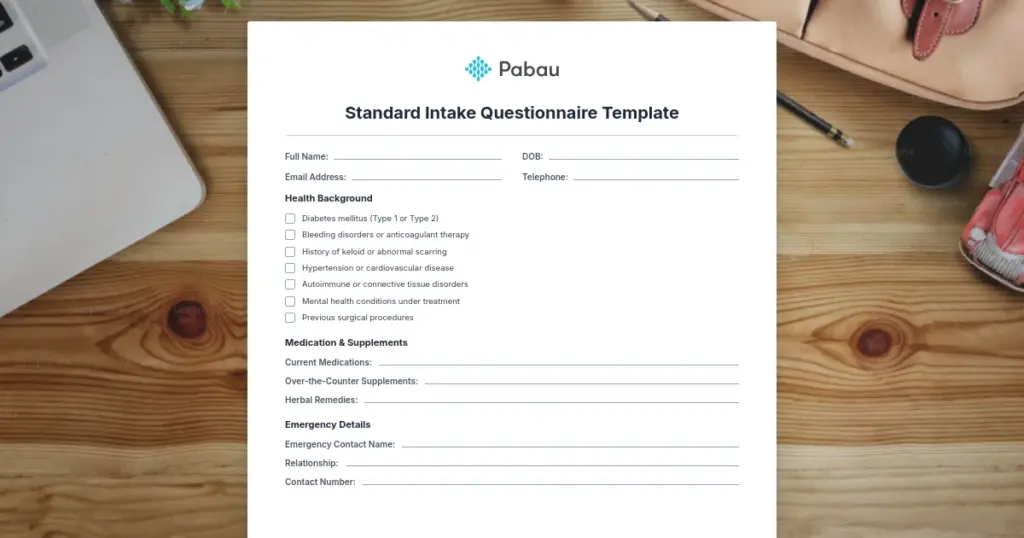
A ready-to-use intake questionnaire covering demographics, medical history, medications, allergies, presenting concern, insurance, and consent. Print it as it is, or adapt the clinical questions for your specialty.
Download templateA standard intake questionnaire is the form a patient completes before their first appointment. It collects contact details, medical history, medications, allergies, the reason for the visit, insurance, and consent. Download the template above, then use this page to adapt it.
Two decisions separate a form patients finish from one they abandon. Length is the first. Every question past about 25 costs you completed forms. Structure is the second. A field that doesn’t map to something in your clinical note creates retyping for someone later.
Below you’ll find what to include, how the form changes by specialty, five steps for customizing it, and how to run the whole thing digitally.
A standard intake questionnaire template is a reusable form that gathers essential patient information before the first appointment. It captures demographics, medical history, current medications, presenting concerns, insurance details, and consent to treatment. The clinician reads a complete profile before the appointment starts.
Instead of spending the first 15 minutes of an appointment collecting routine information, you have the answers in advance. That time goes back to assessment, treatment planning, and patient education. Patients fill the form in at home through patient portals, on their own schedule.
The template does two jobs at once. Clinically, it makes sure no relevant history is missed. For compliance, it documents informed consent and leaves an audit trail behind. Digital intake forms remove the paper filing, the lost responses, and the manual re-entry.
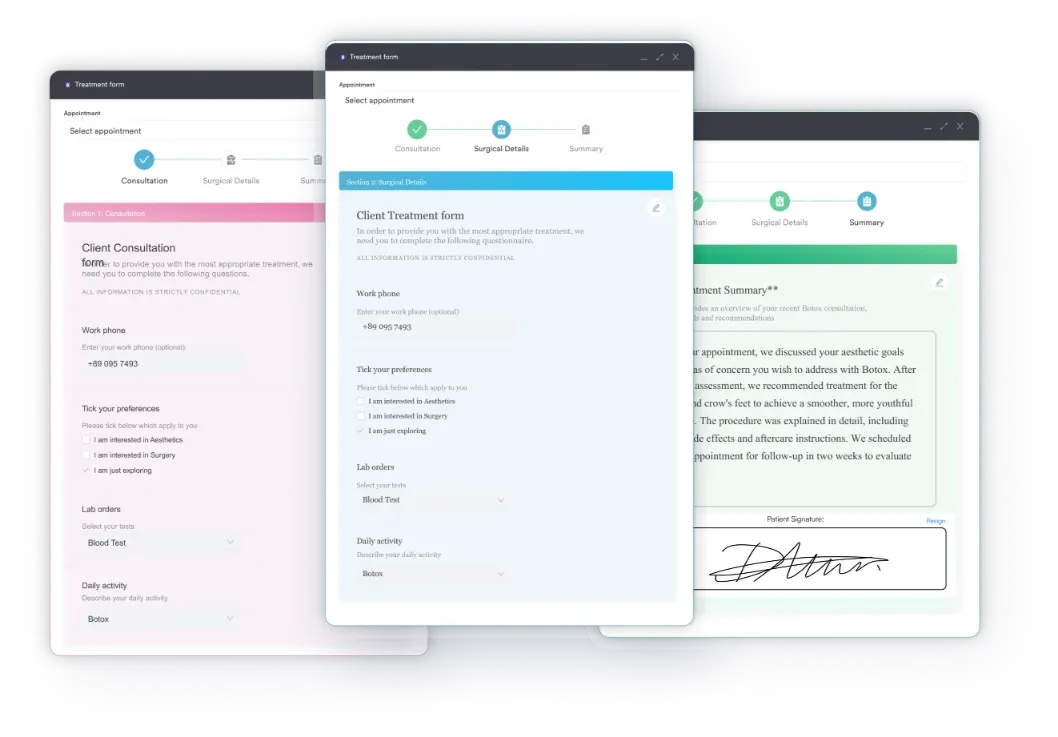
A well-built intake form does four jobs at once.
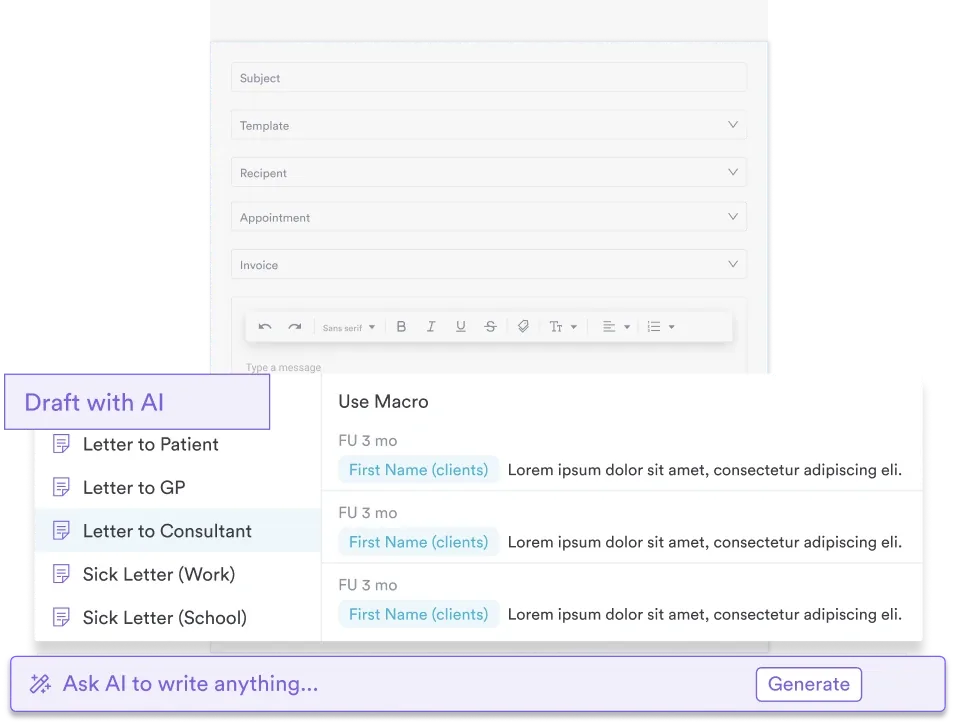
Standardized intake also lowers the mental load in a first appointment. You have written confirmation of allergies, medication interactions, and prior treatment outcomes. AI clinical documentation can draft the note from those answers, so less of the visit goes on typing.
Compliance carries the same weight. HIPAA compliance is non-negotiable for US practices, and UK practices have to meet GDPR standards. A form with consent declarations, a privacy notice, and a signature field gives you documented proof of informed consent. That is what an inspector asks to see.
These sections apply across specialties. Adjust the depth and the terminology, but keep all six of them.
Every field should flow straight into your patient records. Favor checkboxes, dropdowns, and structured fields over free text that somebody has to interpret later.
The sections below apply across specialties, but each one weighs different fields more heavily. Adjust the depth and the wording for your practice, but keep the structure consistent from patient to patient.
Primary care and medical practices need the deepest history, because they diagnose and prescribe. Include past diagnoses, family history, and screening status for mammography, colonoscopy, and cardiovascular risk. Add a full medication list with doses, plus allergies.
Ask about smoking, alcohol, exercise, and diet, and record the chief complaint in the patient’s own words. Consent should cover treatment authorization, release of records, and how you report abnormal results. A medical diagnosis form then carries the findings from that first visit into the chart.
Therapy intake focuses on mental health history, current symptoms, and treatment goals. Include prior diagnoses, past therapy or medication, mood and anxiety symptoms, sleep and appetite changes, and substance use. Add a risk screen for suicide and self-harm, plus support network and current stressors.
Ask what the client wants from therapy in their own words. Consent has to address the limits of confidentiality, emergency procedures, and session fees. Our group therapy consent template shows that wording in practice.
Psychiatric intake assesses history, psychosocial stressors, and how far daily function has slipped. Cover mood, sleep, concentration, appetite, fatigue, social withdrawal, substance use, trauma, and family psychiatric history. Screen for suicidal and homicidal ideation with direct questions.
Document why the patient is seeking help now, and how they responded to any previous treatment. Mental health EMR software should flag high-risk answers as soon as they arrive, so the follow-up call happens the same day.
These practices keep the core sections and swap out the clinical questions. Aesthetic and dermatology forms ask about skin type, prior procedures, healing, sun exposure, and treatment expectations. Physical therapy intake asks how the injury happened, where it hurts, and what the patient can no longer do.
Add prior rehabilitation and the demands of the patient’s job. A validated tool such as the motor assessment scale can sit alongside the form for baseline scoring. Therapy practice management workflows use the same structure, with extra questions for the treatment modality.
Five steps take the template from generic to yours.
Match the intake fields to your note template exactly. If your clinical notes record allergies in a set format, capture allergies in that same format. Nobody should have to retype or reformat an answer that the patient already gave you.
The return shows up in three places at once.
A standard form also protects continuity. If a patient comes back after six months, their history is on file rather than in somebody’s memory. Care that starts with a complete form is steadier than care that starts with a conversation.
Three pieces make digital intake work.
Medical forms handled digitally cut paper, remove lost responses, and stay searchable. A questionnaire completed two days early sits in the chart before the clinician even logs in.
Compliance teams get the biggest win. Every submission is timestamped, the patient is identified, and answers cannot be edited after the fact. Your medical director can review the consent wording and confirm that risk assessments were documented properly.
Any practice that takes on new patients gets value from a standard form. It earns its keep fastest in four settings.
Multi-specialty groups gain the most. One structure with specialty-specific fields cuts training time and keeps every department consistent.
Keep the questionnaire between 15 and 25 questions. Completion rates fall with every extra question you add. Prioritize the fields that inform treatment or establish compliance, such as allergies, medical history, and consent. Anything that satisfies curiosity without changing a clinical decision belongs in the appointment, not the form.
A PDF questionnaire still needs hands. Somebody prints it, the patient fills it in, and the front desk types the answers into the record. Practice management software like Pabau takes those steps out.
Pabau texts or emails each patient their intake questionnaire before the appointment. They complete it on a phone or a laptop, with no app to download. Sending it early also helps reduce no-shows, because the patient has already put time into the visit.
The answers then populate the record itself. Medical history fills the allergy list, insurance details reach billing, and consent declarations create a timestamped trail. Nobody transcribes intake data by hand, so the patient’s own words stay the source of truth.
Conditional logic tailors the form per patient. Someone who answers no to a screening question never sees the follow-ups. The form stays short, which is why more patients finish it at home.

Pabau's digital forms go out by text or email before the visit, and every answer lands in the patient record. Your team stops retyping and your consent trail stays complete.

The template is the easy part. What decides whether it works is discipline about length, and a one-to-one match between your fields and your clinical note. Get those two right and the form pays you back at every first appointment.
So start with the download, cut what your specialty doesn’t need, and test it on your next 10 patients. Then get it off paper, because a form nobody has to retype is worth far more than a tidier PDF. Book a demo to see how Pabau sends intake questionnaires and files every answer for you.

Need a handover format the next clinician can actually read? SBAR report template gives you a four-part structure for passing clinical information between teams.
Setting up insurance billing for the first time? Type 1 vs type 2 NPI explains which identifier a solo practitioner needs and which one a group needs.
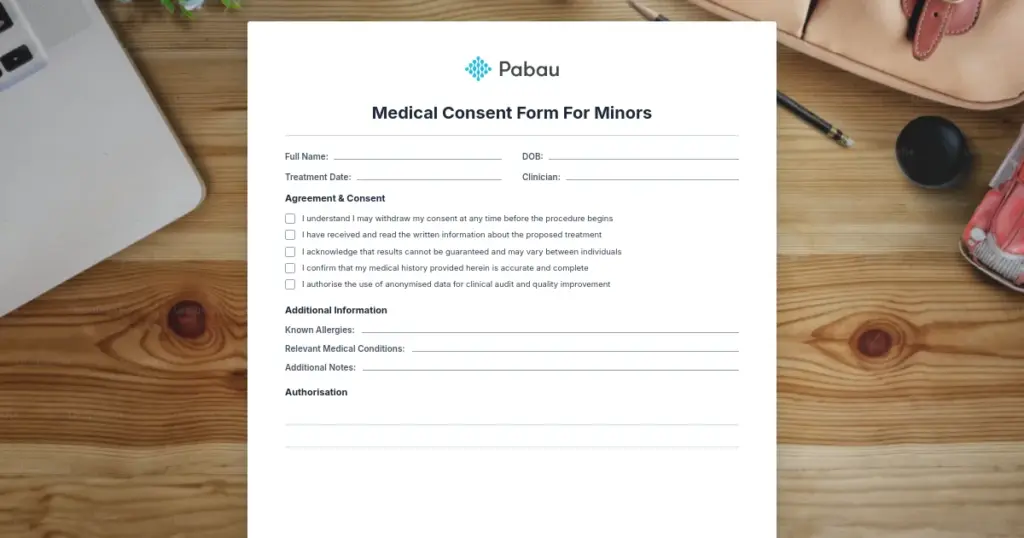
Treating patients under 18? Medical consent form for minors covers the guardian signature and the wording that keeps consent valid.
Running group sessions? Group therapy informed consent shows how to set confidentiality expectations with several clients at once.
Want notes that hold up under review? Safer clinical notes sets out the documentation standards your intake fields should feed straight into.
It is a structured form that collects patient information before the first appointment. Fields cover demographics, medical history, medications, allergies, the presenting concern, insurance, and consent. The clinician starts with full context, and the consent is documented.
Start with contact details, medical history, the reason for the visit, insurance information, and explicit consent declarations. Specialty questions follow, such as mood for mental health or skin type for aesthetics. Aim for 15 to 25 questions in total.
An intake form is a questionnaire that collects background information before the appointment. An intake assessment is an evaluation the clinician carries out during or after the visit. The form is sent ahead. The assessment happens face to face.
Yes. The template on this page is free to download, and the therapy section shows which questions to add. Cover mental health history, current symptoms, treatment goals, and the limits of confidentiality.
Keep the core fields, then add the clinical questions your specialty needs. Simplify the wording, set up conditional logic if the form is digital, and test it on your next 10 patients.
At minimum, you need consent to treatment, acknowledgment of your privacy notice, and consent to be contacted. Mental health adds the limits of confidentiality and crisis procedures. Aesthetic practices add procedural risk disclosures. Always capture a signature or a timestamp.