HCPCS code L0638: Custom fabricated LSO billing guide
HCPCS code L0638 is a brace built for one patient HCPCS code L0638 is the Level ...

Last Updated: Nov 2, 2026
A4367 is the HCPCS Level II code for ostomy belt, each.
Most denied A4367 claims come down to one of three fixable mistakes: no written order on file, the wrong diagnosis code, or a quantity that exceeds the Medicare allowance with no Advance Beneficiary Notice (ABN) to back it up.
Getting those elements right depends on workflow as much as on knowing the code. How practice management software works for DME suppliers determines whether a written order, the correct diagnosis code, and the approved quantity are already in the file before a claim goes out.
Let Pabau's smart automation suggest the right codes, reduce claim denials, and keep your practice compliant—effortlessly.
Automate repetitive tasks and focus on what matters most—your patients.
Reduce coding errors and ensure compliance with the latest regulations.
Clean claims, fewer denials, and faster reimbursements.
Powerful insights and reporting to help your practice thrive.
HIPAA compliant SOC 2 certified GDPR-compliant Trusted by 4,000+ clinics worldwide

HCPCS Code A4367 is the Level II HCPCS descriptor for an ostomy belt, each, used to bill DME suppliers under Medicare Part B
Medicare coverage is governed by LCD L33828 and requires documented medical necessity for patients with a colostomy, ileostomy, or urostomy
Common billing errors include missing a valid written order, exceeding quantity limits without an ABN, and omitting the required ICD-10 Z93.x diagnosis code
Practice management software like Pabau supports HCPCS code tracking and documentation workflows for DME and clinic billing teams
HCPCS Code A4367 carries the official descriptor “Ostomy belt, each.” It is a Level II HCPCS code maintained by the Centers for Medicare and Medicaid Services (CMS) and falls within the ostomy supplies range A4361-A4438. Suppliers bill A4367 to Medicare Part B as a Durable Medical Equipment, Prosthetics, Orthotics, and Supplies (DMEPOS) item, not as a physician procedure. Eligibility, referral status and time thresholds all sit inside the Medicare Benefits Schedule descriptor rather than the code itself.
An ostomy belt secures the pouching system against the abdomen and provides peristomal support. It is billed separately from the pouching system itself. The “each” unit of service means one belt per line item on the claim form.
Medicare Part B covers ostomy belts when the beneficiary has a permanent or temporary ostomy and the belt is documented as medically necessary. The governing authority is LCD L33828 – Ostomy Supplies, administered by the DMEPOS MAC contractors (Noridian for Jurisdictions A and D; CGS for Jurisdictions B and C).
Coverage extends to three ostomy types. Each requires a corresponding ICD-10 diagnosis code on the claim:
LCD L33828 restricts coverage to suppliers enrolled as DMEPOS suppliers with a National Supplier Clearinghouse (NSC) PTAN. A physician, nurse practitioner, or other qualified ordering provider must issue a written order before the belt is dispensed. Coverage does not extend to belts used for cosmetic or convenience purposes without documented clinical rationale for pouching system support.
Per LCD L33828 and MAC policy guidance, quantity limits apply to ostomy belts billed under A4367. Noridian’s correct coding guidance specifies that a single beneficiary is allowed a limited number of belts per defined supply period. Suppliers who bill beyond the allowed quantity without documentation supporting the additional need risk denial and recoupment.
Quantity limits may vary by MAC jurisdiction. Always verify the current allowed quantity against your specific MAC’s policy article before submitting claims. The KX modifier attests that medical necessity criteria in LCD L33828 are met.
If a beneficiary requires an additional belt beyond the allowed quantity, the supplier must issue an Advance Beneficiary Notice (ABN) before delivery and append the GA modifier to the claim. Billing without an ABN when the quantity exceeds the threshold shifts liability to the supplier, not the beneficiary.
Before billing A4367 with the KX modifier, pull the patient’s file and confirm the written order, ostomy type diagnosis, and medical records are all present. Missing any one of these is sufficient grounds for an audit recoupment. Build a pre-submission checklist so coders verify all three before the claim leaves the queue.
Billing supply codes accurately starts with inventory management software that knows what actually left the shelf.
Under LCD L33828, the medical record must substantiate both the presence of an ostomy and the clinical need for a support belt. Per Noridian’s correct coding guidance, the most common reason for denial is a claim submitted without a valid written order.
Suppliers using digital intake forms can standardize the capture of this documentation and clinical detail at intake rather than chasing it before submission.
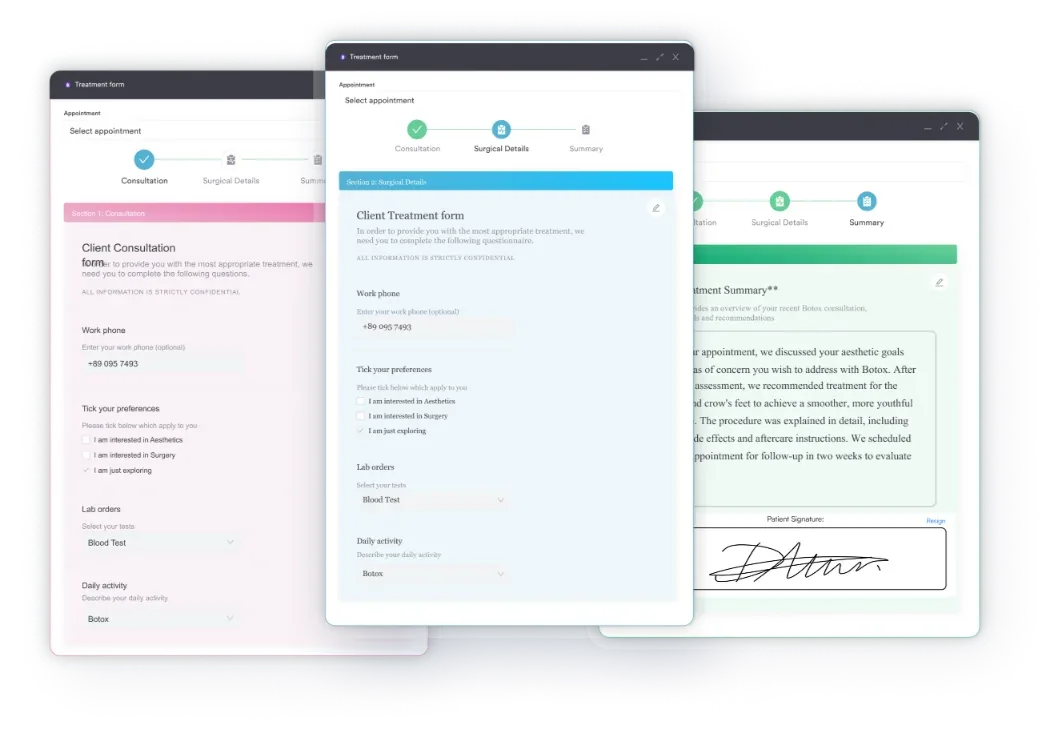
Required documentation before billing A4367:
For quantities above the standard allowance, an ABN signed by the beneficiary must be retained in the file before delivery. Maintaining paperless clinical documentation with audit-ready storage ensures the record is retrievable if a MAC conducts a post-payment review.
Proper prescription management tools also help track order dates against delivery dates, a sequence that auditors check for compliance.

Billing A4367 correctly requires a specific sequence. Skipping steps or reversing their order is how claims end up denied or flagged for review. Suppliers with automated billing workflows can enforce this sequence at the system level, reducing reliance on manual checklists.
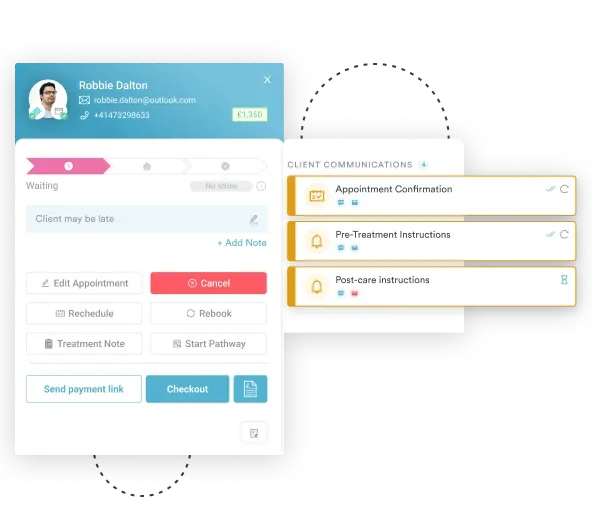

Pabau helps clinic teams and DMEPOS suppliers capture written orders, manage patient records, and track prescriptions in one place, so A4367 claims leave the queue with complete documentation every time.

Every A4367 claim requires a valid ICD-10-CM diagnosis code that establishes the beneficiary’s ostomy status. The Z93 category covers the most common pairings. Confirm that the codes below remain current for the applicable ICD-10-CM fiscal year, as CMS updates the code set annually.
The diagnosis code must reflect the patient’s current documented status, not the original surgical procedure or an unrelated diagnosis. Two mapping errors trigger claim edits most often: entering a procedure code (CPT or ICD-10-PCS) instead of the Z93.x status code, or entering a K-series GI diagnosis code instead of it.
Track the patient compliance documentation cycle, because ostomy status codes should be refreshed in the record at each re-order to confirm ongoing need.
Noridian’s correct coding guidance identifies several recurring errors on A4367 claims. Each one is preventable with a documented workflow and HIPAA-compliant medical records management that keeps the order, diagnosis, and quantity data together in one place.
Run a monthly audit of your A4367 claims against MAC quantity edits. Pull any claim flagged with a CO-119 (benefit maximum reached) or CO-197 (precertification absent) denial code and trace it back to the documentation step where the breakdown occurred. Two or three audits usually reveal a single workflow step that accounts for most denials.
A4367 is one code in a larger range covering ostomy pouching systems, barriers, and accessories. Billers managing ostomy supply accounts typically bill several of these codes together on a single claim. The AAPC HCPCS lookup tool provides a searchable reference for the full A4361-A4438 range. The table below covers the codes most frequently billed alongside A4367.
When submitting claims for multiple ostomy supply codes on the same date of service, check that each code is listed on a separate line and that the combined units do not trigger bundling edits.
The CMS DMEPOS Fee Schedule and the PGM Billing lookup tool both allow you to verify current coverage status and any applicable payment limitations for individual codes before submission.
DME suppliers managing ostomy supply accounts face the same documentation compliance pressure as clinical practices: orders must be tied to records, records must be tied to claims, and every step needs a retrievable audit trail. A practice management platform that handles clinical documentation alongside billing closes the handoff points where errors usually occur.
Pabau’s claims management workflows help billing teams organize HCPCS code documentation, track written orders against delivery dates, and flag missing records before a claim is submitted.
Practices that also provide clinical support to ostomy patients, including primary care and GP practices, pelvic health clinics, or wound care teams, should capture the diagnosis and medical necessity narrative in the patient record at the point of care, so it’s already on file when the supplier requests it.
The result is fewer pre-submission errors and a shorter path from order to clean claim. Our guide on using digital medical forms in a healthcare practice covers this kind of documentation discipline in more detail.
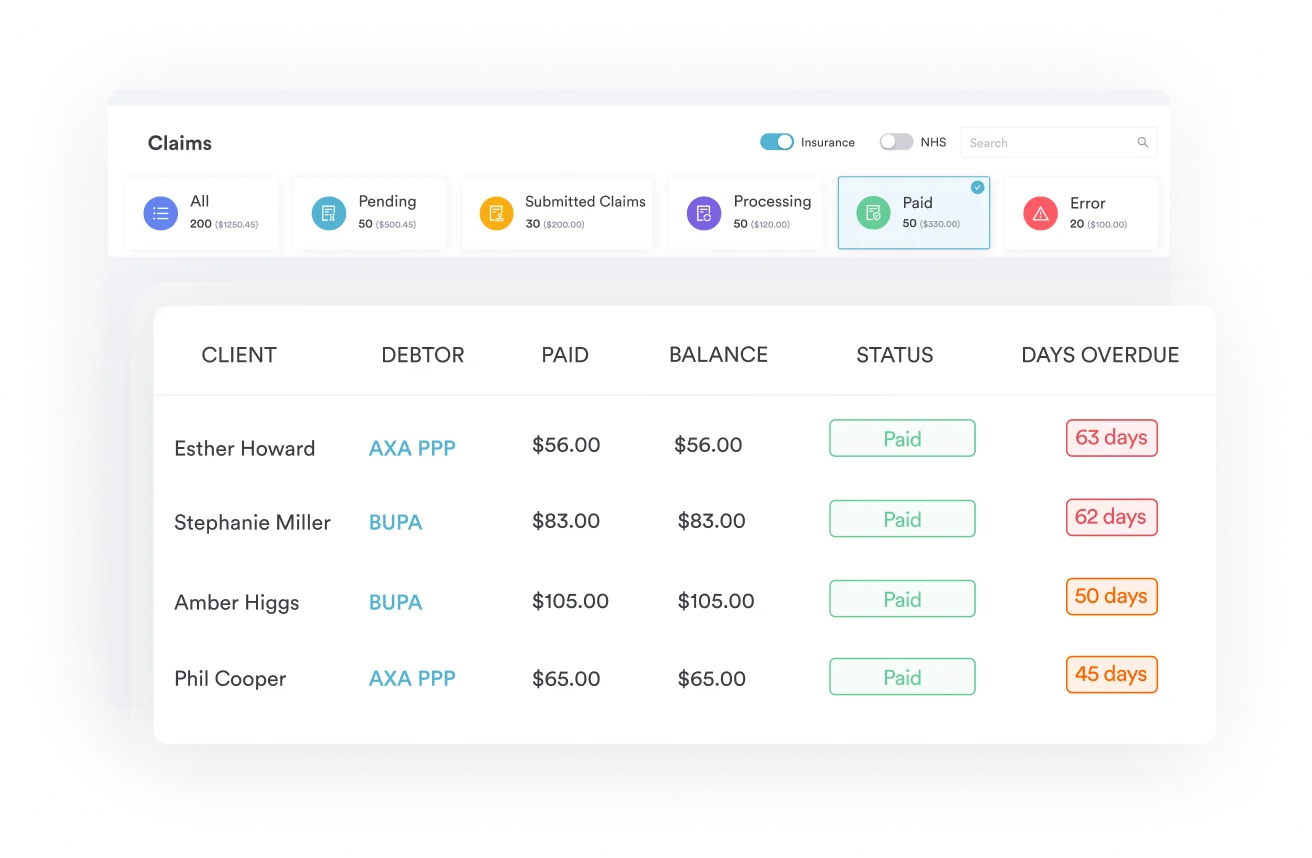
Most A4367 claim denials come down to documentation, not coverage. The belt is covered. The problem is usually a missing written order, a wrong diagnosis code, or a quantity that exceeded the MAC limit without an ABN to support it. Fixing those three issues resolves most of the denial volume.
Pabau’s claims management software helps teams build documentation discipline into the workflow before claims go out, rather than reconstructing records after a denial. If your billing team manages HCPCS Code A4367 alongside broader DME or clinic billing, see how Pabau handles the documentation layer by booking a demo.

Billing another DME accessory under Medicare Part B? E0745 walks through the same LCD-driven documentation and quantity-limit process for a neuromuscular stimulator.
Handling orthotic or prosthetic management billing too? 97763 covers the coding rules for fitting and management visits billed alongside DME supplies.
Coordinating DME orders around a home visit? 99350 explains how home visit billing documentation should line up with a supplier’s written order.
HCPCS Code A4367 covers an ostomy belt, each, billed as a DMEPOS accessory under Medicare Part B for beneficiaries with a documented colostomy, ileostomy, or urostomy. It is a Level II HCPCS code governed by LCD L33828 and requires a written order and valid ICD-10 diagnosis code on the claim.
Bill A4367 under Medicare Part B as a DMEPOS supplier with a valid PTAN. Obtain a written order before dispensing, confirm the applicable Z93.x ostomy status ICD-10 code, apply the KX modifier if all LCD L33828 medical necessity criteria are met, and submit on the CMS-1500 or its electronic equivalent.
Required documentation includes: a written order dated before dispensing, medical records confirming the ostomy type (operative report, discharge summary, or progress notes), clinical notes establishing medical necessity for the belt, and the correct ICD-10-CM Z93.x diagnosis code. For quantities above the MAC allowance, a signed ABN is also required.
Quantity limits for A4367 are set by each DMEPOS MAC and should be verified against the current policy article for your jurisdiction. Noridian guidance typically allows one belt per defined supply period. Quantities above the standard allowance require a signed ABN before delivery and the GA modifier on the claim.
The most commonly required codes are Z93.3 (colostomy status), Z93.2 (ileostomy status), and Z93.6 (other artificial openings of urinary tract status, used for urostomy). The code must reflect the patient’s current ostomy status, not the original surgical procedure. CMS updates ICD-10-CM annually, so verify code validity for the applicable fiscal year.
Yes. LCD L33828 – Ostomy Supplies governs Medicare Part B coverage for A4367. Coverage is available when the beneficiary has a permanent or temporary ostomy, the belt is documented as medically necessary, a valid written order is on file, and the supplier holds a DMEPOS PTAN. Non-covered scenarios include belts dispensed without documentation or for cosmetic purposes.
A4367 specifically covers the ostomy belt used to secure or support the pouching system against the abdomen. Adjacent codes cover different accessories: A4368 is the ostomy filter, A4366 is the ostomy vent, and A4363 is the ostomy clamp. Each code must be billed separately. Billing A4367 when the item delivered is a different accessory is a coding error that triggers claim edits.