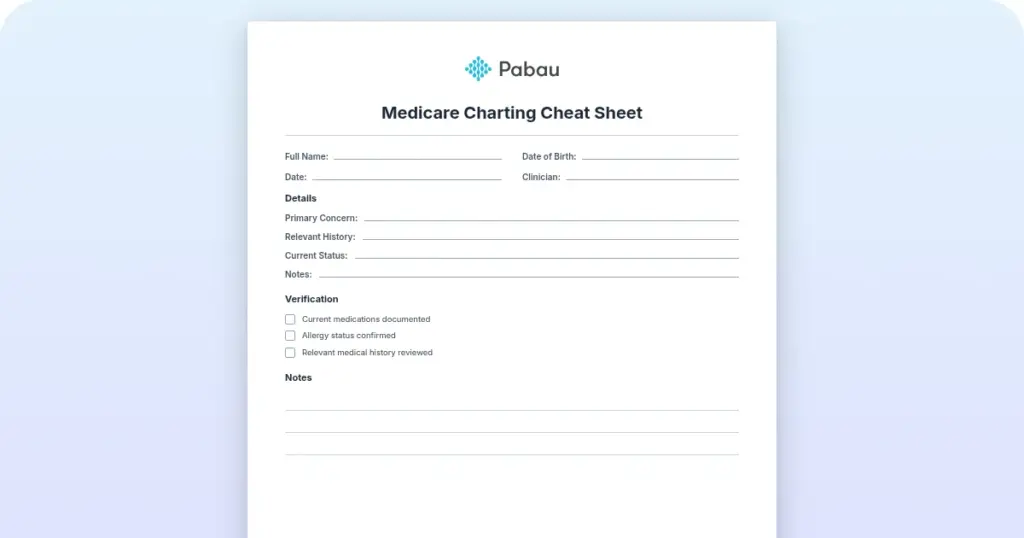
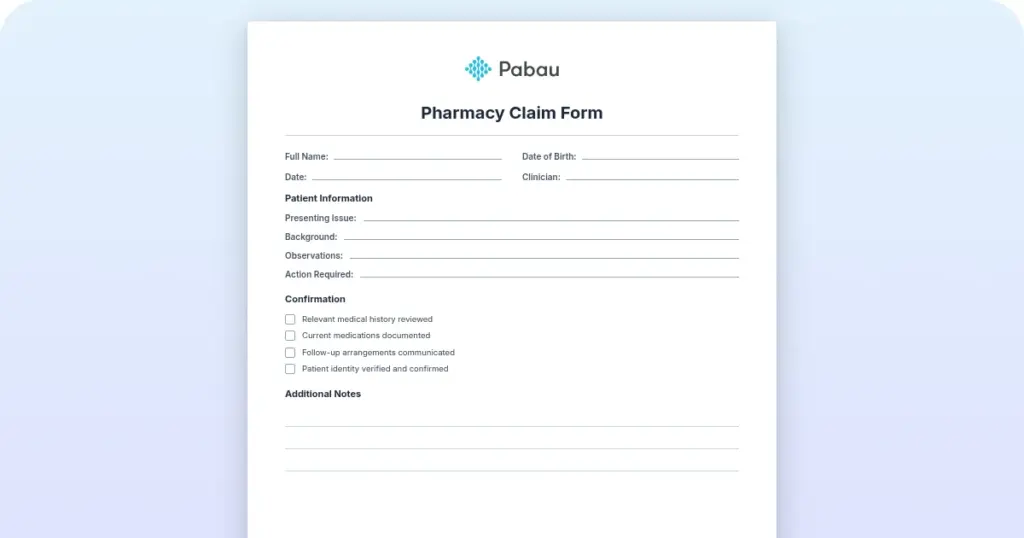
Medicare charting cheat sheet
A Medicare charting cheat sheet is a one-page reference that lists what Medicare...

2
Last Updated: Oct 21, 2026
DrChrono and Practice Fusion are both cloud-based EHRs built for different practices. DrChrono fits multi-specialty, mobile-first teams with its native iOS app and integrated revenue cycle management, while Practice Fusion suits small, independent primary care practices wanting a simple, browser-based system with strong e-prescribing.

DrChrono vs Practice Fusion: DrChrono suits multi-specialty practices needing iOS-native workflows; Practice Fusion targets small independent primary care clinics.
Billing: DrChrono includes a fully integrated RCM service with dedicated managers; Practice Fusion relies on external billing partners, adding coordination overhead.
Practice Fusion entered a $145M DOJ settlement in 2020 over its pharmaceutical advertising model, raising concerns for clinical environments.
Pabau offers a modern alternative purpose-built for private and aesthetic clinics, with all-in-one scheduling, billing, and patient management from $65/month.
The DrChrono vs Practice Fusion decision comes up often for independent and small-group medical practices hunting for a cloud-based EHR that won’t drain the budget or require a dedicated IT team. Both platforms have been around long enough to accumulate real user feedback, and that feedback tells a nuanced story: neither is a clear universal winner. Before you compare clinic software options across the wider market, it helps to understand exactly where each of these two systems excels and where they fall short.
This guide evaluates both platforms across clinical documentation, billing, scheduling, mobile access, pricing, and integrations. It also introduces Pabau as a third option worth considering, particularly for private practices, aesthetic clinics, and multi-service medical businesses that neither DrChrono nor Practice Fusion was designed to serve.
Here is how the two platforms stack up on the criteria that matter most to practice administrators.
Clinical documentation is where the difference between the two platforms becomes most visible. DrChrono offers highly customizable charting templates across dozens of specialties. Practices can build condition-specific workflows for dermatology, orthopedics, family medicine, and more, which is also the specialty depth that puts it up against specialty-first systems in a ModMed vs DrChrono comparison. Each template can be modified per provider, which matters in group practices where different clinicians document differently.
Practice Fusion takes the opposite approach. Its built-in templates cover primary care competently, but customization options are narrower. What it lacks in flexibility, it partly compensates for with simplicity. Providers who see high volumes of straightforward primary care encounters generally find the interface easier to navigate, and G2 reviewers give it a notably strong score for workflow management.
Both platforms support e-prescribing, lab integrations, and imaging connections. DrChrono holds ONC Health IT certification and supports MIPS/MACRA reporting with a live dashboard, which is relevant for practices that accept Medicare and need to track quality metrics. Practice Fusion also holds ONC certification. Neither platform has published confirmed native ambient AI charting capabilities as of this writing; verify directly with each vendor before assuming that feature is available.
Billing is where the comparison gets particularly sharp. DrChrono includes an integrated RCM service with certified coders, a dedicated RCM manager, and what it describes as 24-hour denial resolution. Everything from claim submission to payment tracking sits inside one system, reducing the need for staff to coordinate between separate applications. For practices that have struggled with claim denials or billing staff turnover, having the RCM infrastructure inside the EHR is a meaningful operational advantage.
Practice Fusion handles the front-end of billing, including electronic claim submission, denial management, and financial reporting. However, many practices using Practice Fusion partner with external billing companies for full RCM support. That coordination layer adds administrative overhead and, in some cases, delays. It is worth asking any prospective billing partner what their denial resolution timeline looks like and how data flows between their system and Practice Fusion’s.
For practices that want tighter control over their claims management without juggling multiple vendors, this distinction matters more than it might initially appear. A billing process that runs through three systems instead of one creates reconciliation work that compounds over time.
The DrChrono vs Practice Fusion cost question is hard to answer head-on, because neither vendor publishes granular pricing on its website. As with the cost of EHR software generally, the real figure depends on your specialty mix, user count, and add-ons. DrChrono offers tiered plans that can escalate with add-ons, and the RCM service pricing is separate from the EHR subscription. Practice Fusion historically offered a free tier supported by pharmaceutical advertising, but moved to a paid model after a Department of Justice settlement in January 2020. The DOJ settlement totaled $145 million and related to Practice Fusion accepting payments from a pharmaceutical company in exchange for influencing physician prescribing through its EHR’s clinical decision support alerts. The DOJ press release is public record. Any practice weighing Practice Fusion should factor this history into its evaluation, particularly where prescribing autonomy matters. Splitting scheduling and records across two tools creates a practice management job nobody owns.
Ask any EHR vendor to walk you through the complete billing workflow from charge capture to payment posting in a live demo. The number of clicks, screens, and handoffs between systems often reveals hidden complexity that a feature list won’t show.
For scheduling, DrChrono takes the more developer-friendly approach. Its open API lets practices embed appointment availability directly into external websites, and preset appointment profiles simplify repetitive scheduling tasks. This is genuinely useful for practices that want a patient-facing booking experience without adding a separate scheduling tool.
Practice Fusion covers standard appointment scheduling and patient management. It is functional for smaller practices with predictable appointment types, but it does not offer the same level of scheduling customization or external embedding options that DrChrono does.
Both platforms provide patient portals, though depth and functionality vary. Practices that rely heavily on patient-initiated booking, automated appointment reminders, and pre-visit digital intake should evaluate the digital intake forms and automation capabilities of each platform carefully, as these workflows can significantly affect front-desk workload.

Mobile access is a defining differentiator between the two platforms. DrChrono was among the earliest EHR platforms to launch a native iOS app, and it remains tightly integrated with iPhone and iPad workflows. Providers who conduct rounds, work across rooms, or prefer charting on a tablet will find DrChrono’s mobile experience genuinely functional rather than a stripped-down version of the desktop interface. The platform also supports a mobile patient check-in app and self-check-in kiosk functionality on iPad.
Practice Fusion is cloud-based and runs in any web browser, meaning it works on mobile devices via a mobile browser rather than a dedicated native app. For practices where providers primarily chart at a desk, this is not a meaningful limitation. For practices with more ambulatory workflows, it becomes a material gap.

Pabau is built for the workflows that DrChrono and Practice Fusion were never designed to handle. Automated scheduling, integrated billing, consent forms, before-and-after photos, and more in one platform.

Integration depth is another area where the two platforms clearly diverge. DrChrono’s open API is one of its most-cited advantages. The platform connects with labs, imaging systems, payment processors, and external applications. Practices with developers on staff or IT support can build custom integrations using the API, giving them meaningful flexibility.
Practice Fusion supports lab and imaging integrations and connects with several third-party tools, but its ecosystem is narrower. The open API capability that DrChrono offers is not a feature Practice Fusion matches at the same level.
For both platforms, HIPAA compliance is a baseline expectation. Under HIPAA’s requirements, any EHR handling protected health information must meet the HHS Security Rule standards for administrative, physical, and technical safeguards. Verify each vendor’s current BAA terms and ONC certification status directly before signing a contract.
DrChrono reviews paint a fairly consistent picture. Capterra reviewers give DrChrono 3.4 out of 5, and G2 reviewers give it 3.4. Positive themes include the iOS app quality, customizable templates, and the integrated RCM experience. Recurring complaints focus on customer support response times, pricing complexity as add-ons accumulate, and occasional mobile syncing issues.
Practice Fusion reviews tell a similar story. Capterra reviewers give Practice Fusion 3.7 out of 5, with positive feedback centered on ease of learning, e-prescribing usability, and accessibility from any browser. Critical reviews highlight limited customization, concerns about the 2020 DOJ opioid kickback settlement, and frustration with external billing coordination. Practices that prioritize scalability consistently flag Practice Fusion’s limitations for growing or multi-provider operations.
Neither platform reaches a 4-star average on the major review sites, which is worth noting when benchmarking against alternatives. Both have meaningful user bases that highlight genuine strengths, but neither is without friction. If you’re already planning a switch, our roundup of alternatives to Practice Fusion lists review scores for six options.
If you run a private medical clinic, aesthetic practice, or multi-service wellness business, the DrChrono vs Practice Fusion comparison may be the wrong frame entirely. Both platforms were designed primarily for US primary care and multi-specialty medical groups. They were not designed for the operational complexity of practices that blend clinical care with aesthetic treatments, membership programs, retail sales, and high-frequency patient communications.
Specialized practices need this too. ADHD clinics and metabolic health practices often need documentation and billing workflows neither DrChrono nor Practice Fusion was built around.
If you have been searching for a DrChrono alternative built for private clinics rather than hospital-affiliated groups, Pabau fits exactly that context. It serves medical spa software users, private GP practices, aesthetic clinics, dermatology practices, and wellness businesses that need scheduling, clinical documentation, billing, consent management, marketing automation, and patient communications in one unified system. There is no need to bolt on separate tools for online booking, automated reminders, or before-and-after photo management.
Aesthetic clinics such as Skin With Bea Esthetics have already made that switch, moving off a general EHR onto workflows built specifically for aesthetic treatments.
On the ratings that matter most to buyers, Pabau holds a 4.7 out of 5 from over 600 verified reviews on Capterra. That sits comfortably above DrChrono’s 3.8 and Practice Fusion’s 3.7. Reviewers consistently highlight Pabau’s automation tools, responsive support team, and intuitive onboarding. The platform starts from $65/month, with transparent tiered pricing that scales by location and user count rather than locking key features behind higher tiers.
Clinical documentation carries over too. Pabau’s dictation and letter generation tools draft referral letters straight from the consultation note.
For practices evaluating choosing an EHR for private practice, Pabau’s value proposition is different from both DrChrono and Practice Fusion. It is not trying to compete for hospital-affiliated group practices or Medicare-heavy primary care workflows. It is purpose-built for the private clinic model, where patient experience, treatment continuity, and operational efficiency drive both retention and revenue.
Native payment processing, through Pabau Pay, removes the external billing coordination that Practice Fusion practices often need.
The DrChrono vs Practice Fusion decision depends on your practice model, technical appetite, and billing setup.
Choose DrChrono if your practice operates across multiple specialties, relies on iPad-based workflows, wants fully integrated RCM without a separate billing vendor, and has the technical capacity to take advantage of an open API. It is the stronger platform for practices that need deep customization and can absorb a more complex onboarding process.
Choose Practice Fusion if you run a small independent primary care practice, prioritize ease of use over customization, and primarily chart at a desk rather than on a mobile device. Among EHRs for small practices, its browser-based accessibility and clean primary care workflows suit solo and small-group physicians who don’t need specialty-specific depth.
Solo physicians narrowing this further can also compare dedicated options in our primary care EHR roundup.
Consider Pabau if your practice sits outside the traditional primary care or multi-specialty group model. Private clinics, aesthetic practices, weight loss centers, IV therapy businesses, and multi-service wellness practices will find that DrChrono and Practice Fusion were not designed for their operational reality. Pabau was.
If none of these three fits well, compare Jane App alternatives, Carepatron alternatives, or Zenoti competitors for adjacent practice types.

Choosing between Jane App and SimplePractice? Jane App vs SimplePractice comparison weighs SimplePractice’s solo billing and telehealth strengths against Jane App’s fit for multidisciplinary scheduling.
Weighing enterprise muscle against affordable simplicity? Meevo vs Vagaro comparison compares Meevo’s enterprise-level features against Vagaro’s lower cost and faster setup for small teams.
Curious how Pabau compares to other alternatives? Pabau competitors and alternatives provides a structured overview of the broader market.
The DrChrono vs Practice Fusion comparison comes down to practice type and operational priorities. DrChrono leads on mobile access, RCM integration, and customization for multi-specialty practices. Practice Fusion wins on simplicity and ease of adoption for small independent primary care physicians. Neither platform is designed for private clinics, aesthetic medicine, or the multi-service wellness model.
If your practice fits that private clinic profile, Pabau’s automation, consent management, and unified patient journey tools fill the gaps that both DrChrono and Practice Fusion leave open. See how Pabau handles the full clinical and operational workflow by booking a demo.
DrChrono is a more feature-rich, customizable EHR designed for multi-specialty practices with a strong native iOS app and integrated RCM. Practice Fusion is simpler, browser-based, and better suited to small independent primary care practices that prioritize ease of use over depth.
Practice Fusion is generally the better fit for small independent primary care practices that want a simple, browser-accessible EHR with strong e-prescribing. DrChrono suits small practices that also need multi-specialty customization or iPad-native workflows.
No. Practice Fusion moved away from its advertising-supported free tier following a $145M DOJ settlement in January 2020. It now operates on a paid subscription model; contact Practice Fusion directly for current pricing.
DrChrono offers fully integrated RCM with certified coders and a dedicated RCM manager. Practice Fusion handles front-end billing but typically requires external billing partners for full revenue cycle management, adding coordination overhead for the practice.
On forums like r/medicine, solo physicians tend to praise Practice Fusion for being quick to learn and inexpensive to run, while DrChrono comes up when a practice wants iPad charting and built-in billing under one login. The recurring theme in these threads is fit rather than a clear winner: small primary care setups lean toward Practice Fusion, and multi-specialty or mobile-heavy practices lean toward DrChrono.
Yes. DrChrono was among the first EHR platforms to offer a native iOS app and is tightly optimized for iPhone and iPad use, including a mobile patient check-in app. Practice Fusion is browser-based only and does not offer a dedicated native mobile app.