HCPCS code L0638: Custom fabricated LSO billing guide
HCPCS code L0638 is a brace built for one patient HCPCS code L0638 is the Level ...

Last Updated: Nov 2, 2026
V5140 is the HCPCS Level II code for binaural, behind the ear.
That last point decides most V5140 claims. Whether you get paid depends far more on the payer than on the code. It also walks the billing sequence that keeps denials down.
Let Pabau's smart automation suggest the right codes, reduce claim denials, and keep your practice compliant—effortlessly.
Automate repetitive tasks and focus on what matters most—your patients.
Reduce coding errors and ensure compliance with the latest regulations.
Clean claims, fewer denials, and faster reimbursements.
Powerful insights and reporting to help your practice thrive.
HIPAA compliant SOC 2 certified GDPR-compliant Trusted by 4,000+ clinics worldwide

HCPCS code V5140 is the Level II code for a binaural, behind the ear hearing aid, dispensed as two devices.
The code sits in the V5008-V5364 range for hearing and speech-language pathology services, maintained by CMS.
Traditional Medicare Part B excludes hearing aids, so V5140 is not reimbursable for most beneficiaries.
Medicaid coverage varies by state, and commercial payers often cover V5140 with prior authorization and a current audiogram.
Practice management software like Pabau tracks payer verification, authorization, and documentation before the claim goes out.
HCPCS code V5140 has the official descriptor Binaural, behind the ear. It belongs to HCPCS Level II, the alphanumeric code set maintained by the Centers for Medicare and Medicaid Services (CMS). Level II covers products and services CPT codes do not reach, including durable medical equipment, orthotics, prosthetics, and hearing devices.
The V5 range runs from V5008 to V5364, covering hearing and speech-language pathology services. Vision codes sit in a separate V2020-V2799 range. V5140 is the binaural BTE entry, meaning the devices fit behind both ears rather than inside the canal.
Because the same range carries speech-language pathology codes, speech therapy practices run into the same payer variation audiologists do. Both specialties bill V codes to plans that set their own hearing and speech benefit limits.
Binaural, behind the ear means two hearing aids, one sitting behind each ear. Binaural describes the fitting and behind the ear describes the device style. V5140 requires both to be true.
Binaural means the hearing aid system fits both ears. The patient receives two devices, one for each ear. A monaural fitting aids only one ear.
Behind the ear (BTE) refers to the physical device style. The main body sits behind the auricle, with a thin tube or receiver wire carrying sound into the ear canal.
BTE is one of several form factors. Others include in-the-ear (ITE), in-the-canal (ITC), receiver-in-canal (RIC), and completely-in-canal (CIC). Each style has its own HCPCS code.
Billing V5140 when only one device is dispensed triggers an automatic denial. Confirm the binaural fitting in the dispensing record before the claim goes out.
Selecting the wrong code is the leading cause of hearing aid claim denials. The V5 descriptors sit close together and are easy to confuse. Use the table below to confirm the code before you submit through your claims management software.
The closest match to V5140 is the same behind-the-ear style, which covers the same behind-the-ear style fitted to one ear only. Everything else in the table changes either the ear count or the device style.
Dispensing fee codes are billed separately from device codes. V5160 is the binaural dispensing fee, and V5200 is the contralateral monaural equivalent. Some payers require the fee code alongside the device code and others bundle it, so verify the policy first.
Traditional Medicare Part B does not cover hearing aids for most beneficiaries. Hearing aids, including binaural BTE devices billed as V5140, are excluded under Section 1862(a)(7) of the Social Security Act. Submitting V5140 to Part B for reimbursement produces a denial.
A few exceptions are worth knowing:
Record the payer coverage verification outcome in the patient record before the fitting appointment, not after. That order prevents fitting binaural BTE aids and then discovering the exclusion at claim submission. HIPAA-compliant documentation keeps the record defensible, and automated workflows can flag Medicare patients for verification during intake.
Medicaid coverage for V5140 varies by state. State programs set their own hearing aid policies, and several do cover hearing aids for adults. Benefit limits, device price caps, and replacement frequency rules differ between them.
Requirements differ by plan, so verify V5140 coverage for each commercial payer rather than reusing assumptions from an earlier claim. Standardized medical forms that capture the verification outcome keep that check auditable.
Traditional Medicare Part B does not cover V5140, so there is no Medicare Physician Fee Schedule rate for the code. Reimbursement benchmarks come from state Medicaid fee schedules and commercial payer contracts, and both vary widely.
For official 2026 rate data, use the CMS fee schedule lookup and your state Medicaid portal. Commercial benchmarks come from payer contracts and audiology association fee surveys. Treat third-party rate estimates as reference ranges, never as billing certainty.
Audit your payer mix annually. If a large share of your audiology panel carries Medicare Advantage rather than traditional Medicare, the V5140 coverage picture changes. Note which Advantage plans in your area cover hearing aids and at what benefit limits, then build that into intake verification.
V5140 claims follow a defined sequence, and skipping a step raises denial risk. Use this workflow for every binaural BTE dispensing encounter.
Patient management software that holds payer verification status, authorization numbers, and audiogram dates at the patient level removes the manual checklist. Nothing then depends on someone remembering to open a spreadsheet before the fitting.
Incomplete documentation is the second most common reason V5140 claims are denied, behind payer coverage. Every claim needs these records on file before submission. Digital intake forms capture them at the point of care instead of after the fact.
Structured patient records that link each document to the encounter date let billing staff pull the full set quickly. That speed matters when a payer queries a claim or opens an audit.
Hearing aid denials follow predictable patterns. Knowing them makes appeal preparation faster and stops you resubmitting a claim with the same defect.
For a documentation denial, gather the full record set and submit it with a cover letter naming what is now attached. For a benefit limit denial, include a clinical note explaining why early replacement is medically necessary.
The denials above are workflow failures more often than coding failures. The coder picks the wrong code because the dispensing record was incomplete. The claim reaches Medicare because the intake verification step never happened. The authorization is missing because approvals lived on a spreadsheet nobody opened. Front-desk data entry and back-office coding both feed cash collection, so errors compound downstream.
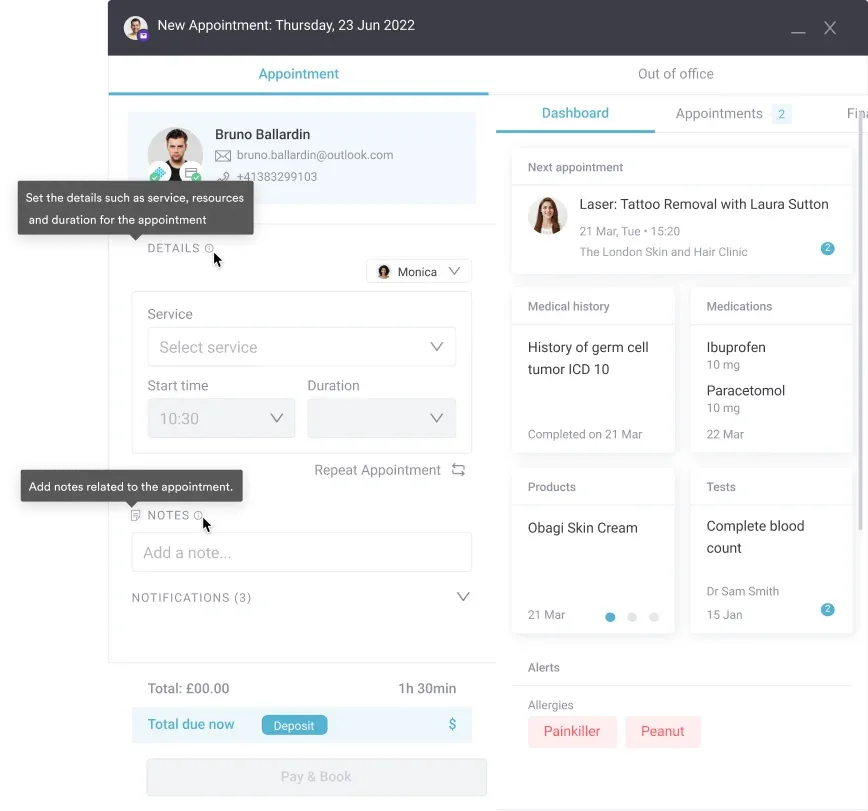
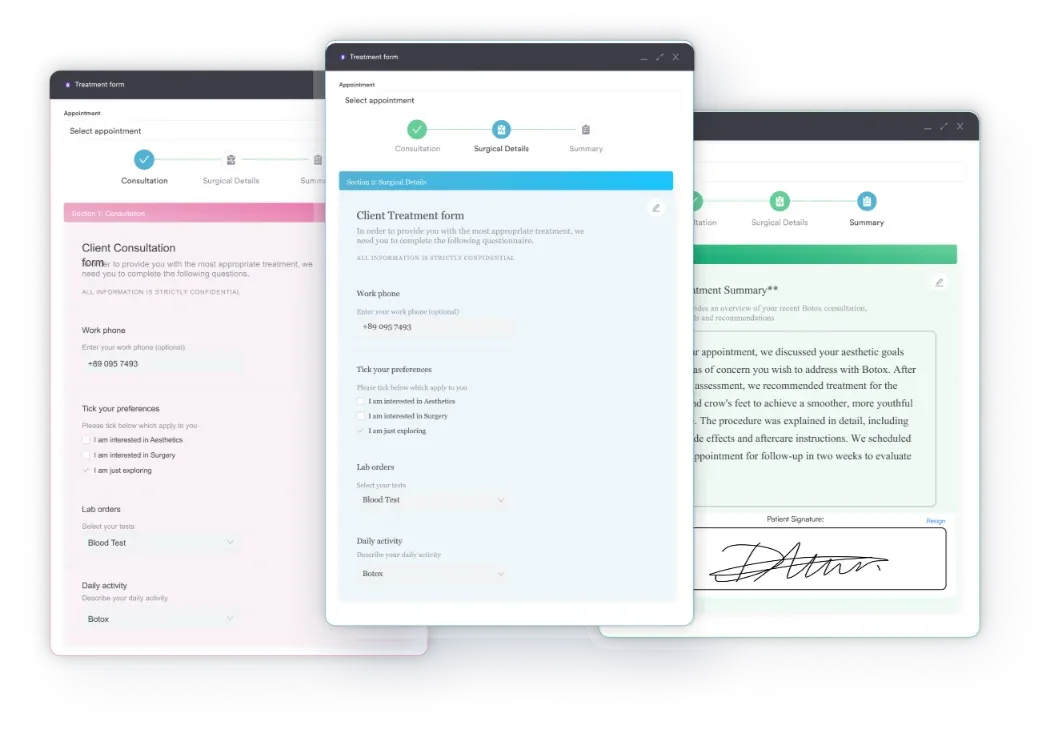
Practice management software like Pabau addresses those failure points in the workflow itself. Custom forms capture the audiogram date, the signed order, and the device configuration into the client record.
The appointment record then holds the payer verification outcome and the authorization number. Billing staff read both from the same screen they use to build the claim. Pabau runs in audiology, physical therapy practices, and other allied-health settings that bill payer-specific code sets.
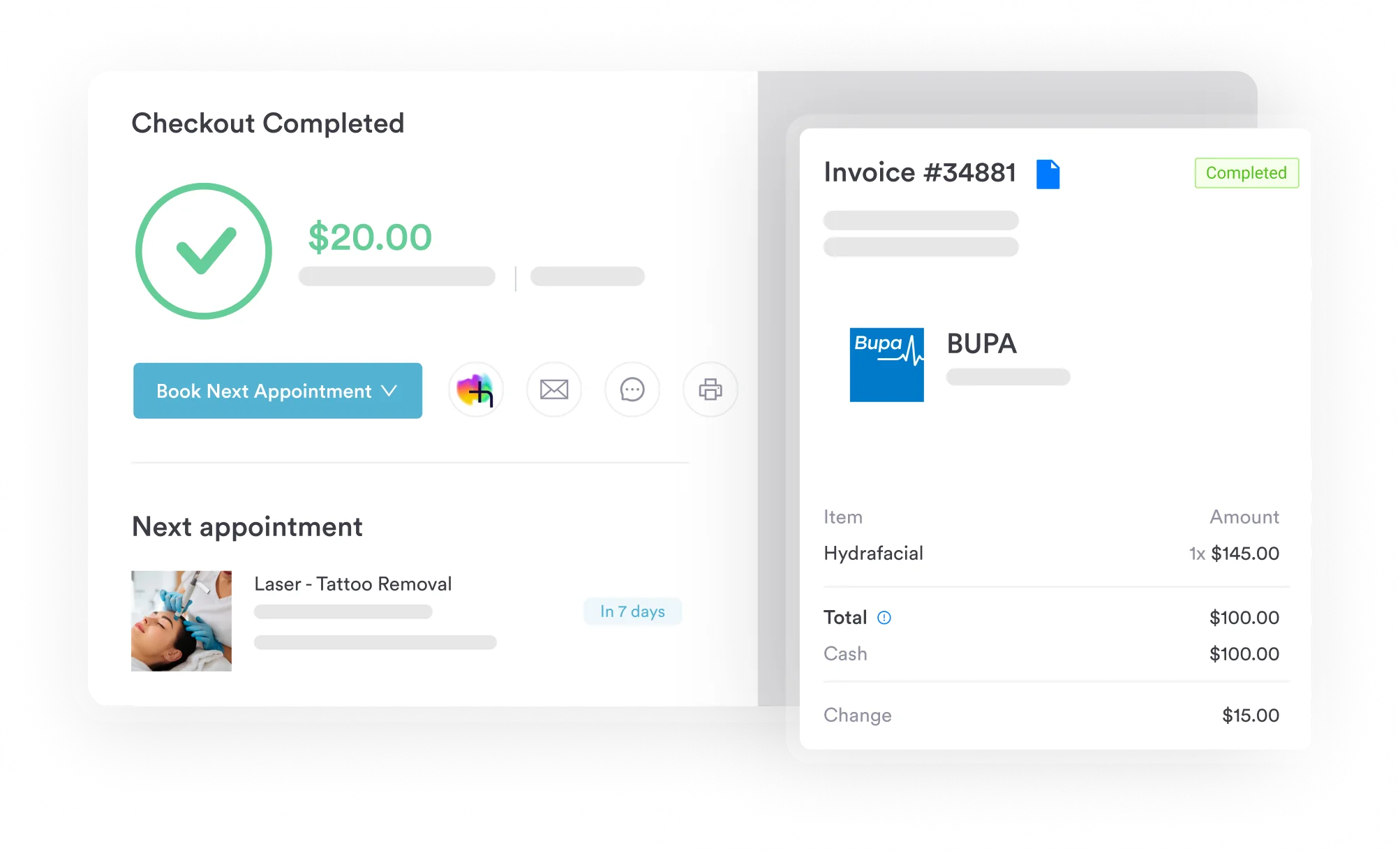
Once the clinical and administrative sides share one record, hand-off errors drop. EHR integration moves the audiogram date, device configuration, and prescription reference into the billing workflow without re-entry. Claims management then submits and tracks the claim from the record data you already hold.

Pabau keeps payer verification, authorization numbers, and dispensing documentation on the client record. Your hearing aid claims leave the practice complete the first time.

The code itself is the easy part. V5140 has one descriptor and one clinical trigger, so the decision at dispensing is rarely ambiguous. What decides payment is the payer you chose and the paperwork you gathered before the device left the room.
So the work moves earlier. Verify coverage before the fitting rather than after. Treat the audiogram, the order, and the authorization as prerequisites for the fitting. The trade-off is a slower intake in exchange for a much smaller denial pile.
Pabau gives audiology teams one place to track coverage, authorization, and documentation before a V-code claim leaves the practice. Book a demo to see how it handles hearing aid billing end to end.

Billing an imaging-guided biopsy procedure? CPT Code 10009 guide CPT Code 10009 covers fine needle aspiration biopsy with CT guidance for the first lesion in a session.
Coding a related MRI-guided biopsy add-on? CPT code 10012 guide CPT code 10012 is the add-on code for fine needle aspiration biopsy performed under MRI guidance.
Billing an image-guided drainage procedure? CPT Code 10030 billing guide CPT Code 10030 covers image-guided drainage of a fluid collection such as an abscess, hematoma, or seroma.
Billing another device code that hinges on prior authorization? A4290 walks the same verify, authorize, and document sequence for a sacral nerve stimulation test lead.
Coding an add-on localization procedure? CPT Code 10036 guide CPT Code 10036 is the add-on code for soft tissue localization when a radiologist places devices across multiple lesions.
HCPCS code V5140 is the Level II code for a binaural, behind the ear hearing aid. Two behind-the-ear devices are dispensed, one fitting each ear. The code sits in the V5008-V5364 hearing services section and is maintained by CMS.
No. Traditional Medicare Part B does not cover hearing aids, including V5140, for most beneficiaries. Some Medicare Advantage plans offer supplemental hearing benefits that cover V5140. Coverage varies by plan, so verify Advantage benefits before dispensing.
V5130 describes a binaural, in-the-ear hearing aid, while V5140 describes a binaural, behind-the-ear hearing aid. Device style is the distinction. V5130 fits inside both ear canals and V5140 sits behind both ears. Select the code that matches the device dispensed.
Medicaid coverage for V5140 depends on the state. Some Medicaid programs cover hearing aids for adults, subject to benefit limits and prior authorization. Others do not cover them at all. Check your state’s fee schedule and coverage policy before you dispense.
You need a current audiogram, a signed prescription or order, and a medical necessity statement. Add device specifications confirming the binaural BTE configuration, plus a prior authorization number where the payer requires one. Requirements vary by payer, so verify before submitting.
Binaural codes such as V5140 apply when two devices are dispensed, one for each ear. Monaural codes such as V5060 apply when only one device is dispensed. Billing V5140 for a monaural fitting is a coding error, and it results in denial.