Zenoti vs Vagaro: 2026 Comparison, Costs & Feature Breakdown
Compare Zenoti and Vagaro in 2026 - features, pricing, pros & cons. Find which p...

March 27, 2026


Buy now, pay later is now available in Pabau

Setmore is great for basic scheduling—but limited for growing clinics.
Pabau is the perfect alternative for clinics: Combines EMR, CRM, payments, and marketing in one platform.
Calendly is best for consultants and small teams: Simplifies scheduling needs with automated reminders and smart calendar integration.
Bookeo is best for service businesses and tours: Manages appointments, classes, and bookings with real-time availability and secure payments.
If you’ve outgrown simple scheduling software like Setmore, you need the right alternatives to manage and scale your business.
This guide compares the top 7 competitors to help you find the perfect match for your clinic’s workflow and budget in 2026.
| Name | Best For | Standout Feature | Price Starting Point | Overall Rating (Capterra) |
|---|---|---|---|---|
| Pabau | Growing clinics & multi-location medical/aesthetic practices | All-in-one EMR + CRM + marketing + revenue reporting | $69/month | 4.7 |
| Calendly | Consultants, sales teams & small professional services | Smart lead routing & automated scheduling workflows | Free plan available ($12/seat/month Standard) | 4.7 |
| Bookeo | Small service businesses & tour operators | Real-time booking dashboard + built-in POS | $14.95/month | 4.2 |
| Bookafy | Solopreneurs & budget-conscious teams | Generous free plan with unlimited appointments | Free plan available ($9/user/month Pro) | 4.7 |
| Appointy | Fitness studios & class-based businesses | Resource scheduling + social media booking tabs | Free plan available ($29.99/month Growth) | 4.6 |
| Acuity Scheduling | Salons, therapists & subscription-based services | Memberships, packages & flexible pricing models | $20/month | 4.8 |
| SimplyBook.me | Multi-channel & international service businesses | 80+ modular custom features + branded client app | Free plan available (€11.90/month Basic) | 4.6 |
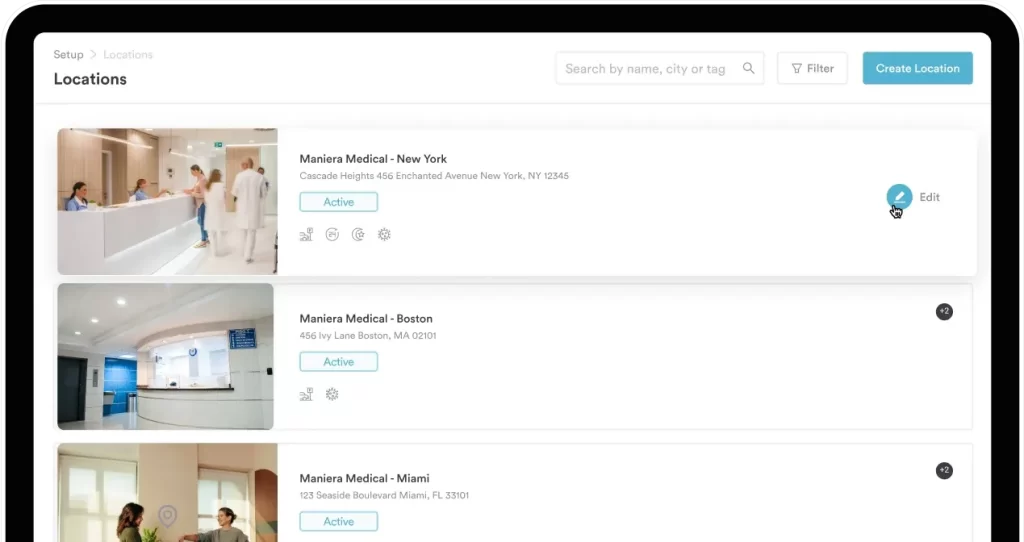
Pabau is practice management software built for growing clinics, and it offers much more than simple scheduling.
While Setmore focuses solely on appointments, Pabau combines booking, CRM, payments, marketing, and clinical tools—all in one platform.
It’s especially strong for med spas, injectables, dermatology, psychotherapy, GP clinics, and multi-location operations, providing advanced automation and retention features like deposits, packages, memberships, and loyalty programs.
Unlike basic booking tools like Setmore, Pabau is built to run your entire clinic, and not just your calendar.
By bringing your operations, clinical workflows, and revenue tools together in one place, Pabau helps you run a more efficient, compliant, and profitable business.
Some of Pabau’s powerful features that make this possible include:
With Pabau, you can maintain comprehensive, fully centralized client records that give your team a 360° view of every client interaction. From contact details and appointment history to consultation notes, treatment records, invoices, consent forms, and communication logs—everything is stored securely in one place.
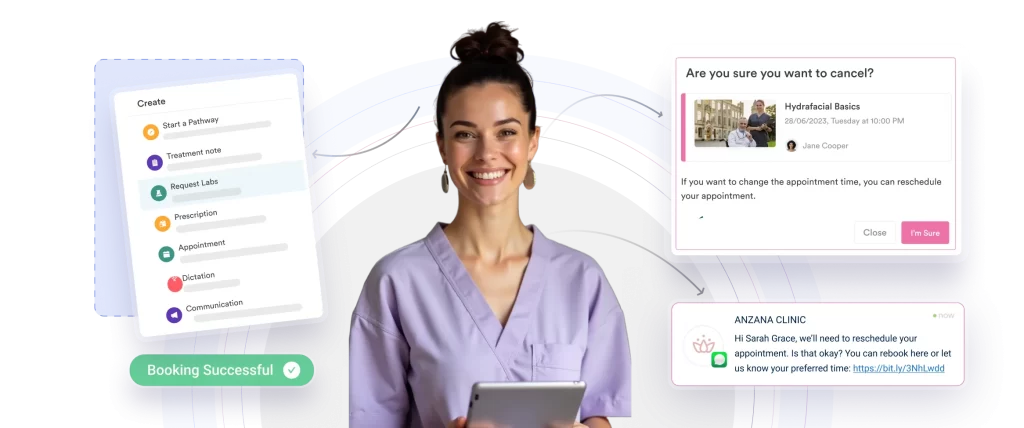
The built-in CRM system allows you to:
This eliminates scattered information across spreadsheets and inboxes, improves team collaboration, and ensures a consistent, personalized client experience at every touchpoint.
Pabau’s integrated Electronic Medical Records (EMR) system simplifies clinical documentation while maintaining compliance and accuracy. You can easily record treatments, update medical histories, and store digital consent forms in a secure, structured format.
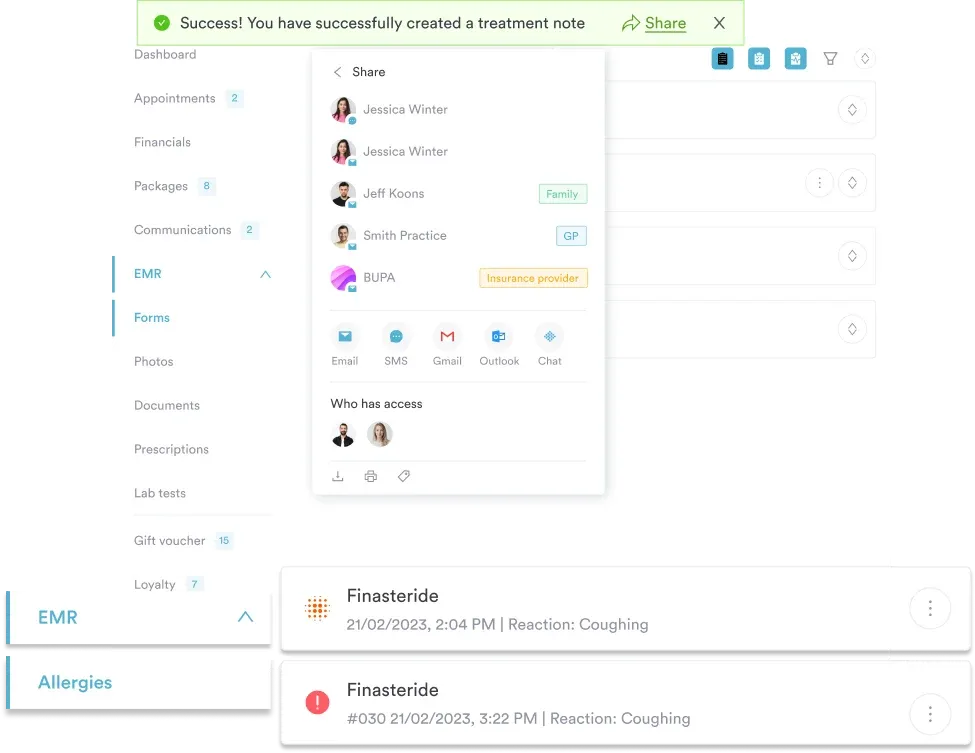
Key capabilities include:
Find out what the 7 best EMR software for medical and aesthetic practices are in 2026.
Pabau allows you to create recurring memberships, prepaid treatment bundles, gift vouchers, and automated deposit systems—all within the same platform.

This feature helps you:
Explore some ideas on how to create your med spa membership packages.
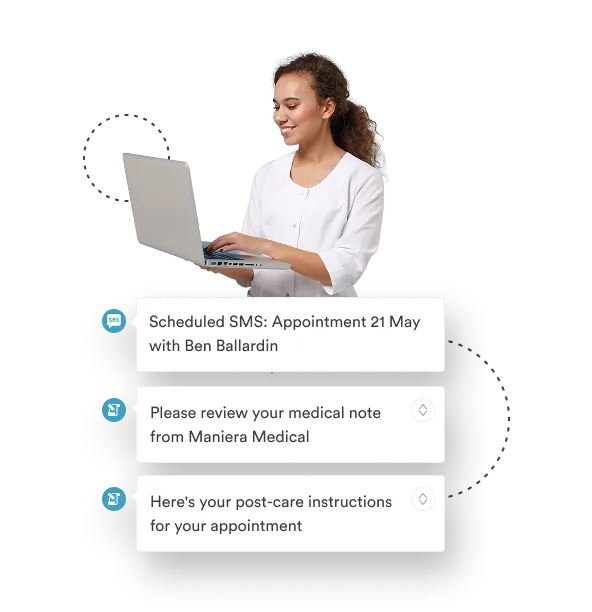
Pabau offers intelligent reminders, follow-ups, and targeted marketing campaigns designed to re-engage clients and maximize appointment capacity.
You can:
| Plan | Price | Who it’s for | Features included |
|---|---|---|---|
| Startup | $69 / month | Solo practitioners with up to 100 clients | Full feature set |
| Solo | Custom quote | Individual user, unlimited clients | Full feature set |
| Team | Custom quote | 2–3 users, unlimited clients | Full feature set |
| Medium | Custom quote | 4–5 users, unlimited clients | Full feature set |
| Group | Custom quote | 6–15 users, unlimited clients | Full feature set |
| Enterprise | Custom quote | 15+ users, unlimited clients | Full feature set |
Billing is typically monthly or annually, with discounted rates available for prepaid commitments.
However, when you compare Setmore’s plans and costs, it becomes clear that Pabau’s premium price covers medical features that basic tools charge extra for or lack entirely.
“Pabau has been a game changer for my clinic, it keeps everything running smoothly and professionally. From managing patients and treatments to marketing and reporting, it’s all in one place and easy to use. The support team are brilliant. After using it for years, I can confidently say it’s the best system out there for aesthetic clinics.” – Luisa S., Capterra
“Pabau has been amazing. After using many other softwares for the clinic in the past this has by far been the most user friendly. The staff are also extremely helpful . Thankyou!” – Verified Reviewer, Capterra
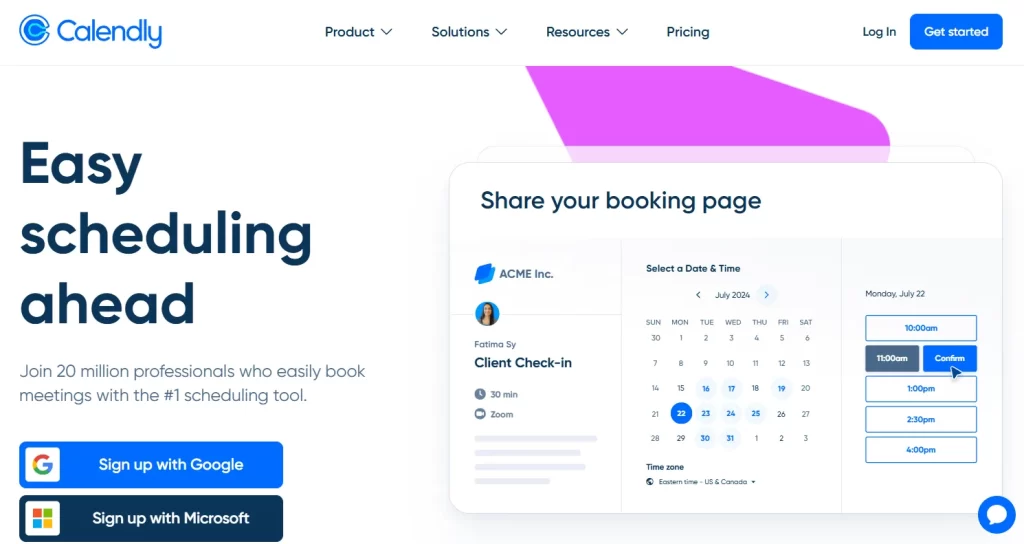
Calendly is a cloud-based scheduling platform. It integrates seamlessly with your existing calendar, automatically displaying your real-time availability so that invitees can choose a convenient time without conflicts.
Beyond simple meeting coordination, Calendly also offers features such as automated reminders, buffer times, time zone detection, and customizable scheduling rules, making it easier to manage appointments efficiently and reduce scheduling errors.
| Plan | Price | Key Features |
|---|---|---|
| Free | Always free | 1 event type, 1 calendar, basic customization, video conferencing, mobile & browser apps |
| Standard | $12 /seat/mo | Unlimited event types, multiple calendars, HubSpot/Mailchimp, Stripe/PayPal, Zapier, automated reminders, 24/7 chat |
| Teams | $20 /seat/mo | Everything in Standard, plus Salesforce, round-robin meetings, lead routing, advanced admin, SSO |
| Enterprise | Starts at $15k /yr | Everything in Teams, plus Microsoft Dynamics, dedicated customer support, SSO/SAML, domain control, audit logs, compliance features |
“Overall, my experience is pretty good with it. It’s just hard if you have to schedule for multiple people because you have to look up each person’s calendar and then go on calendar and look for an appointment time. I wish it had the ability to connect with your own calendar.” – Victoria H., Capterra
“In my opinion the platform is not where it should be in this day in age.” – Briana M., Capterra
Bookeo is a cloud-based, all-in-one booking and scheduling platform built for service providers, instructors, and tour operators to manage reservations around the clock.
It includes dedicated modules for appointments (salons and spas), classes or courses, and tours or activities, offering real-time availability, secure online payments, automated reminders, and marketing features to help reduce no-shows.
| Plan | Price (USD / Month) | Key Inclusions |
|---|---|---|
| Solo | $14.95 | 1 consultant, 1 staff login, 200 bookings/month |
| Small | $29.95 | 3 consultants, 3 staff logins, 1,000 bookings/month |
| Standard | $39.95 | 20 consultants, 20 staff logins, 1,000 bookings/month |
| Large | $79.95 | 40 consultants, 40 staff logins, 2,000 bookings/month |
“Bookeo allowed us to start taking bookings almost immediately after launching our business. It was great at the time, but we ultimately had to switch services due to lack of the features we needed.” – Jeremy J., Capterra
“Calendar scheduling and reminders should be simple, Bookeo makes it difficult.” – FREDERICK K., Capterra
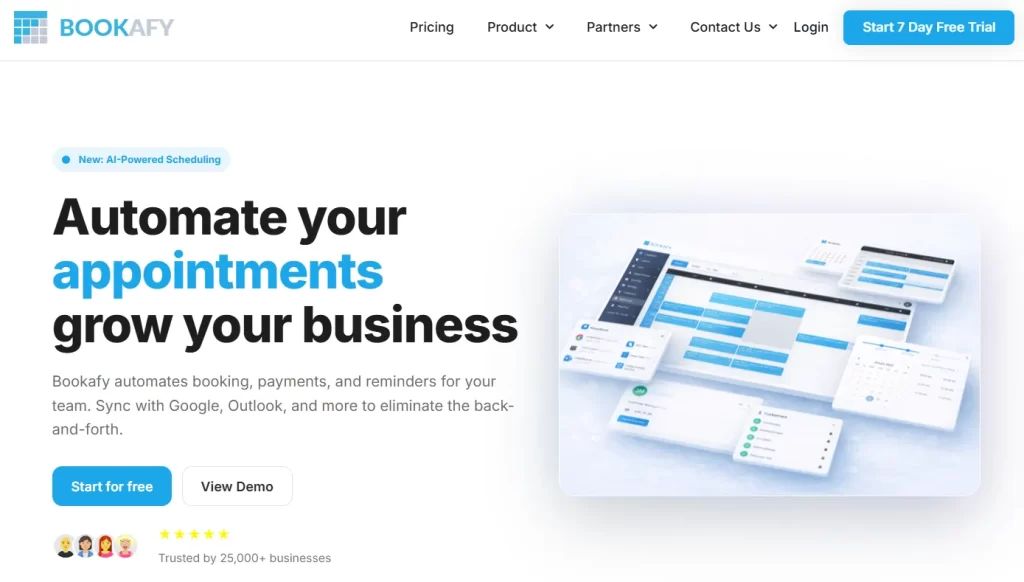
Bookafy is a powerful, automated online scheduling platform designed to help businesses of all sizes streamline appointment management and improve client communication.
It seamlessly syncs with major calendars—including Google, Outlook, Apple, and Exchange—ensuring schedules are always up to date.
| Plan | Price (USD / User / Month) | Key Features |
|---|---|---|
| Free | $0 | Max 1 user, unlimited appointments, email notifications, customizable booking page, embed via iframe or button |
| Pro | $9 | Everything in Free, plus unlimited users, 2-way calendar sync, email & SMS notifications, online payments, Zoom/Webex/Google Meet integrations |
| Pro+ | $13 | Everything in Pro, plus HIPAA compliance, second SMS reminders, custom review messages/links, custom API development, optional white-label branding |
“It’s comprehensive, offers great, personal user support, and it’s not expensive.” – chris D., Capterra
“I don’t really like it. It’s too hard to manage the dashboard” – Esther G., Capterra
Appointy is a cloud-based, all-in-one scheduling platform built to simplify bookings, minimize no-shows, and manage staff for service-based businesses.
It offers automated reminders, secure payment processing, and calendar management integration with Google and Outlook, serving industries such as health, fitness, beauty, and education.
| Plan | Price (USD / Month) | Key Features |
|---|---|---|
| Free | $0 | 1 staff, 5 services, 100 appointments/month, website integration, Square payments & POS, Zapier (1000+ apps), automatic reminders, mobile app |
| Growth | $29.99 | Everything in Free, plus Google Bookings, unlimited services, live chat/email support, customization, Google Calendar + iCal sync, Stripe/PayPal/Authorize.NET payments, advanced booking features |
| Professional | $59.99 | Everything in Growth, plus 5 staff logins, gift certificates, resource scheduling, optional dedicated relationship manager |
| Enterprise | $99.99 | Everything in Professional, plus 2 locations included, SMS text customization, dedicated relationship manager, removal of Appointy branding, optional custom development |
“Overall, this is a great product. I love the chat feature they have and the staff is knowledgeable. Their response time is quick and they are always able to help with whatever I need.” – Ranette W., Capterra
“The scheduler is hard to use in the backend, is not flexible, and has a bad design” – martin d., G2

Acuity Scheduling (part of Squarespace) is a comprehensive online appointment management platform that functions as a “24/7 personal assistant” for service-based businesses.
It helps automate the administrative tasks of booking appointments, managing client information, and processing payments, allowing businesses to save time, reduce scheduling errors, and focus on providing services.
| Plan | Price (USD / Month) | Key Features |
|---|---|---|
| Starter | $20 | Self-scheduling, 1 calendar, unlimited services & appointments, payment processing, email reminders, automatic time zone conversion |
| Standard | $34 | Everything in Starter, plus 6 calendars, SMS reminders, appointment bundles, memberships & automated billing, gift certificates |
| Premium | $61 | Everything in Standard, plus remove branding, HIPAA compliance, 36 calendars, multi-time zone support, custom API & CSS |
| Enterprise | Custom | Everything in Premium, plus unlimited calendars & scheduling pages, dedicated account manager, centralized user management, additional APIs |
If your business requires these advanced capabilities, exploring Acuity Scheduling alternatives can help you find a better fit.
“Acuity has a lot of flexible features that can solve most needs. However, the customer experience is confusing and many make mistakes because of it. It is also difficult to preview the customer experience in several areas.” – Matthew, Trustpilot
“The calendaring interface is poorly designed and difficult to navigate. It needs a complete re-design that is far more frictionless.” – Michael Blocker, Trustpilot
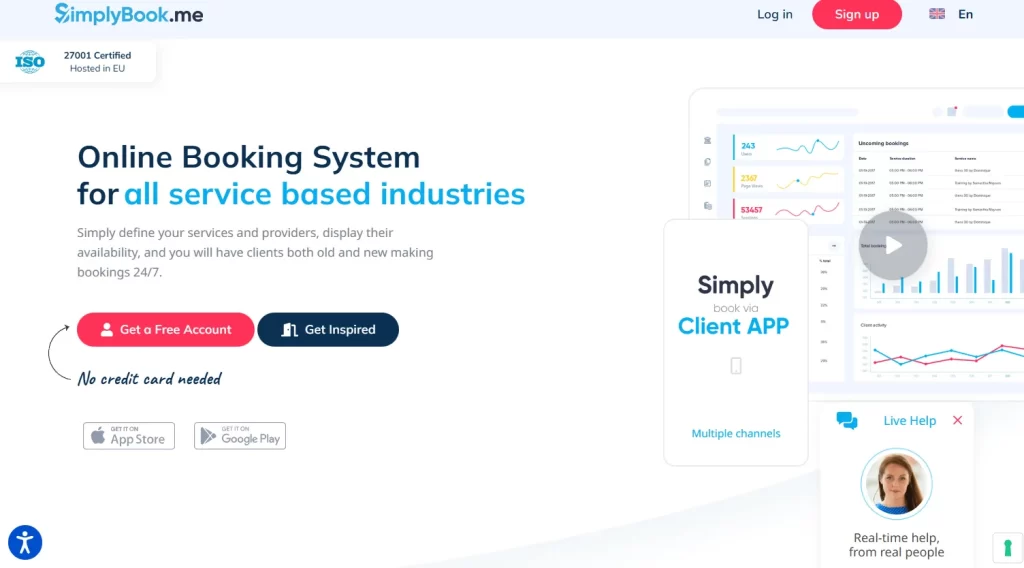
SimplyBook.me is a comprehensive online booking and business management platform tailored for service-based industries, including beauty, wellness, healthcare, and education.
It serves as both a fully functional standalone booking website and a customizable widget that can be embedded seamlessly into existing websites such as WordPress, Wix, or Squarespace.
Beyond scheduling, SimplyBook.me also offers tools for client management, automated reminders, payment processing, and marketing, making it a complete solution for running and growing service-oriented businesses.
| Plan | Price & Bookings | Key Features |
|---|---|---|
| Free | €0 /month – 50 bookings | 1 Custom Feature, 1 Provider, Booking website, Booking widget, Admin App, WordPress widget |
| Basic | €11.90 /month – 100 bookings | Everything in Free + 3 Custom Features, 5 Providers, Client App, Payments/Deposits/Tips, Sales (POS) |
| Standard | €24.90 /month – 500 bookings | Everything in Basic + 8 Custom Features, 15 Providers, Branded Client App, HIPAA, SAML SSO |
| Premium – Most Popular | €49.90 /month – 2,000 bookings | Everything in Standard + Unlimited Custom Features, 30 Providers, Payments PRO, Refunds & Payment Links, Vaulted Cards, QuickBooks/FreshBooks/Xero Integrations, White Label (page footer) |
| Enterprise | Custom /month – Custom bookings | Everything in Premium + Cluster Interface (Multi-location), Account Manager, Queue Manager, High Load API, Custom Contracts, White Label, Branded Favicon, Select Data Location (UK/US/AU) |
“So far most things have been seamless and I can research using their AI search tool. Sometimes when I reach out through the live chat I quickly get my questions answered.” – Bruce Y., Capterra
“This product while good intentioned, simply cannot handle execution at scale. This product should be limited to small vendors who only have a small number of people booking.” – Eku M., Capterra
While Setmore is a solid entry-level scheduling tool, growing service businesses often need more than just online booking.
If you require deeper client management, advanced reporting, or built-in revenue tools, exploring alternatives can help you scale more efficiently and profitably.
Here are several key reasons to consider upgrading from basic scheduling software for your clinic:
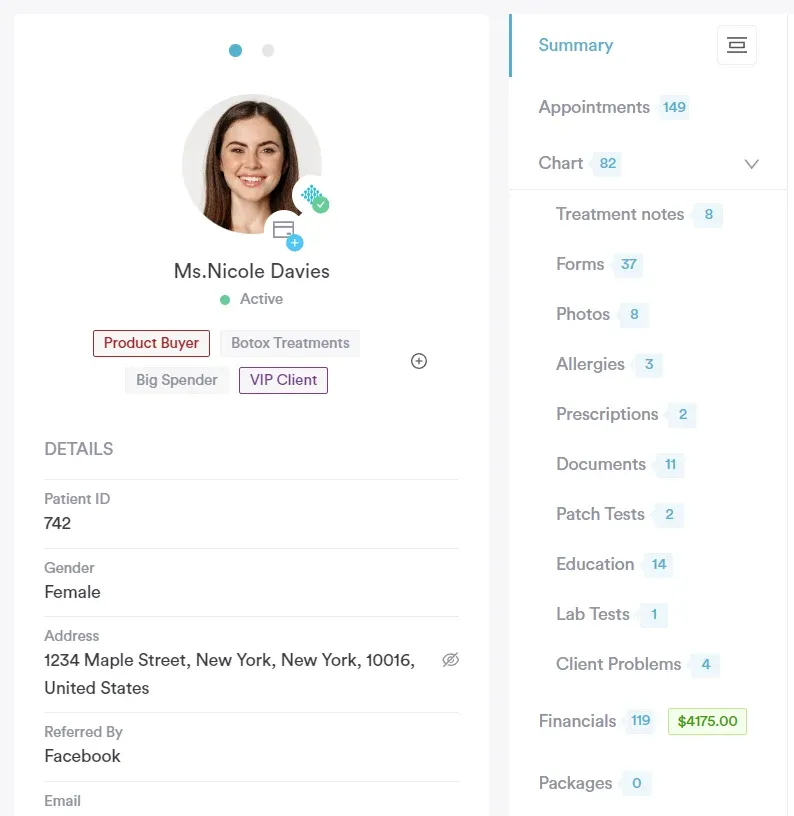
Setmore focuses primarily on appointment booking, but it lacks advanced client records, detailed treatment notes, and customizable medical forms. For healthcare, aesthetic, or wellness clinics, this can create compliance risks and operational gaps.
Platforms like Pabau go further by combining booking with fully integrated EMR, digital forms, and charting—so your clinical workflows live in one secure system.
See which are the 5 best scheduling software for medical practices.
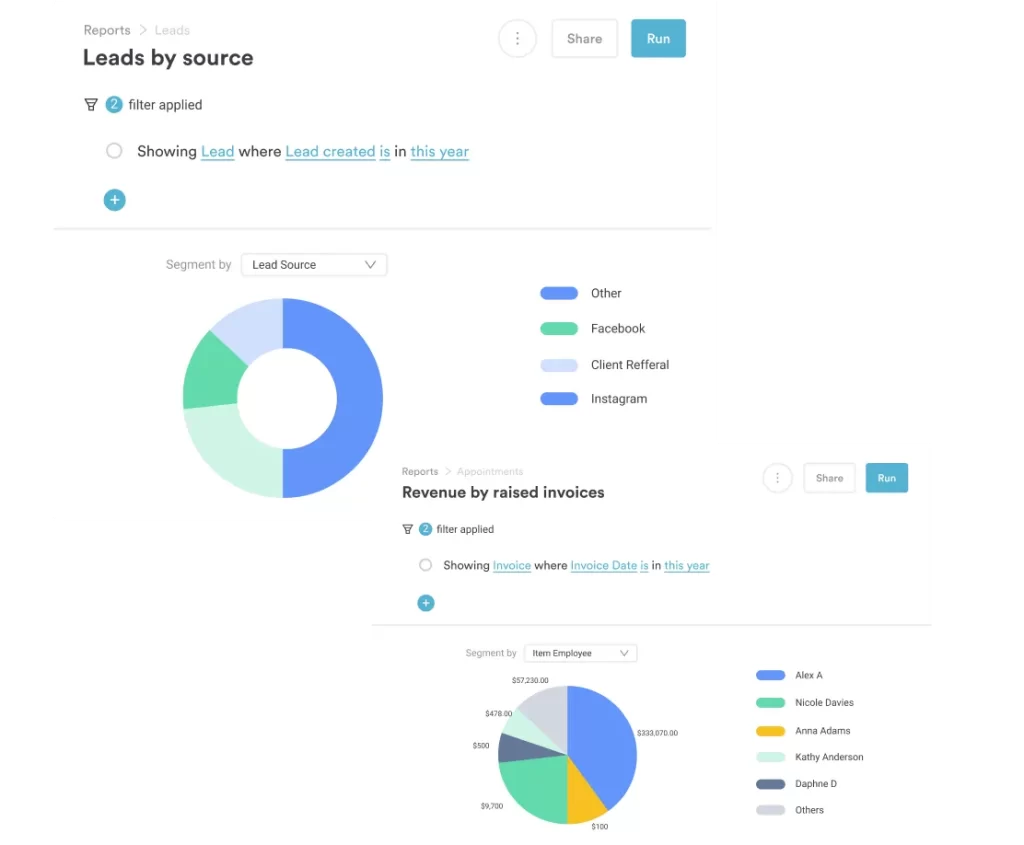
Setmore offers simple reports, but it lacks deep financial analytics, treatment performance tracking, and advanced revenue forecasting tools. This makes it difficult to identify your most profitable services, top-performing staff, or missed revenue opportunities.
Pabau provides powerful business intelligence dashboards and financial reporting that help clinics actively increase revenue.
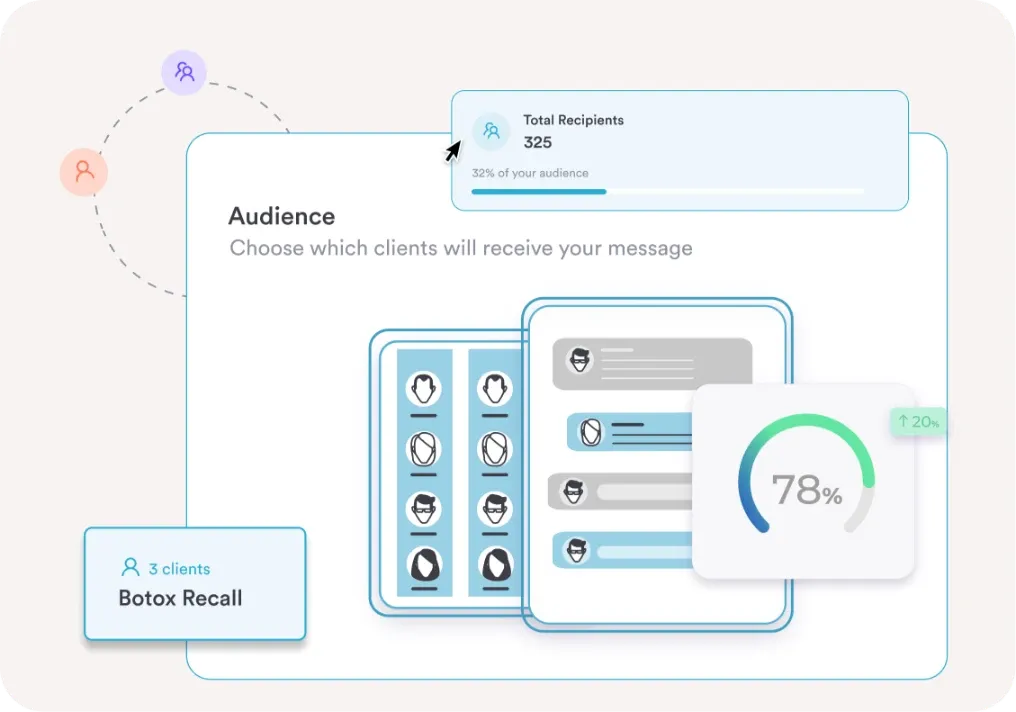
Setmore includes basic reminders, but it doesn’t offer robust CRM-driven marketing, automated follow-ups, or targeted rebooking campaigns. This can limit client retention and lifetime value.
Pabau integrates CRM, automated recalls, membership tracking, and marketing tools directly into the platform, helping clinics boost repeat bookings and long-term growth.
Practices choose Pabau because it goes beyond simple scheduling to power every part of their business—from client records and treatment documentation to automated marketing and revenue reporting.
By combining CRM, EMR, payments, memberships, and performance insights in one system, Pabau helps clinics operate more efficiently, stay compliant, and consistently grow their revenue without juggling multiple tools.
Book a demo call with Pabau and see how it will help your practice.
Not really. Setmore works for small practices, but it lacks advanced clinical tools, EMR integration, and compliance features needed by larger or regulated clinics.
Yes. You can export clients, appointments, and staff data from Setmore, but migrating complex records may require manual adjustments or third-party tools.
It doesn’t. Setmore handles basic scheduling well, but all-in-one platforms like Pabau combine EMR, CRM, payments, and marketing, offering a full clinic management solution.