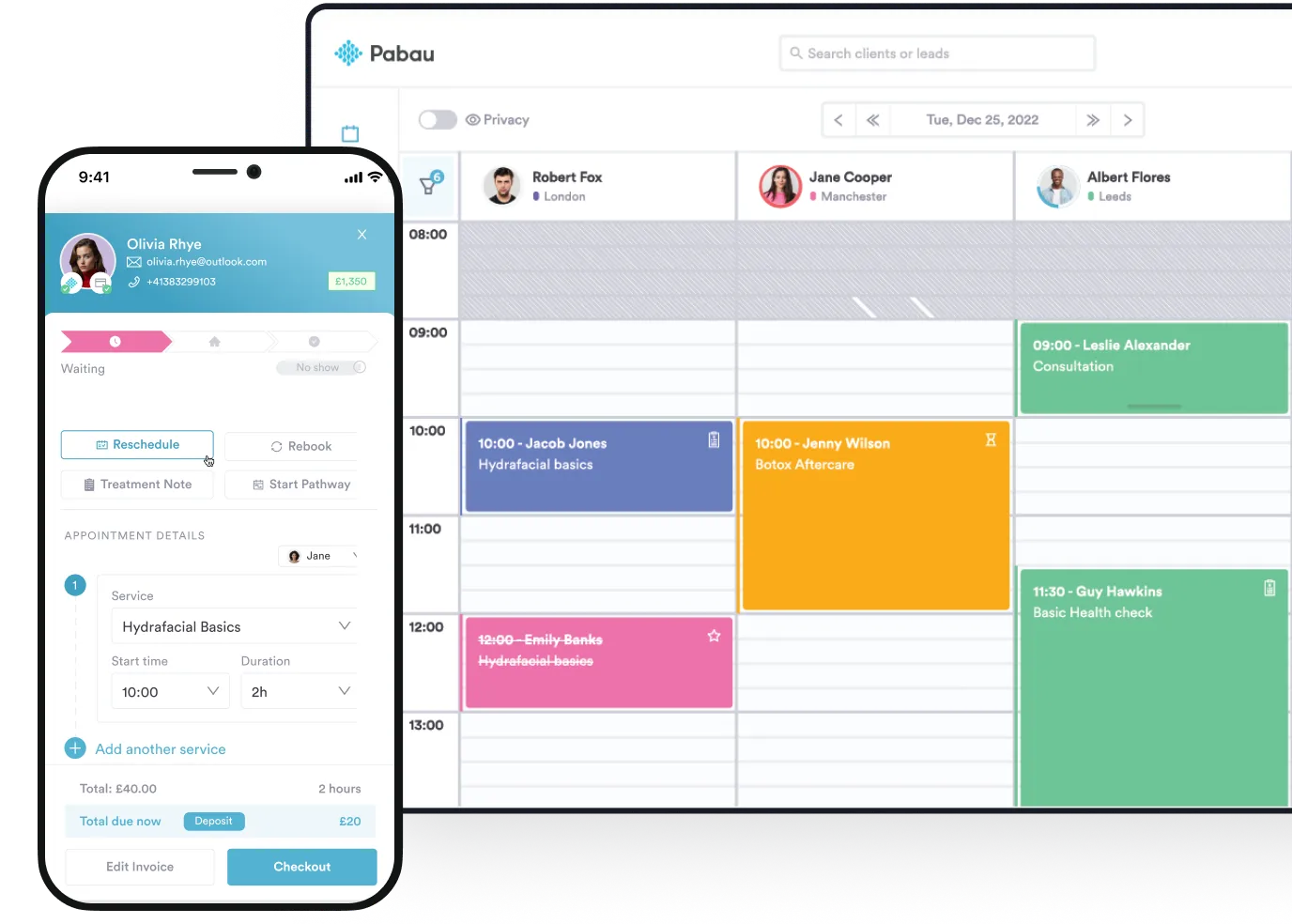
Pabau: Best all-in-one healthcare CRM and practice management system for growing practices that need clinical tools, automation, and business insights in one platform.
HubSpot for Healthcare: Best for healthcare teams focused primarily on marketing, patient communication, and lead nurturing, rather than clinical workflows.
Salesforce Health Cloud: Best for large healthcare organizations and enterprise systems that need advanced customization, data modeling, and large-scale care coordination.
The best healthcare CRM software for growing practices in 2026 combines patient care, automation, and business intelligence in one platform.
In this blog, will break down the top Customer Relationship Management solutions so you can choose the right system to scale efficiently, retain patients, and increase revenue.
Name
Best for
Standout feature
Price starting point
Pabau
All-in-one clinical growth. Ideal for private practices and med spas needing CRM + EHR in one platform.
Echo AI and automated journeys: End-to-end automation from booking to post-care.
Powerful lead nurturing and personalized patient sequences.
HIPAA-ready Enterprise starts at $3,600/mo
Salesforce
Large healthcare organizations
A unified, real-time patient profile of clinical and behavioral data.
$350/user/month (Enterprise)
Pabau: CRM + all-in-one practice management
Pabau is a powerful healthcare CRM system built for practices that want all essential tools in one place.
It combines patient management, clinical documentation, marketing, automation, and revenue tools into a single, connected platform.
Unlike basic CRM systems, Pabau connects patient care with practice growth, which will help you cut down on data silos and tedious admin work.
Key features
Pabau comes with a suite of tools designed to make running your practice smoother and more efficient.
So, here are some of Pabau’s standout features:
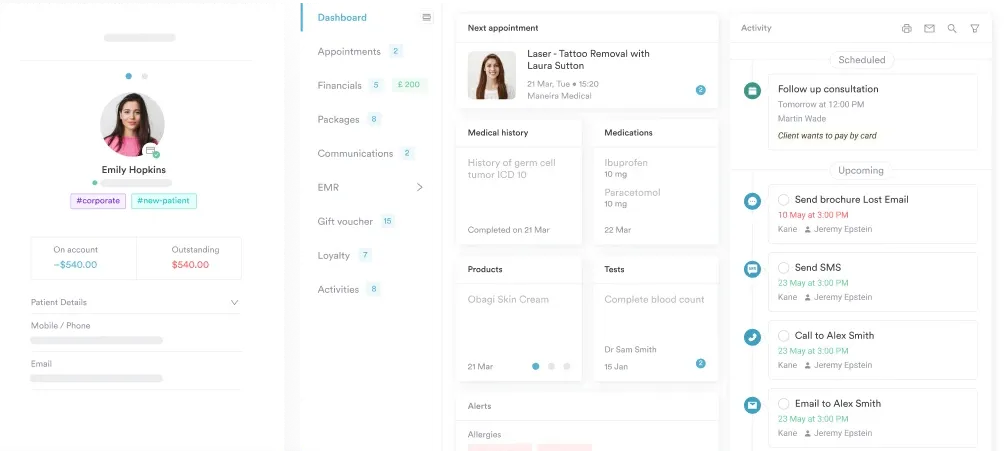
Comprehensive patient profiles
In Pabau, you can store everything about your patients in one secure place, like their contact info, treatment notes, appointment and medical history.
Having all this at your fingertips makes it easier to offer more personalized patient care and quickly find the patient information you need.
This way, you improve patient relationships and satisfaction and reduce the risk of errors.
Automated communication and follow-ups
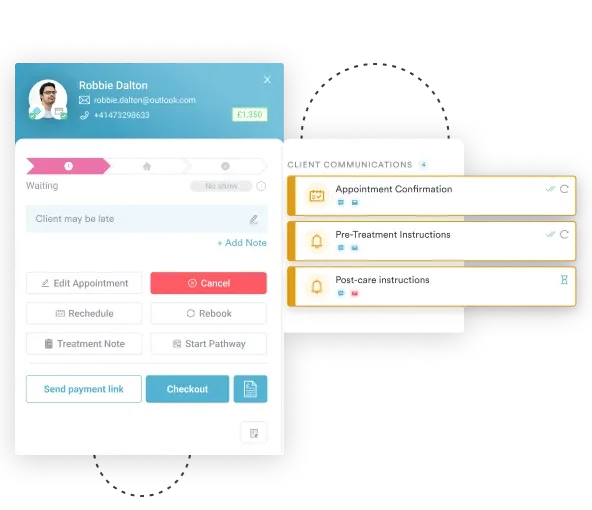
Pabau lets you send automated SMS and emails for appointment reminders, pre- and post-treatment follow-ups, birthday wishes, or other time-sensitive messages, so you never miss anything important.
This keeps your patients engaged, helps with no-show prevention, and makes it easy to check in after appointments to see how they’re doing—all without adding extra admin work.
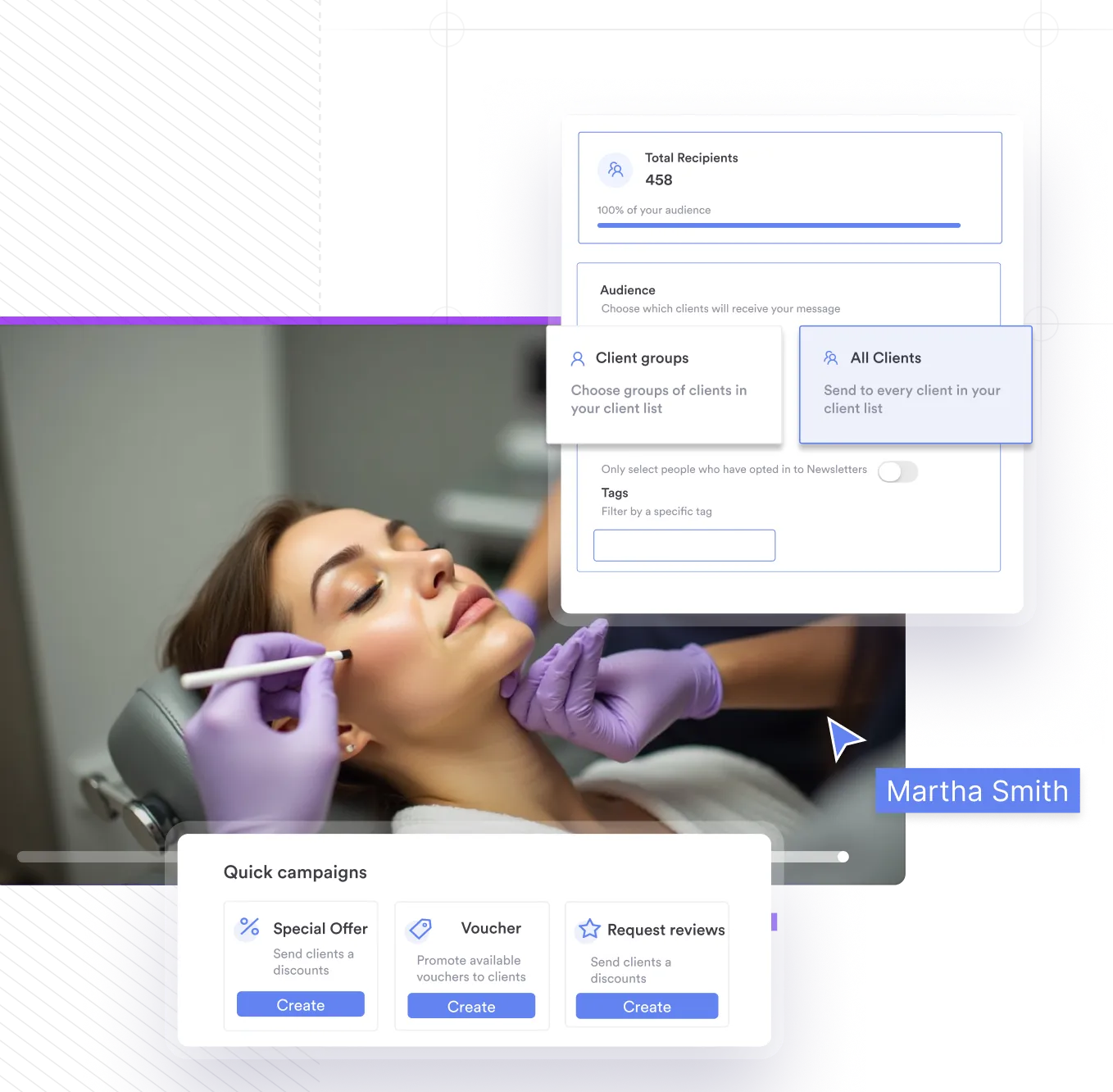
Segmentation and targeted marketing
You can group patients by demographics, treatments, or visit patterns to send campaigns that will target the right people at the right time.
For example, you could target your VIP clients with exclusive offers, or send a special promotion to patients who haven’t visited in a while to encourage them to book again.
Plus, with automated referral tracking and reputation management features, it’s easier to grow bookings and build a loyal clientele.
Pricing
Plan
Price
Startup
$69/month (One user with less than 100 clients)
Solo
Custom quote (One user with unlimited clients)
Team
Custom quote (2–3 users and unlimited clients)
Medium
Custom quote (4–5 users and unlimited clients)
Group
Custom quote (6–15 users and unlimited clients)
Note:
For enterprise businesses that need more than 15 users, the Pabau team will create a custom quote to suit your needs, including dedicated onboarding and account management.
Where Pabau shines
All-in-one platform: Pabau brings everything your practice needs into one place, including:
CRM
Patient management
Leads management
Marketing
Clinical workflows
POS–point of sale system
Reputation management—collecting client reviews and feedback
Analytics
AI-driven automation
Automation-driven growth: From appointment reminders, follow-ups, and consent forms to automated marketing campaigns and promotions, Pabau handles repetitive tasks and client communication without you having to lift a finger.
Clinical depth and compliance: Pabau supports detailed clinical workflows. You can manage treatment plans, prescriptions, and medical records all in one secure and compliant system.
“I chose Pabau because I appreciate the importance of Customer Relationship Management in the 21st century. I believe it is fundamental that me and my staff are able to interact with our clients with innovative tools and Pabau offered me a platform which made that possible with it’s fantastic CRM capabilities.“
Learning curve: The broad feature set requires structured, step-by-step onboarding.
iOS focus: The mobile app is currently optimized primarily for iOS users.
Setup time: Some highly specialized workflows may require customization, which can take extra time to set up.
Customer reviews
“Pabau is the most convenient platform to handle everything and score all the results in one place. Their team is awesome and the whole experience and smooth. I really appreciate technical convenience and potential, professionalism from the team and beyond understanding assistants. 10/10, so happy i learned about them and I wish I could implement this system earlier.” – Uliana Romanchuk, Trustpilot
“10/10 Pabau is a user-friendly and efficient software that makes managing the clinic so much easier. It offers a wide range of great features for scheduling, patient management, and marketing—all in one place. It’s also reasonably priced compared to other systems, making it a great value for what it provides.” – Elsa R., Capterra
Who Pabau is best for
Med spas and aesthetic clinics: Seeking specialized clinical tools.
Private GP practices: Looking to streamline patient intake and billing.
Growing practices: Owners and practice managers who want to manage multiple locations from one dashboard.
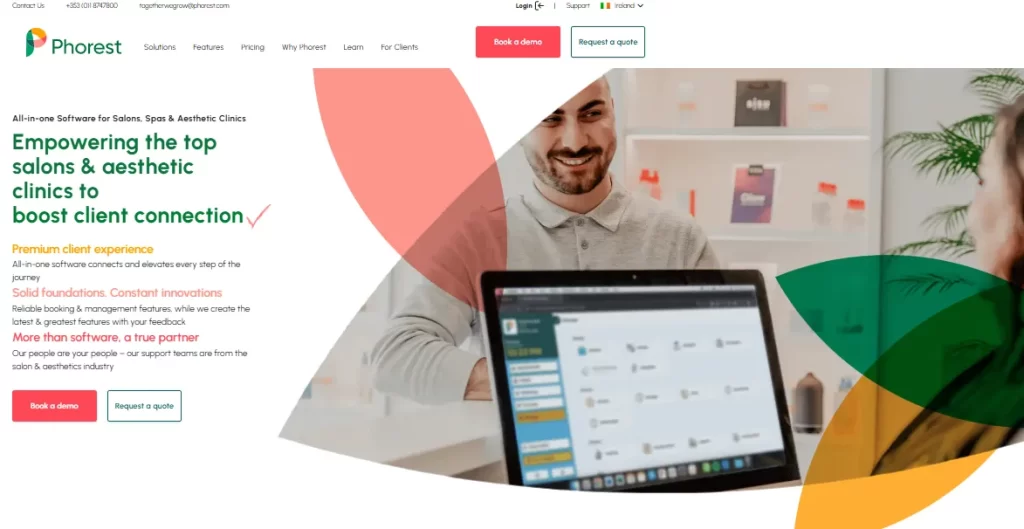
Phorest
Phorest is a popular all-in-one management software designed specifically for salons, spas, and wellness businesses.
It brings together appointment scheduling, CRM, POS, marketing, and reporting in a single platform.
Its biggest strengths are powerful client marketing tools, built-in loyalty features, and a strong focus on the beauty and wellness industry.
Key features
Secure client records: In Phorest, you can store all client details safely in the cloud, with access controls to keep data protected and compliant.
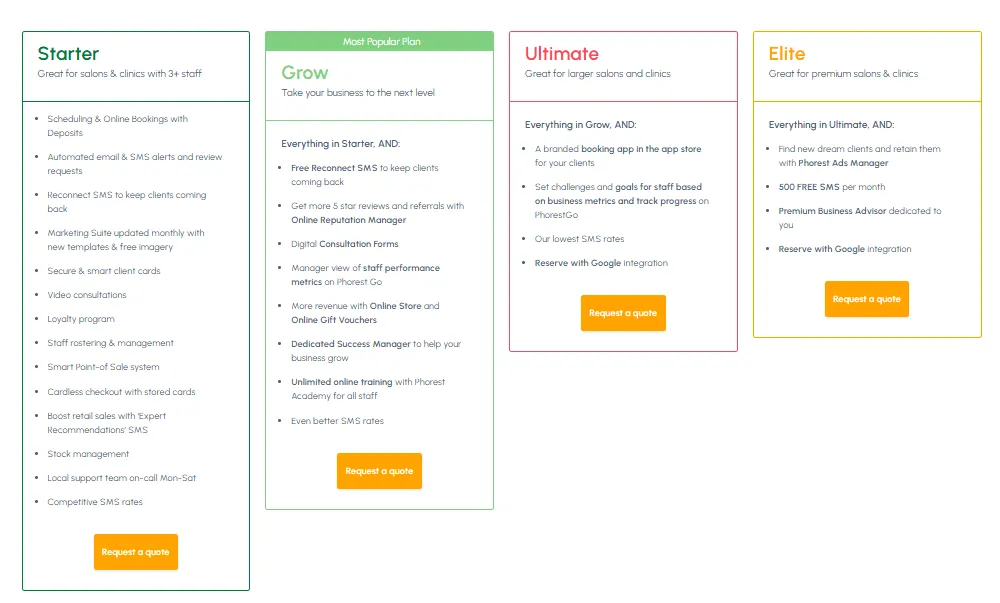
Digital consultation forms: Phorest provides digital forms that sync directly to customer profiles, including signatures and photos.
Automated communication: You can send automatic confirmations, SMS reminders, rebooking prompts, and aftercare messages.
Integrated marketing suite: Run targeted campaigns using client segmentation and ready-made templates, with results tracked back to sales.
Pricing
Phorest pricing is not publicly listed and varies based on business size, location, and features needed. Plans are typically subscription-based with a monthly fee and require contacting Phorest for a custom quote.
Where Phorest shines
Built for salons and spas: Phorest is tailored specifically to beauty and wellness businesses, with features that match salon workflows.
Strong marketing tools: Automated campaigns, loyalty programs, reputation management, and more.
Easy to use: Quick onboarding for small teams.
Where Phorest falls short
Limited clinical depth: Phorest isn’t ideal for medical or multi-specialty practices that require more comprehensive clinical tools, such as prescription management.
Limited clinical integrations: While Phorest offers good integrations for standard salon operations, it struggles with the specific, specialized integrations required by businesses in the healthcare industry.
If your business requires more advanced medical charting, you may want to consider a Phorest alternative that is built specifically for healthcare and aesthetic workflows.
Customer reviews
“Phorest is not the cheapest booking system nor the simplest, but if you are looking for a way to better drive your business then in our experience it is second to none. Comprehensive onboarding and ongoing support.” – Fiona Jackson, Trustpilot
“Phorest has been an expensive and stressful experience and I really regret going with them for a year, because of course they lock you into a contract which you cannot cancel, which was not clear upon signing with them.” – Lauren Williams, Trustpilot
Who is Phorest best for
Salons and spas: Ideal for beauty, hair, and wellness businesses focused on bookings, loyalty, and client retention.
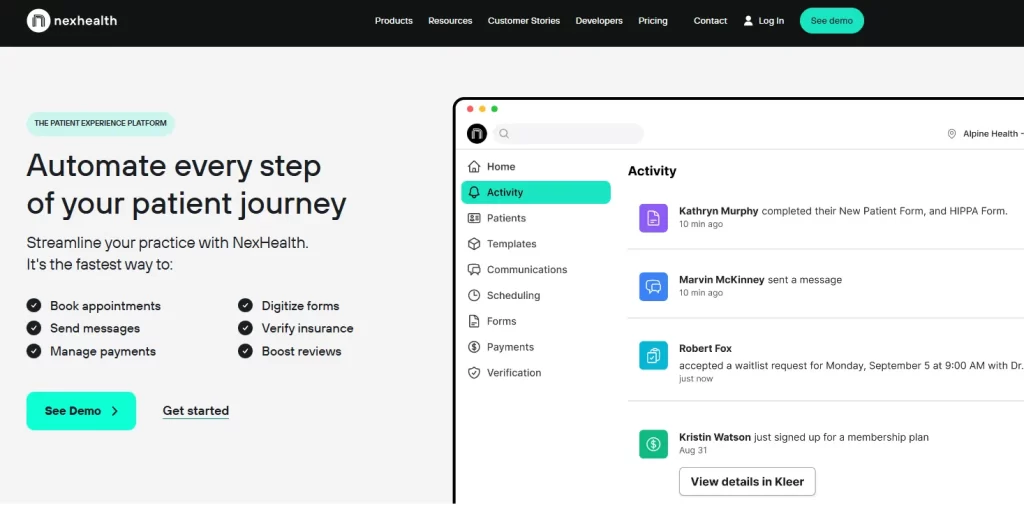
Nexhealth
NexHealth is a patient experience platform designed for healthcare providers—particularly dental and medical practices.
It streamlines the patient journey from booking to payment by integrating with EHRs, offering digital forms, automated reminders, online payments, and marketing tools.
All these features help reduce admin work and grow revenue.
Key features
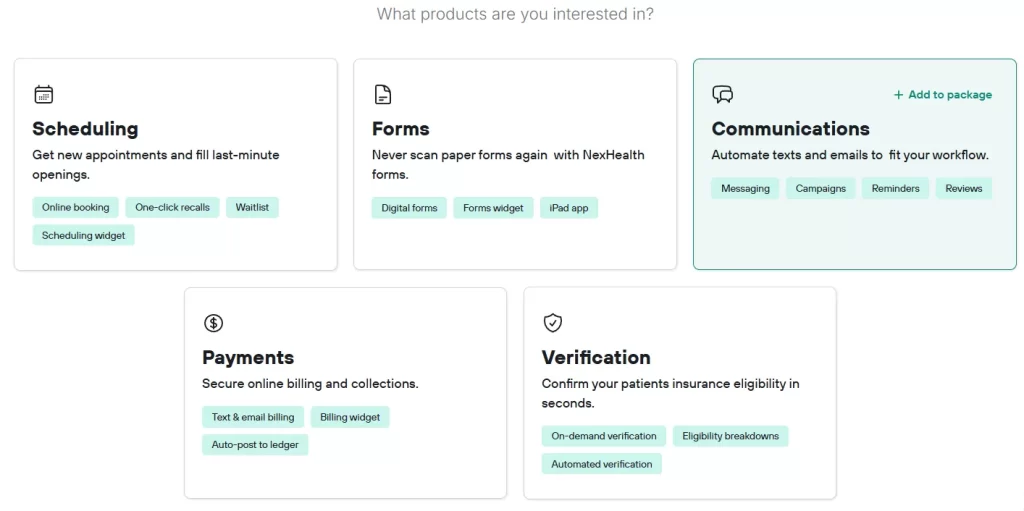
Online booking and forms: NexHealth lets patients book appointments and complete digital forms that sync with your system.
Automated communication: You can send reminders, confirmations, and follow‑ups via SMS and email communication to keep patients engaged.
Payments and billing: Patients can pay bills online, with status and reminders sent automatically.
Waitlist and recall: Manage cancellation gaps and outreach with waitlist blasts and recall messaging.
Pricing
NexHealth does not publish standard pricing online—you need to request a demo and custom quote based on your practice size and needs.
Plans typically include a monthly subscription with varying features depending on which ones you choose.
Patient experience: Easy online booking and communication.
Insurance: Automatically verifies insurance before patients arrive.
Where Nexhealth falls short
Not a full CRM system: Limited internal patient management features compared to all-in-one systems.
Technical issues: Some users have reported technical issues, including occasional lag and syncing problems.
Customer reviews
“Has been very good overall, I would definitely recommend them to other offices who want to save time and money.” –Lori V., Capterra
“They say setup takes a week – took our solo practitioner office a month and we don’t use all the functionality. They changed how the ipad workflow works and made it more cumbersome, slower, and inaccurate – with no NOTICE.” – James K., Capterra
Who is NexHealth best for
Dental and medical offices that want to automate their front-office operations and digitize the end-to-end patient experience.
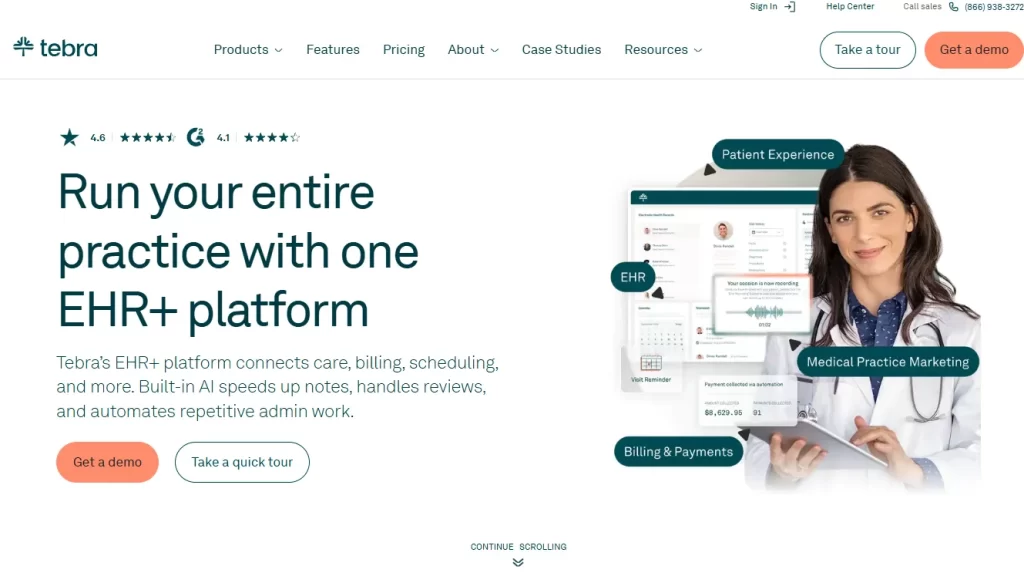
Tebra
Tebra is a medical CRM system built specifically for independent practices.
It combines billing, appointment scheduling, communications, and patient records with a strong focus on small to medium-sized clinics.
Tebra aims to cut admin work and help primary care practices grow with automated workflows.
Key features
Appointments and reminders: Patients can book online and get automated reminders.
Patient engagement: Digital intake, HIPAA-secure messaging, and two-way communication.
Billing and payments: Tebra has built-in billing tools, insurance eligibility checks, and claims management.
Pricing
Tebra doesn’t publish flat pricing online.
Costs usually depend on practice size, specialty, and feature choices (such as EHR, billing services, or marketing tools), with per-provider monthly fees and optional service charges. You need to request a custom quote to see the exact cost.
Where Tebra shines
Comprehensive practice management: Tebra offers robust tools for streamlined appointment scheduling, billing, revenue cycle management, and claims processing.
AI reputation management: It uses AI Review Replies to automatically generate HIPAA-compliant responses to patient reviews.
Intuitive interface: Users often praise its “social media-like” dashboard, which requires minimal training for staff to master.
Where Tebra falls short
Hidden fees: Many users report unexpected charges for patient data exporting and high cancellation fees.
No medical aesthetic depth: Doesn’t offer before and after photos or an injection plotting feature like Pabau does.
Poor customer service: Many users mention that customer support can be slow or unresponsive when issues come up.
Customer reviews
“I use Tebra several hours per day and it is one of the easiest EMRs I have used. It is relatively easy to teach new users the system.” – Karen S., Capterra
“Absolutely terrible. Customer service is awful. They can’t fix anything and close your case with no resolution. The system can’t really be used with your phone. When they try to improve the system, it becomes progressively worse. I would avoid at all costs.” – James T., Capterra
Who Tebra is best for
Small healthcare practices that need a unified Electronic Health Record + practice management solution.
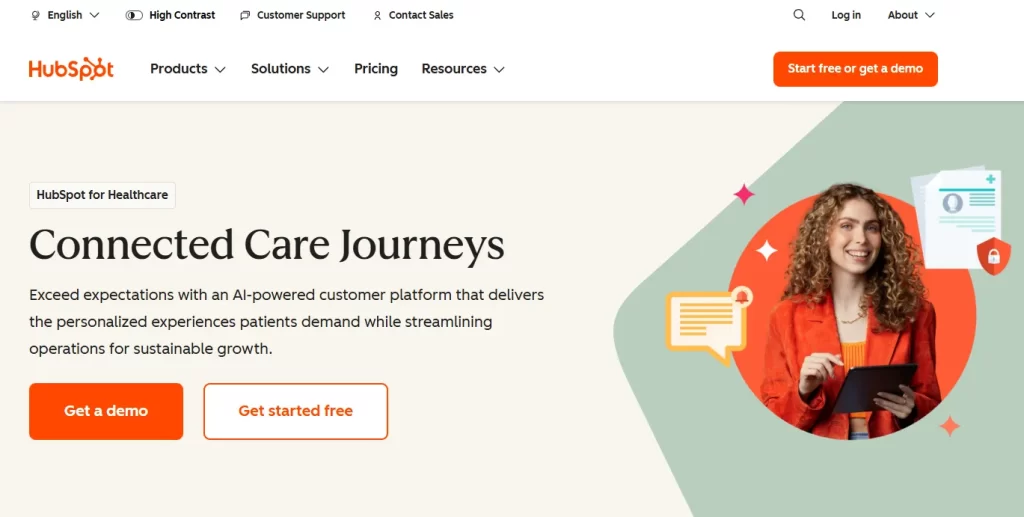
Hubspot for Healthcare
HubSpot is a widely used CRM system that can be tailored for healthcare practices seeking robust patient engagement, automation, and practice growth tools.
It centralizes patient interactions, communication, marketing, and analytics in one place.
While not healthcare-specific by default, its flexibility, automation, and integrations make it a strong choice for many medical organizations.
Key features
Workflow automation: Everyday admin tasks like updating patient records, managing schedules, and notifying team members can be automated.
Referral management: Practices can easily track referrals, see their status, and keep communication flowing smoothly between referring providers and internal teams.
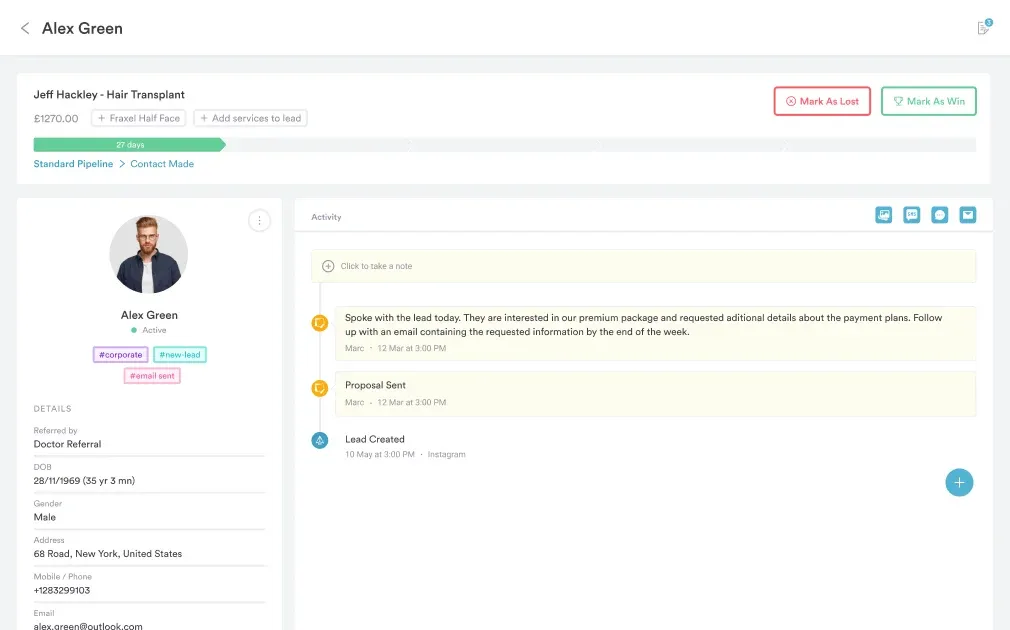
Pipeline management: You can follow each patient’s journey from first contact to follow-up care.
Pricing
Plan
Price monthly
Key features
Free
$0
Marketing, sales, service, content, and data tools.
Starter
$23 /seat/mo
Simple marketing automation, Ad management, Ad retargeting.
Professional
Starts at $1,022/mo
Advanced automation, SEO tools, 2,000+ contacts.
Enterprise
Starts at $3,832/mo
HIPAA compliance, predictive lead scoring, SSO.
Important:
Important: If you need HIPAA-related security features, you’ll need to be on the Enterprise plan, which starts at $3,832.
Where HubSpot for Healthcare shines
Scalable and flexible: Works for small clinics up to larger healthcare organizations, with customizable workflows.
Personalized patient journeys: Its marketing automation tools allow healthcare teams to create personalized communication sequences for patients based on their specific needs and behaviors.
Where HubSpot for Healthcare falls short
Lack of deep clinical functionality: HubSpot is a marketing and CRM system, not a full EHR or practice management system. It doesn’t natively support insurance claims, prescription management, detailed clinical records, or specialized medical workflows without significant customization.
Integration complexities: HubSpot can integrate with other tools, but connecting it to EHRs or specialized healthcare systems can be challenging.
Note:
If you’re using Pabau, you can integrate it with HubSpot to access some of HubSpot’s features when needed.
Customer reviews
“It’s user friendly and intuitive. The way the information is organised makes sense so it’s easy to pick up.” – Paisley W., Capterra
“While HubSpot stands out for its ease of use and clean interface, this is only achievable after a long and tedious integration—far from what the salesperson promised. Extracting data with a HubSpot CRM expert proved complicated due to the presence and use of emojis.” – William L., Capterra
Who HubSpot for Healthcare is best for
Marketing and service-focused teams: Well-suited for practices prioritizing patient outreach and communication growth.
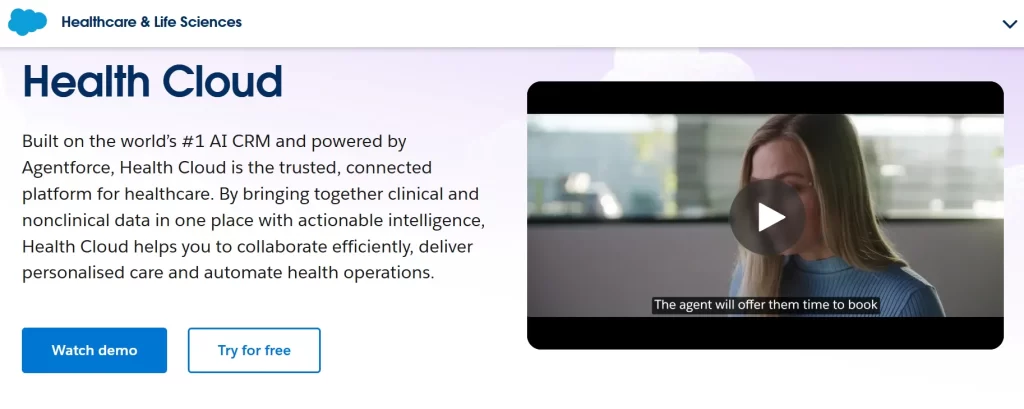
Salesforce Health Cloud
Salesforce Health Cloud is a healthcare CRM built on the world’s leading Salesforce platform.
It gives healthcare providers a unified patient view, care coordination tools, engagement features, and deep workflow automation.
It’s designed for complex organizations, and it connects patient data, team collaboration, and analytics to help deliver more personalized care and operational efficiency.
Key features
Integrated care management: You can build flexible care plans that take things like social factors and guidelines into account, making it easier to spot care gaps and manage patient relationships properly.
Provider and network management: Salesforce helps with provider relationship management, from recruiting and onboarding to referrals, while keeping provider data up to date.
Utilisation management: Prior authorisations, referrals, and reviews are automated, so decisions happen faster, and patients get care sooner.
Data 360 for Health: Everything comes together in one real-time patient profile, including clinical, claims, and behavioural data, so you get the full picture.
Pricing
Plan
Price (per user/month)
Included Features
Enterprise
$350
Clinical and insurance data models, integrated care management, and Social Determinants of Health.
Unlimited
$525
Everything in Enterprise + premier support and advanced workflow automation.
Agentforce 1 (Service)
$750
Everything in Unlimited + Agentforce AI Agents, data cloud integration, and Tableau analytics.
Agentforce 1 (Sales)
$750
Everything in Unlimited + specialized sales planning, Slack Enterprise+, and provider engagement tools.
Where Salesforce Health Cloud shines
Scalable and customizable: Built to scale from large clinics to health systems with tailored workflows.
Unified patient engagement: Strong tools for coordinated care, messaging, and patient portals.
Where Salesforce Health Cloud falls short
Not a full EHR: Salesforce Health Cloud is built for patient engagement and coordination, not deep clinical documentation. It doesn’t replace full EHR systems for private practice like Pabau for intensive charting or complex clinical records.
High cost: Licensing and add‑ons make it a significant investment, especially for smaller practices.
Steep learning curve: Its depth and flexibility may overwhelm non‑technical users without dedicated support.
Customer reviews
“What do you like best about Salesforce Health Cloud? — As always, the Salesforce platforms are very in depth and allow for integration with other vendors and third-party applications. Salesforce support is also optimal. What do you dislike about Salesforce Health Cloud? — Requires too much configuration and customization to make the platform functional and operational.” – Mohammad S., G2
Who Salesforce Health Cloud is best for
Large healthcare organizations: Ideal for hospitals and multi‑location clinics needing deep CRM, care coordination, and analytics.
Picking the right CRM in 2026 can feel overwhelming with so many options out there.
So, to make it easier, we’ve highlighted the key features to focus on so you can find the software that’s right for your practice.
1. Seamless EHR and clinical integration
A healthcare CRM is only as effective as the data it can access. That means if it doesn’t connect with your EHR, important patient information—like treatment plans, medical history, or ongoing care—can end up siloed, leading to missed opportunities and generic outreach.
By integrating directly with clinical notes and workflows, your CRM ensures marketing, engagement, and care decisions are always informed by accurate, real-time patient data .
Pabau solves this by combining CRM and EHR in one platform, keeping client records up to date and helping your team deliver personalized, safe, and timely care.
You can learn more about how this works for specialized practices in our guide to the Best Gynecology EHR solutions.
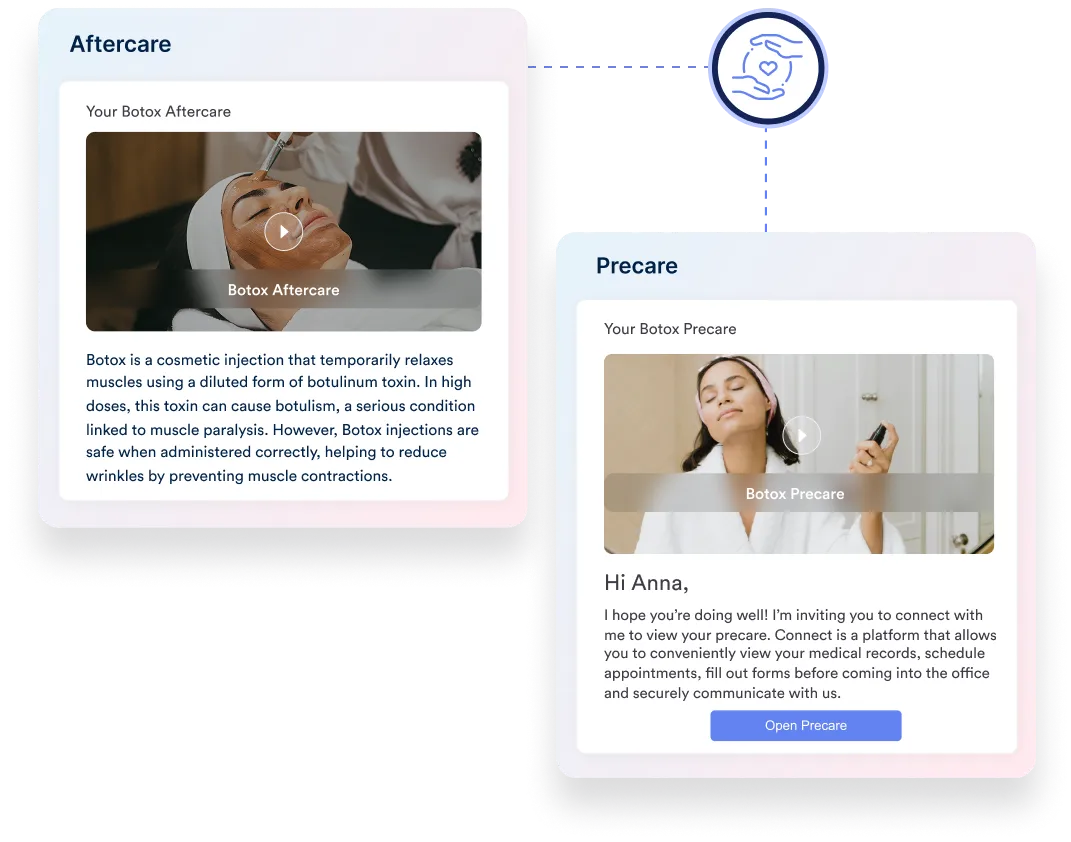
The CRM you choose should guide patients through every step of their care—from booking and sending consent forms and pre-care instructions to automatically charging deposits, sending reminders, follow-ups, and post-care instructions.
Pabau’s automation features make this easy, letting you build custom patient journeys that handle everything from rebooking reminders and post-care follow-ups to charging no-show fees—keeping both your patients and your practice on track.
3. AI-powered administrative support
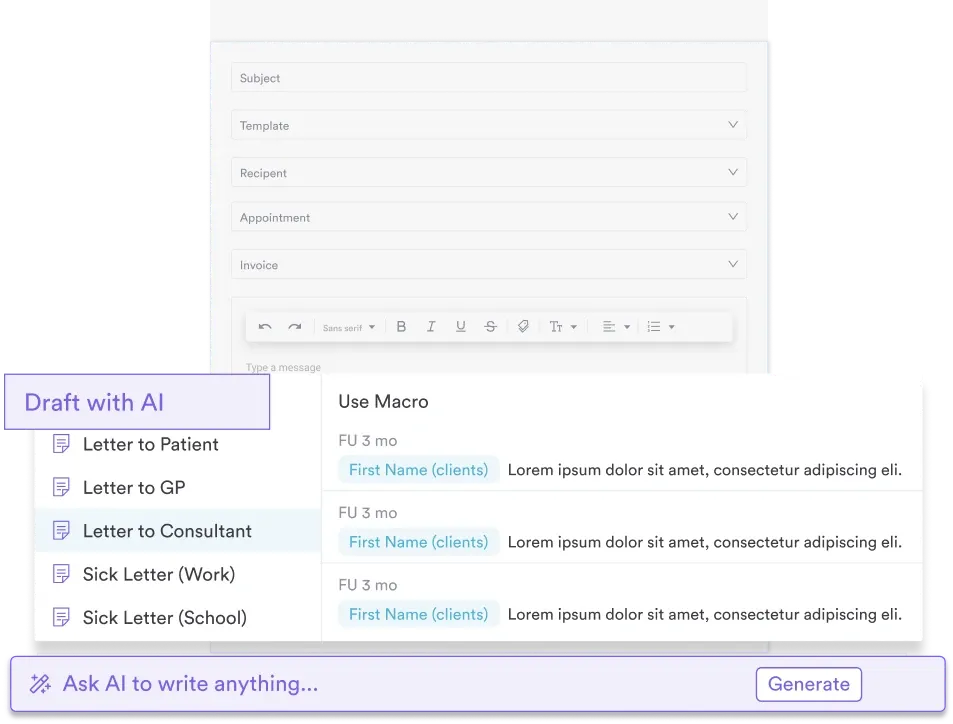
With the rise of artificial intelligence, look for a system that can summarize consultation notes, draft patient letters, and write service descriptions.
Implementing the healthcare CRM software Pabau can transform how your practice runs.
It brings everything together in one platform, making it easy for practice managers and practice owners to stay on top of care, marketing, and operations.