Acuity Scheduling Price 2026: Plans, Costs and What’s Included
Acuity Scheduling looks deceptively simple at first glance: three tiers, a 7-day...

May 6, 2026


Buy now, pay later is now available in Pabau

Best all-in-one for most private practices:
Pabau — Ideal for solo to multi-location clinics that want EHR, scheduling, billing, patient engagement, and AI documentation in one platform.
Best for mobile-first clinicians:
DrChrono — Strong iPad/mobile experience with solid billing and clinical templates.
Best for small allied health & wellness clinics:
Jane App or Cliniko — Simple, affordable tools for scheduling and notes without enterprise complexity.
Best for billing-heavy or larger practices:
AdvancedMD, NextGen Healthcare, or CareCloud — Deeper revenue cycle management, reporting, and scalability for growing or complex clinics.
Choosing the best EHR for private practice in 2026 can feel overwhelming with endless feature lists, confusing pricing, and uncertainty about what really matters.
At the end of the day, the best EHR should fit your workflow, specialty, and growth goals. For those currently in the early stages of starting a private practice, choosing the right technology is one of the most critical steps in building a sustainable business. With so many types of EHR system on the market, clarity on your priorities makes the decision far more straightforward.
In this guide, we compare the 11 best EHR systems for private practices, giving you clear use cases, standout features, and pricing data so you can make an informed decision quickly.
| Name | Best for | Stand-out feature | Price starting point* | Overall rating (1–5) |
|---|---|---|---|---|
| Pabau | Medical, aesthetic & multi-service clinics | All-in-one EHR + Pabau Scribe automation | Custom pricing | 5.0 |
| DrChrono | iPad-first practices | Mobile-friendly clinical workflows | ~$199/provider/mo | 4.2 |
| Jane App | Allied health & wellness | Clean UI, easy scheduling | ~$79/provider/mo | 4.0 |
| Cliniko | Small allied & therapy practices | Simple booking & charting | ~$45/location/mo | 4.1 |
| NextGen Healthcare | Specialty practices | Custom specialty templates | ~$300/provider/month | 4.0 |
| Medesk | Private & specialist clinics | Multi-practice management | Custom pricing | 4.0 |
| Meddbase | UK-facing clinics | Strong patient records & forms | Custom pricing | 3.9 |
| Clinicia | Growing practices | Flexible clinical workflow | Custom pricing | 4.1 |
| PatientNow | Aesthetic & cosmetic practices | Marketing + patient journey tools | Custom pricing | 4.2 |
| NueMD | Solo providers & small practices | Affordable EHR + PM | ~$99/provider/mo | 3.8 |
| CareCloud | Tech-forward clinics | Modern UI + analytics | ~$349/provider/mo | 4.3 |
*Pricing reflects publicly available starting points and may vary by region, feature tier, or contract.
Best for clinics that want everything in one system.

Pabau is a fully integrated EHR and practice management platform designed for private practices that want to reduce admin, centralize patient data, and scale efficiently.
Pabau combines EHR, scheduling, billing, payments, patient communication, and reporting into a single platform.
Its biggest differentiator is depth: instead of just “doing EHR,” Pabau supports the entire patient journey, enhanced by Pabau Scribe for faster documentation and smarter workflows.
It’s especially popular with growing medical, aesthetic, and multi-service clinics that need flexibility without complexity. For specialists, the platform offers tailored workflows, such as a dedicated EHR for gynecology, making it a versatile choice for diverse clinical needs.
Pabau delivers a robust EHR built to support the full clinical workflow while reducing admin at every step.
Centralized digital records store medical history, treatments, lab results, allergies, consent forms, and visit notes in one secure system, giving clinicians instant access to complete patient information.
Each patient has a unified client card that brings together contact details, clinical notes, documents, treatments, and financial history for a clear, chronological overview.
Clinics can create intake, consent, medical history, pre-care, and after-care forms that patients complete online, with submissions automatically saved to the patient record.

Supports structured treatment plans, consultation notes, and ongoing case tracking to ensure continuity of care across visits.
Clinicians can dictate notes, generate summaries, and create letters using AI, reducing manual typing and speeding up documentation.
Pabau supports lab result storage, prescription management with safety checks, and is designed to meet HIPAA and GDPR requirements.
Pabau offers tiered pricing based on clinic size and feature needs. All plans include core features such as online booking, patient records, digital forms, and marketing tools. Higher tiers unlock advanced reporting, automation, and multi-location features.
For the most accurate overview, visit the official Pricing page or book a demo to get a tailored quote based on your clinic’s workflow.
“Pabau is an excellent, user-friendly system that’s incredibly easy to navigate, even for those new to clinic management software. The platform’s layout is intuitive, and the features are clearly designed.”, Verified Reviewer, Capterra
“Features like automated reminders, aftercare forms, and newsletters help reduce manual tasks. This is especially appreciated in medical aesthetics and wellness clinics.”, Syeda A., Capterra
DrChrono is a cloud-based EHR software for private practice, best known for its mobile-first design. It combines electronic health records, scheduling, and medical billing into a single platform, making it a common choice for clinicians who work across devices.

| Plan | Features included |
|---|---|
| Essentials | EHR + practice management |
| Essentials Plus | EHR + ePrescribe + practice management |
| Advanced | EHR + practice management + billing tools |
| Advanced Plus | EHR + ePrescribe + billing |
| Elite | EHR + ePrescribe + billing + RCM services |
Exact pricing requires a custom quote from DrChrono.
“Easy to view schedule, simplified without the fluff. Many customizable features for documentation and notes which can be used for a variety of medical practices.”, Larisa F., Capterra
“Its easy to navigate and self teach without calling support constantly.”, Lauren G., Capterra
Jane App is a lightweight practice management system designed for allied health and wellness providers. It prioritizes ease of use over complex clinical functionality, making it popular with therapy-based private practices.

| Plan | Price | Includes |
|---|---|---|
| Balance | $54/mo | 1 practitioner, limited to 20 appointments/mo |
| Practice | $79/mo | Unlimited appointments, staff profiles |
| Thrive | $99/mo | Advanced scheduling, retention, marketing |
“Booking and appointment management from the Clinic Manager, Client, and Practitioner views are intuitive for most new users, including our older clients who sometimes struggle with technology.”, John C., Capterra
“Great value for money, friendly and responsive support, clear updates provided during escalations and great user interface along with notes keeping.”, Verified Reviewer, Capterra
To see how different solutions stack up, check out this guide to Jane App alternatives
Cliniko is a simple, cloud-based practice management software focused on scheduling, billing, and basic patient records. It’s commonly used by therapists and allied health clinics.

| Practitioners | Price (per month) | Features |
|---|---|---|
| 1 | ~$45 | Full feature access, unlimited users/locations |
| 2–5 | ~$95 | Same features; telehealth |
| 6–8 | ~$145 | Multi-location support |
| … | Up to ~$395 | Expands with size |
If these limitations impact your clinic’s growth, you can explore our comprehensive guide on Cliniko alternatives to find a platform better suited for scaling.
“Easy to navigate in, I like the staff dashboard – great way for staff to stay in touch (a question or even wishing someone a happy birthday).”, Sylvie D., Capterra
“Ease of booking online and easy to view and manage staff diaries.”, Adam H., Capterra
NextGen Healthcare is a comprehensive EHR system for enterprise clinics and private practice management. It’s built for specialty care, offering advanced documentation, analytics, and population health tools.
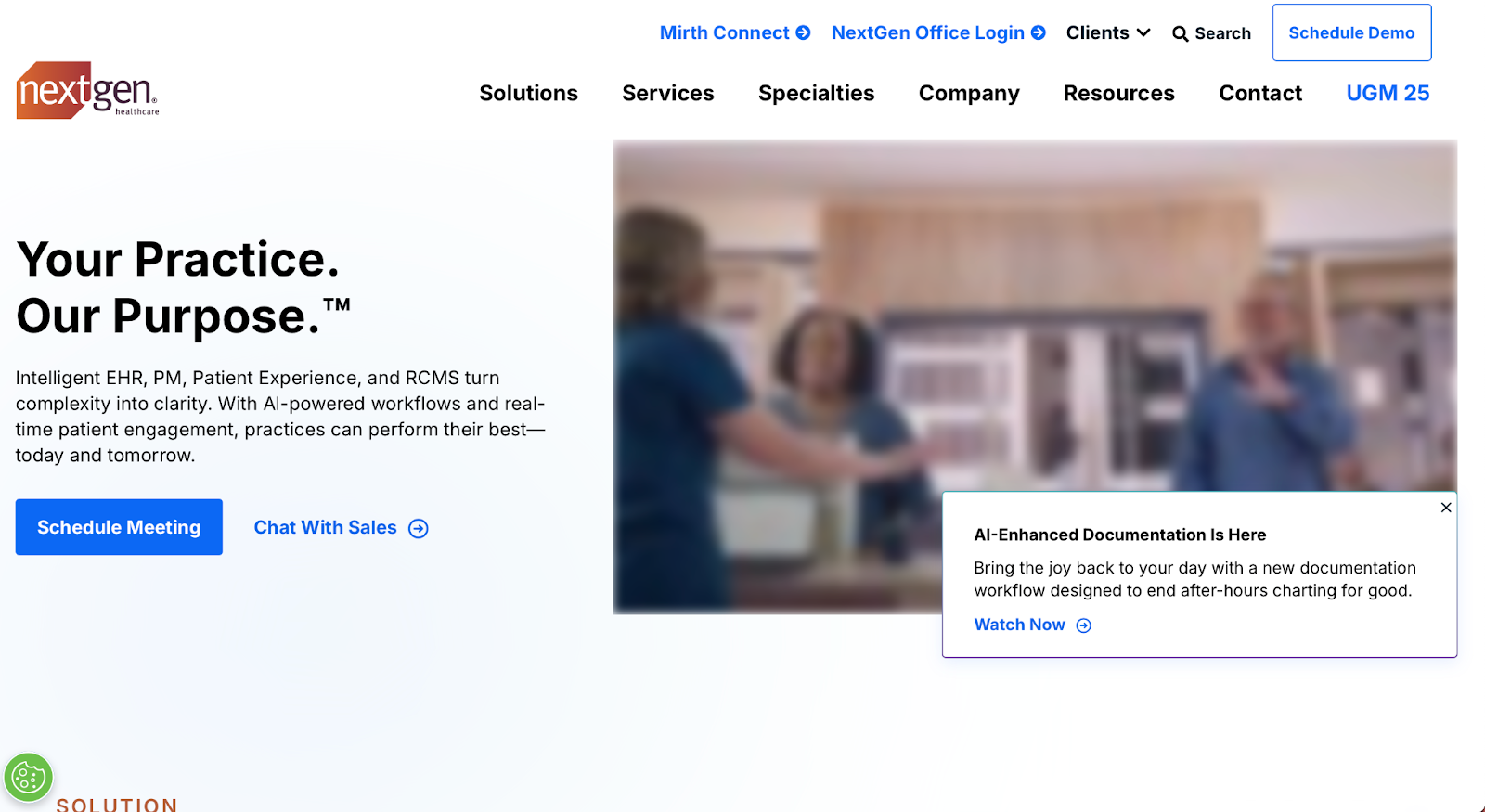
NextGen does not publish pricing publicly. Costs vary based on practice size, selected modules, and services, with most clinics requiring a custom quote. Third-party sources like Capterra estimate pricing at around $300 per provider per month.
“The practice management software is easy to use. We like it from a billing perspective, and I think it offers many add-ins that clients can choose if they wish.”, Nikki C., Capterra
“The scheduling feature was our clinic’s favorite. The reporting feature was my personal favorite.”, Tami F., Capterra
Medesk is a modern EHR and clinic management system designed for private and specialist clinics. It balances clinical documentation with scheduling, billing, and patient engagement tools.

| Plan | Monthly price | What’s included |
|---|---|---|
| Mini | $6 | 3 users, 50 appointments, patient records, scheduling, templates. |
| Pro | $8 | Mini + online booking, unlimited users, telemedicine. |
| Premium | Custom | Pro + onboarding, priority support, training. |
“Good for patients who want to see their appointments or access other information easily. Self-help is available through this app.”, Christina C., Capterra
“Secure EHR, scheduling, online appointment booking, telemedicine, payment for services, prescribing AND reporting analytics all in one place!”, Taylor C., Capterra
Meddbase is a private healthcare EHR with a strong focus on data security, compliance, and workflow automation, particularly in the UK and European markets.

Meddbase uses custom, quote-based pricing, tailored to clinic size, specialty, and required modules. Costs are typically higher than SMB-focused tools due to its enterprise feature set, configuration depth, and EHR implementation support.
“The ability to save admin time with tagging features in forms and letters. The customer support is great and the Meddbase listen and take on board changes and feedback.”, Nick K., Capterra
Clinicia is a configurable EHR platform built for multidisciplinary clinics, supporting scheduling, documentation, and telehealth in one system.

| Plan | Price (approx) | Key features |
|---|---|---|
| Standard | ~$78/year | EMR, scheduling, specialty tools, SMS reminders, e-prescriptions, billing (1 clinic). |
| Premium | ~$95/year | Standard plan plus advanced support and enhancements. |
“Easy to use, we can add multiple users, easy to add patients, appointments, billing even in mobile app.”, Ashok V., Capterra
PatientNow is an EHR and practice management solution popular with aesthetic and cosmetic clinics, combining patient records with marketing and engagement tools.

PatientNow uses tiered pricing with a higher starting point than many competitors, reflecting its comprehensive suite, though exact numbers usually require sales consultation or demo request.
“The platform has a lot of features available and brings everything into one system. There is payments, inventory, and employee tracking. These are all great features.”, Nick W., Capterra
“Very user friendly, I love the ease of the entire system. We had another EMR that was not easy to use at all, I did research on this one and I am so glad I did!”, Tansy W., Capterra
AdvancedMD is the platform NueMD users are being transitioned to, offering a more robust EHR and practice management system.

It expands on NueMD’s billing strengths with deeper reporting, modular bundles, and optional revenue cycle management services, making it better suited for larger practices.
AdvancedMD uses bundle-based, custom pricing. Practice management starts around $429 per provider/month, EHR + PM around $729 per provider/month, with full engagement bundles reaching ~$999 per provider/month, depending on modules and practice size.
“NueMD offers a simplistic design that allows you to easily extend schedules. It also offers diversity and allows you to cater for different types of services rendered.”, Muhammad R., Capterra
“It is super easy to use, even without training you can figure out how to enter patients and book appointments.”, Sabrina C., Capterra
CareCloud is a modern EHR and practice management platform focused on analytics, patient experience, and integrated billing.
CareCloud does not publish exact pricing publicly. Most practices receive custom quotes based on size, specialty, and feature needs. However, industry estimates suggest:
These figures are estimates from third-party sources and may vary in practice; exact costs are provided during quoting.
“I like that you can organize the providers in a specific order as some systems only give the option of the providers being in alphabetical order.”, Alessandra R., Capterra
“User friendly interface, intuitive to follow, has different functionalities desired of an EHR/EMR, cost-effective, customer service is great, RCM service is excellent, practice analytics tools are very helpful, cloud based, suitable for small as well as mid-size practices.”, Sanjay G., Capterra
Choosing the right EHR comes down to fit, usability, and long-term scalability. A structured approach to EHR optimization ensures your system supports efficient workflows, reduces administrative burden, and continues delivering value as your practice grows. The best system should reduce admin work, support patient care, and grow with your practice. Below are the key features to evaluate before committing.
Running multiple tools for records, scheduling, billing, and communication creates friction and errors, and usually points to a missing EHR integration process An EHR should centralize everything so teams work from a single source of truth.
Pabau combines EHR, scheduling, billing, and communication in one platform, reducing tool sprawl and admin time.
Manual note-taking, reminders, and follow-ups slow teams down. Look for automation and AI that genuinely remove repetitive tasks, not add complexity.
Pabau’s Pabau Scribe supports voice dictation, treatment notes, and letters, helping clinicians document faster with fewer clicks.
Modern patients expect online booking, digital forms, reminders, and portals. These tools improve attendance and reduce front-desk workload.
Pabau’s client portal enables online booking, digital intake forms, and secure messaging, all connected directly to patient records.
An EHR should work just as well for solo practitioners as it does for large, multi-site teams. Whether you require a general system or a dedicated chiropractic EHR software solution, switching systems mid-growth is costly.
Pabau supports solo clinics, growing teams, and multi-location groups with shared records, calendars, and reporting.
HIPAA/GDPR compliance, audit trails, and secure data storage are non-negotiable in healthcare software.
Pabau is built with healthcare compliance in mind, helping practices meet privacy and data security requirements without extra tools.
Looking for an EHR that balances clinical depth, automation, and practice growth? Explore how Pabau supports private practices at every stage.
If you want an EHR that balances clinical depth, automation, and practice growth, Pabau stands out as a strong all-in-one option.
It’s built for private practices that want to reduce admin, improve patient experience, and scale without switching systems later.
Practices needing heavy enterprise billing may prefer alternatives—but for most treatment-led clinics, Pabau offers the best all-round fit.
Explore how Pabau compares to other private-practice EHRs, or see the platform in action with online booking, patient records, and AI-powered workflows.