Zenoti vs Vagaro: 2026 Comparison, Costs & Feature Breakdown
Compare Zenoti and Vagaro in 2026 - features, pricing, pros & cons. Find which p...

March 27, 2026


Buy now, pay later is now available in Pabau

Pabau: Best all-in-one software for GP clinics with records, scheduling, billing, labs, and patient portal.
eClinicalWorks: Best for larger practices with advanced clinical and population health needs.
AdvancedMD: Best for GP clinics that want built-in billing and revenue cycle tools.
Cliniko: Best for small clinics focused on bookings and patient communication.
We’ve compared the best GP clinic software for 2026.
Below, you’ll see clear feature breakdowns, pricing, and real customer reviews.
We’ll also show you how to choose the right system based on your clinic size, services, and growth plans.
| Name | Best for | Standout feature | Price starting point |
|---|---|---|---|
| Pabau | Growing private GP clinics | All-in-one EMR, scheduling, billing, labs, and patient portal | £53/month |
| eClinicalWorks | Mid-to-large GP practices | Population health tools and chronic care tracking | $449/provider/month |
| AdvancedMD | Billing-focused GP practices | Built-in claims and RCM services | Custom quote |
| Cliniko | Small or wellness-led GP clinics | Simple booking and patient communication | $45/month |
| DrChrono | Mobile-first and telehealth clinics | iOS-native workflows and OnPatient portal | Custom quote |
| Tebra | Independent practices focused on growth | EHR plus built-in marketing tools | Custom quote |
Pabau is a complete medical practice management system built for private GP practices.
It streamlines every touchpoint from first booking through consistent patient care:
Your team maintains clinical standards while reclaiming 2+ hours a day from admin.
Here are the key features that set Pabau apart from other GP clinic software.
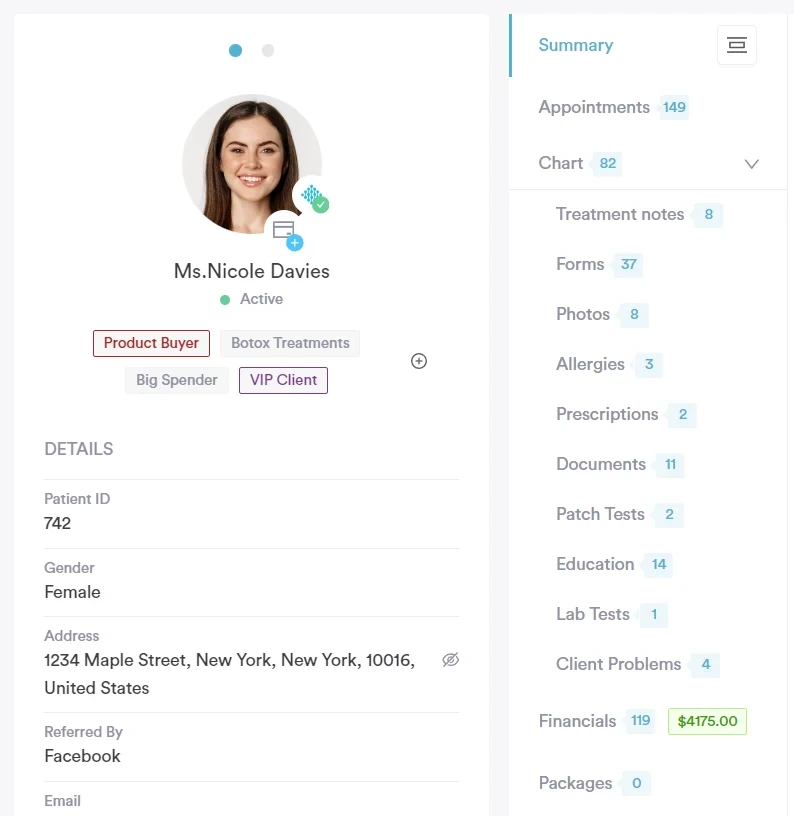
Pabau’s EMR brings all patient data into a single record, including:
Turn consultations into complete records in seconds. Dictate naturally and let Echo AI convert conversations into structured clinical notes with history, diagnoses, and treatment plans.
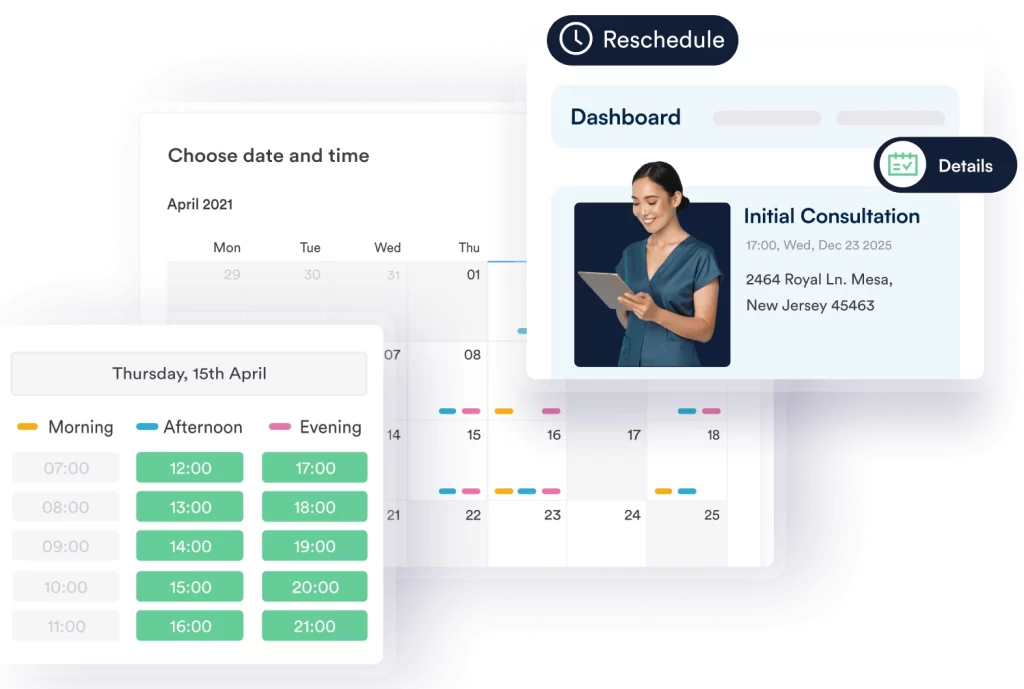
Pabau supports flexible scheduling for GP practices:
Run multiple locations from a single calendar. Switch views by clinic, manage shared resources, and keep bookings aligned as you scale.
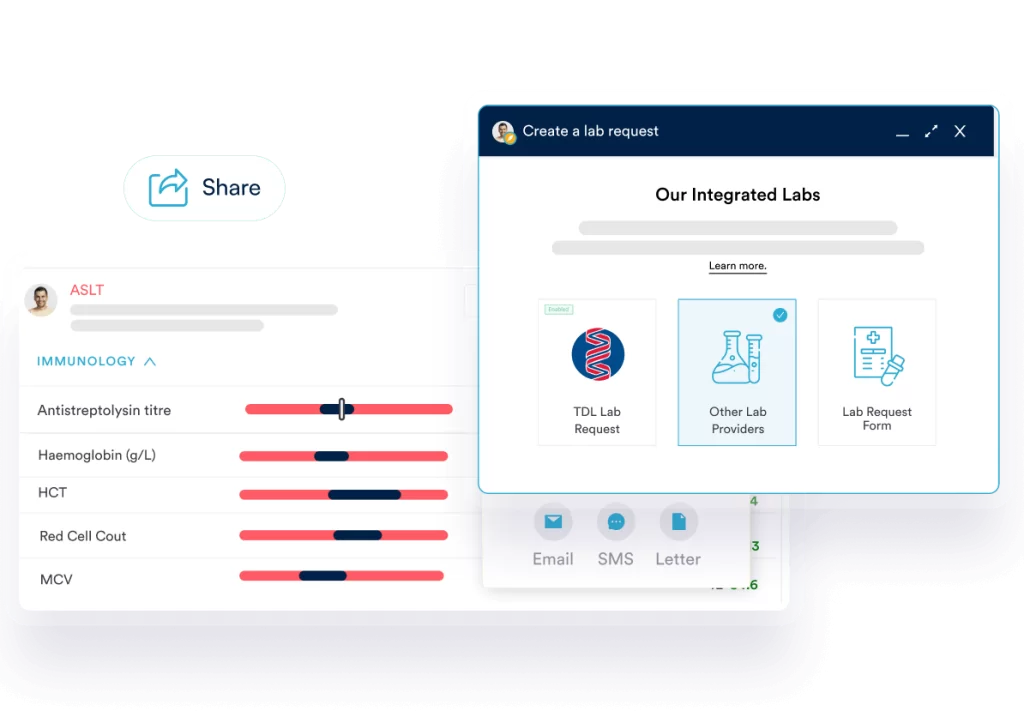
Pabau lets GPs request lab tests directly from the patient record. You get access to 120+ lab partners across the UK and the US.
The system lets you:
Share results instantly through the secure patient portal, supporting a clear and timely patient experience.
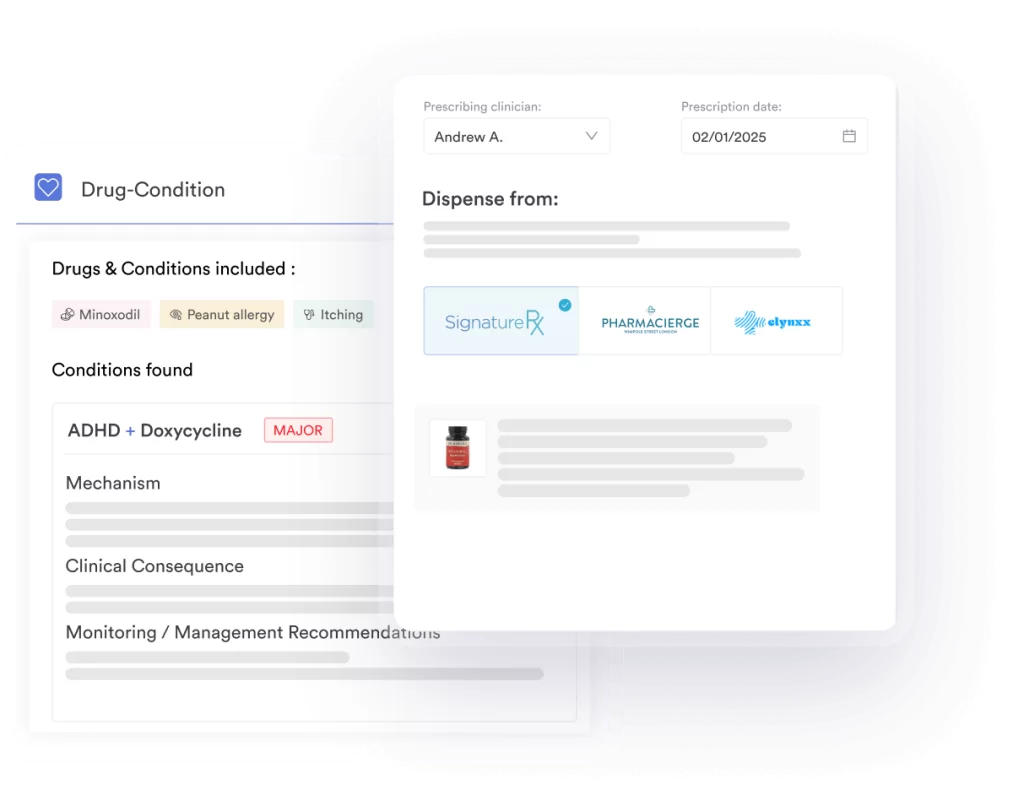
Pabau creates accurate, compliant prescriptions directly from the patient record.
You can:
Every prescription is logged with a full audit trail, supporting safe prescribing and regulatory compliance.
| Plan | Users | Price |
|---|---|---|
| Startup | 1 user, under 100 clients | £69/month |
| Solo | 1 user, unlimited clients | Talk to sales |
| Team | 2–3 users | Talk to sales |
| Medium | 4–5 users | Talk to sales |
| Group | 6–15 users | Talk to sales |
| Enterprise | 15+ users | Custom quote |
Full details on Pabau’s pricing page.
“I love how intuitive Pabau is for managing patient journeys. The integrated appointment scheduling, clinical notes, and treatment photos make it simple to track patient progress and ensure high-quality care.” – Olena K., verified G2 reviewer
“Takes a while to get used to all the features if not you are not technically minded, but their support is excellent.” – Jen E., verified G2 reviewer
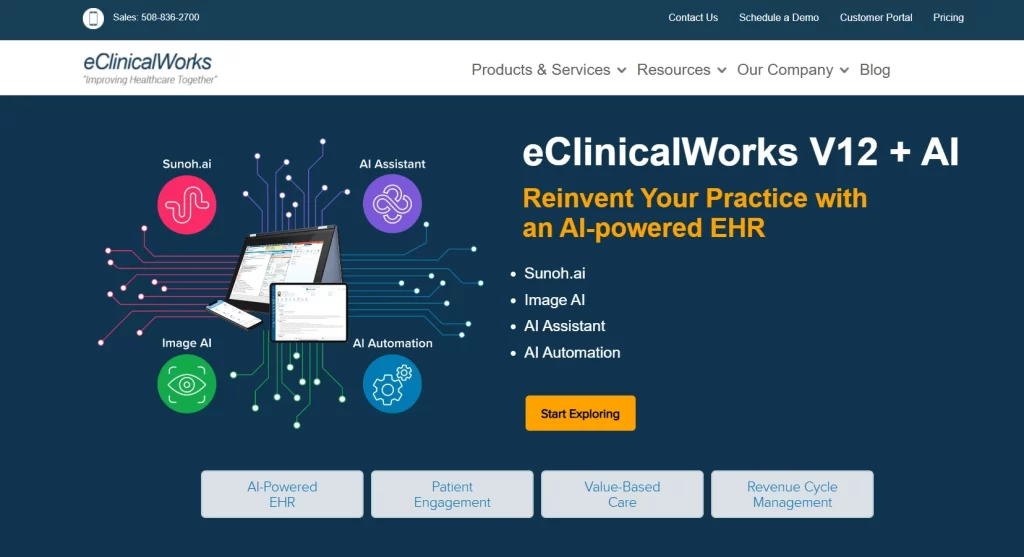
eClinicalWorks is a cloud-based EHR and practice management platform.
It supports clinics of all sizes, from solo GPs to large healthcare systems.
The platform offers specialty templates and population health tools designed for coordinated care.
| Plan | Price |
|---|---|
| EHR only | $449 per provider/month |
| EHR + practice management | $599 per provider/month |
| RCM as a service | 2.9% of practice collections |
Prices are listed in US dollars (USD) on eClinicalWorks’ website. UK practices may need to request a region-specific quote.
“You can integrate many systems within eCW and work from one screen instead of multiple screens. It makes it so much easier to process payments and view claims.” – Sarah S., verified G2 reviewer
“I dislike that some of the customizations I would like are not available. Additionally, the button icons are not always intuitive until after you are oriented to the interface.” – verified G2 reviewer

AdvancedMD is a cloud-based EHR and practice management system.
The platform combines clinical records with end-to-end revenue cycle management tools.
This makes it suitable for GPs who want tight control over claims and payments without outsourcing.
AdvancedMD offers bundled packages with discount pricing up to 40%. Pricing is custom-based:
Custom quotes are provided through their bundle builder or demo.
“I really like the ability to customize this product to fit your needs. It is also a very user-friendly software. They also have very friendly, helpful customer support staff.” – Christina F., Capterra reviewer
“The biggest con that I face with the software is the inability as an administrator to delete certain things. Our clinical staff do not always pay attention to details, and sometimes things happen that need to be deleted.” – James F., Capterra reviewer
Cliniko is a practice management platform for allied health and wellness-focused clinics.
It prioritises simple booking, patient communication, and treatment notes. The platform works well for GP clinics with a wellness or holistic care approach.
| Number of practitioners | Monthly price |
|---|---|
| 1 practitioner | $45/month |
| 2–5 practitioners | $95/month |
| 6–8 practitioners | $145/month |
| 9–12 practitioners | $195/month |
| 13–25 practitioners | $295/month |
| 26–200 practitioners | $395/month |
Prices are listed in US dollars (USD). Cliniko offers a 30-day free trial, and optional SMS messages are charged separately at $0.10 per message.
If these limitations are a dealbreaker for your clinic, you may want to explore some Cliniko alternatives that offer more advanced charting.
“Cliniko is user-friendly, having a very smooth user interface. The customer support team is accessible and provides prompt solutions, minimizing operational downtime.” – Giselle M., verified G2 reviewer
“It has limited integration with our accounting system, and some reports could be slightly more detailed.” – Chelsea G., Capterra reviewer

DrChrono is a mobile-first EHR and practice management platform.
It includes the OnPatient patient portal for scheduling, messaging, and payments. Its iOS-focused design supports telehealth and fast, on-the-go workflows.
DrChrono doesn’t publish fixed pricing. Plans are tiered (Essentials through Elite) and feature-based. Request a quote for costs.
“This is great to use for anyone who has to deal with medical records. It helps keep you organized.” – Abby J., Capterra reviewer
“I find some features of DrChrono by EverHealth a bit outdated. I think they should implement a global catalog and include a CRM.” – verified G2 reviewer

Moving to digital records? Learn how clinics stay compliant with a fully paperless EMR.
New to practice management? Start with the fundamentals and common mistakes to avoid.
Buried in admin between visits? Learn how the best DPC tools support continuity of care.
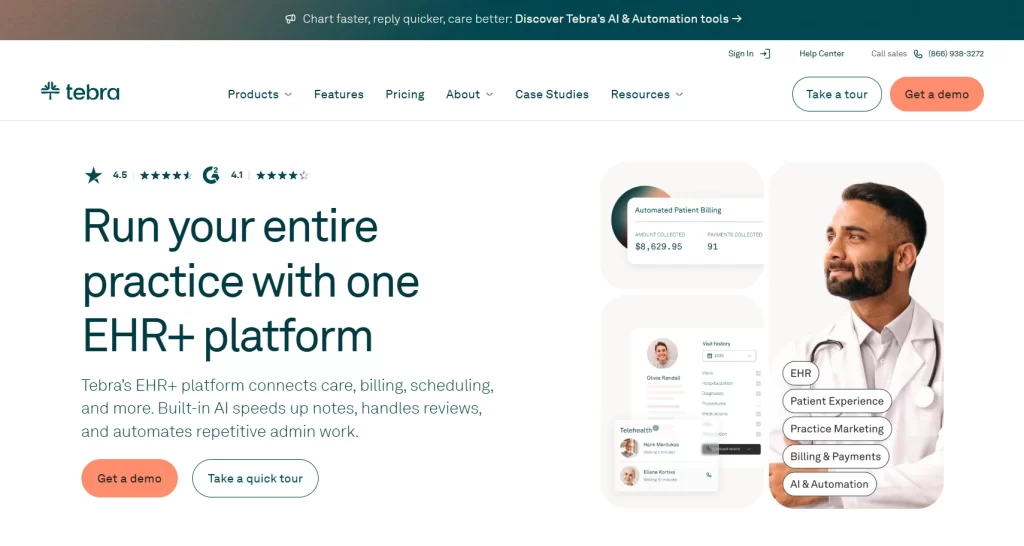
Tebra (formerly Kareo + PatientPop) is an EHR and practice management platform for independent practices.
Its patient portal gives patients easy access to records, messaging, and payments. Unlike most tools on this list, it also supports marketing and reputation management alongside clinical workflows.
Tebra doesn’t publish pricing publicly. Plans are custom and quote-based.
“Tebra is very user-friendly. It easily integrates with other EHR software. It keeps up with industry changes and automatically updates as needed.” – Roshiela S., verified G2 reviewer
“The filtering and sorting ability is lacking considerably.” – Penny A., verified G2 reviewer
The best general practitioner software should handle patient records, scheduling, prescriptions, billing, and compliance in one place.
Here’s what matters when comparing options.
Clinicians need fast access to complete patient information during consultations.
Prioritise systems with:
Pabau excels here with a complete patient timeline. GPs review years of history in seconds during consultations.
Book a demo and see the patient record in action.
Your calendar should handle bookings, cancellations, and rescheduling without front-desk involvement.
Look for:
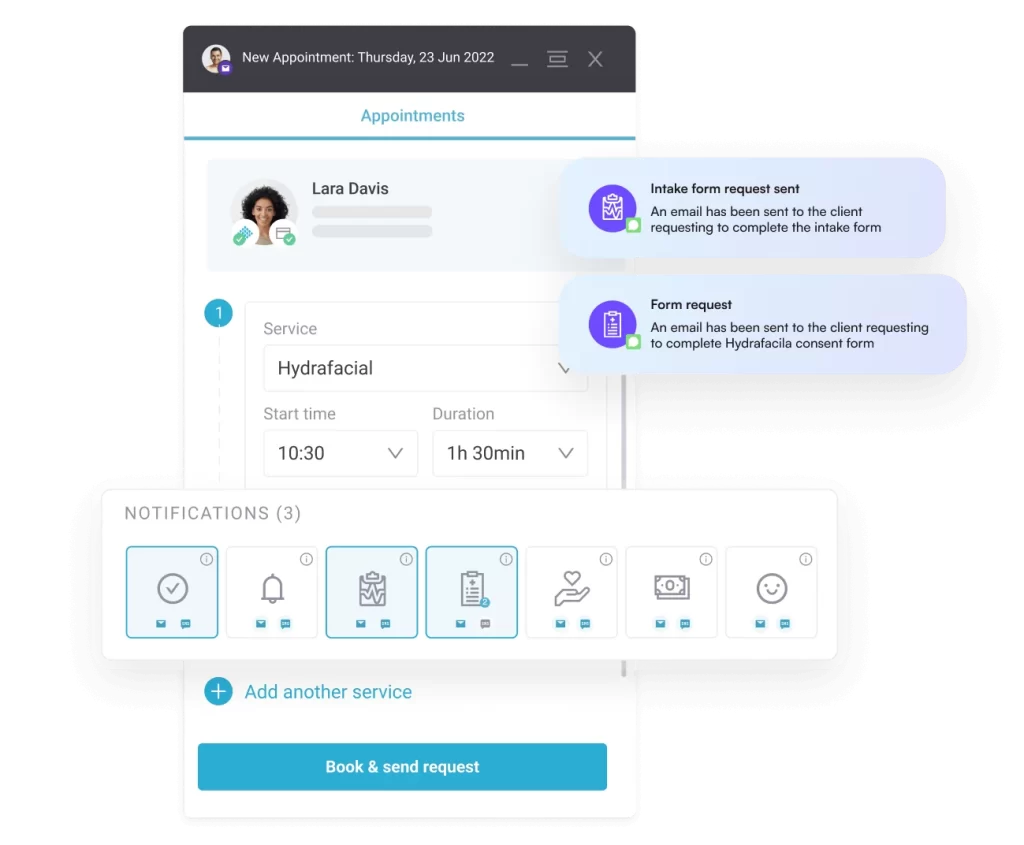
Pabau’s scheduling syncs instantly with patient records. Patients book online, staff see updates immediately, and no-shows drop with automated reminders.
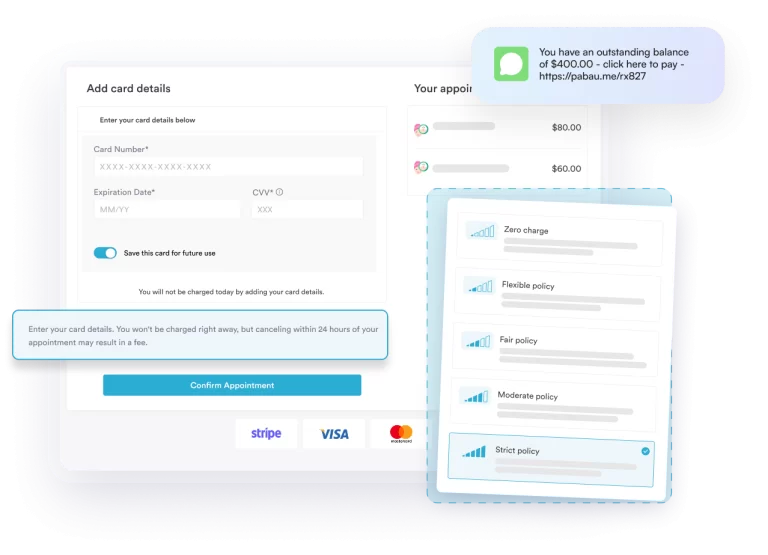
Billing should be simple. Patients pay, invoices are generated, and revenue tracks automatically.
Key capabilities:
Pabau supports card terminals, Tap to Pay, and payment links. Collecting payments is fast, and revenue visibility is instant.
GPs need to create prescriptions and order labs without leaving the patient record.
Look for:
Pabau handles prescriptions, lab orders, and results inside one platform. Create scripts, send to partner pharmacies, and track lab results—all from the patient chart.
GP clinics handle sensitive patient data. Your general practitioner medical software must meet regulatory standards.
Essential compliance features:
Pabau is fully HIPAA-compliant and built with data protection at its core. Patient information stays secure, and practices stay compliant.
There’s no single GP clinic software that fits every practice.
The differences come down to feature depth, workflow coverage, and how many systems a clinic is willing to run side by side.
This comparison shows how platforms vary across records, scheduling, prescriptions, billing, and patient access.
For GP clinics looking to bring those core functions into one place, Pabau is an option worth considering.
Want to see how that setup works in practice? Book a demo for a detailed walk-through.