Telehealth software
Expand your reach
with virtual care
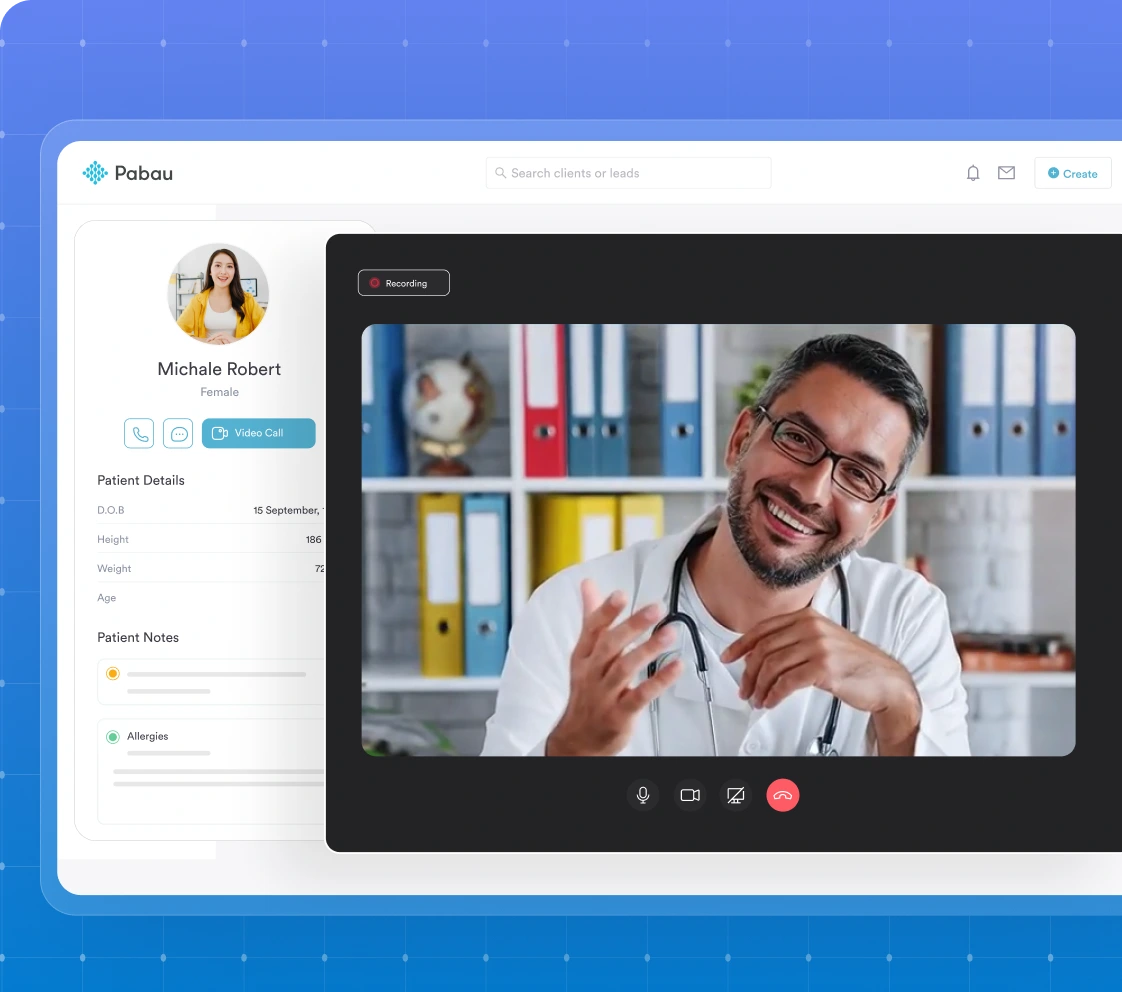
Effortlessly connect with clients securely, directly from your Pabau calendar. No downloads, no setup, just one click to join and expand your reach beyond the clinic walls.


Join 3,500+ practices that already use Pabau
Simple to set up
See how private GPs reduce admin, improve clinical safety, and increase revenue with Pabau.

Why clinics love Pabau video consultations

Reach more patients
Offer remote appointments to clients who can’t make it to the clinic - whether they’re traveling, busy, or simply prefer virtual care.
Save time
No waiting rooms or travel time. Both you and your clients enjoy smooth, efficient appointments.
Deliver better service
Meet patients where they are - while still keeping access to their full records, prescriptions, and treatment notes during the consultation.
All in one place
Video consultations, booking, payments, and patient records - everything is managed in one system, so nothing falls through the cracks.
Find out if Pabau is the right fit for you
How it works (in 3 simple steps)
1 Create your virtual service
Go to Setup → Services → New Service, and select Virtual. Add your pricing, duration, and communication templates.

2 Book your appointment
Schedule the virtual service in your Pabau Calendar like any other appointment.

3 Transcribe your consultation
Echo AI will securely transcribe and auto-format your consultation in your preferred template, then save it to the client card after the call.
Frequently asked questions
Yes. Clients can join from any device without downloads by tapping the video link in their confirmation email. Practitioners can join from desktop or mobile, but a larger screen is recommended for accessing client details during the call.
If you or your client close the consultation by mistake, simply reopen the appointment link from the calendar or the confirmation email and click Join again to re-enter the session.
Recording isn’t supported due to GDPR and privacy requirements. However, the appointment itself will still be logged in the client’s card with relevant details.
Telehealth works on all major modern browsers, including Safari on Apple devices and Chrome or Edge on desktops or Android devices. No app download is required.
Ask them to:
- Check the video link in their email and click it again.
- Make sure camera and microphone permissions are allowed in their browser.
- Try another browser if needed — video works on major ones like Safari, Chrome, and Edge.
Yes. The call will still work if you don’t have a camera, though only audio will be available.

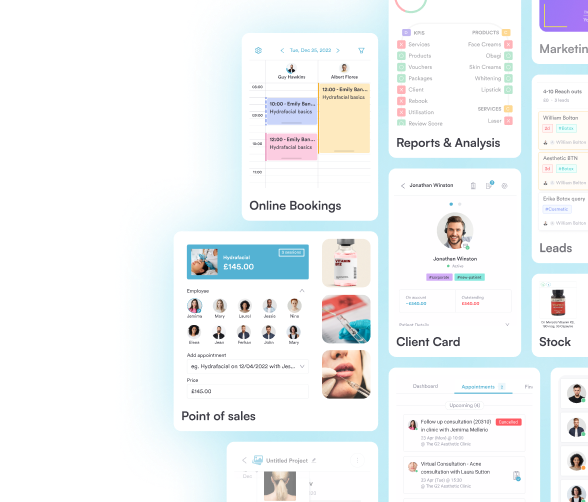
One platform for your entire practice
See how Pabau gives you all the tools you need to reduce admin, improve the patient experience, and support sustainable growth.