7 Best Patient Scheduling Software for Medical Practices: Pros, Cons, Pricing & More
A packed schedule is usually a great sign that business is thriving. But afte...

December 24, 2025


Buy now, pay later is now available in Pabau

Pabau is best for medical practices that want one system for scheduling, EMR, payments, and patient communication, especially if they plan to scale or run multiple locations.
Vagaro suits clinic-lite and hybrid beauty/health practices that prioritize simple booking and retail tools over in-depth medical workflows.
Jane works well for allied health and insurance‑based practices that need clean scheduling plus claims support, but lighter aesthetics workflows.
Zenoti suits large, multi-location groups that require enterprise-level scheduling, marketing, and POS, and have the team to manage a more complex system.
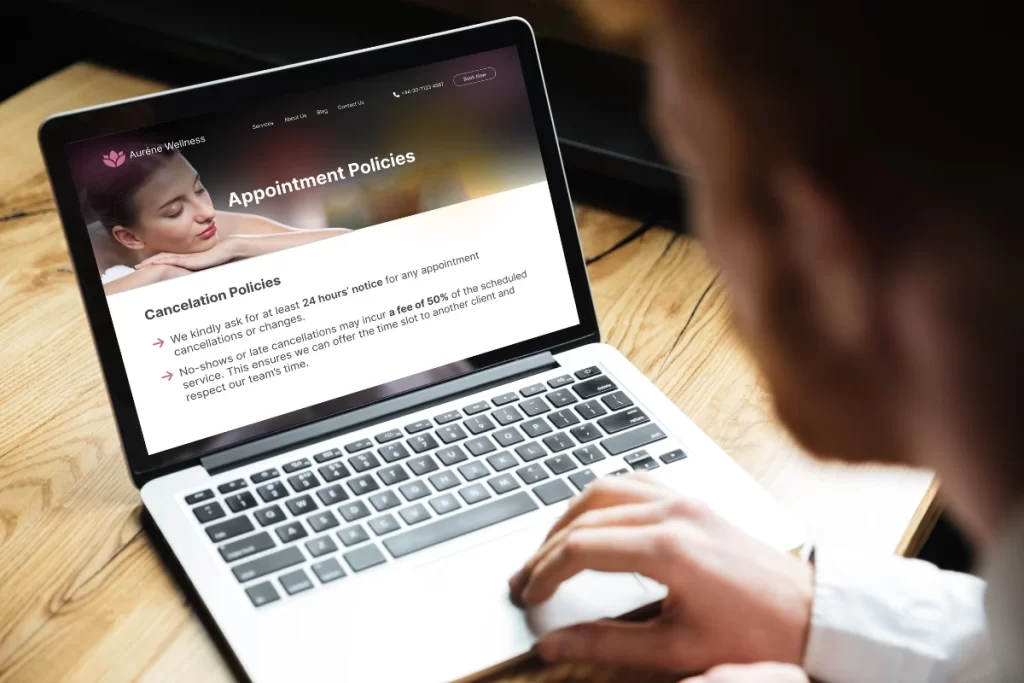
A packed schedule is usually a great sign that business is thriving. But after a while, you might notice things slipping – appointments overlapping, no-shows creeping in, and team members juggling ten tabs just to confirm a single booking.
Centralizing all of this in one system, instead of relying on constant manual work, is exactly what patient scheduling software is designed to do.
The best patient appointment scheduling software keeps your calendar under control by automating reminders, linking appointments to patient records and billing, and providing patients with an easy way to book or reschedule.
In this guide, you’ll find the leading patient scheduling platforms, their key differences, their associated costs (where available), and the types of practices they best suit. Use it as a shortcut to find software that fits your workflows, instead of forcing your team to work around the tool.
| Name | Best for | Stand-out feature | Price starting point | G2 rating |
|---|---|---|---|---|
| Pabau | Growing and multi-location medical practices | Full patient journey in one place | $69 per user/month | 4.7 / 5 |
| Vagaro | Beauty-first and hybrid wellness clinics | Large client marketplace and retail tools | $23.99/month | 4.6 / 5 |
| Jane | Allied health and insurance-based practices | Insurance-ready scheduling and billing | $54 CAD/month | 4.0 / 5 |
| Zenoti | Large, multi-location clinic groups | Enterprise-grade scheduling and marketing | Custom quote | 4.5 / 5 |
| PatientNow | Documentation-heavy medical clinics | Structured clinical records and photo tools | Custom quote | 3.2 / 5 |
| Mangomint | Modern wellness and aesthetics-lite practices | Smooth UI and front-desk automations | $165/month | 4.9 / 5 |
| Boulevard | Design-led, premium patient experiences | Polished, branded online booking flow | $369/month per location | 4.4 / 5 |
Pabau is an all‑in‑one practice management platform built first for clinical environments, not just salons or wellness studios. Appointment booking sits at the centre, and everything else (patient records, consent forms, notes, invoices, and communications) links back to the same calendar.
That means staff can move from “who’s coming in today?” to “what are we doing for them?” in a single click, the ultimate goal being, of course, patient satisfaction.
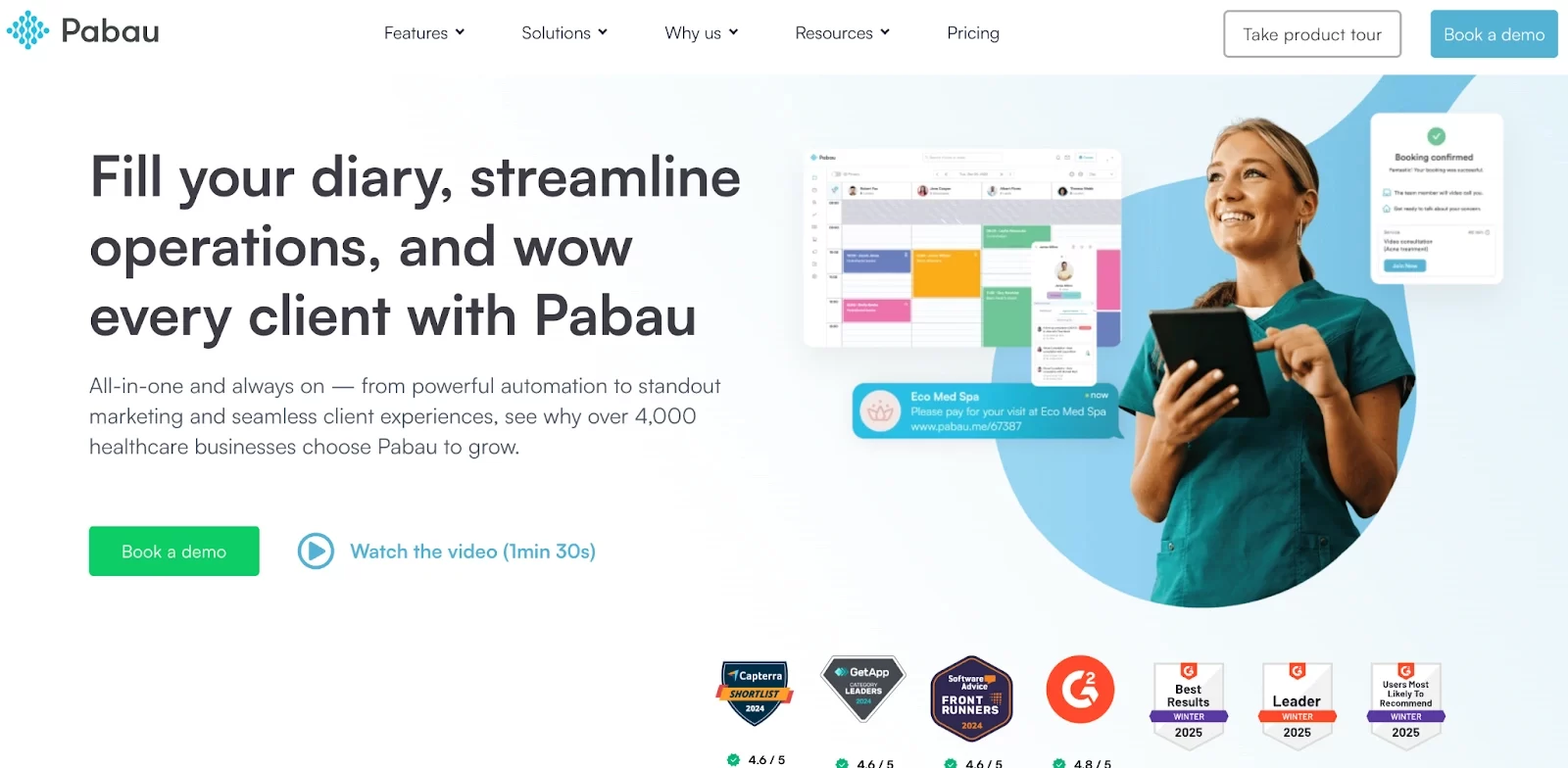
Pabau has a lot under the hood, but a handful of features will matter most when you’re choosing scheduling software. These are the ones that directly affect how your team books, manages, and completes appointments on a day-to-day basis.
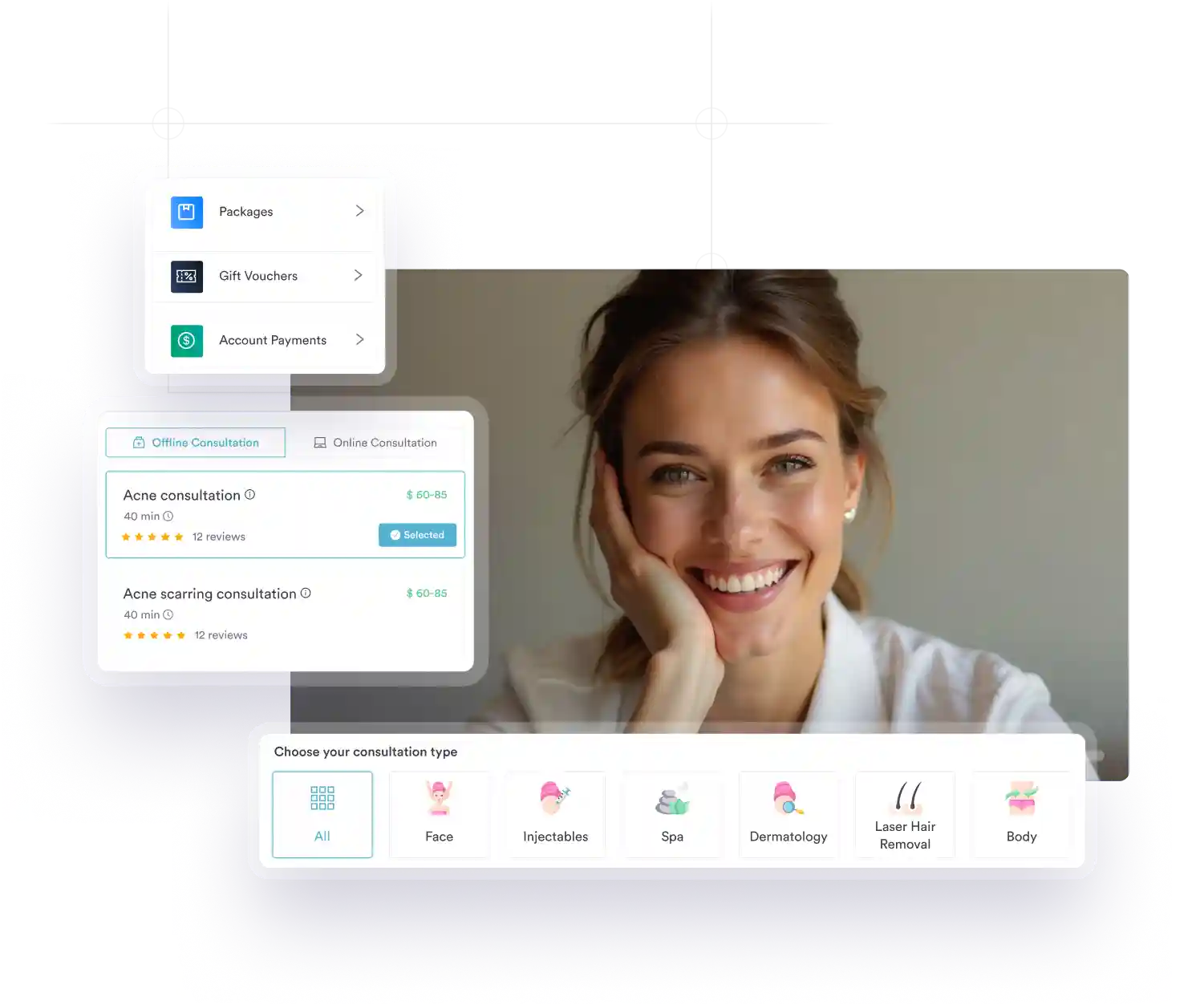
With Pabau’s online booking, patients can book 24/7 through your website, patient portal, or shared booking links, choosing their practitioner, service, and time slot in a few steps. You can require deposits, limit which services are bookable online, and control how far in advance people can book or reschedule.
According to a 2024 review of outpatient clinics, 62.5% of sites that introduced open-access appointment scheduling saw their no-show rates decrease, demonstrating the significant impact a well-designed scheduling system can have on attendance and access to care.
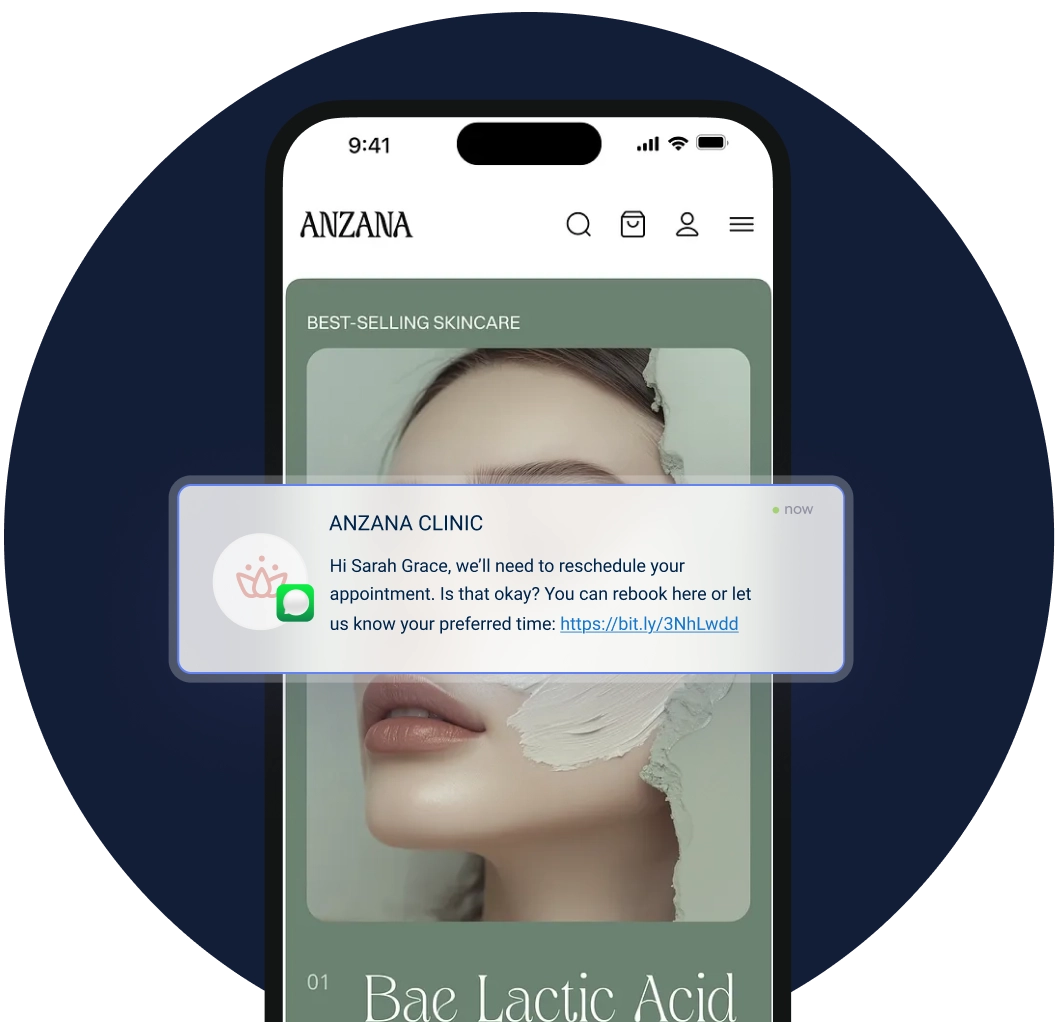
Pabau can (automatically) handle every standard appointment message for you: confirmations, appointment reminders, rescheduling notices, cancellations, and post‑visit feedback requests. You decide when messages go out and whether they use email, SMS, or both, which dramatically cuts down on no‑shows and last‑minute phone calls.
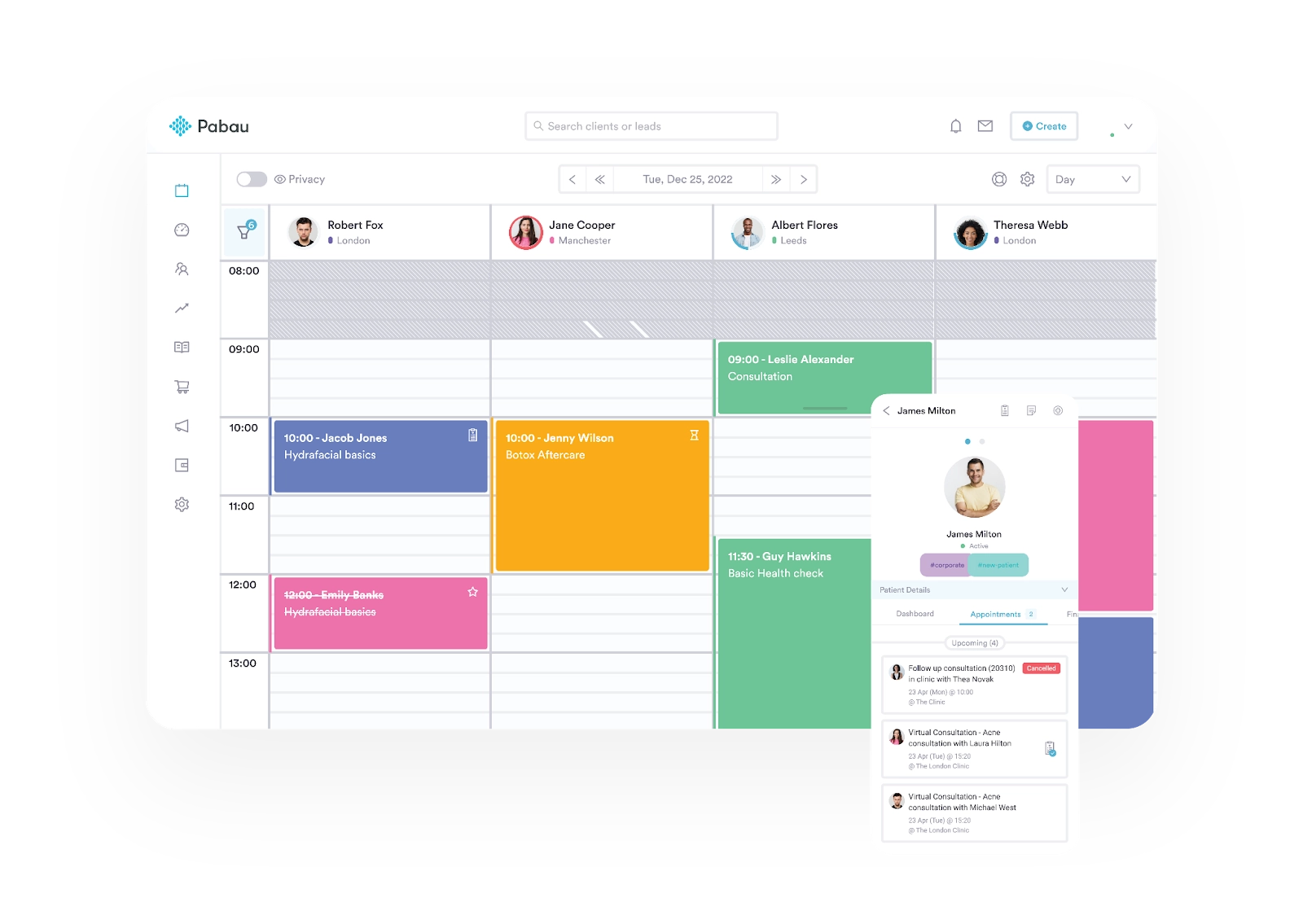
From any calendar appointment, staff jump straight into the patient record and see history, forms, photos, prescriptions, alerts, and outstanding balances. For clinicians, that means no more digging through separate health records and calendar tools; everything they need for the consultation is already attached to the booking.
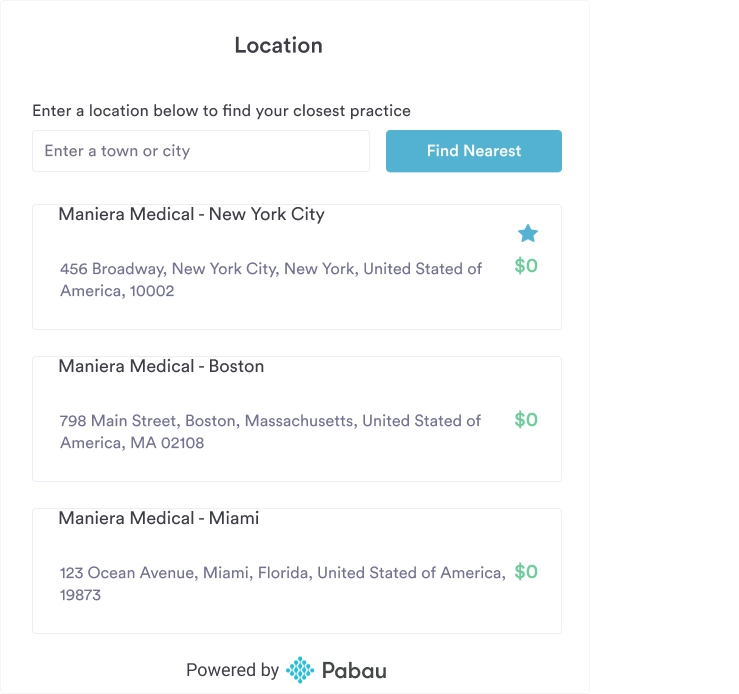
Rooms, equipment, and practitioner rules are built into the calendar, so the system automatically checks for conflicts before confirming a slot. If you run multiple locations, all sites share the same core setup, while each calendar can still have its own working hours, services, and resources.
This is where Pabau pulls ahead of beauty-led tools: smart rules for rooms and equipment are critical when running scans, imaging, lasers, or other resource-heavy treatments day after day.
| Plan | Price | Users | Key inclusions |
|---|---|---|---|
| Startup | £69/month per user | 1 | Booking, reminders, records, basic POS |
| Team | Talk to sales | 2–3 | Full feature set |
| Medium | Talk to sales | 4–5 | Full feature set |
| Group | Talk to sales | 6–15 | Full feature set |
| Enterprise | Custom quote | 6+ | Dedicated onboarding and support, full feature set |
Users appreciate the convenience of having booking, records, marketing, and forms all in one place, especially when scaling from a single site to multiple locations. They also mention fast, responsive support and clear improvements in no-show rates once automated reminders are enabled.
“The automated email reminders have been a huge help — they reduce no-shows and improve client communication without me needing to manually follow up. I also love that I can use digital consent forms and treatment notes. It keeps everything paperless, organised, and accessible from anywhere, which is perfect for a busy clinic like mine. The customer support is brilliant!” – Eric K., Clinic Owner and Clinical Specialist
“What I like best about Pabau is the customer support. The webchat is fast, friendly, and issues are resolved quickly with good follow-up. The system is also excellent for compliance, with a wide range of ready-made forms that help keep everything organised and inspection-ready. Even though my business doesn’t fit neatly into their standard setup, the team have worked with me to find practical workarounds and have been supportive as my services have grown.” – Parvynder H., Director & Registered Manager
Want to see how Pabau handles scheduling in a real-world clinic setup? Book a demo and walk through your current workflow step by step.
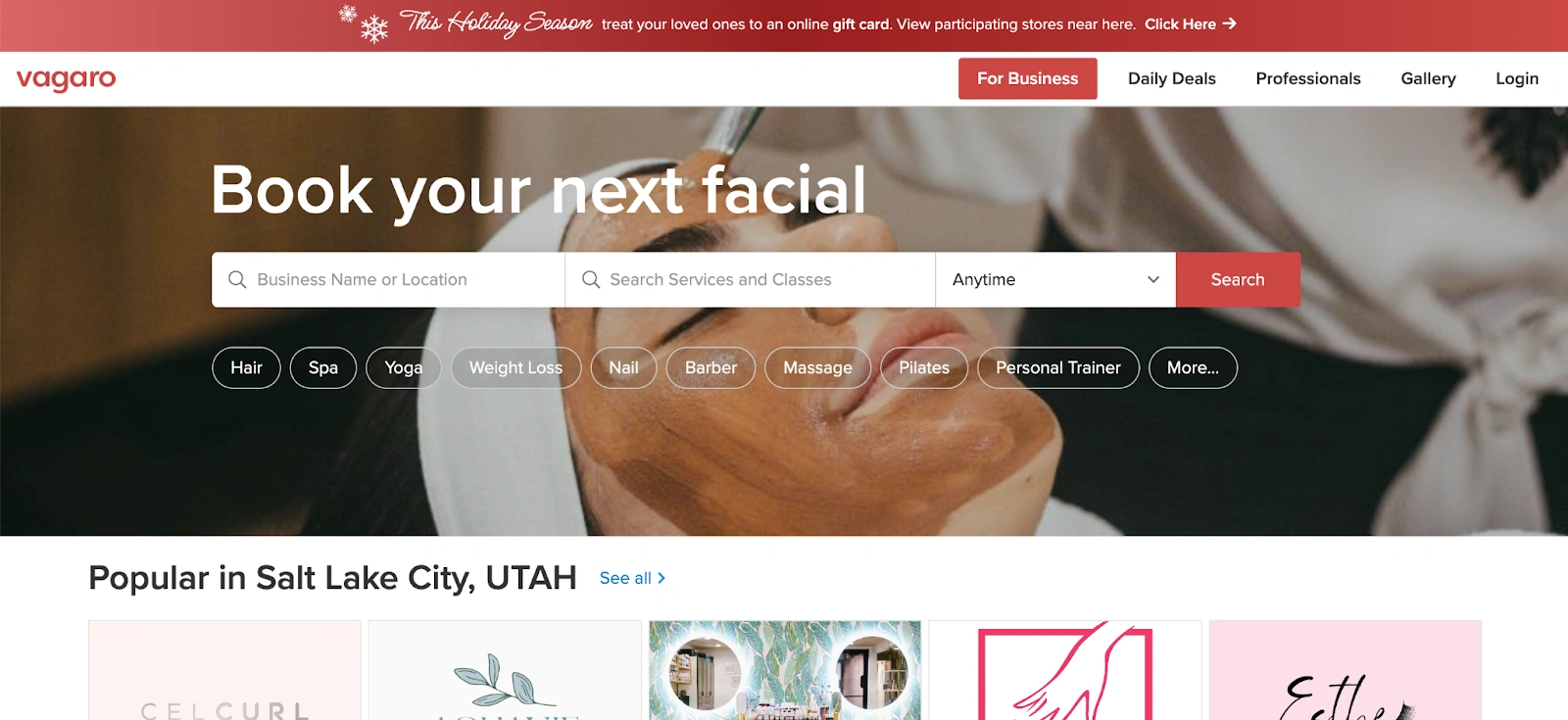
Vagaro is a booking and POS system built mainly for salons, spas, and beauty‑led businesses, but some smaller medical and hybrid clinics also use it for basic scheduling. It focuses on quick setup, simple online booking, and retail-friendly tools, such as memberships and product sales.
| Plan | Price | Notes |
|---|---|---|
| Core subscription – 1 bookable calendar | $23.99/month | Includes one user |
| Extra calendars | +$10 per month | 2–7+ users |
Reviewers often praise how straightforward it is to schedule appointments and take deposits, while noting that more clinically focused teams sometimes outgrow its feature set.
“… the uncomplicated way to navigate and the professionalism compliments I get from clients and how easy it is to book my clients and for them to follow.” – Verified G2 user
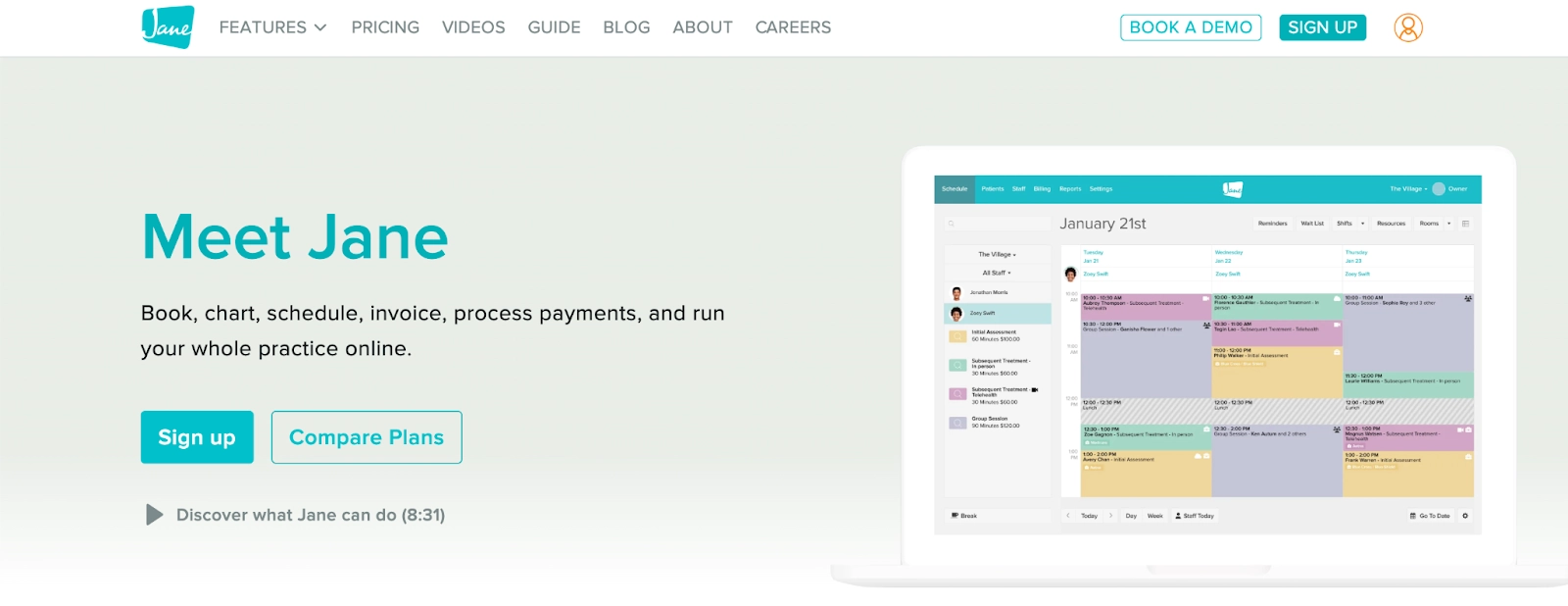
Jane is popular in allied health, including physiotherapy, massage, and counselling. It is also a common choice for those seeking chiropractic practice management software where clinics require dependable scheduling and strong insurance support. It combines online booking, charting, and billing, but it is not designed around aesthetics or procedure‑heavy environments.
Learn more about Pabau vs. Jane App.
| Plan | Price | Includes |
|---|---|---|
| Balance | $54 CAD/month | Single practitioner, limited appointments |
| Practice | $79 CAD/month per license | Unlimited appointments, branding, SMS reminders |
| Thrive | $99 CAD/month per license | Room/equipment scheduling, waitlists |
Users like that it is easy for both staff and patients to see who is available and book accordingly, though some mention wishing for richer marketing and automation features.
“Very easy to use and integrate multiple practitioners. I already recommended to multiple businesses and colleagues.” – Lianna H., Chiropractic, Reiki Practitioner, and Coach
“Easy to use and easy to track current and past appointments. Easy to cancel appointments as well. I also like the “oops” option if you accidentally select “schedule appointment.” – Jamie F.
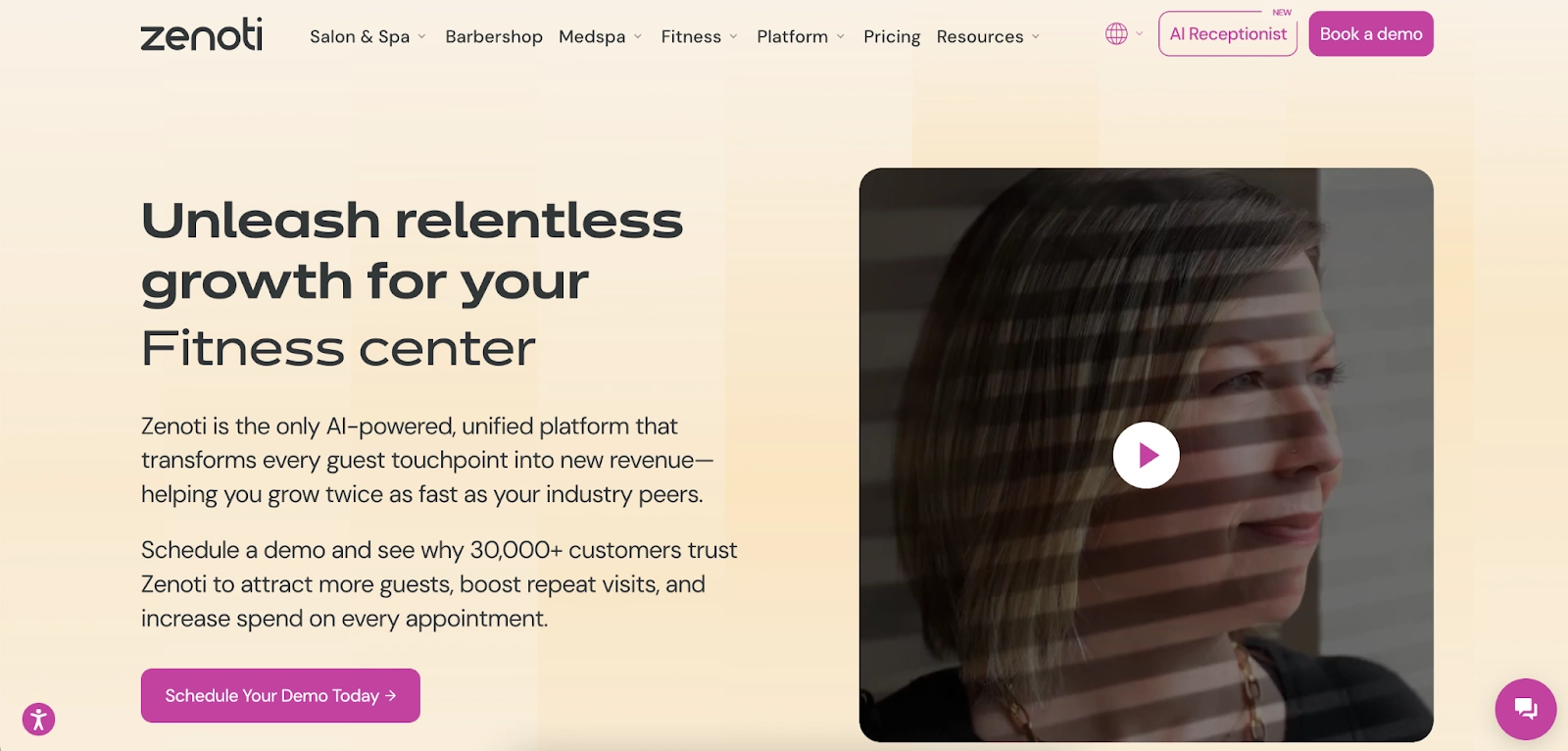
Zenoti sits at the enterprise end of the spectrum, designed for large, multi‑location clinics and wellness groups with big booking volumes. It brings together advanced scheduling, marketing, POS, and analytics in a single system, but that power comes with complexity.
Learn more about Pabau vs. Zenoti.
Zenoti uses custom quotes, often with higher base fees plus add‑ons for analytics, marketing, and messaging.
Larger teams appreciate the depth of reporting and the ability to coordinate busy schedules across multiple sites, but also note that staff require proper training to utilize all modules effectively.
“I appreciate how streamlined and intuitive Zenoti is. The implementation team provided exceptional support from day one, making the transition feel effortless. The ongoing guidance and quick follow-ups from our account manager, Vic Bahtia, have made the experience even better.” – Noelia O., Executive Assistant
These tools can all manage appointments, but if you need to access deep medical records, consent workflows, and compliance support in the same place, they may require additional systems to support them.
Many options appear similar at first glance, so focus on how well each system aligns with your practice’s core workflows.
Look for a calendar that can handle practitioner availability, room and equipment rules, and multi‑location visibility without manual workarounds. The best tools flag conflicts before they happen and update in real-time when patients book online, staff move appointments, or cancellations occur.
Pabau builds scheduling rules into the calendar and syncs changes instantly across locations, so reception, clinicians, and practice managers always see the same, up‑to‑date view.
Your software should enable patients to book or reschedule appointments without needing to call, while still allowing you to control deposits, notice periods, and which services are available online. Automated confirmations and reminders are crucial in reducing no-shows and last-minute cancellations.
Pabau supports 24/7 online booking, deposits, and automated reminders, and can be integrated into channels like your website and Google Business Profile, allowing patients to book from wherever they find you.
In a medical environment, a calendar alone is not enough. You need appointments that connect directly to clinical notes, consent forms, photos, and invoices. That way, each visit has a clear context and documentation, and you avoid errors caused by switching between tools.
Pabau attaches every appointment to the relevant patient record, showing history, forms, and financials in one place, which keeps both clinicians and admin teams aligned.
If you plan to grow, check how well the software handles additional practitioners, new services, or extra locations. Multi‑location controls, central reporting, and shared records make it much easier to expand without losing oversight.
Pabau is designed to support clinics as they expand, maintaining a single, shared database of patients and ensuring a consistent experience across all locations.
If you know growth is on the roadmap, it often makes sense to start with a platform like Pabau that can handle both today’s schedule and tomorrow’s expansion.
The right patient scheduling software keeps your calendar full, your team organised, and your patients informed without endless phone calls or manual reminders. General‑purpose tools can get you part of the way there, but medical practices usually need deeper clinical workflows, better documentation, and multi‑location flexibility.
Pabau brings scheduling, records, forms, payments, and communication together in one place, allowing you to run your practice from a single, integrated system rather than piecing together multiple apps. If you want to see how it would look with your own services and team structure, book a demo and test it against your current process before making a decision.
Pabau can help you run your clinic on autopilot. Book a demo to learn how.