








Chiropractic software
Create a practice that flows as well as your adjustments
Manage patient records, streamline scheduling, and keep SOAP notes consistent — all from one cloud-based software platform built for chiropractic practices that need efficiency without complexity.
4.8
Trusted by 3,500+ clinics worldwide




Challenges vs The Pabau Solution
Challenges Chiropractic Practices Face
- Up to 35% of practitioner time spent on documentation and admin instead of adjustments
- SOAP notes pile up and get written after clinic hours, increasing burnout
- Intake forms arrive incomplete, delaying first appointments and slowing patient flow
- No-shows and late cancellations disrupt tightly scheduled adjustment slots
- Care plans span multiple visits but tracking patient progress requires digging through files
- Insurance claims management and billing accuracy consume hours of staff time weekly
The Pabau solution
- Reduce admin burden by up to 40% with smarter workflows and automated documentation
- SOAP notes completed during appointments with AI-assisted clinical narratives
- Automate intake with digital forms sent and completed before patients arrive
- Automated reminders and deposit collection reduce no-shows by up to 30%
- Care plan management links every visit to the patient record for full progress visibility
- Integrated payment processing and streamlined billing reduce collection delays
Document progress and optimize treatment outcomes
Create personalized treatment plans, track patient progress with measurements, and demonstrate improvement with visual data.
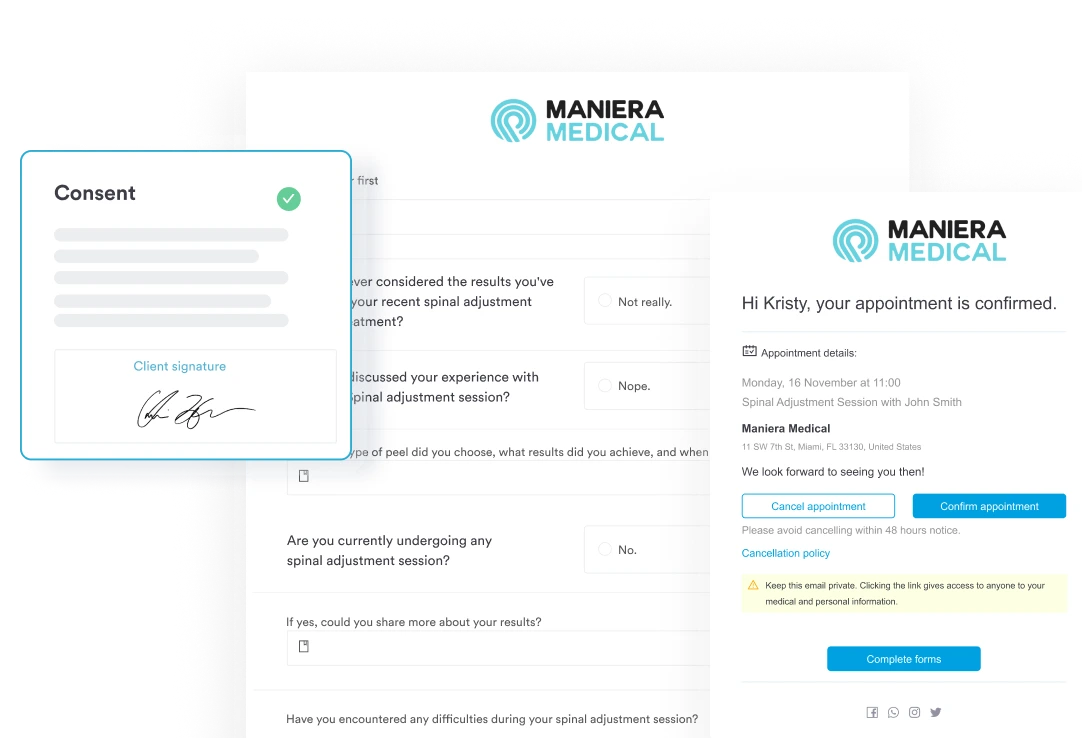
Collect intake forms and health history before patients arrive
Send digital forms automatically at booking. Patients complete medical history, consent documents, and health questionnaires from home — so appointment time goes to examination and adjustment, not paperwork.
Finish SOAP notes during the visit, not after hours
AI-powered documentation captures clinical narratives in real time. Practitioners review and approve structured SOAP notes before the patient leaves — reducing after-hours charting and keeping documentation consistent.
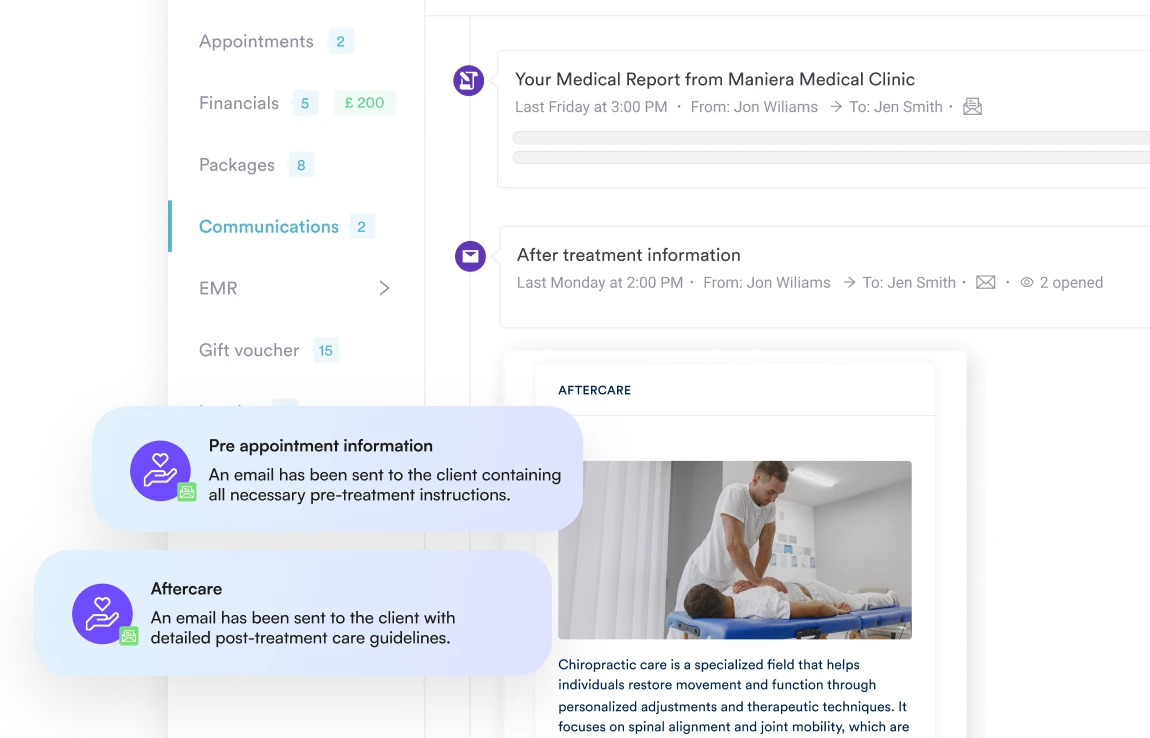
Send aftercare instructions automatically after every visit
Post-adjustment guidance goes out without manual effort. Patients receive consistent advice on exercises, stretches, and activity modifications — improving outcomes between appointments.
Manage appointments and recurring sessions effortlessly
Schedule one-off visits or ongoing treatment programs, automate reminders, and process payments for packages and memberships.
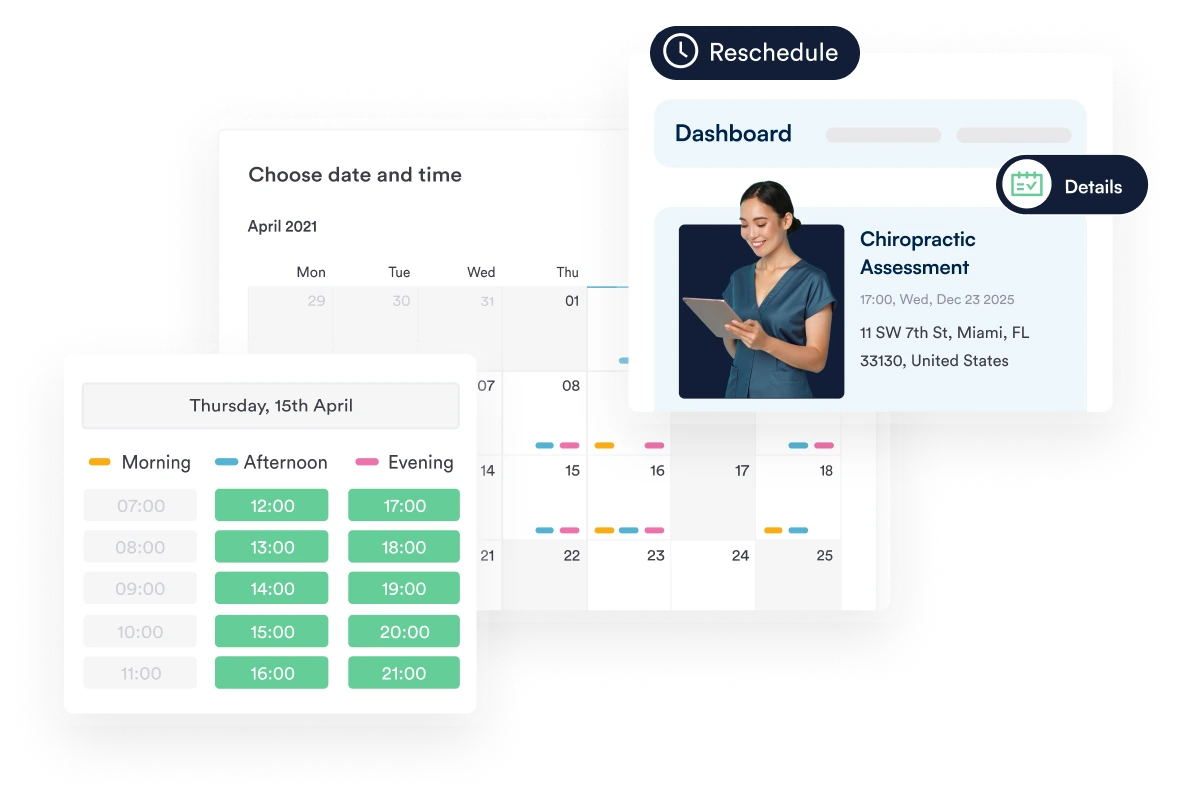
Let patients book and reschedule online without calling in
24/7 online booking means patients schedule their own appointments. Front-desk phone volume drops, and the calendar fills even outside clinic hours — improving patient scheduling efficiency.
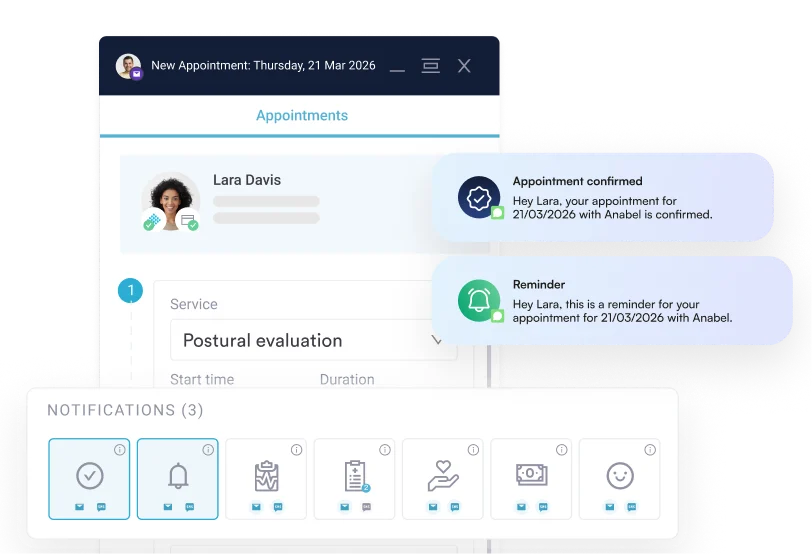
Cut no-shows before they disrupt the day
Automated SMS and email reminders go out before every appointment. Patients who forget get nudged — and last-minute gaps become less common.
Collect payments and patient responsibility without friction
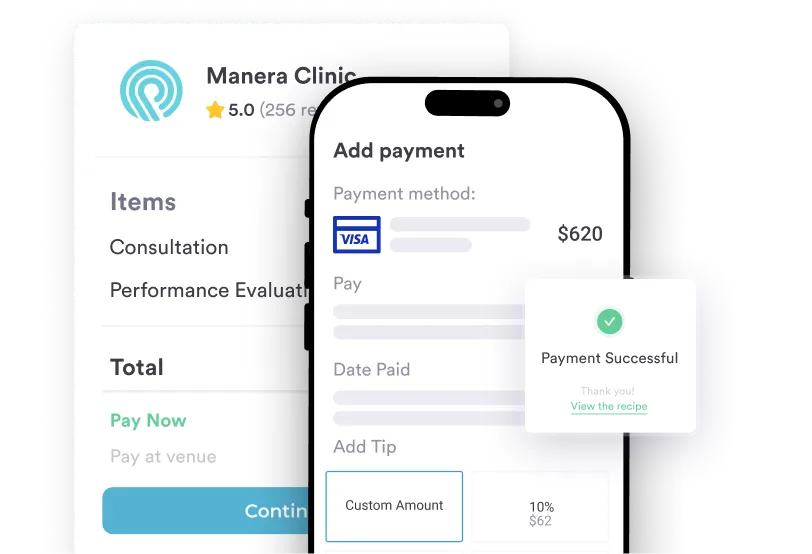
Integrated payment processing handles deposits at booking, balances at checkout, and payment links for outstanding invoices. Patients pay seamlessly — improving billing accuracy and reducing collection delays.
- WHAT CHIROPRACTIC PRACTICES ACHIEVE WITH PABAU
Clinics of every size use Pabau to simplify operations, stay compliant, and grow without extra admin.
consultation capacity
Dermatologist


consultation capacity
Dermatologist

Coordinate care across multiple providers and locations
Manage multi-disciplinary teams, share patient records securely, and maintain compliance with clinical standards.
Manage multiple practitioners and rooms without conflicts
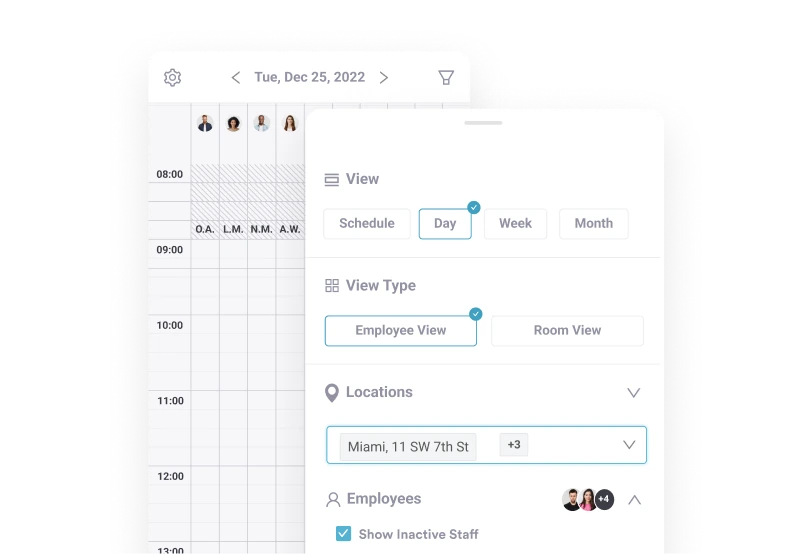
Calendar scheduling shows availability across providers and treatment rooms. Drag-and-drop rescheduling prevents double-bookings — even on high-volume adjustment days.
Automate reminders, recalls, and follow-up sequences
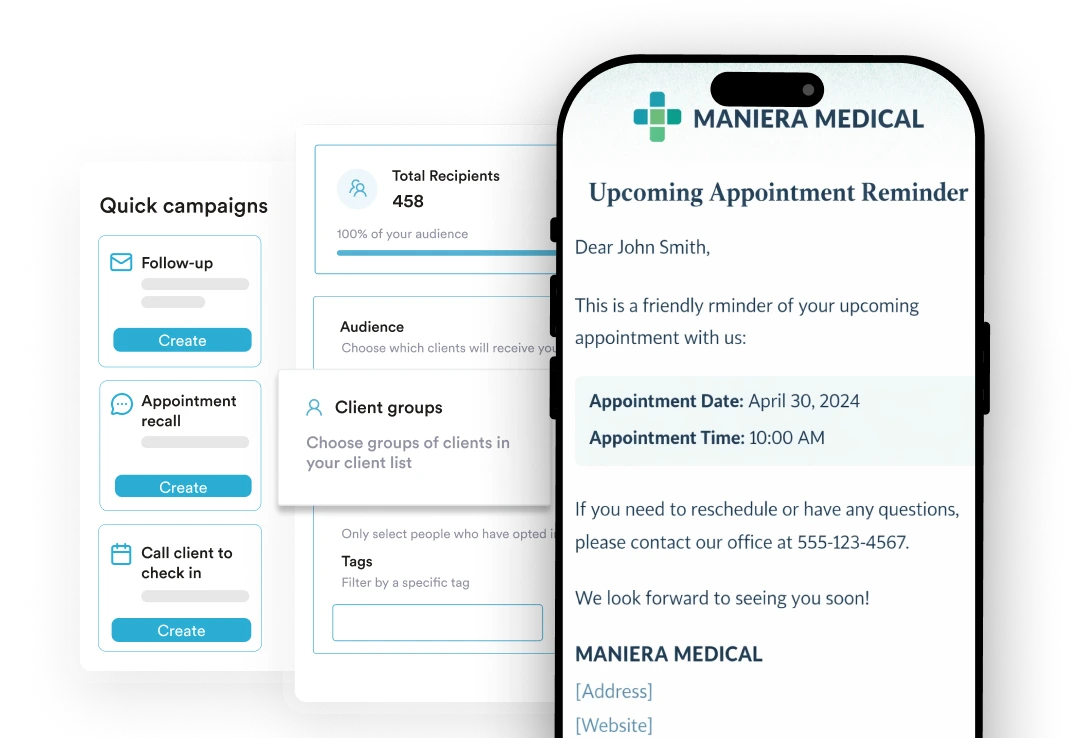
Set up workflows that send appointment reminders, care plan recalls, and re-engagement messages automatically. Patients stay on track without manual chasing — supporting patient communication throughout treatment.
Control who sees what with role-based permissions
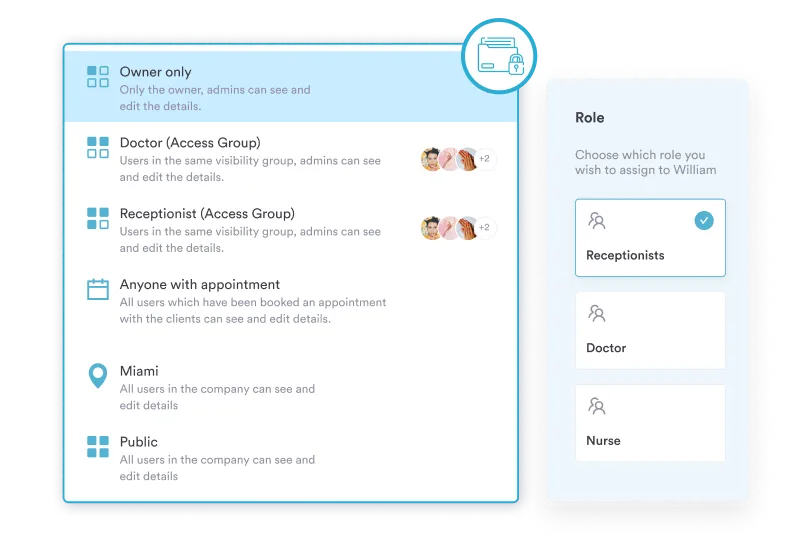
Limit access to patient records and financial data based on staff role. Practitioners see clinical records; front desk sees scheduling. Encryption and audit trails support compliance with healthcare data requirements.
Run the practice from anywhere with cloud solutions
Practitioners and staff view schedules, patient records, and visit notes from the Pabau mobile app. Data backups and cloud-based software mean the practice keeps running smoothly — even remotely

Grow through better outcomes and patient retention
Track recovery rates, monitor session utilisation, and identify opportunities to expand programs and services.
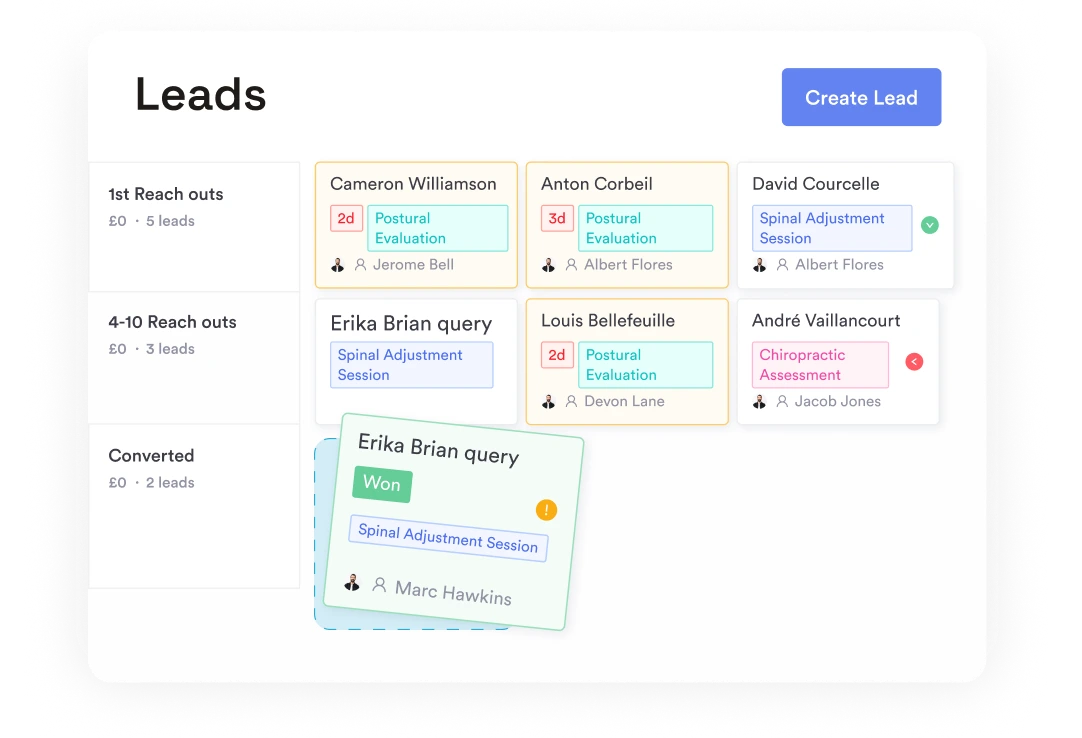
Capture every inquiry and convert it into a first appointment
Website capture forms feed directly into lead management. Every inquiry is tracked, followed up automatically, and moved toward a booked consultation — without leads slipping through.
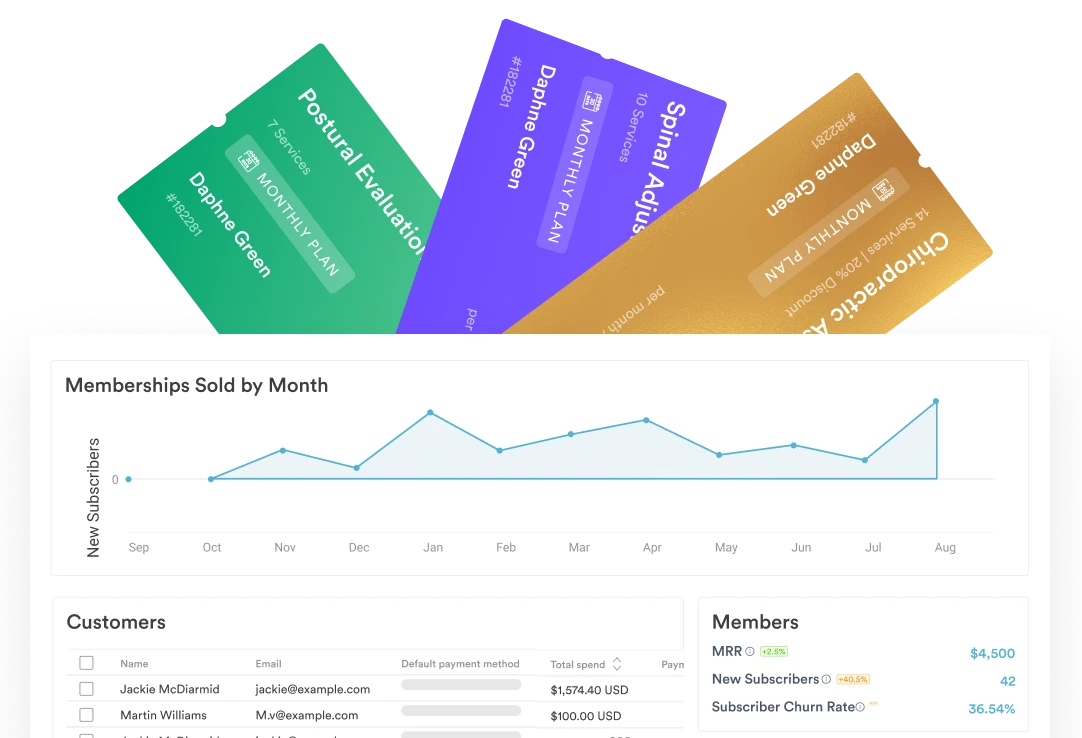
Build care plan packages for predictable revenue
Create multi-visit adjustment packages or wellness memberships. Patients commit to their care plan upfront, revenue becomes predictable, and practice profitability improves.
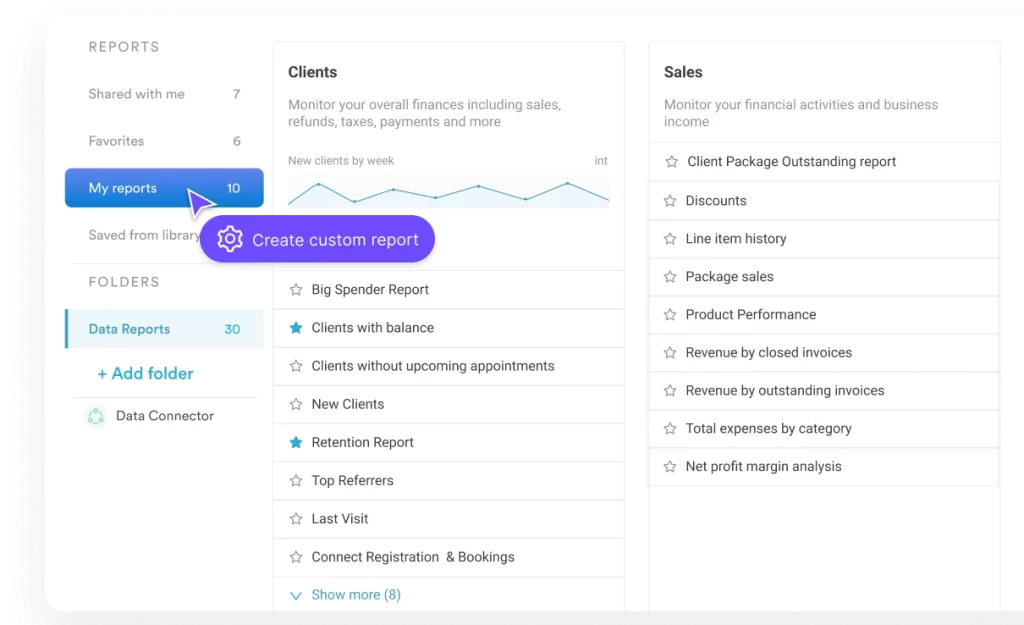
Track what's driving growth with practice analytics
Monitor new patient inquiries, appointment volumes, retention rates, and revenue per practitioner from one dashboard. Business knowledge helps you make decisions based on performance — not guesswork.
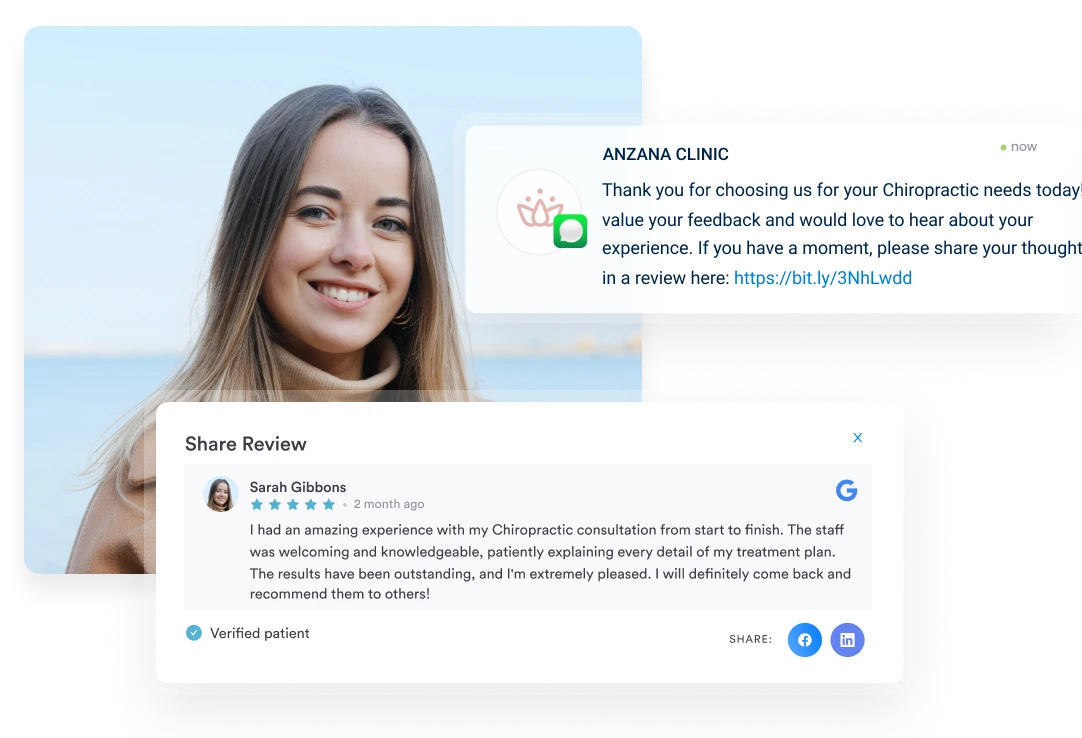
Turn satisfied patients into referrals and reviews
Automated review requests go out after appointments. Positive feedback builds your online reputation, and happy patients become your best source of new referrals.
Chiropractic software resources
Access insightful worksheets, industry guidelines, and expert advice — all carefully curated
to help you improve your practice and provide a better experience for your clients
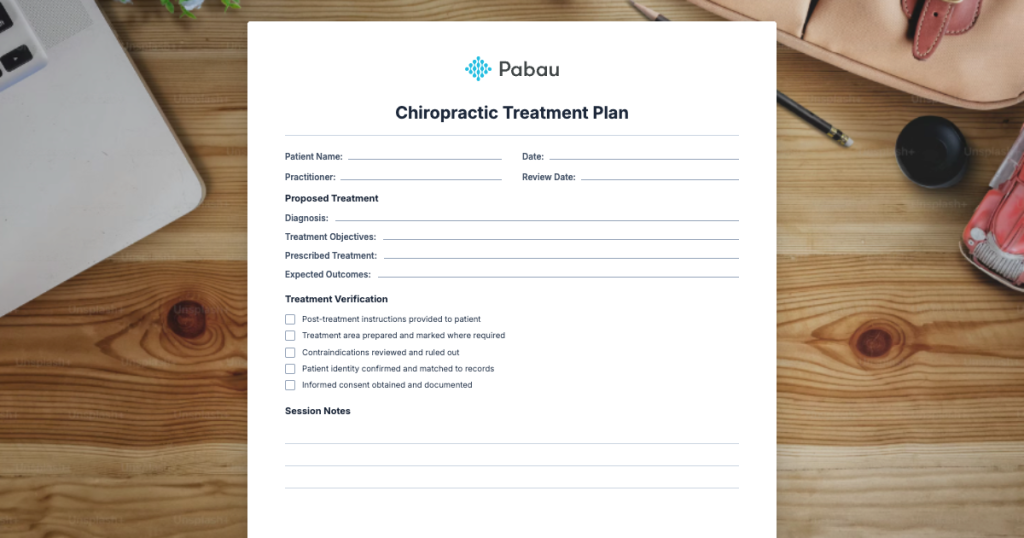
Chiropractic Treatment Plan
A chiropractic treatment plan is the cornerstone of effective patient care. It t...
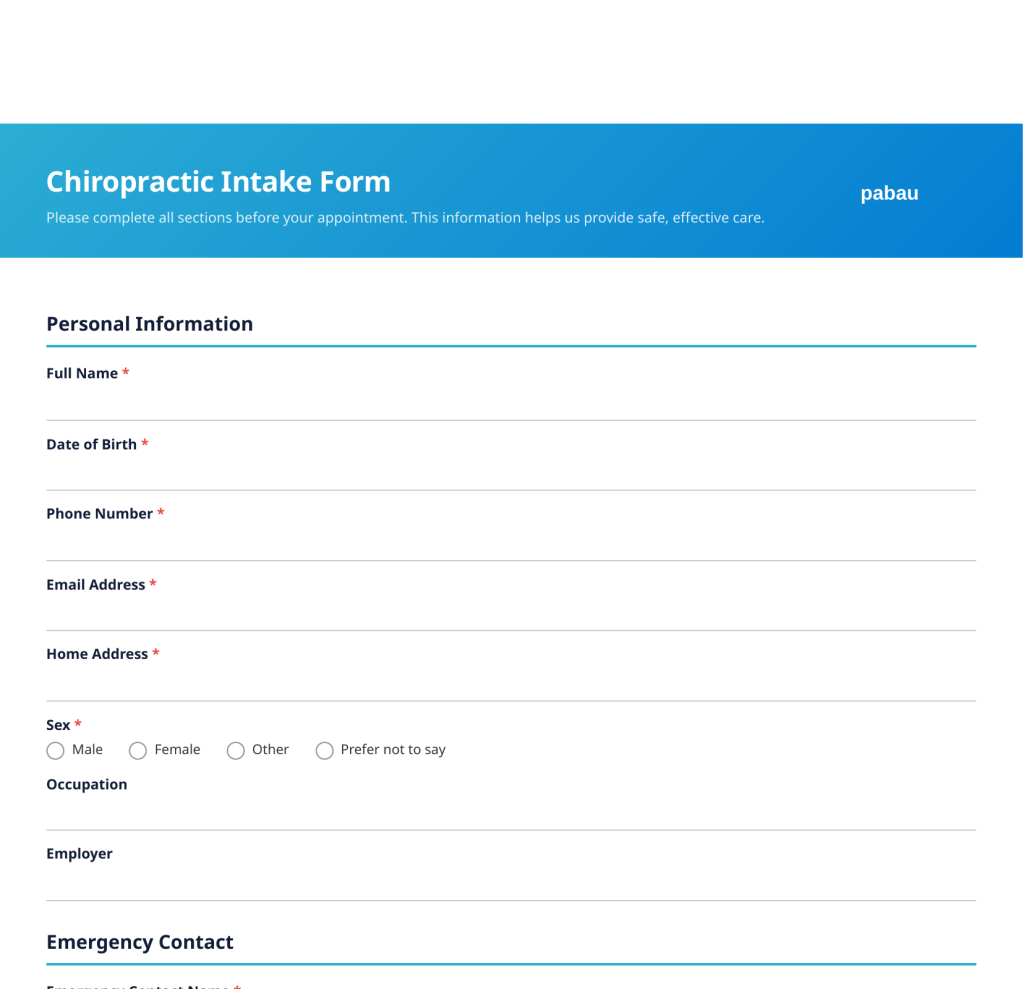
Chiropractic Intake Form Template
Download a free chiropractic intake form template with sections for medical hist...

Explore Pabau by practice size
Or learn more about our features for
GP practices
CARE & CLINICAL
PATIENT EXPERIENCE
OPERATIONS & MANAGEMENT
BUSINESS GROWTH
Frequently asked questions
Is Pabau suitable as chiropractic software for adjustment-focused practices?
Yes. Pabau is used by chiropractic practices delivering high-volume adjustments, rehabilitation, and wellness care — with tools designed for practices that see patients across multi-visit care plans.
How does Pabau support SOAP note documentation?
Pabau’s AI-powered assistant captures clinical narratives during visits. Practitioners review and approve structured SOAP notes before the patient leaves — reducing after-hours charting and keeping documentation consistent across providers.
Can patients complete intake forms before their appointment?
Yes. Digital forms are sent automatically at booking. Patients complete demographic data, medical history, consent documents, and health questionnaires from home — so appointments start on time.
Does Pabau send automated appointment reminders?
Yes. Automated SMS and email reminders go out before every appointment, reducing no-shows and keeping the schedule full without manual follow-up from staff.
Can Pabau track care plans across multiple visits?
Yes. Care plan management links each adjustment session to the patient record with visit notes and progress markers. Practitioners see how patients respond over time — supporting clinical decisions and patient education.
Does Pabau handle payment processing and billing?
Yes. Integrated payment processing handles deposits at booking, balances at checkout, and payment links for outstanding invoices. The practice management system reduces collection delays and improves billing accuracy.
Is Pabau secure and compliant with healthcare data requirements?
Yes. Pabau includes role-based permissions, two-factor authentication, encryption, automatic data backups, and complete audit trails — supporting compliance for chiropractic practices handling sensitive patient records.
Can solo practices and group practices both use Pabau?
Yes. Pabau scales from solo practices to multi-location group practices. Features like multi-practitioner scheduling, role-based permissions, and centralized reporting support practices of any size.

Grow Without Compromising
Patient Care
See how chiropractic practices reduce admin, improve clinical safety, and increase revenue with Pabau.
