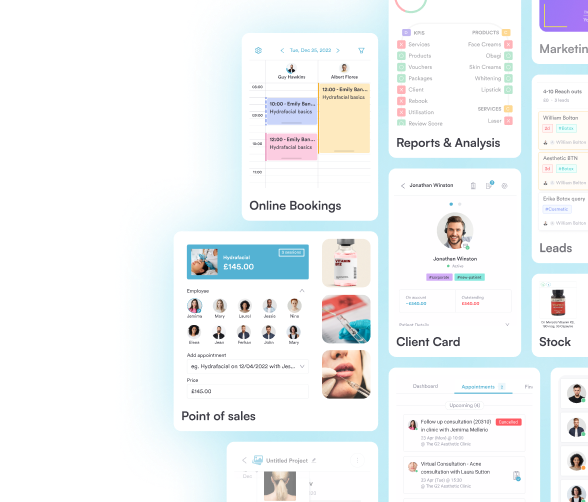
MOBILE PRACTICE MANAGEMENT APP
Run your practice
from your pocket
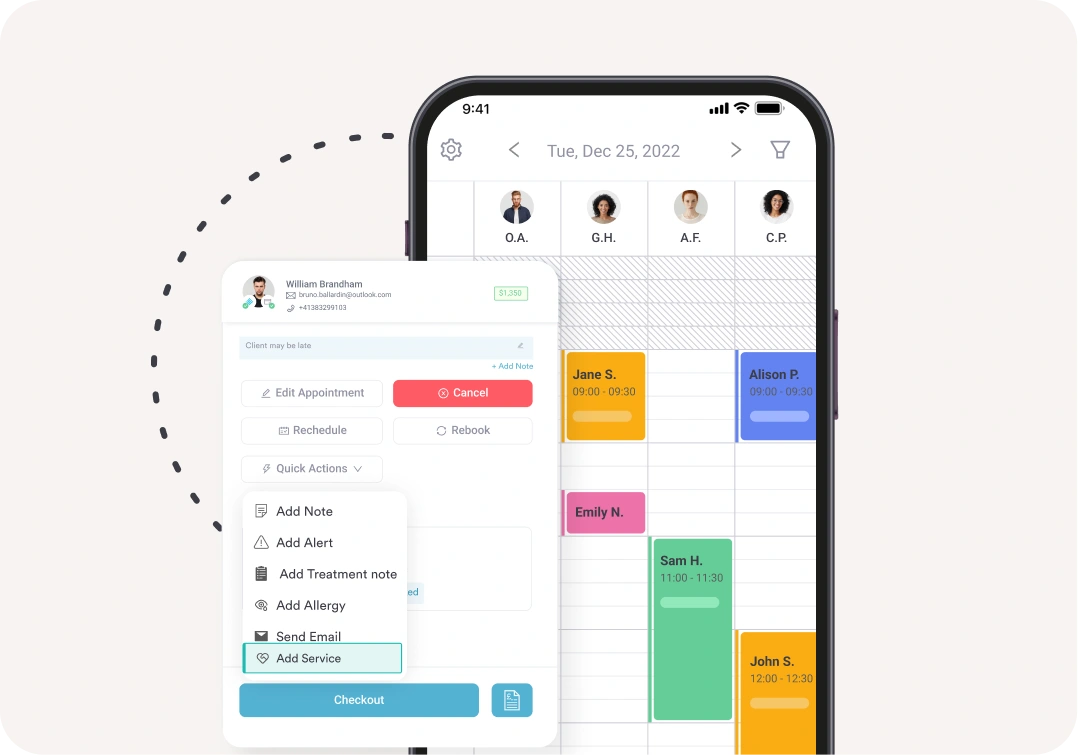
Pabau’s practice management app gives you control over your clinic from your phone or tablet. Manage your diary, complete consultations, handle scheduling, and take payments from anywhere.


Join 3,500+ practices that already use Pabau
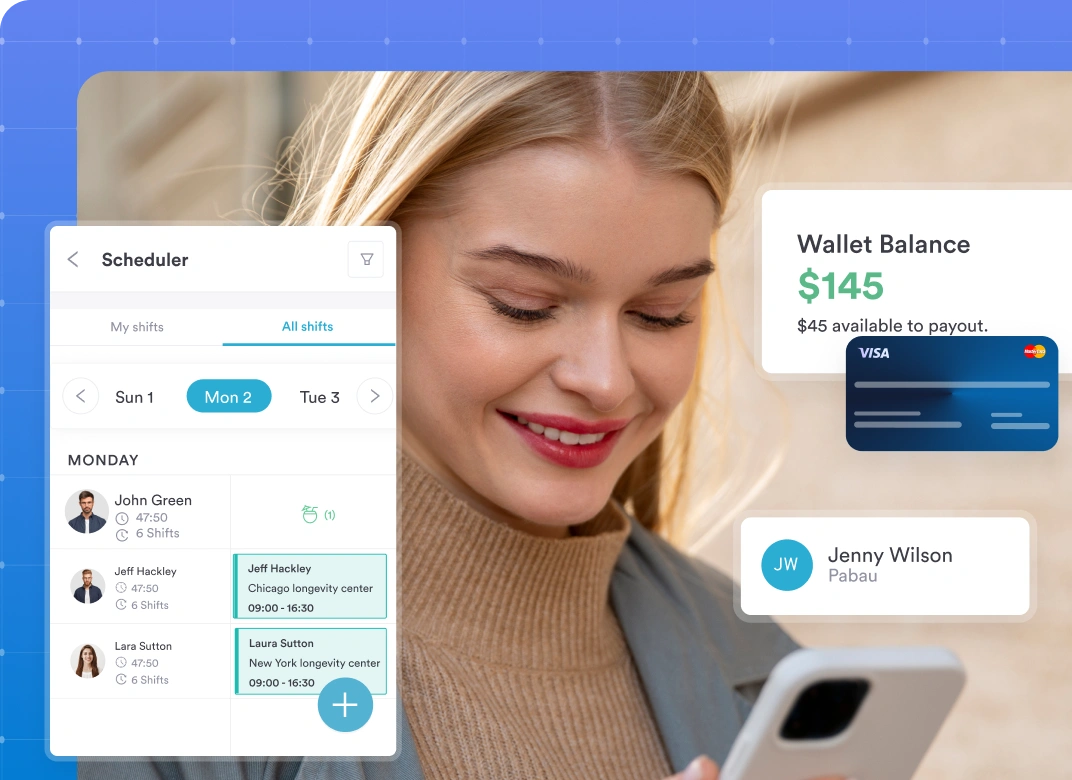
Built for clinicians on the move
Pabau GO is built for real-world flexibility. Manage your practice from your phone – whether you’re working across multiple sites, running a mobile clinic, or simply away from your desk. Your diary, client information, and patient communication stay in sync wherever you are.
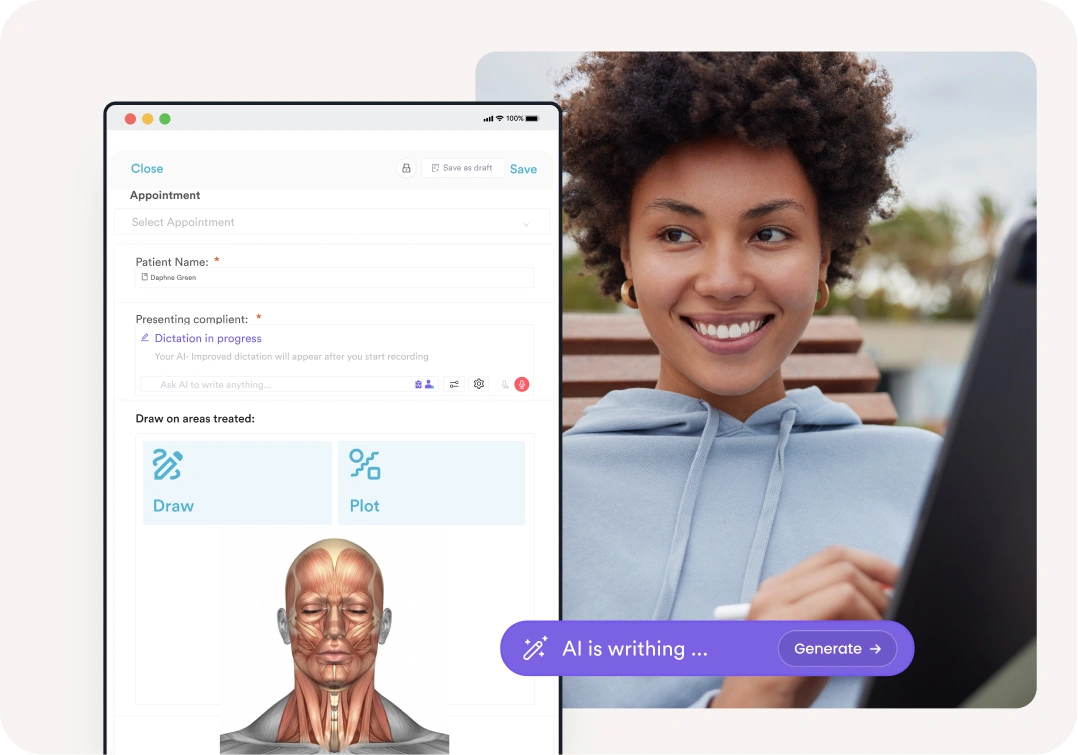
Document faster with Echo AI
Echo AI’s medical scribe is built into the Pabau GO app, so you can capture treatment notes without typing a word. Simply speak during or after the consultation — Echo AI transcribes and summarises it into a structured treatment note automatically, saving it directly to the client record.
Your clinical toolkit, on your phone
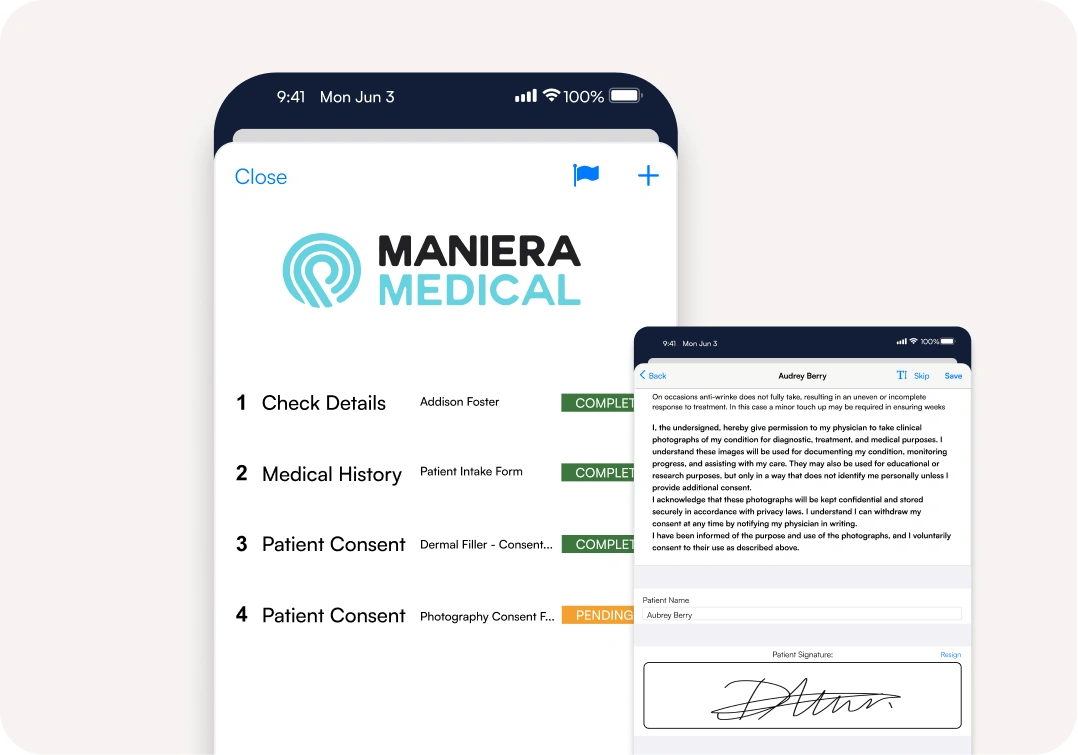
When a client arrives for their appointment, the app gives you everything you need to capture their patient journey.
Collect signed intake and consent forms, ensure medical history is up to date, and take photos that are saved directly to their record — all before their appointment begins.
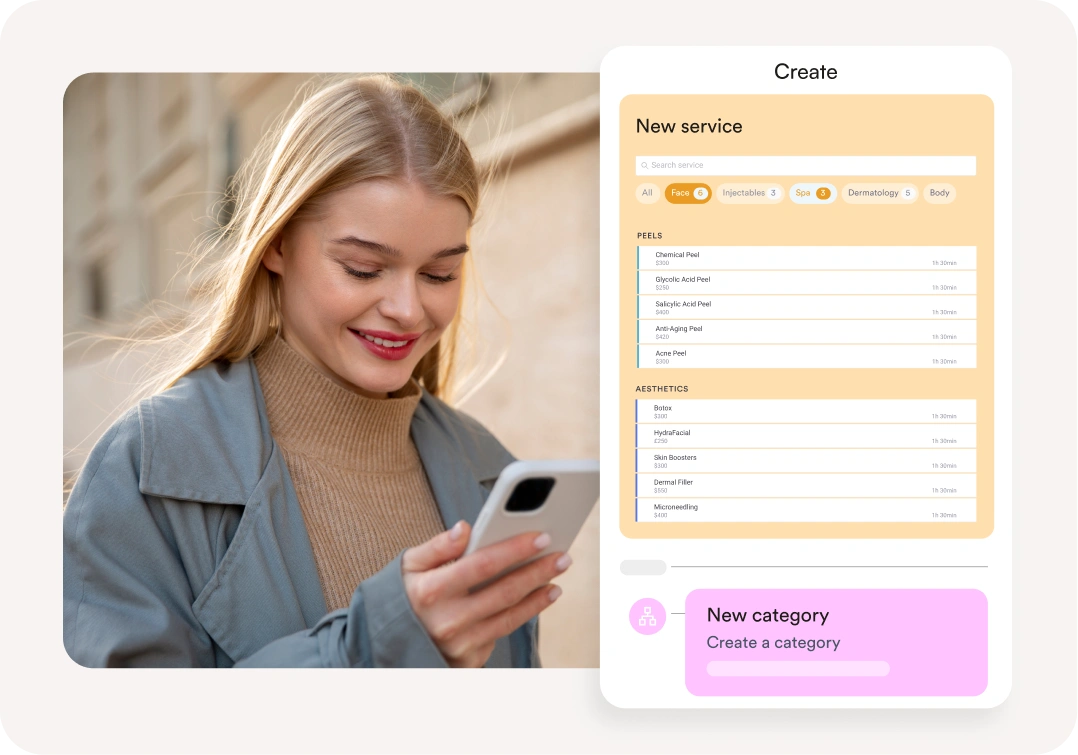
Create & edit services and products on the move
Update services, pricing, and catalogues directly from your app — no desktop required.
You can add new services, update pricing or tweak product details right from your phone or tablet, keeping your offerings fresh and synced with your wider practice management system, whether you’re in clinic, between clients, or out of office.
Payment management made easy
Pabau GO connects payments, bookings and billing in one streamlined flow.
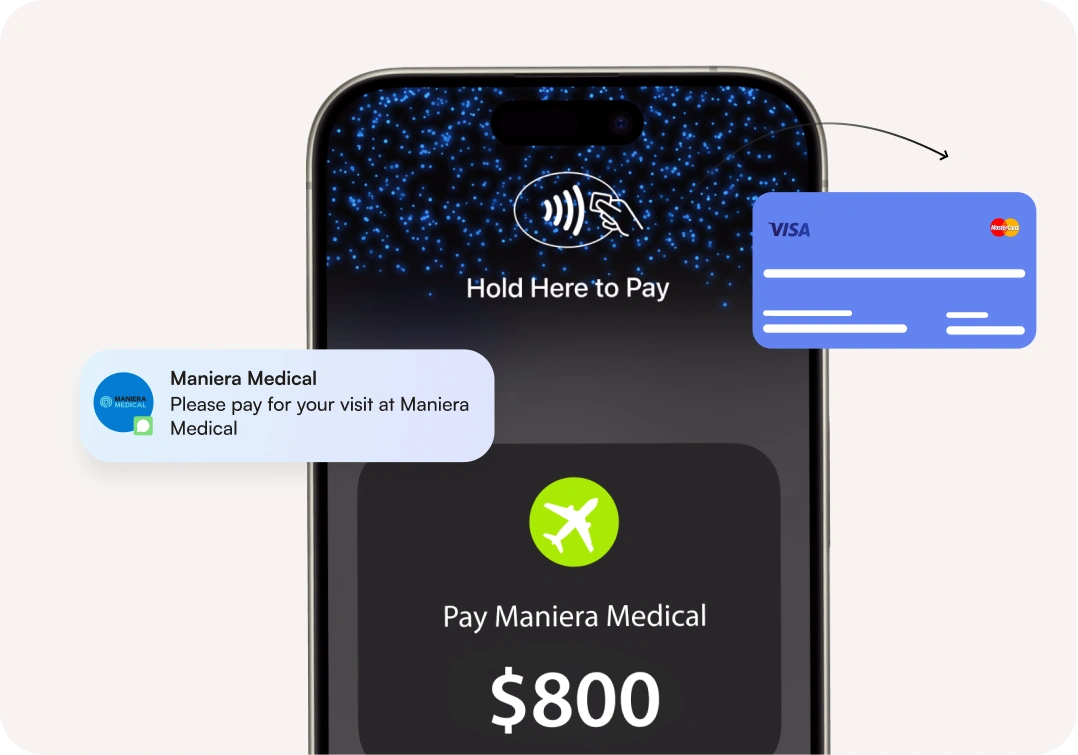
Accept cash, card, gift vouchers, packages, account payments, and even use Tap to Pay to turn your iPhone into a contactless terminal.
Checkout happens in just a few taps, and with branded mobile quotes, your clients see clear, professional pricing before they commit — helping bookings convert faster.
Find out if Pabau is the right fit for you
Frequently asked questions
You can download the Pabau GO app for iOS devices from the App Store. Simply search for “Pabau,” and you’ll find the app ready for download!
Nope, it’s free for all Pabau customers.
You should use the same login credentials as for the desktop version of Pabau. However, you will need a PIN number to log in, which you get via the desktop version.
We have knowledge base articles on this for both Pabau 1 and Pabau 2 users.
Pabau 2 users can set your PIN in app.pabau.com by navigating to your avatar at the top right corner of the page and selecting Account Settings> Security. In the PIN field, enter a 4-digit code. Click the ‘Save Changes’ button on the top right corner to finalize the action.
Here are the knowledge base articles for both:
Yes! The Pabau app allows you to easily switch between multiple practice locations, providing the flexibility to oversee operations from anywhere.
For further assistance, you can reach out to our support team directly through the app or visit our website for additional resources.
Unfortunately, the app is only available for iOS users currently, and we don’t have any development plans for an Android app currently. However, Android users can still use Pabau on the go from their browser.
A practice management app allows healthcare professionals to manage scheduling, patient management, documentation, and payments directly from a phone or tablet.
Yes. The app includes a mobile-enabled Scheduling System with real-time updates, patient scheduling, and automated appointment scheduling to keep your calendar synchronized.
Yes. You can securely view and update electronic health records, client records, session notes, and client data directly within the app.
By enabling faster client communication, digital patient Intake, secure workflows, and smoother appointment scheduling, the app enhances overall patient experience and patient engagement.
The app uses strong data security and Google Cloud, and built-in security protocols to protect sensitive client information.
While complex workflows are handled in the full platform, the app supports payment collection and contributes to billing automation by syncing transactions instantly with your main system.
Yes. Information captured in the app syncs with the Client Portal, allowing clients to complete forms, manage appointments, and stay connected through secure communication tools.

One platform for your entire practice
See how Pabau gives you all the tools you need to reduce admin, improve the patient experience, and support sustainable growth.