Before and After Photo Software
Capture results.
Track progress.
Stay compliant
Stop scattering photos across devices. Pabau’s before and after photo software keeps everything organised, compliant, and easy to find.


Join 3,500+ practices that already use Pabau
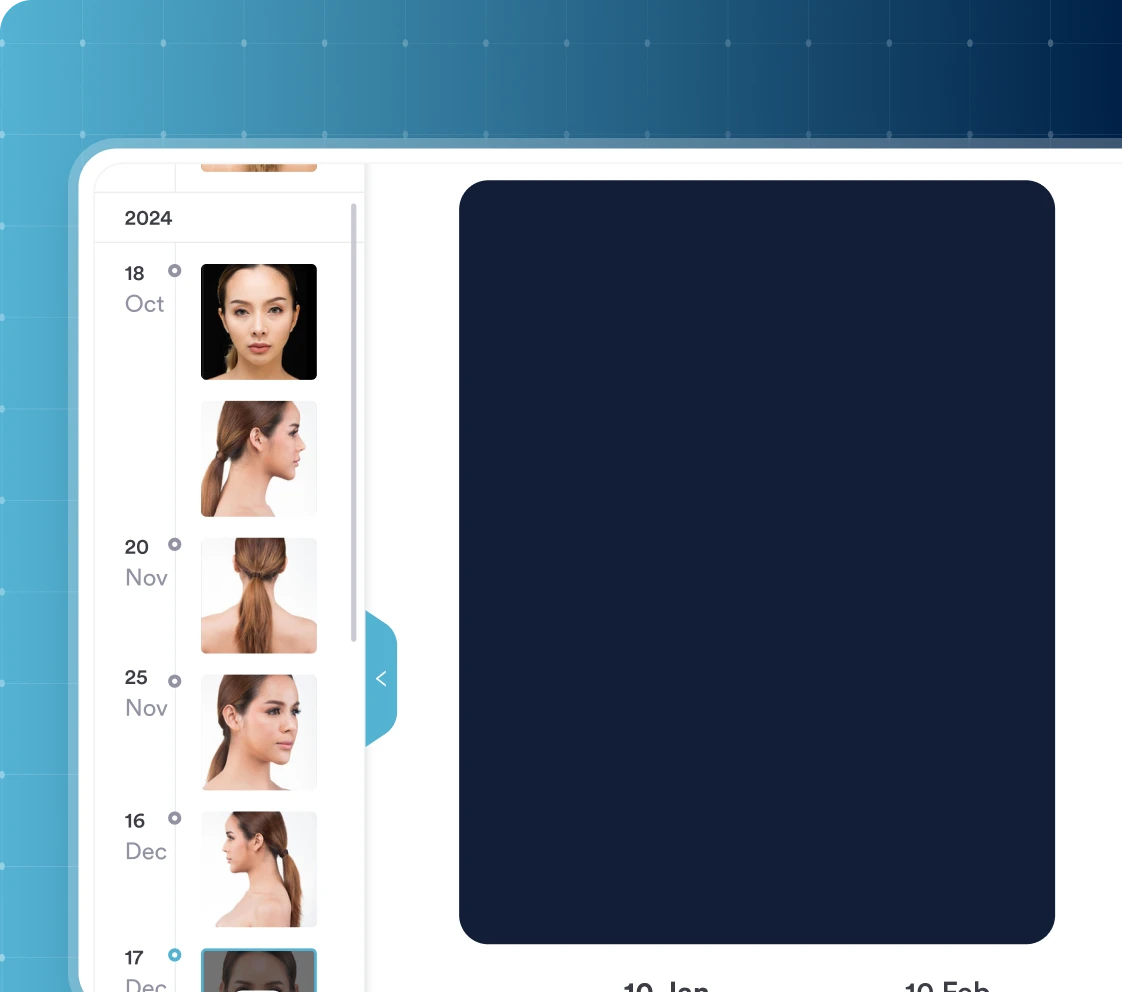
Photos that live where you need them
Capture before and after photos from any device — desktop, phone, or tablet — and store them directly in the client card.
No more digging through personal camera rolls or random folders. Everything is saved instantly to the client profile, ready to view, compare, and share whenever you need them.
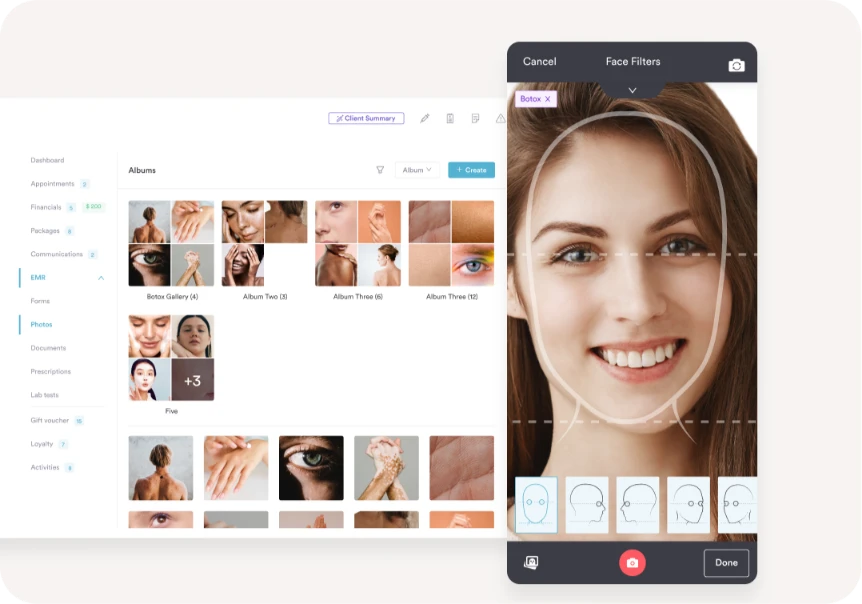
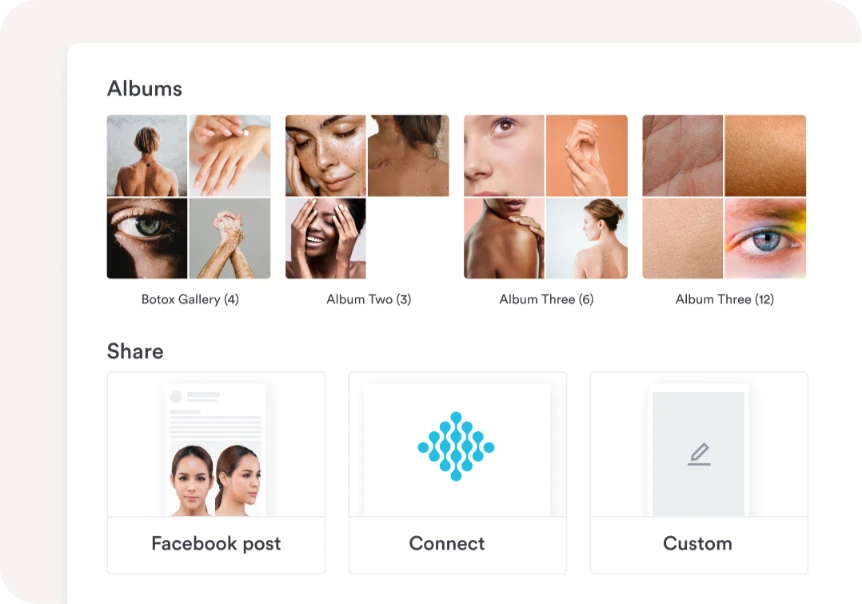
Save time, work more efficiently
Stop losing time to scattered photo workflows, using photo editing tools and transferring photos between systems.
With Pabau, you can take, store, and share your photos all from one secure location, reducing admin and making life easier for you and your team.
Never forget photos again
Worried about missing those all-important before photos? Don’t be. Use Pabau’s iOS app on your iPhone or iPad to snap photos as soon as clients arrive.
With built-in prompts woven into the patient journey, alongside intake forms and appointment steps, taking photos becomes part of your process, so they never slip through the cracks.

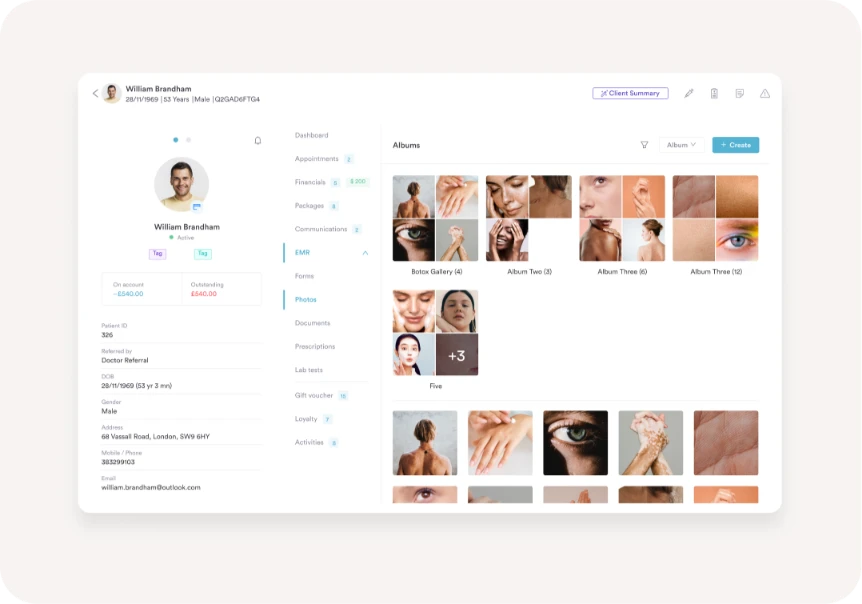
Easily retrievable, whenever you need them
Access client photos in seconds directly from the client card — no more hunting through camera rolls or toggling between platforms.
Keep everything organised in folders within the client profile, secure in the cloud and accessible to your whole medical team.
Stay ahead of compliance issues
Keeping client photos on your personal phone isn’t secure and it puts your clinic at risk if complaints arise.
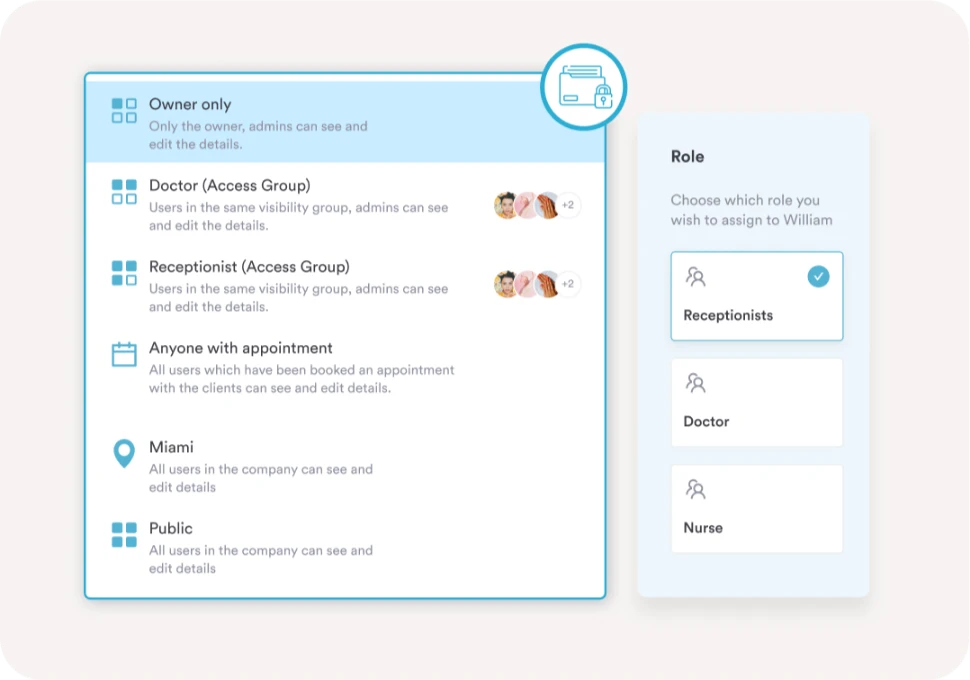
With Pabau, photos sync straight to the client card and are protected by role-based permissions — a robust security solution that ensures only authorised team members can access them, helping you stay compliant and confident.
Securely share photos with clients
Want clients to clearly see their progress and stay engaged with their treatment plan?
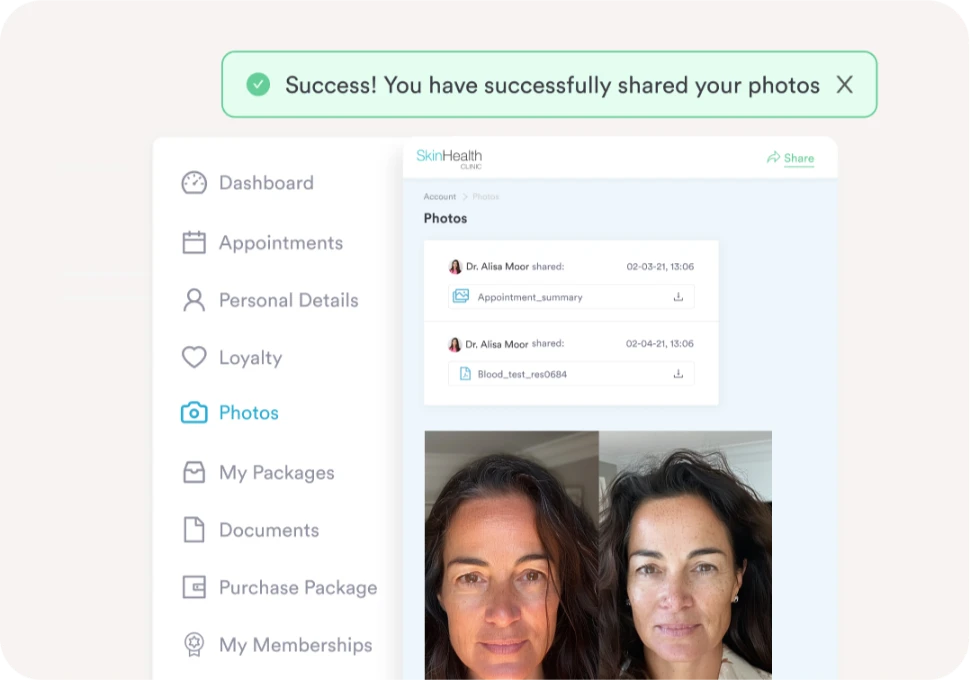
Use the photography feature alongside the client portal to share images securely. Clients can log in, view their before and after photos, and track their results — all in one safe, professional space.
Find out if Pabau is the right fit for you
Frequently asked questions
Before and after photo software is a specialized medical imaging solution designed to help clinics document, compare, and securely store treatment results.
Unlike a standard camera roll or cloud storage folder, dedicated before and after photo software is built for:
- Clinical image comparison
- Treatment outcome documentation
- Patient progress tracking
- Secure clinical photo storage
- Regulatory compliance
For aesthetic clinics, med spas, dermatology practices, and cosmetic providers, this type of software becomes an essential part of both compliance and patient communication.
Storing client photos in a camera roll isn’t the best practice. For one, it means they’re hard to find if you need them. Secondly, it blurs the boundaries between your professional life and your personal life. It’s also not best practice when it comes to data protection.
A dedicated system keeps your photo management compliant and organised.
There are a couple of ways to do this. You can add them via Pabau or from a third-party device via the client record. Alternatively, you can take photos via the Pabau GO iOS app.
These can be taken before every client appointment as part of our step-by-step patient journey. Any photos taken via the app will be synced to the system in real time, without the need to transfer between devices.
Using a built-in photography feature makes it easier to document patient progress, track treatment outcomes, and share images securely with clients — all without switching between separate tools or photo editing software.
Images are compressed when added to Pabau, however, they are stored at high quality.
There’s no requirement for specialist equipment, RAW files, or a professional digital camera — and no need for additional photo enhancing tools or third-party software.
To access full resolution, simply download them.
Pabau uses role-based permission settings so only authorised personnel can access client records and photos. This acts as a built-in security service solution that helps clinics stay compliant with data protection regulations.
Only people who have access to client records – and therefore photos – are authorized personnel. For example, you can restrict access to client records so that any non-medics are not able to access them.
The photo feature is built into Pabau and we charge a monthly subscription fee to use our software. However, it’s important to note that we don’t charge any additional storage fees for saving photos in Pabau. You can store as many photos in the system as you need.
Pabau focuses on secure clinical storage and workflow rather than AI photo editing tools or image manipulation. For practices that want to enhance photos for marketing, we recommend using dedicated tools separately — Pabau handles the compliant storage side.
Pabau is an all-in-one practice management software designed for med spas, private practices, and other healthcare and wellness businesses.
Our software is built to handle the end-to-end patient journey, with online booking, forms, EMR, reporting, and more.

One platform for your entire practice
See how Pabau gives you all the tools you need to reduce admin, improve the patient experience, and support sustainable growth.