Best Physical Therapy EMR Software in 2026: 7 Platforms Compared
Compare the 7 best physical therapy EMR software platforms in 2026. Pabau, WebPT...

May 6, 2026


Buy now, pay later is now available in Pabau

Pabau: Best all-in-one patient portal for a wide range of practices including medical, therapy, wellness, and aesthetics.
athenaOne: Best for large medical groups running their portal inside an enterprise EHR.
AdvancedMD: Best for small practices that need a simple patient portal for booking and payments.
SimplePractice: Great client portal for therapists and behavioral health teams.
Patient portal software lets patients manage their care online while reducing admin for your team.
This guide compares the best patient portal software for medical practices in 2026. We break down core features, pricing, real user feedback, and who each platform works best for.
| Name | Best for | Standout feature | Price starting point |
|---|---|---|---|
| Pabau | Medical and aesthetic clinics | Bookings, forms, payments, and records in one synced portal | $69/month |
| athenaOne | Large, multi-location medical groups | Enterprise EHR with patient app and billing built in | Custom (collections-based) |
| NextGen | Ambulatory and specialty enterprises | Portal tightly integrated with clinical workflows | Custom quote |
| AdvancedMD | Independent practices | Self-service portal plus billing and claims | Custom quote |
| SimplePractice | Therapists and behavioural health | Client portal with telehealth and paperless intake | $49/month |
| Tebra | Small practices focused on growth | Portal + built-in marketing and reviews tools | Custom quote |
| DrChrono | Mobile-first and telehealth clinics | iOS-native workflows with OnPatient portal | Custom quote |
| Carepatron | Solo and budget-conscious providers | Free plan with portal and telehealth | $8/month |
| Jane | Allied health and wellness clinics | Easy scheduling with branded client portal | CAD $54/month |
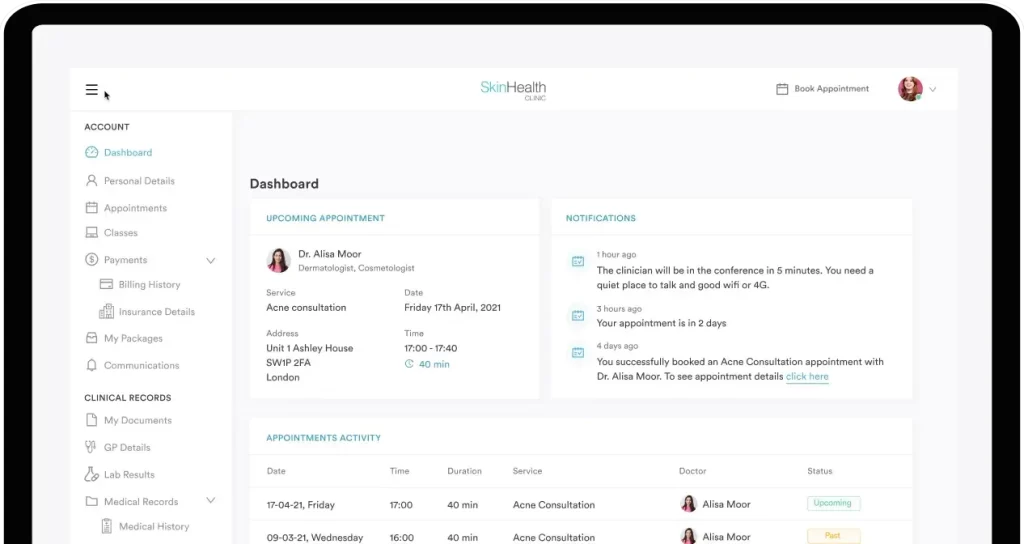
Pabau is an all-in-one practice management software with a built-in patient portal.
Patients can:
Everything syncs automatically with the schedule and medical record, so staff aren’t updating multiple systems.
These are the key features that define Pabau as a patient portal for medical practices.
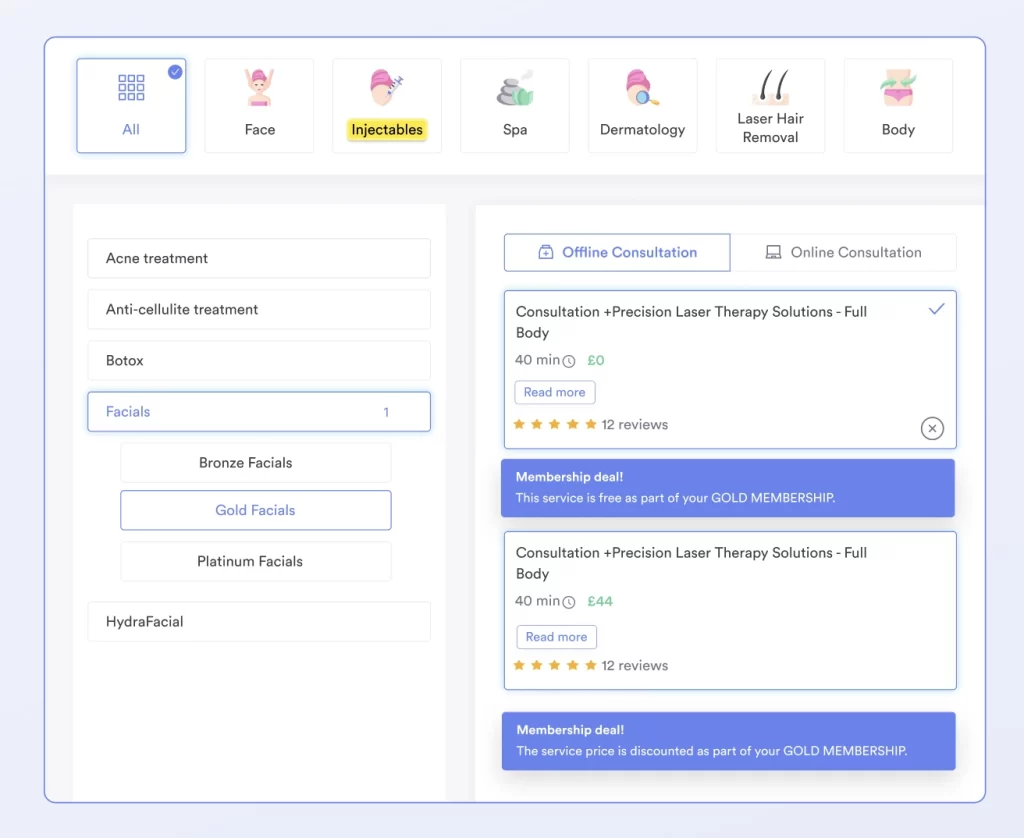
Pabau supports 24/7 online booking through a secure dashboard. Appointments can be booked, rescheduled, or cancelled without calling the clinic.
Changes sync instantly with the calendar. Staff spend less time on the phone, and fewer booking errors slip through.
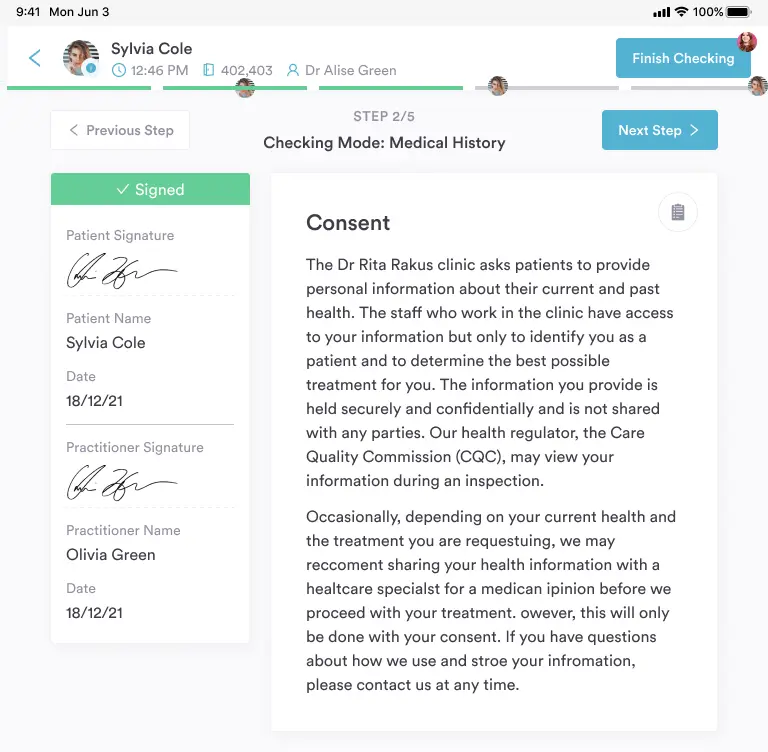
Patients complete intake forms, medical questionnaires, and consent documents online before their visit. Submissions sync directly to the patient record, keeping records accurate and up to date.
Forms include:
See how Pabau’s digital forms help clinics go paperless.
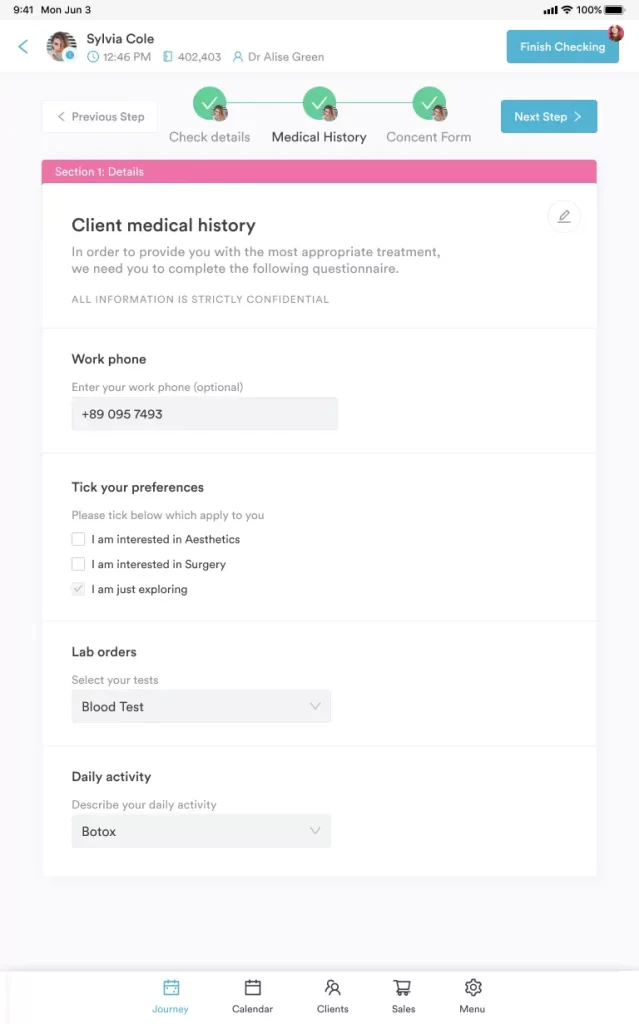
Pabau lets patients securely access their treatment records and clinical history anytime. From the dashboard, they can view:
This reduces routine record requests and keeps staff focused on care.
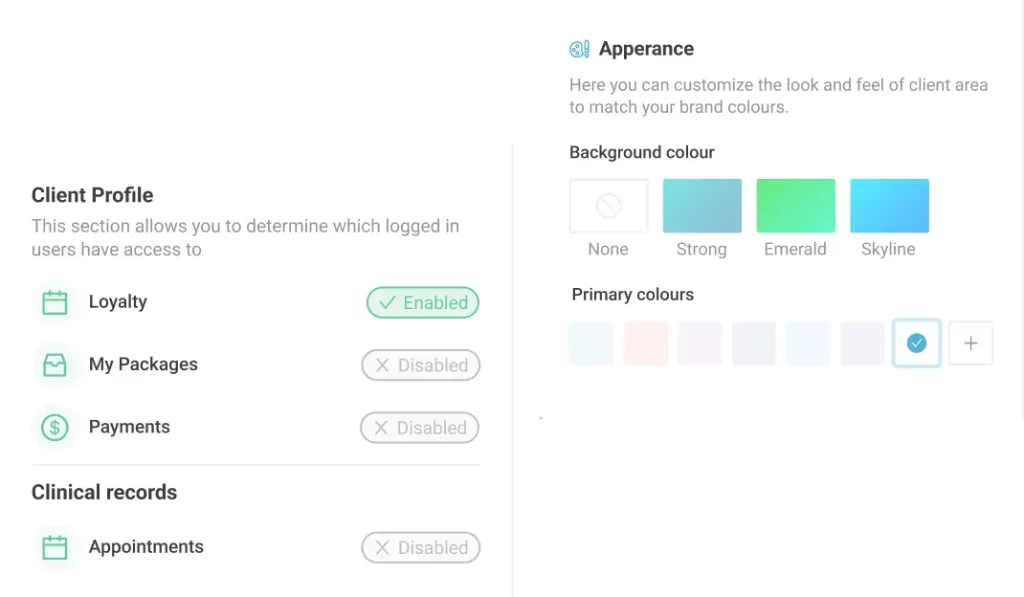
Admins control exactly what patients see and which features are available. The portal adapts to your workflow, not the other way around.
Settings include:
Start with bookings and forms first. Add extra sections later to keep the experience simple for patients.
| Plan | Clinic size | Price |
|---|---|---|
| Startup | 1 user, under 100 clients | $69/month |
| Solo | 1 user, unlimited clients | Talk to sales |
| Team | 2–3 users | Talk to sales |
| Medium | 4–5 users | Talk to sales |
| Group | 6–15 users | Talk to sales |
| Enterprise | 15+ users | Custom quote |
Want the full breakdown and regional pricing? See the complete Pabau pricing page.
“Pabau has been a great system for running our clinic. The calendar and diary function work well, and having everything integrated into one system makes clinic admin much smoother.” – Olena K., verified G2 reviewer
“It does take time to explore all its functions, but it is definitely worth the investment of time to get the software working optimally.” – verified G2 reviewer
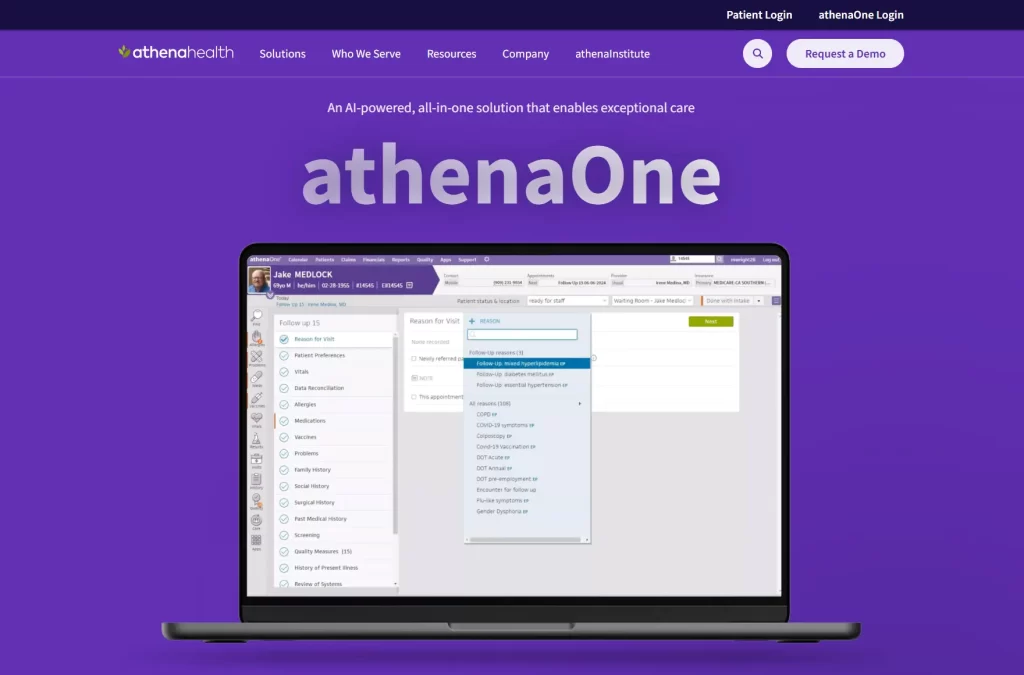
athenaOne is the cloud-based Electronic Health Record (EHR) and practice management platform.
It’s built for larger medical groups, multi-location clinics, and high-volume ambulatory practices.
Patients use the athenaPatient app to manage their care and stay connected with their provider between visits.
athenaOne uses collections-based pricing instead of flat subscriptions. Costs vary by practice size and revenue.
“I like Athenaone because it allows me to have access to my doctor/patient information at all times.” – Elizabeth H., Capterra reviewer
“Cumbersome to maneuver around and find what you are looking for once on the site.” – Andrew C., Capterra reviewer
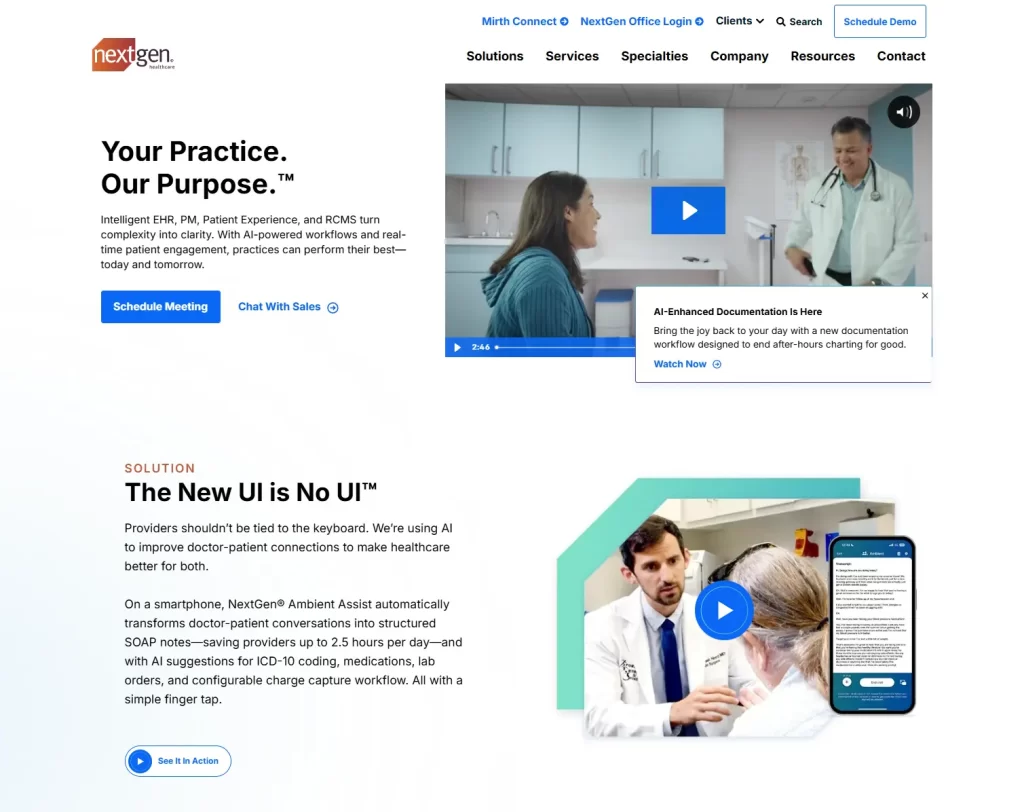
NextGen Healthcare is an EHR and practice management platform built for ambulatory and specialty medical practices.
It includes charting, billing, and a patient portal through its Patient Experience Platform.
The system is designed for larger, multi-provider clinics that need deep clinical workflows and revenue tools.
NextGen doesn’t publish pricing publicly.
Plans are subscription-based and quote-only, with costs varying by providers, features, and modules.
“This software is cloud-based, simple to set up, and user-friendly.” – Kim T., verified G2 reviewer
“The patient portal is hard for the patients to use, hard to get all our patients enrolled to cut down on the phone usage.” – verified G2 reviewer

AdvancedMD sits below athenaOne and NextGen in complexity and scope.
It’s built for smaller teams that want EHR, scheduling, and billing without enterprise overhead.
The patient portal centers on basic self-service and day-to-day convenience.
Bundle-based subscriptions with optional add-ons. Pricing is shown through a bundle builder or quote form instead of fixed public plans.
A free 30-day trial is available for small mental health practices through AdvancedMD Now’s self-service version.
“Easy to use and great support from Advanced MD. Once the templates are set up then it is easy for the physician to complete their documentation quicker.” – Scott S, Capterra reviewer
“It would be nice to have more shortcuts instead of having to click extra to get to a certain part of the record.” – Brandi O., Capterra reviewer
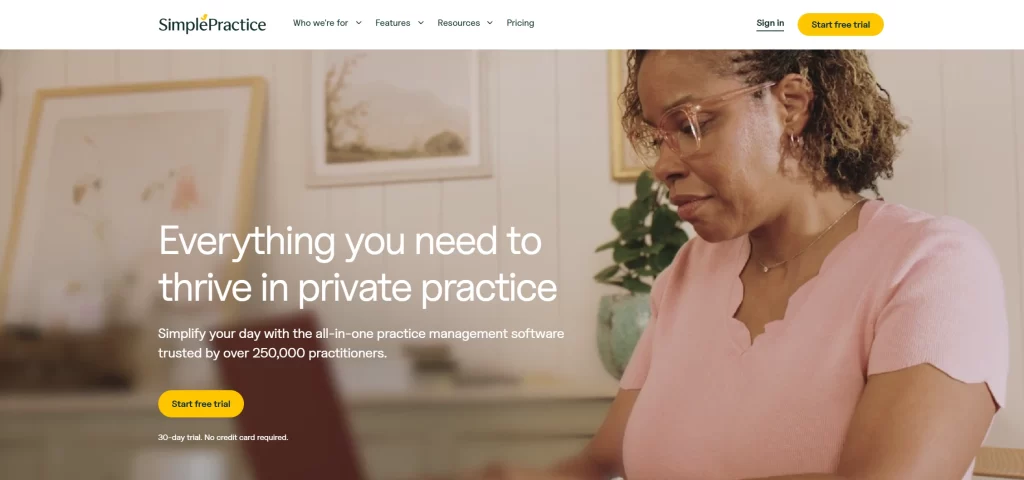
SimplePractice is a practice management platform built for behavioral health providers.
It includes a client portal with appointment scheduling, telehealth, documentation, and billing in one system.
| Plan | Price (per practitioner/month) | Includes |
|---|---|---|
| Starter | $49 | Core EHR, portal, notes, booking, claims |
| Essential | $79 | Adds reminders, calendar sync, customizable plans |
| Plus | $99 | Adds group sessions, group telehealth, premium support |
7-day free trial available (no credit card required). New customers receive 50% off for the first three months.
“SimplePractice makes scheduling, documentation, and billing seamless in one platform. The client portal is user-friendly, and telehealth integration works smoothly.” – Ashley A., verified G2 reviewer
“Sometimes the app can have bugs or auto-generate things that make more work for me, especially with adjusting session times.” – Rachel K., verified G2 reviewer

Managing leads and follow-ups at scale? See the best healthcare CRM software in 2026.
Need more than booking and portals? This patient management software comparison focuses on records, workflows, and daily clinic ops.
Trying to increase revenue and reduce admin drag? Explore clinic management software built for growth.
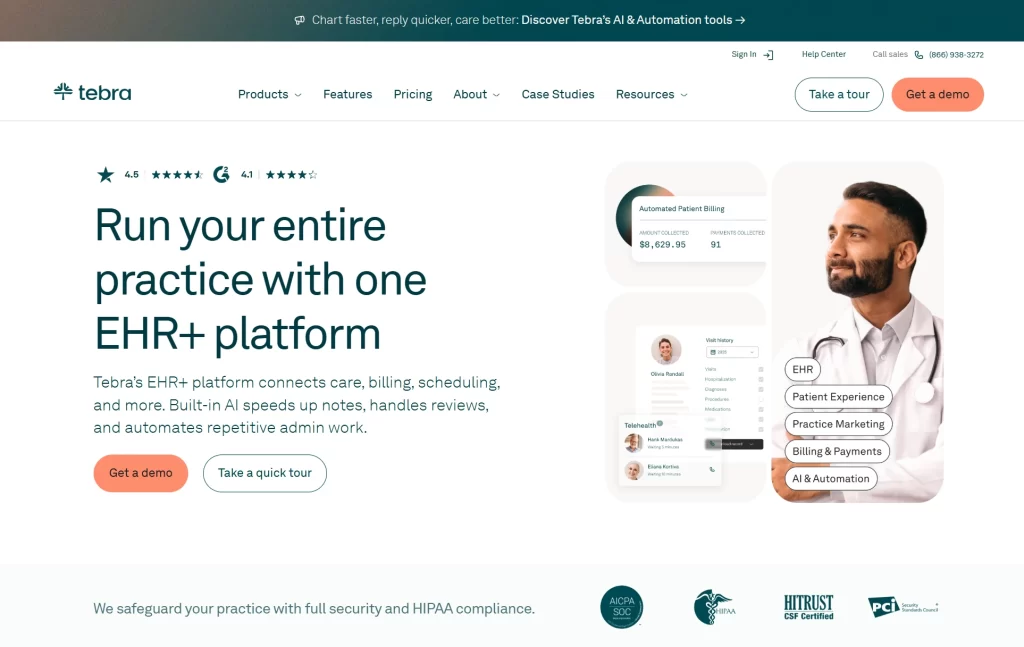
Tebra (formerly Kareo + PatientPop) is an EHR and practice management platform for independent practices.
Its patient portal gives patients an easy way to view their health records online.
Unlike some tools on this list, it also supports marketing and reputation management alongside clinical workflows.
Tebra doesn’t publish pricing publicly.
Plans are custom and quote-based. You’ll need to share practice details to receive tailored pricing.
“The customer support team is amazing and a great help. Any time I was having an issue, I could contact them and get my issue resolved quickly.” – verified G2 reviewer
“The filtering and sorting ability is lacking considerably.” – Penny A, verified G2 reviewer

DrChrono is a mobile-first EHR and practice management platform.
It includes the OnPatient patient portal for scheduling, messaging, and payments. Its iOS-focused design supports telehealth and fast, on-the-go workflows.
DrChrono doesn’t publish fixed pricing.
Plans are tiered (Essentials through Elite) and feature-based. You’ll need to request a quote for costs.
“Great experience and I would definitely consider using the system if it was more cost-effective.” – Muhammad R., Capterra reviewer
“Although it is simplified, it is not as intuitive as other scheduling systems. There is a larger learning curve for front desk staff. User permissions are also overly complex with too many menu options.” – Larisa F., Capterra reviewer
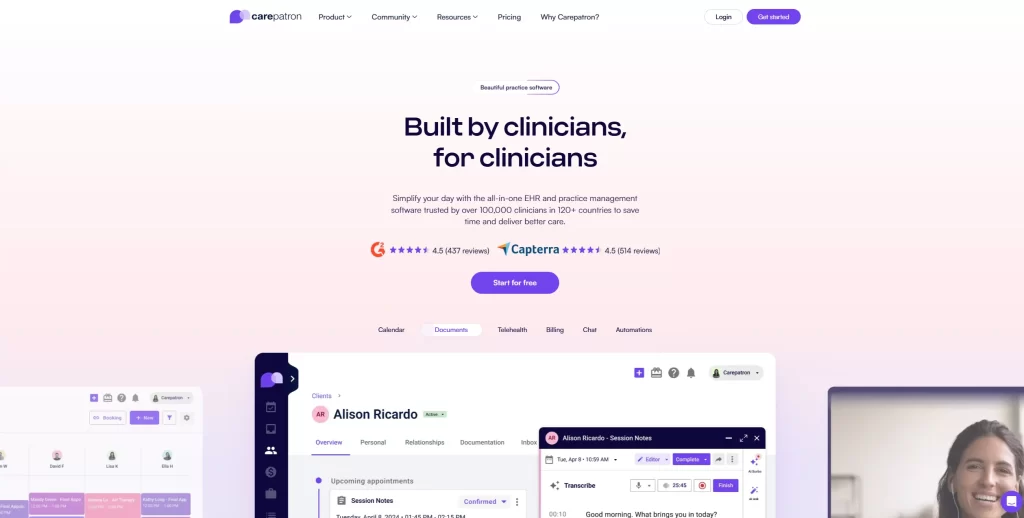
Carepatron is a budget-friendly EHR and practice management platform for small practices.
It includes a self-service patient portal and a free forever plan, making it accessible for solo providers starting out.
| Plan | Price (per user/month) | Includes |
|---|---|---|
| Free | $0 | Core features, portal, telehealth, 1GB storage |
| Essential | $16 ($8 promo) | Reminders, calendar sync, claim filing |
| Plus | $22 ($11 promo) | Unlimited storage, group telehealth, AI workflows |
| Advanced | $27 ($13.50 promo) | Roles, white labeling, premium support |
30-day free trial. 50% off for the first four months on Carepatron paid plans.
“I like all the functions of Carepatron as they make my job easier, especially the AI features and different templates. It also helps me by saving on admin time.” – Danielle L., verified G2 reviewer
“I would appreciate having the option to select a form and complete it more easily. It would be helpful if there were more choices available for filling out forms.” – verified G2 reviewer
Pabau is often chosen by growing clinics that need stronger automation, deeper reporting, and smoother multi-provider workflows, making it one of the most practical Carepatron alternatives to compare.
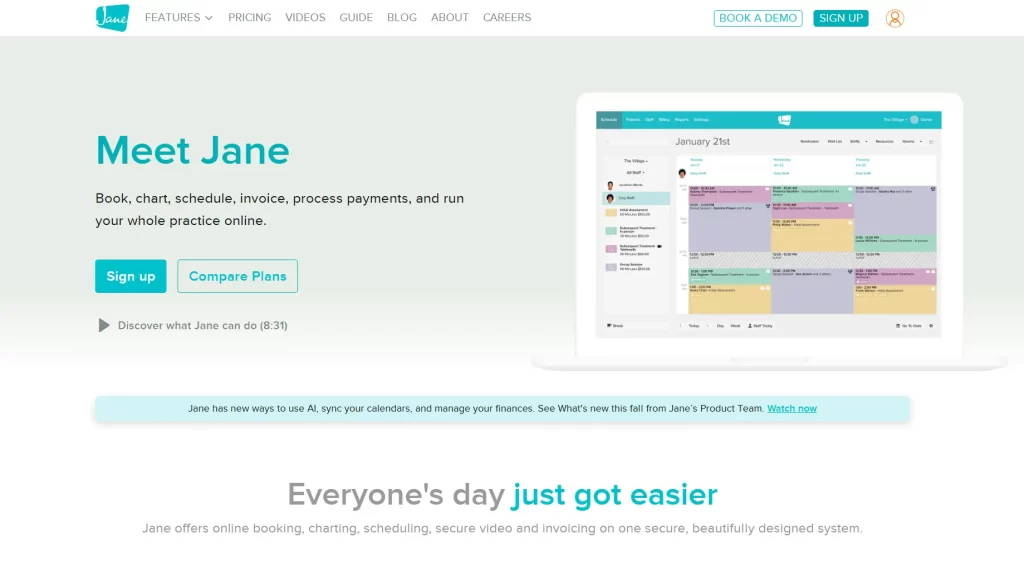
Jane App is a practice management platform for health and wellness clinics.
It supports flexible scheduling and documentation across a wide range of clinic workflows.
Clients use the My Account portal to book appointments, message the clinic, complete forms, and pay online.
| Plan | Price (per month) | Includes |
|---|---|---|
| Balance | CAD $54 | Single practitioner, up to 20 appointments |
| Practice | CAD $79 | Unlimited appointments and staff |
| Thrive | CAD $99 | Advanced scheduling, memberships, and marketing tools |
For a clearer cost comparison, you can also review our detailed breakdown of Jane App pricing.
“Customer service is outstanding! The software is user-friendly and great for our business!” – Laura S., verified G2 reviewer
“There was no options to allow the system to send various automated emails per schedule.” – Lorayne P., verified G2 reviewer
Want to compare other options? See our guide to the best Jane App alternatives
A strong patient portal should handle booking, forms, communication, and payments in one place.
Here’s what matters when you’re comparing options.
Booking, rescheduling, and cancellations need to happen online and update your calendar instantly. Look for:
Pabau excels here with intuitive self-booking tied to your schedule and client profiles.
Automated text reminders reduced no-shows by 7% to 11% across 150,000+ clinic visits, according to a 2022 study published in The Permanente Journal.
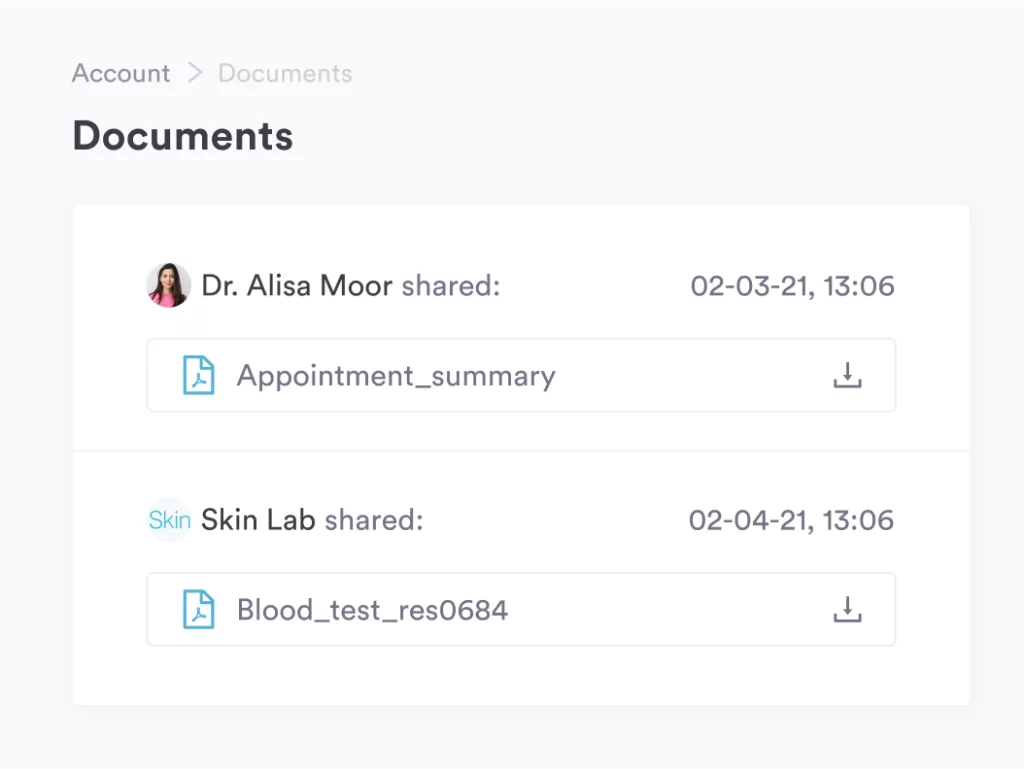
Giving patients direct access to their health information keeps them informed and prepared.
That includes:
Pabau’s client portal covers all of this, with records securely synced to each client profile and available anytime through the portal.
Curious how it works in practice? Book a demo and take a closer look.
Your patient portal software should handle payments and billing, including:
In Pabau’s portal, patients can view invoices, track what’s paid or outstanding, and update their billing details directly.
Learn more about Pabau Pay and integrated payments.
There’s no single “best” patient portal for every practice.
Large medical groups often choose athenaOne or NextGen for deep EHR and billing. Solo or therapy-led teams lean toward simpler tools like SimplePractice or Carepatron.
For medical and aesthetic clinics, everything needs to be connected in one system.
Pabau is built for that. Bookings, forms, payments, and records stay in sync automatically, so patients self-serve while your team focuses on care.
Does this sound like the setup you want? Book a demo, and we’ll show you exactly how it works.