Zenoti vs Vagaro: 2026 Comparison, Costs & Feature Breakdown
Compare Zenoti and Vagaro in 2026 - features, pricing, pros & cons. Find which p...

March 27, 2026


Buy now, pay later is now available in Pabau

Pabau: Best all-in-one primary care EHR for growing clinics. Records, scheduling, billing, and patient communication in one platform.
Elation Health: Best for independent, physician-led practices that want a simple, charting-first EHR.
Practice Fusion: Best low-cost EHR for solo providers or small clinics. Simple and quick to set up.
eClinicalWorks: Best for larger, multi-provider groups that need enterprise-grade workflows and integrated billing.
Primary care comes with a lot to manage, from patient records and appointments to prescriptions and billing.
The best primary care EHR software for 2026 brings everything into the one system.
In this guide, we compare the top options by features, pricing, and usability to help you make the right choice.
| Software | Best for | Stand-out strength | Price starting point | G2 rating |
|---|---|---|---|---|
| Pabau | Growing and multi-location clinics | All-in-one EHR, scheduling, billing, and patient engagement in one system | From $69/month | 4.7 |
| Elation Health | Independent primary care practices | Clinician-first charting with strong lab and registry integrations | Quote-based | 4.3 |
| Practice Fusion | Solo providers and small teams | Affordable, browser-based EHR with fast setup | $199/provider/month | 3.8 |
| RXNT | Small to mid-sized US practices focused on cost control | Straightforward EHR, billing, and e-prescribing with transparent pricing | $118/provider/month | 4.2 |
| eClinicalWorks | Larger or enterprise groups | Enterprise-grade clinical workflows with built-in revenue cycle tools | $449/provider/month | 3.7 |

Pabau is an all-in-one primary care Electronic Health Record (EHR) and practice management software.
It combines clinical documentation with scheduling, prescriptions, billing, and patient communication in one place.
Primary care clinics use Pabau to:
Most EHRs handle charting only. Pabau supports both care delivery and practice operations, so teams can run the clinic from a single system.
Here are the key Pabau features for primary care clinics.
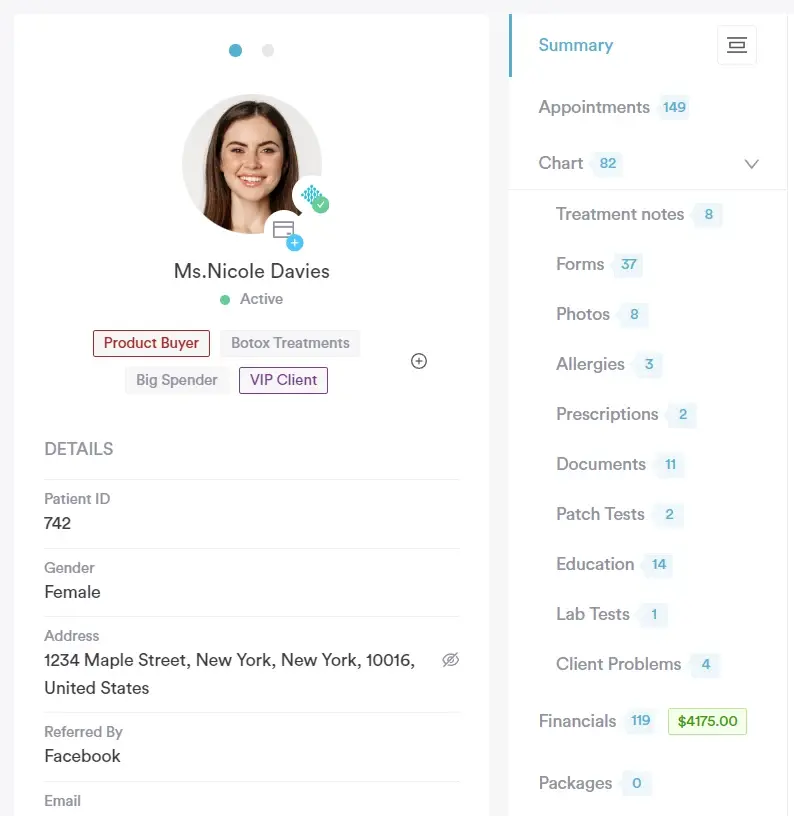
Pabau replaces paper charts with structured digital records. You document care in real time during the visit.
Key capabilities include:
Voice dictation for hands-free documentation
Create macros for common visits like annual checkups or repeat meds. Charting drops from minutes to seconds and stays consistent across clinicians.
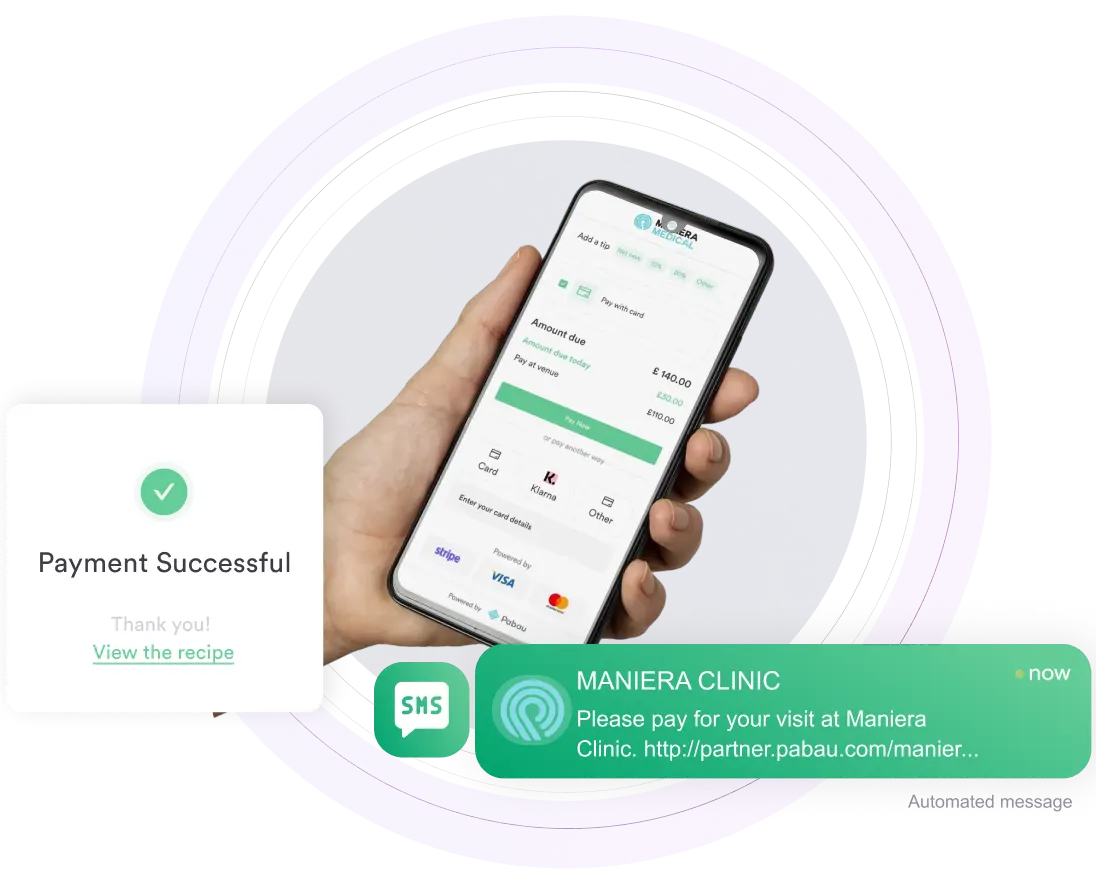
Pabau handles billing, insurance, and payments inside the same system as appointments and charts. Charges, claims, and invoices are recorded automatically.
The billing setup covers:
The result is faster checkout, fewer billing errors, and quicker payments.
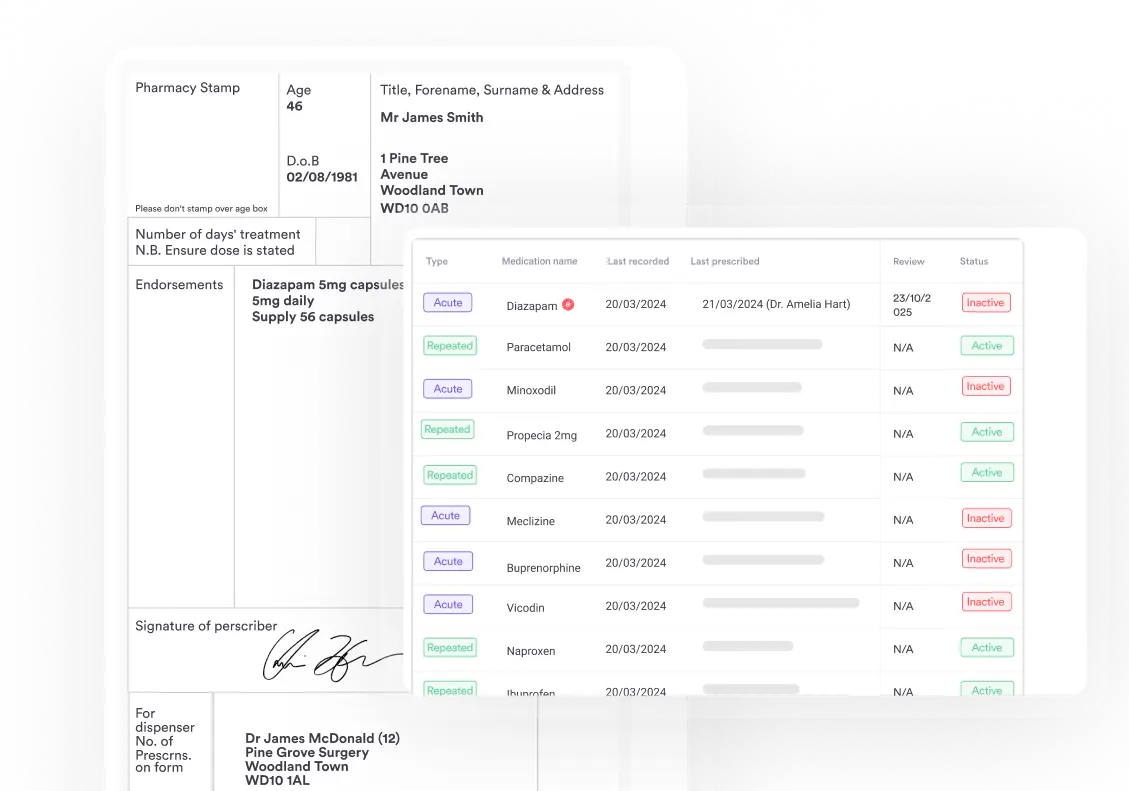
Prescriptions are created and sent directly from the patient chart. Safety checks run before medication is issued.
Built-in tools include:
Every prescription is logged automatically for a complete medication history.
Echo AI reduces admin and adds an extra safety layer during prescribing. It helps you:
Flag risks and contraindications before prescribing
un the AI scribe during consults and finish notes before the next patient. Most teams cut documentation time by more than half.
| Plan | Price | Users | Clients |
|---|---|---|---|
| Startup | $69 / month (per user) | 1 | < 100 clients |
| Team | Talk to sales | 2–3 users | Unlimited clients |
| Medium | Talk to sales | 4–5 users | Unlimited clients |
| Group | Talk to sales | 6–15 users | Unlimited clients |
| Enterprise | Custom quote | 15+ users | Unlimited clients |
See Pabau’s pricing page for full plan details and features.
“I love how intuitive Pabau is for managing patient journeys. The integrated appointment scheduling, clinical notes, and treatment photos make it simple to track patient progress and ensure high-quality care.” – Olena K., verified G2 reviewer
“This all-in-one system is incredibly convenient. You don’t need to purchase countless add-ons to access the tools that everyone values, which sets it apart from other companies.” – Uliana R., G2 reviewer
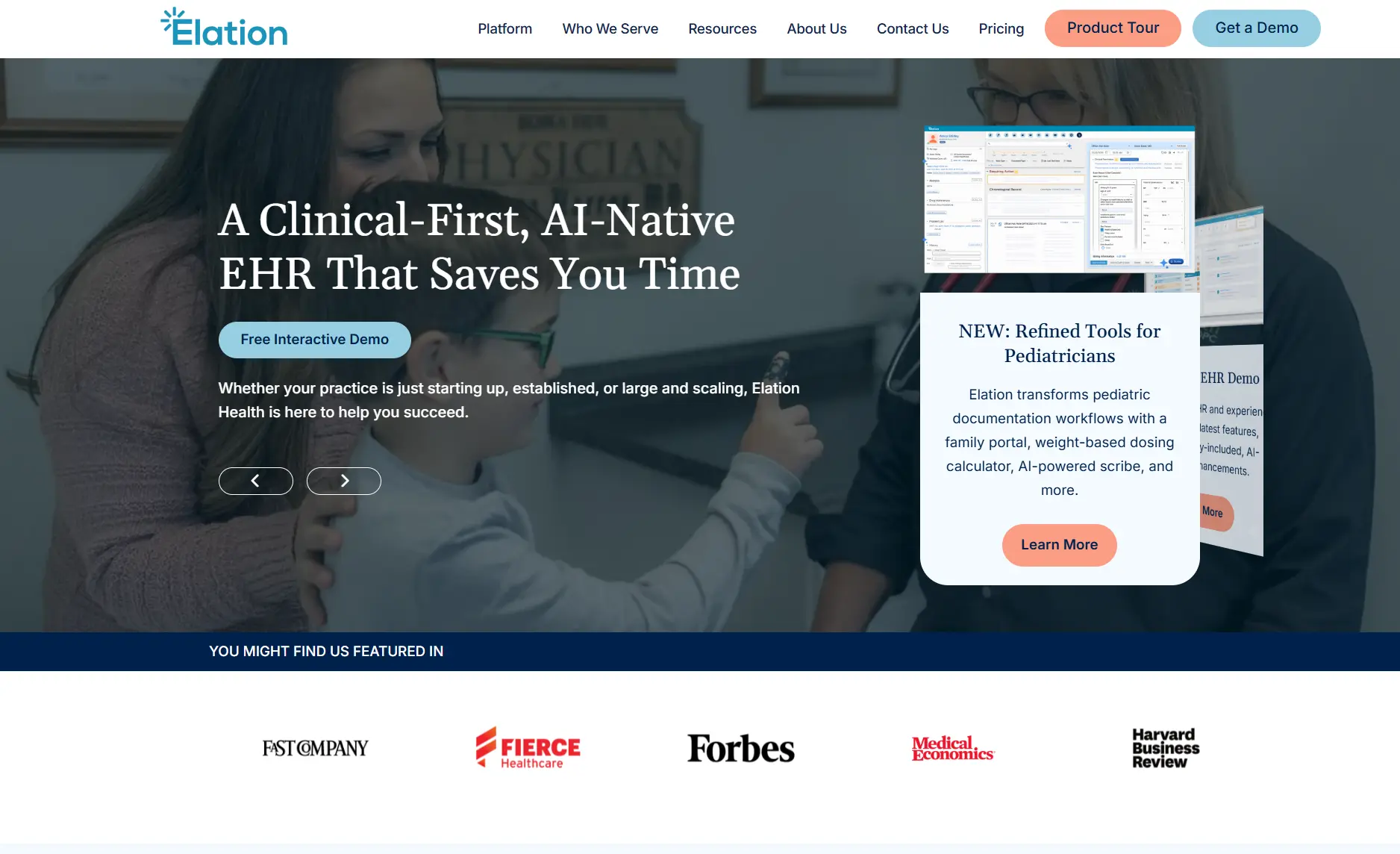
Elation Health is a primary care EHR built specifically for independent, physician-led practices.
It focuses heavily on clean charting and everyday clinical workflows. You get strong documentation, labs, and billing inside the EHR. Marketing, automation, and broader practice operations are more limited.
Pricing is tailored to your practice size and setup. You’ll need to request a demo to receive a custom quote.
“Elation is a reliable platform for handling patient records and clinical tasks. It has strong security, ensures accurate documentation and helps maintain compliance.” – Yatam R., Capterra reviewer
“One thing I would like to see improved is the billing module. Sometimes, I have encountered minor glitches when generating claims, which can be frustrating.” – Jabet O., Capterra reviewer
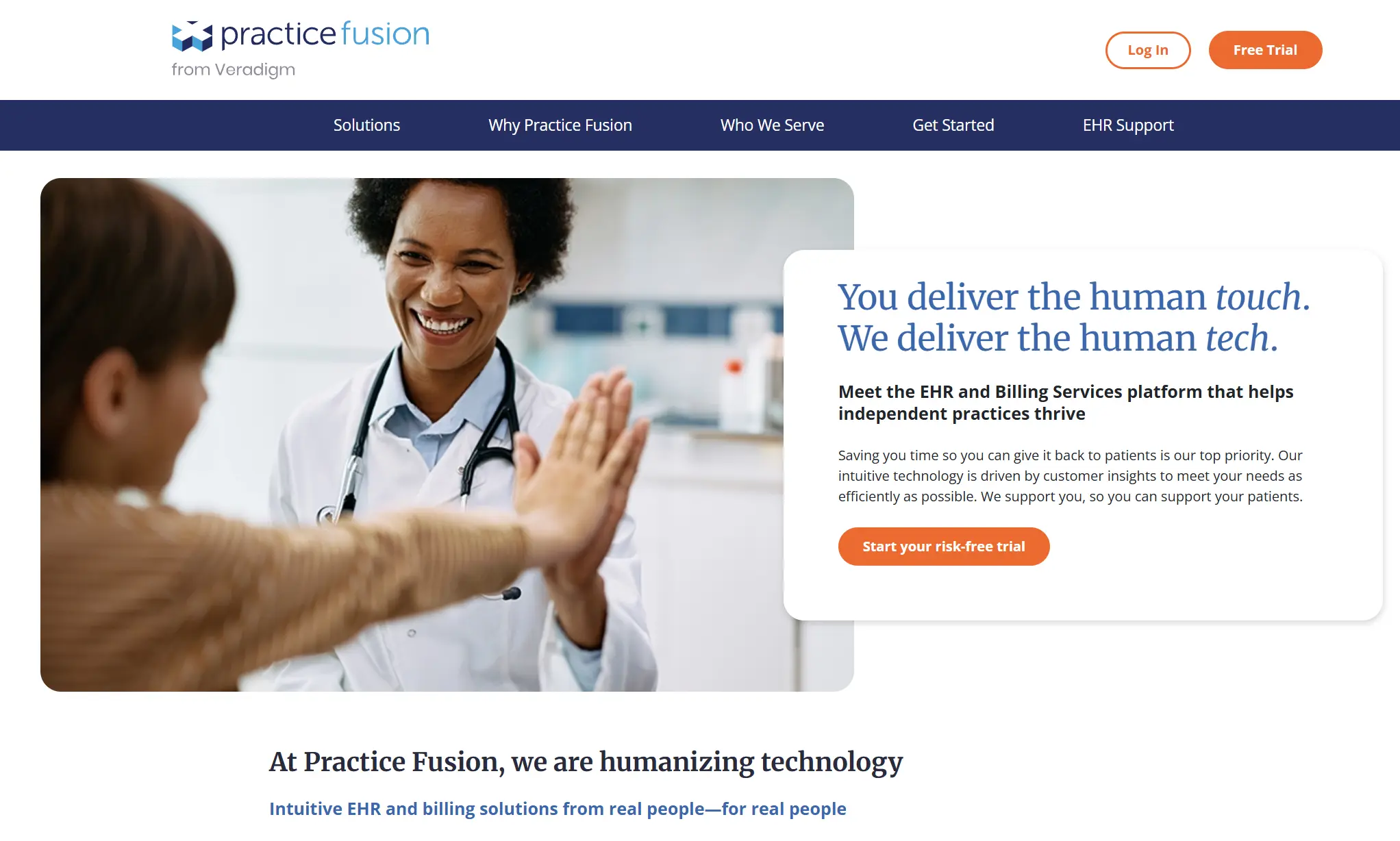
Practice Fusion is a cloud-based primary care EHR for small clinics and solo providers.
Like other tools on this list, it covers charting, e-prescribing, labs, and billing. Teams can also add optional billing services to outsource claims.
Practice Fusion pricing starts at $199 per provider per month with an annual commitment.
Includes 3 signing staff licenses and unlimited non-signing staff. Billing services are available as an optional add-on.
Practice Fusion offers a 14-day free trial.
“Practice Fusion is easy to use and a great way to keep electronic records. I love that it’s web-based so I can get to it from anywhere.” – Erin P, Capterra reviewer
“The UI needs some updating in some areas. Some of the functions can feel a bit dated but it does not affect the functionality.” – James L., Capterra reviewer

Need more than just an EHR? See which practice management software features clinics rely on every day.
Spending too much time on documentation? Learn how AI reduces admin and speeds up notes.
Want better follow-ups and patient retention? Compare healthcare CRM software built for growing practices.
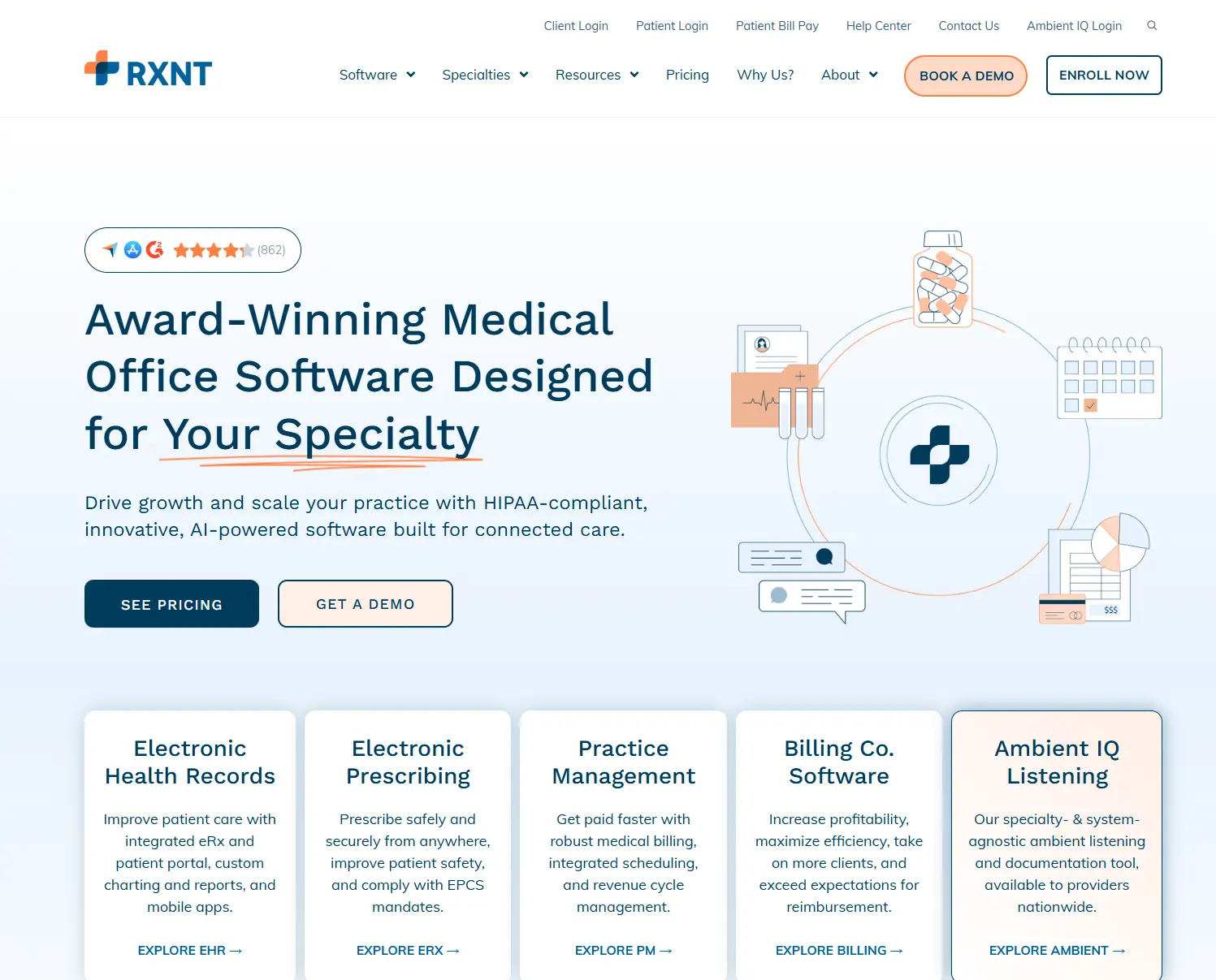
RXNT is a cloud-based EHR system and practice management platform for primary care and specialty clinics.
It’s the only option on this list with modular bundles. You can buy just EHR, just e-prescribing, or run your entire practice on a full integrated suite.
| Plan | Price | Includes |
|---|---|---|
| EHR Bundle | $118/provider/month | EHR, eRx, scheduling, patient portal |
| PM Bundle | $207/provider/month | Billing + scheduling |
| Full Suite | $319/provider/month | EHR + PM + billing + full system |
| e-Prescribing only | $665/year | Standalone eRx |
Setup, data transfer, training, and ongoing support are included with all plans.
“I like that it is a convenient way to send patient prescriptions, and it is easily accessible from my browser.” – Laura C., Capterra reviewer
“Some medications can be difficult to search up and find. Formulary information is not always accurate.” – Kevin B., Capterra reviewer
Billing-focused or modular teams: Clinics prioritizing claims and revenue cycle control, or adding EHR, eRx, and billing tools separately.
RXNT is designed primarily for U.S.-based practices.
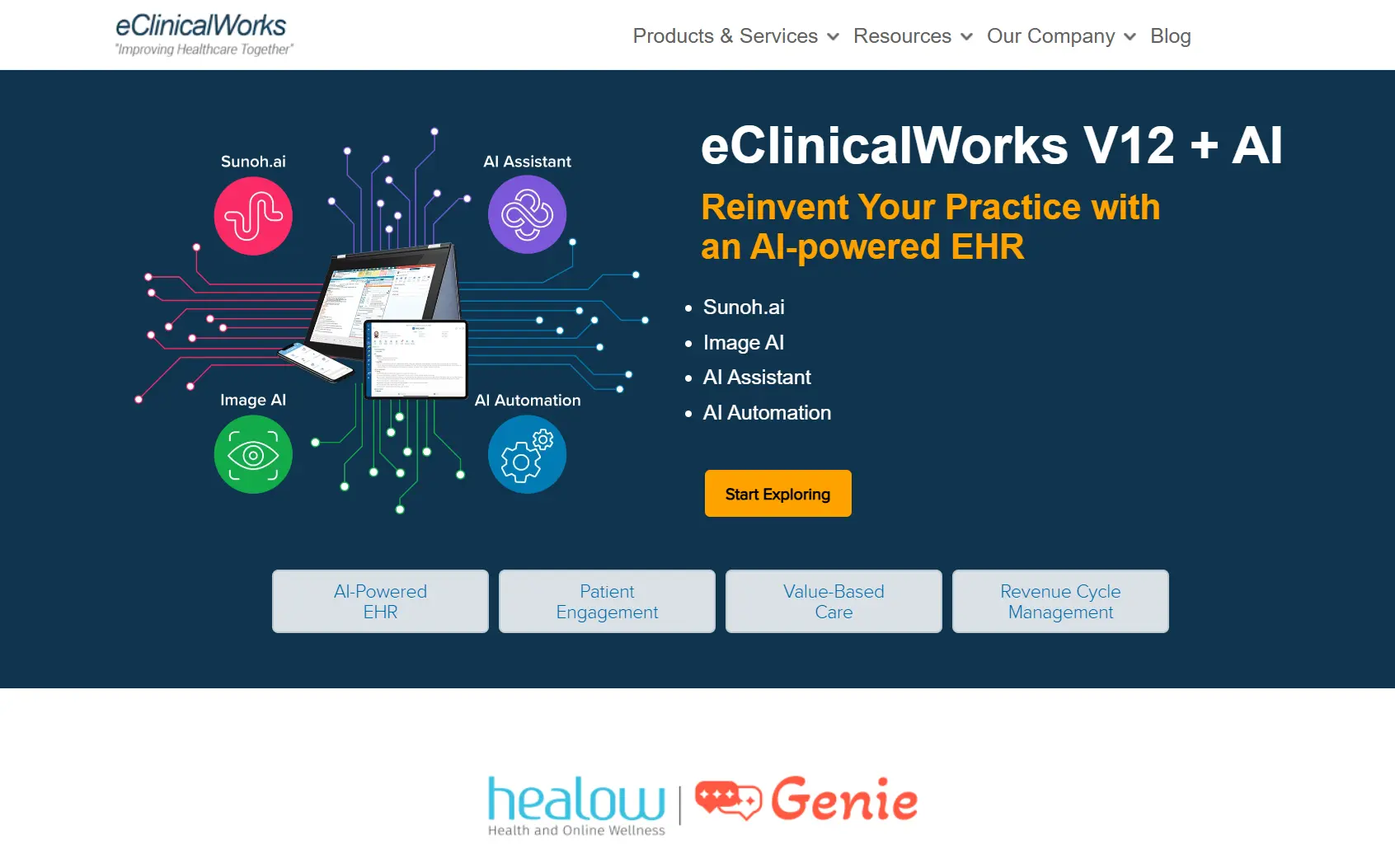
eClinicalWorks is a cloud-based EHR system built for larger primary care groups and multi-specialty organizations.
It combines EHR, practice management, patient engagement, and revenue cycle tools into a broad, feature-rich platform with a growing focus on AI.
| Plan | Price | Includes |
|---|---|---|
| EHR Only | $449/provider/month | EHR, portal, mobile apps, eRx, reporting |
| EHR + Practice Management | $599/provider/month | EHR + billing + scheduling + PM tools |
| RCM as a Service | 2.9% of collections | Managed billing and claims services |
Initial training is included for small practices. Additional EHR implementation fees may apply for larger groups.
“It allows you to personalize the charts and documents the way you want them to be. Also it allows you to look up a patient’s PMP from the software.” – Capterra reviewer
“As someone who uses EMR software daily in a busy healthcare environment, I find it often falls short of expectations. Cons: Inefficient, repetitive work, poor workflow integration.” Ella Hyeseung J. – Capterra reviewer
A primary care EHR supports clinical care and daily operations without slowing teams down.
These are the features to focus on when comparing systems. Taking a structured approach to EHR optimization ensures your system supports faster documentation, cleaner billing workflows, and smoother day-to-day operations as your practice grows.
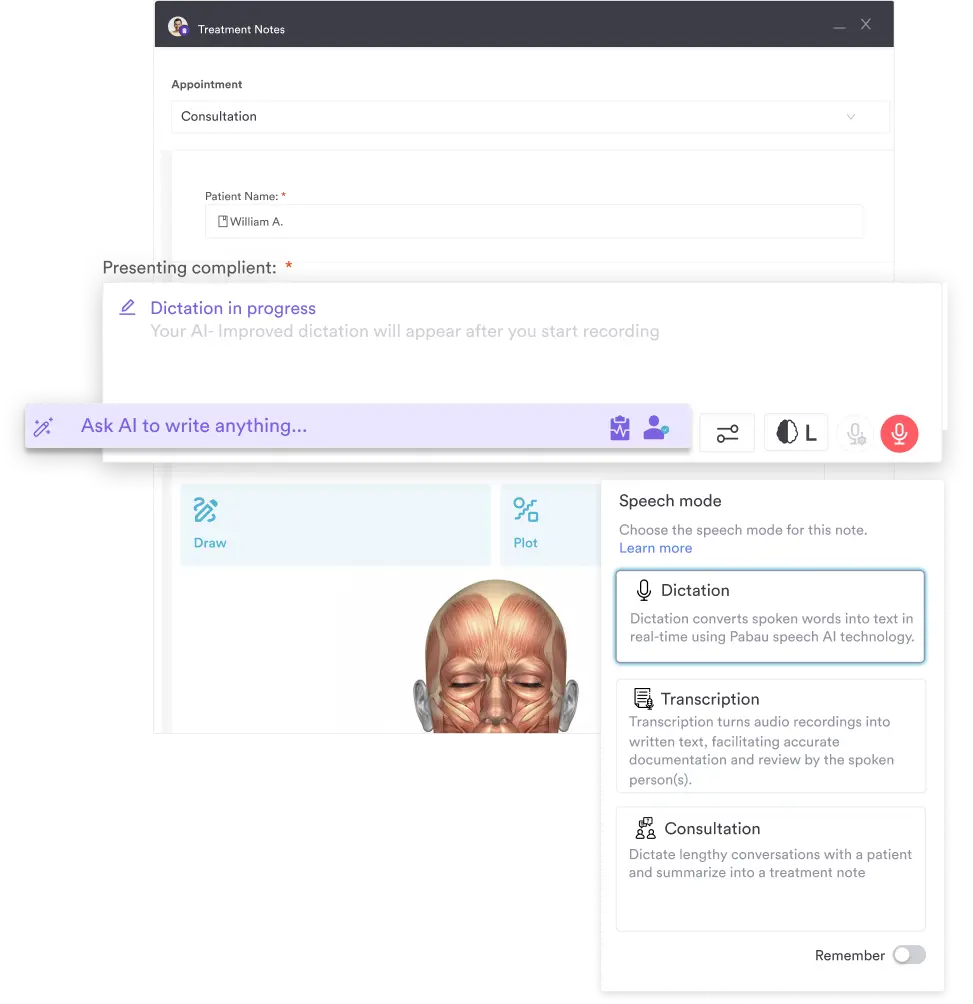
Primary care teams document every visit, so notes need to be efficient and consistent.
Look for:
Pabau combines digital patient records with Echo AI. Notes are captured and structured in real time, reducing typing and admin time.
You can book a demo to see the workflow in action.
Primary care schedules are more complex than basic bookings. Appointments vary by provider, visit type, and duration.
Your EHR should handle:
Pabau applies booking rules at the appointment level, protecting capacity and reducing no-shows automatically.
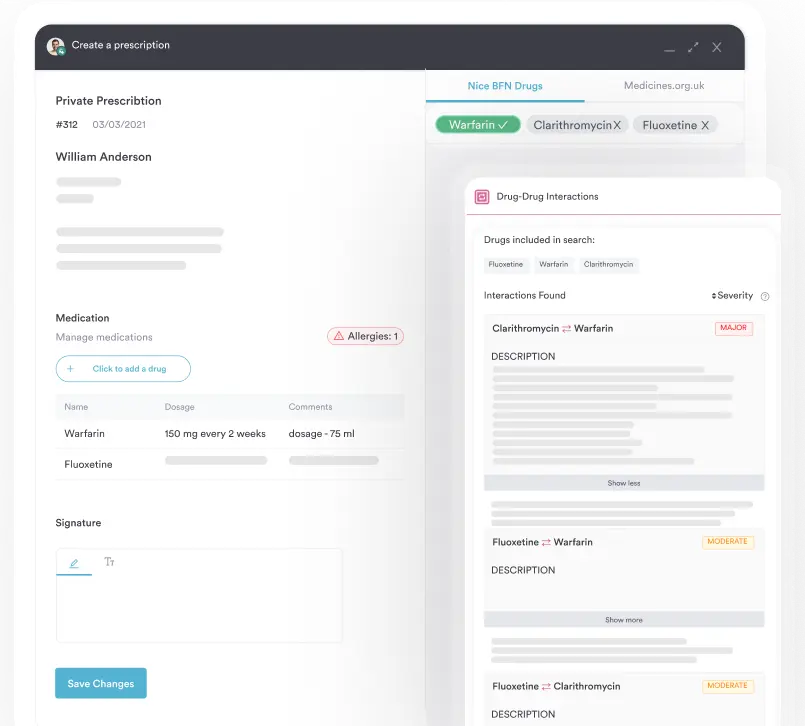
Prescribing is part of most visits, so it should be handled directly inside the patient chart.
Prioritize systems that include:
Pabau sends prescriptions directly from the patient record with built-in checks and automatic logging.
Patient records carry long-term responsibility. Security has to be built in.
Make sure the system includes:
Pabau includes audit-ready records and permission controls by default. Full details are available on our security controls page.
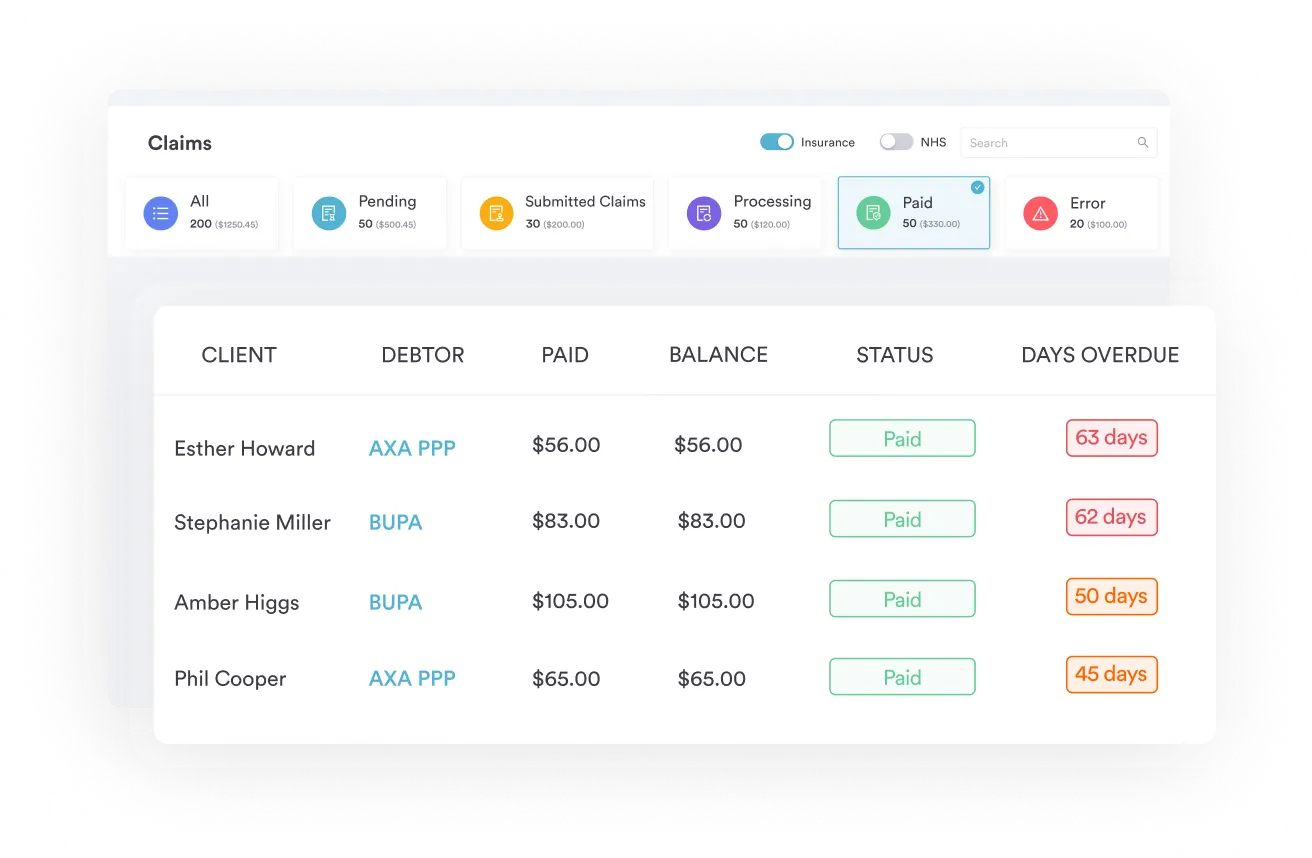
Disconnected billing creates delays and extra admin. Charges should flow directly from the visit.
Look for:
Pabau records charges, payments, and insurance data inside the same workflow as appointments and charts, reducing reconciliation work.
Most primary care EHRs on this list cover charting, prescribing, and billing. However, because there are various types of EHR systems on the market, the difference usually comes down to workflow, setup complexity, and how many add-ons you have to manage.
Pabau keeps clinical care and operations together without extra modules or workarounds. It’s an all-in-one EHR for records, scheduling, e-prescribing, billing, and patient communication.
If this is the setup you want, book a demo. Or browse our primary care software guide to see a few more options.