








ALL-IN-ONE PRACTICE MANAGEMENT SOFTWARE FOR MEDICAL SPAS
Onboarding with Pabau
Switch software without breaking a sweat
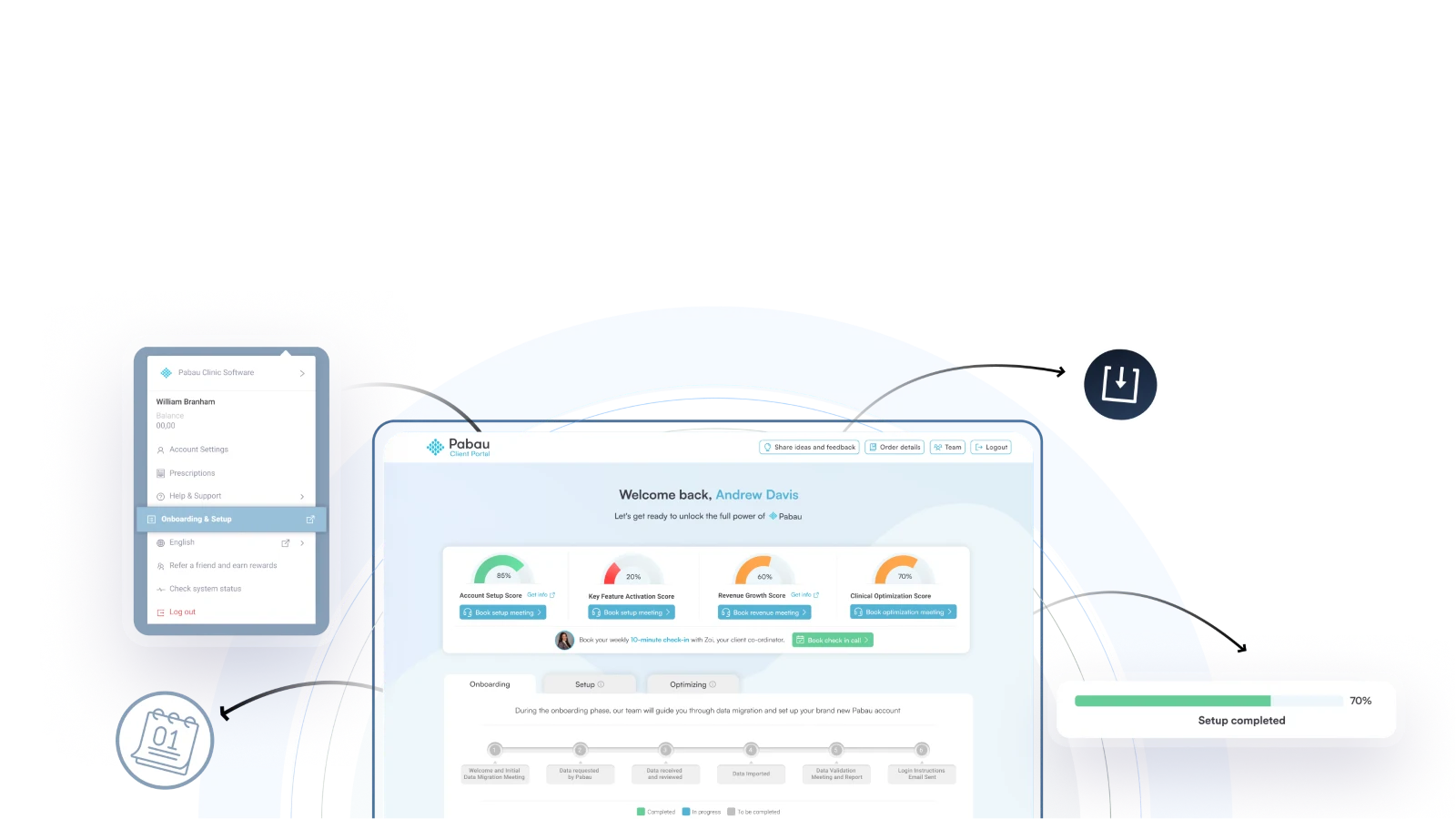
Switching to Pabau? Let us handle the hard part
With Pabau, you’re in safe hands. Our onboarding experts guide you step-by-step, set everything up for you, and make sure your team feels confident from day one.
You’ll be ready to go before you know it!
Our onboarding process explained, in 5 simple steps
STEP 1
Short kick-off call
Your client coordinator and dedicated data operations specialist will walk you through the onboarding process.
STEP 2
Share your data
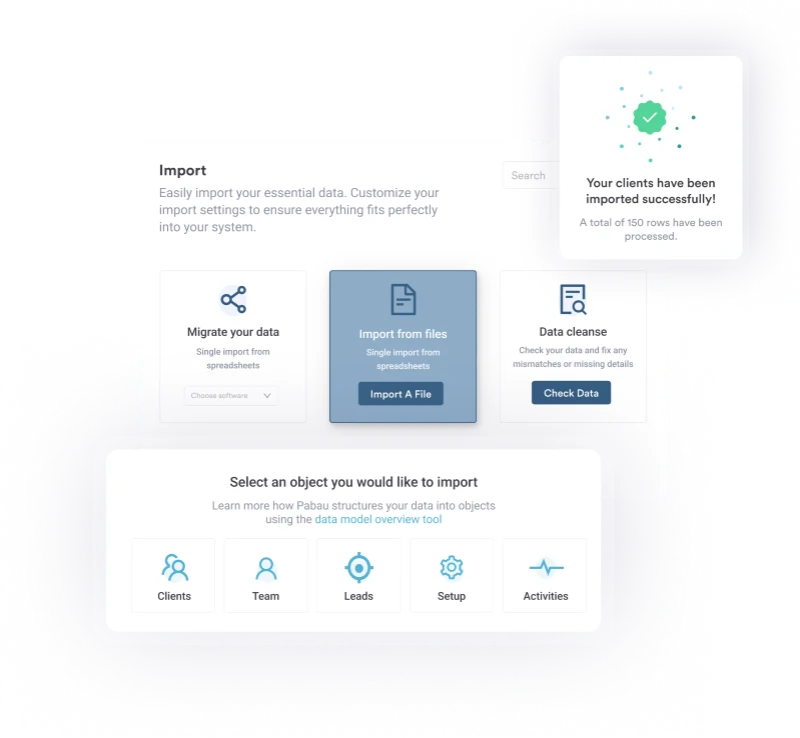
Provide your data or grant access to your current software and your dedicated data operations specialist will process and import the information.
STEP 3
Data validation
Your dedicated data operations specialist will carry out the full data import. Once done, you can schedule a data validation meeting to confirm accuracy.
STEP 4 (OPTIONAL)
Forms and widgets
You can submit your medical forms in PDF or Word format to be uploaded to Pabau. Our developers can also help integrate our online booking widget on your website.
STEP 5
Log in to your account
Once the data migration is complete and reviewed, you’ll receive instructions to log in and access your account.





Effortlessly manage your practice with Pabau and grow your business
No manual data import
You won’t have to spend hours and hours manually importing data. Our specialists will take care of everything – all you have to do is provide the data and sign off the work.
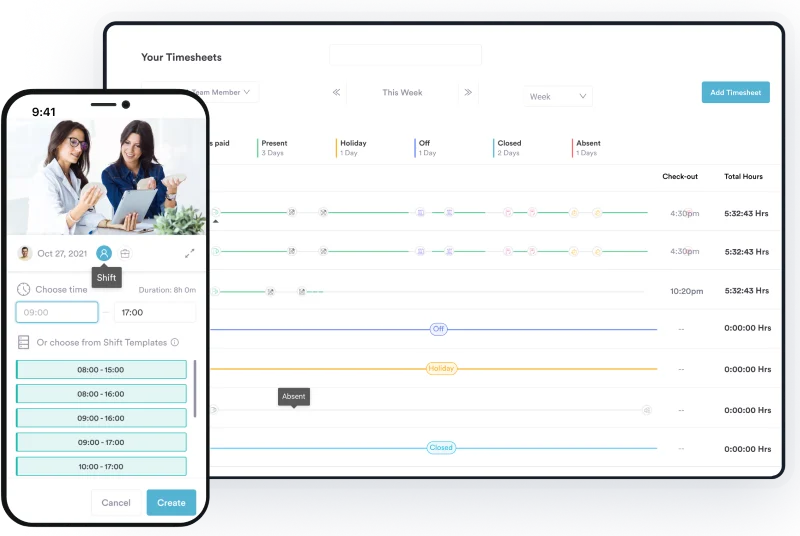
Fast and efficient
Need to be up and running yesterday? We hear you. Our team can onboard you in around 7 to 10 days, so you can start seeing the value of Pabau as soon as possible.
In safe hands
We have a specialist team of onboarding experts who have onboarded hundreds of Pabau clients. They’ll guide you through the process, from start to finish.

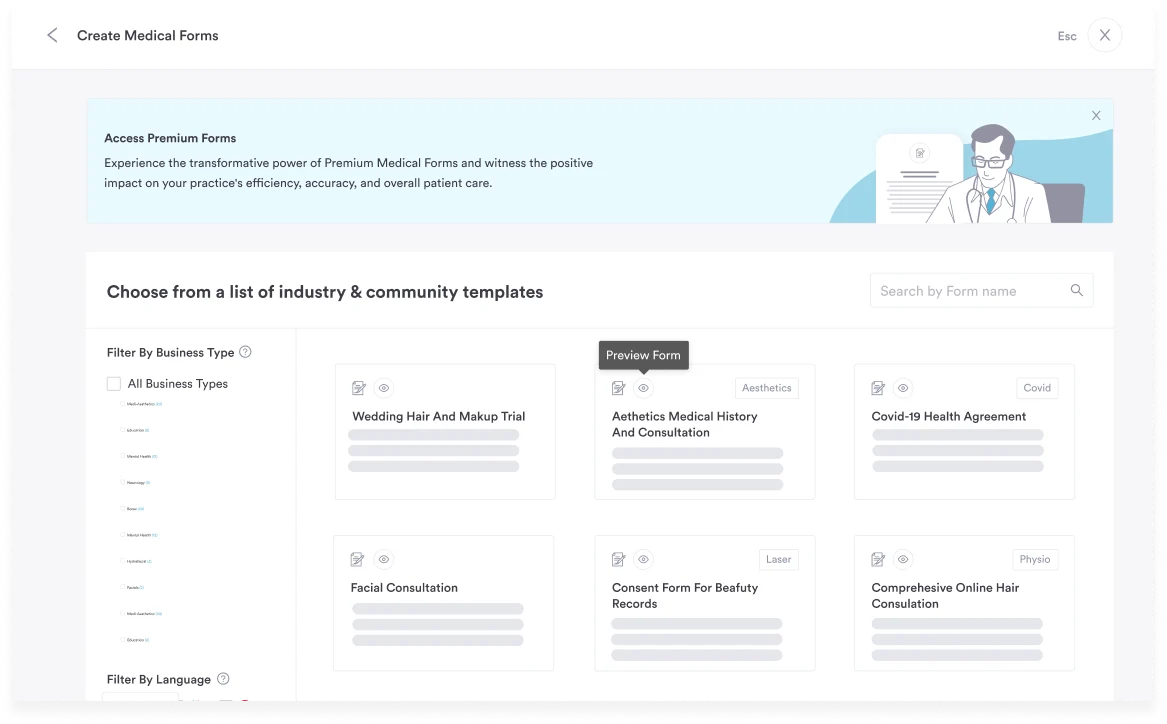
Pre-built templates
Don’t have time to spend building your own forms? Use our pre-built templates and customize them to your practice – we’ve got thousands to choose from!
Flexible to your needs
Every customer has their own unique requirements. Whether you’re switching from pen and paper or consolidating data from multiple systems, we’ve got you covered.

Onboarding for busy practitioners
Don’t have time to migrate your data? We’ll handle it for you in 3 simple steps
1. We receive your data
Worried you can’t get it from your old system? You can! Your previous software provider is legally required to give it to you.
2. We tidy it up
We’ll clean, format, and adapt your data so it’s ready for Pabau, fixing duplicates and handling any custom requirements.
3. We import it to Pabau
Once it’s prepared, we load everything into your account, and you’re ready to go in just days.
Want us to handle everything?
Choose our Full Project Management option and we’ll:
Build a step‑by‑step onboarding plan just for you
Create a tailored training plan
Identify any bespoke feature needs
Assign you a dedicated account manager

We’re happy to work with you on building a customized onboarding plan that fits your practice.
Head of Onboarding
FREQUENTLY ASKED QUESTIONS
Once we receive your data, onboarding typically takes 7–10 days at the most.
We hear you! If you have your login details for your various accounts ready (such as your website hosting services) and spreadsheets filled out with your data ahead of your call with the onboarding team, this will help speed up the process significantly.
Not quite. First, we set up your system with your data. Then, we ask you to complete the first two modules of the Pabau Academy so you’re ready to hit the ground running.
Nope, we got you! Our team will extract and prepare your data (where possible) and load it into your Pabau account. You’ll then just review and sign off.
If you’d like more hands‑on support, we offer full project management as an option.
Your previous provider is legally required to provide your data, so you can be confident it won’t be a problem.
Absolutely. We regularly help customers move from systems like Phorest, Cliniko, Consentz, ANS, Columns, and many others.
We’ll give you simple spreadsheets to capture the essential details, and walk you through scanning any forms or records you want to keep in Pabau. It’s a straightforward process, and your dedicated onboarding representative will guide you from start to finish.
You’re in the perfect place to set things up right. Pick from hundreds of editable form templates, customize them to suit your business, and we’ll help you get everything ready to launch smoothly.
We handle this all the time. Our team will extract your information from each system, clean it up, and merge it so everything is in one central, consistent database inside Pabau.
Yes. You’ll work with a dedicated onboarding specialist who will handle your data import and setup. Once your information is in Pabau, they’ll introduce you to our customer success team to start your training.