LAB MANAGEMENT SOFTWARE
Stop chasing results and save hours on lab order logistics
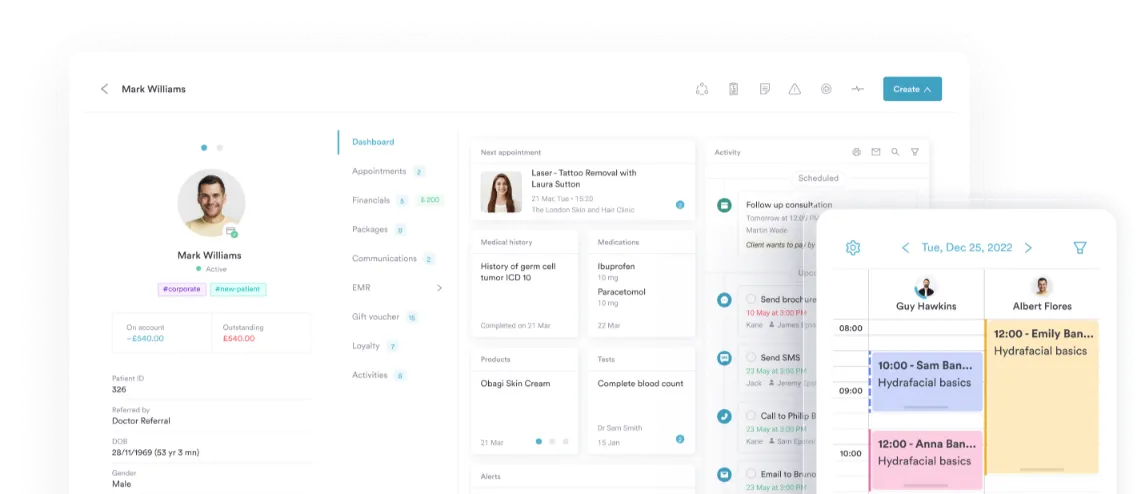
Effortlessly order, track, and review lab tests — all from one place. From creating a request to receiving real-time results, Pabau Labs keeps your workflow fast, compliant, and fully connected to the patient record.


Join 3,500+ practices that already use Pabau
Lab Partners
 UK
UK US
US

+123 others

Order lab tests. Get results
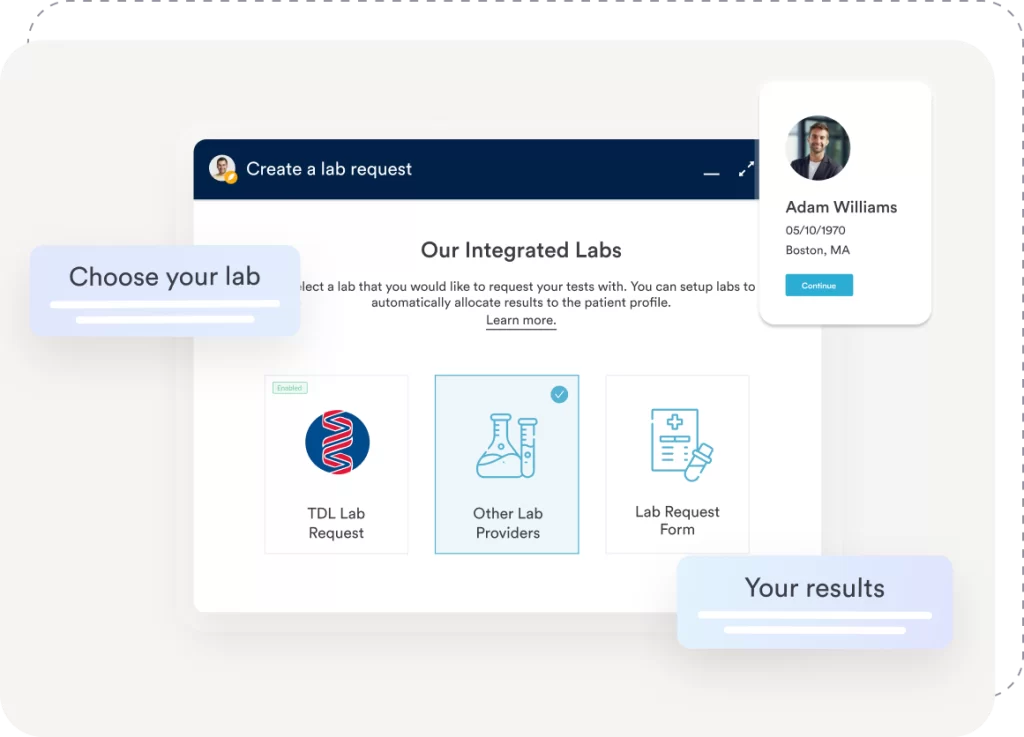
Select your patient, then select one or multiple tests from our supported diagnostic tests.
Create and submit lab requests directly from the patient record — no switching systems, no duplicate data entry. Everything is stored and tracked automatically for you and your team.
End the paper chase and deliver results faster
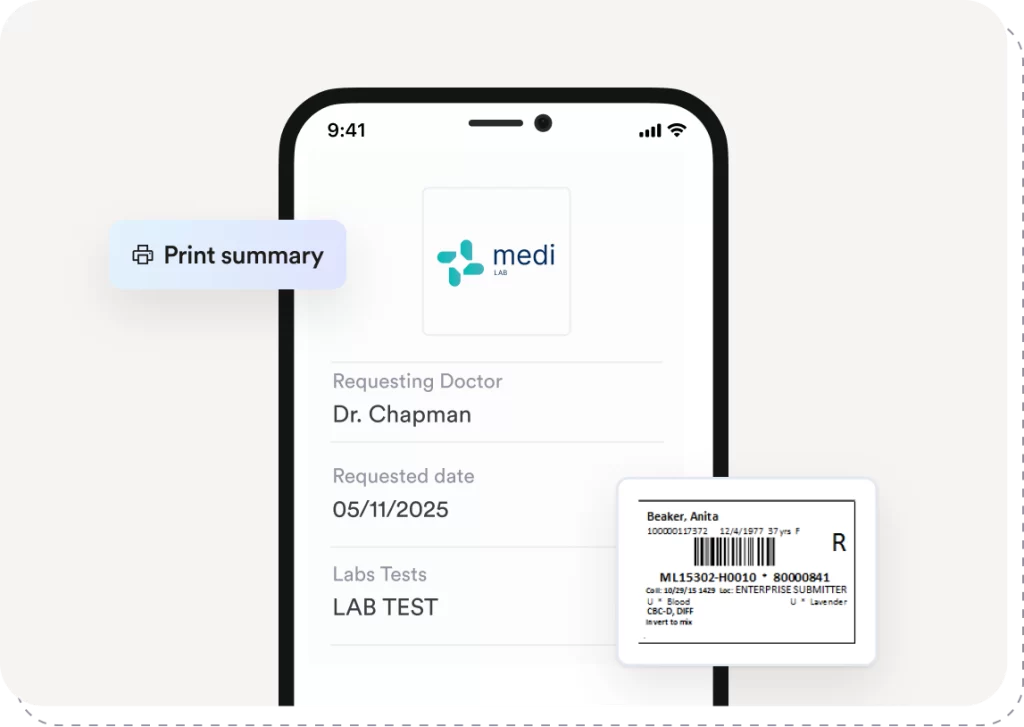
Print fully populated request forms directly from the patient record, complete with unique barcodes to ensure accurate sample identification and traceability.
Labels can also be printed, allowing staff to quickly label blood tubes at the point of collection—reducing manual errors, speeding up workflows, and keeping labs and clinicians perfectly aligned.
Find out if Pabau is the right fit for you
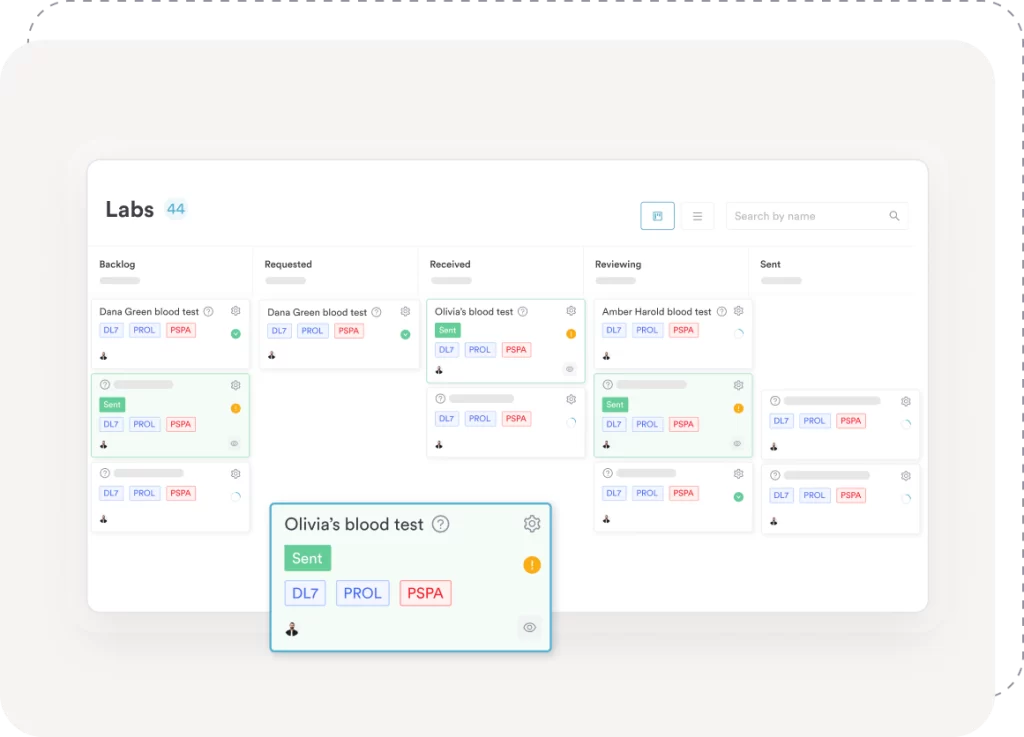
Track samples across their full lifecycle
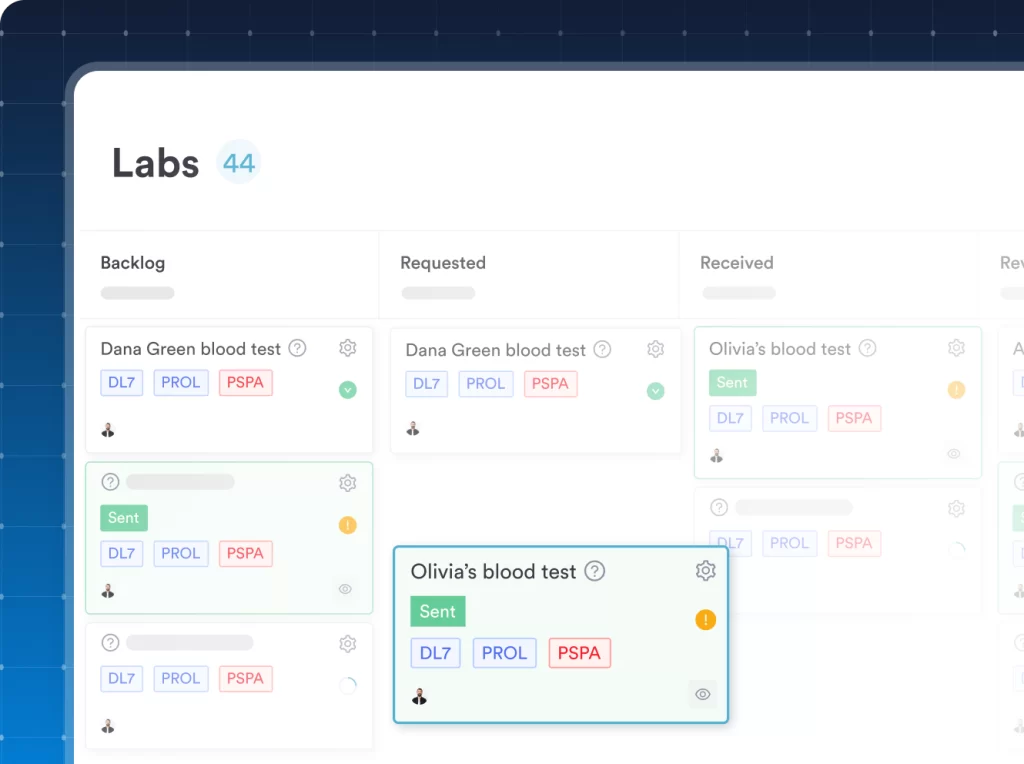
Follow every step in real time — from order submitted, to sample received, to results delivered. No chasing, no spreadsheets, no uncertainty.
Give patients easy access to their lab results
With one click, share results through the Client Portal. Patients can view, download, or share their reports digitally, reducing follow-up calls and admin for your team.
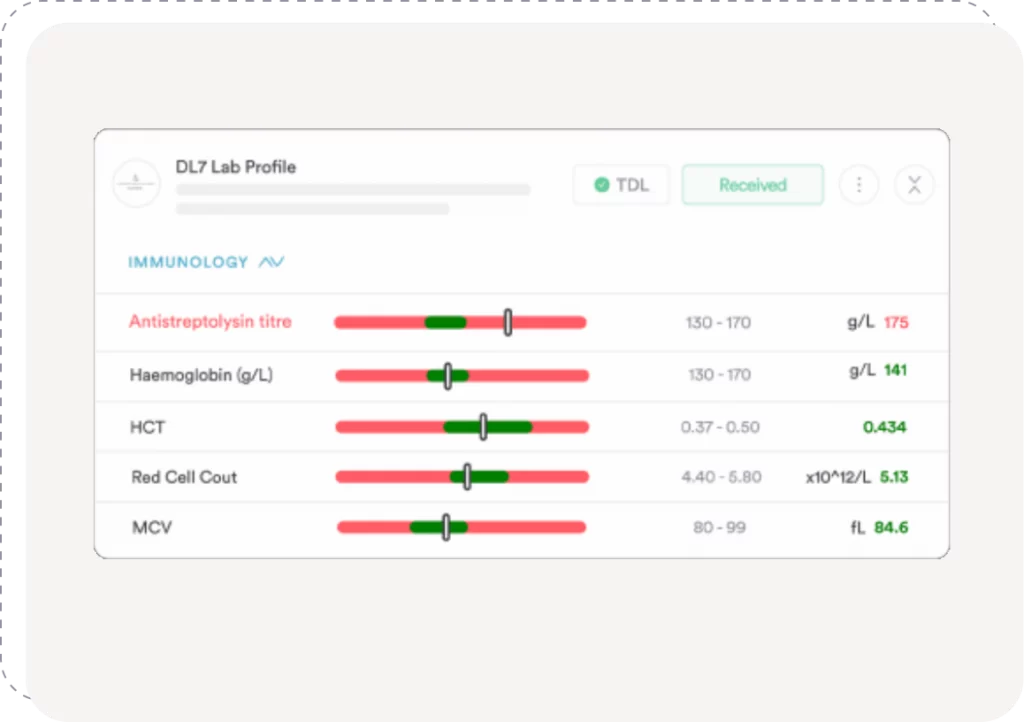
Clear visual indicators highlight key biomarkers, making it easy for both clinicians and patients to quickly spot results that are within range, borderline, or abnormal at a glance.
Access most major labs
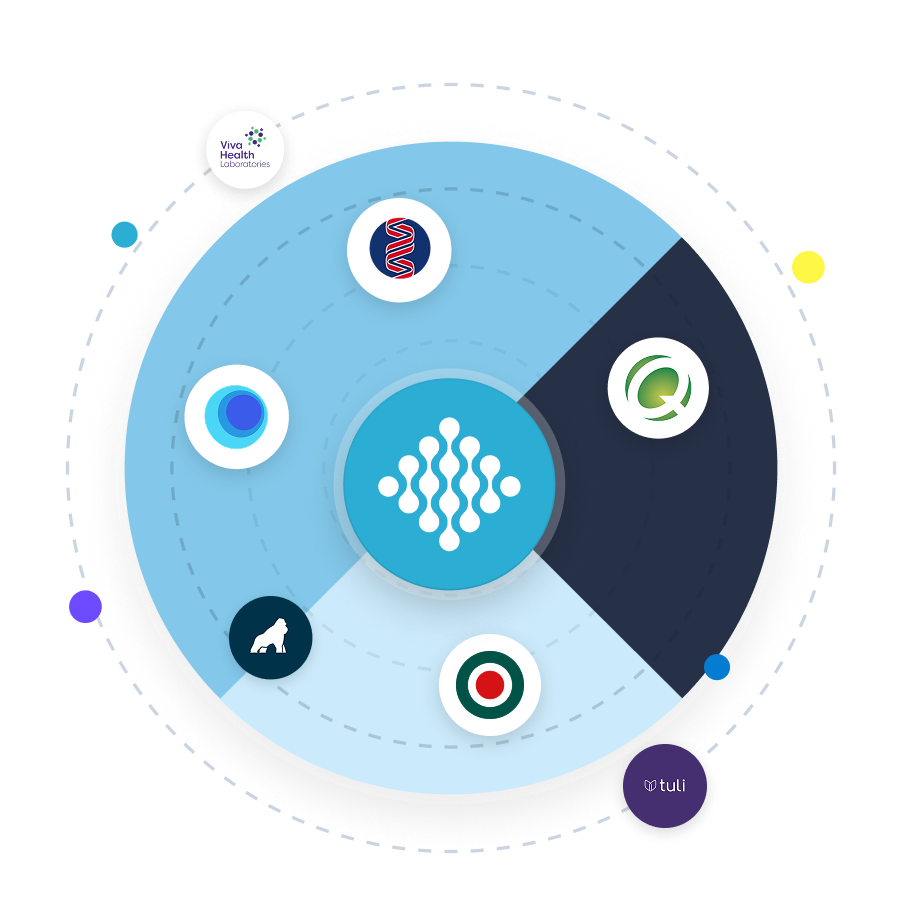
Connect to major labs or custom local partners. Results flow directly into Pabau with support for HL7, FHIR, and modern lab messaging standards.
Stay fully compliant and secure
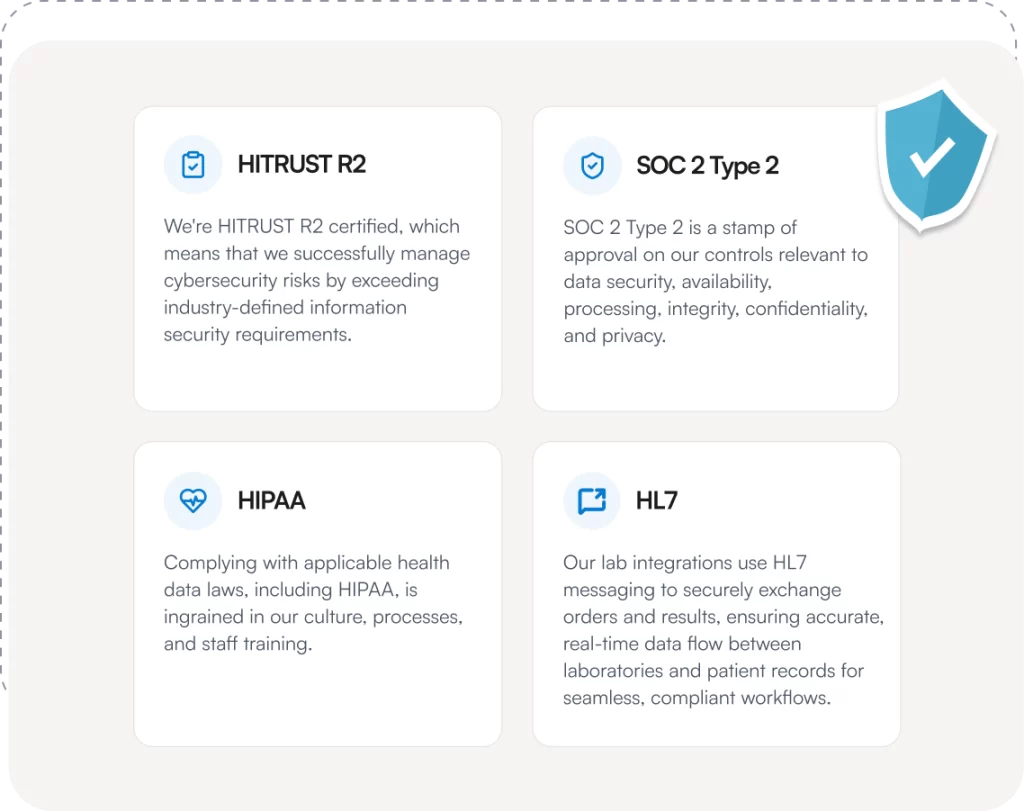
All lab data is stored safely within your clinic’s system, aligned with GDPR, HIPAA and regional interoperability standards — helping you work confidently with every request.
Other features to explore
- Client Records
- Online Booking
- Vaccines
Frequently asked questions
Yes — if you’ve enabled lab‑result access in the Client Portal, clients will be able to view, download or share their test results directly without having to call or visit the clinic.
Pabau supports both integrated lab partners and custom lab connections.
You can connect to established, widely recognised labs (such as TDL in the UK), or configure your own lab partner. What matters is that the connection is set up correctly so orders and results flow directly into the patient record, keeping everything centralised and auditable.
For US clinics, Pabau integrates with Health Gorilla, giving you access to 125+ labs, including major providers such as LabCorp and Quest Diagnostics — all through a single, secure connection.
Navigate to the client card, click the Create button, select “Lab Request,” choose the lab and form, fill out the required fields (like requesting doctor and test), and then click Request Labs.
Yes — once results appear in the Received stage, you can open them from the client card, review each test (including its name, normal range and observed value), and share the results via email or in‑portal for the client to view.
Some integrations are region‑specific. For example, the integration with The Doctors’ Laboratory (TDL) is only available for clinics in the United Kingdom.
Your data is kept secure, stored in the clinic’s system, and accessed via the Client Portal with permissions the clinic controls. Standards like HL7, FHIR, and GDPR are supported to protect your privacy and information.
4.9 Trusted by 3,500+ healthcare practices worldwide
One platform for your entire practice
See how Pabau gives you all the tools you need to reduce admin, improve the patient experience, and support sustainable growth