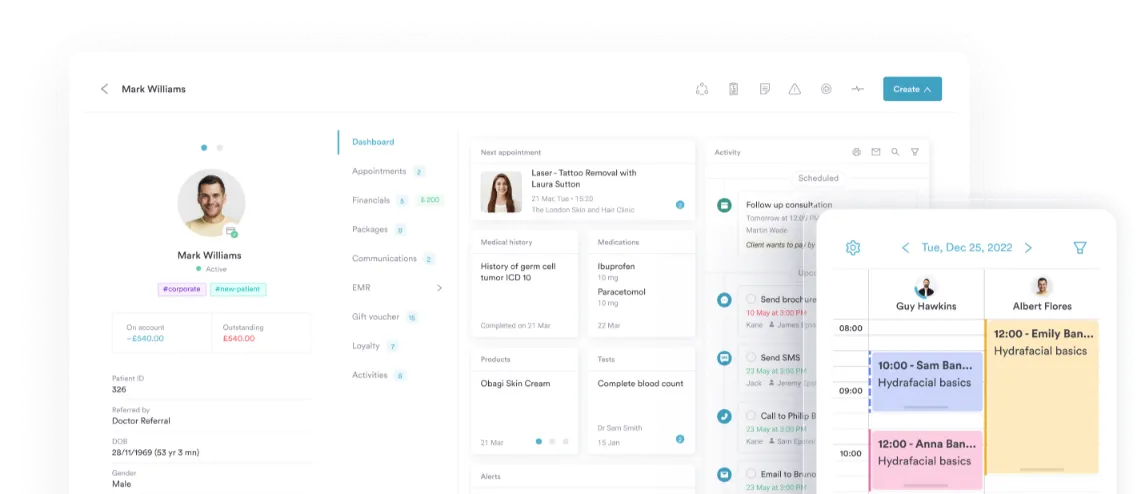
automated workflows software
Build a fully automated clinic
No more manual hand-offs, missed steps, or chaos. Let your system take over the busy work so your team can focus on delivering outstanding care.


Join 3,500+ practices that already use Pabau
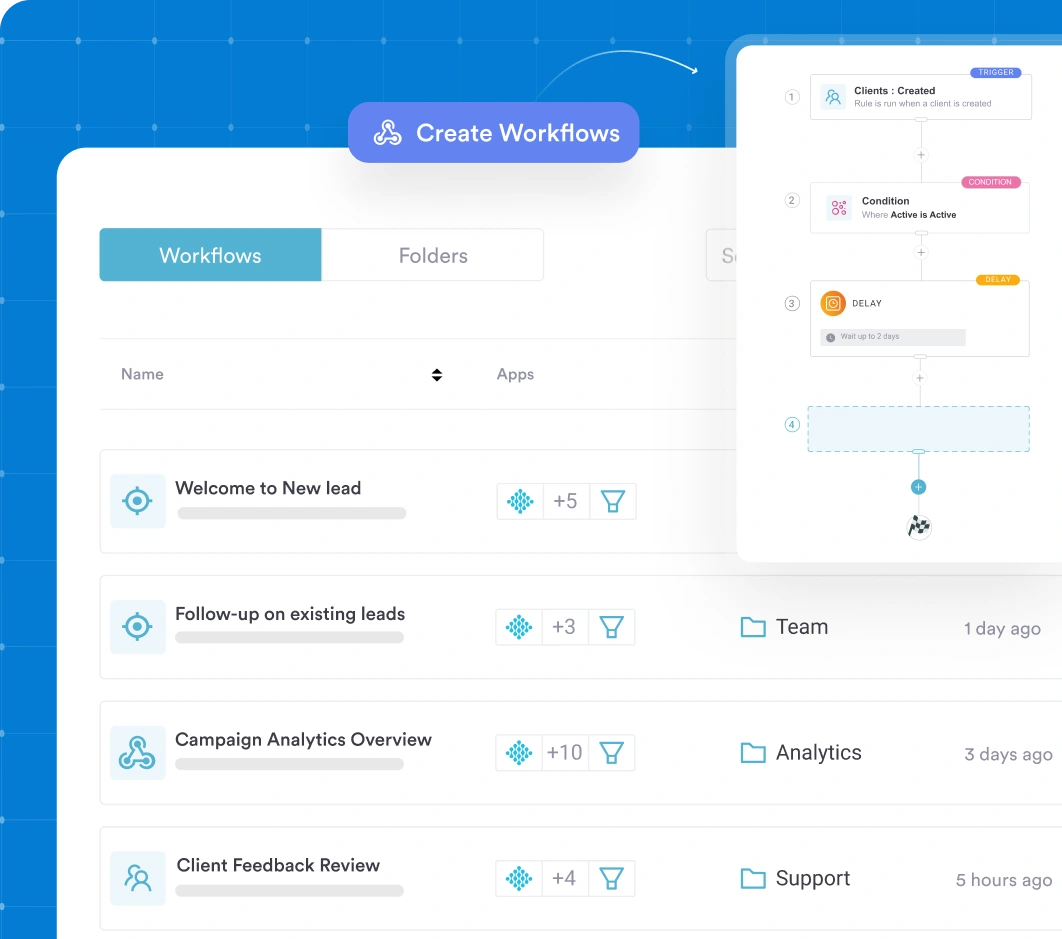
Use Workflows to:
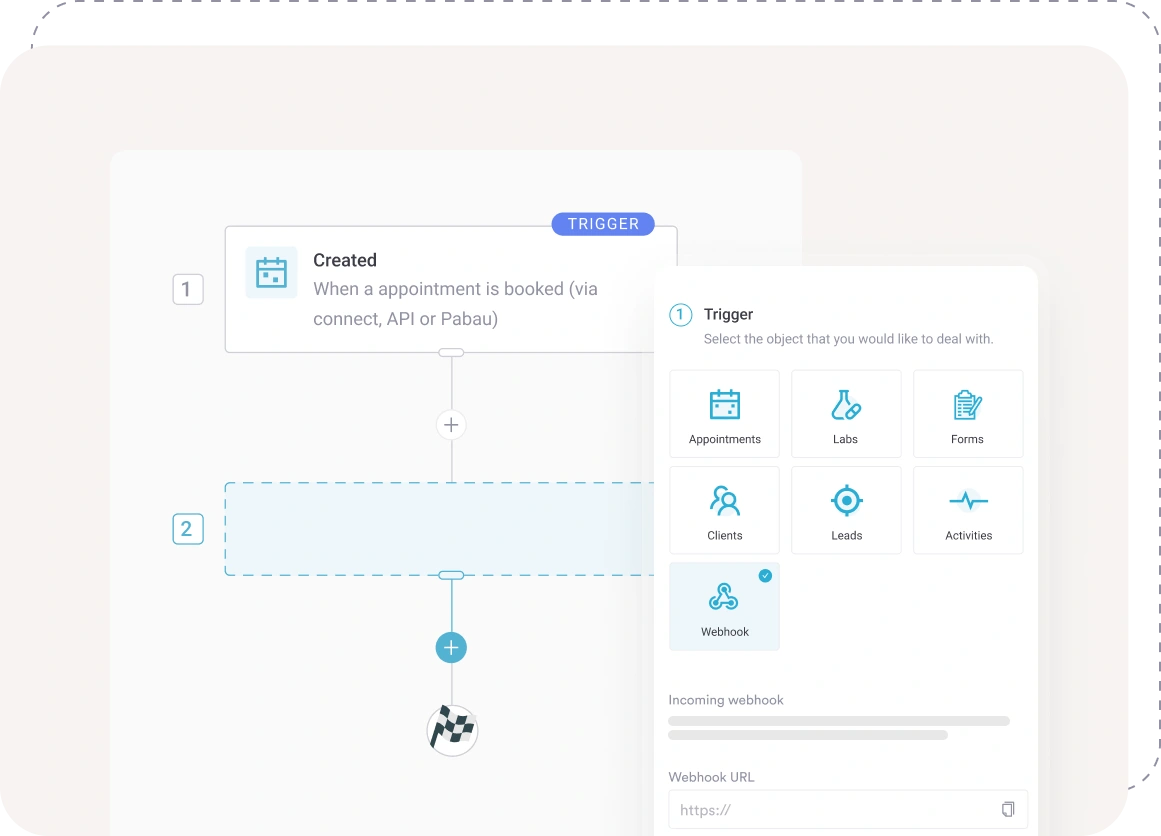
- Trigger client journeys automatically the moment something happens (e.g., booking, treatment completed, form submitted)
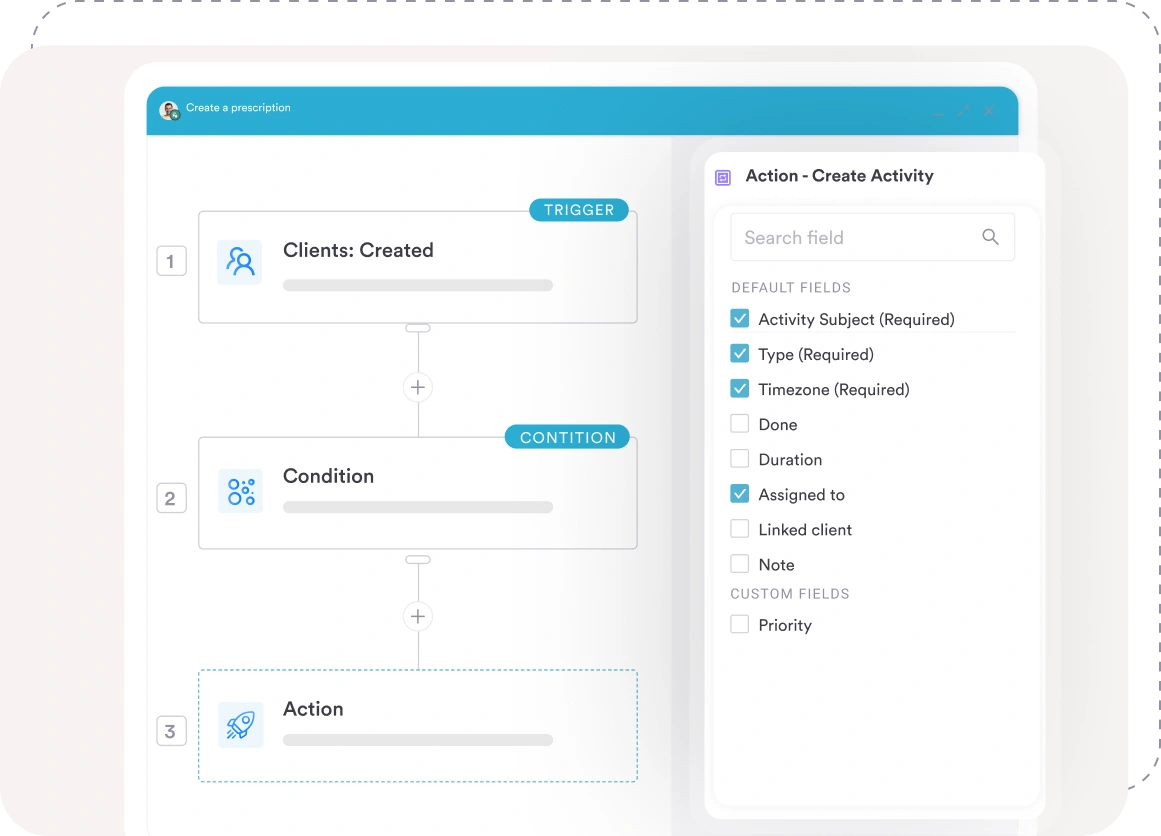
- Define conditional logic (“if this happens → then do that”) and tailor steps to your unique service structure
- Assign tasks, send communications or lock next steps based on rules — now everything moves itself
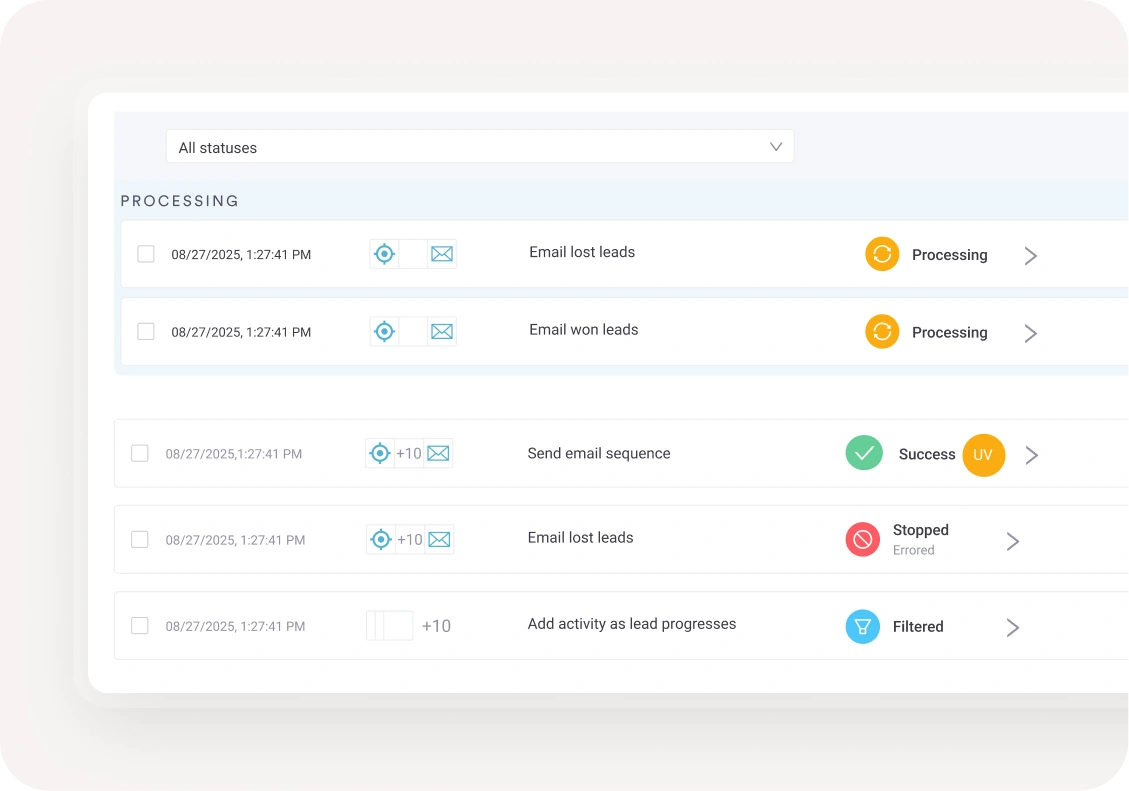
- Monitor every step of the process in real time, spot bottlenecks and keep things moving
- Build templates once and apply them across services, staff or locations — scale effortlessly
Workflows, re-imagining your operations
Efficient clinics don’t rely on memory, spreadsheets or sticky notes. They rely on systems that execute. Workflows give your clinic smart, automated logic that keeps everything on track.
Your client journeys — fully mapped out
Whether it’s a first-time consultation or a multi-step treatment plan, your workflows define every step. From intake to after-care, treatment to follow-up — the path is clear, the journey consistent.
Start your workflows your way
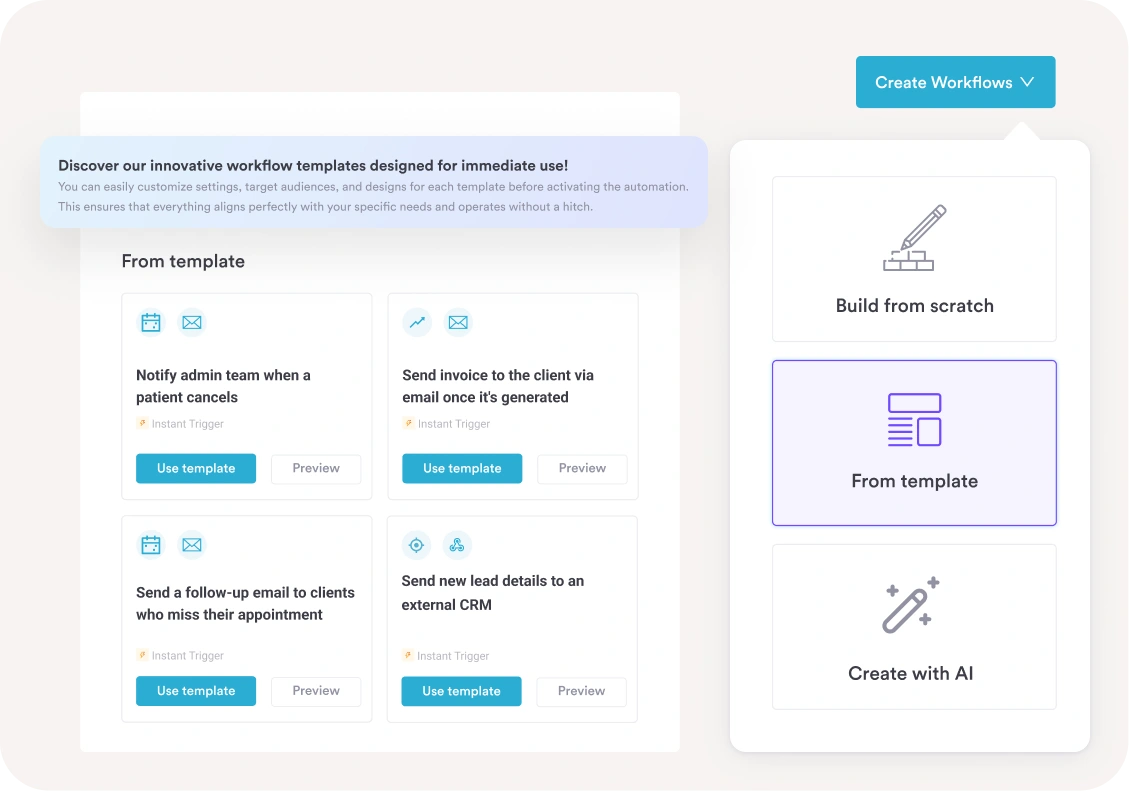
Launch fast with pre-built workflow templates or customize every detail from scratch — Pabau gives you the flexibility to automate in a way that fits your clinic. Choose a ready-to-use workflow to get going in minutes, or start fresh and build exactly the process you need with your own triggers, conditions and actions.
Automation that acts in the moment
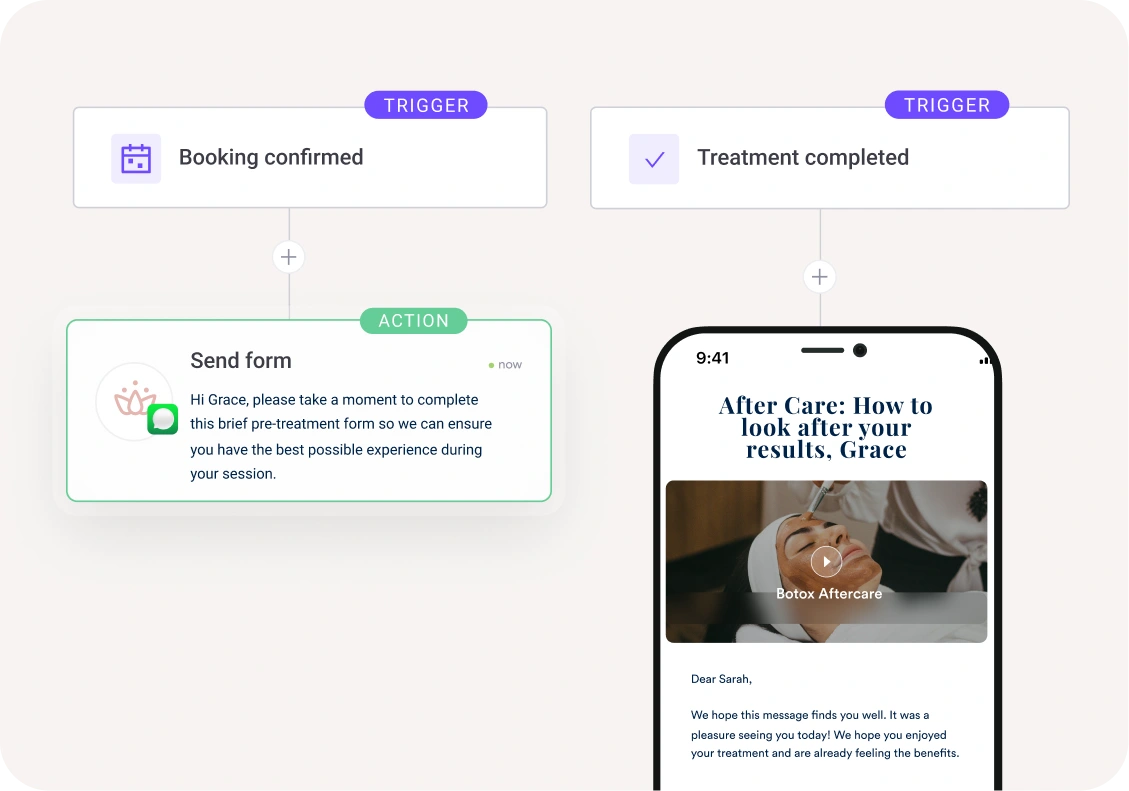
Filters and scheduled tasks are great for routine jobs. But Workflows? They respond instantly when a trigger fires.
Booking confirmed → forms sent. Treatment completed → after-care protocol triggered. No delay, minimal friction.
One system. Every task accounted for.
Assign tasks based on roles, alert staff when action is due, and track what’s done and what’s waiting. Managers get visibility. Teams get clarity. Clients get consistency.
Growth ready from day one
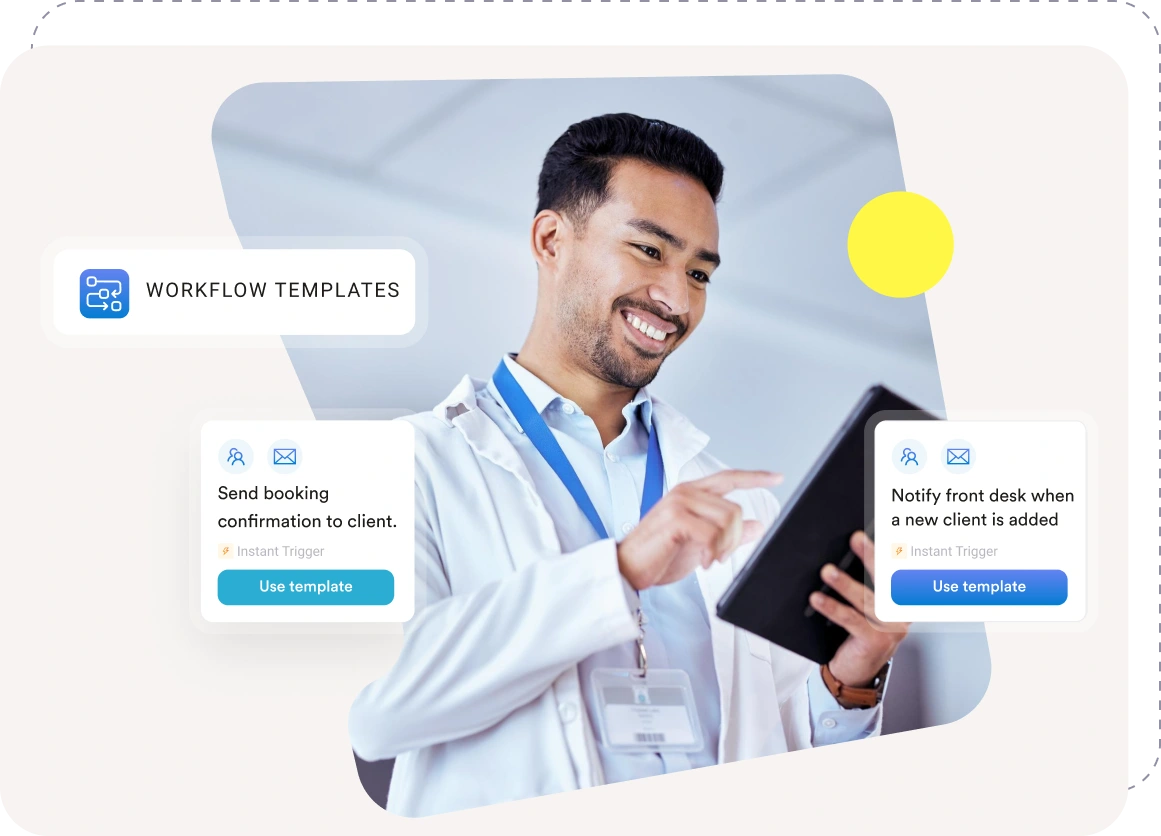
Opening a new location or adding a service? Use your proven template and plug in your logic. Workflows scale as you do — without reinventing your processes.
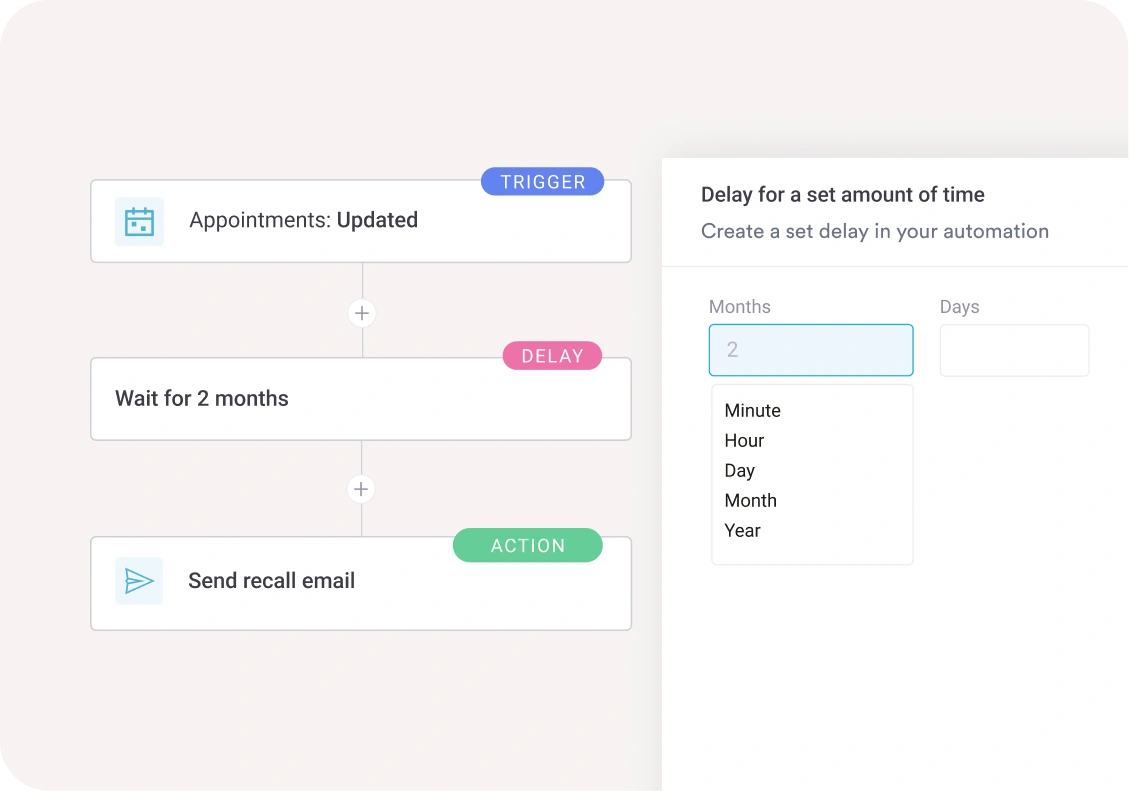
Timed and scheduled actions
Pabau workflows can be designed to not just react in the moment, but unfold over time with meaningful checkpoints and staff actions that boost quality and efficiency across your clinic.
Work with the tools you already love
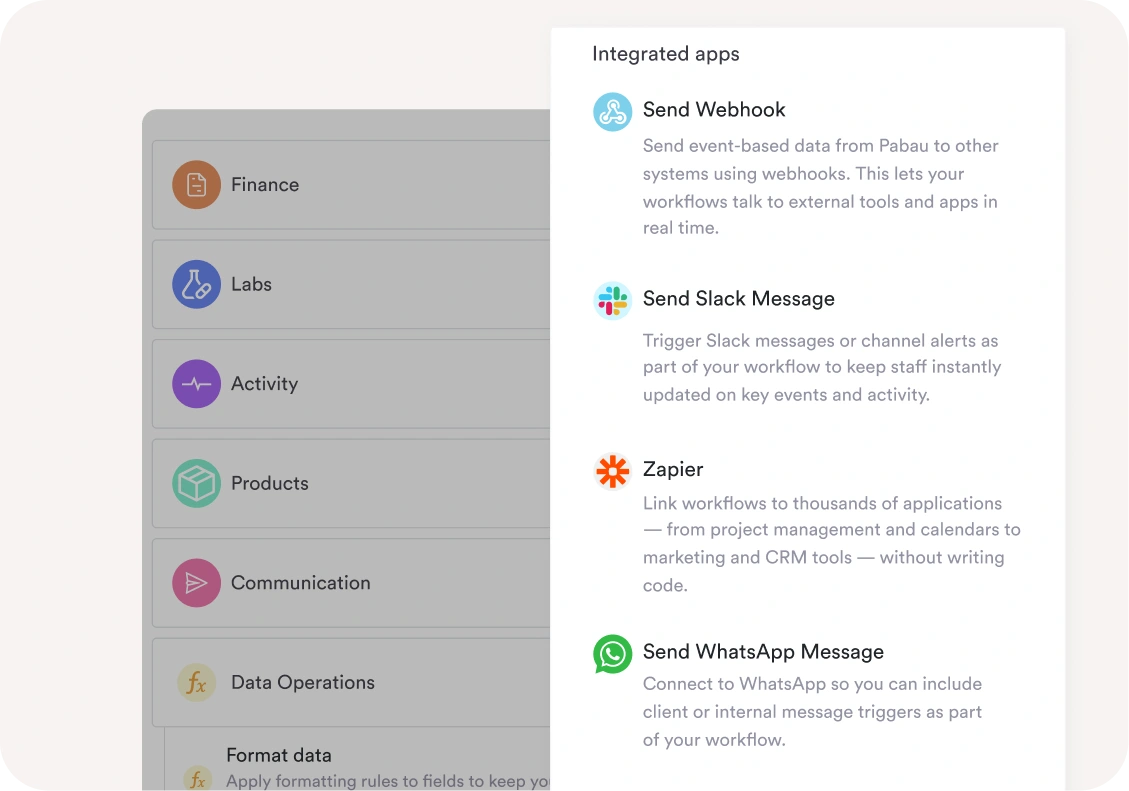
Extend your workflows beyond Pabau and connect the apps your team uses every day. With built-in integration support you can automate cross-platform actions, send alerts, and keep everyone informed — without manual steps.
See the Workflows feature in action
How to use Workflows:
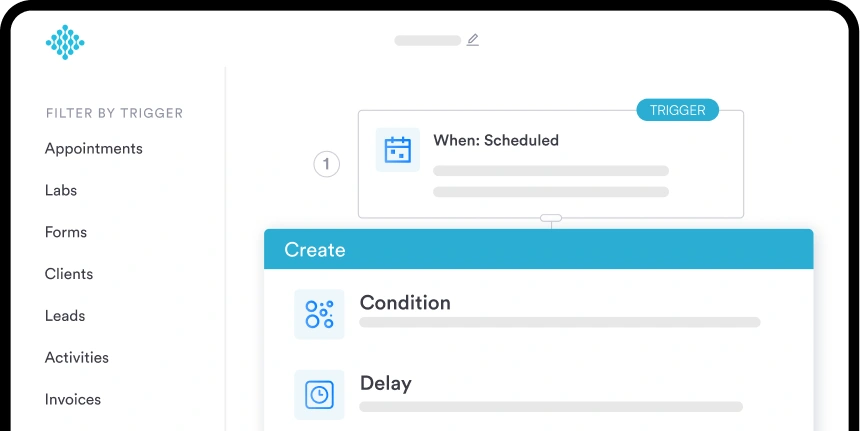
Instant Event-based Triggers
Use automations that trigger the moment something changes — not later, not manually
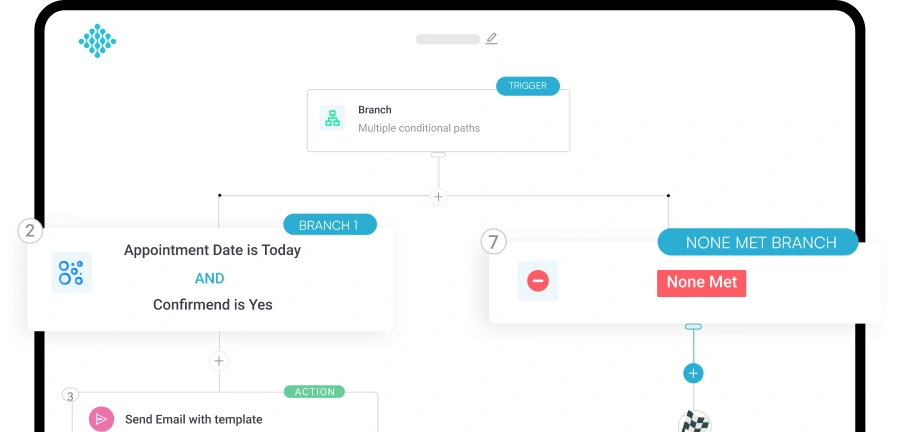
Conditional logic & branching
Tailor each journey with rules that adapt to real-life client behaviour.
Real-time monitoring & insights
Track what’s running, what’s stuck and what needs attention — for continuous improvement.
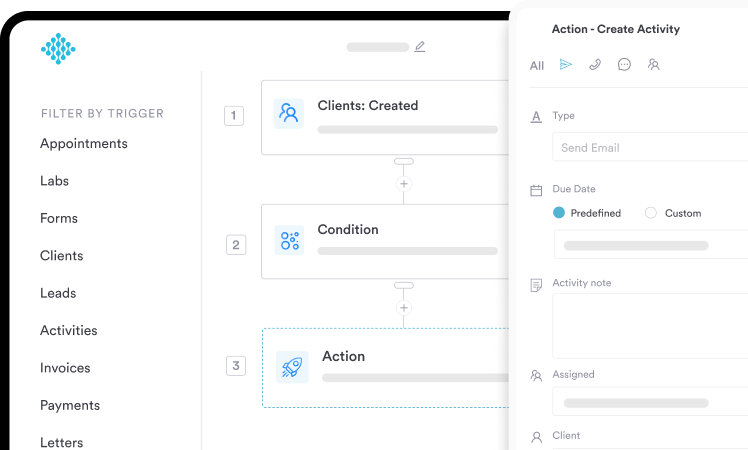
Delayed & scheduled actions
Automate follow-ups for maximum impact. For instance, send a check-in 48 hours post-appointment or nudge a client a week after a missed booking.
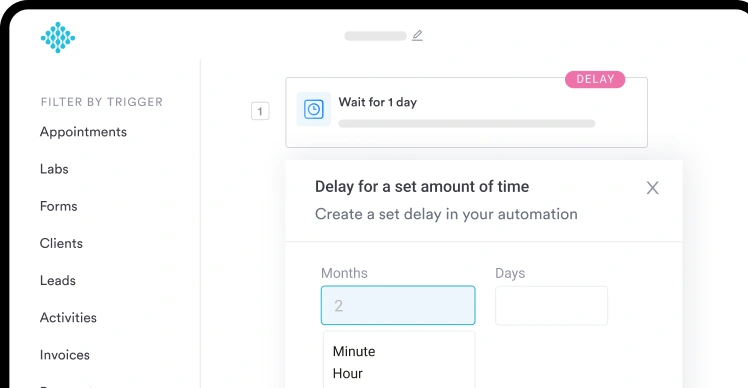
Role-based task management
Automatically send the right task to the right team member at the right moment.
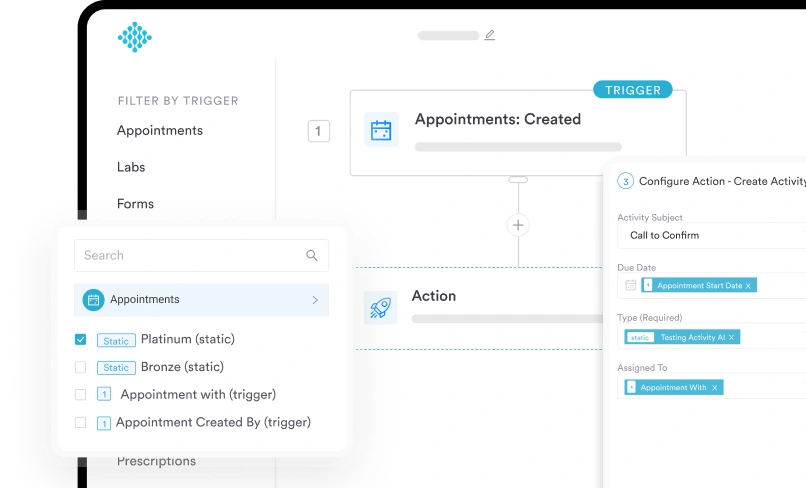
Advanced use cases powered by workflows:
Lead management:
Route leads automatically, assign owners, update pipeline stages, and trigger follow-ups.
Appointments:
Send reminders via email, SMS, or WhatsApp instantly; customize timing per service type.
Treatments & post-care:
Trigger multi-step protocols, follow-ups, and post-treatment instructions automatically.
Inventory & products:
Track treatment product usage (e.g., Botox units) and update stock based on actual treatments.
Labs & prescriptions:
Send lab requests, receive results, or push prescriptions to pharmacies automatically.
E-commerce integration:
Sync website sales (WooCommerce, Shopify) with Pabau invoices and client records.
Data cleansing:
Automatically correct formatting issues, fix capitalization, validate phone numbers and emails.
Third-party integrations:
Webhooks allow Zapier, Make.com, or calling software to trigger Pabau workflows efficiently, reducing unnecessary costs.
Multi-brand communication
Send brand-specific confirmations, reminders, or messages tailored to service or division.


Popular Integrations
With built-in integration support you can automate cross-platform actions, send alerts, and keep everyone informed.
Xero
Sync financial data automatically for smoother accounting workflows.
Healthcode
Automate claims and billing workflows.
Zapier
Connect workflows to thousands of apps with no coding required.
Trigger automated client or internal messages directly via WhatsApp.
Gmail
Send automated emails triggered by workflow events.
GoHighLevel
Sync leads and client activity between Pabau and GoHighLevel.
Frequently asked questions
Yes. Workflows can be customized per service or location to reflect your exact operations.
Absolutely. Standardized workflows mean new team members follow the same process as your best staff.
Yes, managers can view real-time workflow status, task accountability, and bottleneck alerts.
Yes — emails, SMS, WhatsApp, portal tasks, and notifications can all be triggered through workflows.
No, Workflows respond in real time based on triggers and conditions, not just set times.
4.9 Trusted by 3,500+ healthcare practices worldwide
One platform for your entire practice
See how Pabau gives you all the tools you need to reduce admin, improve the patient experience, and support sustainable growth