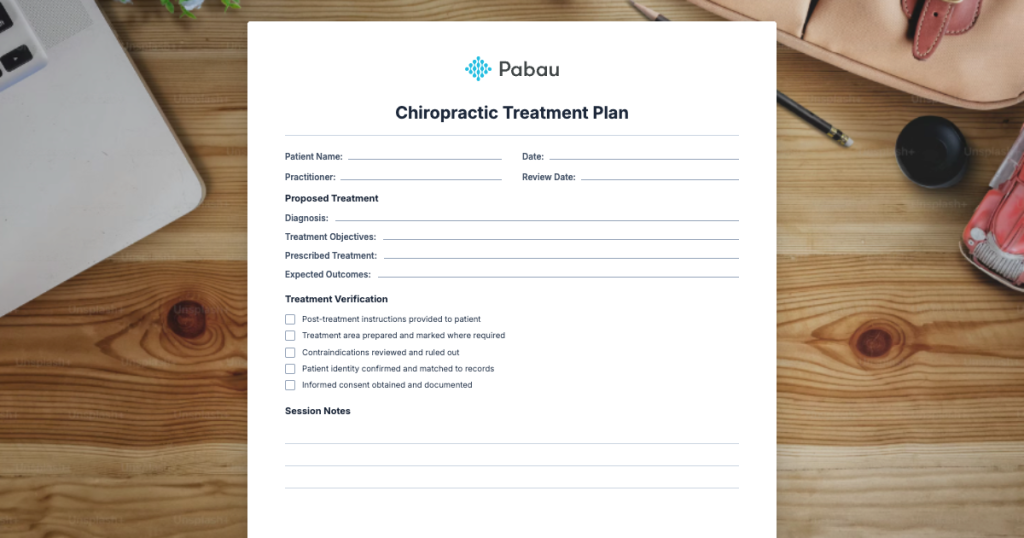
Chiropractic Musculoskeletal & Pain Management
Chiropractic Liability Insurance: Coverage Guide (2026)
Every chiropractor faces exposure to professional liability claims, regardless o...

February 21, 2026


Buy now, pay later is now available in Pabau

A thorough chiropractic intake form collects personal details, pain history, medical conditions, medications, and lifestyle factors before the first adjustment
Include body area checkboxes and aggravating/relieving factor questions so the chiropractor can pinpoint the problem quickly
Digital intake forms reduce errors, save chair-side time, and integrate directly with patient records for faster workflows
Always screen for contraindications like osteoporosis, blood clotting disorders, and spinal surgery history before any manual therapy
Send the form 24-48 hours before the appointment so patients can answer thoroughly and you can review beforehand
A well-designed chiropractic intake form template saves time and protects patients. It captures the details a chiropractor needs before the first adjustment: where the pain is, how long it has lasted, what makes it worse, and whether any medical conditions make certain techniques unsafe.
This guide walks you through every section your chiropractic intake form should include, explains how to use the free template, and shares best practices for collecting patient information efficiently. Download the printable PDF below and start using it straight away.
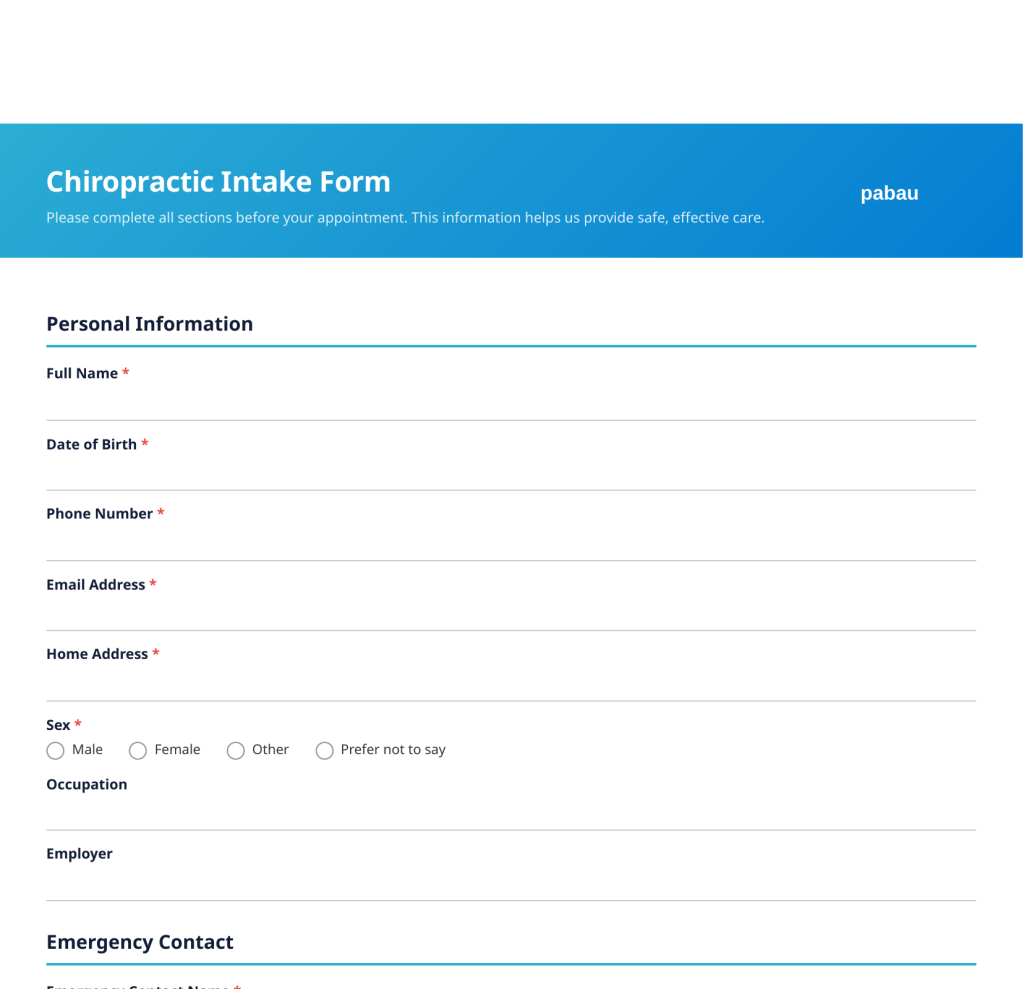
Our free printable chiropractic intake form covers personal details, pain history, medical conditions, medications, imaging history, and treatment goals. Ready to download and customise.
Download template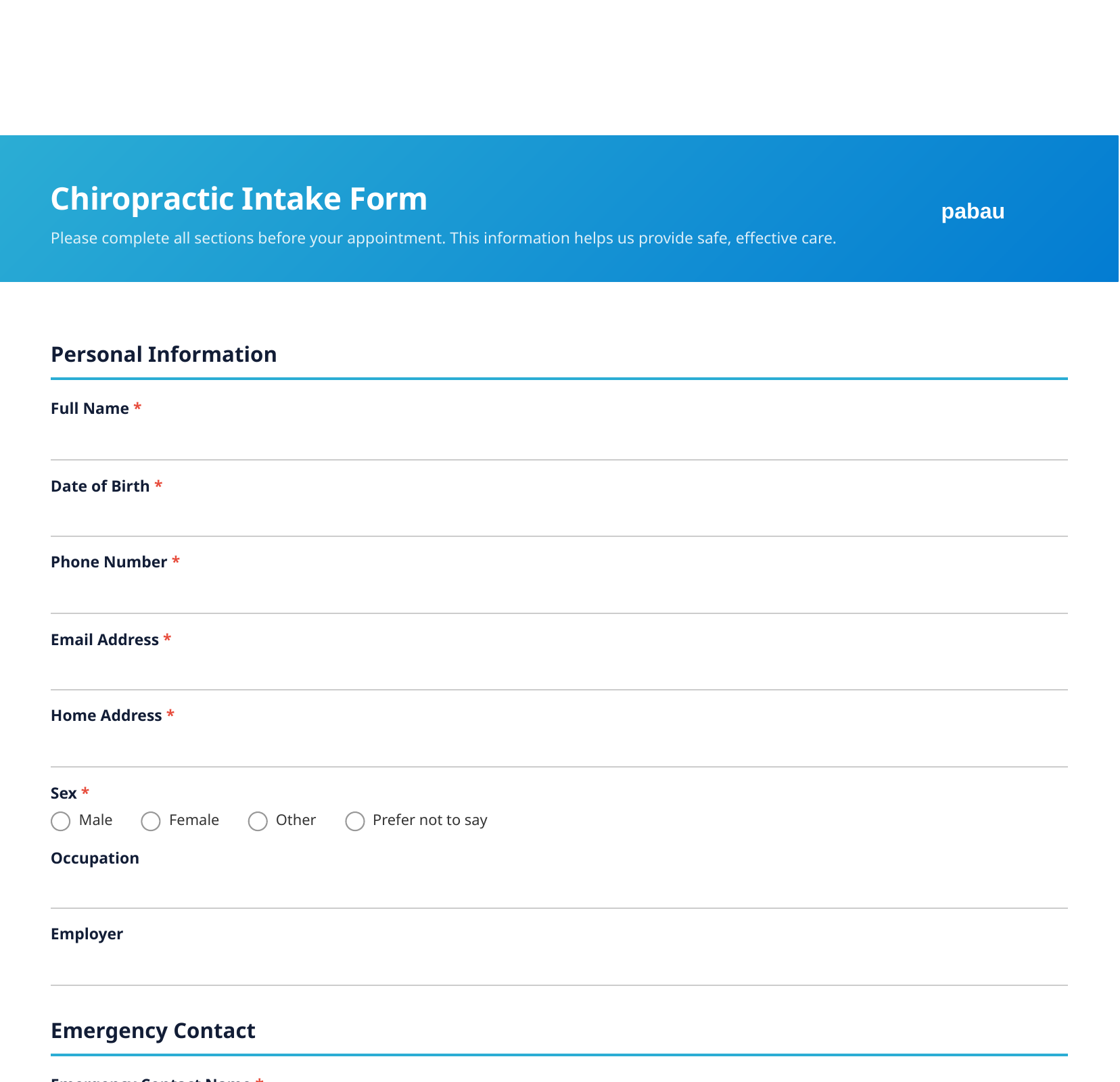
A chiropractic intake form is a standardised document that new patients complete before their first appointment. It gathers personal information, health history, and details about the presenting complaint so the chiropractor can assess the patient safely.
Unlike a consent form, which focuses on authorising treatment, an intake form focuses on data collection. The goal is to answer one critical question: is it safe to treat this patient? Information about osteoporosis, blood clotting disorders, spinal surgeries, and implants directly affects which techniques a chiropractor can use.
For practices that handle everything on paper, a chiropractic intake form template provides a starting point. For clinics moving to digital workflows, the same structure translates into capture forms that patients complete online before arriving.
Collecting detailed patient information before the first adjustment is not just good practice. It is a clinical and legal necessity.
Identifies contraindications early. Conditions like osteoporosis, spinal fractures, vascular disorders, and certain cancers change the treatment approach entirely. Without a thorough intake form, a chiropractor may not discover these until mid-treatment.
Saves appointment time. According to the American Chiropractic Association, the average first visit includes both examination and treatment. Collecting history in advance means more time for hands-on assessment.
Creates a baseline record. Pain scores, affected areas, and functional limitations documented at intake become the benchmark for measuring progress. Without a baseline, tracking improvement is guesswork.
Supports insurance and compliance. Detailed intake documentation supports claims, justifies treatment plans, and satisfies regulatory requirements. In addition, a signed intake form provides evidence that the patient disclosed their health status.
Builds patient confidence. A professional, comprehensive intake form signals that the clinic takes patient safety seriously. Patients are more likely to trust a practitioner who asks thorough questions before touching their spine.
Every chiropractic intake form template should include these core sections. The specific questions can be adapted for your patient population and clinical focus.

Start with the basics: full name, date of birth, phone number, email address, home address, sex, occupation, and employer. Include an emergency contact section with name, relationship, and phone number.
Occupation is particularly relevant in chiropractic care. A patient who sits at a desk for eight hours faces different spinal stresses than someone who lifts heavy loads. This context shapes treatment recommendations.
This section captures the primary reason for the visit. Include questions about:
Open-ended questions complement multiple-choice fields here. A free-text box asking "describe your main complaint" lets patients explain in their own words.
Body area checkboxes work better than a blank text field for this section. Include options for neck, upper back, mid back, lower back, shoulders, arms, hips, legs, headaches, and jaw. Patients often have pain in multiple areas, and checkboxes ensure nothing gets missed.
Add aggravating and relieving factor checkboxes right after pain location. Knowing that sitting worsens the pain while stretching helps narrows the differential diagnosis before the examination even begins.
This is the most safety-critical section. Use a checklist format for conditions that affect chiropractic treatment:
A checklist is faster for patients and harder to skip than open-ended questions. However, include a free-text field for conditions not listed.
Ask patients to list all current medications (including dose and frequency), supplements, and herbal remedies. Include a separate question for allergies to medications, latex, or other substances. Blood thinners, muscle relaxants, and pain medications all influence treatment decisions.
Understanding what the patient has already tried helps avoid repeating ineffective approaches. Ask about:
This section also builds rapport. Patients feel heard when a practitioner acknowledges their treatment journey.
Ask whether the patient has had X-rays, MRI scans, CT scans, or ultrasound for this condition. Include fields for where the imaging was performed and what the results showed. Many patients arrive with existing imaging that can inform the treatment plan immediately.
Include questions about whether the condition relates to a workplace injury or motor vehicle accident. These cases often involve workers' compensation or third-party insurance claims that require specific documentation.
Chiropractic care extends beyond the adjustment table. Understanding a patient's daily routine helps tailor advice on posture, ergonomics, and exercise. Ask about:
A simple open-ended question works well here: "What do you hope to achieve from chiropractic treatment?" Some patients want pain relief. Others want to improve mobility, prevent future episodes, or return to a specific sport. Documented goals guide treatment planning and help measure success.
Getting the most from your chiropractic intake form template requires more than printing it out. Follow these steps to integrate it into your workflow effectively.
Step 1: Download and customise. Download the PDF template and review each section. Add questions specific to your practice focus. If you specialise in sports chiropractic, expand the exercise and activity sections. If you treat children, add developmental history questions.
Step 2: Set up distribution. Decide how patients will receive the form. Options include emailing a PDF link with the appointment confirmation, making it available through a client portal, or providing paper copies in the waiting area. Digital distribution is faster and reduces data entry.
Step 3: Set a completion deadline. Ask patients to complete the form at least 24 hours before their appointment. Send an automatic reminder if the form remains incomplete. This gives you time to review the information beforehand.
Step 4: Review before the appointment. Read the completed form before meeting the patient. Note any red flags, contraindications, or areas that need clarification. Prepare follow-up questions so your first interaction is focused and efficient.
Step 5: Address gaps during the first visit. If sections are incomplete or answers need more detail, address them during the initial consultation. Document any verbal clarifications in the patient record.
Step 6: Store securely. Whether paper or digital, intake forms contain sensitive health information. Ensure storage meets HIPAA or GDPR requirements depending on your jurisdiction. A compliance management system tracks access and maintains audit trails automatically.
Review your chiropractic intake form template every six months. Add questions that you find yourself asking verbally during every first visit. If you always ask about screen time or pillow type, put it on the form.
The shift from paper to digital intake forms is well under way in chiropractic practices. Each approach has trade-offs worth considering.
| Factor | Digital Forms | Paper Forms |
|---|---|---|
| Patient convenience | Complete at home, any device | Fill out in waiting room |
| Data accuracy | Required fields prevent skipped questions | Illegible handwriting, missing answers |
| Storage | Encrypted cloud backup | Physical filing cabinets |
| Integration | Flows into patient records automatically | Manual data entry needed |
| Compliance | Built-in audit trails | Requires manual tracking |
| Cost | Software subscription | Paper, printing, storage space |
Digital forms allow patients to complete their chiropractic intake form before arriving. The information flows directly into the patient record, eliminating transcription errors and saving administrative time.
For practices not ready to go fully digital, a hybrid approach works well. Provide the PDF template for patients who prefer paper, and offer a digital option through your online booking confirmation email.
These errors undermine the purpose of your intake process. Avoid them from the start.
Skipping contraindication screening. The intake form exists to identify patients who need modified treatment or referral. If your form does not ask about osteoporosis, vascular conditions, and surgical history, it is incomplete.
Making the form too long. Patient fatigue leads to skipped questions and rushed answers. Keep your chiropractic intake form template focused on clinically relevant information. If it exceeds six pages, trim sections that do not affect treatment decisions.
Using only open-ended questions. Free-text fields are useful for chief complaints and treatment goals, but checklists and radio buttons capture structured data more reliably. Similarly, structured fields are easier to review quickly before an appointment.
Not updating the template. Clinical guidelines and regulatory requirements change. Review your intake form annually to ensure it reflects current best practices.
Ignoring the lifestyle section. Pain rarely exists in isolation from daily habits. A patient's occupation, exercise routine, sleep quality, and stress level all affect spinal health and treatment outcomes.

Want patients to complete forms before arriving? A client portal makes pre-appointment paperwork seamless and secure.
Need to build custom intake forms for different services? See how capture forms with conditional logic keep questions relevant and reduce completion time.
Managing a busy chiropractic clinic? Explore consultation form best practices to streamline every first visit.
Pabau lets you build custom intake forms, send them automatically with booking confirmations, and pull responses straight into patient records.
Watch a FREE demoA chiropractic intake form template should include personal details, emergency contact, chief complaint with pain description, body area checkboxes, medical history checklist, current medications, previous treatment history, imaging history, work or accident details, lifestyle factors, treatment goals, and a declaration section.
Most effective chiropractic intake forms are 3-5 pages. This length captures essential information without causing patient fatigue. Use checkboxes and radio buttons rather than open-ended questions to keep the form concise while still gathering detailed data.
Before the appointment is ideal. Send the chiropractic intake form 24-48 hours in advance so patients can complete it thoughtfully at home. They can look up medication names, check dates, and answer without time pressure. You benefit from reviewing the information before the session begins.
No. An intake form collects patient information before treatment to determine whether it is safe to proceed. A consent form authorises the chiropractor to perform specific treatments after explaining the risks and benefits. Most practices use both, but they serve different purposes.
Yes, and digital forms offer several advantages. They reduce transcription errors, integrate directly with patient records, enforce required fields so nothing gets skipped, and allow patients to complete them at home before the appointment. Most practice management platforms support custom digital intake forms.
Review your chiropractic intake form template at least once a year. Update it when clinical guidelines change, when you add new services, or when you notice yourself consistently asking the same questions verbally during first visits. Regulatory requirements for data collection and storage also change periodically.