Zenoti vs Vagaro: 2026 Comparison, Costs & Feature Breakdown
Compare Zenoti and Vagaro in 2026 - features, pricing, pros & cons. Find which p...

March 27, 2026


Buy now, pay later is now available in Pabau

Pabau – Best for clinics that want an all-in-one system. Ideal for growing or multi-location practices that need EMR, scheduling, billing, automation, and patient communication in one connected platform.
Zenoti – Best for large, enterprise or multi-location clinics that require advanced automation, reporting, and operational control at scale, with the budget and resources for complex setup.
Cliniko – Best for small healthcare and allied health practices that want simple scheduling, clinical notes, and transparent pricing without advanced automation or deep customisation.
Jane App – Best for wellness and allied health clinics prioritising ease of use, clean design, and patient-friendly online booking, with fewer needs for enterprise-level reporting or scalability.
Running a clinic is already complex, so choosing the best medical practice management software shouldn’t make it harder.
The short answer on how to choose one? The best tools centralize scheduling, billing, patient records, and workflows into one system that saves time and reduces errors.
In this guide, we compare some of the top platforms, break down who they’re best for, and show why all-in-one solutions like Pabau are increasingly the smarter choice.
Before diving into detailed reviews, here’s a quick overview of the leading tools covered in this article.
| Name | Best for | Standout Feature | Price Starting Point | Overall Rating |
|---|---|---|---|---|
| Pabau | Clinics needing an all-in-one system | Unified EMR, scheduling, billing, CRM & marketing | From ~$59/month | ~4.7/5 |
| Zenoti | Large, multi-location practices | Enterprise-level automation & reporting | ~$400/location/month | ~4.4/5 |
| Cliniko | Small healthcare practices | Simple scheduling & ease of use | ~$45/month (1 user) | ~5/5 |
| Jane App | Health & wellness clinics | Clean UX and online booking | ~$54/user/month | ~4.6/5 |
| Meddbase | Complex private healthcare setups | Highly configurable clinical workflows | Custom pricing | ~4.0 |
| Aesthetic Nurse Software | Nurse-led aesthetic clinics | Aesthetic-specific workflows | Tiered pricing | Generally positive |
| Semble | Private medical clinics | Flexible EMR + PMS combo | Custom pricing | ~4.7 |
| ModMed EHR | Compliance-heavy medical practices | Advanced clinical documentation | Custom pricing | Mixed reviews |
| Symplast | Aesthetic & cosmetic practices | Mobile-first clinic management | ~$300/month | ~4/5 |
| PatientNow | Med spas & wellness clinics | EMR + PMS with loyalty tools | ~$400/month | ~3.9/5 |
Pabau is an all-in-one platform that combines powerful clinical tools with robust business functionality, with EHR integration built in so teams aren’t juggling disconnected systems. It’s designed for clinics that want to manage patient care, operations, and growth from a single, connected system, without juggling multiple tools.
You can also learn more about how the platform functions as Osteopathy Practice Management Software in our specialized industry breakdown.
Pabau goes beyond basic scheduling or record-keeping, with EHR integrations that connect clinical records to billing, forms, and patient communication, it brings together EMR/EHR, automation, payments, communications, and analytics into one platform, helping clinics reduce admin work, stay compliant, and deliver a smoother patient experience at scale.
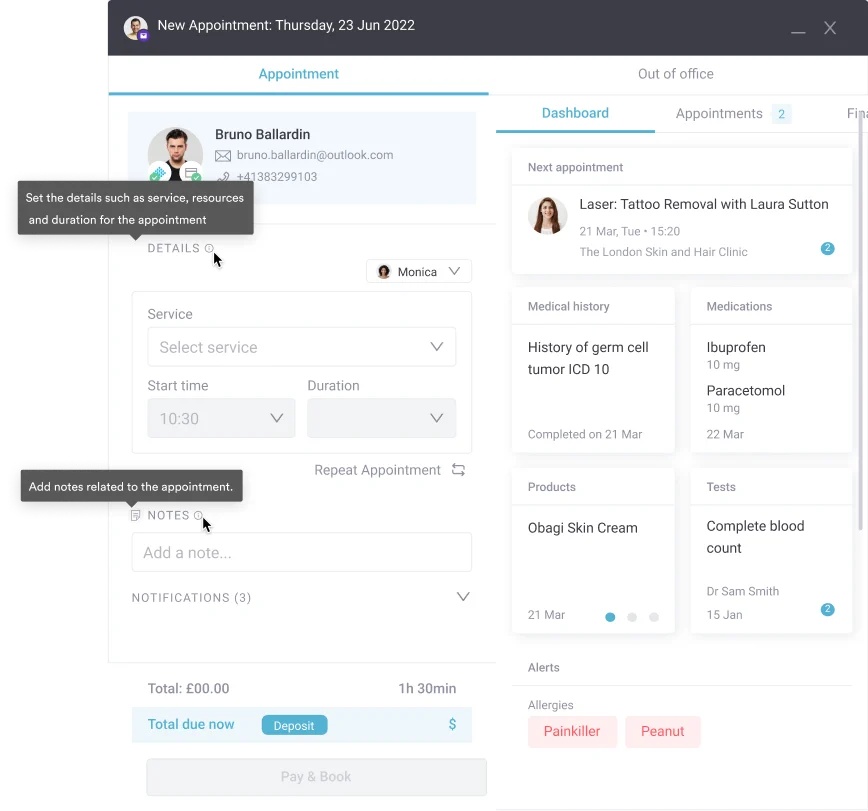
Pabau’s calendar shows appointments, practitioners, rooms, and resources in real time. This prevents double-booking, supports multi-location clinics, and makes managing complex schedules far easier.
Practices can create fully customizable medical history, consent, and consultation forms. Patients complete them online in their Client Portal before their visit or in-clinic, with all data automatically saved to their medical record.
Pabau sends automatic appointment reminders, pre-care instructions, and post-treatment follow-ups based on booking and treatment data—improving outcomes while reducing manual follow-up work.
Prescriptions can be created and managed directly within Pabau, linked to patient records and treatment history. This streamlines prescribing, improves accuracy, and keeps everything securely documented in one place.
Pabau offers tiered pricing based on clinic size and feature needs. All plans include core features such as online booking, patient records, digital forms, and marketing tools. Higher tiers unlock advanced reporting, automation, and multi-location features.
For the most accurate overview, visit the official Pricing page or book a demo to receive a tailored quote based on your clinic’s workflow.
“I can tailor treatment notes, forms, and workflows to match exactly how our clinic practices, which helps keep our documentation consistent and efficient.“, Michael B., Capterra
“Overall Pabau is great for what you need. when it is flowing through it works wonders, some of the features are amazing for the business, especially the broadcasts, online bookings and so much more.”, Norman A., Capterra
Zenoti is a powerful all-in-one practice management system built for larger clinics, wellness centers, and multi-location businesses. It combines scheduling, client management, marketing automation, reporting, POS, and more.

Zenoti does not list pricing publicly and uses custom quotes for each clinic.
Pricing varies based on modules, business size, and locations, and often includes onboarding and payment processing fees.
“The QuickBooks and payroll integration has been a time saver for us. Using Zenoti helped us scale fast.”, Alonzo A., Capterra
“Zenoti has multiple benefits. Once you get pass all the technical work that goes behind creating a service or making sure boxes are checked, Zenoti offers a lot of marketing, communications, and opportunities for a business.”, Destinie B., Capterra
Cliniko is a widely used medical and wellness practice management platform known for its straightforward, easy-to-use interface and all-inclusive pricing.

It helps clinics manage appointments, patient records, billing, and communications without feature restrictions, making it a popular choice for small to mid-sized practices.
| Practitioners | Price (per month) | Features |
|---|---|---|
| 1 | ~$45 | Full feature access, unlimited users/locations |
| 2–5 | ~$95 | Same features; telehealth |
| 6–8 | ~$145 | Multi-location support |
| … | Up to ~$395 | Expands with size |
“Cliniko is very easy to use, has a great booking system that is easy to follow, learn and teach. Online booking is simple and can be set up in no time. Treatment notes are easy and stored well.”, Chelsea G., Capterra
“Very positive. Again for the associated costs, it is an excellent value for money piece of software.”, Robin P., Capterra
If your practice requires more advanced marketing or multi-location tools, you might find a better fit by reviewing these Cliniko alternatives for growing clinics.
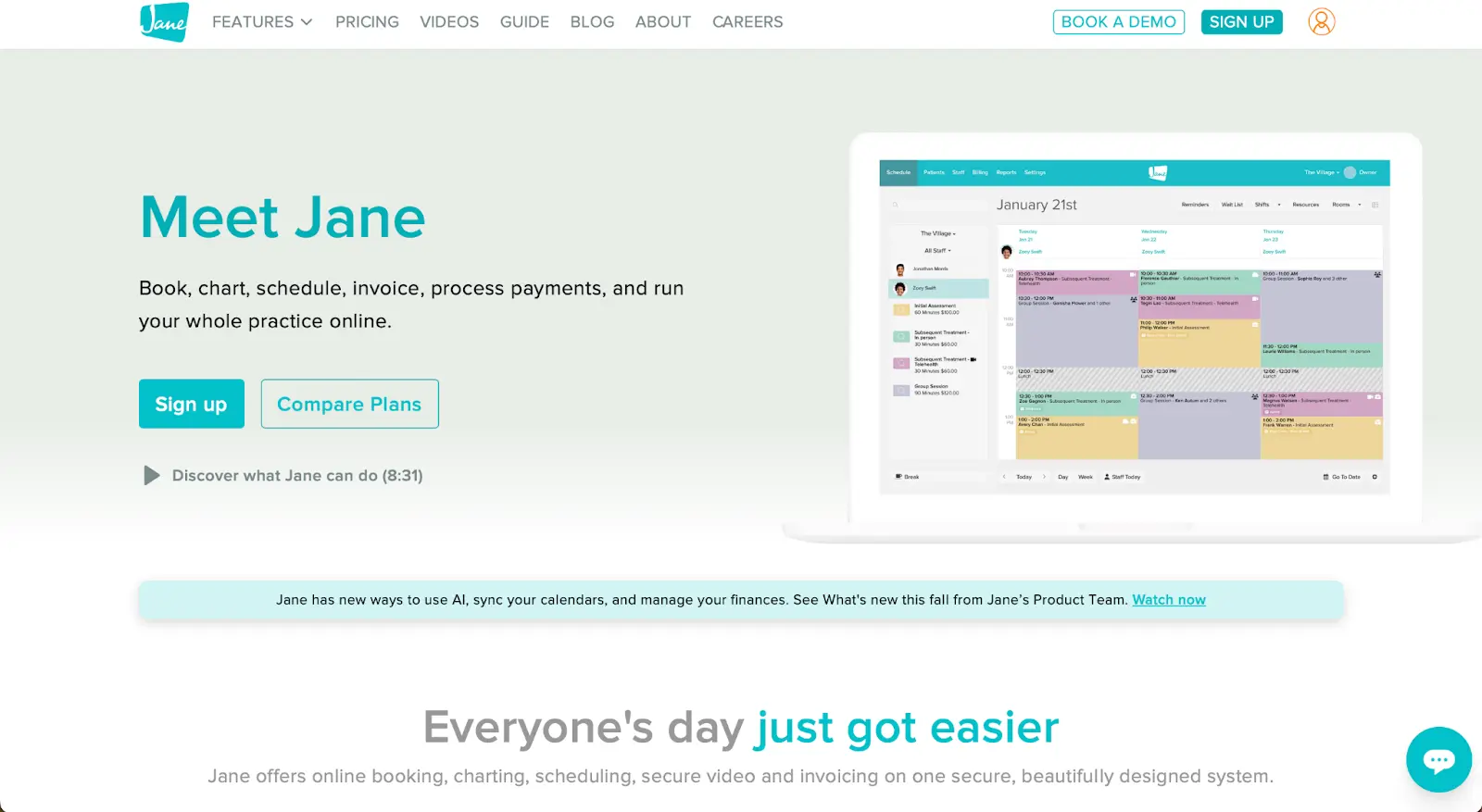
Jane App is a practice management platform designed with clinicians in mind, focusing on ease of use, patient-friendly booking, and strong charting tools. It’s especially popular with allied health and wellness clinics that value a clean interface and reliable day-to-day workflows.
| Plan | Price | Includes |
|---|---|---|
| Balance | $54/mo | 1 practitioner, limited to 20 appointments/mo |
| Practice | $79/mo | Unlimited appointments, staff profiles |
| Thrive | $99/mo | Advanced scheduling, retention, marketing |
You may want to review Jane App pricing alongside these plans
Balance plan limits: The lowest tier is capped at 20 appointments per month, making it impractical for busier clinics.
Add-ons increase costs: Features like AI tools, insurance billing, or telehealth groups can raise the final subscription price.
Not deeply enterprise-focused: Larger multi-site practices may need more advanced reporting and scalability, which is why they often explore Jane App alternatives.
“Jane has been really easy to use and implement, it takes some legwork but it does everything I need it to without being over complicated.”, Maurice P., Capterra
“We have streamlined so many processes and saved money by having our EHR and CRM all in one. The integrations that Jane offers with other features like payments, faxing, and email newsletters has saved so much time and effort for us.”, Zach S., Capterra
Meddbase is a powerful, enterprise-grade practice management and EHR platform designed for private healthcare providers, specialist clinics, and hospitals.
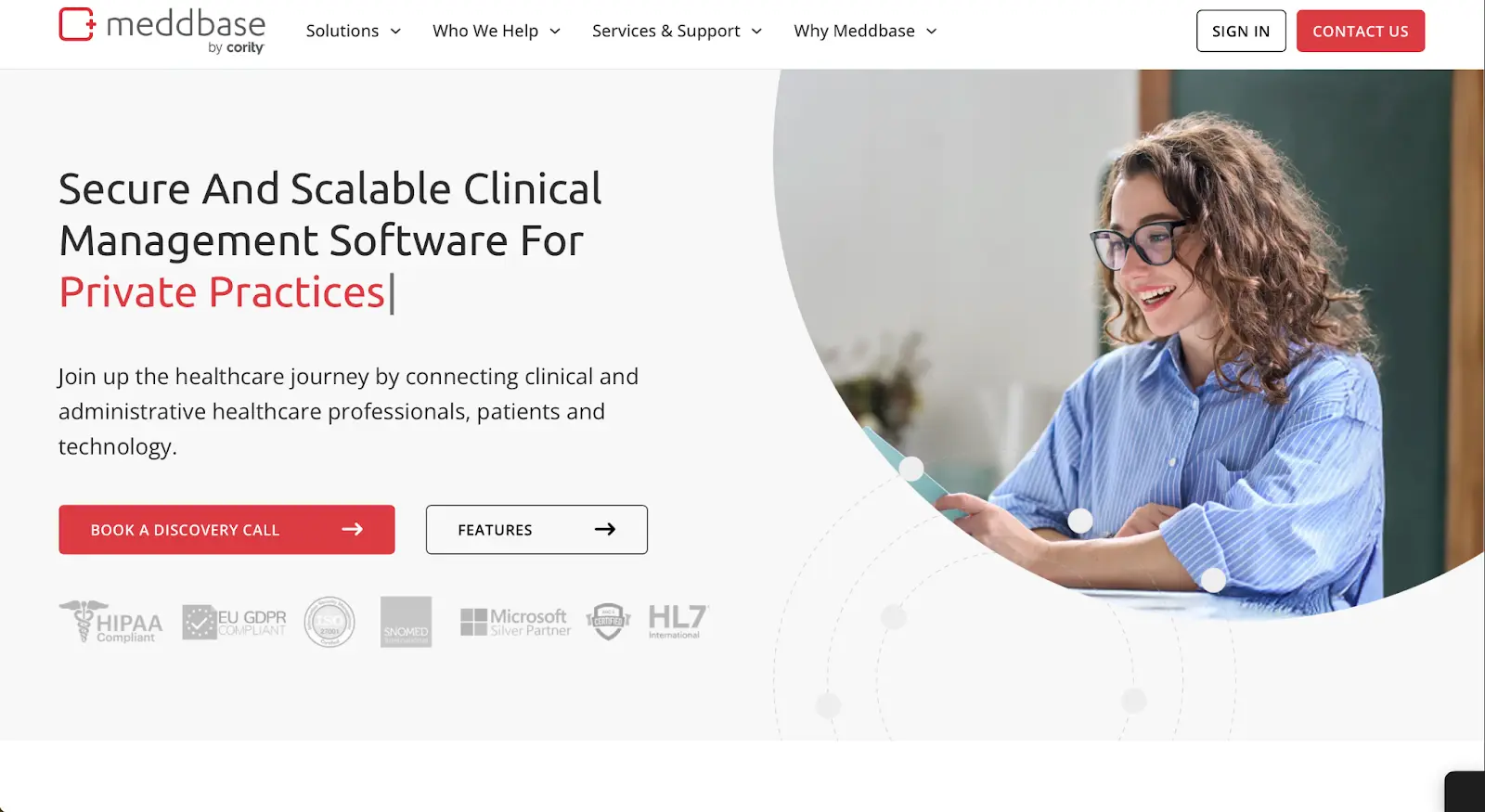
It focuses heavily on configurable workflows, complex clinical pathways, and multi-disciplinary care, making it a strong choice for large, regulated medical organisations.
Meddbase uses custom, quote-based pricing, tailored to clinic size, specialty, and required modules. Costs are typically higher than SMB-focused tools due to its enterprise feature set, configuration depth, and implementation support.
“Excellent – Overall it is a fantastic product that can be configured to accommodate a complex network of clinics and customer requirements.”, Mick P., Capterra
Aesthetic Nurse Software is tailored practice management software designed specifically for nurse-led and aesthetic clinics.
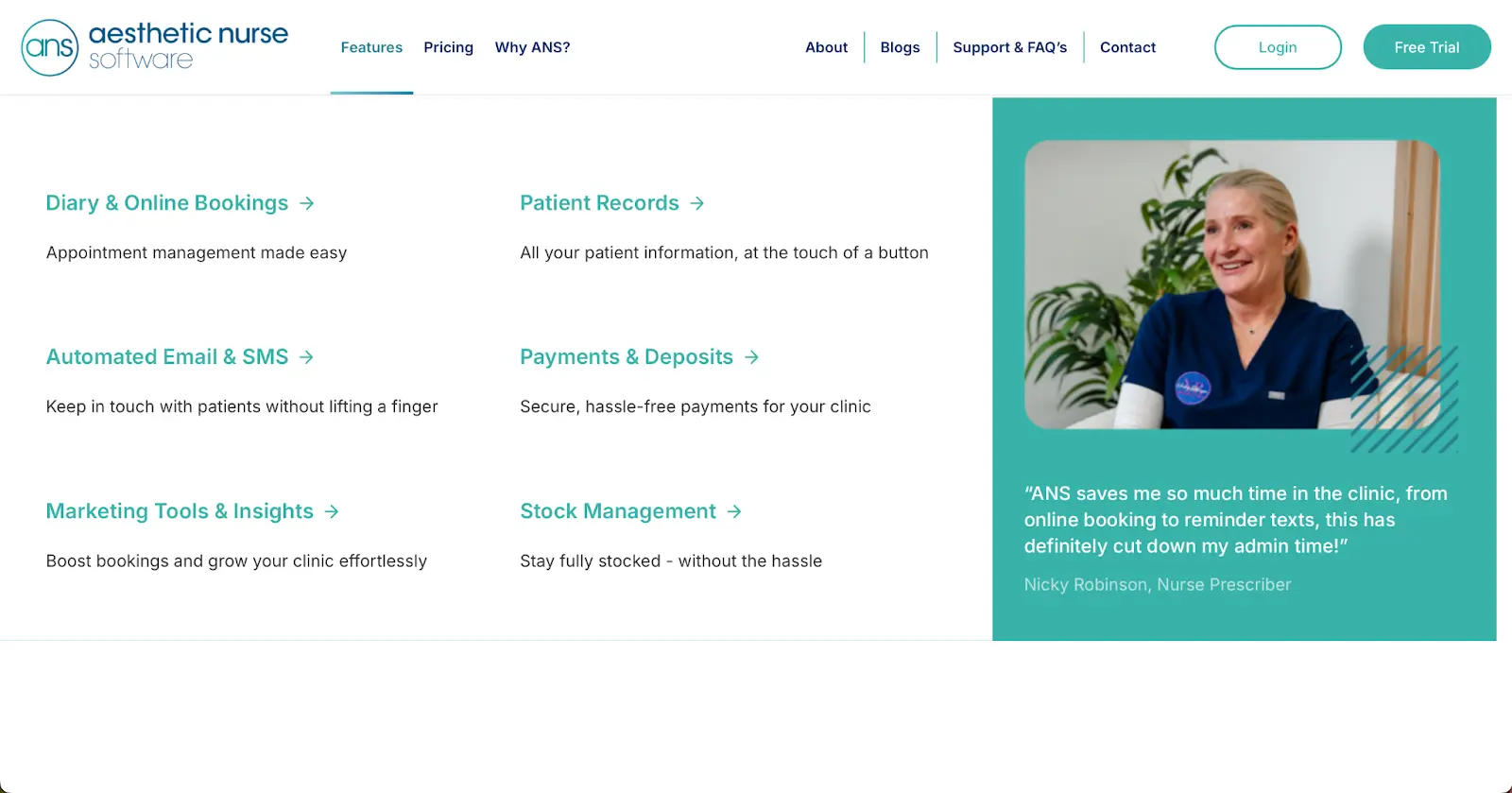
It focuses on scheduling, client records, and workflow tools that match the needs of aesthetic practices, making it an attractive pick for clinics that prioritize nurse administration and patient follow-ups.
| Plan | Price (1 Practitioner) | Notes |
|---|---|---|
| Foundation | £25 / month + VAT | Up to 150 patients – booking, forms, reminders. |
| Advanced / Unlimited | £50 / month + VAT | Unlimited patients – vouchers, custom booking, stock, staff controls. |
| Custom | Custom | 15+ practitioners – custom clinic pricing. |
“ANS helps the clinic to run smoothly. My patients love the online booking system as they can book their appointment anytime, day or night!”, Nikki Zanna, ANS Website
Semble is a flexible clinical practice system that combines PMS and EHR tools for private healthcare, allied health, and specialist clinics. Its modular architecture lets practices build workflows tailored to their needs, especially across disciplines and complex clinical structures.

Semble uses custom pricing based on clinic size, feature modules selected and number of users. Clinics receive tailored quotes from sales after scoping requirements.
“We have been able to advance our administration within our practice management by the use of the online booking system, the sharing of information to the patients via the patient portal.”, Gareth H., Capterra
“Managing appointments, especially different types of appointments, is seamless and straightforward. Now I have my own online GP service, I have seen the benefits in online booking securely with pre-consultation forms easily accessible.”, Zamiel H., Capterra
For practices evaluating alternatives, a Semble alternative can provide similar flexibility while offering different pricing or onboarding experiences.
ModMed EHR (Modernizing Medicine) is a clinical documentation-first electronic health record and practice management platform targeting medical practices that demand strong clinical charting, specialty-specific workflows, and compliance support.
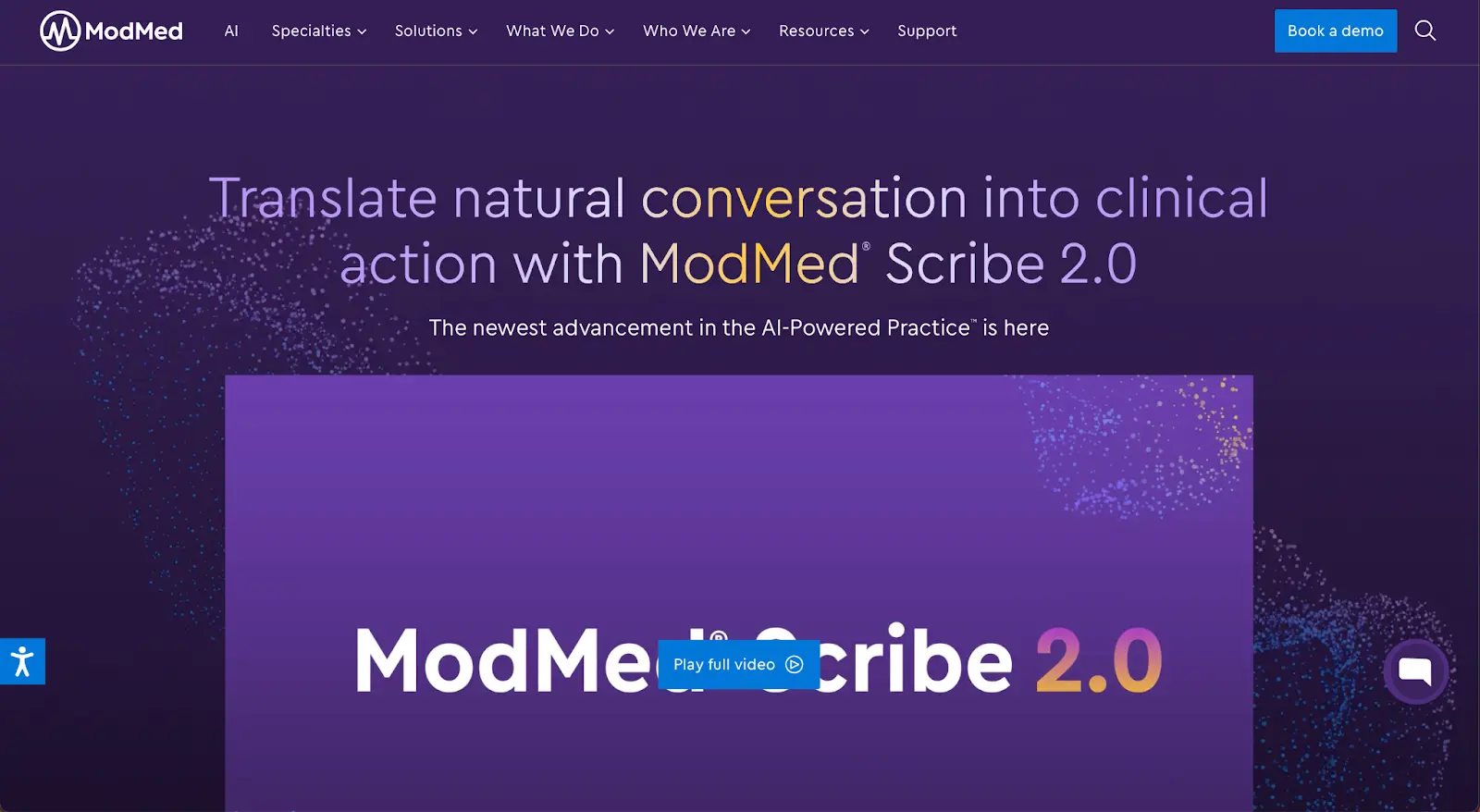
ModMed uses custom pricing based on practice size, specialty, and deployment scope. Clinics receive tailored quotes after consultation with sales.
“The practice management side is extremely user friendly. As I work on the Administrative side, I cannot personally speak for the Clinical side but our physicians seem to think it is user friendly and are happy with their purchase.”, Sarah Kate H., Capterra
“It is very easy to use in the ophthalmology world. It offers the features we need to provide optimum patient care as well as the billing and revenue cycle.”, Michelle A., Capterra
Symplast is a mobile-friendly clinic management platform designed for aesthetic, cosmetic, and specialty medical practices. It combines scheduling, client records, payments, and forms with a strong focus on mobility and ease of use.

Symplast offers transparent tiered pricing based on practice size and features — typically ranging from a base plan for smaller clinics to higher tiers for practices wanting advanced tools.
“It is very easy to operate and track patient medical history and medications details smoothly.”, Rajat M., G2
PatientNow is an integrated clinic management platform geared toward aesthetic, wellness, and medical practices. It combines EMR, practice management, marketing tools, and client engagement features.
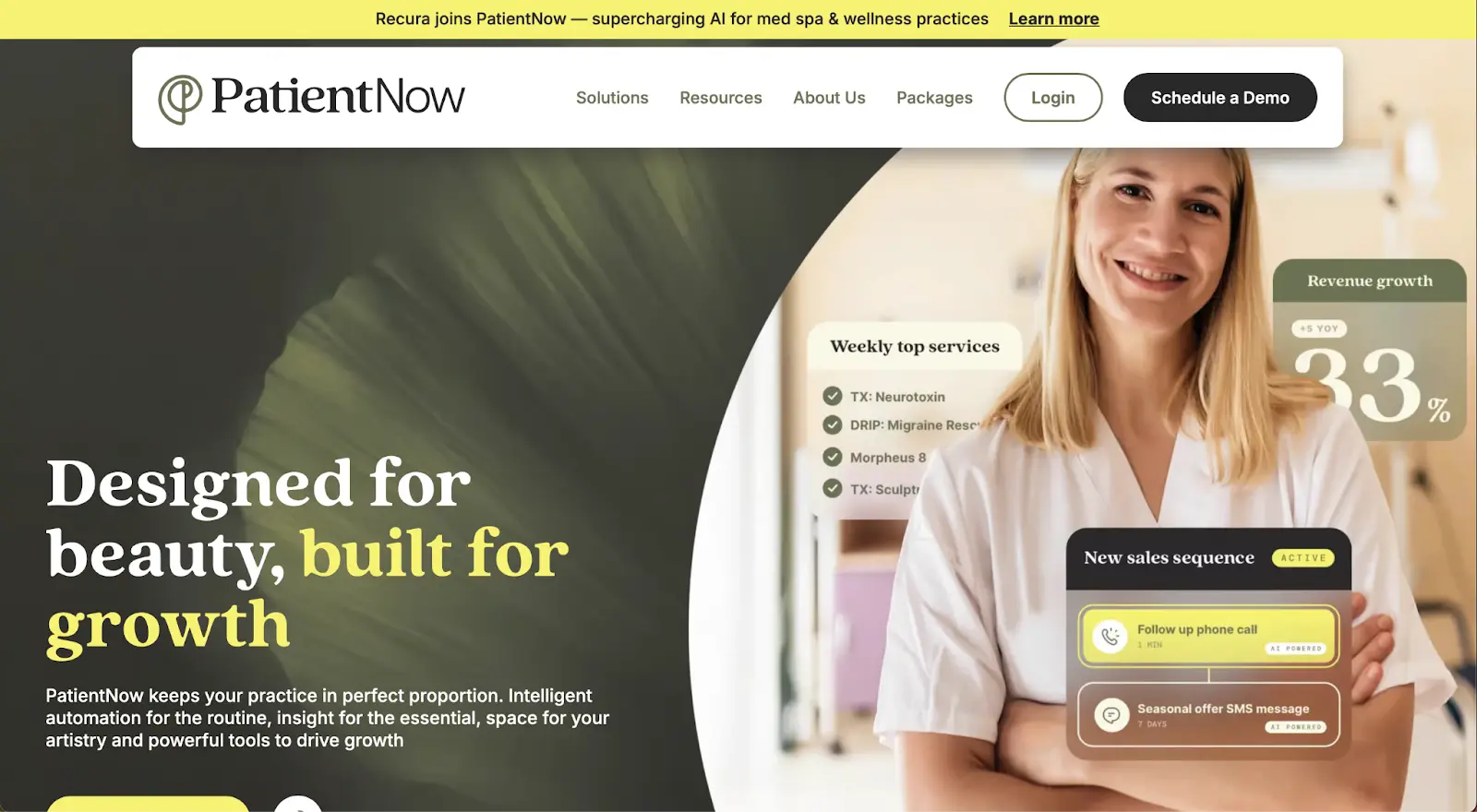
PatientNow uses tiered pricing with a higher starting point than many competitors, reflecting its comprehensive suite, though exact numbers usually require sales consultation or demo request.
“I like that it has so many ways to keep up with patient details. It is easy to look back and find things that we have missed”, Rhiannon L., Capterra
“I enjoy the various customizable options available. I also especially like the integration of text messages. Billing on PN is easy to navigate.”, Aurora C., Capterra
Choosing the right medical practice management software comes down to finding a system that fits your workflows today and scales with you tomorrow. Below are the most important features to evaluate before committingand how modern all-in-one platforms like Pabau address them.
If your clinical documentation lives in one tool and scheduling, billing, and communication live in another, inefficiencies are inevitable. The best platforms unify EMR and practice management so teams don’t double-enter data or switch systems.
Pabau combines clinical records, scheduling, payments, and communication in one seamless workflow.
See how Pabau connects clinical care and daily operations in one platform.
Online booking, digital intake forms, reminders, and secure patient portal software are no longer “nice to have.” They reduce admin workload and improve satisfaction.
With Pabau, patients can book online, complete forms, view treatment history, and manage appointments through a secure client portal.
Explore how Pabau improves the patient experience end-to-end.
Manual admin slows growth. Look for software that automates reminders, workflows, stock management, and reporting, while still offering visibility into performance. Additionally, robust medical practice management reports help clinics track key metrics, identify bottlenecks, and make data-driven decisions with ease.
Pabau automates routine tasks and provides powerful reporting across revenue, marketing, treatments, staff performance, and stock, making it easier to scale confidently.
Discover how Pabau helps practices scale without adding complexity.
If you’re looking for medical practice management software that doesn’t force you to compromise between clinical depth and business efficiency, Pabau stands out.
It’s built to support solo practitioners, growing clinics, and large multi-location practices, all from one connected platform.
Whether your priority is better patient experiences, fewer admin headaches, or clearer insights into performance, the next step is seeing it in action. For clinics seeking a tailored solution, Pabau is a top choice for healthcare CRM software, seamlessly integrating patient management, communication, and practice operations in one platform.
Compare Pabau with other general practice software options.