Monika Lazarevska
Pabau vs Hyland OnBase: Healthcare document management software compared
Healthcare document management software captures, stores, and retrieves patient ...

Last Updated: Nov 2, 2026
Free PDF 2 pages, print-ready Clinician-reviewed
Your patient needs an MRI on Thursday. The health plan wants a form before it will cover anything, and that form has to be right the first time.
Prior authorization already costs practices around 13 hours of physician and staff time a week, according to AMA survey data. One blank field adds a week to that, plus a phone call and a patient who now doubts you.
So grab the form above. Then walk through what each field needs, where requests fall over, and how to chase a decision using the payer’s own deadline.
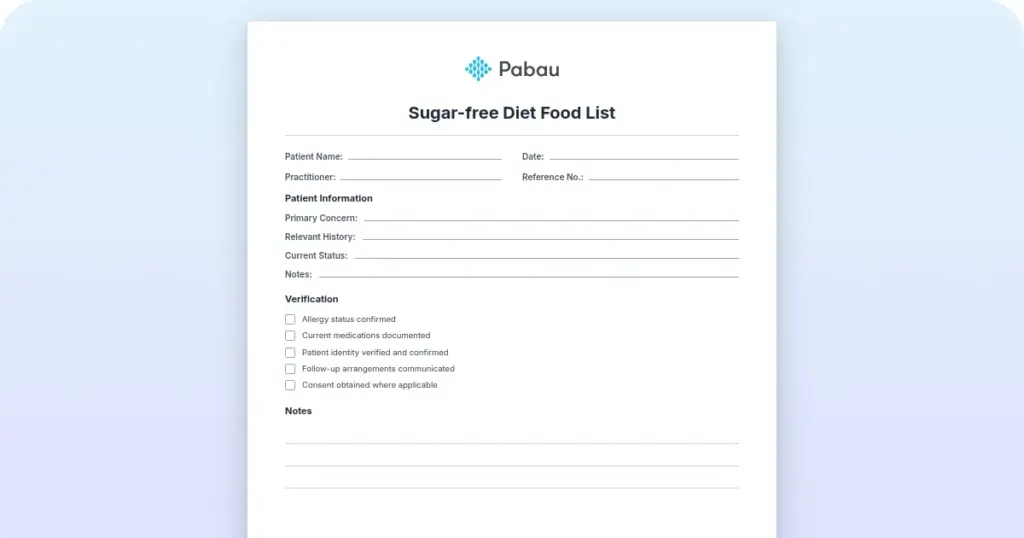
A ready-to-fill form covering patient and plan details, prescriber information, the requested service or drug with its codes, clinical justification, and an attachment checklist. Print it for the chart or complete it on screen before you submit.
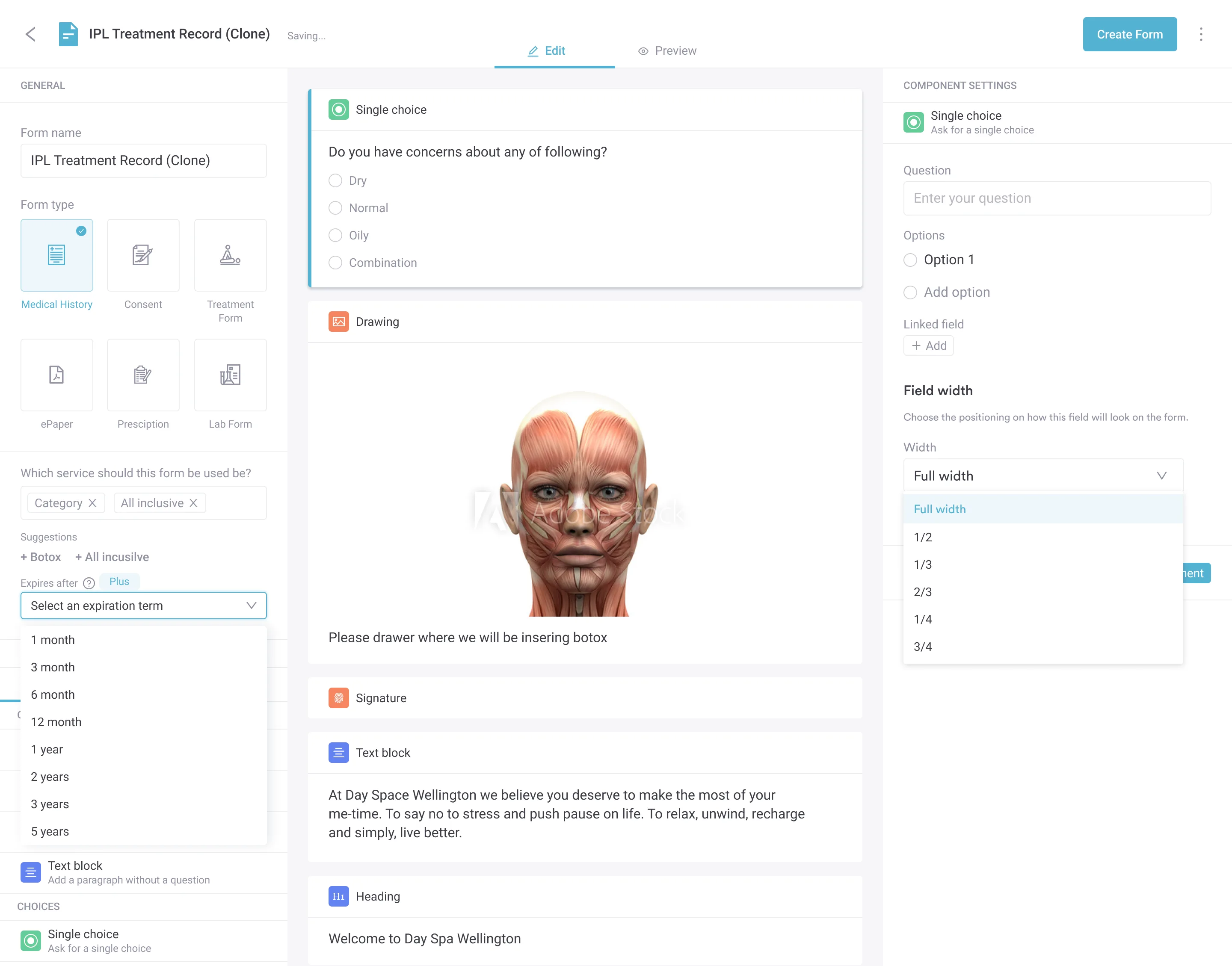
Start from scratch, or upload this PDF or any form you already use, and Pabau's AI Form rebuilds it with tick boxes, text fields and a signature. Attach it to the treatment once, and every patient gets it on time.
AI Form rebuilds the consent, history and aftercare forms you already use. You review each one, then publish.
Patients complete forms on their phone before they arrive, so the front desk stops retyping paper.
Every signed form is versioned and attached to the treatment record, ready when you need it.
Set how long a consent stays valid. Returning patients skip forms they have already signed.
Supports HIPAA and GDPR compliance AES-256 encryption 4.8 on G2 4.7 on Capterra Trusted by 4,000+ practices worldwide

A medical prior authorization form asks a health plan to approve a service, drug, or device before you deliver it.
Every request needs patient and plan details, prescriber details, the service codes, a clinical justification, and records that back it up.
Most denials trace back to a blank field, thin documentation, unmet step therapy, or the wrong payer portal.
Medical requests run on the HIPAA X12 278 transaction, while pharmacy requests run on the NCPDP SCRIPT standard.
Practice management software like Pabau keeps the notes, forms, and follow-up tasks behind each request in one patient record.
A medical prior authorization form is a written request asking a health plan to approve a service before you provide it. It names the patient, the service, the diagnosis, and the clinical reason the service is necessary now.
Payers read it to answer two questions. Is this medically necessary for this patient? Is it covered under this plan? Your job is to make both answers obvious without a follow-up call.
Do not confuse an approval with a price quote. It is a coverage decision on one specific service, tied to a date range and often to a set number of visits or units. Miss that window and you start again.
Payers label and reorder these sections, but they all want the same five things. Here is what belongs in each one, and the detail reviewers look for first.
Copy these straight from the card, not from memory. A transposed member ID routes your request to the wrong plan, and nobody calls to tell you.
Pulling these from a completed intake form beats retyping them, because the patient already checked them once.
The plan uses this block to route the request and confirm your network status. Use the individual NPI of the treating clinician, not the group number, unless the form asks for both.
Name the thing precisely and quantify it. Vague requests get returned, and a rounded quantity is treated as a guess.
Routine office visits rarely need authorization. Imaging, surgery, infusions, specialty drugs, and extended therapy courses are where the requests pile up.
Elective gastrointestinal work shows how specific the coding has to be. An upper endoscopy with biopsy billed as 43239, or an esophageal balloon dilation billed as 43249, usually needs approval first.
This is the part a reviewer actually reads, so write it for a clinician who has never met your patient. Four short sentences beat two pages.
Attach the office notes that show all of the above. A strong narrative with no chart behind it still gets denied. Keep the patient record and the form in the same place.
Requests split into two lanes, and they do not share a mailbox. Send a drug request down the medical lane and it sits there until someone notices.
Most practices meet the medical lane far more often. If you also prescribe, keep both routes in your workflow, because prescription management is usually where a pharmacy request starts.
Surgery sits firmly in the medical lane. A laparoscopic colectomy coded 44204 or 44207 is reviewed against CPT and ICD-10 codes, never an NDC.

Five steps, in this order. Skipping the first one is how practices lose an afternoon to a form nobody needed.
Then set a reminder to chase it. An automated task assigned to a named person beats a sticky note on a monitor, especially when the person who submitted it is on vacation.
Two minutes here saves a week later. Read the list out loud with the completed form in front of you.
Practices that run this as a shared step, rather than a personal habit, see fewer resubmissions. A short documented workflow also holds up better when an auditor asks how you decide what gets submitted.
Electronic prior authorization sends the request straight from your system to the plan, with no cover sheet in between. Two standards sit underneath it, and mixing them up is why teams think their software handles everything when it only handles drugs.
Pharmacy requests travel on the NCPDP SCRIPT standard, which is why that side feels mature. Medical services run on the HIPAA X12 278 transaction instead, and adoption there is thinner.
That is changing. The CMS Interoperability and Prior Authorization Final Rule covers Medicare Advantage, Medicaid, CHIP, and marketplace plans. Those plans must run FHIR-based prior authorization APIs by January 1, 2027. The APIs use the Da Vinci PAS profile, so your system can ask what is required and submit in one session.
What you get either way:
Here is the part worth putting on your wall. Since January 1, 2026, those same plans must decide urgent requests within 72 hours. Standard requests get seven calendar days. A denial must also come with a specific reason. Treat day eight as your escalation trigger rather than a day to keep waiting.
There is no single national form. These are the routes practices use most.
Two things to note. TRICARE covers service members, retirees, and their families. Veterans’ care runs through the separate VA system, so do not send a VA patient down this route.
Also, Medicare’s Appropriate Use Criteria program for advanced imaging has been paused since January 2024, so there is no consultation number to document. Pull a fresh copy of every payer form each year, because the fields and fax lines change quietly.
A 47-year-old patient presents with eight weeks of low back pain and numbness down the left leg. Six weeks of physical therapy and a trial of anti-inflammatories have not helped. The plan requires authorization for lumbar MRI.
The request was approved in four days. Nothing clever happened here. The plan’s own criteria asked for six weeks of conservative care, and the packet proved it on the first page.
Most denials come down to administration rather than clinical disagreement. These are the ones you can design out of your process.
Code precision matters most where one procedure has several versions. A paraesophageal hernia repair coded 43281 is a different request from the same repair with mesh, coded 43282. Payers check which one you asked for.
So make prevention somebody’s job. Give one person the checklist for the week. Ask the plan about step therapy before you write the narrative. Then use staff scheduling so cover is obvious when that person is out.
Call the plan before you fill anything in and ask three questions. Is authorization required for this code on this plan? What clinical evidence do you want to see? How long does a decision take? Write down the reference number and the name of the person who answered. That call takes five minutes and it settles most arguments later.
Any practice that bills insurance meets authorization eventually. Some meet it every day.
The bigger the team, the more the process leaks. Requests get submitted twice, or not at all, because two people assumed the other one had it.
A template does not make a plan say yes. It removes the small decisions that slow your team down and let errors in.
Customize the downloaded form for your payer mix and keep one version in circulation. If you run more than one site, multi-location settings keep the same version and the same steps in front of every team.
Right now the evidence for a single request probably lives in four places. Notes sit in your records. Intake answers sit in an email thread. The signed form is in a scanner folder, and the reference number is on a sticky note.
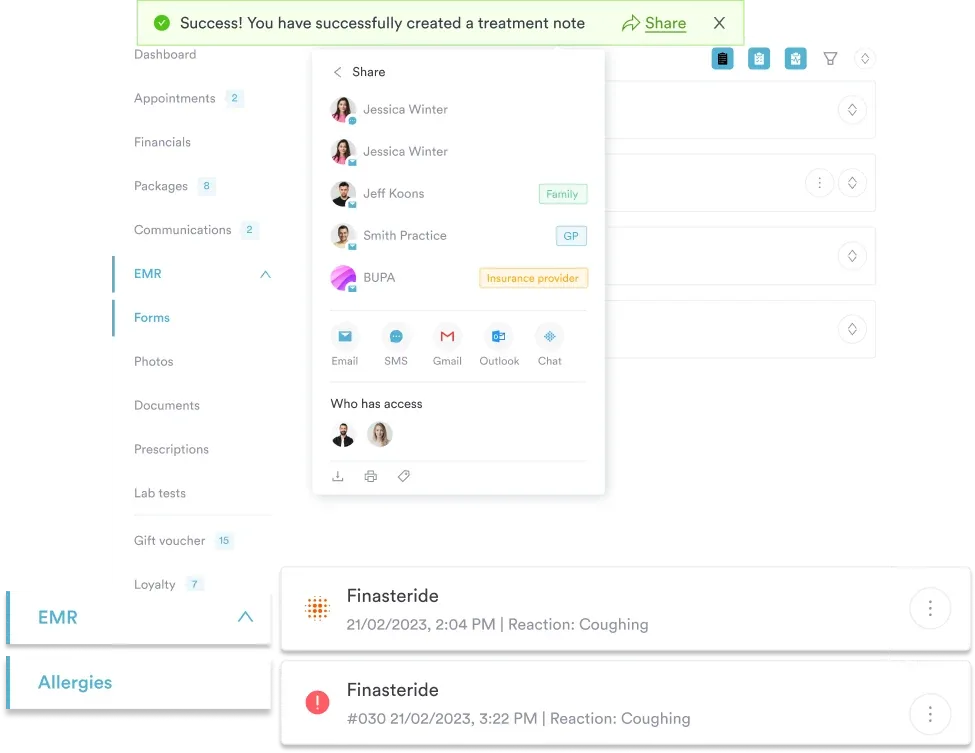
Practice management software like Pabau pulls those pieces onto the patient record. Digital forms capture the intake and consent detail. Treatment notes and photos attach to the same file. You can also set a task with a due date, so the submission and the follow-up land with a named person. When the answer comes back, it goes on the record instead of a shared inbox.
Billing lives there too, so an approved service moves into claims and billing without retyping the patient’s details. The outcome is simple. Less hunting, fewer resubmissions, and an answer you can find when a patient calls to ask where their scan is. Compare that with front-desk time spent chasing paper.

Pabau brings patient records, digital forms, treatment notes, and billing into one system, so the documentation behind each request is ready before you submit it.

Prior authorization is not going to get simpler this year, so the win is in your setup rather than your persistence. Confirm the requirement, use the plan’s current form, and send the notes with it the first time.
Do that and the change shows up quickly. Fewer requests come back, patients hear a date instead of an apology, and your team stops rebuilding the same packet twice. The trade-off worth remembering is that five minutes on the phone with the plan almost always beats a week of silence.
The form above gives you the structure. Book a demo to see how Pabau keeps the notes, forms, and billing behind each authorization in one patient record.

Need to code a tissue transfer repair? CPT code 14021 guide covers billing for adjacent tissue transfer or rearrangement on the scalp, arms, or legs.
Coding a facial tissue transfer repair? CPT code 14060 guide covers billing for adjacent tissue transfer on the eyelids, nose, ears, or lips.
Billing for a dermal autograft procedure? CPT code 15131 guide covers dermal autograft billing for the trunk, arms, and legs.
Need the code for a facial graft? CPT code 15135 guide covers dermal autograft billing for the face, scalp, and other special sites.
Adding units for an epidermal autograft? CPT code 15152 guide covers billing rates and documentation for an epidermal autograft add-on code.
No. An approval says the plan accepts the service as medically necessary. Payment still depends on the patient’s eligibility on the day, the benefit limits, and clean claim coding.
It is a call between your clinician and the plan’s reviewer, usually after a denial. Bring the chart, the treatments that failed, and the guideline you relied on. Many denials are overturned on that call.
Most approvals cover a set date range, often 30 to 90 days, plus a fixed number of visits or units. Record the authorization number and expiry date, then deliver and bill inside that window.
No. Emergency care is never held up for approval. Plans do expect notification afterwards, often within a day or two, and some ask for a retroactive authorization to cover the admission.
Medicare Advantage, Medicaid, CHIP, and marketplace plans must answer urgent requests within 72 hours and standard requests within seven calendar days. Employer-sponsored plans sit outside that rule.