HIPAA compliant texting: What you can send patients & how to communicate securely
HIPAA compliant texting is possible when a text holds no protected health inform...

Last Updated: Oct 16, 2026

A parent survey is a structured feedback form that asks parents and guardians about care quality, communication, and their child’s experience.
Keep the form to 15 to 25 questions on a single 5-point rating scale so parents finish it in under 10 minutes.
Digital distribution one to two days after the visit typically returns 30% to 50% of the surveys you send.
Aggregate results quarterly, fix one or two low-scoring items, then re-survey the same questions to confirm the change worked.
Practice management software like Pabau links each response to the patient record, so feedback sits beside the appointment it describes.
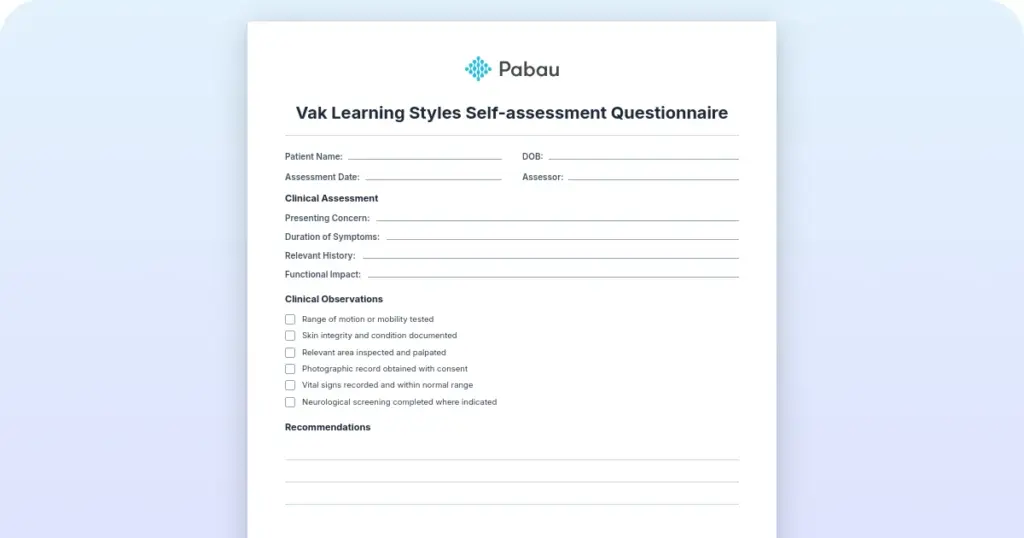
The PDF covers demographics, communication, appointment experience, staff and care quality, facilities, and overall satisfaction. Each section uses the same 5-point scale, and there is an open comment field at the end.
Download templateA parent survey is a structured feedback form that asks parents and guardians how your practice handled their child’s care. Most practices gather this feedback informally, if at all. A written survey with fixed questions and a consistent rating scale gives you numbers you can track quarter to quarter.
This guide gives you the form, 15 sample questions, and a five-step cycle for acting on the answers. It also covers distribution methods with realistic response rates. Digital intake forms make the whole loop easier, because responses arrive already attached to the right patient record.
A parent survey is a structured feedback form that gathers input from parents and guardians about their child’s care experience. In healthcare settings it covers clinical communication, staff professionalism, scheduling, facilities, and treatment outcomes from the family’s point of view.
It differs from a general patient survey in who answers. A parent reports on their own experience of the visit and on what they observed of their child’s. That second-hand view is the point, because young patients often cannot describe their own care.
Formal surveys use consistent question phrasing and a fixed rating scale, so responses are comparable across months and clinicians. Most also include one or two open text fields where parents describe a specific concern. Once a response carries a name or a visit date, it counts as protected health information under HIPAA.
Clinical metrics tell you whether treatment worked. A parent survey tells you whether the family felt looked after. Practices that survey regularly spot scheduling friction and unclear treatment explanations before those problems cost them patients.
Improve retention and loyalty. Parents who see their feedback acted on are more likely to stay with your practice and recommend it to other families. Patient engagement rises when families feel heard.
Find the friction you cannot see from the front desk. A survey will tell you that reminders arrive too late, or that families leave without understanding the treatment plan. Those are specific, fixable problems rather than a vague sense that something is off.
Demonstrate family-centered care. Accreditation bodies and regulators, including the Care Quality Commission (CQC) in England, expect evidence of family engagement. A survey program gives you documentary evidence of inclusive decision-making and continuous improvement. That helps during inspections and accreditation reviews. Patient self-booking software cuts the call volume that reception handles at the busiest hours.
Build staff accountability. Sharing results with your clinical and front-desk teams shows them how their interactions land with families. Positive scores reinforce what is working. Low scores give the team something concrete to change.
Aim for 15 to 25 questions, which most parents finish in five to 10 minutes. Longer forms go unfinished, and an unfinished form tells you nothing.
Structure the form into sections. Parents move through it faster when each block has an obvious theme.
Use one scale throughout. A 5-point Likert scale, running from strongly disagree to strongly agree, is standard and widely understood. Mixing a 1-to-5 scale with a 1-to-10 scale on the next question confuses respondents and makes your averages meaningless.
Keep this form separate from an outcome questionnaire. One measures experience, the other measures clinical progress.
Each statement below is written for a five-point agreement scale. Copy them straight into your form or use them as a starting point.
A survey program only works if collection is routine rather than occasional. This workflow keeps it running without anyone remembering to send anything.
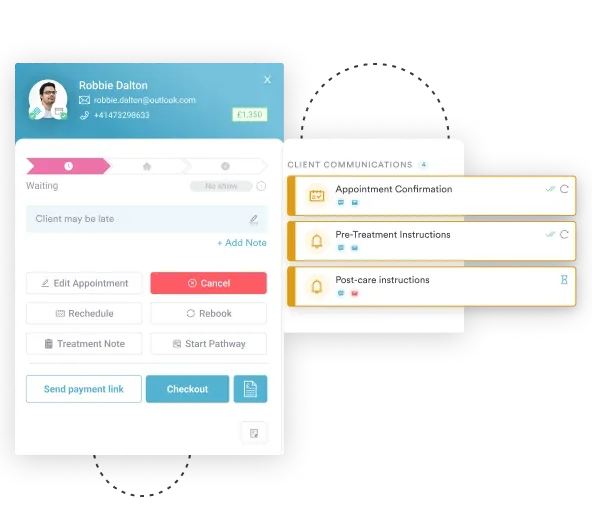
Embedding the invitation in your automated workflows removes the manual step. Every family gets asked, and no one on the team has to keep a list.
Distribution method drives response rate more than question wording does. Most practices that get good participation use two or three channels at once.
QR code in the waiting room. Print a code that opens the form and display it on a card at checkout. Nothing has to be set up in advance by the family.
Email follow-up. Send the link one to two days after the visit with a short note asking how things went. Automated email campaigns can fire on a schedule, so you are not tracking appointments by hand.
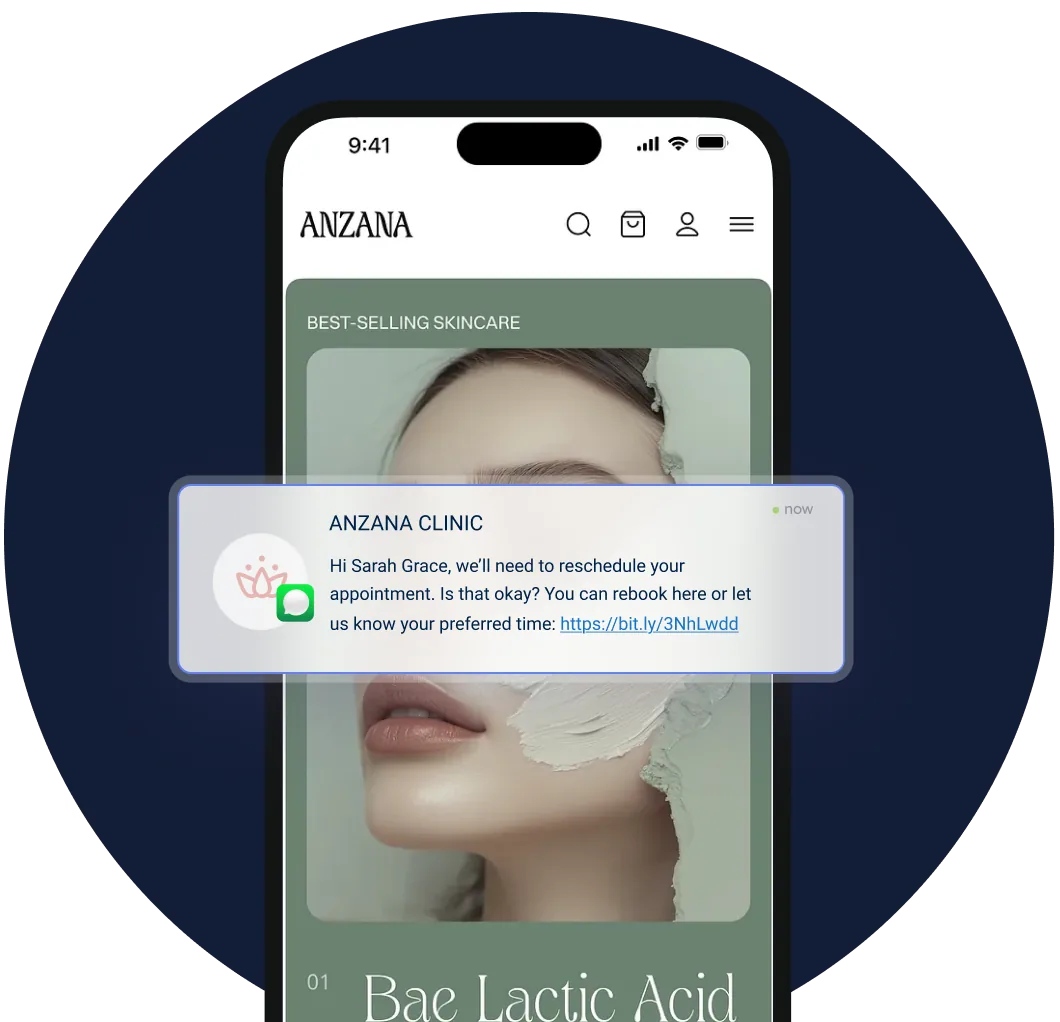
Paper at checkout. For families with limited digital access, hand over a printed form and a self-addressed envelope. A small incentive, such as a raffle entry, lifts the return rate.
SMS or portal notification. Send a message when the form becomes available, since some parents will only ever complete something on a phone.
Run a post-visit survey continuously to catch immediate impressions. Run a longer version quarterly or annually to see whether satisfaction is trending up.
Collecting responses is the easy half. The practices that improve are the ones that close the loop, and this five-step cycle is how they do it.
Step 1: Aggregate and review. Compile responses monthly or quarterly. Calculate an average for each question, so communication might come out at 4.2 out of 5. Then read the open comments for repeated phrases.
Step 2: Pick your priorities. Focus on the lowest-scoring items and the concerns that come up most often. If 40% of parents say booking is difficult, that is your first project. Where scores sit at 4.5 or above, say so to the team.
Step 3: Bring the team in. Share results in a team meeting and ask for fixes rather than explanations. Front-desk and clinical staff usually know exactly why appointments run late. Capturing patient feedback works better when the people delivering care help interpret it.
Step 4: Change one or two things. Pick the highest-impact fixes for the quarter, such as a simpler booking flow or written home-care instructions. Then tell families what changed and why.
Step 5: Re-measure. Re-run the same questions three months later. Movement in the scores proves that responding to feedback is worth a parent’s time. That is what keeps your response rate up next quarter.
The template is a starting point. Three adjustments make it fit a specific practice.
Specialty questions. A pediatric mental health practice might ask whether the child felt able to raise sensitive topics. Two or three tailored questions is plenty.
Keep experience questions apart from clinical instruments. An ADHD practice already collects parent rating scales, and an autism service running the ADOS-2 assessment takes a full parent history. Neither replaces asking how the visit felt.
Plain language. Say treatment plan, not therapeutic protocol. Read the draft with two or three parents before you use it, because confusing wording shows up as blank answers.
One version across every location. If you run more than one site, use identical questions everywhere. Comparing locations only tells you something when the questions match.
Translation. Translate the form into the languages your patient families speak. A parent who cannot read the question will not answer it.
Length. If completion sits below 20%, cut down to 10 core questions. A short form that gets finished beats a thorough one that does not.
Track completion rate as a metric in its own right, alongside the scores. A rate that drops usually means the form got too long or the invitation arrived too late. Set a monthly reminder to read new responses and share one win with your team.
Families who feel heard follow through. When a parent understands the plan and believes their concerns registered, home care happens between visits. Measuring patient satisfaction is how you find out whether that understanding is landing.
The effect is strongest where treatment depends on work done at home. In speech therapy, progress between sessions rests almost entirely on the parent. A survey that asks whether they understood the home program is measuring an outcome, not a mood.
Surveys also change clinician behavior. When communication quality is measured and shared, clinicians spend more time explaining plans and answering parents’ questions. The culture shifts toward decisions made with the family rather than for them.
Most practices run the survey outside their clinical system. The form lives in a survey tool and the results land in a spreadsheet. Nobody can tell which clinician or which visit a low score belongs to. Answering a specific complaint means cross-referencing two systems by hand.
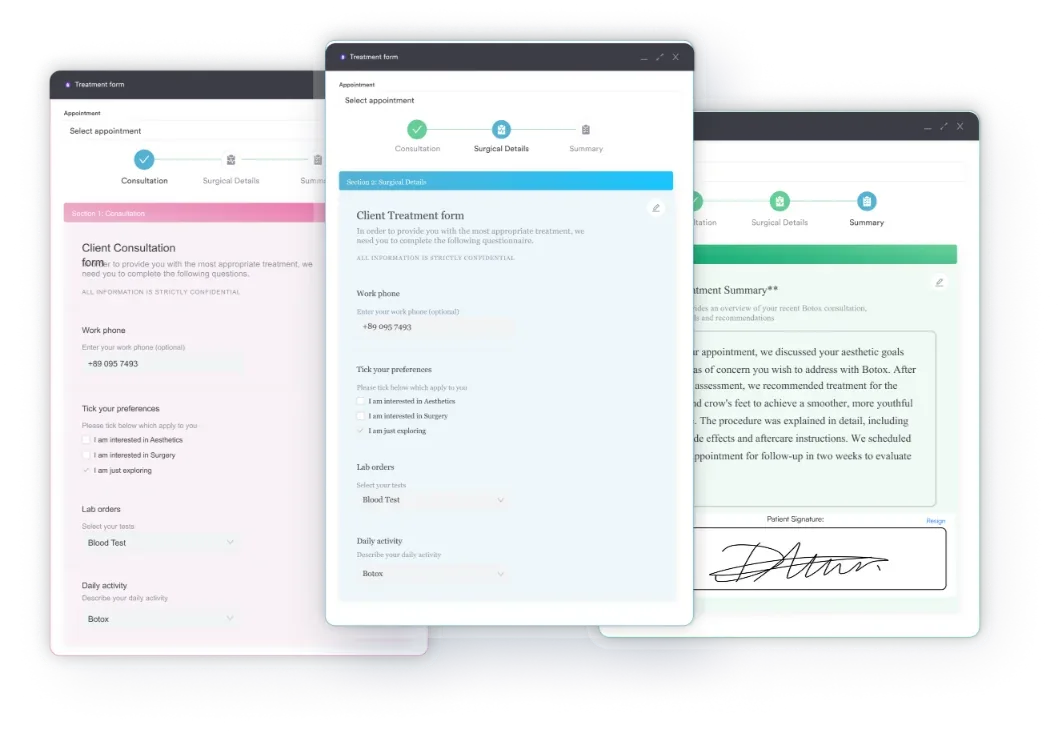
Pabau, our all-in-one practice management system, builds the survey as a digital form and sends it automatically after the appointment. The completed response saves to the patient record, beside the treatment note and the appointment it refers to. Your practice manager sees the score and the visit together.
That changes what you can do with a comment. A parent who says appointments always run late can be matched against their actual wait times. A low communication score can be traced to a specific clinician and discussed with them directly. That beats raising it as a general concern in a team meeting.
Every Pabau subscription includes the digital forms, the automated sends, and the reporting. There is no add-on to buy before you can run this. Onboarding is structured, with a dedicated coordinator setting the form and the send rules up with you.

Send the parent survey automatically after every visit and save each response to the patient file. Your team reads feedback next to the appointment it describes.

The survey is the cheap part. Downloading the form and sending it out takes an afternoon, and plenty of practices stop there. That is how surveys end up unread.
What earns the return is the loop. Ask, aggregate, change one thing, tell families what changed, then ask again. Do that twice and your response rate climbs, because parents learn that answering has consequences.
The trade-off worth remembering is length. Every question you add costs you completed responses. A 15-question form that everyone finishes tells you more than a 40-question one they abandon.
Download the template above and send it after next week’s appointments. Book a demo to see how Pabau sends the survey automatically and files every response on the patient record.

Want to score how families rate your care? patient satisfaction survey template scores quality of care, facility, communication, and cost on a simple scale.
Storing survey answers alongside patient data? HIPAA compliant CRM explains what separates a HIPAA compliant CRM from a general-purpose one.
Facing a frustrated or upset parent? strategies for difficult patients outlines 7 strategies for staying calm and knowing when to escalate.
Worried about missing or misfiled records? medical records management guide covers the documentation gaps that put consent forms and audits at risk.
A parent survey is a structured feedback form completed by parents or guardians about their child’s care. It covers communication, appointment convenience, staff professionalism, and overall satisfaction.
Aim for 15 to 25 questions, which most parents finish in five to 10 minutes. Shorter forms get completed more often. Start at 20 questions and cut back if your completion rate sits below 20%.
A parent involvement survey measures how far parents take part in care planning and decisions. It asks things like whether they were involved in choosing their child’s treatment. A parent satisfaction survey is broader and covers communication, facilities, and the whole visit.
Use two or three channels at once. Email the link one to two days after the visit, display a QR code in the waiting room, and send a portal notification. A mixed approach usually returns 30% to 50% of the surveys you send.
Yes, if the response carries identifying information. A child’s name, date of birth, or visit date makes the response protected health information under HIPAA. Store it securely, limit access to authorized staff, and follow your own data protection policy.
Yes. The free PDF at the top of this page is built for healthcare practices and covers six sections. Adapt the questions to your specialty, then add it to your post-visit communications.