HIPAA compliant texting: What you can send patients & how to communicate securely
HIPAA compliant texting is possible when a text holds no protected health inform...

Last Updated: Oct 16, 2026

A patient survey measures how patients experienced scheduling, communication, care, and your facility, in your own words rather than a review site’s.
Group your questions by domain and keep the rating scale consistent, so scores stay comparable from month to month.
Use a 5-point Likert scale for diagnostic questions and a single 0-10 NPS question for the headline score.
Send the survey within 24 hours of the appointment, while the visit is still fresh in the patient’s mind.
Practice management software like Pabau can send surveys by email or SMS automatically and file responses against the patient record.
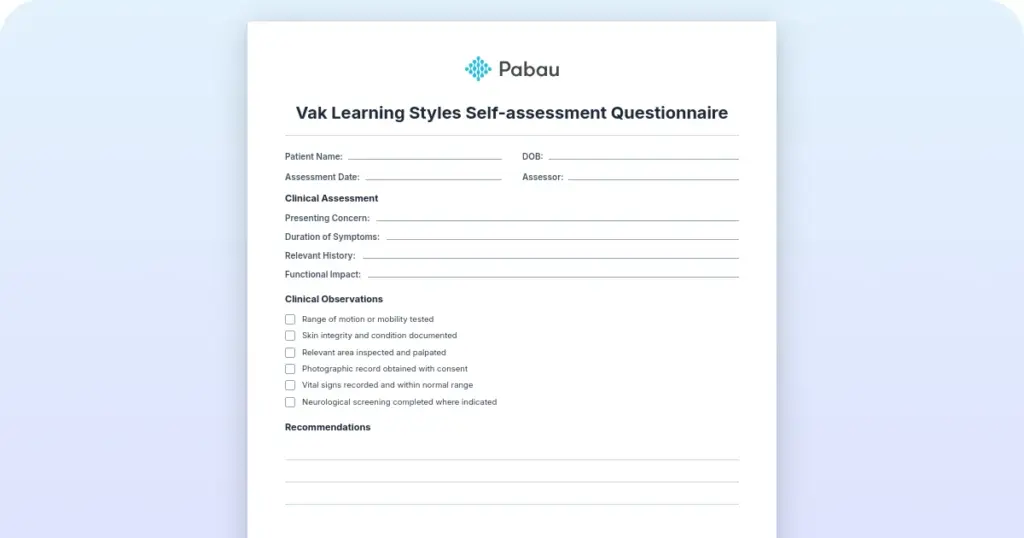
A ready-to-use feedback form covering appointment access, provider communication, care quality, facility experience, and overall satisfaction. Each section comes with a rating scale, plus space for written comments.
Download templateA patient survey is a structured questionnaire that collects feedback on a patient’s healthcare experience. Unlike a rating on a review site, it is sent by your practice and built to measure specific parts of the visit.
It is also different from a clinical questionnaire such as the review of systems, which records symptoms rather than experience. A survey asks how easy booking was, how clearly the clinician explained things, and how likely the patient is to come back. Online booking that reads the live calendar avoids the double-booking a separate form creates.
Surveys do two jobs at once. They help you capture patient feedback in a usable form, and they produce numbers you can show an inspector or track over time.
Feedback drives three outcomes: Retention, compliance, and reputation.
Three types exist, and most private practices end up running a hybrid of them.
For most independent practices, a custom survey of 10 to 15 questions is the right balance.
A full survey covers five domains. The samples below are written to be copied and reworded in your practice’s own voice.
The scale you pick decides what you can do with the answers. Here is the practical difference between the three.
Practical recommendation: Use a 5-point Likert scale for three to five diagnostic questions, then one NPS question for the headline number. You get nuance where you need to act, plus a single score you can benchmark.
The downloadable template already uses this mix, so you can print it or send it digitally without reformatting.
Design matters less than delivery. These five choices move your response rate more than question wording does.
Many practices email surveys by hand after each appointment, which takes staff time and gets forgotten on busy days. Automating survey distribution removes that step.
Raw survey data is worth nothing until someone closes the loop. Three steps do that.
Comparing your numbers against regional or national norms each year tells you whether a score is good or merely familiar. In a group practice, that comparison works internally too, site by site. Patient engagement metrics that climb year on year tend to show up in retention.
Practice management software like Pabau can send the survey the moment an appointment is marked complete. Nobody has to remember, and nobody has to paste a link into a message.
Email and SMS campaigns handle the sending, on whichever channel the patient chose. Responses land against the patient record, so you can read a score next to the appointment, the practitioner, and the treatment behind it.
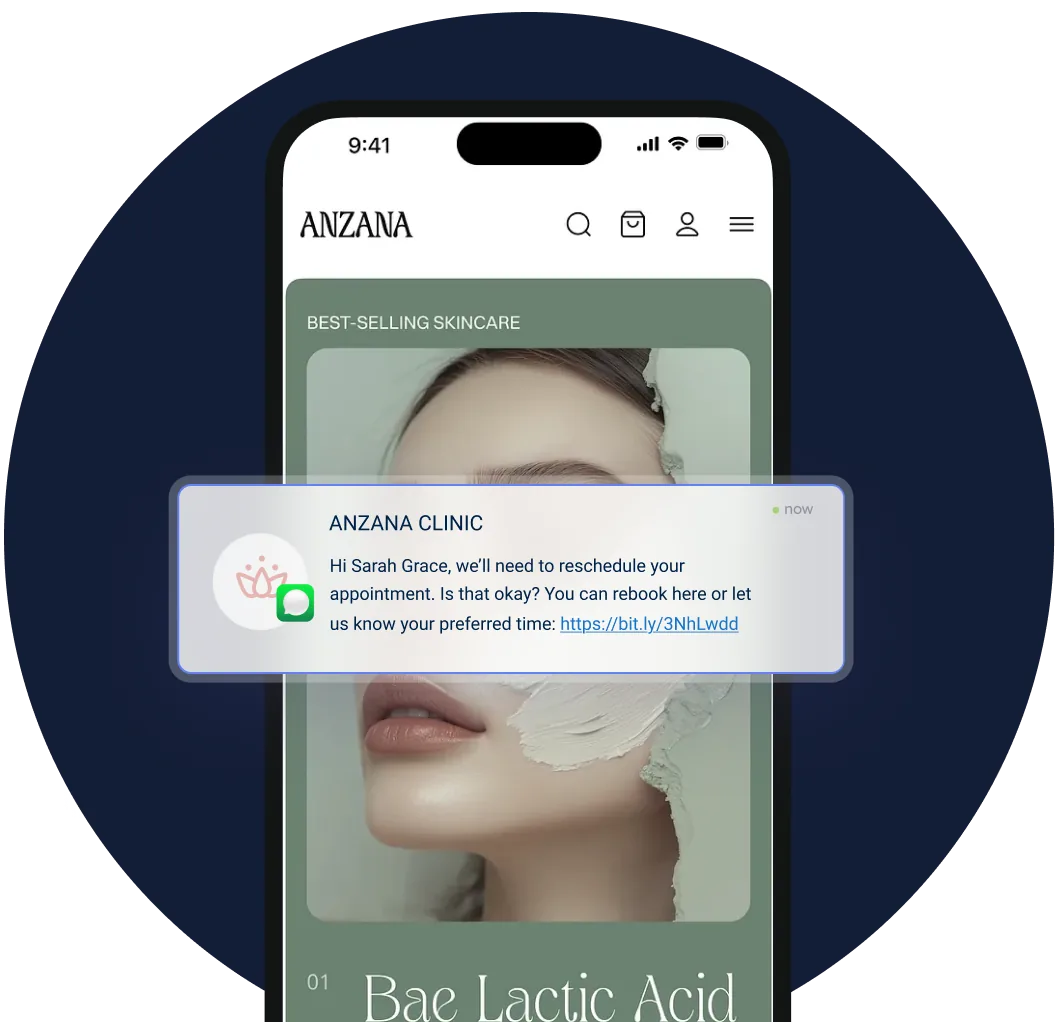
Feedback and reviews then come out of the same workflow. One med spa, Skin With Bea Esthetics, used automated review requests to build a steady stream of Google reviews without chasing anyone.
The same setup works whether you run a med spa, a physical therapy practice, or a multi-site group. Every Pabau subscription includes the full marketing, reporting, and patient communication toolset, so surveys are not a separate purchase.
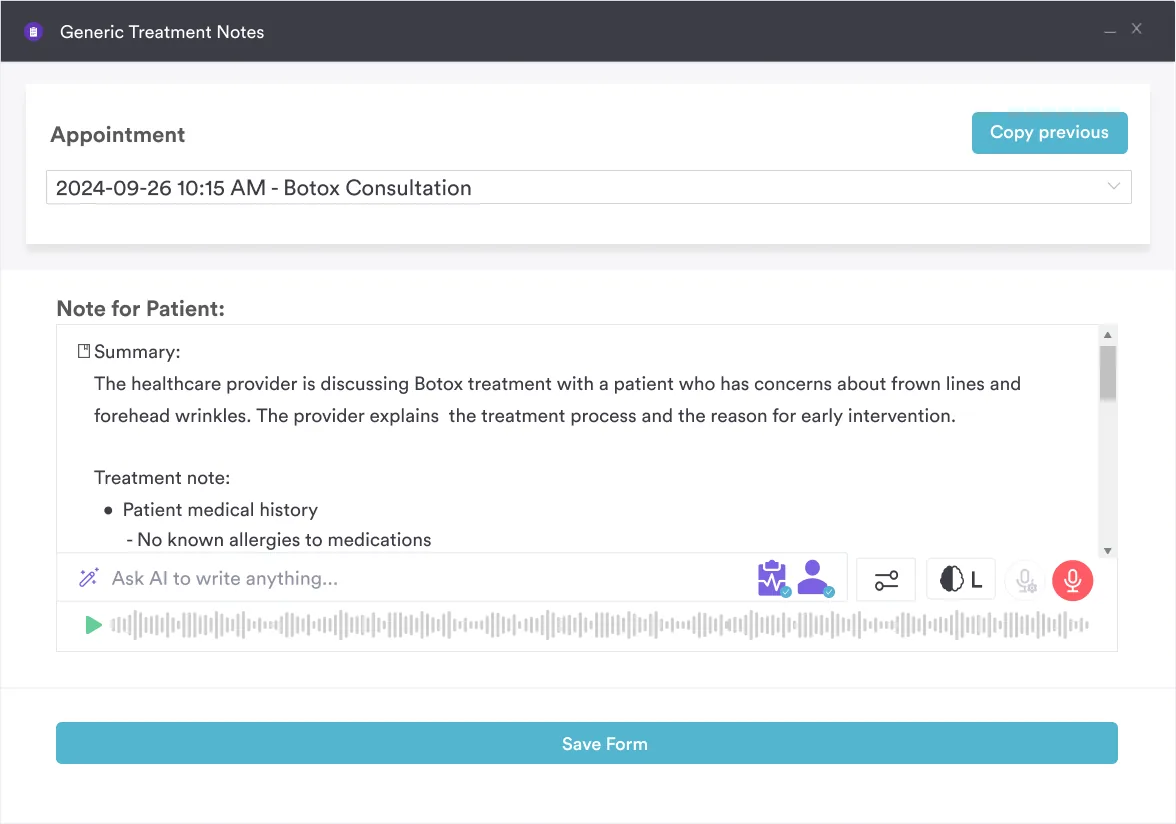
Clinical documentation tools close the last part of the loop. When a survey flags a communication problem, you can open the note from that visit and see what was recorded at the time.

Book a demo to see automated surveys running inside your own workflow. Feedback arrives on time, lands in the patient record, and turns into something you can act on.

The survey itself is the easy part. What separates a practice that improves from one that only collects scores is what happens in the week after the responses arrive.
So start small. Send 10 questions after every appointment for one month, read the results with your team, and change one thing. A short survey you act on beats a long one you file.
The one part worth automating from day one is the sending, because a survey nobody remembers to send collects nothing. Book a demo to see how Pabau sends surveys automatically and files every response against the patient record.

Shopping for a survey tool? Patient satisfaction survey software compares what the main options collect and how they report it.
Not sure what your score measures? Patient satisfaction vs. patient experience explains why the two numbers can move in opposite directions.
Want fewer no-shows and more rebookings? patient retention software compares tools that read recall data from the clinical record to cut no-shows.
Need the wider definition first? What is patient experience maps every touchpoint a survey question can cover, from booking to follow-up.
Not sure whether to say patient or client? client vs patient guide explains how the terms differ by legal scope, reimbursement, and professional identity.
On a 5-point Likert scale, an average of 4.0 or higher is good and 4.5 or higher is excellent. For NPS, 50 or above is strong and 70 or above is exceptional. Private practices usually score higher than large public systems, because their feedback loops are shorter.
Send one survey per visit, ideally within 24 hours. A patient who comes monthly then gets 12 a year, which is fine. Sending several per visit annoys people and drives the response rate down. Keep outcome follow-ups to 30 or 60 days after treatment.
HCAHPS is mandated by the Centers for Medicare and Medicaid Services for US hospitals. Its results are published and tied to reimbursement. CAHPS is a family of surveys from the Agency for Healthcare Research and Quality, used in ambulatory and primary care, and free to use. Press Ganey is a commercial vendor that licenses survey templates with analytics on top. Independent practices usually pick a custom form or a CAHPS framework.
Yes, and both work. Text messages tend to be opened sooner, but they need a mobile number on file. Email suits longer surveys and gives patients room to write. Offering both, and letting patients choose at check-in, gets you the widest reach.
PROMIS is an NIH-developed framework for measuring patient-reported health outcomes such as pain, fatigue, and social function. It measures how a patient is doing, rather than how satisfied they were. Oncology, rheumatology, mental health, and rehabilitation practices often add PROMIS subscales to a satisfaction survey. General practices can use it for patients with chronic conditions.
It collects responses through a web form, a text link, or an email link, then stores them and builds reports. Reports typically break scores down by provider, treatment, and date. When the software is part of your practice management system, responses attach to the patient record, so nobody rekeys anything.