Tanja Lepcheska
Anaphylaxis nursing care plan: Interventions and charting
What an anaphylaxis nursing care plan covers, start to finish An anaphylaxis nur...

1
Last Updated: Nov 2, 2026
Free PDF 1 page, print-ready Clinician-reviewed
A medication log is a written or digital record of every medication a person takes. It captures the dose, frequency, route, prescriber, and any side effects. The FDA advises keeping a current list and sharing it at every appointment. Doing that helps catch interactions and duplicate doses before they cause harm.
This guide covers what belongs in the log, which format suits which patient, and how to fill it in. It also shows how a practice turns a paper log into a clinical record. You can download the template at the top of the page.
A printable log with columns for medication name, dose, frequency, route, prescriber, start and stop dates, and notes. Includes space for side effects and a caregiver signature.
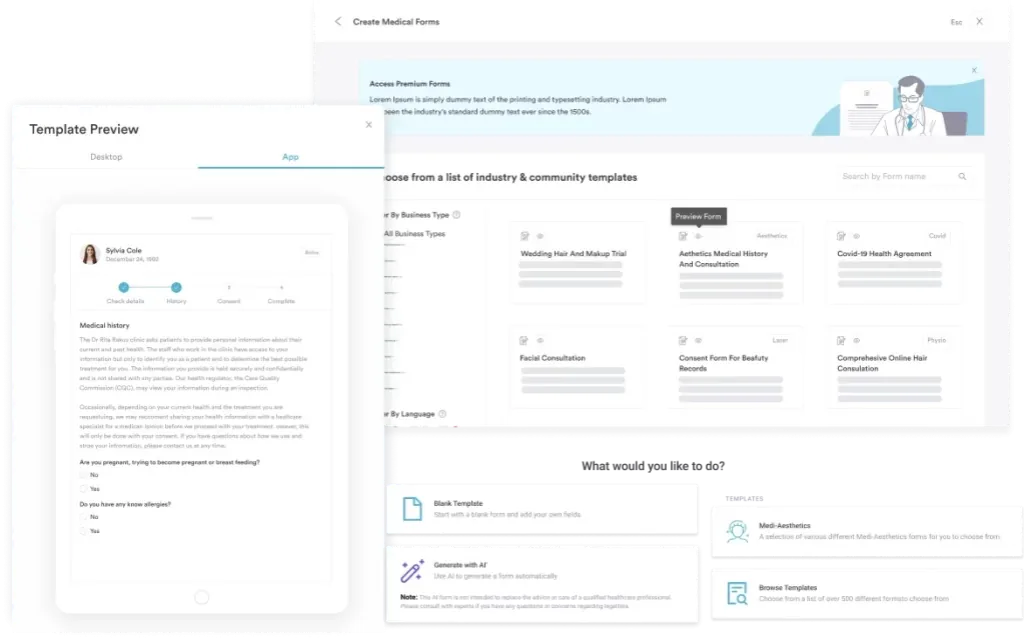
Start from scratch, or upload this PDF or any form you already use, and Pabau's AI Form rebuilds it with tick boxes, text fields and a signature. Attach it to the treatment once, and every patient gets it on time.
AI Form rebuilds the consent, history and aftercare forms you already use. You review each one, then publish.
Patients complete forms on their phone before they arrive, so the front desk stops retyping paper.
Every signed form is versioned and attached to the treatment record, ready when you need it.
Set how long a consent stays valid. Returning patients skip forms they have already signed.
Supports HIPAA and GDPR compliance AES-256 encryption 4.8 on G2 4.7 on Capterra Trusted by 4,000+ practices worldwide

A medication log records each drug’s name, dose, frequency, prescriber, and timing in one place.
Include over-the-counter drugs and supplements, plus start and stop dates and any side effects.
Daily, weekly, PRN, and caregiver formats each suit a different regimen and care setting.
A practice-side log is a legal record, so it also captures who gave the dose and when.
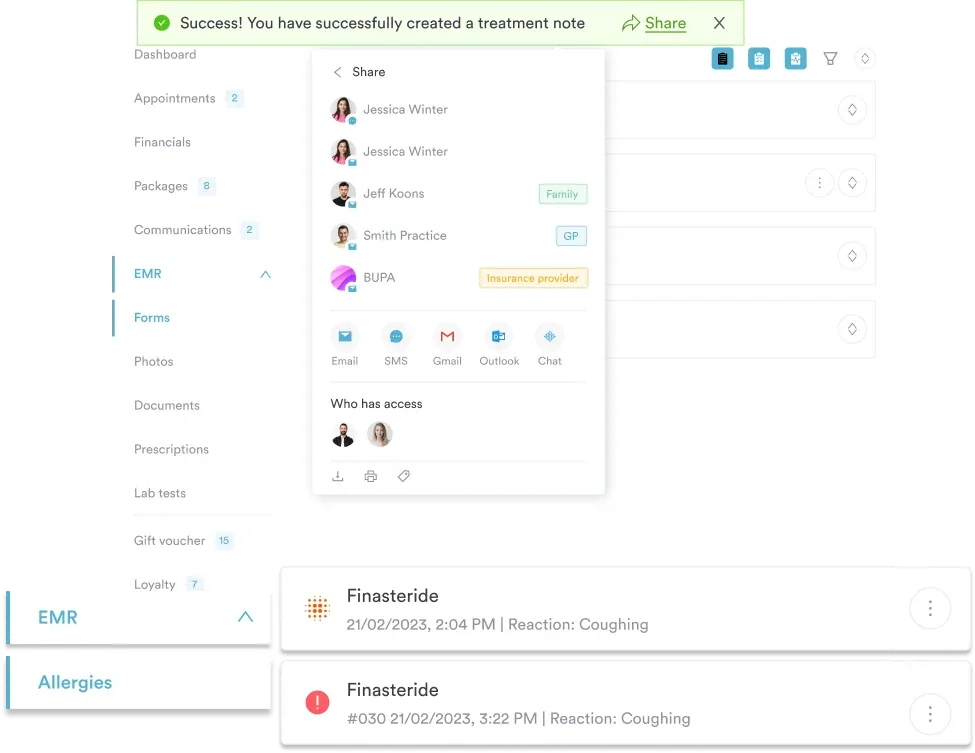
Practice management software like Pabau pulls medication data from intake forms straight into the client record.
A medication log is a record that documents every medication a patient takes or a provider administers. A medication list names the drugs and doses. A log goes further. It records when each dose was given, who prescribed it, why it was started, and what happened afterward.
Care teams use logs to prevent errors, track adherence, and hand over safely between settings. Patients and caregivers use them to stay organized and avoid missed doses. In a practice, a client medical record does the same job digitally.
The short version: a list answers what the patient takes. A log answers how much, how often, when, and with what effect.
A complete log captures the following for every medication:
A good template gives each of these its own column, so nothing is left to memory. Here is the layout:
Most logs leave room at the bottom for the patient’s signature and the date it was completed. Providers can add clinical notes there too. Digital intake forms handle this automatically, validating each field so nothing is left blank.
Different regimens call for different layouts. These four cover most situations.
A daily log gives each dose its own row, with a column for the time it was taken. It suits complex regimens of three or more medications on different schedules. It also helps newly diagnosed patients build a routine. The tradeoff is effort, since it needs an entry every day.
A weekly log runs seven days across the top and medications down the side. It works for stable regimens with the same dose every day. Caregivers often prefer it because the whole week is visible at once. Checking off a box takes seconds.
PRN stands for the Latin pro re nata, meaning as needed. This log records every time a patient takes an as-needed medication, such as a pain reliever or an inhaler. Each entry notes the time, the reason, and whether it worked.
Patterns show up fast. Pain medication needed four times a day usually means the baseline dose is too low. The same reading applies to as-needed anxiety medication in a psychiatry practice.
A caregiver log is built for someone managing another person’s medications. That might be an aging parent, a child, or an adult with a cognitive impairment. It adds a column for the caregiver’s initials, so each dose is signed for. There is also room to note how the person responded.
A practice-side log is not the same document as a patient handout. It is called a Medication Administration Record, or MAR. Nurses and practitioners sign it every time they give a dose, which makes it a legal record.
That changes what the form has to carry. A patient log can stop at name, dose, and time. A MAR also needs the batch or lot number for injectables, the site of administration, and a reason whenever a dose is held. Record that reason even when it seems obvious.
Where the log does its work:
The log rarely travels alone. It sits next to the visit’s medical notes, and a drug that needs approval also needs a prior authorization form. Keeping all three in one client record saves the front desk a search.
Work through these five steps in order.
Commercial drivers have one more appointment to prepare for. At the DOT physical, the examiner collects every drug on the log and applies the DOT medication restrictions drug by drug.
Pro tip: keep a copy in more than one place. One at home, one in a bag, and one on a phone covers most emergencies.
Most practices collect medication information twice. The patient writes it on a paper form at the front desk, and someone retypes it into the record later. Anything unreadable gets guessed at or left out.
Practice management software like Pabau removes the second step. Patients complete a digital intake form before they arrive, and their medication list lands straight in the client record. Staff review it instead of retyping it.
From there, the record does the chasing. Automated reminders prompt patients to confirm doses between visits. Pabau Scribe, our AI scribe, writes medication changes into the visit note as the provider talks. Every subscription includes both, so none of this sits behind a higher tier.
The result is one medication list per client, updated where the work already happens.

Pabau’s digital forms and client records help practices capture accurate medication data, automate reminders, and share records securely with patients.

The format matters less than the habit. A weekly grid kept current beats a detailed daily log abandoned after three days. Pick the layout the patient will actually keep filling in.
For a practice, the decision is different. A paper log does the job until someone needs it during an audit, at a handover, or in an emergency. That is when a signed, dated, searchable record earns its keep.
Download the template above, fill it in with the medications on file, and take it to the next appointment. Book a demo to see how Pabau turns that sheet into a live client record.

Need to document what happened in the room? Medical notes template gives you a structured format for visit documentation that sits alongside the medication record.
Need plain-language definitions for clinical terms? Medical terminology glossary defines 30 common clinical terms in plain language, each with an example sentence.
Need to give the patient a visit summary? Patient visit summary template is a one-page fillable template covering the eight parts a visit summary needs to include.
Assessing a burn in a child? Pediatric burn chart uses age-banded body diagrams and the Lund-Browder table to calculate burn percentage and fluids.
Charting periodontal health instead? Perio chart form template records and monitors periodontal health across every tooth site with standardized charting.
A list names the drugs and doses. A log adds the frequency, route, prescriber, start and stop dates, and any side effects. It also records when each dose was given. That extra detail is what makes a log usable for clinical decisions.
Yes. Over-the-counter drugs, vitamins, and herbal supplements interact with prescriptions and cause side effects of their own. Put them in the log and mention them to every provider you see.
Whichever one gets used. A PDF prints cleanly and shares easily. Word and spreadsheet versions let you edit rows as the regimen changes. Many patients print the PDF, fill it in by hand, then photograph it for their provider.
Every time a medication starts, stops, or changes dose. Set a monthly reminder to reread the log and add any new side effects. Then bring the current version to each appointment.
Yes. The caregiver format includes a column for initials or a signature, so each dose is signed for when it is given. There is also space to note how the person responded. This matters most for older adults, children, and anyone with a cognitive impairment.
A handwritten log works, and it beats no log at all. A digital one adds reminders, secure sharing, interaction checking, and search. Practices increasingly run medication logs through digital intake forms and patient portals.
A signature or initials for every dose given, plus the time it was given. Injectables also need the batch or lot number and the administration site. Record a reason whenever a dose is held or refused.