
 Maja Popovska

Healthcare policy management software: Pabau vs dedicated tools
Healthcare policy management software helps a healthcare organization write, app...

Last Updated: Oct 29, 2026
Free PDF 2 pages, print-ready Clinician-reviewed
A HIPAA dental form is the privacy document that tells patients how your practice uses, shares and safeguards their protected health information (PHI). Dental practices that send claims or other health information electronically are HIPAA covered entities. You must give each new patient a Notice of Privacy Practices at the first visit and make a good-faith effort to collect a signed acknowledgment. This free template pairs that acknowledgment with patient rights, a personal representative section and signature lines. Practices that work paperless can send it through Pabau, our practice management platform, before the first appointment.
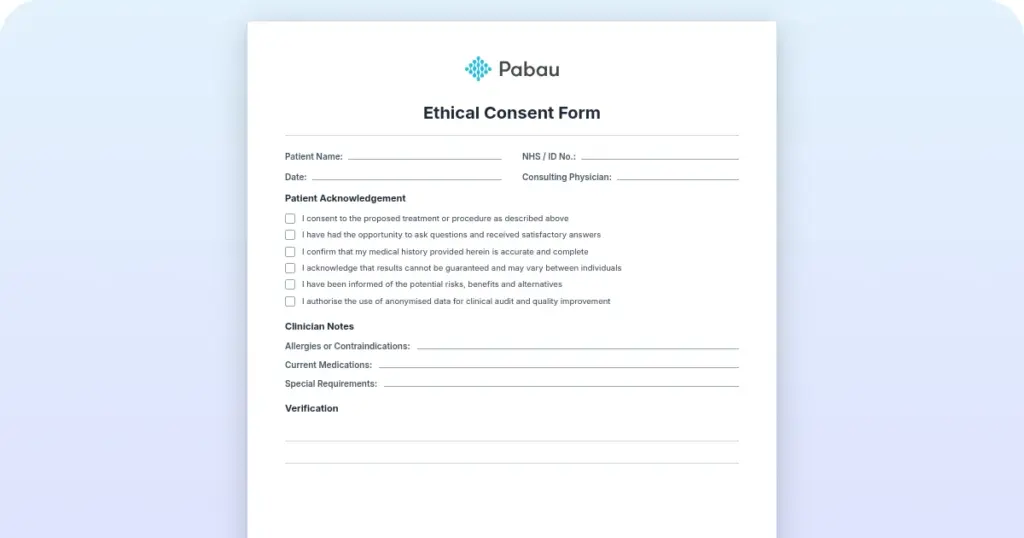
A five-page form covering patient details, how the practice uses and discloses PHI, a personal representative section and patient rights. It closes with signature lines for consent and the Notice of Privacy Practices acknowledgment.
Start from scratch, or upload this PDF or any form you already use, and Pabau's AI Form rebuilds it with tick boxes, text fields and a signature. Attach it to the treatment once, and every patient gets it on time.
AI Form rebuilds the consent, history and aftercare forms you already use. You review each one, then publish.
Patients complete forms on their phone before they arrive, so the front desk stops retyping paper.
Every signed form is versioned and attached to the treatment record, ready when you need it.
Set how long a consent stays valid. Returning patients skip forms they have already signed.
Supports HIPAA and GDPR compliance AES-256 encryption 4.8 on G2 4.7 on Capterra Trusted by 4,000+ practices worldwide

A HIPAA dental form explains how the practice uses, shares and protects patient health information.
Dental practices must give the Notice of Privacy Practices at first service and try to collect a signed acknowledgment.
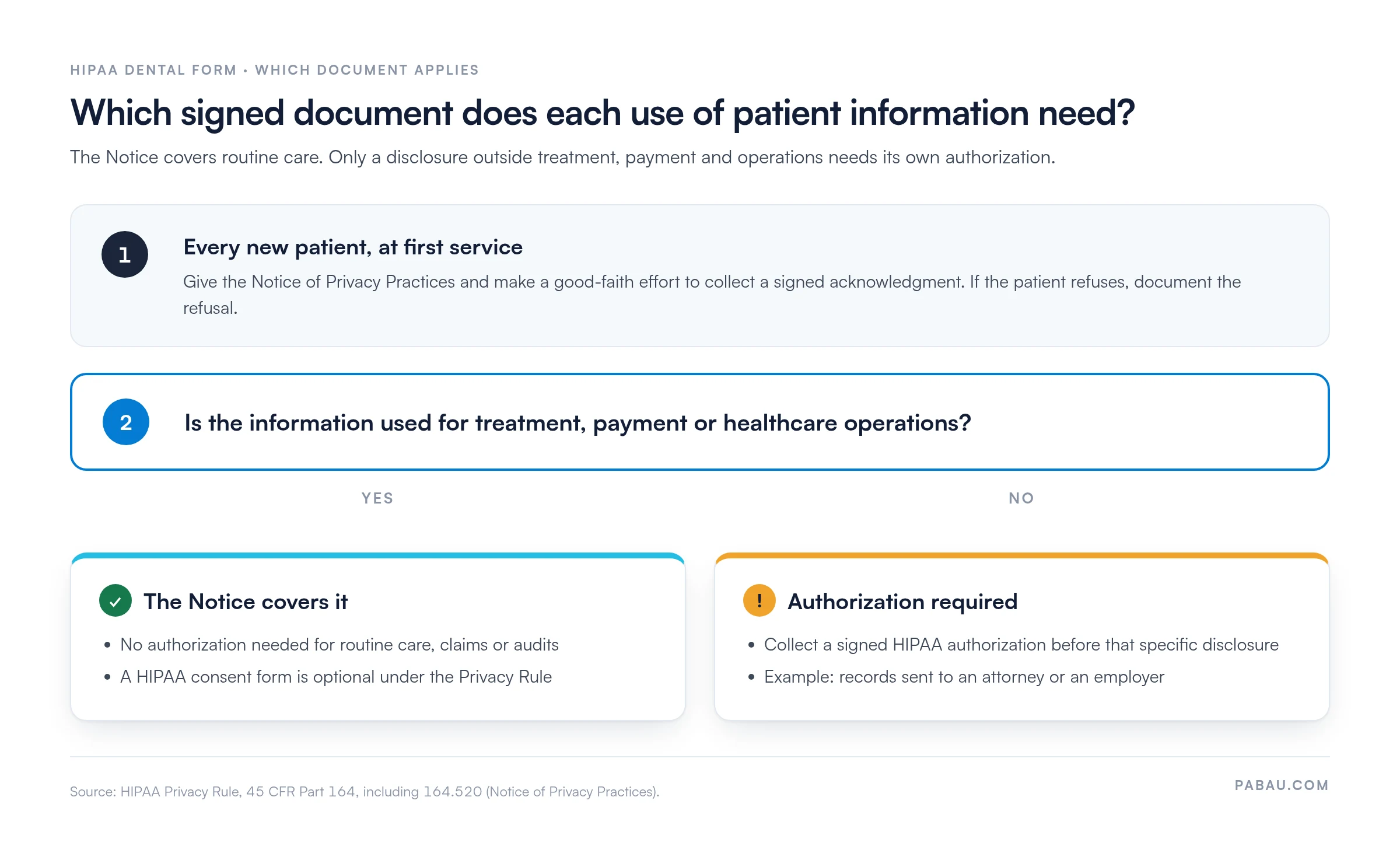
Consent and authorization forms serve different purposes, and only disclosures outside treatment, payment and operations need an authorization.
State laws in California and New York add requirements, so have counsel review the final form.
Pabau, the practice management platform we build, sends the form before the first visit and files the signed copy in the patient record.
A HIPAA dental form is a written privacy document that dental practices give patients to explain their rights over protected health information (PHI).
In a dental setting, PHI goes well beyond a patient’s name and address. X-rays, treatment notes, and billing records all qualify, so your privacy documents should account for every record type your team creates.
Dental practices that send claims or other health information electronically count as HIPAA covered entities under HHS guidance on covered entities. That means the Privacy Rule applies to the records you create and hold.
Treat the template as a starting point and adapt it before any patient sees it. The steps below follow a typical new-patient workflow.
Store the signed copy in the patient record so it can be retrieved during an audit. If your practice has no notice yet, our notice of privacy practices template gives you a first draft to adapt.
Any dentist who transmits health information electronically, including for insurance claims, falls under HIPAA. That covers general dentists and specialists, and the rules reach the hygienists and practice managers who run patient intake.
Solo practitioners and multi-location groups both need one. Groups should confirm that every location uses the same current version, so patients receive consistent information.
If your team also runs medical services, compare your processes with our guide to HIPAA for medical offices.
A consistent form delivers three practical benefits.
Audit your HIPAA dental form once a year, and again after every change to your privacy practices. Check that staff can explain what the document says and that the front-desk copy is the current version. Then confirm signed copies land in the correct patient file. Outdated versions often surface only during an audit, so schedule the check before then.
Practices often mix up three documents. The table below separates them by purpose and timing.
The Notice acknowledgment is a distinct item from consent and from authorization. Some practices print them on one page, but label each item clearly so patients know what they are signing. Authorization requirements sit in 45 CFR Part 164, which lists the elements every valid authorization must carry.
Sending records to a third party such as an attorney needs that signed authorization. Our dental records release form covers that request. For every other use, the choice comes down to one question, shown in the flow below.
A HIPAA dental form must explain how the practice uses and discloses PHI, state patient rights, and name a privacy contact. The Privacy Rule sets these elements in 45 CFR 164.520, and your template should reflect each one:
This template adds a personal representative section for a parent, guardian or other person who makes decisions for the patient. It records their name, relationship and contact details, plus the scope of their authority.
Confirm exact wording with counsel, because required content depends on how your practice uses PHI.
A signed form does not make a practice compliant on its own. The HIPAA Security Rule requires safeguards for electronic PHI. Regular HIPAA training for employees matters as much as the paperwork.
Any vendor with access to PHI on your behalf needs a Business Associate Agreement, including practice management software that stores patient records.
State law can add obligations on top of HIPAA. California’s Confidentiality of Medical Information Act and New York’s SHIELD Act both go beyond the federal rules. Check your state’s requirements before you finalize the form.
Enforcement sits with the HHS Office for Civil Rights, which publishes HIPAA guidance for professionals.
If a disclosure has already happened, our guide to handling a HIPAA violation outlines the first actions to take.
Paper packets fail in a predictable way. A patient skips the acknowledgment page, or the front desk hands out last year’s version, and nobody notices until an audit.
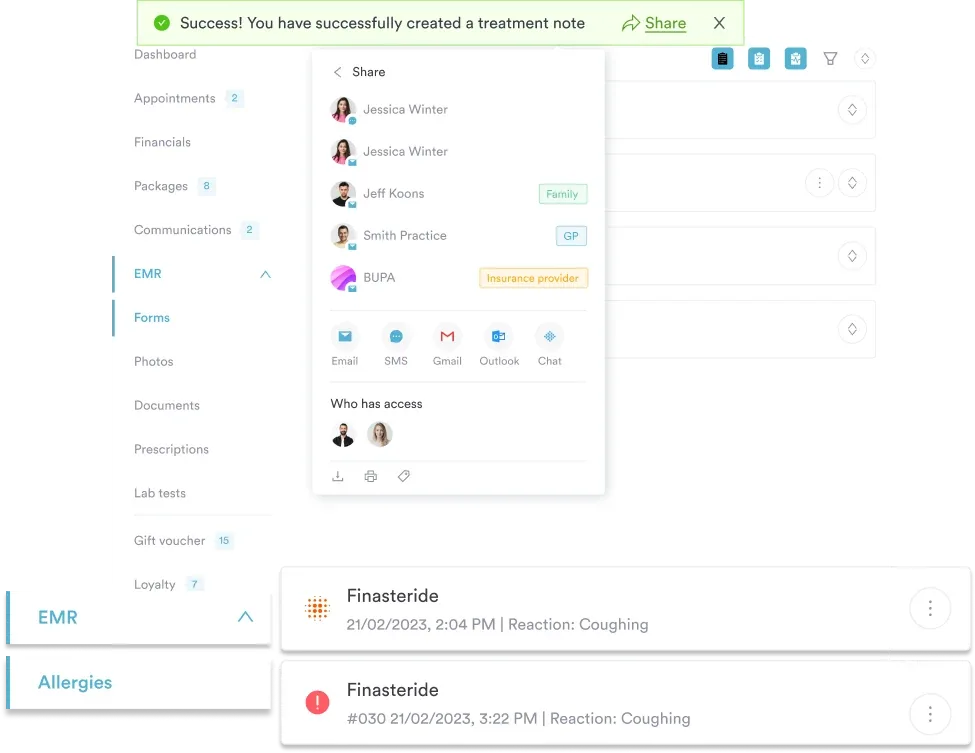
Pabau sends digital intake forms and consents before the first appointment. Patients sign on their own phone or computer, and the completed form lands in their patient record automatically.
You update the template once, so every new patient receives the current version. Pabau’s compliance software for practices keeps signed acknowledgments easy to pull up when an auditor asks.

Pabau sends your HIPAA dental form with the intake paperwork and files each signed copy in the patient record. Book a demo to see the workflow in your practice.

Adapt the template before your next new-patient visit, and match it line by line to your Notice of Privacy Practices. Keep consent, acknowledgment and authorization clearly labeled, even when they share a page.
The trade-off is time up front. A legal review and a state law check take longer than printing the PDF. They are still far easier than reworking a form after a complaint.
Once the wording is settled, collecting signatures is the part worth automating. Book a demo to see how Pabau sends your HIPAA dental form before the first visit and files each signed copy.

Shopping for a platform that covers HIPAA? HIPAA compliance software compares eight options for practice owners.
Preparing for a compliance review? HIPAA audit checklist gives you a free PDF to work through before an audit.
Moving your privacy forms online? HIPAA-compliant form builder comes with four free templates for digital paperwork.
Worried about what a violation could cost? HIPAA violation penalties explains the penalty tiers and how to avoid them.
Not sure where your privacy risks sit? HIPAA risk assessment is a step-by-step guide for small practices.
A HIPAA dental form is the privacy document dental practices use to explain how patient health information is used, shared, and protected. It typically pairs the Notice of Privacy Practices with a signed patient acknowledgment. Practices hand it out at the first visit and keep the signed copy in the patient record.
Yes, a patient can decline to sign the acknowledgment. The practice must make a good-faith effort to obtain it and document the refusal and the reason, if one is given. Signing the acknowledgment is not a condition of treatment under HHS rules, but check your state requirements with counsel.
Update it whenever your privacy practices or the Notice of Privacy Practices change, and whenever contact details or the privacy officer changes. HIPAA does not set a fixed review interval, so many practices review the form annually as a routine check.
No, a free template is a starting point rather than a guarantee of compliance. No template can confirm that it satisfies every federal and state requirement for your practice. Have counsel review the final version, especially in California and New York, where state rules add obligations.
Civil penalties are set by the HHS Office for Civil Rights and adjusted for inflation each year. Check the current HHS figures rather than relying on older articles. Penalty tiers can be higher for willful neglect. Criminal penalties can apply to knowing misuse of health information.