Monika Lazarevska
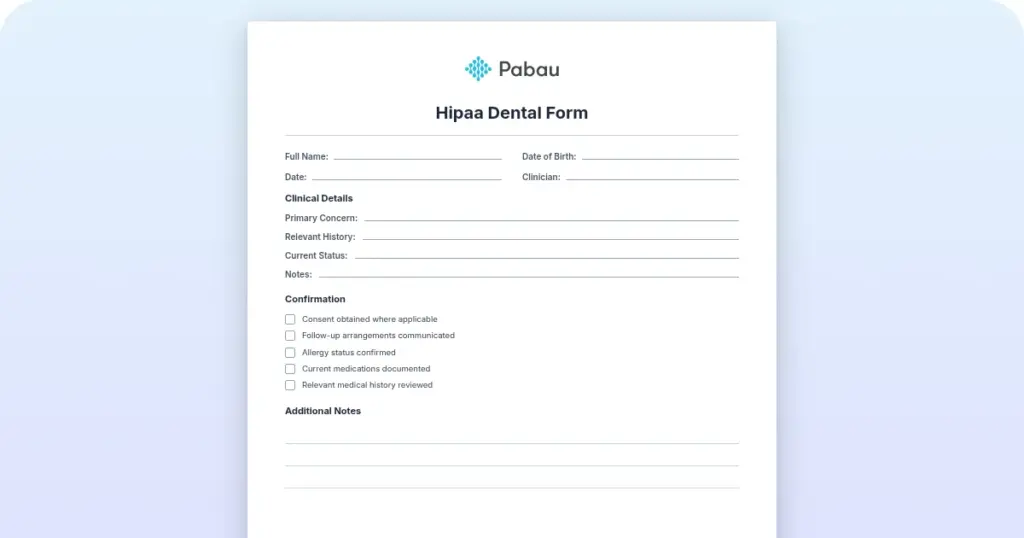
HIPAA dental form
What a HIPAA dental form is A HIPAA dental form is a written privacy document th...

3
Last Updated: Nov 3, 2026
Free PDF 2 pages, print-ready Clinician-reviewed
A patient calls asking for their x-rays and treatment notes to take to a new dentist, and whoever picks up the phone has to know, on the spot, what’s actually required before anything goes out the door.
A dental records release form is what makes that transfer official: a signed authorization stating which records can go where, and why, so the practice stays inside HIPAA and the patient stays in control of their own information. Get the form right and the request is a five-minute task.
Get it wrong, by sending records without a valid signature or missing your state’s deadline, and it turns into a compliance problem. Here’s what actually has to be on the form, how a request should move through your practice, and what the rules look like state by state.
A ready-to-use dental records release form covering patient information, current and new practice details, a plain-language consent statement, a release date line, and signature blocks for the patient and a witness or provider. Free to download as a PDF.
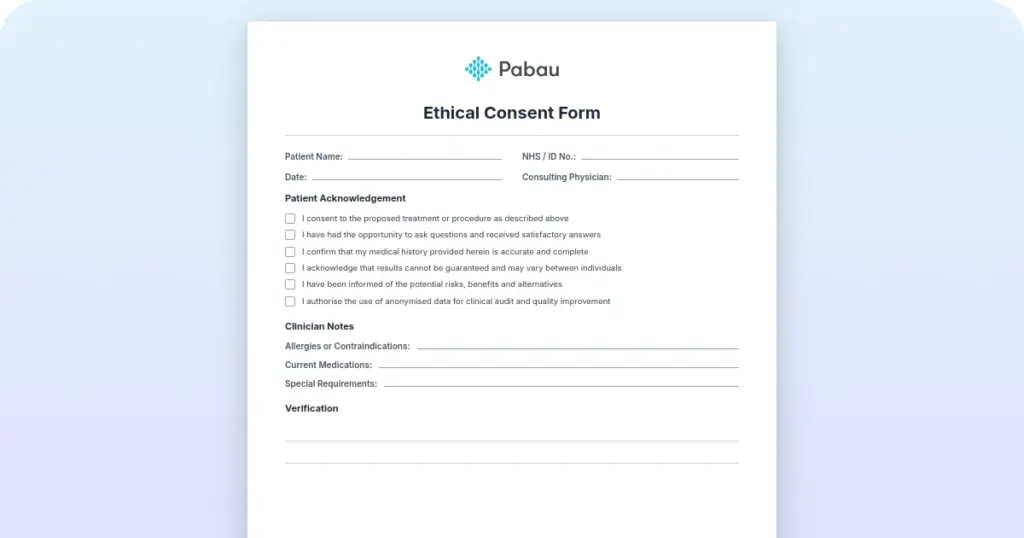
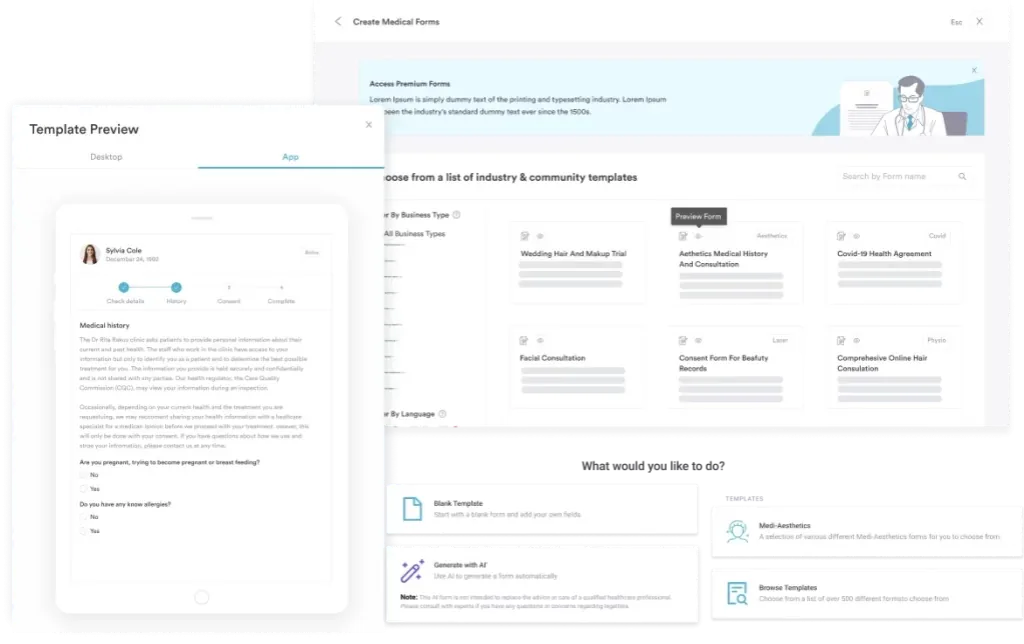
Start from scratch, or upload this PDF or any form you already use, and Pabau's AI Form rebuilds it with tick boxes, text fields and a signature. Attach it to the treatment once, and every patient gets it on time.
AI Form rebuilds the consent, history and aftercare forms you already use. You review each one, then publish.
Patients complete forms on their phone before they arrive, so the front desk stops retyping paper.
Every signed form is versioned and attached to the treatment record, ready when you need it.
Set how long a consent stays valid. Returning patients skip forms they have already signed.
Supports HIPAA and GDPR compliance AES-256 encryption 4.8 on G2 4.7 on Capterra Trusted by 4,000+ practices worldwide

A dental records release form is a HIPAA-compliant authorization that lets a patient control who can access their protected health information.
A valid HIPAA authorization needs six core elements: a specific description of the records, who’s disclosing them, who’s receiving them, the purpose, an expiration date or event, and the patient’s signature.
HIPAA also requires every authorization to spell out the patient’s right to revoke it in writing, and that clause is mandatory, not optional.
Retention periods and response deadlines vary by state, so confirm your state dental board’s current rules before you set a policy.
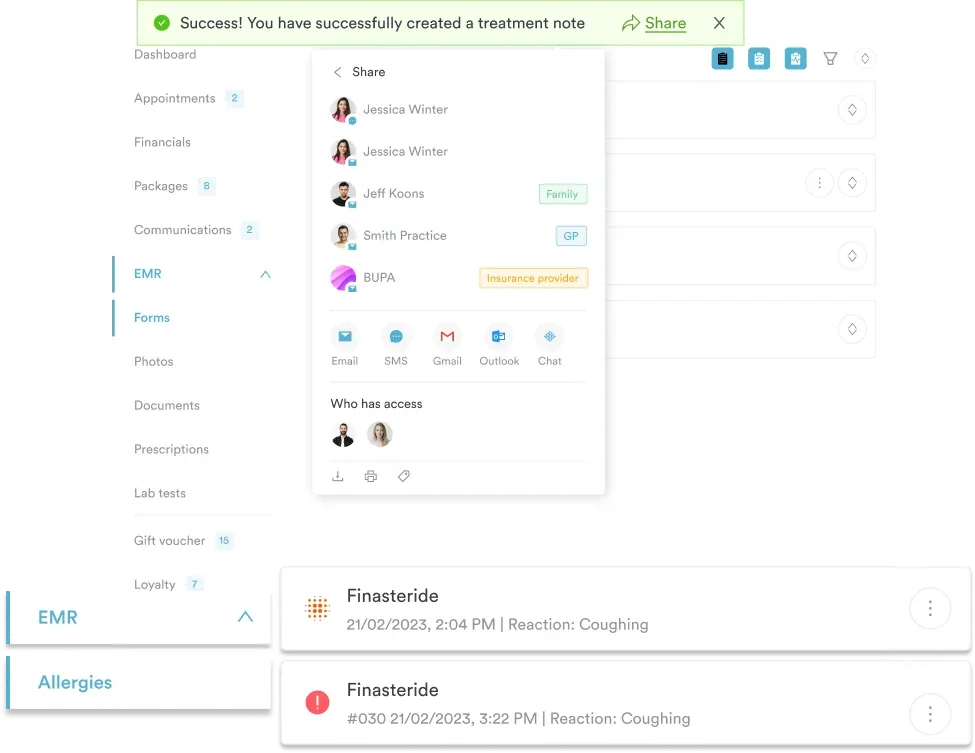
Practice management software like Pabau can capture a signed authorization digitally, store it with the patient record, and track a request from submission through to release.
A dental records release form is a signed authorization that gives patients control over their own information and lets a practice legally disclose records to a third party. It confirms the patient understands what’s being shared, with whom, and why.
While the practice owns the physical dental records, patients have a legal right to access and obtain copies under HIPAA, the Health Insurance Portability and Accountability Act. That right is one of the core pillars of the HIPAA Privacy Rule: it lets patients manage their own care as they move between providers. Practices spell that right out for patients in a privacy notice template, handed over at the first visit.
The U.S. Department of Health and Human Services, or HHS, sets out six required elements for a valid authorization under its Office for Civil Rights guidance (45 CFR §164.508(c)(1)):
HIPAA also mandates three additional statements on the same form, and none of them are optional. It must state the patient’s right to revoke the authorization in writing, note whether treatment, payment, enrollment, or benefit eligibility can be conditioned on signing, and warn that information could be redisclosed once it leaves HIPAA’s protection.
The revocation clause in particular is a requirement, not an add-on some templates skip.
The free template above covers what most everyday transfer requests need: full patient information (name, date of birth, phone, email, and address), your current practice’s details, the new practice’s details, a plain-language consent statement, a release date line, and signature blocks for the patient, or a parent or guardian, plus a witness or provider. Healthcare compliance software keeps the policy, the training record and the audit trail in one place.
A fully HIPAA-compliant authorization goes a bit further than that. If your own form is missing any of these, it’s worth adding them:
Add those five fields and you’ve got a form that satisfies HIPAA’s core elements and required statements in full, not just the basics.
A patient can request any record that’s part of their official dental chart. That includes:
Practices typically send copies rather than originals of radiographs and other materials. State law may specify when originals must be released, so check your state dental board’s rules if that comes up.
From the patient’s side, this takes only a few minutes once you know what’s being asked for.
From the practice side, a records request is a compliance task with a paper trail attached. Front desk staff usually take the request first, a records custodian or office manager verifies the patient’s identity and checks the authorization is complete, and whoever pulls the chart handles preparation and transmission. Every step gets logged.
None of this is unique to dentistry. Any patient-facing practice.
HIPAA lets practices charge a reasonable, cost-based fee for copying and preparing records. It’s reimbursement for materials and labor, not a charge for the service of releasing them.
The HHS Office for Civil Rights defines “reasonable” as the practice’s actual cost: copying, printing, scanning, disk or media costs, labor to prepare the records, and postage or transmission fees where they apply.
Say a patient asks for a complete chart, including bitewings and a panoramic x-ray, three years after their last visit. At $1 to $3 per page for a 40-page chart, plus a flat scanning fee, that’s usually a $40 to $75 invoice in most states, not $200.
State law varies significantly, though: some states mandate free copying, others set specific caps, and a few allow practices to charge more. Confirm your state dental board’s fee guidance before you set a policy.
Practices must tell patients in writing about any fee before releasing records, and can’t deny access just because a patient objects to an unreasonable amount. If a fee is ever disputed, audit documentation from a compliance management system, and the HHS Office for Civil Rights guidance behind it, will back you up.
What if the patient is a minor? A parent or legal guardian signs and dates the form on the minor’s behalf, and should provide proof of guardianship if asked. State law sometimes grants minors independent rights to certain sensitive records, so check for exceptions around mental health or reproductive care documentation.
What if the patient has died? Records can go to the executor of the estate, a court-appointed representative, or next-of-kin if state law allows it. Whoever’s requesting needs legal documentation of their authority, such as a death certificate, probate letter, or court order. Rules vary widely here, so check with your state dental board.
What if the practice has closed? Records get handled according to state law. Many states require the dentist to notify patients and offer to release records, and some require transfer to the state board or a designated custodian.
Contact your state dental board if you need records from a closed practice. They can usually point you to the successor practice or the board itself.
Federal HIPAA sets the floor for records release, but state dental boards layer their own retention periods and response timelines on top. No two states are identical.
These figures are examples; your state’s exact requirements may differ. The American Dental Association (ADA) offers general guidance on releasing dental records, but for state-specific rules, confirm directly with your state dental board or a healthcare attorney before you set a policy.
Manual records-release workflows tend to break down in predictable ways: paper forms that go missing, spreadsheet trackers nobody updates, and deadlines that slip because no one flagged them.
A patient submits it through your client portal, which logs the request, tracks its status, and reminds staff of the response deadline. Every release gets a timestamp, a record of who approved it, and how it was sent.
The authorization itself can be signed electronically through Pabau’s digital forms, so patients aren’t printing, scanning, and emailing a PDF back and forth. Once it’s signed, it sits against the patient’s record, and staff can pull and transmit the file without leaving the system.
A dental records release form is easy to overlook until a request actually lands on your desk, and then it becomes a deadline. Get the basics right, a complete authorization, a verified identity, a documented release, and most requests take minutes to process, not days.
Layer in your state’s specific retention and response rules, and you’ve got a process that holds up under any audit.
Practice management software like Pabau brings the signed authorization, the patient’s record, and the release log into one system, so a request can be tracked from the moment it arrives to the moment it’s closed. If that’s the kind of setup your front desk needs, book a demo.

Prepared for an operational emergency? crisis management plan template gives six steps to build your operational plan, including HIPAA and CQC reporting clocks.
Working toward CQC registration? step-by-step CQC registration guide walks through the steps for getting your service registered with the Care Quality Commission.
Wondering if your charts would pass audit? medical chart audit guide explains how a systematic records review catches coding errors and prepares practices for payer scrutiny.
HIPAA sets a 30-day outer limit, but states are often stricter. California gives practices 15 days for copies and 5 working days to allow inspection, not the 10 days some guides quote. Confirm your state dental board’s rule before setting a deadline.
No. An outstanding balance isn’t a valid reason to withhold records. You can bill for the copying fee and pursue the debt separately, but the records still have to go out once a valid authorization is on file.
Either works. Sign a release yourself and send it to your old practice, or let your new dentist request the records once you’ve signed their intake authorization. The second route is usually faster.
Yes, radiographs are part of the dental record and don’t need a separate authorization. The practice owns the original films or files; patients get copies, not originals, unless state law says otherwise.
Contact your state dental board. Retiring or closing dentists generally must notify patients and transfer records to a successor practice or a designated custodian, and the board can point you to whoever holds the file now.
Yes, with written authorization naming that person and ID matching the form. Verbal permission alone usually isn’t enough for the front desk to hand records to someone else.