HCPCS Code L0472: Hyperextension TLSO billing guide
HCPCS code L0472: Official descriptor and device definition HCPCS code L0472 des...

Last Updated: Nov 5, 2026
C1713 is the HCPCS Level II code for anchor/screw for opposing bone-to-bone or soft tissue-to-bone (implantable).
The most common denial driver is billing staff treating C1713 like a CPT code. Watch for wrong units, missing modifiers, or documentation that doesn't name the device implanted.
Let Pabau's smart automation suggest the right codes, reduce claim denials, and keep your practice compliant—effortlessly.
Automate repetitive tasks and focus on what matters most—your patients.
Reduce coding errors and ensure compliance with the latest regulations.
Clean claims, fewer denials, and faster reimbursements.
Powerful insights and reporting to help your practice thrive.
HIPAA compliant SOC 2 certified GDPR-compliant Trusted by 4,000+ clinics worldwide

HCPCS Code C1713 describes an anchor or screw used for opposing bone-to-bone or soft tissue-to-bone fixation in implantable procedures.
C1713 is a Level II HCPCS supply code billed by ASCs and outpatient hospitals, never by physician offices or inpatient facilities.
Missing a modifier, billing the wrong units, or confusing C1713 with a CPT code are the most common causes of denial.
Practice management software like Pabau embeds HCPCS reference data into the billing workflow, helping practices catch C1713 coding errors early.
HCPCS Code C1713 is a Level II HCPCS supply code maintained by the Centers for Medicare and Medicaid Services (CMS). The official description reads: Anchor/screw for opposing bone-to-bone or soft tissue-to-bone implantable. Unlike CPT codes, which describe the procedure performed, C1713 describes the physical device used during that procedure.
C1713 covers two mechanically distinct fixation scenarios that share one code. Understanding which scenario applies helps coders choose the right device and confirm the procedure documentation supports the claim.
Bone-to-bone fixation involves an anchor or screw used to secure two opposing bone structures. This appears most often in spinal fusion procedures and orthopedic joint reconstruction. Soft tissue-to-bone fixation involves attaching tendon, ligament, or labral tissue to bone, which is the dominant application in sports medicine surgery. The code covers both scenarios, but the operative report must clearly describe which type of fixation was performed and what device was used.
Surgical specialties that commonly bill C1713 include sports medicine and orthopedic and physical therapy practices that perform or coordinate ASC procedures. Common procedure contexts include:
Confirm that the operative report names the anchor or screw device, its manufacturer, and the fixation type. A general reference to “anchor placed” is not sufficient documentation for C1713 to survive audit.
C1713 is not billable in physician offices or inpatient hospital settings. It is a facility-side supply code used in ASCs and outpatient hospital departments (HOPDs). The payment mechanism, claim form, and revenue code rules all differ between these two settings.
Some commercial and Medicaid payers still require ASCs to submit facility claims on UB-04 instead of CMS-1500. Confirm the required claim form in each payer contract before billing.
ASC coders should verify current CMS payment indicator files each year. This confirms whether C1713 is separately reimbursable or packaged into the procedure’s ASC rate. CMS updates these indicators annually in the OPPS/ASC final rule.
Billing C1713 correctly requires pairing the supply code with the right procedure code and supporting it with device-specific documentation. These steps apply to both ASC and outpatient hospital claims, following the guidance in standard medical billing workflows.
A clean claim for C1713 has consistent device documentation, units, and a paired CPT code that match the operative report before it leaves the facility.
Medicare reimbursement for C1713 varies by setting and geographic locality. Rates are set annually by CMS through the OPPS/ASC final rule. Always verify current-year rates directly from CMS rather than third-party aggregator tools, as rates change each January 1. Use the CMS fee schedule search tool to confirm 2026 rates for your locality.
For revenue cycle teams managing high-volume orthopedic or spinal ASC billing, tracking C1713 reimbursement trends is part of broader revenue cycle management. It helps identify when payer contracts under-reimburse for implant costs relative to facility acquisition price.
Medicare covers C1713 when the device is medically necessary for a covered surgical procedure performed in an eligible setting. Coverage is not automatic. The claim must satisfy several criteria, and medical billing compliance requires documenting each one in the patient record before the claim is submitted.
When in doubt about Medicare coverage for a C1713 application, consult the CMS LCD database at CMS.gov. Contacting your MAC directly before the procedure also works.
Pull your C1713 denial rate by payer quarterly. If one payer consistently denies on medical necessity while others approve the same procedure, the cause is likely missing LCD documentation for that MAC region. Fix the documentation template, not the code.
C1713 denial patterns are predictable. Most errors fall into one of five categories, and each one has a straightforward prevention measure. Understanding these through proper denial management strategies reduces write-offs on high-cost implant claims.
Several other Level II HCPCS codes cover related implant devices. Choosing the wrong code when C1713 applies (or vice versa) is a common coding error in orthopedic and spinal billing. Use the AAPC HCPCS lookup tool or the PGM Billing HCPCS search to verify current descriptions before selecting a code.
Standalone HCPCS lookup tools like HcpcsData.com and PayerPrice show the code description and a fee-schedule estimate. They don’t connect to the billing workflow. Coders manually retype code details into a separate system, and that’s where transcription errors creep into high-cost implant claims like C1713.
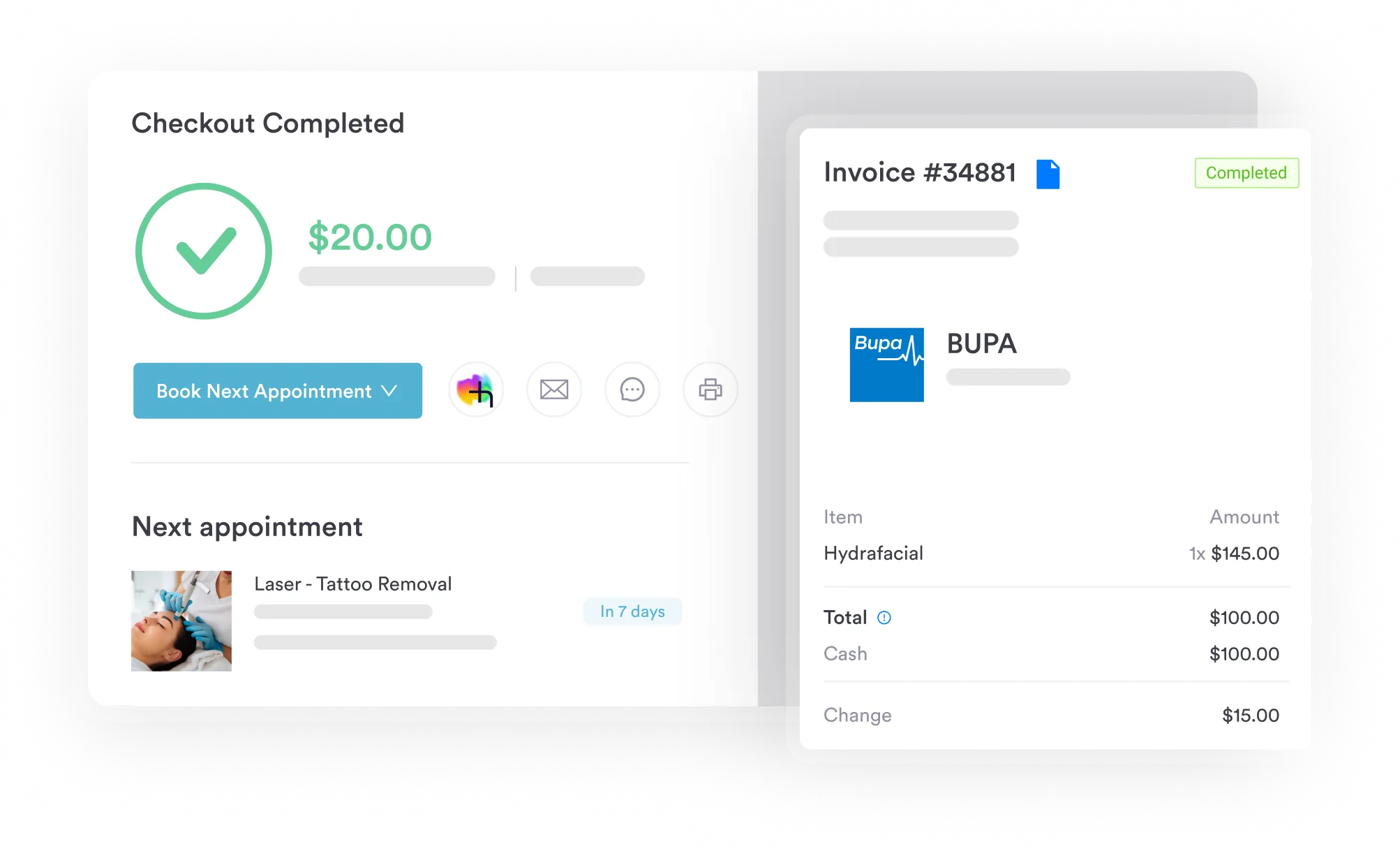
Practice management software like Pabau embeds claim scrubbing directly into the billing workflow, catching C1713 errors before submission. It flags mismatched units, missing modifiers, and missing device documentation at the point of entry, before a denial arrives.
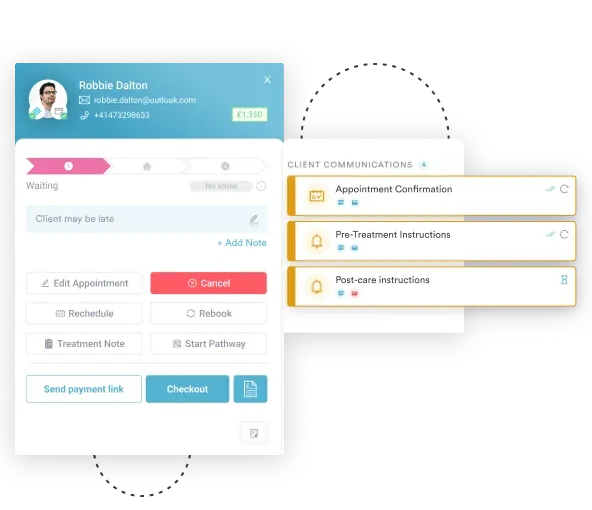
For high-volume implant billing, automated billing workflows cut the manual work of checking device documentation on every case. The platform’s superbill documentation captures the device detail C1713 claims need. Reporting surfaces denial patterns by code, so billing teams catch recurring errors before they compound.
For practices with multiple locations, a consistent HCPCS billing workflow reduces revenue leakage from coding variation between sites. The billing software comparison for ASC practices covers what to prioritize when evaluating platforms.

Pabau’s claims management software embeds HCPCS code reference and claim scrubbing directly into your billing workflow. Catch missing modifiers, incorrect units, and missing documentation at the point of entry, not after the denial arrives.

C1713 denials are rarely mysterious. The repeat offenders are wrong units, missing device logs, a wrong claim form, and a packaged procedure rate the biller didn’t check. Practices that recover the most on implant supply billing standardize their documentation checklist for C1713 before the claim is built. They don’t wait for the denial to arrive.
Pabau’s integrated claims management tools help orthopedic and spinal ASC billing teams catch these errors at the point of entry. To see how claim scrubbing and HCPCS workflow automation work inside the platform, book a demo with the Pabau team.

Need a framework for reducing claim denials across your practice? Denial management in healthcare covers the structured approaches billing teams use to track, appeal, and prevent recurring denials.
Want to understand how ASC billing fits into the broader billing picture? What is revenue cycle management explains how supply code billing connects to overall practice financial performance.
Looking for guidance on medical billing compliance requirements? Medical billing compliance outlines the documentation and regulatory requirements that apply to implant supply code claims.
HCPCS Code C1713 is a Level II HCPCS supply code. It covers an anchor or screw device used for opposing bone-to-bone or soft tissue-to-bone fixation in implantable surgical procedures. It describes the physical device, not the surgical technique, and is billed alongside a CPT procedure code in ASC and outpatient hospital settings.
For Medicare, bill C1713 on the ASC’s CMS-1500 facility claim with place of service 24, or the HOPD’s UB-04 claim with revenue code 0278. Either way, pair it with the relevant CPT code, using one unit per anchor or screw placed to match the operative report and implant log. Include the device manufacturer, model, and lot number, and confirm with commercial or Medicaid payers whether they require UB-04 for ASC claims instead.
Yes, Medicare covers C1713 when the device is used in a medically necessary procedure performed in an approved ASC or outpatient hospital. Coverage requires documented medical necessity, a covered paired CPT procedure code, and a complete device implant log. Check your MAC’s LCD database for any procedure-specific coverage criteria.
C1713 is billed in ambulatory surgical centers (ASCs) and outpatient hospital departments (HOPDs) only, never in physician offices or inpatient settings. For Medicare, the ASC’s facility claim goes on a CMS-1500, while the HOPD’s facility claim goes on a UB-04. Either way, the facility bills it separately from the surgeon’s professional claim.
The five most common errors include unit counts that don’t match the operative report, missing implant log documentation, and confusing C1713 with a CPT code. Two more: billing it under the surgeon’s claim instead of the facility’s, and assuming separate payment when CMS already packaged the device into the rate.
Bone-to-bone fixation involves securing two opposing bone structures (common in spinal fusion and joint reconstruction). Soft tissue-to-bone fixation involves attaching tendon, ligament, or labral tissue to bone (common in rotator cuff repair and labrum repair). C1713 covers both fixation types under one code, but the operative report must specify which type was performed.