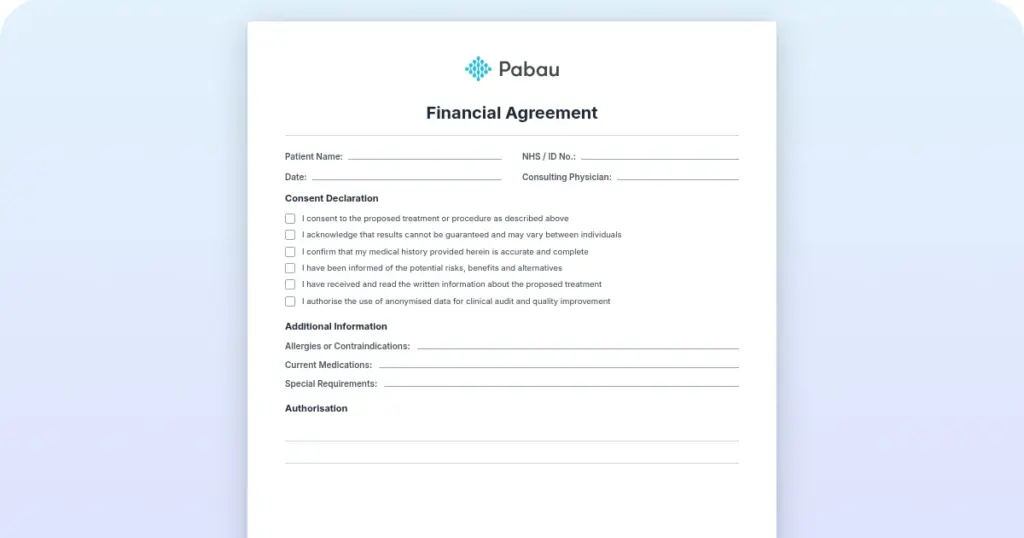
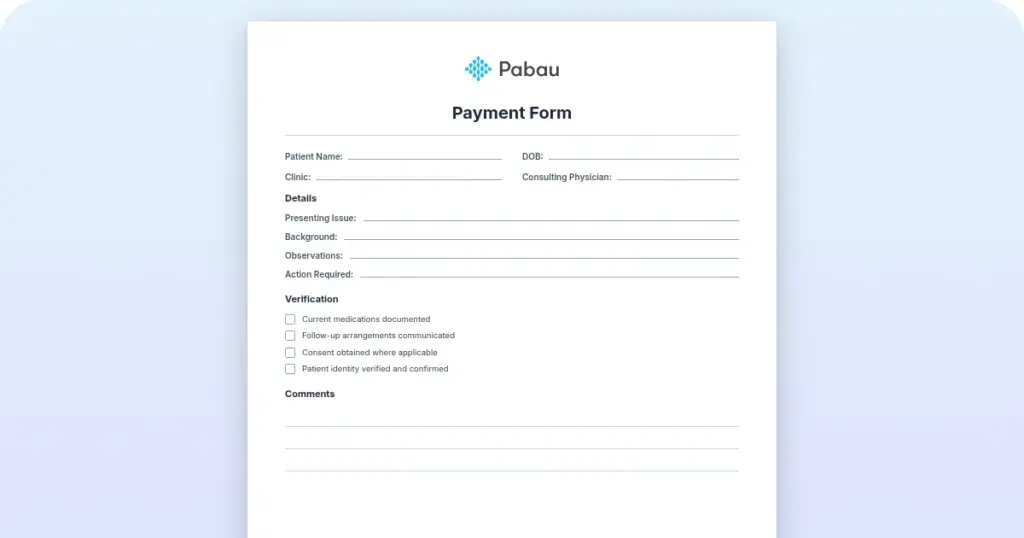
Free patient financial agreement template for practices
A financial agreement is the form a patient signs before treatment to confirm wh...

4
Last Updated: Oct 23, 2026
Referral management software in healthcare sends, tracks, and follows up patient referrals until the patient is seen and the result comes back. That last step is where paper processes fail. A letter leaves your practice, nobody confirms it arrived, and the patient never books.
For the referring clinician, that means a care plan built on a consult that never happened. The practice loses consultation revenue and is left with a weak audit trail.
Good software fixes this by attaching the full record, chasing stalled referrals on its own, and asking for an outcome note. Below, we follow one referral from letter to outcome, then cover features, integration, and a go-live checklist.

Referral management software sends, tracks, and follows up patient referrals so they don’t stall between the referring and receiving provider.
Referral leakage, where a referred patient never books or attends, costs consultation revenue and breaks continuity of care.
The features worth paying for are automated intake, live status tracking, follow-up alerts, EHR integration, and outcome reporting.
In the US, certified EHRs must support FHIR-based APIs, so ask any referral vendor how it connects to yours.
Most referrals that fail stall at a handoff, so name an owner and set chase windows before you go live.
Referral management software is a workflow layer that replaces spreadsheets, phone calls, and manual follow-up with a trackable process. It handles inbound referrals, where patients come to you from another provider. It also handles outbound referrals, where you send a patient to a specialist or a hospital team.
At its core, the software does three jobs. It captures referral details at intake, routes them to the right clinician or team, and tracks status until the patient is booked and seen. Each role on your team feels the benefit differently:
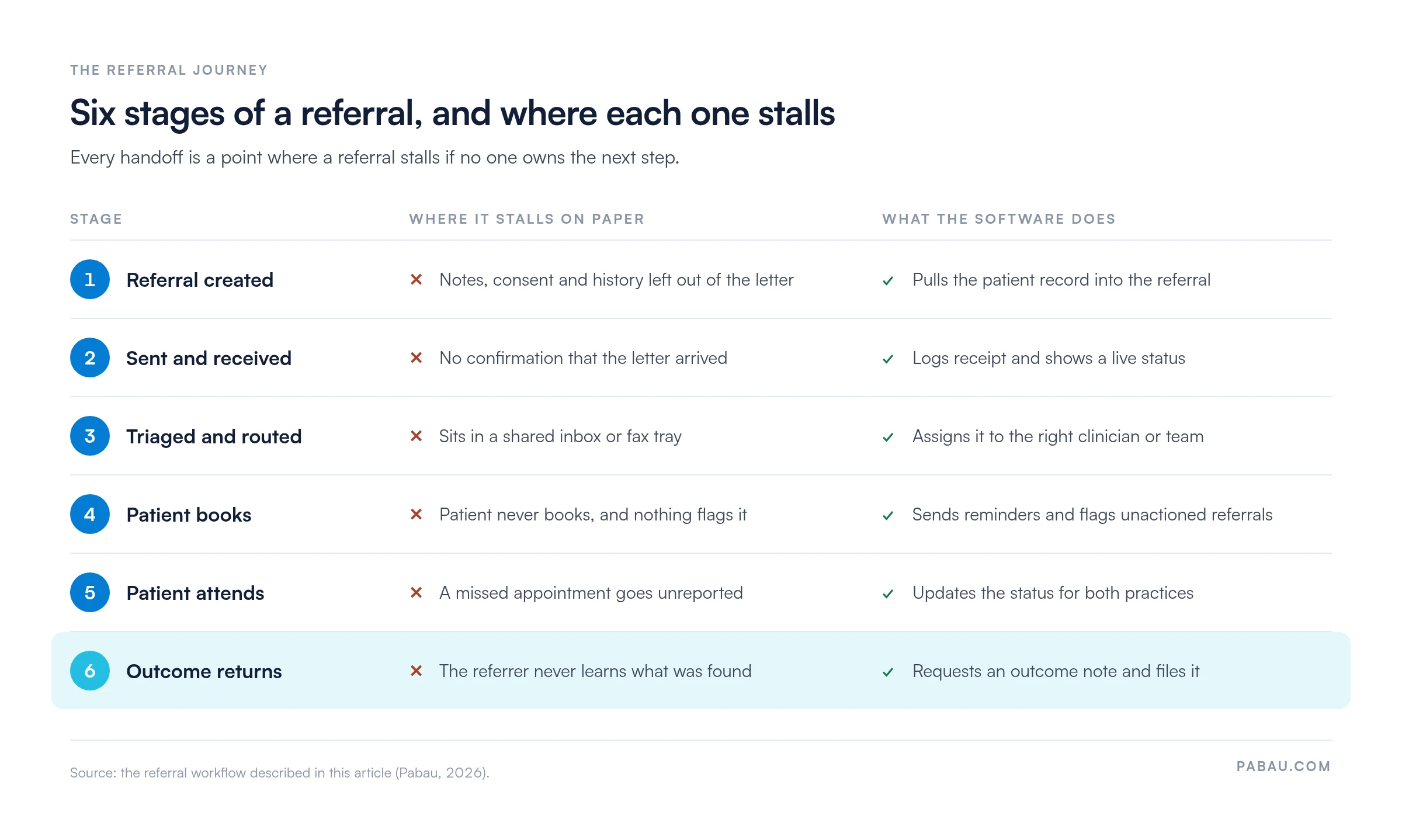
Every referral passes through the same six stages, whether it travels by fax or by software. Trouble starts at the handoffs, where one person assumes the next has acted. Here’s one outbound referral from a private GP practice to a dermatologist, for a patient with a changing mole:
Laid side by side, the stall points show why software adds a check at each handoff rather than at one big step.
Referral leakage is when a referred patient never books or attends the specialist appointment. It happens when nobody chases the patient, when the letter never arrives, or when booking takes too much effort.
A share of specialist referrals never becomes an appointment, and the rate varies by specialty and region. For private practices, each lost referral means lost consultation revenue at both ends of the pathway. On insurance-funded or NHS-adjacent pathways, it also leaves a care quality problem that auditors and commissioners can spot.
That’s the problem referral software targets most directly. Follow-up nudges, booking confirmations, and status alerts flag unactioned referrals before they go cold.
Referral tracking software varies a lot between vendors. Still, the six features below show up consistently in strong systems, and each one maps to a stall point above.
Referral workflow automation replaces the slowest manual steps in the referral lifecycle. Picture a practice manager at a three-clinician private practice. Without automation, they might spend several hours a week chasing referral status by phone and email. With it, the system does most of the chasing.
A typical automated sequence runs like this:
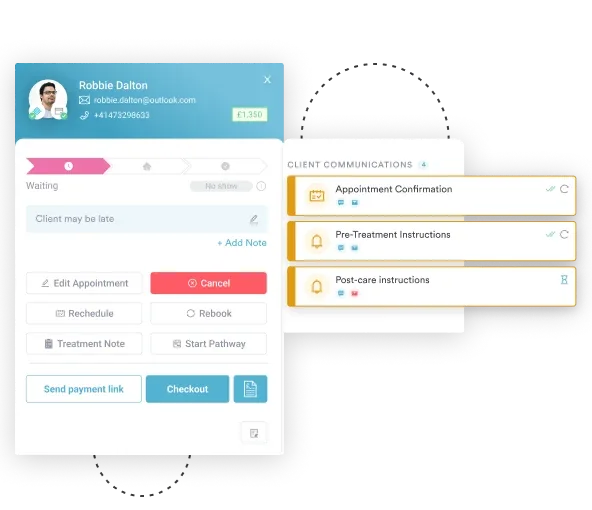
Even without a dedicated referral module, reminders cover a good part of this sequence. In Pabau, the practice management platform we build, automated workflows can send reminders and notifications to patients and staff. That keeps a referred patient hearing from you while your team gets on with patient care.
The NHS made the case for electronic referrals in 2004, when it launched Choose and Book. That service became the e-Referral Service (eRS) in 2015.
According to NHS England, eRS now handles millions of GP-to-specialist referrals a year. It replaced fax-based letters with digital bookings that patients can manage online.
Private practices outside NHS pathways face the same choice. Here’s how paper and electronic referrals compare on five points.
Closed-loop referral management means the referring provider hears back after the patient attends the specialist appointment. Without that note, the referrer can’t tell whether the patient was seen, what was found, or what happens next.
Closing the loop matters for three reasons:
In day-to-day terms, the loop closes when the specialist’s note is filed against the original patient record. Software helps by prompting for that note and showing it to the referrer, instead of waiting for a letter in the post.
Flag unactioned referrals at 72 hours and again at seven days using your system’s alert settings. Two touchpoints catch stalled referrals early without flooding patients or staff with messages.
EHR integration determines whether referral software saves time or creates more work. Without it, staff copy patient data from the EHR into the referral form by hand. With it, the patient record fills in the referral automatically.
In the US, the Office of the National Coordinator for Health IT (ONC) sets the certification rules for EHRs. Those rules require certified EHRs to support FHIR-based APIs. FHIR is the HL7 standard behind much of today’s EHR interoperability, so ask any US referral vendor whether it connects through those APIs.
Before you sign with a standalone referral tool, check these integration points:
AI in referral management falls into two groups, decision support and administrative automation. They solve different problems for different practice sizes.
Decision support uses patient data to suggest the best specialist or pathway. For example, it might flag that a patient’s history suits a particular consultant better than the default one. These tools mostly appear in enterprise platforms serving hospital networks with large referral volumes.
Administrative automation is where independent practices see value quickly. AI can pre-fill referral forms from clinical notes and pull key details out of incoming referral letters. It can also flag missing information before a referral goes out.
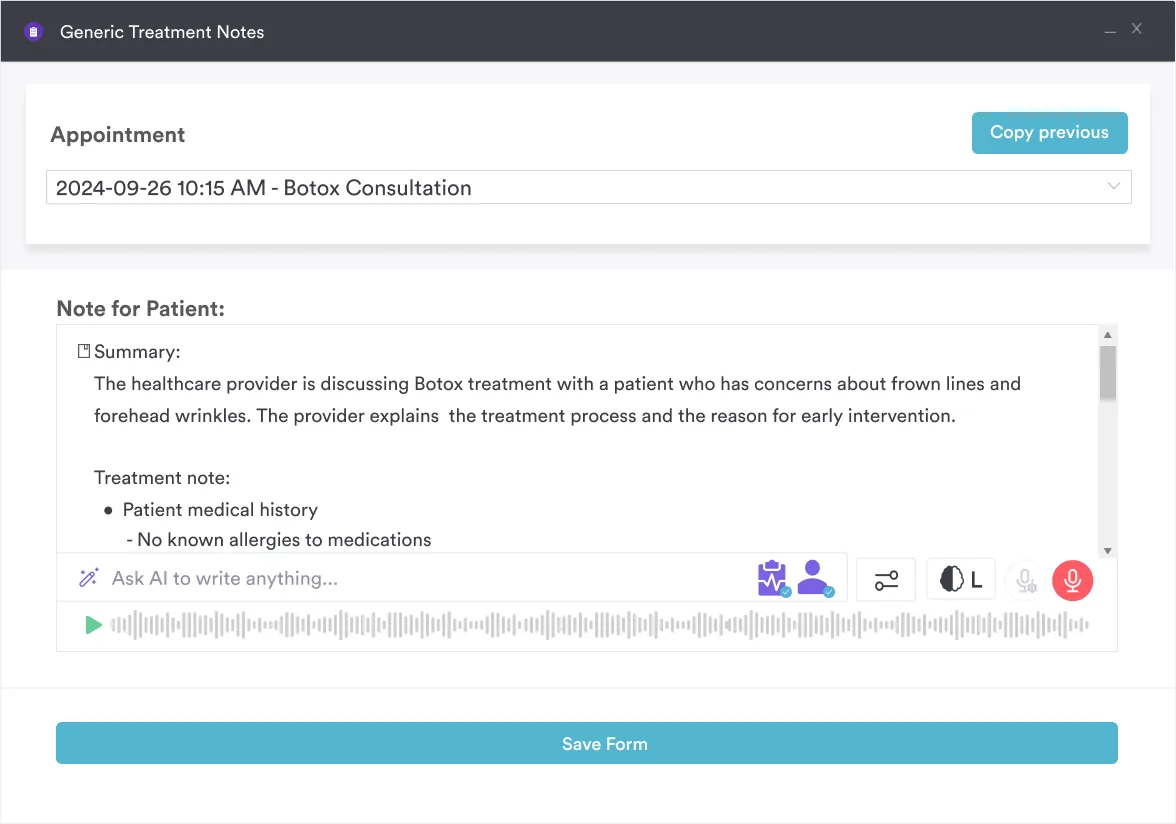
Pabau Scribe, our AI scribe, focuses on clinical notes rather than referral routing. A complete note gives the referral letter a solid clinical summary to draw on. That suits practices whose main burden is documentation.
The right referral software depends on the care setting. A five-practitioner private GP practice has different volumes, pathways, and compliance duties than a solo aesthetics practitioner or a multi-site specialist network.
Private practices need referral handling that fits inside their wider workflow. Ease of use matters more than clever routing. A solo dermatologist or a three-room aesthetic practice doesn’t need population-level analytics. They need each referral they send or receive to be logged, followed up, and documented.
For this group, an integrated system often wins on cost and simplicity. Referral letters, reminders, and the patient record live in one place, so there’s no extra tool to log into or pay for.
UK GP practices working within NHS pathways use the NHS e-Referral Service as their main electronic referral channel. If you run an NHS-integrated practice, check eRS integration with your system vendor before changing anything.
Private GPs outside NHS pathways need their own way to send, log, and follow up referrals. Many handle this inside their GP practice software, so referral letters draw on the same patient record as appointments and billing.
Many practice owners judge referral software on feature lists alone. A better test is simple. Will this cut the time your team spends on referral admin, and will it fix the stall points you see today?
So judge workflow fit first and feature depth second. A platform with clever AI routing that doesn’t connect to your records adds work instead of saving it. Use this checklist when comparing options:
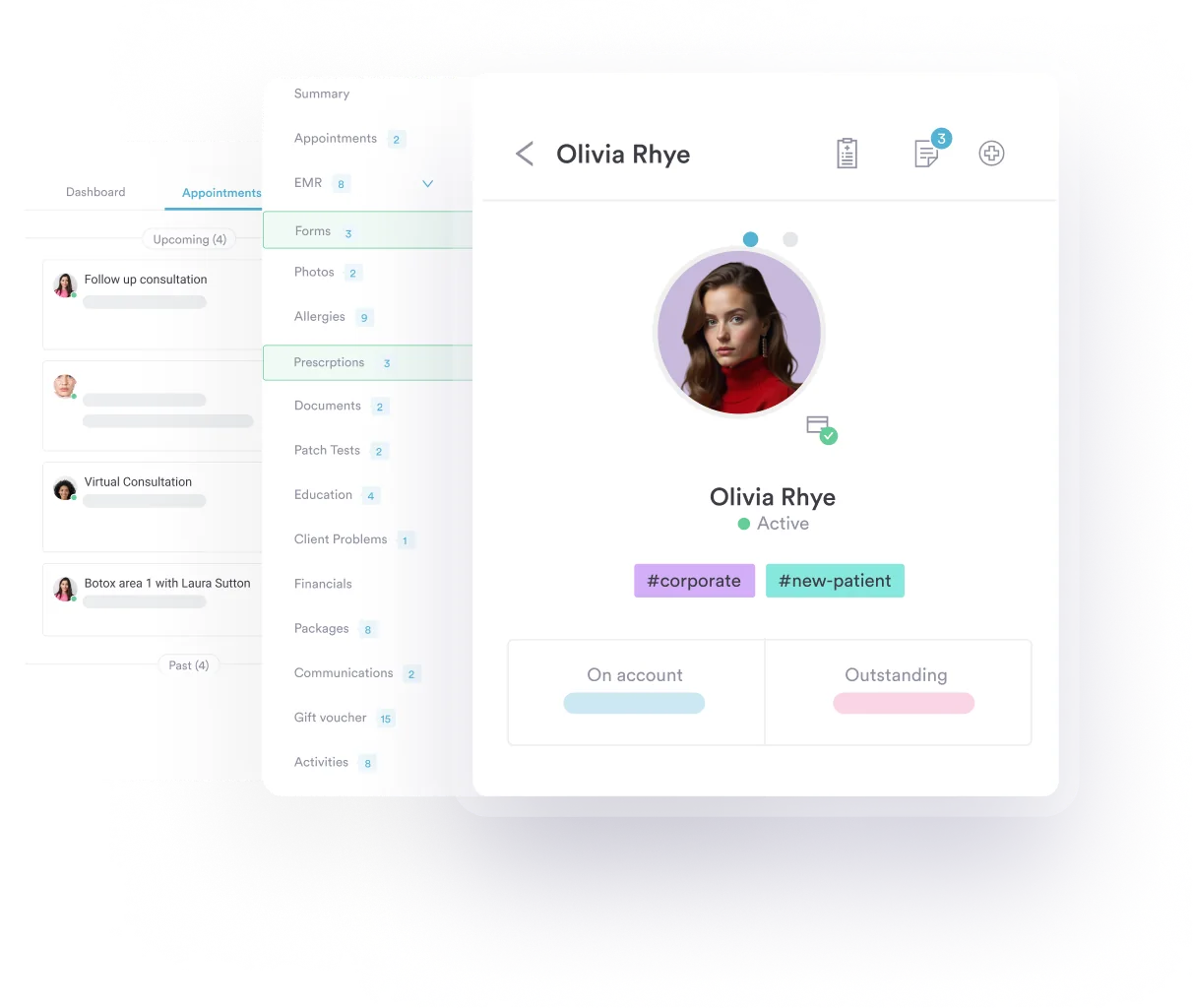
If you already use practice management software, check what it covers before buying a separate tool. Referral letters and reminders are often already there, just underused.
Problems after launch usually trace back to setup choices. Work through these before the first live referral goes out:
Even with good software in place, a few setup mistakes come up again and again:
Pabau is all-in-one software for private practices rather than a dedicated referral platform. Clinical records, scheduling, billing, and patient communication sit in one system, and referral work happens inside it.
Today, many practices write referral letters in a word processor and chase replies by phone. In Pabau, you create referral and clinical letters straight from the patient record, including AI-assisted letters. The clinical context comes with the letter, so the history doesn’t need re-typing.
Digital forms capture referral details when a new patient arrives, which cuts transcription errors. Automated workflows then send reminders and notifications, so fewer referred patients drift away without booking.
Pabau serves solo practitioners through to enterprise groups. Networks that need complex specialist routing across many sites should weigh dedicated referral platforms alongside it.
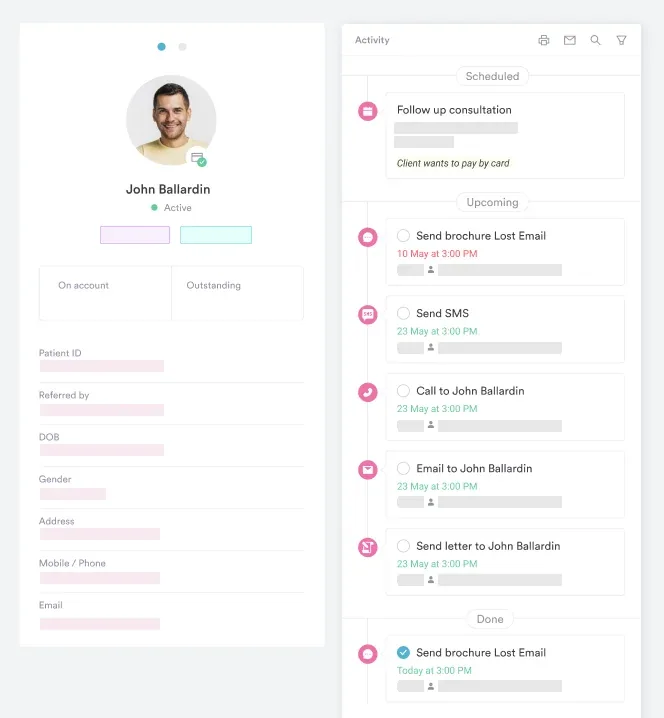

Pabau creates referral and clinical letters from the patient record and sends automated reminders, so fewer referrals stall after they leave your practice.

Referrals rarely fail at the moment of sending. They stall later, when a patient doesn’t book or an outcome letter never comes back. So map your handoffs before you build a software shortlist.
Pick one owner, set your chase windows, and decide where outcome notes live. Then judge each tool on whether it supports that workflow and connects to your records. The trade-off is simple. A dedicated platform adds routing depth, while an integrated system keeps letters, reminders, and records in one place.
Book a demo to see how Pabau creates referral letters from the patient record and keeps referred patients on track with automated reminders.

Want referred patients to move through your practice faster? Patient flow explains where visits slow down and how to fix the bottlenecks.
New to practice software and what it should cover? What is practice management software explains the core functions and how to evaluate systems for clinical settings.
Comparing record systems before you add a referral tool? Types of EHR systems breaks down the main options and which practices each one suits.
Running a multi-location practice with referrals between sites? Multi-location practice management shows how Pabau handles patient pathways across multiple sites.
A good referral letter names the patient, their contact details, the reason for referral, and its urgency. It also lists relevant history, current medications, allergies, and recent test results. Finish with the specific question you want the specialist to answer, plus your direct contact details.
Yes, in the US, if the vendor handles protected health information for your practice. Under HIPAA, that makes it a business associate, so you need a signed business associate agreement (BAA). In the UK and EU, GDPR requires a data processing agreement with the vendor instead.
A referral coordinator manages referrals day to day. They check that incoming referrals are complete, help patients book, chase stalled referrals, and file outcome notes. In smaller practices, a practice manager or front desk lead usually covers this role.
Many tools can. They receive faxes digitally and turn each one into a referral record your team can track. Check how a vendor handles handwriting and attachments, since poor scans still need manual review.
No. Referral management software tracks clinical referrals between providers. Referral marketing software runs programs that reward existing patients for recommending your practice. Search results often mix the two, so check which one a vendor sells.