Trauma response test: Free template for clinicians
A trauma response test is a structured screening questionnaire that helps clinic...

3
Last Updated: Oct 15, 2026
A counseling referral form template gives referring professionals a structured way to pass a patient on to a counselor or mental health specialist. It records who the patient is, why they are being referred, and how urgent the referral is. Specifically, our free version is a two-page printable PDF. It covers client information, referrer and specialist details, the reasons and risks behind the referral, prior counseling history, and a 0–10 urgency scale.
Below, you’ll find what each section captures, how to complete the form, and what to add if your referral pathway needs more.
A two-page printable PDF with sections for client information, the referring professional, the referred specialist, and the reason for referral. It closes with a prior-counseling question and a 0–10 urgency scale.
Download template
A counseling referral form passes a patient’s details, the reason for referral, and its urgency from the referring professional to a counselor.
Overall, this template covers client information, referrer details, specialist details, the reason for referral, prior counseling history, and a 0–10 urgency scale.
The template has no insurance, diagnosis code, NPI, signature, or consent fields, so add them if your referral pathway requires them.
Internal referrals route patients within one practice, while external referrals go to a specialist outside it and need fuller detail.
Practice management software like Pabau keeps completed referral forms in the patient record, so your team can see each one in one place.
A referral form is a standardized clinical document that helps healthcare providers coordinate care. When a patient needs specialized support, the referring professional completes the form and sends it to the receiving provider. The receiving provider then has the context needed to plan the first appointment.
Unlike a referral letter, which is narrative, a referral form uses defined fields that fit neatly into medical records management. A consistent layout makes it easier to spot a missing detail before the referral goes out.
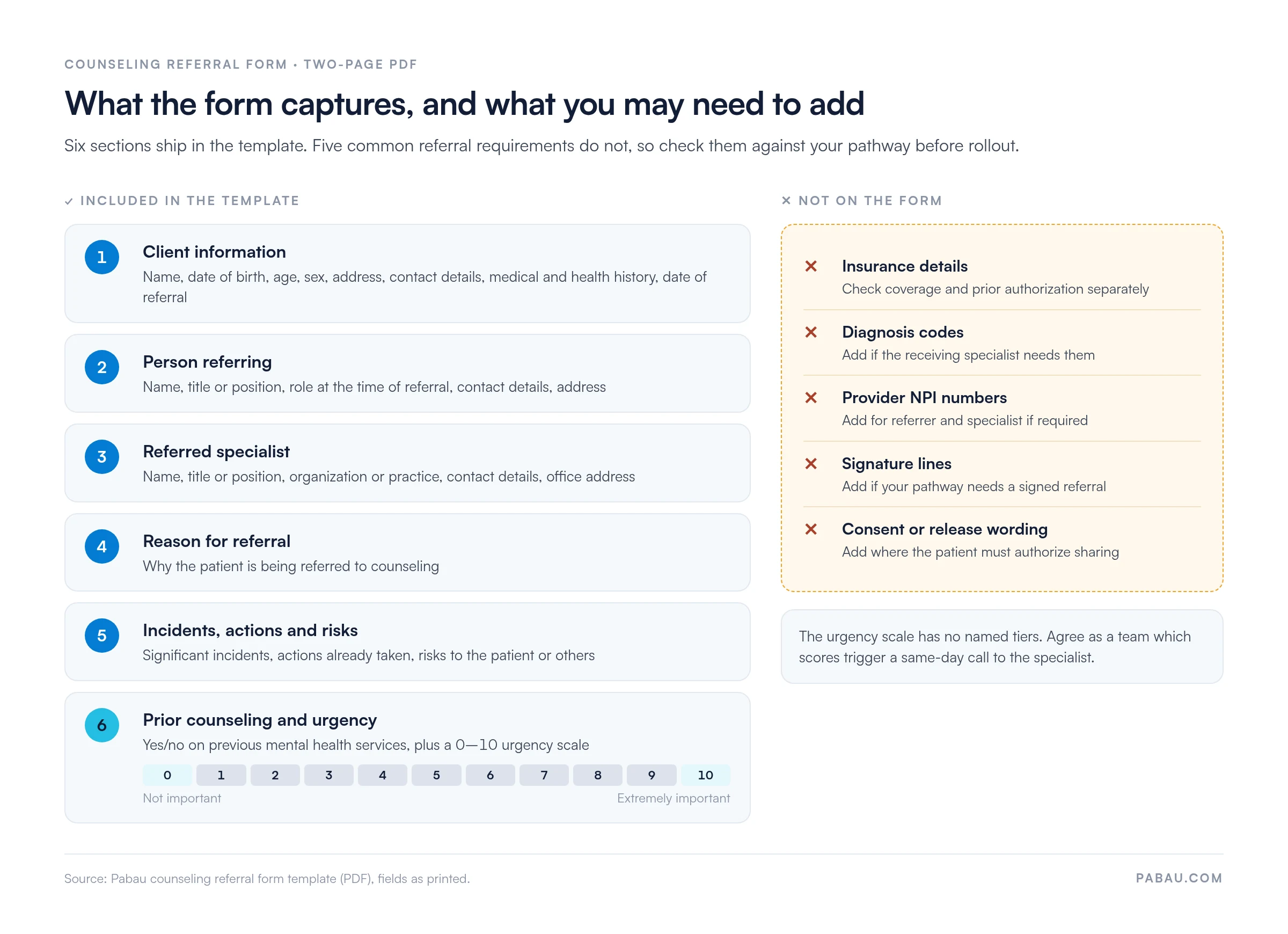
The template is organized into six parts across two pages. In short, each one gives the receiving counselor a specific piece of the picture.
The urgency scale runs from 0 (not important) to 10 (extremely important), with no named tiers attached. The template also leaves out insurance details, diagnosis codes, provider NPI numbers, signature lines, and consent or release wording. If your pathway or the receiving specialist needs any of these, add them before you roll the form out. The diagram below puts both lists side by side.
Once the form is digital, the patient’s demographic details can come straight from their existing record, so nobody retypes them.
Referral forms vary by the direction care flows and by clinical specialty. As a result, knowing the difference helps practices standardize workflows and avoid confusion about who receives the referral.
Internal and external referrals follow different workflows, depending on whether the receiving provider works inside or outside your practice.
Internal referrals can use a shorter form because the receiving clinician can already open the patient’s full record. External referrals need more complete information, since the receiving provider works outside your electronic health record (EHR).
Some specialties need tailored referral forms. This template is built for counseling, which is why it asks about previous mental health services and any risks to the patient or others. Practices running therapy practice management software often add screening results, such as PHQ-9 or GAD-7 scores, when the referrer has them.
In fact, a high urgency score or a flagged risk deserves a phone call to the specialist, not just the form. The receiving counselor may then work through a mental health safety plan with the patient at the first session.
Referrals for marital or relationship difficulty land differently, since the counselor assesses two people rather than one. The first couples session usually runs on relationship counseling questions covering communication, trust, intimacy, and shared goals.
The template above is ready to download and use as it stands. To begin with, follow these steps to complete it and fit it to your practice.
Many practices move from paper referral forms to digital versions stored in their EHR. That shift means fewer lost forms and a clear view of where each referral stands. Once the counselor accepts the referral, the patient usually completes an adult counseling intake form before the first session.
Practices that manage referrals as an ongoing workflow get faster specialist appointments and fewer lost follow-ups. In short, these habits help.
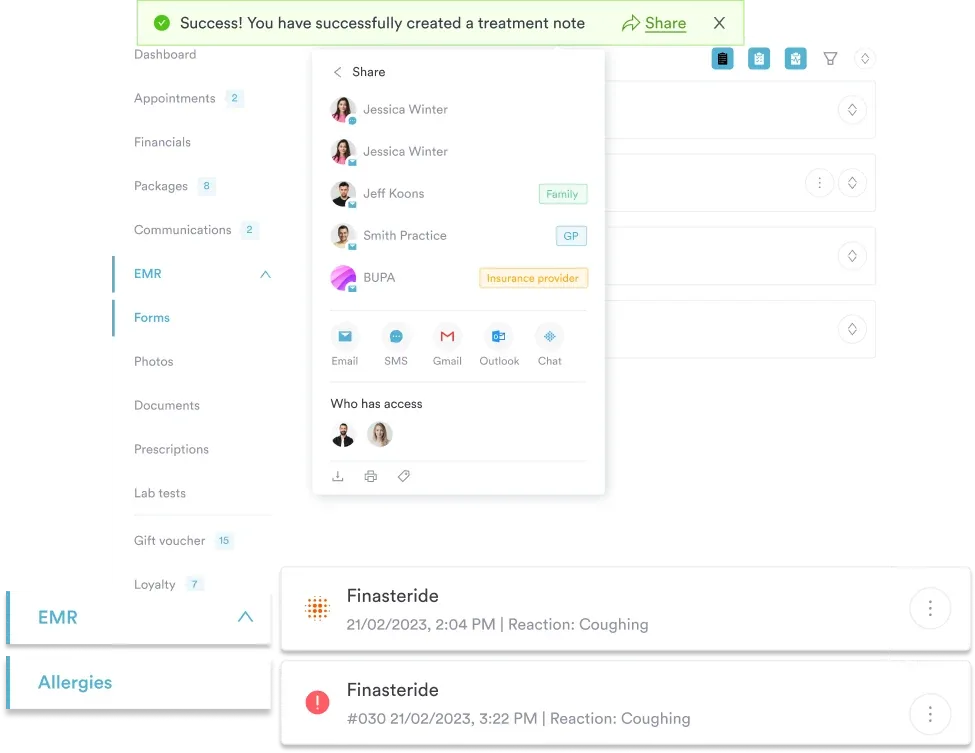
Paper referral forms mean repeated data entry, misplaced copies, and no easy way to see where a referral stands. Instead, practice management software like Pabau lets you rebuild the referral form as a digital form that lives inside the patient record.
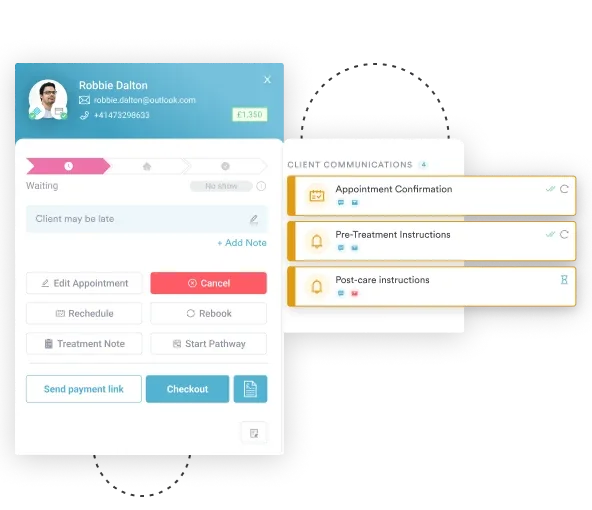
When a clinician completes the form in Pabau, the patient’s details come from their existing record rather than being typed again. As a result, the completed referral is saved to the patient file, where the rest of the team can find it. Front desk staff, clinicians, and the practice manager all check one place instead of email threads or filing cabinets.

See how Pabau’s digital forms keep referral details in the patient record, so your team can follow every referral from one place.

This template gives referring professionals a clear, consistent way to hand a patient over to a counselor. Use it as it stands for straightforward referrals. Otherwise, extend it with consent, signature, or insurance sections where your pathway calls for them.
If your practice sends referrals every week, moving the form into your practice software keeps each one attached to the patient record. Book a demo to see how Pabau keeps referral forms in the patient record and your team aligned on each referral’s status.

Looking for mental health-specific templates? Psychiatric evaluation template shows how to structure a mental health assessment that captures screening scores and clinical history.
Taking on the referred patient? Mental health intake covers the questions a counselor asks at the first appointment after a referral arrives.
Need a note format for follow-up sessions? SOAP note for mental health template gives you a structure for documenting each session once treatment starts.
Handling a referral flagged as urgent? Crisis intervention strategies for clinicians walks through de-escalation and immediate support while the patient waits for a specialist.
Comparing software for your counseling practice? Best therapy practice management software compares seven platforms that store referrals, notes, and forms in one patient record.
A referral letter is a narrative note written by the referring provider. In contrast, a referral form is a structured template with defined fields for patient details, the reason for referral, and provider information. Forms are faster to complete and easier to scan for key details. Letters allow more description but take longer to write.
The template covers client information, including name, date of birth, age, sex, address, contact details, relevant health history, and the date of referral. It also records the referrer’s and specialist’s details, the reason for referral, incidents, actions taken, and risks. Finally, it closes with a prior-counseling question and a 0 to 10 urgency scale. It has no insurance, diagnosis code, NPI, signature, or consent fields.
Yes. The template above is free to download and use. You can add your practice’s name and any sections your pathway needs, such as consent to share information or insurance details. Before rolling it out, have your compliance lead review the final version against HIPAA and your state’s documentation requirements.
Collect only the patient information the specialist needs, and store completed forms securely in an encrypted system or a locked cabinet. This template has no consent or release section, so add one if your referral requires the patient’s written authorization. Send the form by fax, encrypted email, or a secure patient portal, never by unsecured email or text.