Maja Popovska
Anaphylaxis nursing care plan: Interventions and charting
What an anaphylaxis nursing care plan covers, start to finish An anaphylaxis nur...

1
Last Updated: Nov 2, 2026
Free PDF 2 pages, print-ready Clinician-reviewed
Recording forms are structured documentation tools that capture clinical observations, patient interactions, and treatment details in a standardized format. They sit underneath the patient record. Each completed form creates consistency between practitioners, supports regulatory compliance, and leaves an audit trail for the session.
Whether you run a therapy practice, a medical spa, or a rehabilitation center, recording forms turn session observations into organized data. Your team can then find it, review it, and build on it.
The most useful recording forms balance completeness with speed. A practitioner should be able to document a session without falling behind schedule. That is why so many practices have moved to paperless patient intake and digital session notes. Digital forms auto-populate fields, enforce required data, and remove the filing step.
Before you shop for software, though, it helps to know what a good recording form contains and why each field earns its place.
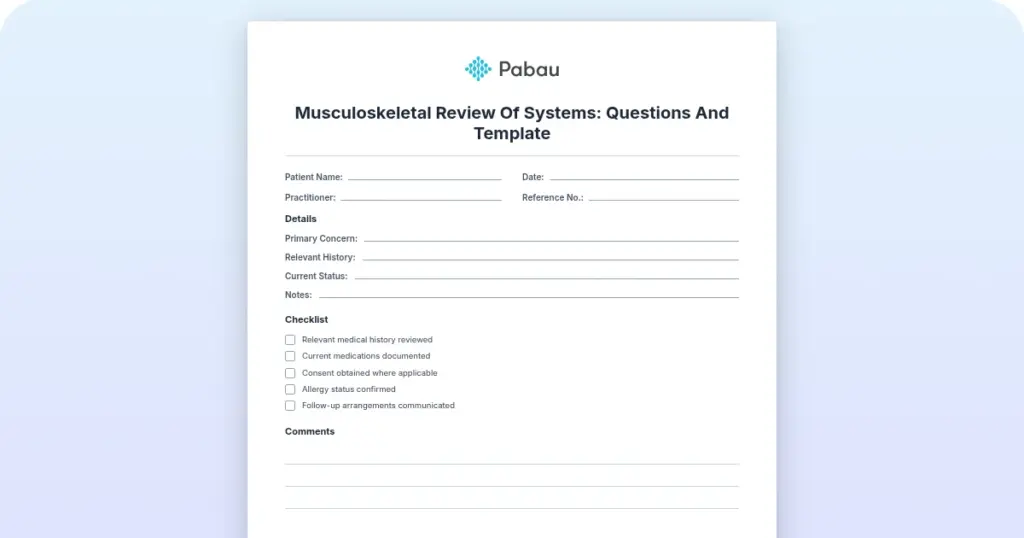
A printable form with sections for patient identifiers, session details, clinical observations, consent and recording permissions, and practitioner sign-off. Adapt it for therapy, allied health, or occupational health use.
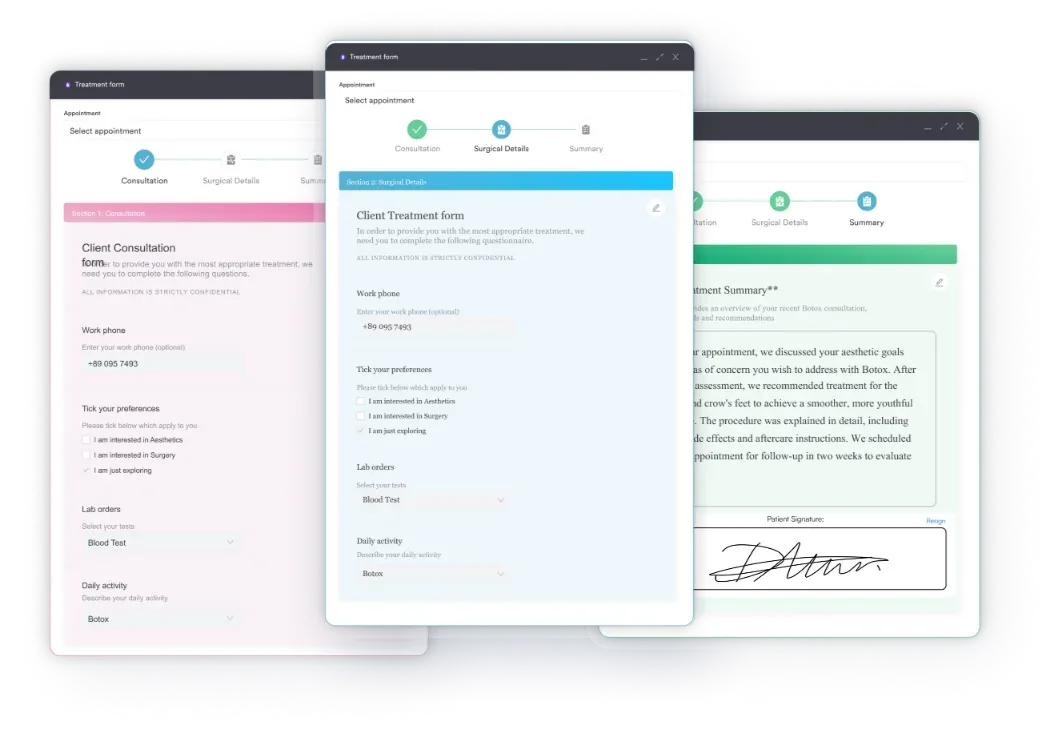
Start from scratch, or upload this PDF or any form you already use, and Pabau's AI Form rebuilds it with tick boxes, text fields and a signature. Attach it to the treatment once, and every patient gets it on time.
AI Form rebuilds the consent, history and aftercare forms you already use. You review each one, then publish.
Patients complete forms on their phone before they arrive, so the front desk stops retyping paper.
Every signed form is versioned and attached to the treatment record, ready when you need it.
Set how long a consent stays valid. Returning patients skip forms they have already signed.
Supports HIPAA and GDPR compliance AES-256 encryption 4.8 on G2 4.7 on Capterra Trusted by 4,000+ practices worldwide

Recording forms capture patient data, treatment notes, and clinical observations in one standardized format.
Core fields are patient ID, session date and time, practitioner name, observations, consent status, and signature.
Separate templates cover behavioral assessments, clinical observations, video consent, and OSHA workplace injury records.
The OSHA seven-day deadline applies to the 300 Log and the 301 report, not the 300A annual summary.
A digital form builder such as Pabau automates form creation, e-consent, and compliance reporting.
A recording form protects a practice in three ways:
Without a standard form, notes drift. One clinician’s shorthand does not translate to another’s workflow, and the patient record ends up incomplete at the point someone else needs it.
Regulators expect accurate, complete records. In the US, HIPAA requires covered entities to keep accurate medical records, recording forms included. In the UK, the CQC looks for evidence that practitioners document patient interactions in full.
GDPR adds a further rule for UK and EU practices. Consent for any recording, video or audio, has to be documented on the form before capture begins.
Recording forms vary by discipline and purpose. Knowing the main types helps you pick or design one that fits your workflow.
A complete recording form carries these core sections:
Each field does a job. Dropping one saves a few seconds today and costs you at the next audit. Consistent fields also mean fewer follow-up questions when a colleague picks up the record cold.
In mental health, therapy, and allied health settings, behavior recording forms document how a patient presents during a session. They track mood, engagement, communication patterns, and responses to treatment. Unlike a patient-facing consent form, this one is written for the next clinician.
A behavior recording form might include:
Standardized assessments need their own pre-defined fields. On a 6-Minute Walk Test (6MWT) form, those cover distance walked, oxygen saturation, heart rate, dyspnea score, and any adverse events. Practices that run these tests usually log them in physical therapy software, so results stay comparable between assessors and across visits.
When a practice records video or audio, a signed consent form is legally essential. That holds for treatment documentation, teaching material, and telehealth alike. Under GDPR and HIPAA, recording a patient without documented consent is a breach.
A video consent form must specify:
Practices increasingly use AI scribes that record and transcribe sessions automatically. Where that happens, the consent form has to say that AI processing occurs and how the transcript is used and stored.
If your practice runs occupational health, workplace wellness, or employee health services, OSHA recordkeeping is mandatory. The OSHA 300 Log records work-related injuries and illnesses. You have to record any case that leads to days away from work, restricted duty or job transfer, or medical treatment beyond first aid.
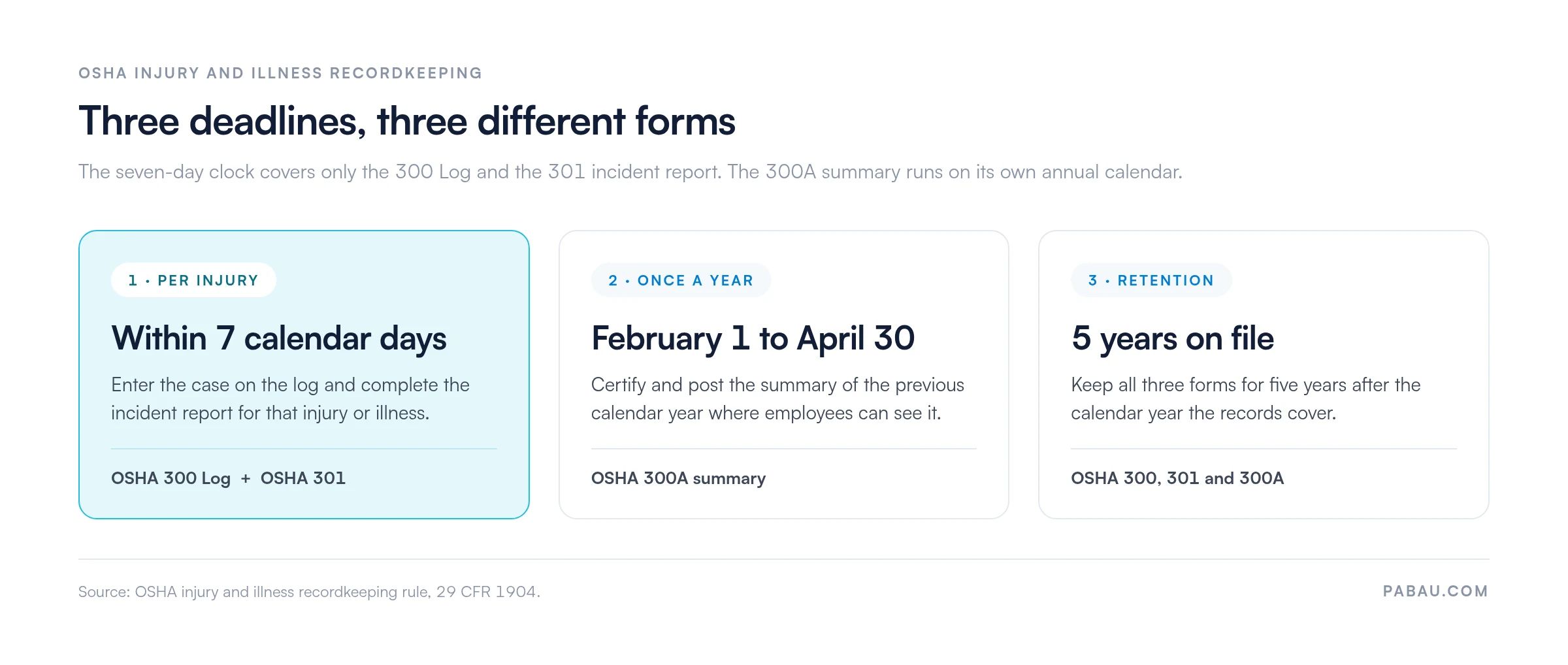
Three forms carry the work, and they run on different clocks. The seven-day deadline applies to two of them. Both the OSHA 301 Incident Report and the OSHA 300 Log entry run on it. Each has to be completed within seven calendar days of learning about a recordable case.
The OSHA 300A is an annual summary rather than a per-injury form, so the seven-day clock never applies to it. You certify it and post it where employees can see it, from February 1 to April 30 of the year after the one it covers. All three forms then stay on file for five years. The timeline below keeps the deadlines apart.
Miss one of those three deadlines and you invite a fine, plus a closer look from an inspector at the rest of your records.
Incomplete patient identifiers. A form without a name and date of birth proves nothing about who the observation refers to. Always include full identifiers and the session date.
Missing consent status. Never leave the consent field off the form. A checkbox confirming informed consent takes two seconds to tick and protects you from liability claims. Its absence reads as consent never sought, which is a serious compliance failure.
No practitioner sign-off. A form the treating clinician never signed carries no legal weight. Digital forms fix this by requiring an e-signature before submission.
Vague clinical observations. “Patient seemed fine” gives the next clinician no basis for a decision. Write what you saw instead: 4/10 pain reported, full range of motion in the left shoulder, engaged in conversation, ice and rest recommended.
Paper recording forms create bottlenecks. Practitioners write notes by hand, forms get misfiled, and an audit turns into a search through filing cabinets.
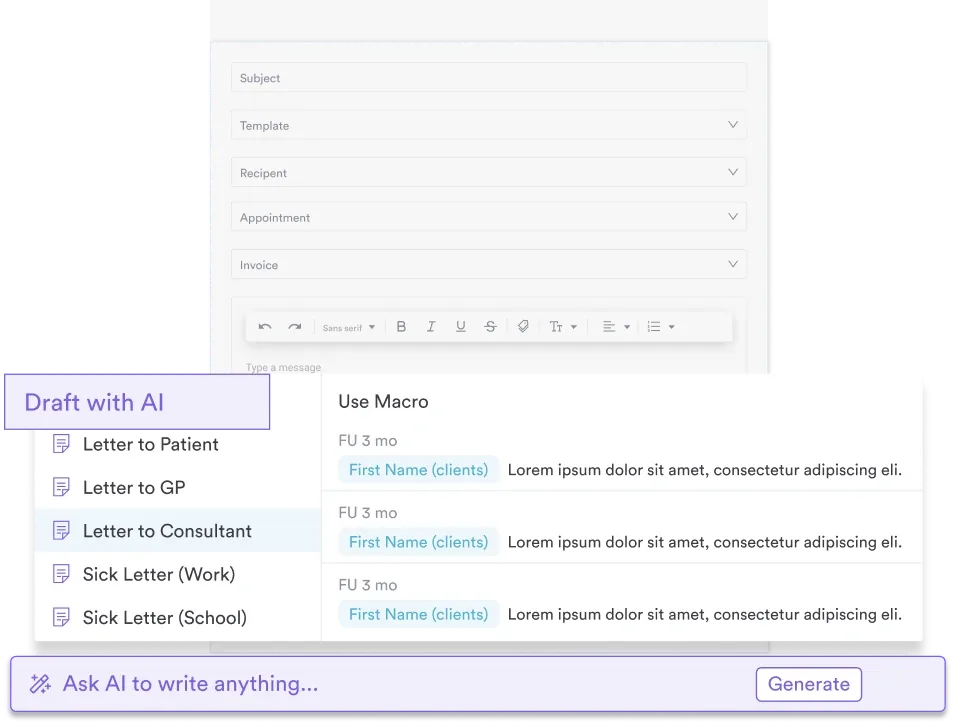
Practice management software like Pabau replaces that with digital forms. Pabau’s form builder creates custom recording forms that auto-populate patient data, enforce required fields, and file the finished form straight into the patient’s medical record.
Step 1: Build the form. Start from a template or a blank canvas, then add sections for patient identifiers, clinical observations, consent checkboxes, and signature fields. Pabau fills in the patient name and appointment details, so your team types only the clinical content.
Step 2: Add e-consent and e-signature fields. Where the form covers video, audio, or photography consent, drop in an e-signature block. Patients sign on-screen before treatment begins, and Pabau timestamps the signature and stores it with the form.
Step 3: Attach the form to the appointment. Set it to open automatically when a practitioner starts a booked appointment. They complete it after the session and it saves to the patient record in seconds, with no scanning and no re-keying.
Step 4: Report on compliance. Run reports on who has signed video consent, which forms are incomplete, and which practitioners still owe a signature. Export the results for a CQC, HIPAA, or GDPR audit.
The outcome is less time spent on documentation and no paper to file. Staff stop transcribing handwritten forms at the end of the day, because the record is already complete before the patient leaves.

See how Pabau’s digital form builder and e-consent workflows keep every session documented, signed, and ready for an audit.

Match the form to the job. A behavior observation form, a video consent form, and an OSHA 301 answer different questions, and one general-purpose sheet answers none of them well.
Then decide how it gets filled in. Paper holds up until you need to prove something across 300 patient records at once. The template above is a solid starting point, and it is worth adapting to your own fields before you print it or rebuild it digitally.
Whichever route you take, an audit asks the same four questions. It wants to know who was seen, when, what was observed, and who consented. Book a demo to see how Pabau turns those four answers into a form your team finishes in the room.

Tracking change across a course of treatment? Clinical progress notes gives you a session-by-session format that sits alongside this form.
Comparing documentation platforms? Clinical documentation software walks through what to check before you commit to one.
Treating patients under 18? Consent to treat a minor covers the guardian authorization your record needs first.
Releasing records to a third party? Authorization for release of confidential information sets out the permissions to capture.
Writing up notes faster? Clinical notes software compares the tools that cut charting time after a session.
A recording form is a structured template used to document patient sessions, clinical observations, treatment delivered, and consent status. It keeps record-keeping consistent and legally compliant, and it creates an audit trail for every patient interaction.
Every form needs the patient’s name and identifier, the session date and time, and the practitioner’s name and signature. Add the clinical observations or assessment results, the consent status, and any recording permissions. Close with follow-up actions or referrals.
Yes. The template above is a ready-to-use recording form PDF that practices can print and adapt. Many professional associations in psychology, occupational therapy, and physical therapy publish standardized forms too. Digital form builders like Pabau let you create custom forms that auto-populate patient data and enforce compliance fields.
An intake form captures demographic and health history information before the first appointment. A recording form documents the clinical interaction, the observations, and the treatment during and after it. Intake forms are completed once. Recording forms are completed for every session.
OSHA forms are required only if your practice is a covered employer under OSHA. You also need a recordable work-related injury or illness to log. Most private practices and med spas are neither, unless they run an occupational health or employee health program.
You certify and post the OSHA 300A annual summary from February 1 to April 30 of the year after the one it covers. The seven-day deadline does not apply to it. That rule covers only the 300 Log entry and the 301 Incident Report.
Start with the template above, or a professional association form for your specialty. Customize the fields for your workflow. Add patient identifiers, the clinical observations your discipline needs, consent checkboxes, and signature fields. Then print copies, or digitize the form in practice management software like Pabau.