Tanja Lepcheska
OT SOAP note sample: Free template and worked examples
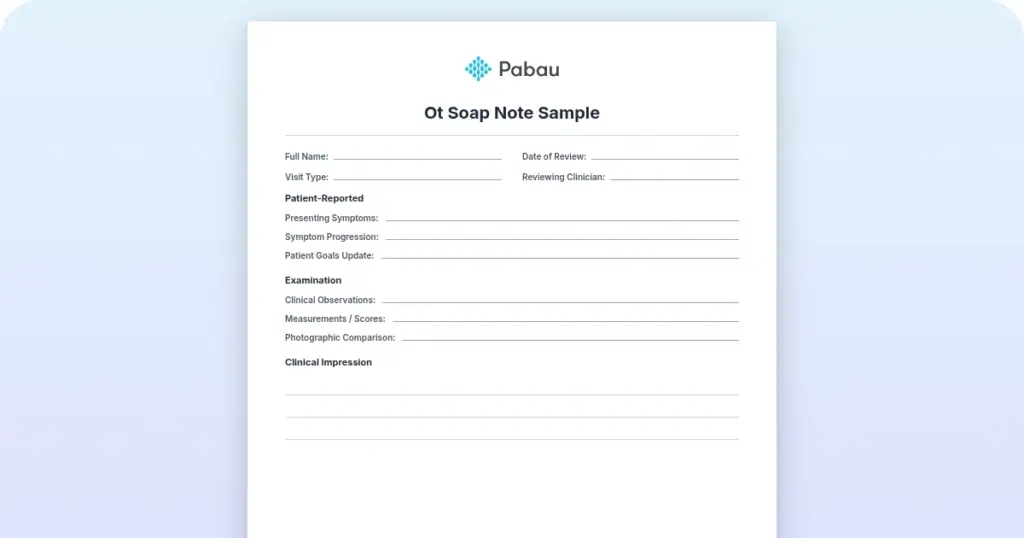
Download your free OT SOAP note sample A four-page form with an identifying head...

3
Last Updated: Nov 5, 2026
Free PDF 2 pages, print-ready Clinician-reviewed
Physical exam documentation is the systematic recording of objective clinical findings from a patient’s physical assessment. It covers vital signs, system-by-system examination results, and the clinical impressions that support both patient care and billing accuracy.
If it isn’t documented, it wasn’t done — that principle still underpins liability, compliance, and continuity of care.
One rule changed in 2021, and a lot of exam-note guidance has not caught up. Office and outpatient E&M codes 99202-99215 are now leveled on medical decision-making or total time. Counted exam elements no longer set the code. This guide covers what belongs in the note, how SOAP structures it, and a free template you can download below.
A standardized clinical form covering patient details, vital signs, and system-by-system findings across HEENT, cardiovascular, respiratory, abdomen, musculoskeletal, neurological, and skin. It closes with assessment and plan, and suits physicians, nurses, and physical therapists.
Start from scratch, or upload this PDF or any form you already use, and Pabau's AI Form rebuilds it with tick boxes, text fields and a signature. Attach it to the treatment once, and every patient gets it on time.
AI Form rebuilds the consent, history and aftercare forms you already use. You review each one, then publish.
Patients complete forms on their phone before they arrive, so the front desk stops retyping paper.
Every signed form is versioned and attached to the treatment record, ready when you need it.
Set how long a consent stays valid. Returning patients skip forms they have already signed.
Supports HIPAA and GDPR compliance AES-256 encryption 4.8 on G2 4.7 on Capterra Trusted by 4,000+ practices worldwide

Physical exam documentation records objective clinical findings and supports diagnosis, treatment planning, and a defensible chart.
Since the 2021 E&M revision, office visit levels 99202-99215 turn on medical decision-making or total time, not counted exam elements.
SOAP (Subjective, Objective, Assessment, Plan) is the standard framework for structuring exam notes in US outpatient practice.
A complete note runs from chief complaint and history through vital signs, system findings, and an assessment tied to a plan.
Digital forms in practice management software like Pabau can require vital signs and a review of systems before a note saves.
Physical exam documentation is a written record of the clinician’s objective findings during a patient assessment. It captures vital signs, system-by-system results, abnormal findings, and the clinical impression that informs diagnosis and treatment. The record does three jobs. It keeps care continuous between clinicians, it defends the practice if the chart is questioned, and it supports the code you bill.
Continuity sometimes extends beyond the practice. A medical report format moves the same exam findings to an outside reader, such as an insurer or a receiving specialist.
The American Physical Therapy Association defines defensible documentation as complete, objective, and tied to the patient’s functional goals. CMS changed course in 2021. For office and outpatient E&M visits, the code level now rests on medical decision-making or total time. No bullet count of exam elements is required. The exam still has to be medically appropriate and written down. Thin documentation — missing vitals, vague findings, no review of systems — still draws audit attention and claim denials.
A complete exam note follows a standardized structure. Each section captures data that supports clinical decision-making and a clean claim. The table below shows the essential elements.
The chief complaint is the reason for today’s visit, documented briefly and objectively. The history section covers past medical conditions, surgical history, current medications, allergies, and social context. Occupation and activity level belong here on a physical therapy or sports medicine note. This section frames the encounter and supports the medical necessity of the exam.
A physical therapy SOAP note files the same history under Subjective, alongside the patient’s pain rating and functional limitations.
Record blood pressure, heart rate, temperature, and respiratory rate on every visit where they inform the assessment. Missing vitals are one of the most common findings in a chart audit. They no longer set the E&M level, though: under the 2021 AMA and CMS revision, that level comes from medical decision-making or time. General appearance — alert, in no distress, appropriate for age — gives the rest of the exam objective context.
Document each system using standardized terminology. Normal findings can use shorthand, such as WNL for within normal limits, or an explicit “normal”. Abnormal findings need specific descriptive language. The neurological system has its own scoring conventions, and our guide to neuro assessment documentation covers GCS, pupil findings, and strength grading.
SOAP is the standard structure for clinical notes in US outpatient settings. It stands for Subjective, Objective, Assessment, and Plan, and it sorts the exam note’s six sections into four blocks.
Two sections get misfiled more often than the rest. A review of systems records what the patient reports, so it belongs under Subjective. Vital signs and exam findings belong under Objective, alongside anything else you measured.
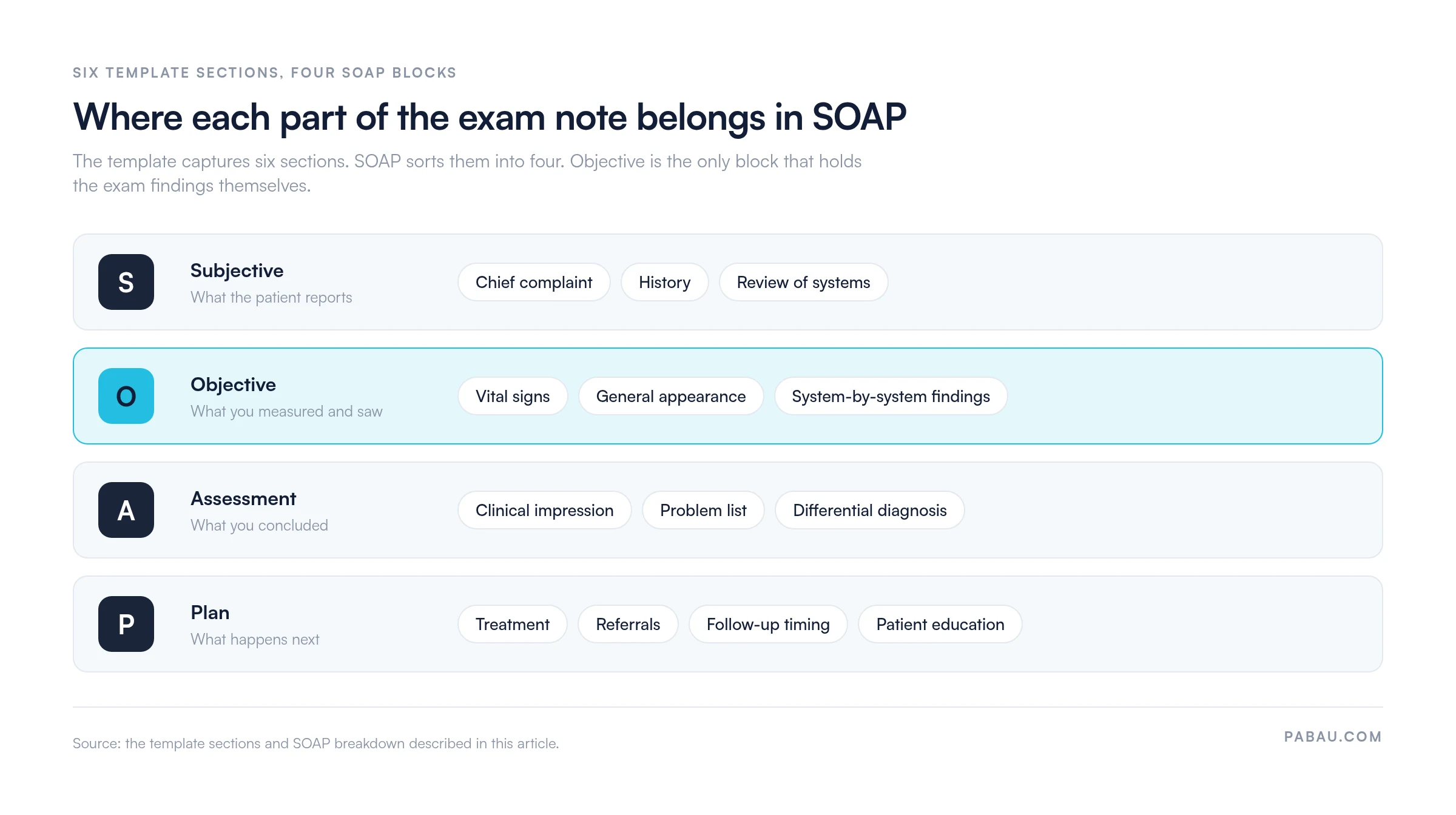
The structure gives every note a predictable flow, which makes it quicker to audit and easier for the next clinician to read. To see the format applied to complete cases, our SOAP notes examples work through several presentations end to end.
The form above is a ready-to-use PDF for private practice, physical therapy, sports medicine, chiropractic, and general medicine. It covers every section listed in the table above.
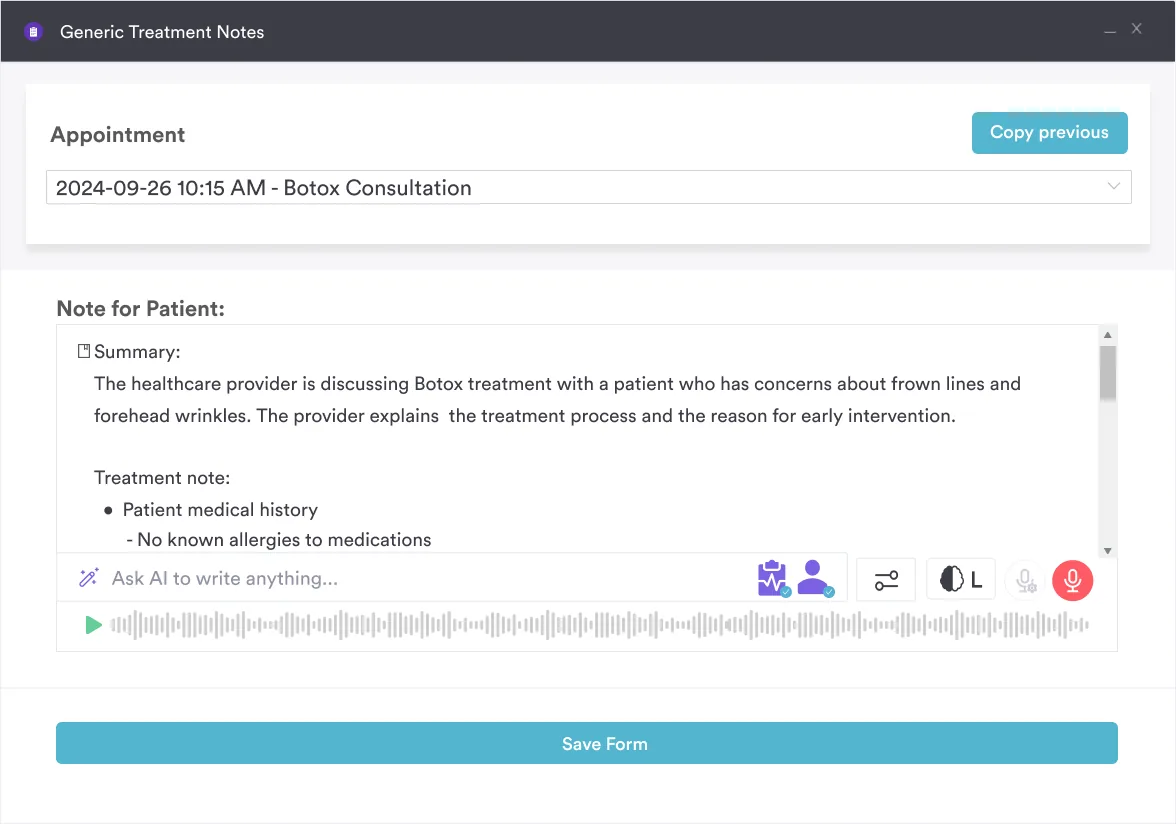
An AI medical scribe takes the typing out of this step. Pabau Scribe, the AI scribe built into practice management software like Pabau, drafts the note from your dictation. You review it, correct what it misheard, and sign it off.
Five patterns account for most preventable documentation errors.
Records also have to be timely and protected, so write the note the same day and keep access logged. A structured review of systems template is worth keeping alongside the exam form, because it standardizes the symptom screen across your clinicians.
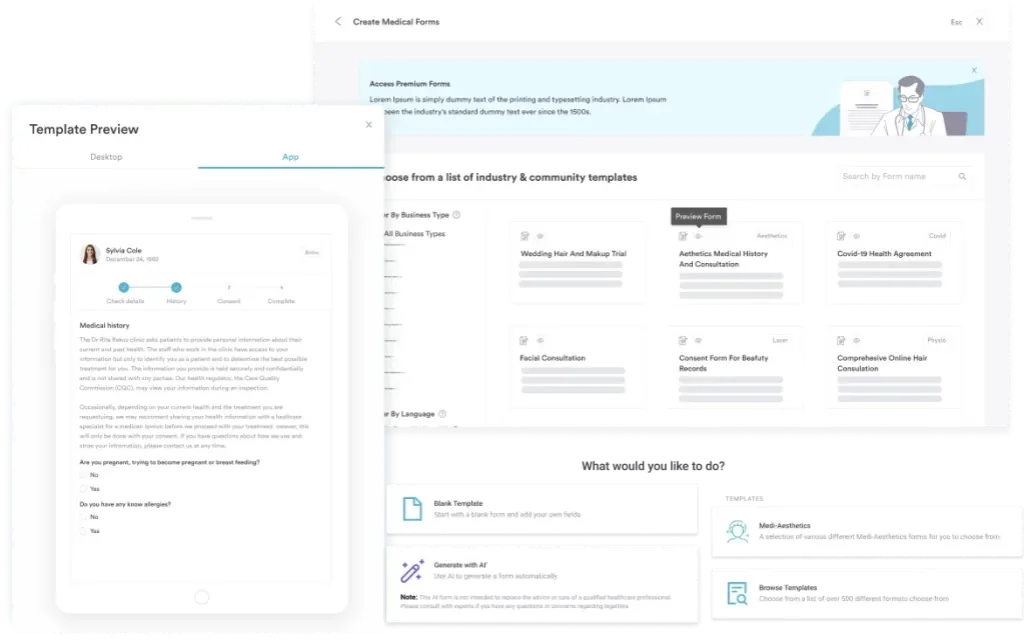
Digital forms can require the fields that matter before a note saves. Patient intake software can hold a note open until the vital signs box and the review of systems are filled in. Per-visit-type templates cut the copy-paste risk at the same time.
Write a practice-specific documentation protocol. Name the template version for each visit type, train staff on the required fields, and audit 5% of notes each month for completeness.
In plenty of practices the exam note lives in one system and the claim is built in another. Someone retypes the findings, and the two records drift apart. When a payer asks for the chart, the version that supports the claim takes an afternoon to assemble.
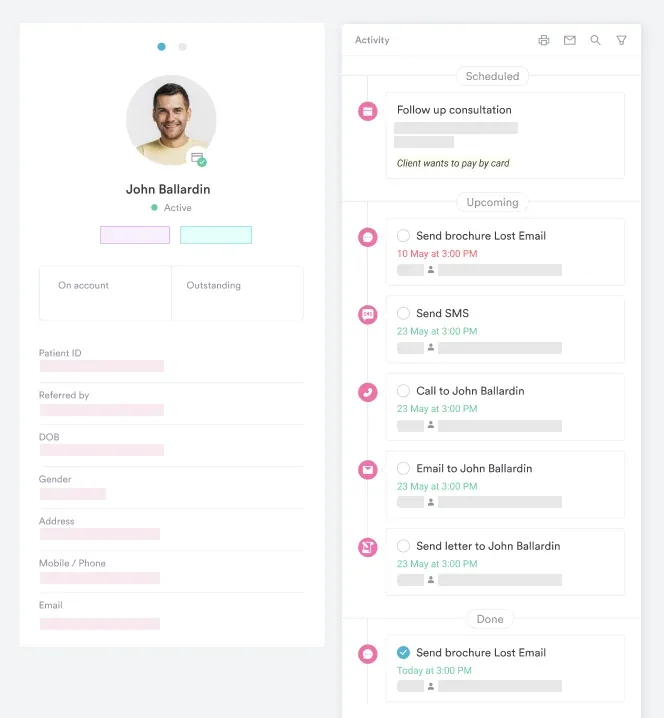
Pabau holds the exam note in the same record as the appointment, the invoice, and the follow-up message. Medical records management keeps every note, form, and attachment on one patient timeline. A chart review means opening one screen instead of three systems.
Forms are configurable per visit type, so an initial assessment asks for more than a follow-up does. Every subscription includes every feature, so a solo physical therapist gets the same note templates as a ten-clinician group.

Digital forms, per-visit-type templates, and required fields keep exam notes complete. Every note lands on the patient record, next to the appointment it belongs to.

A standardized form and the SOAP structure carry most of the documentation load. What the 2021 rules changed is where the remaining effort belongs. Counting exam bullets no longer earns a code level. Spend the time instead on an assessment that shows your reasoning and a plan that follows from it.
Download the template, adapt the section headings to your visit types, and decide who audits the notes each month. Book a demo to see how Pabau keeps exam notes complete and filed against the right patient record.

Need a reusable format for follow-up visits? SOAP progress notes gives you a printable form for recording interval change.
Standardizing the symptom screen? 12-point review of systems covers every system an intake screen should ask about.
Want the SOAP format applied to full cases? SOAP notes examples works through complete notes for several presentations.
Comparing tools for writing notes? Clinical notes software sets out what to look for in a charting system.
A complete template includes chief complaint, history, review of systems, and vital signs. It then covers system-by-system findings across HEENT, cardiovascular, respiratory, abdomen, neurological, skin, and musculoskeletal, and closes with assessment and plan.
Use standardized shorthand such as “WNL” (within normal limits), “normal,” “intact,” or “clear bilaterally.” Combine the shorthand with the system name for brevity, as in “CV: regular rate and rhythm, no murmurs.” Consistency matters more than exact phrasing.
SOAP stands for Subjective (patient history and complaints), Objective (vital signs and exam findings), Assessment (clinical impression), and Plan (management steps). This structure is the standard in US outpatient clinical documentation.
Vital signs are not required for E&M code-level selection. The 2021 CMS revision moved leveling to medical decision-making or total time. They remain a clinical baseline, and a missing set is still one of the most common audit findings.
EMR and practice management platforms use digital forms with required fields, pre-populated normal findings, and templates with macros. Workflows can block a save until the note is complete, which cuts both time and errors.