HCPCS Code J1110: Dihydroergotamine mesylate injection billing guide
HCPCS Code J1110: Official descriptor and drug overview HCPCS Code J1110 is the ...

Last Updated: Oct 29, 2026
B9002 is the HCPCS Level II code for enteral nutrition infusion pump, any type.
The code is simple. What sits behind it decides whether you get paid. Enteral pump claims come back for small paperwork reasons. An order gets signed a day late. The formula code never makes it onto the claim. Somewhere in month four, a recertification date slips past everyone.
Almost every rule that matters sits in one Medicare policy for enteral nutrition. Below is what that policy asks for, in the order a claim actually moves.
Let Pabau's smart automation suggest the right codes, reduce claim denials, and keep your practice compliant—effortlessly.
Automate repetitive tasks and focus on what matters most—your patients.
Reduce coding errors and ensure compliance with the latest regulations.
Clean claims, fewer denials, and faster reimbursements.
Powerful insights and reporting to help your practice thrive.
HIPAA compliant SOC 2 certified GDPR-compliant Trusted by 4,000+ clinics worldwide

HCPCS code B9002 covers an enteral nutrition infusion pump of any type, billed as durable medical equipment.
Medicare pays only when a signed order, a qualifying diagnosis, and a pump-specific rationale sit in the file.
Pair B9002 with an enteral formula code from the B4102 to B4162 range on the same claim.
B9000 was deleted in 2016, B9001 has never existed, and B9004 is a parenteral pump code.
Practice management software like Pabau keeps orders, assessments, and delivery proof current before the claim goes out.
The code covers the device on its own. Its descriptor reads “enteral nutrition infusion pump, any type.” Form factor never changes your code choice. A battery-powered ambulatory pump and a bedside stationary unit both bill as B9002.
That word “any” removed a decision suppliers used to get wrong. Until the end of 2016, two codes split enteral pumps by whether the device had an alarm. CMS folded them into one code on January 1, 2017.
Formula, supply kits, and feeding tubes each carry their own codes. Bill them separately, and match the kit to the delivery method you actually used. Level II codes like B9002 come from CMS, as its HCPCS overview explains. They travel across Medicare, Medicaid, and most commercial claims.
Coverage starts from one clinical picture. The patient cannot take in enough nutrition by mouth, and a pump delivers the formula safely. Everything below supports that single finding. Meeting five of the six is a denial, not a partial payment.
Those numbers usually come from whoever handles the nutrition side of the case. That usually means a dietitian, a discharge team. Ask for the assessment before you dispense, not after a denial lands.
Read your own jurisdiction’s rules on top of that. The DME MACs work from LCD L38955 for enteral nutrition, and each contractor adds its own documentation expectations. Noridian and CGS Medicare do not always ask for the same evidence.
Every part of the coverage decision needs to exist on paper before the equipment leaves your dock. Auditors read the file, not the claim form. The table below is the minimum set, with the timing for each item.
Proof of delivery is the first. Get it signed before you bill, not chased down afterwards. A claim that arrives first creates an audit problem later.
The physician note is the other. A chart that says “patient needs tube feeding” and stops there will not carry a claim.
So make the request specific when you go back to the ordering practice. Most will add a missing rate or rationale within a day. You just have to say exactly what is missing. A shared nutrition assessment template saves the second round of emails.
Keep the whole set in one place too. Suppliers running on paperless records can pull a timestamped file in seconds. That matters when a post-payment review lands 18 months after delivery.
Billing supply codes accurately starts with inventory management software that knows what actually left the shelf.
A B9002 claim goes to the DME MAC for the patient’s permanent address. It repeats every month the rental runs. Here is the whole path, step by step.
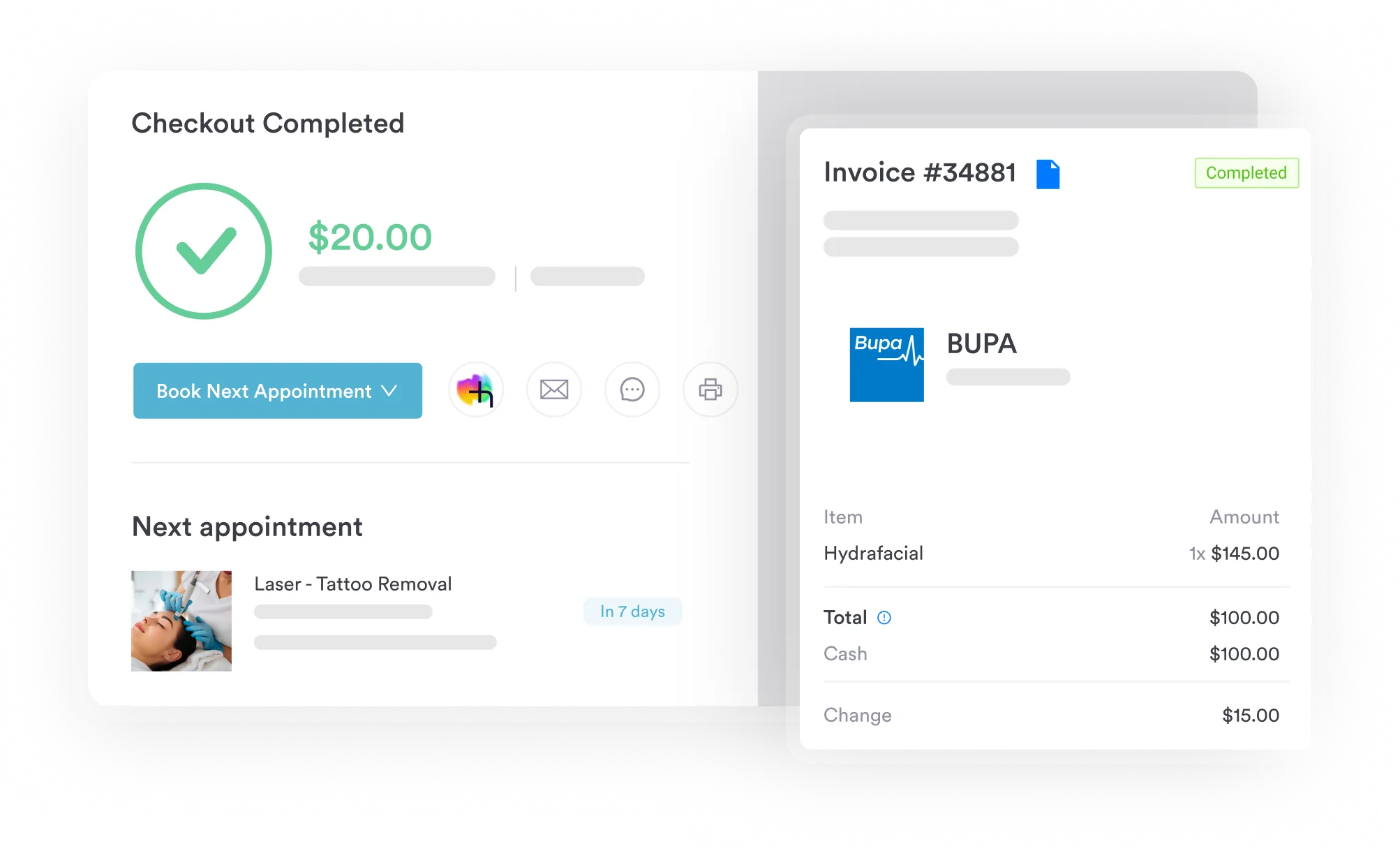
Step five is where the money sits. Medicare treats the enteral pump as a rental item. Policy article A58833 is the current source for how that rental bills. Payment continues month to month while the patient still meets the criteria. When the rental closes, your MAC’s rules decide who owns the pump. The CARC denial code list is short enough to learn, and most rework traces to a handful of entries.
None of this looks unusual next to the rest of medical billing. Repetition is what makes DMEPOS harder. You send the same claim 6 or 12 times, with one date quietly expiring in the middle.
Six errors account for most B9002 denials, and five of them are administrative rather than clinical. Work through them before submission, not during an appeal.
Order dates are the easiest of these to automate. Suppliers with an EHR integration can fire recertification alerts straight from the order record. That takes the calendar out of one person’s head.
A patient starts on a pump in March with a six-month length of need. March bills cleanly: B9002, one formula code, the rental modifier, and a signed delivery ticket on file.
April is where teams slip. The order still runs to September, so nothing needs renewing yet. Even so, the April claim needs its own formula code and a signed ticket for that month’s supplies. Send the pump line alone and you invite a denial on a case that never stopped qualifying.
Run five checks before you send a B9002 claim. Is the order signed and dated on or before the delivery date? Is a formula code from the B4102 to B4162 range on the same claim? Is the order still inside its length of need? Does the rental modifier match how you are billing the item? Is the claim addressed to the DME MAC for the patient’s home rather than your office? Five yes answers clear most of the denials that land on enteral pump claims.
Two things set the payment. One is the DMEPOS fee schedule for the patient’s area. The other is competitive bidding status. CMS updates the schedule every year, so any figure quoted here ages fast. Pull the current amount from the CMS DMEPOS fee schedule for your own locality.
One practical note on quoting patients. Coinsurance applies to every monthly rental. A long feeding course therefore costs the patient more than one equipment charge would. Say that up front and you avoid the awkward call in month four.
B9002 rarely travels alone. Formula codes, supply kits, and feeding tubes sit around it, and the pump line reads oddly without them. The table below is the working set for an enteral claim.
Three codes turn up in published B9002 crosswalks that do not belong there. B9000 is the first. It stopped being a live code at the end of 2016. CMS absorbed it into the “any type” descriptor. Anyone still choosing between the two codes is working from a pre-2017 reference.
B9001 is the second. It has never existed in the HCPCS file. B9004 is the third. That one is real. B9004 describes a parenteral nutrition infusion pump, portable, so it has no place on an enteral claim. B9006 is the stationary version of that parenteral pump, so it is ruled out too. Parenteral supplies bill in their own family.
Most billing teams track enteral cases in a spreadsheet. One tab for orders, one for recertification dates, one for delivery tickets, all typed in by hand. It holds up until the person who maintains it takes a week off.
Practice management software like Pabau moves that tracking into the patient record instead. Nobody scans the same page twice, and the assessment is already there when a reviewer asks for it.
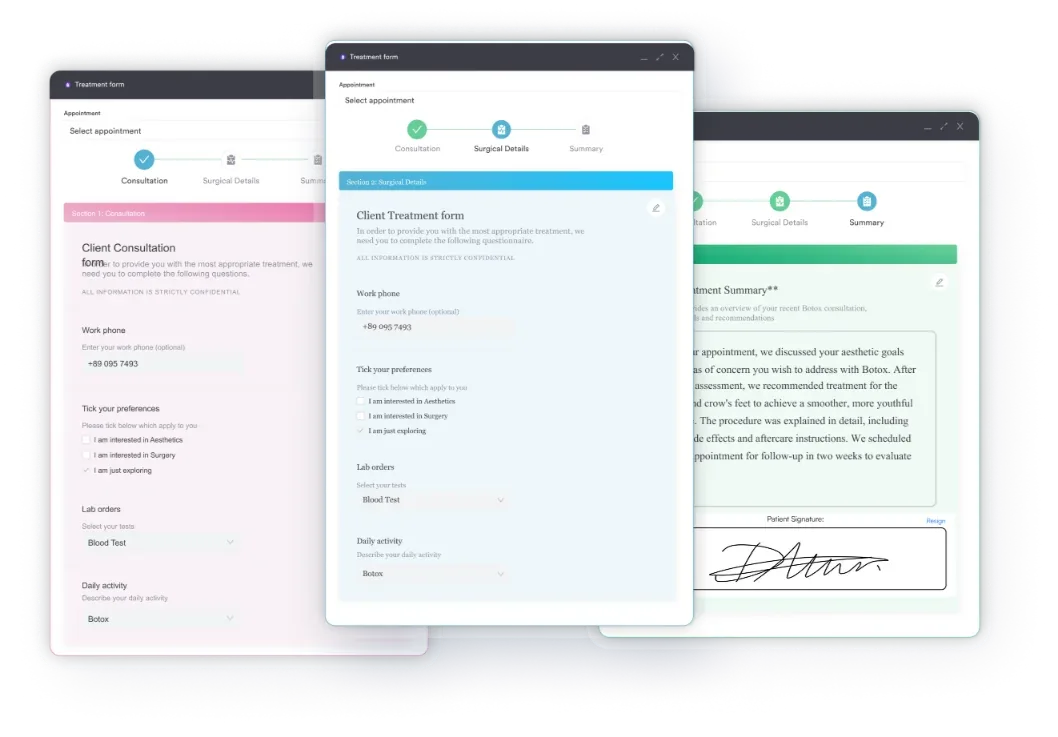
Dates get handled the same way. That turns the April problem in the example above into a task somebody has already closed.
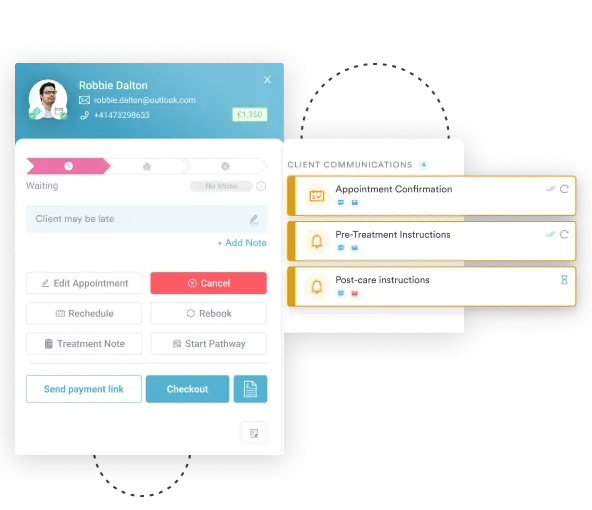
On the billing side. After that, it tracks the claim’s status. You spot a stalled claim while it is still worth chasing.
Practices under close record-keeping scrutiny tend to feel the difference first. The discipline that satisfies an inspector also satisfies a post-payment reviewer. It keeps HIPAA compliance intact along the way.

Pabau keeps intake forms, patient records, and claim checks in one system. Your team can see what a B9002 claim is missing before it goes out.

B9002 is an easy code to bill and an easy one to lose. Coverage rarely fails on the pump itself. It fails on a date, a signature, or a formula code that nobody added to month two.
So build the habits once and stop relying on memory. Sign the order before delivery. Keep a formula code on every monthly claim. Diary the recertification date the day the order lands. Do those three and enteral pump claims stop coming back.
Pabau’s digital forms and automated reminders keep those records current for you. Its claims tools then check the submission fields before anything leaves your desk. Book a demo to see how that fits your enteral nutrition billing.

Coding a crisis intervention visit? crisis intervention billing guide explains how HCPCS code S9485 bills one per diem unit for all crisis care in a day.
Billing another home infusion therapy code? home infusion therapy service guide covers how HCPCS code S9500 bills administrative, clinical oversight, and coordination for home infusion.
Billing an unlisted home injectable therapy? home injectable therapy billing guide explains when HCPCS code S9542 applies and what its per diem rate bundles together.
Need to bill caregiver respite time? respite care billing guide covers billing HCPCS code T1005 in 15-minute units under state Medicaid waiver programs.
Billing medical interpreter services? interpretive services billing guide covers billing HCPCS code T1013 per 15 minutes for sign language and oral interpreter services.
The enrolled DMEPOS supplier that furnishes the pump bills it. An ordering practice supplies the order and the clinical notes, but never the equipment.
No. The Medicare equipment benefit covers items used in the patient’s home. A hospital or covered skilled nursing stay does not count as a home.
No. The code pays for the pump only. Gastrostomy and jejunostomy tubes carry their own HCPCS codes, and the daily supply kit is billed separately again.
Ask the DME MAC for a redetermination, the first level of Medicare appeal. File it within 120 days of the initial determination, with the order and delivery proof attached.
Many mirror the Medicare enteral nutrition policy closely. Even so, each plan sets its own limits and paperwork, so read the medical policy before you dispense.