Despina Petrushevska
Sugar-free diet food list
Download your free sugar-free diet food list A two-page checklist of sugar-free ...

1
Last Updated: Nov 2, 2026
Free PDF 2 pages, print-ready Clinician-reviewed
Download your free pediatric review template Pediatric Review Template A ready-to-use follow-up review form covering the problem list, current and ceased medications, medication side effects, the child’s support team, schooling and progress at school and home, allied therapies, mood and mental health, sleep and diet, examination, and the plan. Download template Following up with a […]
A ready-to-use follow-up review form covering the problem list, current and ceased medications, medication side effects, the child’s support team, schooling and progress at school and home, allied therapies, mood and mental health, sleep and diet, examination, and the plan.
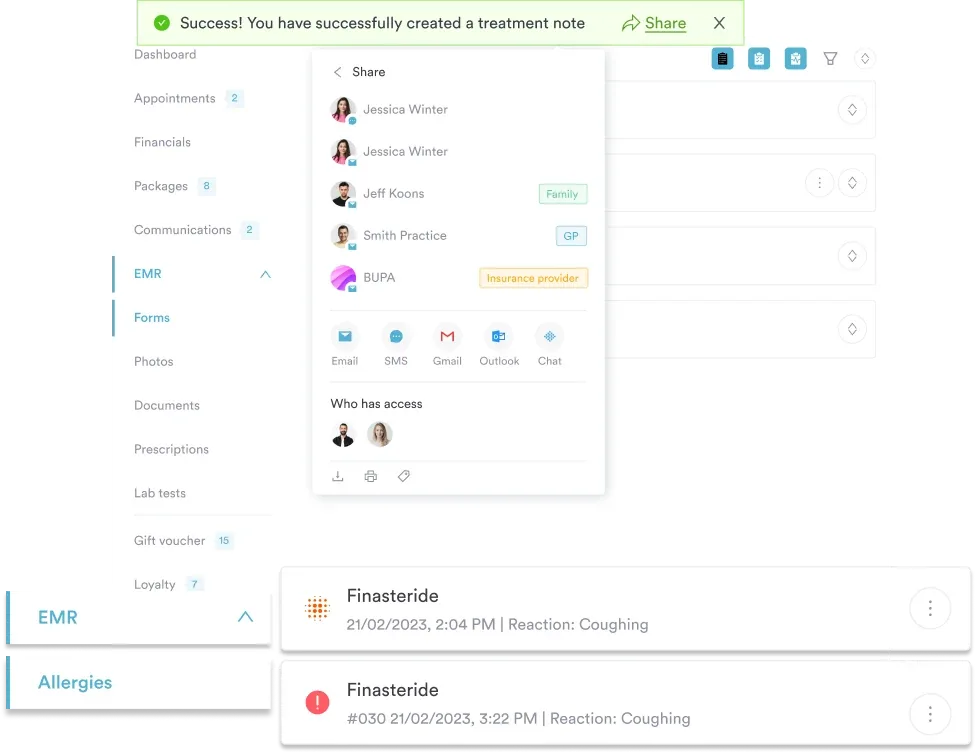
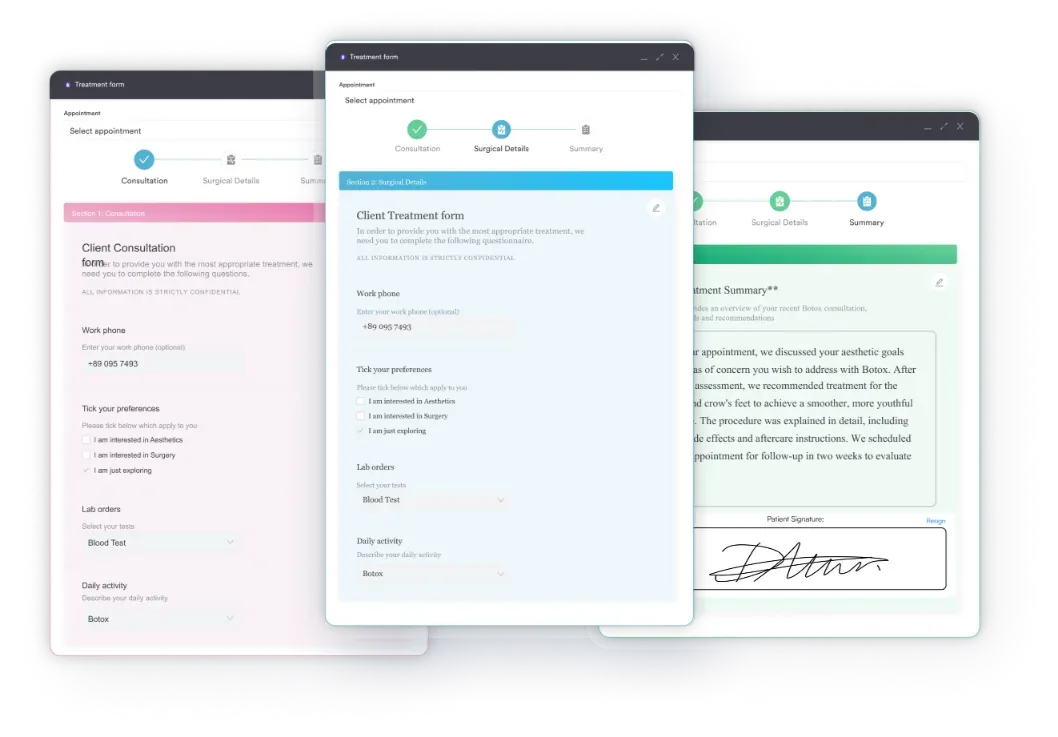
Start from scratch, or upload this PDF or any form you already use, and Pabau's AI Form rebuilds it with tick boxes, text fields and a signature. Attach it to the treatment once, and every patient gets it on time.
AI Form rebuilds the consent, history and aftercare forms you already use. You review each one, then publish.
Patients complete forms on their phone before they arrive, so the front desk stops retyping paper.
Every signed form is versioned and attached to the treatment record, ready when you need it.
Set how long a consent stays valid. Returning patients skip forms they have already signed.
Supports HIPAA and GDPR compliance AES-256 encryption 4.8 on G2 4.7 on Capterra Trusted by 4,000+ practices worldwide

A pediatric review form is a structured follow-up template, not a one-time review of systems — it’s built for tracking a child’s ongoing condition visit to visit.
It covers the problem list, current and ceased medications, medication side effects, the child’s support team, schooling and progress at school and home, allied therapies, mood and mental health, sleep and diet, examination, and the plan.
Unlike an intake form, it’s designed for return visits — comparing this visit’s status against the last one, which matters most for children with chronic conditions, ADHD, or complex support needs.
Practice management software like Pabau stores each completed review in the child’s record, so the support team, school notes, and medication history carry forward automatically to the next follow-up.
Following up with a child who has a chronic condition, ADHD, or complex care needs means checking a lot more than “how are they doing?” You need to know what’s changed since the last visit. Maybe a medication stopped, someone new joined the support team, or a rough patch hit at school. You also need to know whether the existing plan still holds. A pediatric review form built for follow-up visits gives you one place to capture all of that. No more piecing it together from memory, an old note, and whatever the parent mentions on the way in. When handwriting or motor skills slip, Beery VMI scores give an objective baseline for the next review.
This guide explains what a pediatric review form is and what it covers. It also shows when to use it and how to work through it during a follow-up visit.
A pediatric review form documents a follow-up visit. The child already has a diagnosis, a treatment plan, or an established care team. It’s different from an initial assessment or intake form, which builds a full health picture from a blank page. A pediatric review assumes that picture already exists. It focuses on what’s changed: medication changes, side effects, school and home progress, and whether the plan needs adjusting.
It’s most useful for children in follow-up for a chronic condition, a behavioral diagnosis, or a complex support need. That often means several providers: a pediatrician, a therapist, a school counselor, sometimes a specialist. All work from the same child’s file. Pediatricians, family physicians, nurse practitioners, and care coordinators use it at scheduled review visits to keep that whole picture current.
The template runs through 16 fields, in the order a follow-up conversation typically flows:
There’s no body-system checklist and no developmental-milestone screening here — this form isn’t a well-child review of systems. It’s narrower and more practical than that. It’s a working document for tracking one child’s ongoing condition across the people and places involved in their care.
A routine well-child visit needs a different document, so start from our pediatric well-child checklist instead. It covers growth, developmental milestones, and behavioral screening in one pass.
The form has no field for describing a skin finding. Our pediatric rash chart lists the standard morphology terms and logs lesion site and size at each visit.
Chronic-condition follow-ups don’t usually fall apart during the appointment. They fall apart at the handoffs in between. A prescriber and the school nurse who gives the medication rarely sync. A specialist adjusts a dose, but the primary provider doesn’t hear until the next review. And a therapist’s session notes rarely match what comes up in a rushed check-in.
This template closes three of those gaps specifically. The ceased medications field forces the record to say why something stopped, not just what’s currently active. A school or another prescriber then isn’t working from a list that’s technically accurate but practically stale. Pairing side effects with the medication fields, rather than burying them in a general notes section, links an adverse reaction to the drug that caused it. And splitting school progress from home progress — instead of one combined “psychosocial” line — catches the children who are managing fine in one environment and struggling in the other, which a single question would miss. A GP practice managing chronic conditions needs the trend, not the latest reading alone.
None of these fields are unusual on their own. What’s useful is having them on the same page, in an order that matches how a follow-up conversation actually goes. You skip nothing just because it didn’t come up naturally.
A paper copy of this template works fine for a single visit. But chronic-condition care is really a series of visits that all need to talk to each other. Digital forms built on the same fields save straight into the child’s record. The previous review — last visit’s medications, support team, and plan — sits right there for comparison, not buried in a folder.
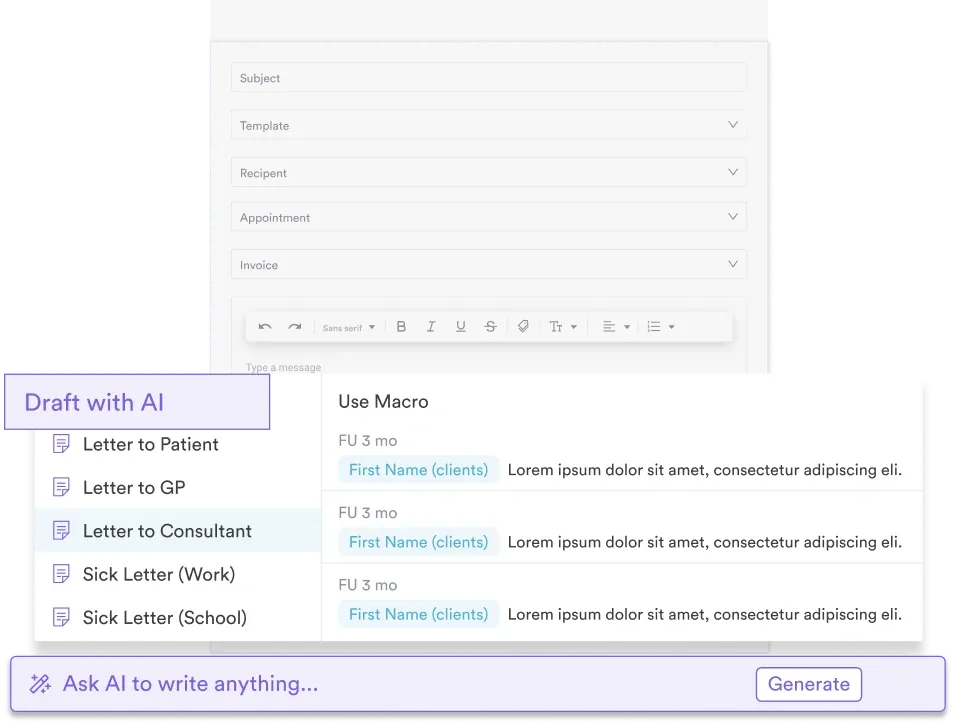
Pabau also stores the child’s full history in one record: problem list, medication changes, support team, and prior plans. A provider isn’t reconstructing context from memory before a follow-up. For teams juggling multiple providers around one child, that shared record matters. It keeps a therapist, a school liaison, and a pediatrician working from the same version of events, not three.
When you reconcile medications, check the ceased-medications field even if nothing changed. A quick “still nothing stopped since last visit” note is what tells the next provider, or the school nurse, that the list in front of them is current — not that no one checked.
Nothing gets dropped between visits: a fixed set of fields means you ask the same questions every time, whoever’s running the appointment.
Cleaner medication history: a dedicated ceased-medications field stops the record from quietly losing track of what the team has tried and stopped.
A fuller picture of the child: asking about school, home, mood, and sleep as separate fields surfaces problems a single “how are things going?” question would miss.
Easier handoffs: a completed review gives the next provider, therapist, or school contact a current, structured summary instead of a pile of old notes to interpret.

Digital forms and a shared patient record mean the support team, school notes, and medication history are on hand at every follow-up visit.

A pediatric review form isn’t trying to rebuild a child’s health history from scratch at every visit. It tracks what’s changed since the last one: medication changes, side effects, school and home progress, and whether the plan still fits. Used consistently, it’s what keeps a chronic-condition or complex-care follow-up from losing detail between appointments.
See how Pabau’s digital forms keep pediatric follow-up reviews in one shared patient record — so the whole care team is working from the same version of the story.

Need the adult version of this review? Normal review of systems template documents 14 organ systems as negative findings, with copy-paste wording and 2021 E/M rules.
Charting bed positioning for an inpatient? Patient positions in bed reference sheet covers seven core bed positions with indications, contraindications and turning intervals to chart.
Want a checklist the patient completes themselves? Personal hygiene checklist is a 32-item self-report form covering daily practices, oral hygiene and shared items.
A pediatric review form documents a follow-up visit for a child with an ongoing condition — a chronic illness, ADHD, or a complex support need. Instead of a one-time assessment, it captures what’s changed since the last visit. That covers the problem list, medication changes, school and home progress, and the plan going forward.
The template includes a problem list, current medications, ceased medications, and side effects. It also covers the support team, schooling, and school and home progress. Finally, it captures allied therapies, mood, sleep and diet, examination, a condition summary, and the plan.
An initial assessment or intake form builds a full picture of a child’s health from scratch. A pediatric review form assumes that picture already exists. It focuses on what’s changed since the last visit: medication changes, side effects, and school and home progress.
A current medication list alone doesn’t tell anyone what the team tried and stopped, or why. Recording ceased medications next to side effects helps everyone downstream. The next provider, school, or specialist isn’t left guessing whether a stopped medication is still active elsewhere.
Yes. The downloadable pediatric review template above is free to use immediately. It’s a two-page, print-ready form you can complete on paper or import into a digital forms platform.
Yes. Practice management software like Pabau lets you build the same fields into a digital form. A completed pediatric review then saves directly into the child’s patient record, not a loose paper form. The previous review stays on hand for comparison at the next visit.