HIPAA compliant texting: What you can send patients & how to communicate securely
HIPAA compliant texting is possible when a text holds no protected health inform...

Last Updated: Oct 16, 2026

A HIPAA waiver form is the authorization a patient signs before you release their protected health information to someone else.
Under 45 CFR 164.508 it needs six core elements and three required statements, so nine items in total.
The two elements templates drop most often are who may release the records and the redisclosure warning.
Authorization is not needed for treatment, payment, or healthcare operations, so the form is for everything outside that.
Practice management software like Pabau captures the signature, files the form on the record, and flags the expiration date.
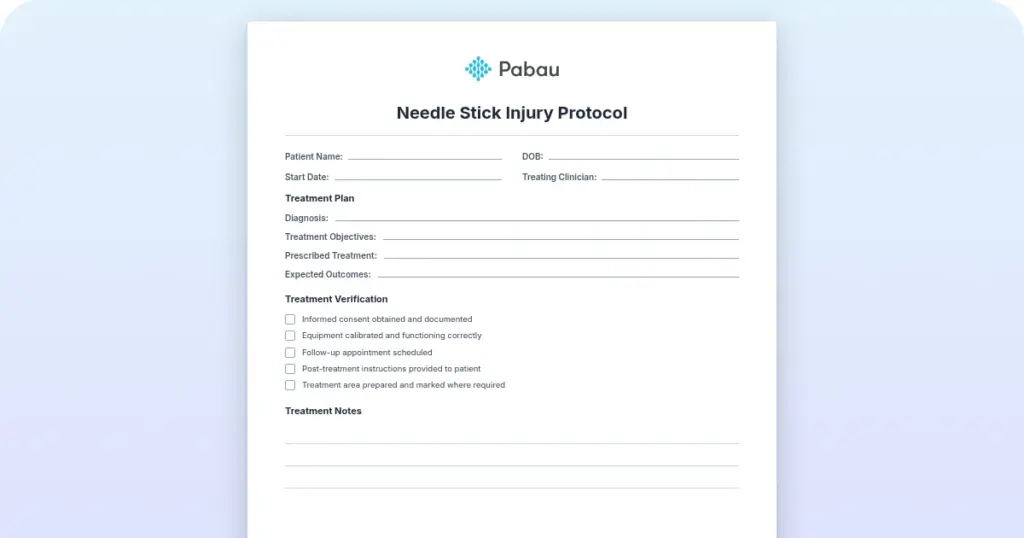
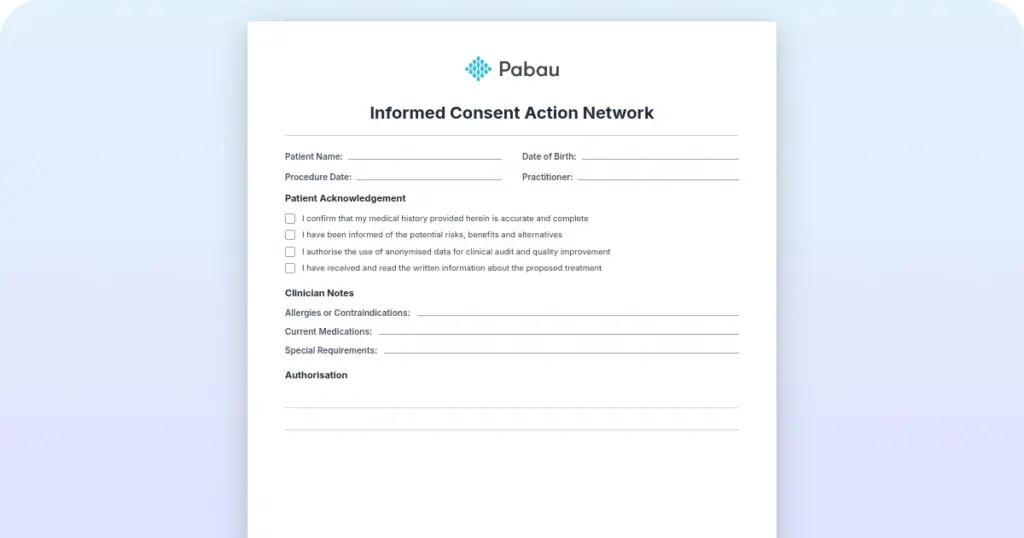
A nine-section authorization form covering patient details, who may release the records, and who receives them. It also carries a blank expiration field, the three required HIPAA statements, and signature and office-use blocks.
Download templateA front desk fields the same call every week. A daughter wants her mother’s test results, an attorney wants the full chart, an employer wants a return-to-work note. None of those releases can happen without a signed authorization on file.
A HIPAA waiver form is that authorization. It only works if the document itself is valid, and validity comes down to a fixed checklist. Miss one required element and the form stops being an authorization, so the release becomes an impermissible disclosure.
Plenty of free templates get most of it right. Two required elements go missing over and over, though, and both are quick to add once you know what they are.

It authorizes one release of protected health information, known as PHI, to one named recipient for one stated purpose. That is the whole job. It gives nobody blanket permission to share, and it does not touch routine clinical work.
Signed and filed, the form does two things at once. The patient keeps a record of exactly what they agreed to. The practice keeps documented proof that the disclosure was permitted. The HHS Office for Civil Rights enforces the Privacy Rule, and it expects both.
Practices use the three names interchangeably, and two of them really are the same thing. A waiver form and a HIPAA authorization form are one document under two names. A medical release form and a consent form are not.
One caveat on the word waiver. In the regulations it means something much narrower. Under 45 CFR 164.512(i), an institutional review board or privacy board can waive the authorization requirement outright. That lets approved researchers use PHI without asking each patient individually.
That mechanism has nothing to do with the form on this page. When a practice says waiver form, it means the authorization under 164.508, and the two terms only overlap by accident.
Nine items, and every one has to be on the page. Six are core elements under 45 CFR 164.508(c)(1). The other three are statements the form itself has to make, listed at 164.508(c)(2).
Elements two and nine are the ones that vanish. Templates name the recipient and forget to name who is releasing the records. They also warn about revocation and skip the redisclosure line altogether. Both omissions invalidate the form, and both take one line to fix.
Two more rules sit just outside the list of nine. The form has to be in plain language, and you have to hand the patient a copy once it is signed.
Then have counsel read your version once a year against current HHS guidance and your state’s rules. A Texas release form, for instance, carries extra requirements a generic template will not.
With built-in practice reports, the data behind documents like this stays measurable.
Most of what a practice does with PHI needs no authorization at all. Treatment, payment, and healthcare operations, shortened to TPO, are already permitted. The form covers everything outside that boundary.
You need an authorization to:
You do not need one to:
Sensitive categories deserve a second look. Substance use treatment billed under codes such as H0020 also falls under 42 CFR Part 2. That rule carries its own consent requirements on top of HIPAA.
Build the extra checkbox into your form, rather than trying to remember it request by request.
Requests cluster. After a few hundred of them, the same handful of scenarios accounts for nearly everything that reaches the front desk.
Name the person, not just the relationship. A full name, the relationship, and a phone number leave no room for a mix-up at reception.
Then limit what they get. Have the patient initial each category they are authorizing. A daughter cleared to discuss appointments should not also receive the psychiatric history.
Long-term caregivers are worth handling separately. A signed authorization paired with a caregiver care plan tells your team who to call and what that person is allowed to hear.
Digital access is cleaner still. A patient portal can give a family member their own login, and every view lands in the log with a name and a timestamp.
The patient fills in most of it. Your job is to hand over a blank form, explain each block, then check the result before it goes anywhere near the chart.
Then log the authorization somewhere you will look again. A short register listing the patient, recipient, purpose, and expiration date turns “do we still have permission?” into a five-second lookup.
None of these get caught at the front desk. They surface later, usually when somebody outside the practice asks to see the file.
Here is how the second one plays out. A practice releases a full chart to an attorney on a form signed 14 months earlier, with a 12-month expiration. The authorization had lapsed, so the disclosure was never permitted. The expiration date was sitting untracked in a paper folder, which is why nobody caught it. HIPAA compliance rests on access controls and audit trails, both of which have to be demonstrable.
Set a reminder 30 days before each authorization expires, so you can ask the patient to renew before a request gets refused. Expired authorizations are a recurring finding in OCR investigations.
The clock starts the moment a written revocation lands. From that point you stop using or disclosing anything under that authorization.
One limit is worth being straight about. Anything already disclosed cannot be pulled back, and HIPAA does not ask you to try. A revocation protects you from the next disclosure, not the last one.
Both documents stay in the chart afterwards. The signed authorization and the revocation letter sit together.
Paper authorizations fail in predictable ways. The form goes into a folder, the expiration date lives in somebody’s memory, and nobody can prove when the signature was collected. Six months later, a records request arrives and the answer takes 20 minutes to find.
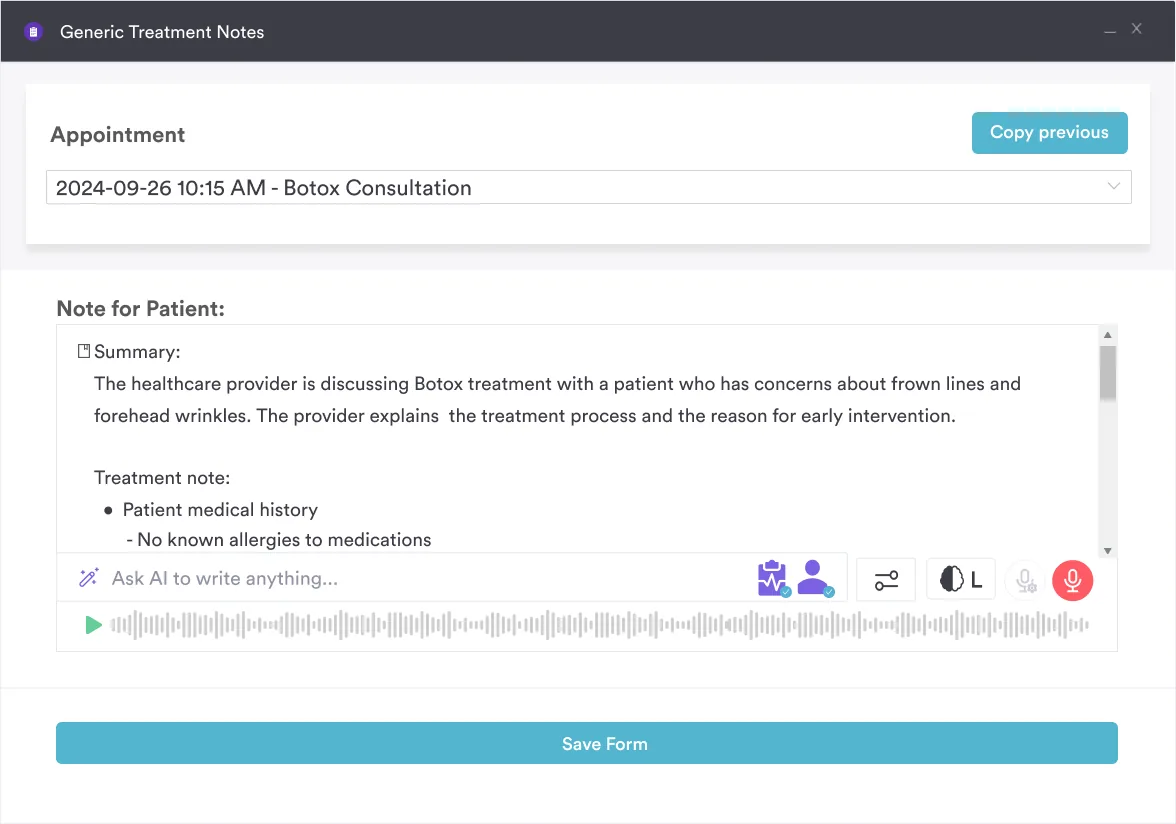
Practice management software like Pabau moves the whole thing onto the record. Patients complete the authorization as a digital form and sign it on their own device. The signature is stamped with a time, a date, and a device.
From there the tracking runs itself. Every authorization is indexed by type and expiration date, so reception can confirm permission before releasing anything.
The difference shows up on audit day. Instead of digging through folders, you pull a list of every authorization with its scope, its status, and its expiration date. That is usually the point where going paperless stops being a project you keep postponing.
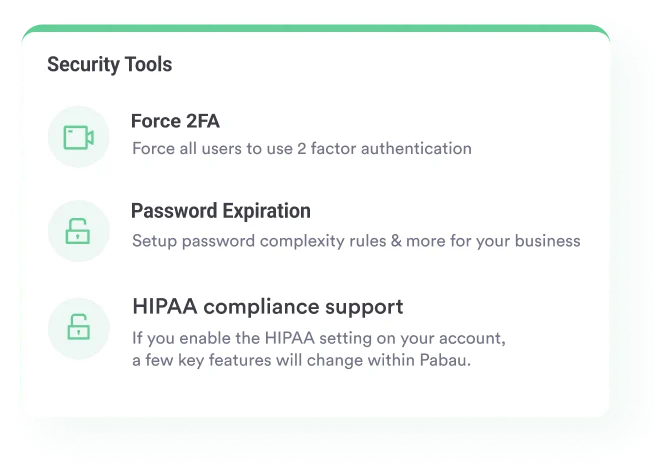

Pabau collects the authorization as a digital form, timestamps the signature, and files it on the client record. Expiration dates and revocations are tracked for you, so staff can confirm permission before any PHI leaves the practice.

Getting this form right is mostly a matter of not skipping anything. Six core elements, three statements, and an expiration date you can still find in a year.
The template above is a starting point rather than a finished policy. Adapt the wording to your state, have counsel read it once, then decide where signed copies are going to live. That last decision is the one that saves you when a records request turns into an investigation.
If tracking expiration dates by hand is already the weak link, hand that job to software instead. Book a demo to see how Pabau captures, files, and monitors every HIPAA authorization your practice collects.

Want the same form under its formal name? Authorization for release of protected health information walks through the six core elements field by field.
Working under Illinois rules? HIPAA release form for Illinois covers the state additions a generic federal template leaves out.
Need a policy on client rights too? client rights policy template covers confidentiality, informed consent, the right to refuse treatment, and records access.
Releasing records from a dental practice? Dental records release form adapts the same nine elements to charts, images, and radiographs.
Ready if a crisis hits your practice? crisis management plan template gives six steps for an operational plan, including HIPAA and CQC reporting clocks.
Yes. HIPAA is technology-neutral, so an eSignature is valid where your state’s electronic signature law allows it. You do need to show the signature is authentic, which means keeping the timestamp and the audit record.
Yes. The rule accepts a class of people, such as “my treating oncologists.” Keep the class narrow enough that staff can tell who qualifies.
The personal representative of the estate, usually the executor or administrator. PHI stays protected for 50 years after death, so a request from a relative without that authority still needs a valid authorization.
Often yes. The cost limits in the patient access rule apply when the patient requests their own records. Third-party disclosures fall under state fee schedules instead, so check your state’s cap first.
Only if it is valid. You may rely on an outside authorization once you have checked all nine elements. Send a defective one back rather than releasing anything on it.