Tanja Lepcheska
Musculoskeletal review of systems: Questions and template
Download your free musculoskeletal review of systems A ready-to-use musculoskele...

3
Last Updated: Oct 30, 2026
Free PDF 3 pages, print-ready Clinician-reviewed
Download your free blood test lab request form Blood test lab request form A ready-to-use, print-ready PDF template covering patient demographics, specimen type, tests requested, clinical indication, and ordering provider details – designed for private practices, functional medicine practices, and integrative health centers. Download template A blood test lab request form is the bridge between […]
A ready-to-use, print-ready PDF template covering patient demographics, specimen type, tests requested, clinical indication, and ordering provider details – designed for private practices, functional medicine practices, and integrative health centers.
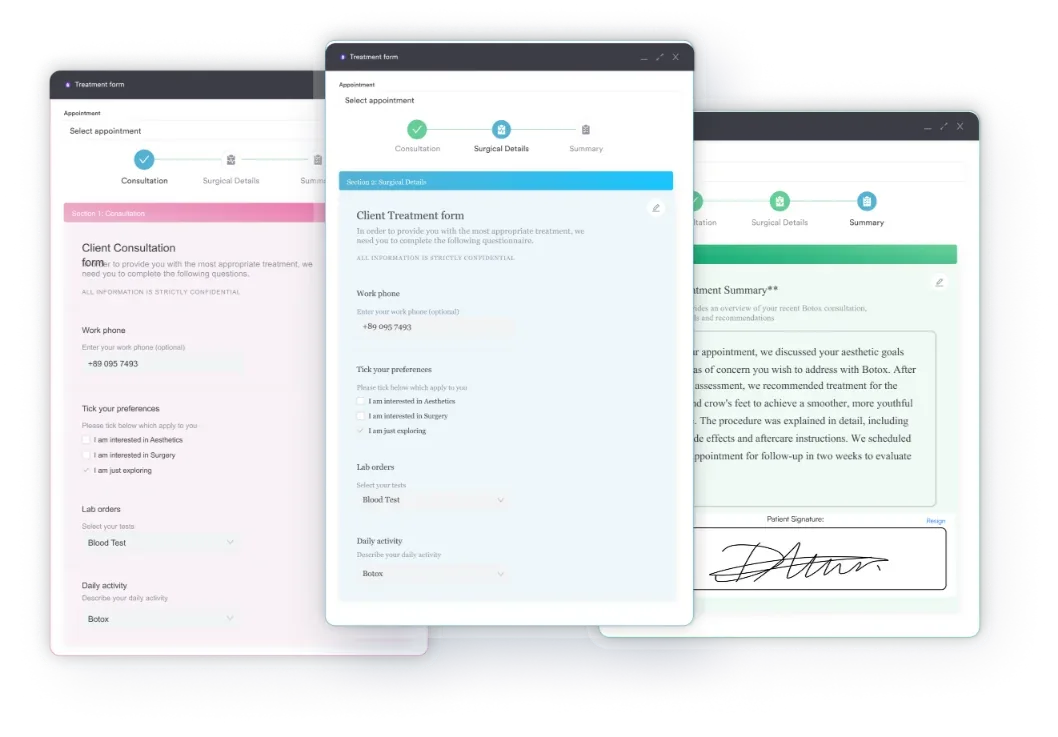
Start from scratch, or upload this PDF or any form you already use, and Pabau's AI Form rebuilds it with tick boxes, text fields and a signature. Attach it to the treatment once, and every patient gets it on time.
AI Form rebuilds the consent, history and aftercare forms you already use. You review each one, then publish.
Patients complete forms on their phone before they arrive, so the front desk stops retyping paper.
Every signed form is versioned and attached to the treatment record, ready when you need it.
Set how long a consent stays valid. Returning patients skip forms they have already signed.
Supports HIPAA and GDPR compliance AES-256 encryption 4.8 on G2 4.7 on Capterra Trusted by 4,000+ practices worldwide

A blood test lab request form (also called a laboratory requisition form, lab requisition, or lab slip) is a standardized document that links patient demographics, ordered tests, and clinical context directly to laboratory processing and billing.
Required fields include patient name, DOB, MRN, ordering provider NPI (US), specimen type, collection date and time, test panel selection, and ICD-10 diagnosis codes for insurance reimbursement.
Field requirements vary by country: the US needs an NPI and ICD-10 codes, the UK uses the NHS number and GP referral codes, Australia requires MBS item numbers, and the UAE requires a DHA provider licence number.
You can download our free printable PDF template below, or let practice management software like Pabau auto-populate patient and provider details so the form fills itself and cuts transcription errors.
A blood test lab request form is the bridge between your practice and the laboratory. This standardized document, also called a laboratory requisition form or lab slip, captures patient information, communicates which tests you need, explains the clinical reason, and makes sure specimens are processed accurately and billed correctly.
Without a structured form, orders get lost, results are delayed, and insurance claims get rejected. Grab the free template above, then use the sections below to complete it correctly for your country and specialty.
A blood test lab request form is a standardized document a provider sends to a laboratory to order blood work for a specific patient.
The terms shift by region and lab – you will see the same document called a laboratory requisition form, a lab requisition, a blood test requisition, a requisition for blood work, or simply a lab slip – but they all describe the same thing. It serves three connected purposes:
Laboratories rely on clean, legible request forms to process specimens within turnaround times. Incomplete or ambiguous forms delay results and frustrate both practices and patients. A standardized lab request form with digital intake forms integration keeps every order consistent across your practice team.
Regulatory frameworks – CLIA in the US, UKAS and CQC standards in the UK, and NPAAC in Australia – mandate specific data fields and handling, while data-protection rules like HIPAA (US) and GDPR (UK) govern how that information is stored and shared. Here is the full checklist every blood test requisition should cover:
Each field serves a specific regulatory or operational purpose. Omitting even one can cause delays or billing errors, so a good lab requisition form makes every mandatory field impossible to skip.
Completing a blood test lab request form accurately is a five-step process:
If the order includes a blood group and antibody screen, record the confirmed result on the patient’s chart. Blood group compatibility decides which units a patient can safely receive.
Common mistakes to avoid: missing diagnosis codes (insurance will not pay), vague test descriptions (“tests ordered” instead of specific panel names), and illegible handwriting. Standardized healthcare forms and digital workflows remove these errors by enforcing required fields and auto-filling provider details.
Pairing this scale with digital measurement tracking turns individual scores into longitudinal trend lines your whole team can read.
The fastest way to get a free printable lab requisition form is to download the print-ready PDF at the top of this page, which you can fill in by hand or type into before printing. A few options exist depending on how you work:
If you only need an occasional one-off order, a printable template is fine. If your practice orders blood work every day, the editable digital route below saves far more time than any downloadable file.
Field requirements and terminology vary significantly by country. This is the part most generic templates skip, so check your jurisdiction before you print:
If your practice operates in more than one country, use country-specific forms or make sure your template covers every required field for each jurisdiction.
Different specialties often need slightly different forms tailored to their test panels and clinical workflows, especially metabolic health practices running frequent panels:
Practices serving functional medicine practitioners often use custom forms that reflect their expanded test menus. Many reference labs (Mayo Clinic Laboratories, Quest, LabCorp) provide free downloadable forms specific to their test panels.
Manual form completion is slow and error-prone, so practice management software like Pabau removes the friction by automating the whole lab requisition workflow. AI-powered clinical documentation and a connected patient record mean the form fills itself:
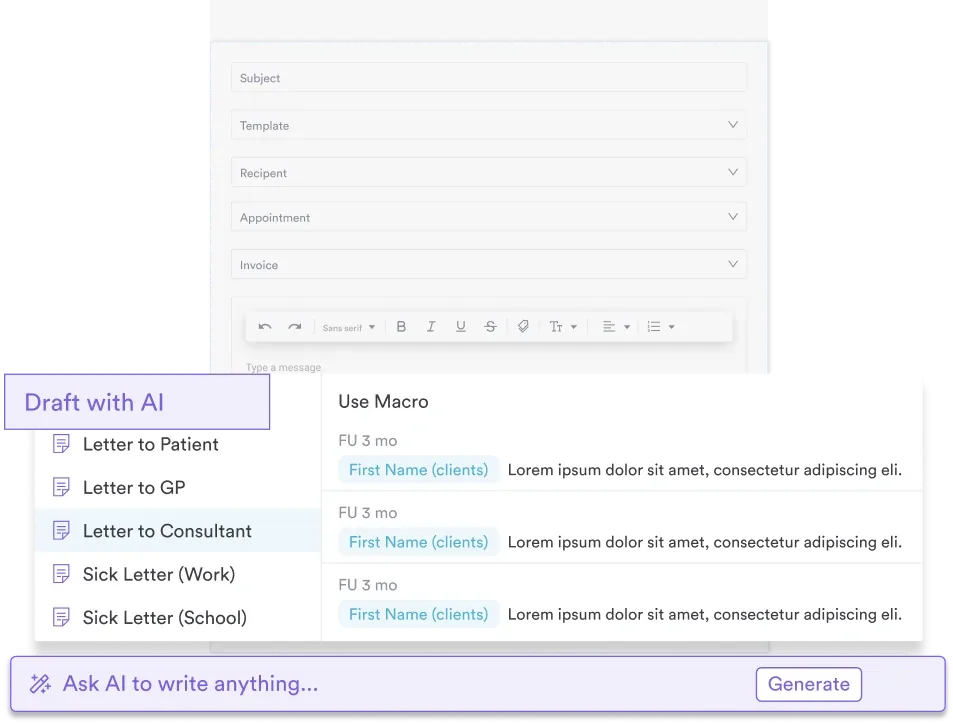
With a practice management system that supports lab ordering, you can retire paper forms entirely and speed up test-to-result turnaround, so staff spend their time on patient care instead of paperwork. Reading a test result against the previous one needs both in the same view.

Automate lab request forms, reduce errors, and speed up results delivery with digital ordering built into your practice software.

One more check is just as important and belongs in its own callout, since it is the one most often overlooked:
Verify provider authorization: make sure the provider ordering the tests is licensed and authorized to order in your jurisdiction. In the US, physicians, nurse practitioners, and physician assistants can order (scope varies by state). In the UK, GPs and clinical specialists can order. The form signature proves that authorization.
Once results come back.
A well-designed blood test lab request form is the foundation of accurate, timely laboratory testing. Whether you use a printable template or a digital system, the form has to capture patient identity, the tests ordered, the clinical reason, specimen details, and provider authorization.
Practice management software like Pabau removes manual form completion by auto-populating patient data, enforcing required fields, and enabling direct electronic submission to your reference lab. That cuts processing time, reduces transcription errors, and keeps billing compliant.
Ready to automate your lab workflows? Schedule a demo to see how digital lab ordering fits into your patient care.

Ordering a complement panel? C4 complement blood test explains what the result measures and how to interpret abnormal levels.
Interpreting a CO2 result on a panel? Carbon dioxide blood test explains what abnormal CO2 levels indicate and why values vary across panels.
Investigating a patient’s persistent diarrhea? Ova and parasite test looks at stool under a microscope for parasites and their larvae.
A blood test lab request form is a standardized medical document that communicates patient demographics, ordered tests, clinical indication, and specimen details to the laboratory. It ensures accurate specimen processing, correct billing, and proper results delivery to the ordering provider.
Mandatory fields include patient full name, date of birth, medical record number, specimen type, collection date and time, tests ordered, and in the US, provider NPI and ICD-10 diagnosis codes. Recommended fields include clinical indication, insurance information, and ordering provider signature.
Print or type legibly, enter patient demographics from their chart, select the specific tests needed, write the ICD-10 diagnosis code and clinical reason, specify specimen type and collection details, and sign with your provider credentials (NPI, practice name). Digital practice management systems auto-populate most fields.
You can download the print-ready PDF template at the top of this page and fill it in by hand or on screen before printing. Reference labs such as Quest Diagnostics and LabCorp also publish their own printable order forms tied to their test menus, and practice software can generate a fully editable digital version that fills itself for each patient.
This varies by jurisdiction. In the US, most states require a licensed provider’s order for testing, though some direct-to-consumer lab services allow self-ordering. In the UK, NHS testing requires a GP referral. Check your local regulations and your reference lab’s policy.
For paper forms, a provider signature is legally required in most jurisdictions to prove authorization for testing. Electronic signatures and digital ordering systems satisfy this requirement when properly configured with audit trails.
An NPI (National Provider Identifier) is a unique 10-digit number assigned to US healthcare providers. It is required on lab request forms for Medicare and Medicaid billing – without it, insurance will not pay. The NPI is not used in the UK, Australia, or UAE, which rely on different provider identifiers.
Most forms are valid for 6 to 12 months from the ordering date, depending on the reference lab’s policy and the clinical context. Time-sensitive tests (pregnancy, hormone panels) may require a more recent order. Check your lab’s requirements.
These terms are synonymous – both refer to the same standardized document used to order laboratory tests. “Requisition” and “request” are used interchangeably by different labs and regions, so keep terminology consistent within your practice to avoid confusion.
A generic form covers most routine tests (CBC, CMP, lipid panel), but specialty tests (immunology, microbiology, genetic testing) often require specific forms designed by the reference lab. Always check your lab’s requirements for specialty panels and use their recommended form to ensure proper specimen handling and coding.