HCPCS code L0638: Custom fabricated LSO billing guide
HCPCS code L0638 is a brace built for one patient HCPCS code L0638 is the Level ...

Last Updated: Nov 2, 2026
L1610 is the HCPCS Level II code for hip orthosis, abduction control of hip joints, flexible, (frejka cover only), prefabricated item that has been trimmed, bent, molded, assembled, or otherwise customized to fit a specific patient by an individual with expertise.
The official descriptor reads: Knee orthosis, elastic with joints, prefabricated item that has been trimmed, bent, molded, assembled, or otherwise customized to fit a specific patient by an individual with expertise, off-the-shelf. Understanding this distinction between prefabricated, prefabricated-with-customization, and custom-fabricated is critical: L1610 is not custom-made. Different L-codes apply when a device is fabricated from scratch for the patient.
Per the CMS HCPCS overview, HCPCS Level II codes are maintained by the CMS HCPCS Workgroup and updated annually. L1610 sits within the L1600-L1830 subrange covering knee orthoses specifically.
Let Pabau's smart automation suggest the right codes, reduce claim denials, and keep your practice compliant—effortlessly.
Automate repetitive tasks and focus on what matters most—your patients.
Reduce coding errors and ensure compliance with the latest regulations.
Clean claims, fewer denials, and faster reimbursements.
Powerful insights and reporting to help your practice thrive.
HIPAA compliant SOC 2 certified GDPR-compliant Trusted by 4,000+ clinics worldwide

HCPCS code L1610 describes a prefabricated knee orthosis (KO), elastic with joints, intended for knee stability and support.
L1610 is a DMEPOS item billed to DME MACs under Medicare Part B; a detailed written order and medical necessity documentation are required before supply.
The KX modifier signals medical necessity documentation is on file; misapplying KX, GA, or GZ is the most common reason L1610 claims are denied.
Pabau’s claims management software helps orthopedic and DME practices attach correct HCPCS codes, link supporting ICD-10 diagnoses, and reduce L1610 claim denials.
The L1610 knee orthosis is a prefabricated device that must have elastic construction and must incorporate joints. These joints provide a degree of controlled motion, distinguishing L1610 from simpler wrap-style knee braces coded elsewhere.
Products eligible for L1610 must pass PDAC (Pricing, Data Analysis and Coding) contractor verification before Medicare reimbursement is possible. The PDAC confirms that a specific commercial product meets the descriptor requirements. Suppliers should verify each product’s PDAC status before billing, as using L1610 for a non-verified product is a claim liability. The CGS Medicare coding verification guidance outlines this process for DME MACs in their jurisdictions. The clearinghouse validates structure before the payer validates content, which is why an electronic claim can fail twice. Denial codes in medical billing group the reasons a payer refuses, and the group decides the fix.
Medicare Part B covers HCPCS code L1610 when medical necessity is established and documentation requirements are met. Coverage is governed by applicable Local Coverage Determinations (LCDs), primarily LCD L33686 (Lower Limb Orthoses), issued by the DME MACs. The four DME MAC jurisdictions are administered by CGS Administrators, Noridian Healthcare Solutions, National Government Services, and Palmetto GBA.
Reimbursement rates come from the annual CMS DMEPOS fee schedule. Rates change each calendar year and vary by geographic locality. Always verify the current allowed amount via the CMS Physician Fee Schedule lookup for the applicable year before quoting patients or calculating expected reimbursement. Do not rely on published figures from prior years.
A detailed written order (DWO) from the treating physician or qualified non-physician practitioner must be on file before the device is supplied. The order must include the patient’s diagnosis, the specific item ordered, the treating practitioner’s signature and date, and a description of the medical necessity. Proper medical forms at your healthcare practice support clean documentation workflows for these requirements.
Ensuring HIPAA compliance for medical offices when storing and transmitting these records is equally important, particularly when sharing documentation between referring physicians and DME suppliers.
The ICD-10-CM diagnosis code on the claim must support the medical necessity for the knee orthosis. The LCD identifies covered and non-covered diagnoses. Common codes paired with HCPCS Code L1610 include the following, though this list is not exhaustive and payer-specific LCD restrictions apply.
Always verify covered diagnoses against the current LCD in your DME MAC jurisdiction. Diagnosis codes that fall outside the covered list require an Advance Beneficiary Notice (ABN) if the item is still being supplied, and the GZ modifier should not be used if an ABN was obtained. Reviewing compliance requirements for physiotherapy clinics can help practices handling musculoskeletal DME coding stay current with documentation standards.
Modifier selection is where most L1610 claims go wrong. Each modifier carries a specific meaning under Medicare DMEPOS billing rules, and applying the wrong one can result in automatic denial or, worse, a false claims liability.
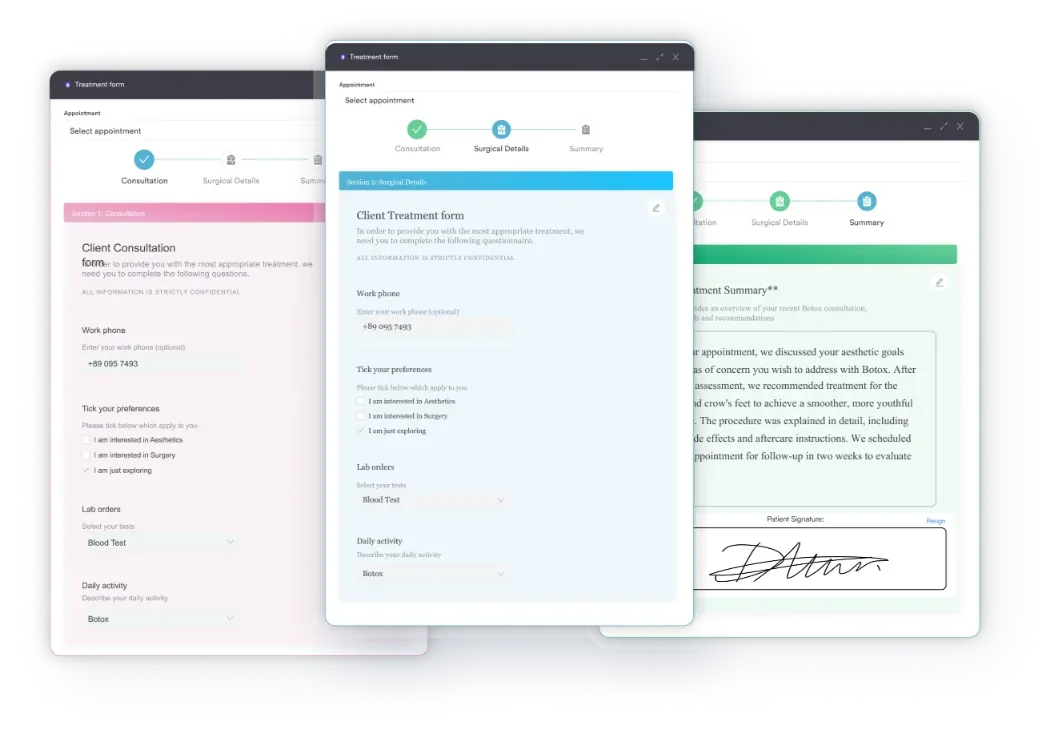
A claim submitted with KX but without the required documentation on file is considered a false claim. Practices should use digital intake forms to capture and store DWO and clinical criteria documentation at the point of care, reducing the risk of a KX modifier error at billing time.
Audit your L1610 claims quarterly: pull all claims submitted with KX and confirm that a compliant DWO and LCD-matching diagnosis are in the patient file for each. A missing document discovered during a DMEPOS audit can trigger retroactive recoupment across all similar claims.
Medicare’s Prior Authorization program for DMEPOS covers certain items designated as frequently subject to unnecessary utilization. The program list changes periodically. As of 2026, suppliers must verify whether HCPCS Code L1610 is included in the current prior authorization requirement list for their DME MAC jurisdiction before supplying the device.
Check the CMS prior authorization for DMEPOS page directly for the current list. If L1610 is included in your jurisdiction, the process requires:
Supplying a device before receiving prior authorization (when required) does not automatically result in denial if documentation is sufficient, but it significantly increases audit risk. Maintaining HIPAA-compliant clinic software ensures that documentation attached to prior auth requests meets security and access standards during DME MAC review.

Pabau helps DME suppliers and orthopedic practices manage HCPCS coding, attach supporting documentation, and track claim status from one place. See how it works.

Getting the claim right the first time depends on a structured workflow. Each step below maps to a potential denial point if skipped or completed incorrectly.
Using automated billing workflows reduces manual errors at steps 3 through 5, where coding and modifier mismatches most commonly occur. Practices that handle volume DME billing benefit most from workflow automation that flags missing modifiers or unsupported diagnosis codes before claim submission.
Three errors account for the majority of L1610 denials:
Choosing the correct knee orthosis L-code depends on the device’s construction method and feature set. The table below contrasts L1610 with adjacent codes to help coders select accurately. Misclassifying a custom device as prefabricated (or vice versa) is an audit trigger. The AAPC HCPCS code lookup and PGM Billing HCPCS lookup tool both provide quick code-to-descriptor verification.
The distinction between L1600 and L1610 is subtle but significant: L1600 is off-the-shelf with stays; L1610 has joints and has been individually fitted by a qualified provider. Billing L1600 when a jointed device was customized leaves reimbursement on the table. Billing L1610 when a simpler device was supplied invites recoupment.
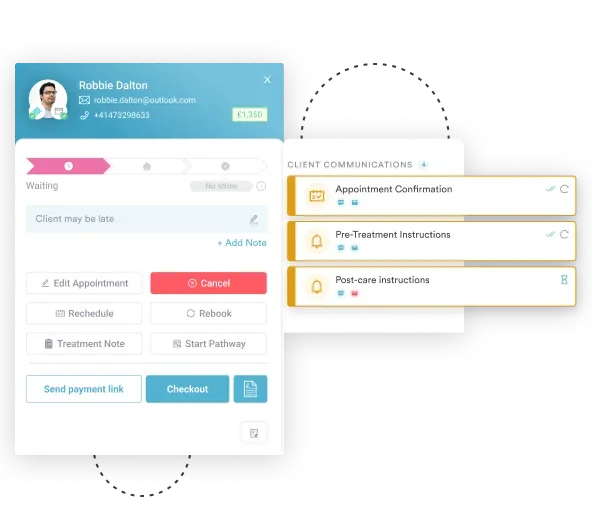
Most L1610 denials trace back to process gaps, not coding knowledge. The DWO exists but was not scanned into the patient file. The diagnosis code was entered correctly but the laterality modifier was dropped. The ABN was signed but misfiled. These are workflow failures, and claims management software addresses them by building documentation requirements into the ordering and billing workflow.
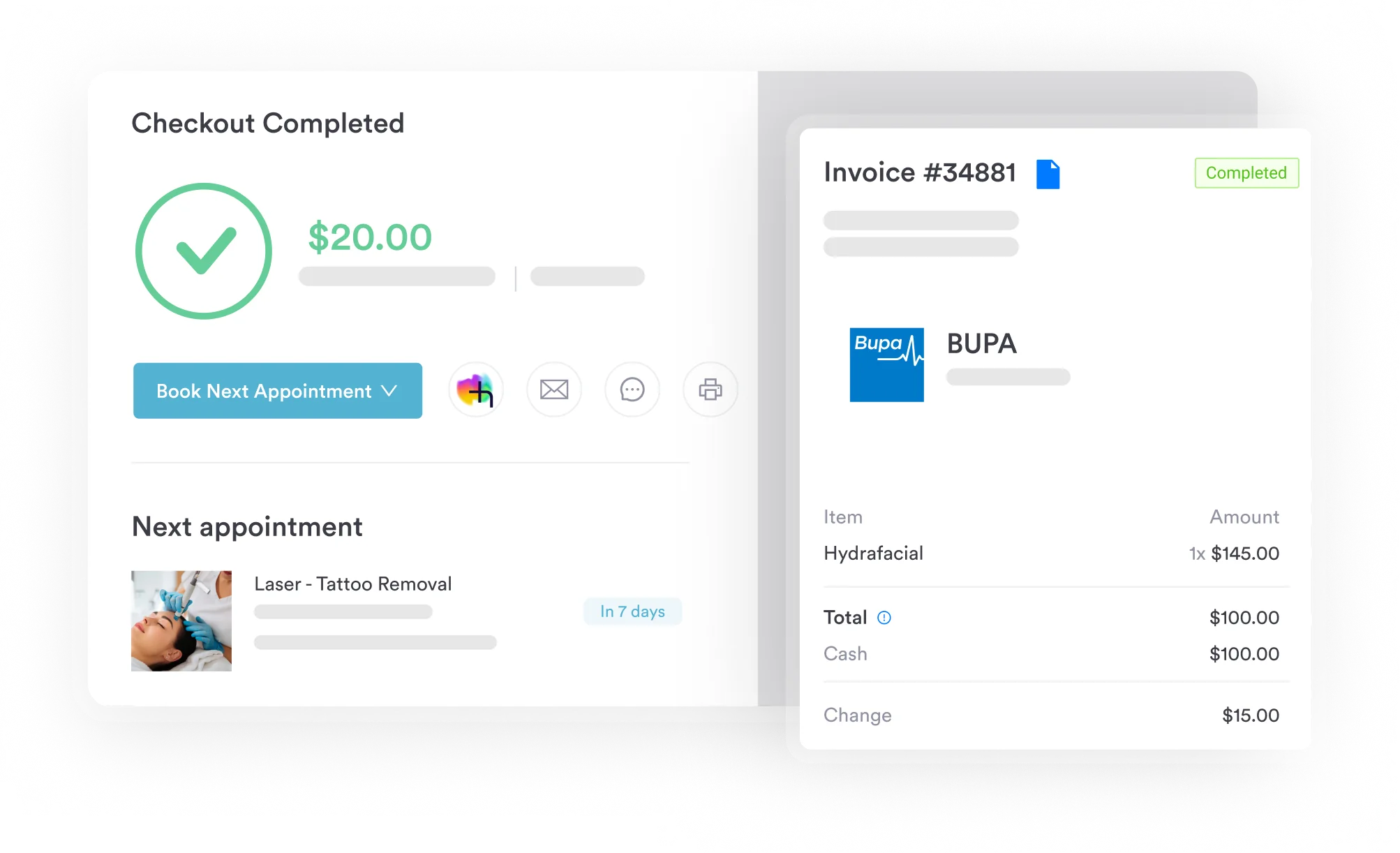
Pabau’s platform supports DME and orthopedic practices through structured intake, coding, and claim tracking. Practices managing volume DMEPOS claims can also use medical practice management software to automate the DWO tracking and re-authorization workflow across multiple patients simultaneously.
For practices that also handle practice management workflows across multiple service lines, having L1610 coding rules embedded in the system means billers do not need to remember modifier rules from memory. The system surfaces them at the claim creation stage. See how Pabau handles this by reviewing practice management software capabilities for DME and orthopedic workflows.
HCPCS Code L1610 is narrow in scope but dense in billing requirements. The prefabricated/jointed construction requirement, PDAC product verification, KX modifier discipline, and LCD-matched diagnosis code linkage each represent a distinct failure point. Missing any one of them delays or denies payment.
Practices billing L1610 at volume need a system that enforces documentation checklists, validates modifiers, and routes claims to the correct DME MAC automatically. Review how Pabau’s practice management features support HCPCS billing accuracy, or book a demo to see the claims workflow in action.

Billing a cardiomyopathy gene panel instead? CCSD code 0047G billing guide explains how to document, pre-authorise, and bill the pan-cardiomyopathy genetic panel.
Avoiding a UK claim denial too? CCSD code 0048B coding guide explains where the code sits in the schedule to prevent wrong-code claim denials.
Billing a routine potassium blood test? CCSD code 0048F billing guide covers the potassium blood test billed thousands of times across UK private practices.
HCPCS code L1610 is a Healthcare Common Procedure Coding System Level II code for a prefabricated knee orthosis that is elastic with joints, trimmed, bent, or molded to fit a specific patient by a qualified provider. It is a DMEPOS item billed to the applicable DME MAC under Medicare Part B when medical necessity criteria are met.
The most common modifiers are NU (new equipment, purchase), KX (medical necessity documentation on file), and RT or LT for laterality. Use GA when an Advance Beneficiary Notice has been signed and the claim is expected to deny. Never use KX unless the detailed written order and supporting clinical documentation are on file before the claim is submitted.
Yes, Medicare Part B covers HCPCS code L1610 when the device meets the code descriptor, the product is on the PDAC-verified list, and the patient’s diagnosis falls within the covered diagnoses in the applicable Local Coverage Determination (LCD L33686 for lower limb orthoses). The supplier must have a detailed written order and clinical documentation on file before supply.
Common pairings include M17.11 (primary osteoarthritis, right knee), M17.12 (primary osteoarthritis, left knee), and M23.201 (derangement of unspecified meniscus, right knee). Always verify covered diagnoses against the current LCD for your DME MAC jurisdiction, as covered and non-covered diagnoses vary by contractor and are updated periodically.
L1610 specifically describes a prefabricated elastic knee orthosis with joints that has been individually fitted. L1600 uses stays instead of joints. L1620 adds condylar pads. L1630 incorporates a spring mechanism. Codes in the L1820 range describe custom-fabricated devices. Using the wrong code for the actual device supplied is a billing error that can trigger recoupment.
Prior authorization requirements for DMEPOS change periodically. Verify current prior authorization requirements for L1610 on the CMS DMEPOS prior authorization page and your specific DME MAC’s guidance before supplying the device. Requirements can vary by DME MAC jurisdiction.