Tanja Lepcheska
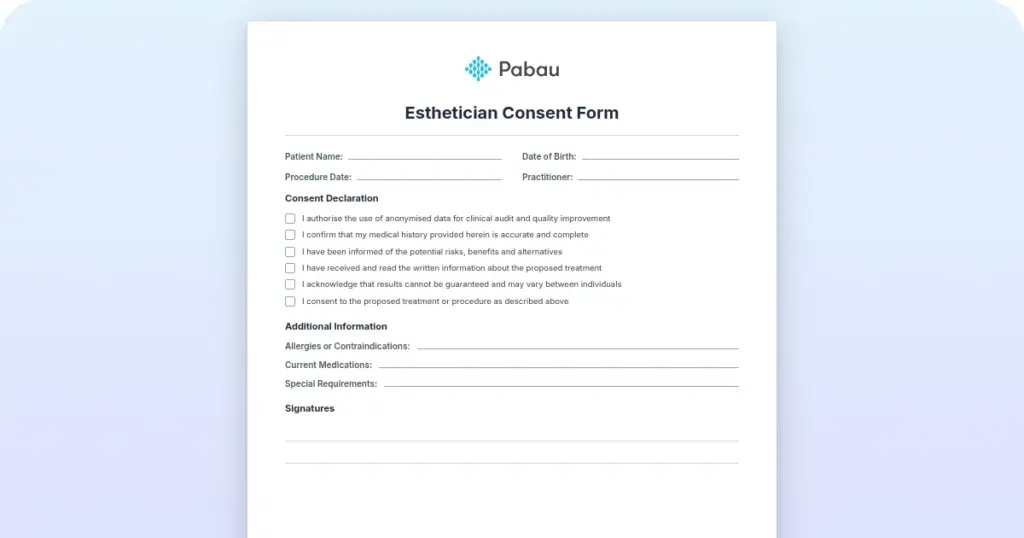
Cytocare consent form
Cytocare is a hyaluronic acid-based mesotherapy skin booster from Revitacare, in...

1
Last Updated: Oct 27, 2026
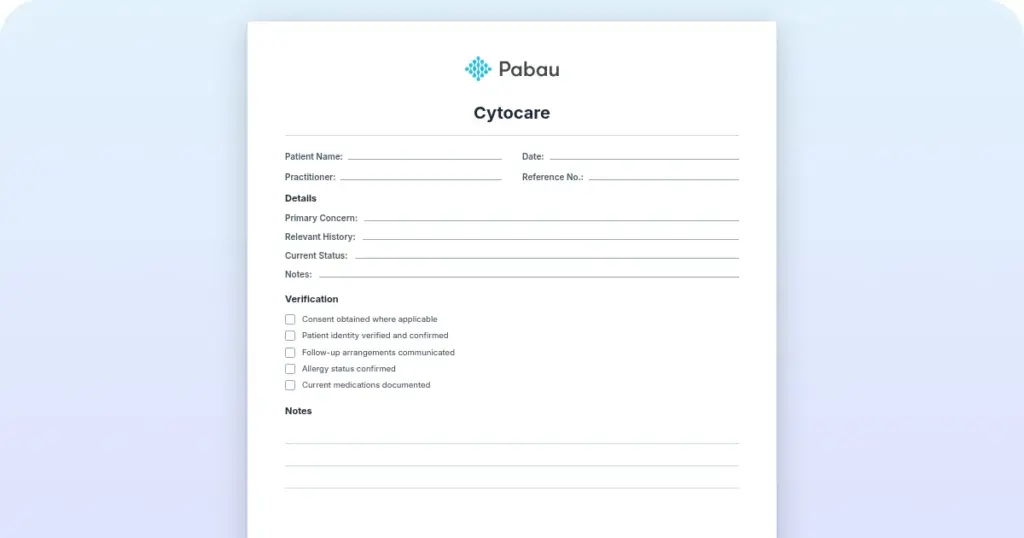
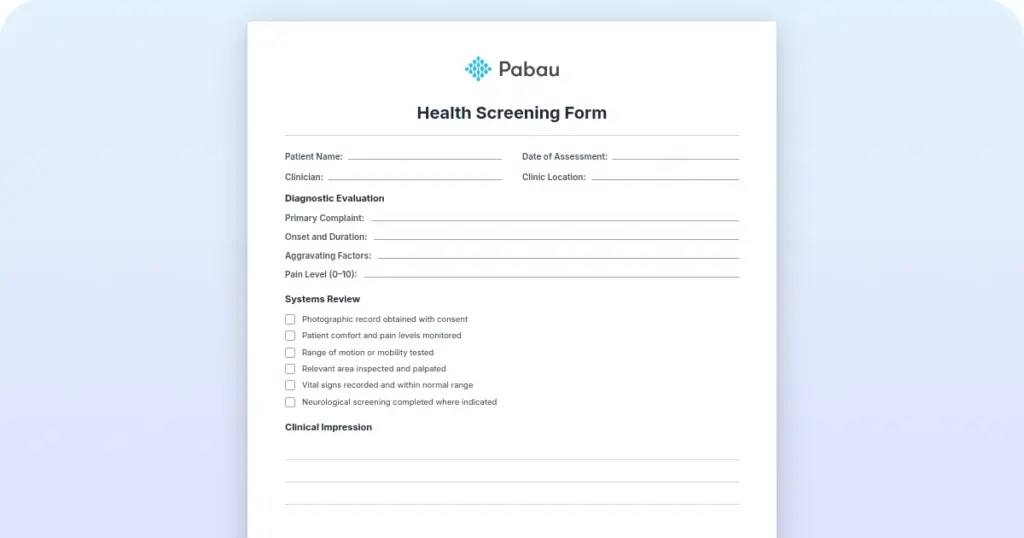
Free PDF 4 pages, print-ready Clinician-reviewed
A medical questionnaire form is a patient-completed document that collects medical history, current symptoms, medications, and personal health details before a clinical consultation. Clinics use it to give clinicians a clear starting point, so the first appointment is spent on care rather than on gathering basic facts. This page gives you a free, ready-to-use template, explains what a strong form should include, and shows how to move from paper to digital intake without creating a second set of records to manage.
A ready-to-use questionnaire covering medical history, current symptoms, medications, allergies, and personal health details, with space for clinician review.
Start from scratch, or upload this PDF or any form you already use, and Pabau's AI Form rebuilds it with tick boxes, text fields and a signature. Attach it to the treatment once, and every patient gets it on time.
AI Form rebuilds the consent, history and aftercare forms you already use. You review each one, then publish.
Patients complete forms on their phone before they arrive, so the front desk stops retyping paper.
Every signed form is versioned and attached to the treatment record, ready when you need it.
Set how long a consent stays valid. Returning patients skip forms they have already signed.
Supports HIPAA and GDPR compliance AES-256 encryption 4.8 on G2 4.7 on Capterra Trusted by 4,000+ practices worldwide
A medical questionnaire form is the health-history screen a patient completes before treatment, so a clinician can judge whether that treatment is safe.
It asks about current illnesses, medications, allergies, pregnancy, past procedures, and the lifestyle factors that change the risk.
It’s narrower than a full new-patient packet, because contact details, insurance, and consent live on their own forms. Our free PDF is a 10-page example built for an aesthetic practice. This guide shows what each answer should decide and how to review a completed form before the patient arrives.

A medical questionnaire form screens a patient’s health history so a clinician can decide whether a treatment is safe to go ahead.
Its scope is clinical: illnesses, medications, allergies, pregnancy, past procedures, and lifestyle, with contact details, insurance, and consent kept on other forms.
Every question should lead to a decision: proceed, proceed with changes, ask more at the consultation, or defer and refer.
Review the completed form before the patient arrives, and treat blank, vague, or “Maybe” answers as questions still open.
Pabau, the practice management platform we build, sends the questionnaire before each visit and files the answers in the patient record.
A medical questionnaire is the clinical screen inside a practice’s paperwork. It answers one question for the clinician: is this treatment safe for this patient right now?
A new patient questionnaire is the wider first-visit packet, with demographics, insurance, and social history alongside the medical sections. A patient intake form handles the administrative side, such as contact details, emergency contacts, and insurance.
A consent form records the patient’s agreement to a specific treatment once its risks have been explained. Detailed family history can sit on a separate family medical history form, which keeps the screen short.
Each clinical question on the form exists to support a decision. The table pairs every question with that decision and with the answers that should pause or change the plan. Thresholds vary by treatment, so your protocols and the treating clinician make the final call.
Use the table as a test for your own form. If no possible answer to a question would change what the clinician does, the question can go.
Review the form when it comes back, not when the patient sits down. A form read the day before leaves time to call about a deferral. A form read at reception leaves minutes, and the decision then happens in the treatment room.
Each review ends in one of four outcomes. The flow below shows the three checks and the answers that typically lead to each outcome.
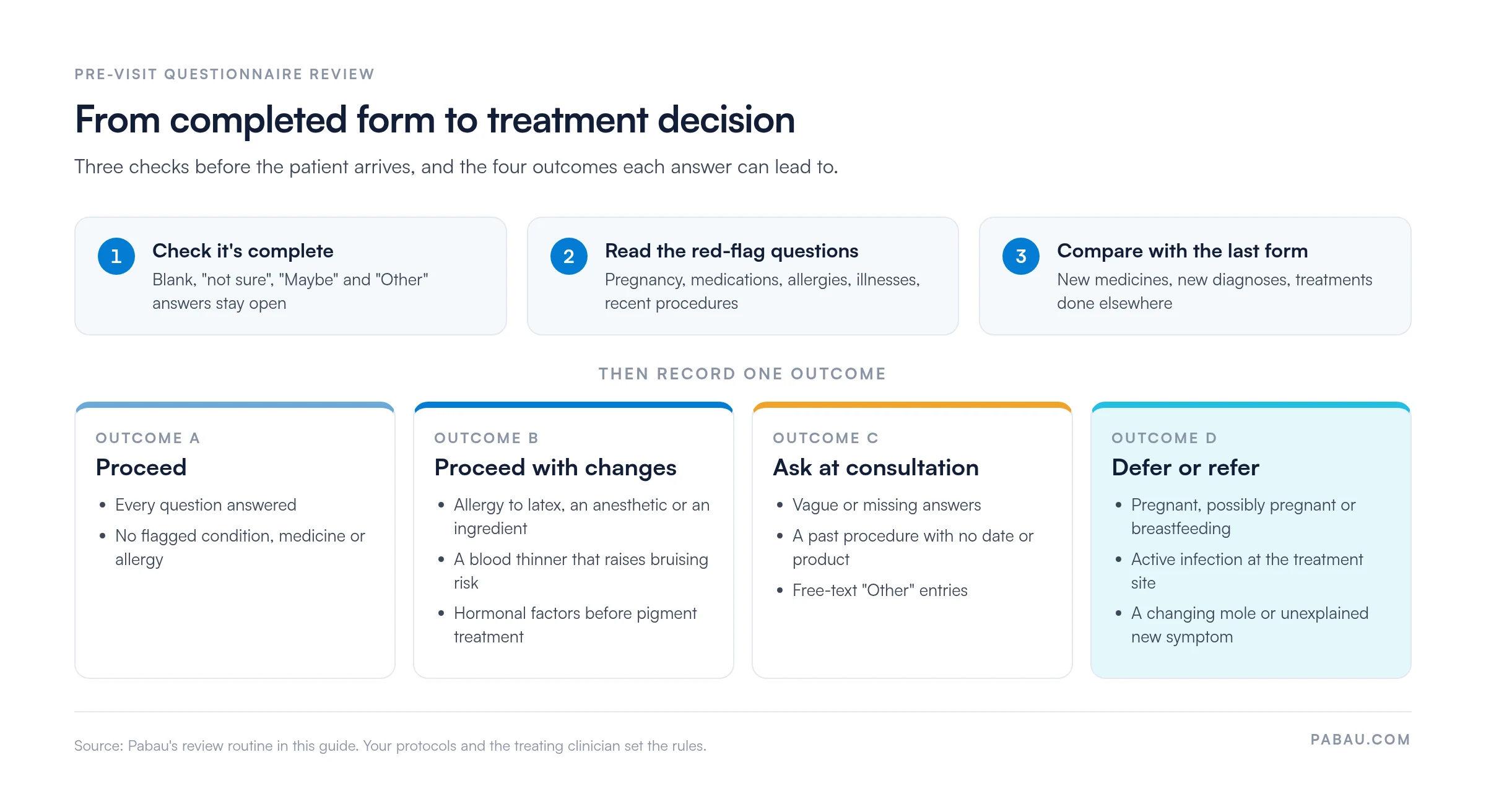
An unclear answer usually needs one precise question, asked by phone or at the start of the consultation:
Patients on several medicines are easier to check with a medication reconciliation form alongside the questionnaire. Note in the patient record which answers you followed up and what you decided. The next clinician then sees the reasoning behind the plan, as well as the form itself.
A completed questionnaire describes the patient on the day they filled it in. Ask returning patients to confirm or update it before each treatment, since medications, pregnancy status, and recent procedures change between visits.
The PDF comes from an aesthetic consultation, so it needs editing before your patients see it. Three changes matter most:
Printed or digital, the review routine stays the same. For deciding which other forms a visit needs, and when to move them online, see our guide to your practice’s medical forms.
Completed questionnaires often contain protected health information. Under HIPAA, covered entities must safeguard that data in storage and transmission. The HHS Office for Civil Rights sets out the requirements for covered entities and their business associates.
Patients tend to answer more fully when they know who will read their answers. A short questionnaire privacy statement at the top of the form explains how the information is used and stored.
Practices in the UK and EU work under GDPR, which expects data minimization, so collect only what each question needs. Compliance depends on how your practice configures and uses any tool, so check your obligations with a qualified adviser.
On paper, the form is often completed at reception, and the clinician reads it minutes before treatment. A standalone form builder moves it earlier, but its responses still sit in an inbox someone has to copy from.
In Pabau, the all-in-one practice management system we build, digital forms live alongside your calendar and patient records. Pabau sends your questionnaire automatically before each appointment, by email or SMS. Responses save to the patient’s record, and digital intake forms can be tied to the appointment, so staff see outstanding forms before the patient arrives.

Pabau GO, our iOS app for practitioners, runs a care pathway ahead of the appointment. The patient works through the questionnaire and consents in their own time, while the practitioner tracks a checklist of what’s still missing. By the time the patient arrives, their history is already in the record.

Pabau sends your medical questionnaire before each appointment and saves the answers to the patient record. Clinicians can review the history and settle any concerns before the patient arrives.

A medical questionnaire form is only as useful as the review that follows it. Keep it to the clinical questions that change a decision, and leave contact details, insurance, and consent to the forms built for them.
The habit worth building is reading every completed form before the patient arrives. A deferral arranged by phone the day before costs far less than one made in the treatment room.
Book a demo to see how Pabau sends your questionnaire ahead of each visit and puts the answers in front of the clinician.

Building the full first-visit packet? New patient questionnaire template covers the demographic, insurance, and social sections.
Need the administrative details too? Sample patient intake form walks through contact, insurance, and HIPAA fields.
Does family history shape your treatment plans? Family medical history form records it in detail without lengthening the screen.
Checking a long medication list? Medication reconciliation form lines up what the patient reports against their prescriptions.
Planning which forms each visit needs? Medical forms at your healthcare practice maps the paperwork from booking to follow-up.
A medical questionnaire form is a health-history screen a patient completes before treatment. A clinician reviews it to decide whether the treatment is safe, needs adjusting, or should wait.
Those forms cover the whole first visit, including contact details, insurance, and consent. A medical questionnaire covers only the clinical questions that affect whether a treatment is safe.
Common examples are a possible pregnancy, blood thinners before injections, an active infection at the treatment site, or a past reaction to an anesthetic. Your protocols set the exact rules.
Ask returning patients to confirm or update the form before each treatment. Medications, pregnancy status, and recent procedures change between visits, and an old form won’t show it.
Yes, the PDF is free. It’s an example from an aesthetic practice, so replace its branch details and treatment menu, and have a clinician review it before use.