Despina Petrushevska
Anaphylaxis nursing care plan: Interventions and charting
What an anaphylaxis nursing care plan covers, start to finish An anaphylaxis nur...

1
Last Updated: Nov 2, 2026
Free PDF 2 pages, print-ready Clinician-reviewed
A wellness planner is a short form that a patient fills in between appointments, recording their goals and how the week actually went. The free template below is a two-page printable PDF. It opens with the patient’s name and their goals for the week, then gives four write-in boxes for physical health, mental health, nutrition, and exercise. A daily progress section follows, with a day or date line and a remark box.
Page one also ends with wins for the week and areas for improvement. Page two then opens with next week’s focus, a reflection box, and space for additional notes. Every field is open text, so patients write in their own words rather than scoring themselves.
This guide explains what the planner covers and how to run it as a weekly cycle. It also shows where the completed form belongs in the patient’s plan of care.
A two-page printable planner with write-in sections for the patient’s name, goals for the week, physical health, mental health, nutrition, and exercise. Daily progress tracking, wins for the week, areas for improvement, next week’s focus, reflection, and additional notes complete the form.
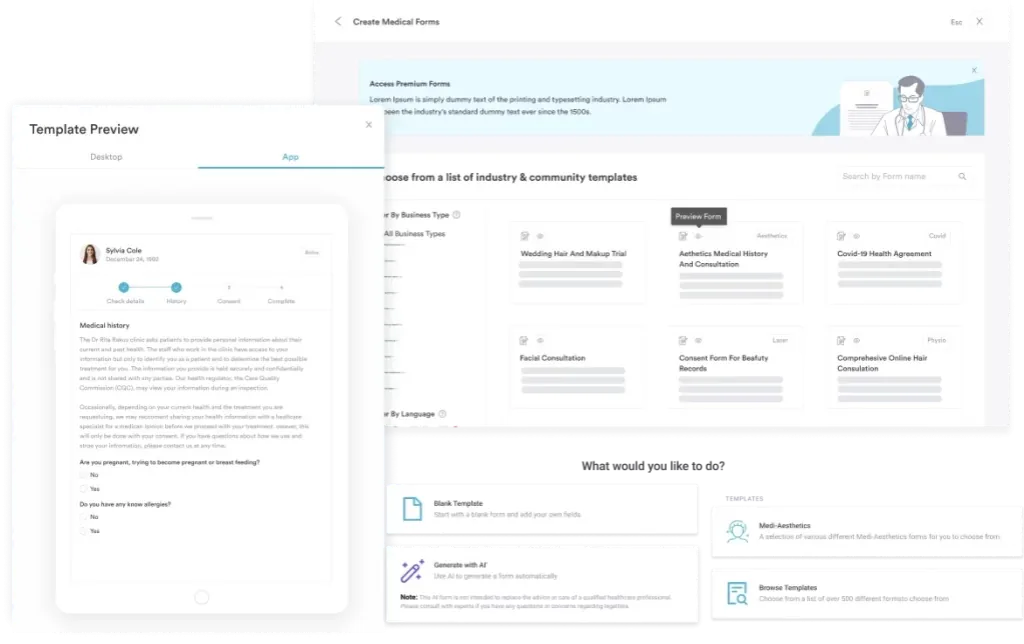
Start from scratch, or upload this PDF or any form you already use, and Pabau's AI Form rebuilds it with tick boxes, text fields and a signature. Attach it to the treatment once, and every patient gets it on time.
AI Form rebuilds the consent, history and aftercare forms you already use. You review each one, then publish.
Patients complete forms on their phone before they arrive, so the front desk stops retyping paper.
Every signed form is versioned and attached to the treatment record, ready when you need it.
Set how long a consent stays valid. Returning patients skip forms they have already signed.
Supports HIPAA and GDPR compliance AES-256 encryption 4.8 on G2 4.7 on Capterra Trusted by 4,000+ practices worldwide

The wellness planner is a two-page printable form covering weekly goals, physical health, mental health, nutrition, and exercise.
Every field is an open write-in box, so there are no checkboxes, no scoring scales, and no separate sleep log.
Page one closes the week with wins and areas for improvement, and page two carries the focus forward.
The form has no clinician section, so your own notes belong in the patient record rather than on the printed page.
Pabau’s digital forms and Client Portal let you send the planner out and file completed copies against the patient record.
A wellness planner carries the treatment plan into the days between appointments. The patient writes down what they intend to do, then records what happened. You open the next consultation with a week of their own observations in front of you. Nobody has to reconstruct the past month from memory.
The value is in the structure. A blank notebook gives a patient nowhere to start, while four named health areas and a short weekly loop tell them exactly what to write. Practices that send the form out through patient intake software get more completed planners back than those relying on a paper handout.
The PDF runs to two pages and every section is a plain write-in box. Nothing is scored, checked off, or pre-filled. Here is the full field set, in the order it appears:
The two pages split that list unevenly, and the break falls later than most people expect. Nine of the twelve sections sit on page one.
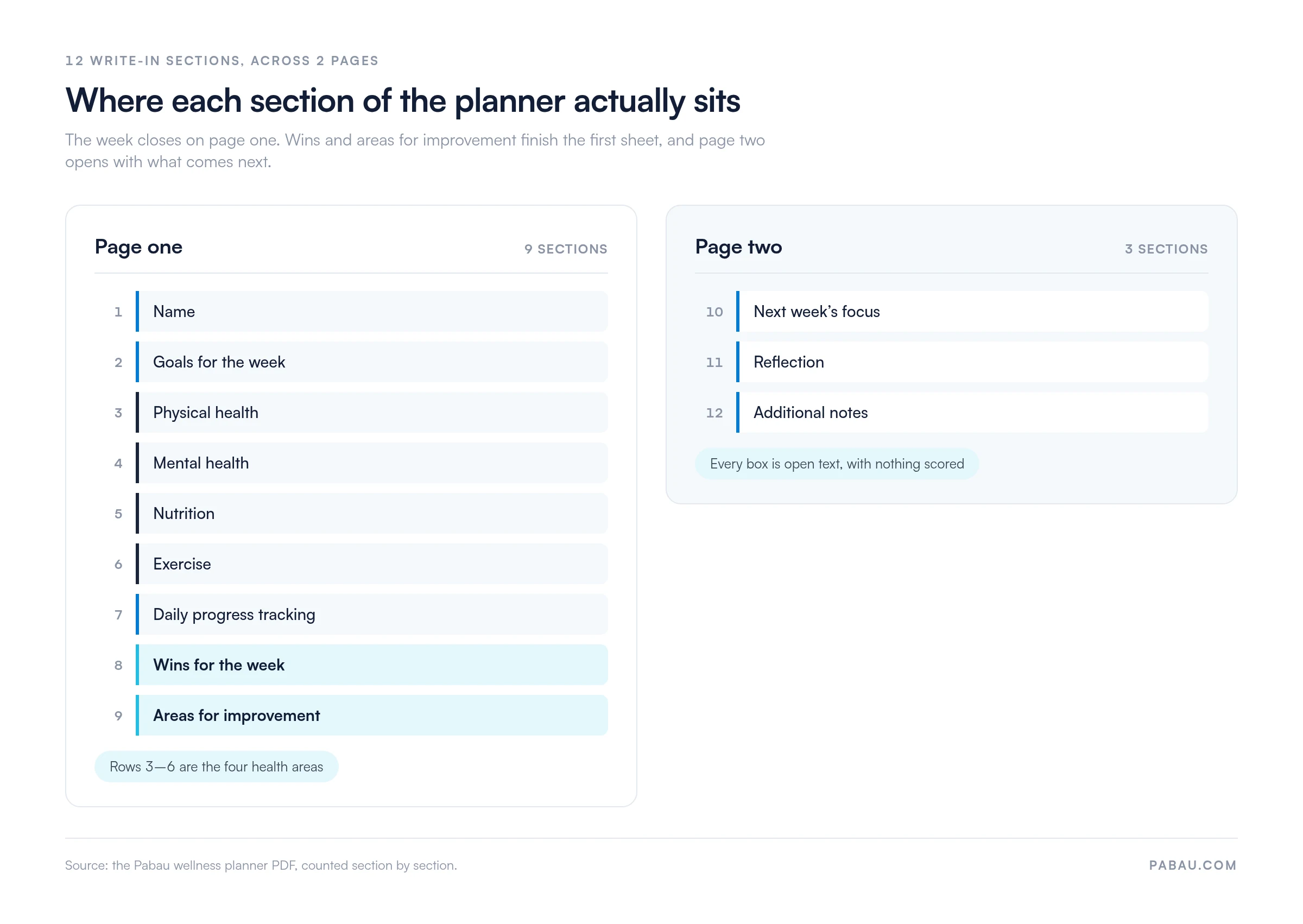
Three sections are deliberately absent, and it is worth telling patients so. There are no habit checkboxes, no separate sleep or calorie log, and no clinician sign-off section. Sleep, stress, and mindfulness practice all belong in the mental health box. Your own observations belong in the patient record, not on the patient’s printed page.
The template covers four areas rather than a wider wellness framework. Patients fill each box in their own words. Give an example of the detail you want before they take the form home.
If your specialty needs an area the form does not name, ask the patient to use the additional notes box for it. That keeps one template in circulation across your whole patient list, which makes completed planners easier to compare over time.
The planner is built around one week, and the field order walks the patient through it. Run it the same way every time so the habit sticks.
The goals box works hardest when the wording is specific. If you want a structure for that, a SMART treatment plan gives you goal and objective wording to copy across.
Because the form covers a single week, patients need a fresh copy each time. Print a short run, or send the PDF again through your portal at the end of every cycle.
The template earns its keep only when the completed pages come back and get read. These six steps are how practices usually make that happen:
Reviewing the form in front of the patient is what keeps it coming back. A planner that gets collected and filed unread stops arriving within two or three weeks.
The template ships with no therapy-specific content, so any specialist framework has to be added by your practice. A mental health service running dialectical behavior therapy might ask patients to use the mental health box for skills practice. DBT teaches four skills modules: mindfulness, distress tolerance, emotion regulation, and interpersonal effectiveness.
If you want dedicated prompts for those modules, build them as a separate form rather than writing them into this one. An EMR with custom templates lets you keep the general planner for lifestyle tracking and run a skills log alongside it. Physical therapy and nutrition practices adapt the same way, by naming in advance what they want in each of the four boxes.
Weekly planners stack up. A patient who has used the form for several months arrives at their annual review with a written record. It shows what they tried and what changed, which turns a general catch-up into a conversation grounded in their own notes.
Read the planners in sequence before the appointment and look for the pattern rather than the detail. Recurring entries in the areas for improvement box usually point to the barrier worth addressing. Naming that pattern back to the patient usually achieves more than setting another new goal.
The PDF works either way. Patients can print it and write on it, or type into it on screen and send it back. Most practices end up offering both.
Whichever route you take, the completed planner is patient health information. Store it in your medical records system rather than in email or a shared drive. Scan paper copies in rather than filing them loose.
A template nobody mentions between appointments stops coming back. Ask about it at check-in calls, and open consultations with a question the planner can answer. “What did you write in next week’s focus last time?” works better than a general question about how things have been.
It also helps to agree with your team on what gets recorded. If one clinician summarizes the planner in the notes and another does not, the history breaks up. Reading planner entries alongside what patients tell you at follow-up gives a fuller picture of their treatment.
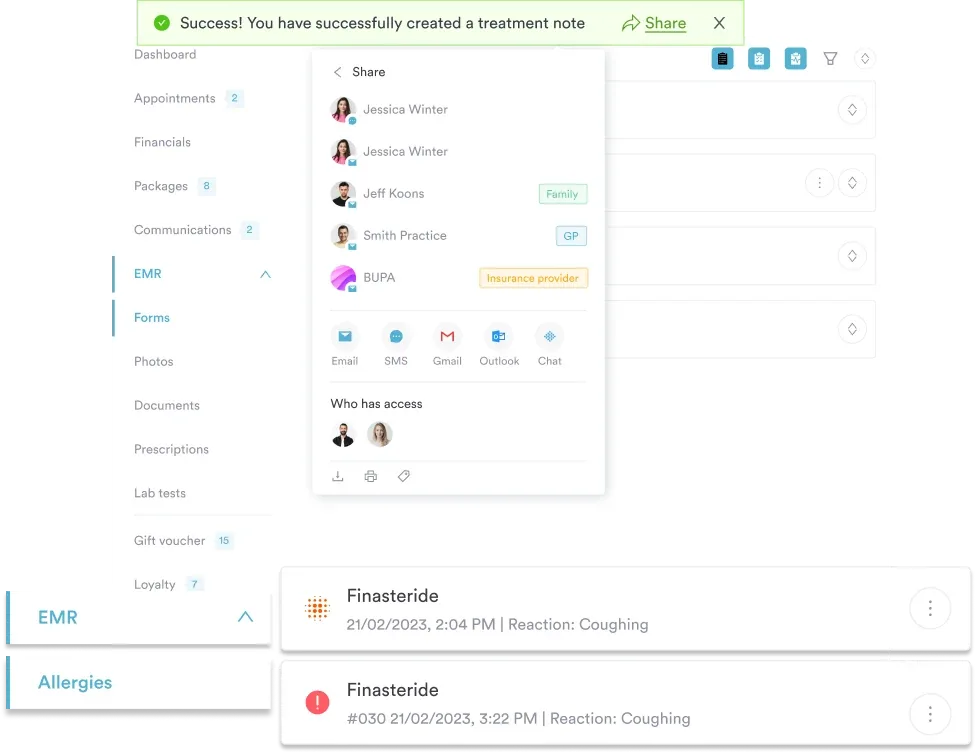
Most practices send the planner as an email attachment and hope it comes back. Completed copies then sit in an inbox, and nobody can find last month’s version during the appointment. Practice management software like Pabau closes that loop, because the planner lives on the patient’s record instead of in a mailbox.
You upload the planner once, send it from the patient’s record, and the completed copy files itself back against that record. Reminders go out automatically, so front desk staff stop chasing forms by hand. During the consultation, every week the patient has submitted sits in one place alongside their notes and treatment history.
Pabau Scribe, our AI scribe, then writes up what the planner shows without you retyping it. You talk through the week with the patient, and the summary lands in the consultation note ready for review.
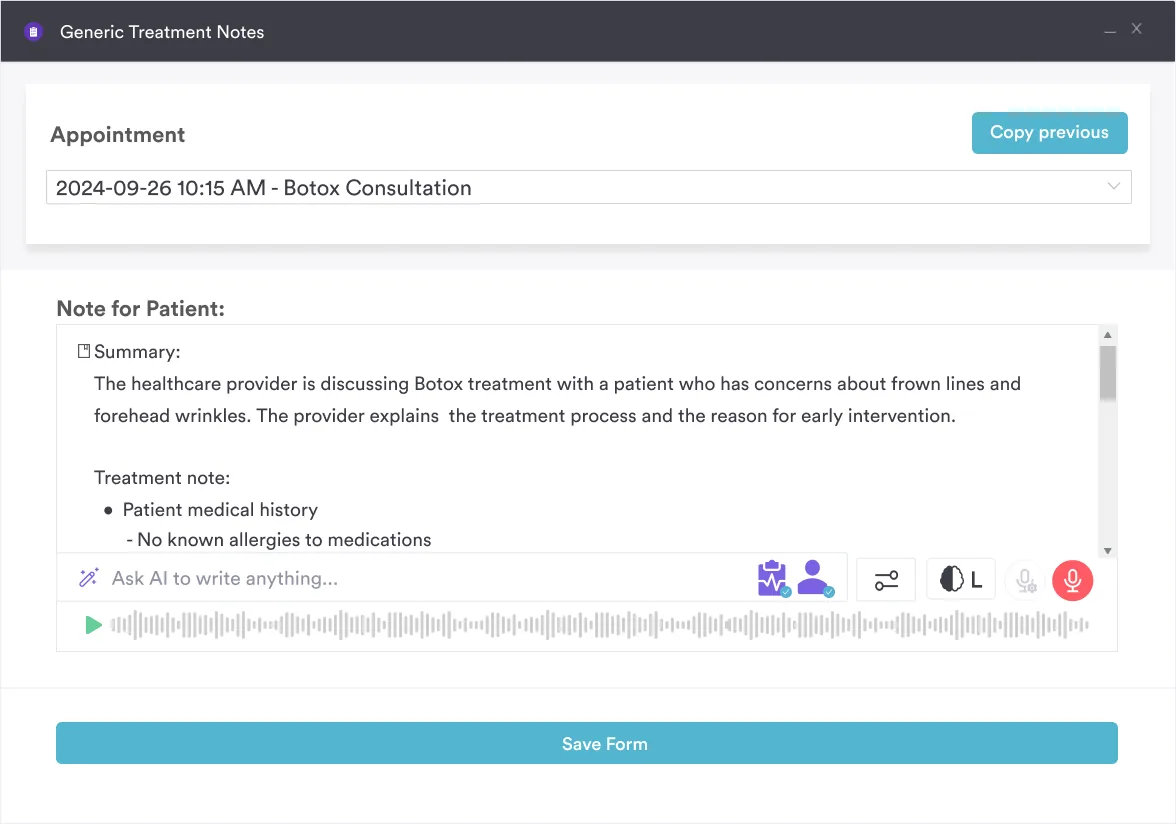

Pabau sends the planner from the patient record, files the completed form straight back against it, and reminds patients automatically. Your team stops chasing paperwork and starts the appointment with the week in front of them.

This planner is a short weekly form, and that is its strength. Four health areas and an open reflection box ask little enough that patients keep filling it in. Some patients need habit checkboxes, a sleep log, or a scored outcome measure. Use a purpose-built instrument alongside the planner for that, rather than stretching this page to cover it.
Start with one patient group, run the weekly cycle for a month, and see what comes back. The entries patients write unprompted are usually the ones worth acting on. Book a demo to see how Pabau sends wellness planners out and files every completed copy against the patient record.

Want a firmer structure for the goals box? SMART treatment plan template gives you goal and objective wording you can reuse with patients.
Need to write the planner up in the record? Progress note template shows how to summarize a review so the history stays readable.
Running more forms than this one? Medical forms at your healthcare practice covers how to distribute, collect, and store patient paperwork.
The template is a two-page printable PDF. It covers the patient’s name, goals for the week, physical health, mental health, nutrition, and exercise. A daily progress section follows, with a day or date line and one remark box. Page one then ends with wins for the week and areas for improvement. Page two holds next week’s focus, reflection, and additional notes.
No. Every section is an open write-in box, so there are no boxes to check. Sleep and stress are recorded in the mental health box rather than in logs of their own. There is no clinician sign-off area either, so your own observations go in the patient record instead.
Add your practice branding, then decide what you want patients to write in each of the four health boxes. Brief them with an example entry before they take the form home. Pilot it with a handful of patients for a month, ask what felt unclear, and adjust your briefing rather than the form.
A wellness planner is structured around named sections and a weekly cycle, so entries stay comparable week to week. A health journal is open-ended writing with no fixed shape. The planner suits clinical review because you can find the same section in every copy.
Yes. The form opens with a goals for the week box, and next week’s focus on page two carries goals forward. The box is open text, so you can write SMART goals in it if that suits your patient. Agree the wording together at the end of the appointment.
The form covers one week, so a review every week or two keeps pace with it. Patients seen monthly can bring several completed copies to the appointment. Read them in order and look for entries that repeat, since those point to the barrier worth discussing.
The form itself is neither compliant nor non-compliant. What matters is how you handle it once a patient has written on it. Store completed planners in your EMR or a secure patient portal with access controls, and keep them out of ordinary email and consumer cloud storage.