Physician credentialing checklist
A physician credentialing checklist lists every license, certificate, verificati...

Last Updated: Oct 23, 2026

A SMART goals worksheet turns a vague practice or development objective into a target that is specific, measurable, achievable, relevant, and time-bound.
The framework makes every goal name a success metric, a realistic scope, and a deadline, so you can check progress instead of assuming it.
The free download runs to one page, with five prompts, one per SMART letter, and three questions inside each.
The sheet has no tick-box checklist, action-step table, or progress tracker, so keep those in your own notes or your practice software.
Practice management software like Pabau can hold the completed sheet on the record and raise the review dates the paper cannot schedule.
A one-page PDF worksheet with five open-ended prompts, one for each SMART criterion. Each prompt guides you through three reflective questions, and the sheet carries a name and date header plus a signature sign-off.
Download templateA SMART goals worksheet exists because “improve patient satisfaction” gives nobody a number to hit or a date to hit it by. The sheet makes you settle both before the work starts, along with whether the goal is realistic and why it matters now.
A metric and a deadline turn an intention into something you can check later. Without them, a review meeting becomes a conversation about how everyone feels.
The worksheet above runs to one page, with five prompts and three questions inside each. What follows is how to fill it in, plus worked examples from four healthcare roles. The last two sections cover tracking, and the point where a goal is worth rewriting rather than chasing.
A SMART goals worksheet is a one-page planning document that tests a goal against five criteria before you commit to it. SMART stands for Specific, Measurable, Achievable, Relevant, and Time-bound. Answer all five honestly and you either have a goal you can track, or proof that you do not.
In a practice, the sheet doubles as a planning tool and an accountability record. Staff reach for it when they set career development targets. For a practice manager, it holds operational targets such as patient retention or no-show rates. And mental health practitioners use it to agree therapy milestones with a patient.
The download itself is deliberately plain. You get a header for the name and date, five open-ended prompt boxes, and a signature block at the foot. Each of the five boxes folds three questions into one prompt, so the page asks fifteen questions in total.
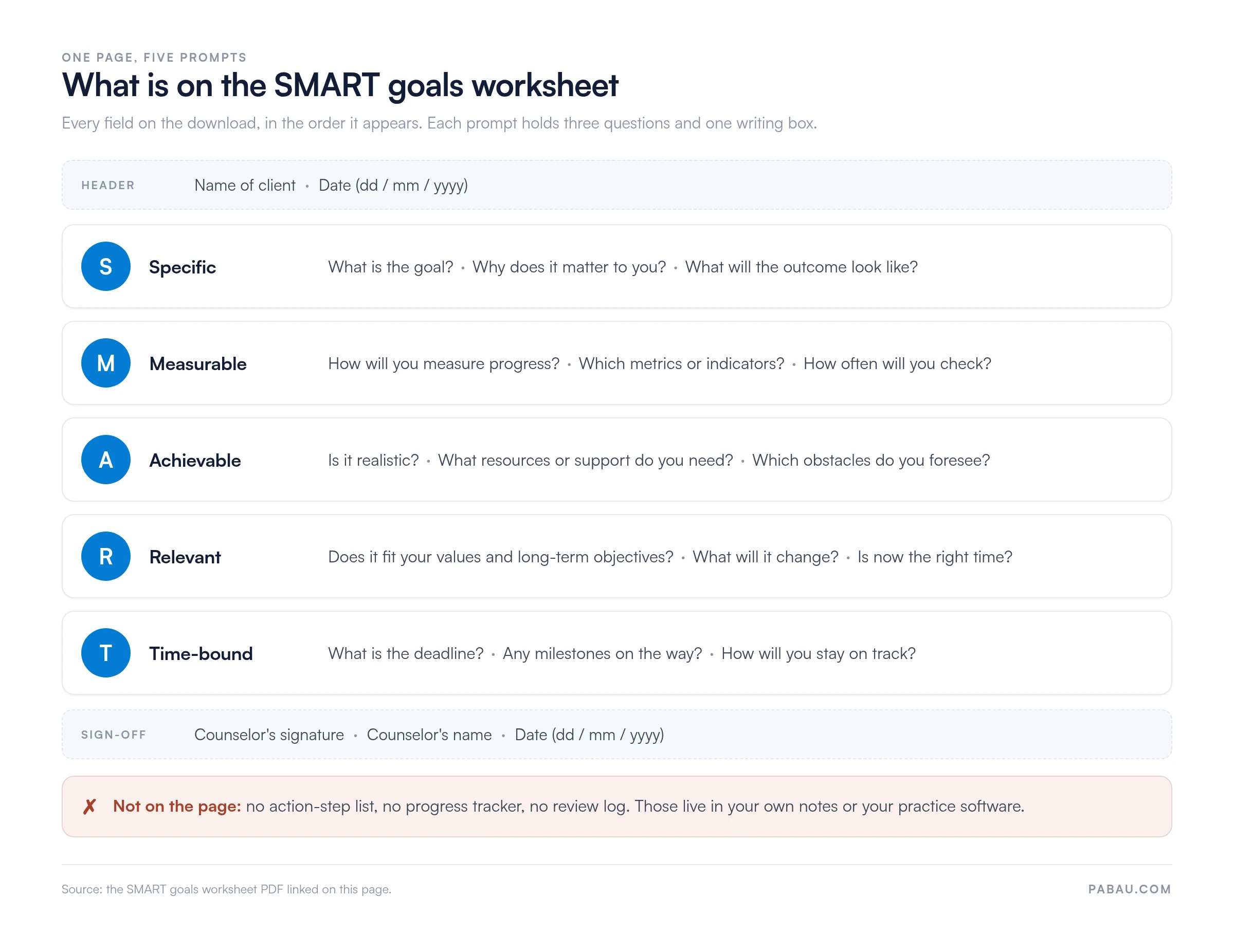
The header and sign-off are labeled for a client and a counselor, which suits therapy and coaching use. For staff development, read them as the person setting the goal and the manager reviewing it. Nothing inside the five prompts is specific to one setting.
Each letter is a test rather than a label. The acronym comes from 1980s management writing, and it is now standard across clinical education, nursing continuing professional development (CPD), and health coaching.
The table below pairs each criterion with the question that settles it.
The worksheet asks these questions in the same order, and the order matters. A metric written before the goal is named tends to measure the wrong thing. Name the outcome first, then decide how you will count it.
The whole page takes 15 to 20 minutes. Print it or type into it, start with the name and date, then work down the five prompts in order.
Each prompt folds three questions into one writing box, so answer all three before you move on.
The page closes with a signature and a date. That line is where a goal gets agreed rather than merely written, so use it even when you are the only reader.
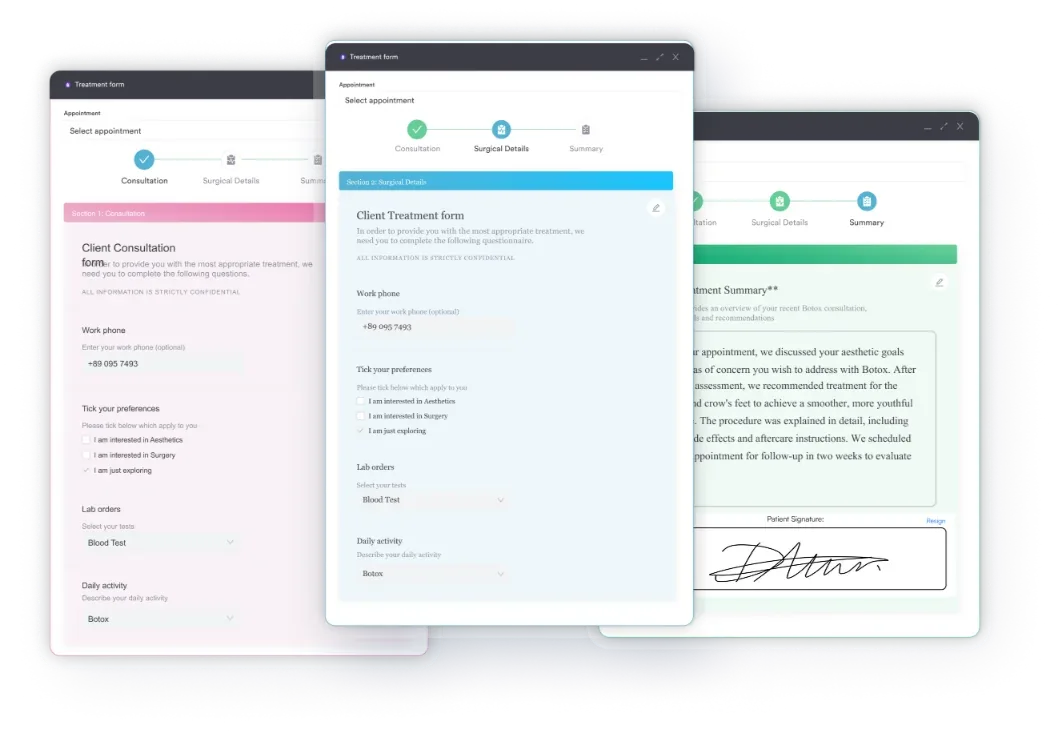
What the page does not give you is anywhere to list action steps or log each review. Keep those somewhere you will look again. Digital forms let your team answer the same five prompts during onboarding or an annual appraisal. The answers then sit with the staff record instead of in a drawer.
The framework is easier to trust once you see it applied. Below are worked goals for a practice manager, a nurse, a staff developer, and a therapy client. Each one satisfies the five criteria without reading like a form.
Every row names a metric, a deadline, and someone accountable. That is the difference between “I want to improve” and “I will improve X by Y% by Z date.” Recording them in your team management system means the review date belongs to the calendar rather than to memory.
Writing the goal is the easy half. The sheet hands you no tracker, so the rhythm has to live in your diary instead. The Measurable prompt already asked how often you would check, so build the cadence below around that answer.
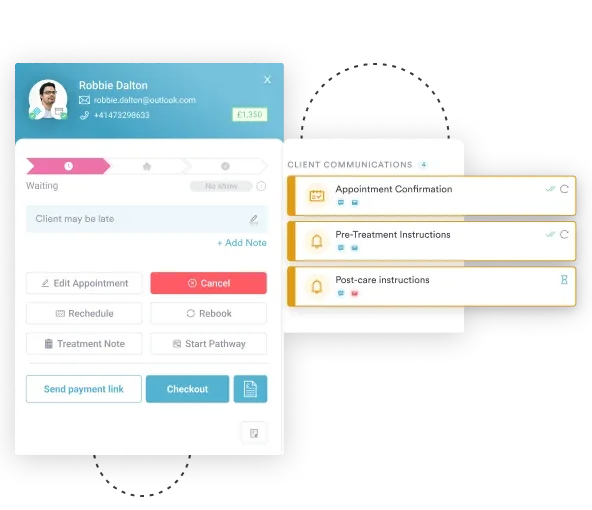
Many practices attach this cadence to a meeting that already exists, such as a team huddle or an appraisal review. Automated workflows can send the reminder when a review falls due, so the date does not pass unnoticed.
Change the tactic first. Two months from the deadline at 30% progress, revise the action steps, move resources, or cut the scope before you touch the date. Extending a deadline on its own only moves the disappointment.
Some goals do need rewriting, though. Practice priorities shift, staff leave, funding changes, and new regulatory guidance can strip a goal of its point. Four questions at the midpoint usually settle which case you are in.
Whatever you change, fill in a fresh sheet and keep the old one. Read side by side a year later, the pair tells you how well your practice judges scope.
A filled-in worksheet only earns its keep if somebody reads it again. On paper, the sheet goes into a folder and the review date lives with whoever remembered to write it down. Practice management software like Pabau closes that loop.
Rebuild the five prompts as a digital form and each completed answer saves against the staff member’s or client’s record, dated and searchable. Nobody retypes the goal, and no version of it depends on a filing cabinet.
From there, an automation raises the review when it falls due, and compliance management keeps earlier versions of a goal next to what actually happened. That history is what tells you next year whether your targets were pitched at the right level.

Pabau stores completed worksheets against the staff or client record. Automated reminders raise each review on the date you set, so goals get checked instead of forgotten.

A SMART goal earns its keep the moment somebody asks whether you hit it. The metric and the date are what make that question answerable, and the worksheet exists to force both onto the page before the work starts.
So download the sheet, answer the fifteen questions, and put the review date somewhere that will chase you. The page handles the thinking. The chasing is the part you build yourself, whether that is a recurring calendar entry or a workflow in your practice software.
Book a demo to see how Pabau stores completed worksheets and raises the reviews on time.

Ready to build goal-setting into your practice workflow? Team management software keeps staff development targets and review dates alongside the rest of the staff record.
Need to document clinical progress toward therapy goals? Therapy practice management systems store goal-setting templates alongside patient records, so progress is never lost between sessions.
Want to automate goal-setting reminders and reviews? Automated workflows can trigger check-in prompts at regular intervals and flag a goal when its review date approaches.
George T. Doran, in a November 1981 article for Management Review. His original letters were slightly different, with A for Assignable and R for Realistic. The Achievable and Relevant versions came later, as the framework moved out of corporate planning and into education, nursing CPD, and therapy.
SMARTER adds two steps after the deadline, usually Evaluated and Reviewed. You score the outcome, then decide whether to keep, retire, or rewrite the goal. Those extra letters matter here because the one-page worksheet stops at the deadline. Put the review in your calendar and you have covered the same ground.
Yes, but the sheet has a single signature line, so name one owner. Shared goals work best when the metric is common to everyone and the action steps are split by role. Give each person their own copy, keep the metric identical on all of them, and review the set together.
Four come up again and again. A metric with no starting point, so nobody can calculate progress. A deadline written as a month rather than a date. Two goals squeezed into one sentence. And a goal that nobody has to report on, which is how a signed sheet becomes a filed sheet.
Not on its own. CPD hours come from the learning activity itself, not from planning it, so the sheet supports your record rather than replacing it. It does work well as evidence of an agreed development plan at an appraisal, especially once a manager has countersigned it.