Despina Petrushevska
OT SOAP note sample: Free template and worked examples
Download your free OT SOAP note sample A four-page form with an identifying head...

3
Last Updated: Nov 5, 2026
Free PDF 10 pages, print-ready Clinician-reviewed
A prescription pad template is a pre-formatted document that licensed prescribers use to issue prescriptions to patients. It sets out standard fields for prescriber credentials, including name, DEA number, NPI, and state license. Patient identifiers, medication details, refills, and a signature line make up the rest. In short, get those fields right and the pharmacy fills the script without calling you back.
Prescription pads do two jobs at once. They document your clinical decision, and they tell the pharmacist exactly what to dispense. Which fields you need depends on your credential, your state, and whether the medication is a controlled substance.
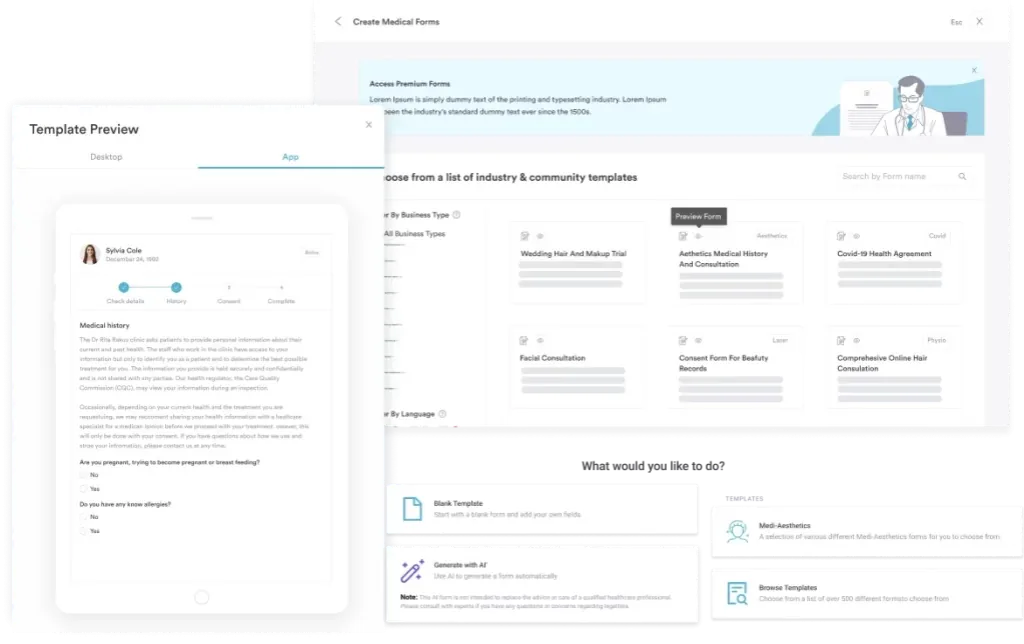
Start from scratch, or upload this PDF or any form you already use, and Pabau's AI Form rebuilds it with tick boxes, text fields and a signature. Attach it to the treatment once, and every patient gets it on time.
AI Form rebuilds the consent, history and aftercare forms you already use. You review each one, then publish.
Patients complete forms on their phone before they arrive, so the front desk stops retyping paper.
Every signed form is versioned and attached to the treatment record, ready when you need it.
Set how long a consent stays valid. Returning patients skip forms they have already signed.
Supports HIPAA and GDPR compliance AES-256 encryption 4.8 on G2 4.7 on Capterra Trusted by 4,000+ practices worldwide

A prescription pad template is a standard layout that carries patient identifiers, medication details, prescriber credentials, and a signature line.
Federal rules require your DEA number on every controlled substance prescription and your NPI on prescriptions billed to Medicare or Medicaid.
Many states require Schedule II prescriptions to be written on tamper-resistant paper with features such as void pantographs and watermarks.
Prescribing authority differs by credential, so a nurse practitioner or physician assistant pad may also need the collaborating physician’s details.
Practice management software like Pabau issues prescriptions from the patient record and faxes them to the pharmacy on file. Controlled substance prescribing still needs an EPCS-certified platform.
A prescription pad template is a pre-printed or digital form that licensed prescribers use to issue prescriptions. In fact, physicians, nurse practitioners, physician assistants, dentists, and veterinarians all work from one. The template standardizes how each medication is documented, so nothing is left off and the prescription stays legible and legally defensible.
Practices use prescription pads in two formats. Physical printed pads come pre-printed with your practice name, address, and credentials. You then handwrite the patient name, the medication, and your signature.
Digital prescription pads sit inside your records system, alongside the digital patient intake forms your practice already uses. They pull patient and prescriber data from stored records instead of asking you to retype it. Overall, digital pads cut transcription errors and leave an audit trail behind every script.
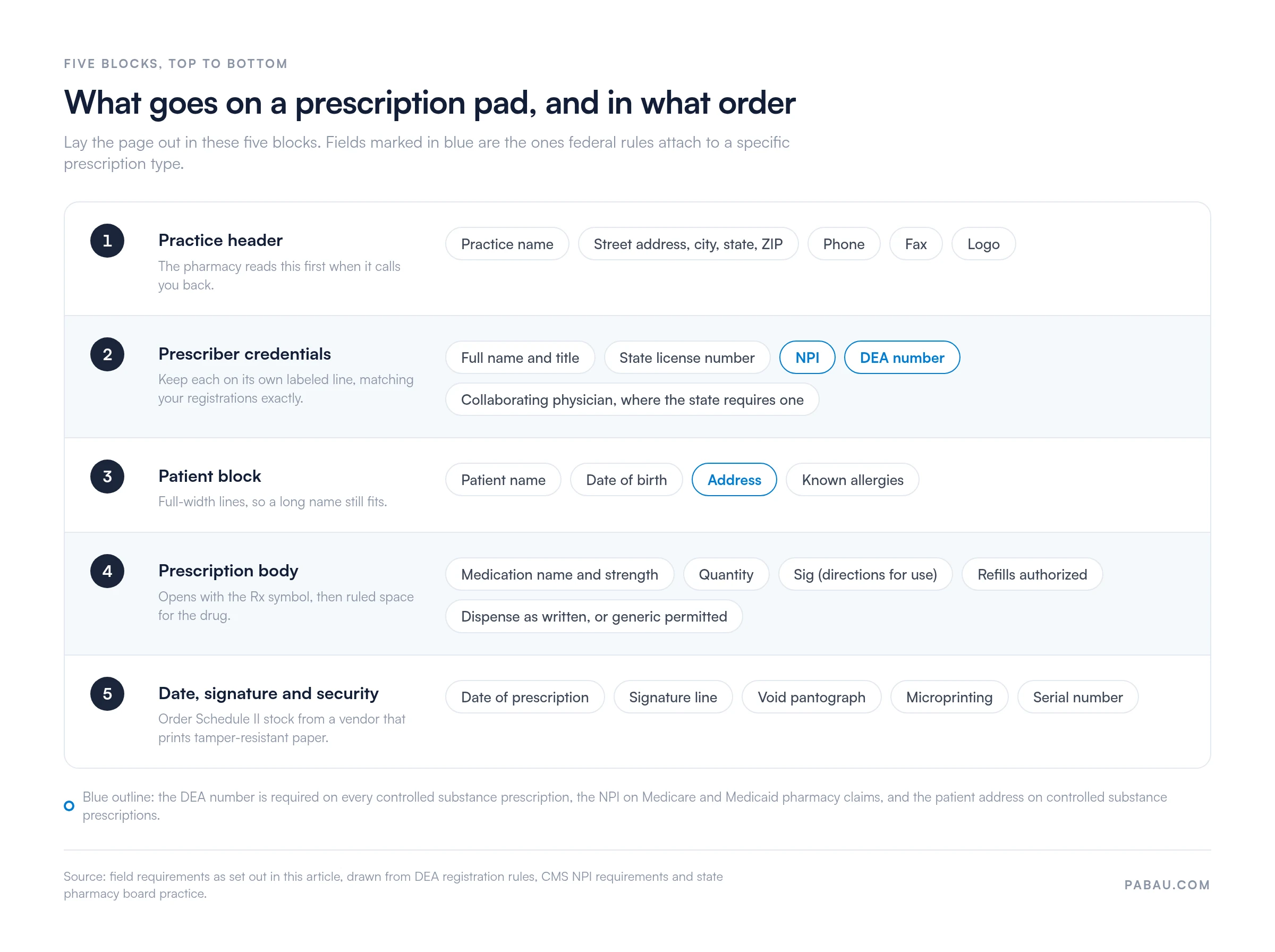
Every prescription, printed or digital, carries the fields below. Use this checklist to audit a pad you already print, or as the specification for one you are about to build.
That is the minimum set. Your specialty or your state may add fields, such as an allergy line, a diagnosis code, or a partial-fill instruction for Schedule II medications.
Prescription pads are closely regulated. Specifically, federal and state rules both work to prevent forgery, diversion, and misuse.
Federal requirements: prescribers who hold a DEA registration must show that number on every controlled substance prescription. CMS requires a valid NPI to identify the prescriber on Medicare and Medicaid pharmacy claims. HIPAA governs how the patient information on that prescription is stored, shared, and disposed of.
State requirements: many states require Schedule II prescriptions such as opioids and stimulants to be written on tamper-resistant paper. Several states now mandate electronic prescribing for controlled substances and treat paper as the exception. Florida, California, New York, and Texas each set their own rules, so check your state board and pharmacy board before you order pads.
Security features to specify: ask your print vendor for void pantographs, which reveal hidden text when the sheet is copied. In addition, add microprinted signature lines, watermarks, sequential serial numbers, and a quantity check-off box. Vendors that specialize in medical forms usually offer these as standard options.
What goes on the pad depends on your credential and your state. The differences between a physician, a nurse practitioner, and a dentist are small on the page but significant in law.
Build the credential block so it can be edited in one place. As a result, a prescriber who moves state, renews a license, or adds a DEA registration should not need the pad redesigned. Incorrect or missing DEA and NPI numbers are a common reason for a pharmacy to reject a script and delay the patient’s treatment.
This page gives you the field specification rather than a pre-made file. Lay the pad out in a word processor, or set it up inside your records system. Then, work through the five blocks below in order, top to bottom.
Print a proof and write three sample prescriptions on it before ordering a full run. Indeed, handwriting reveals a spacing problem that a screen never shows you.
The pad records what you prescribed. What the patient goes on to take belongs in a medication log template, which tracks doses, times, and who administered them.
Paper pads have served practices for decades, but they carry costs that rarely get counted. For instance, handwritten prescriptions get misread at the pharmacy. Pads get lost, stolen, or forged. And every script means copying the patient’s name, your credentials, and the medication details by hand from the chart.
Electronic prescribing removes most of that transcription. Patient details come from the electronic health record, and your stored credentials print on every script. The prescription then reaches the pharmacy without a handwriting step in between. CMS sets the ePrescribing standards that pharmacies and software vendors have to follow.
Several states already require electronic prescribing for controlled substances, with narrow exceptions for outages and veterinary use. If your practice still runs on printed pads, it is worth pricing up prescription management software before the next print order.
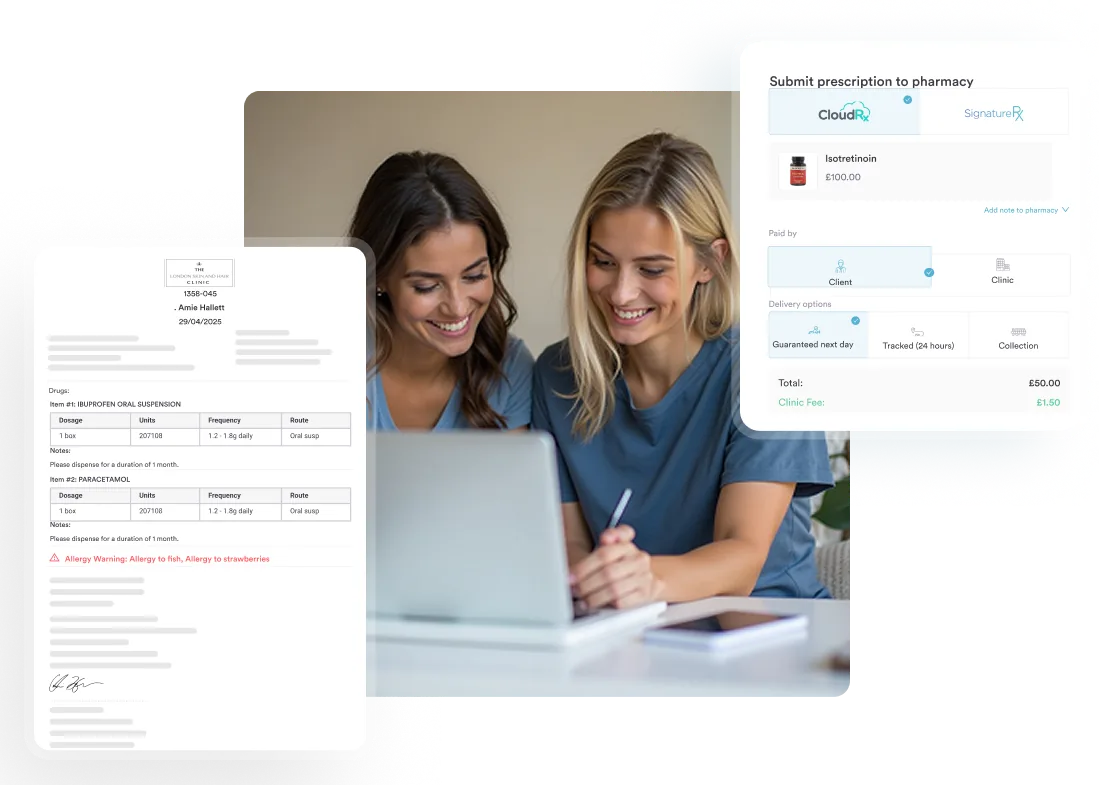
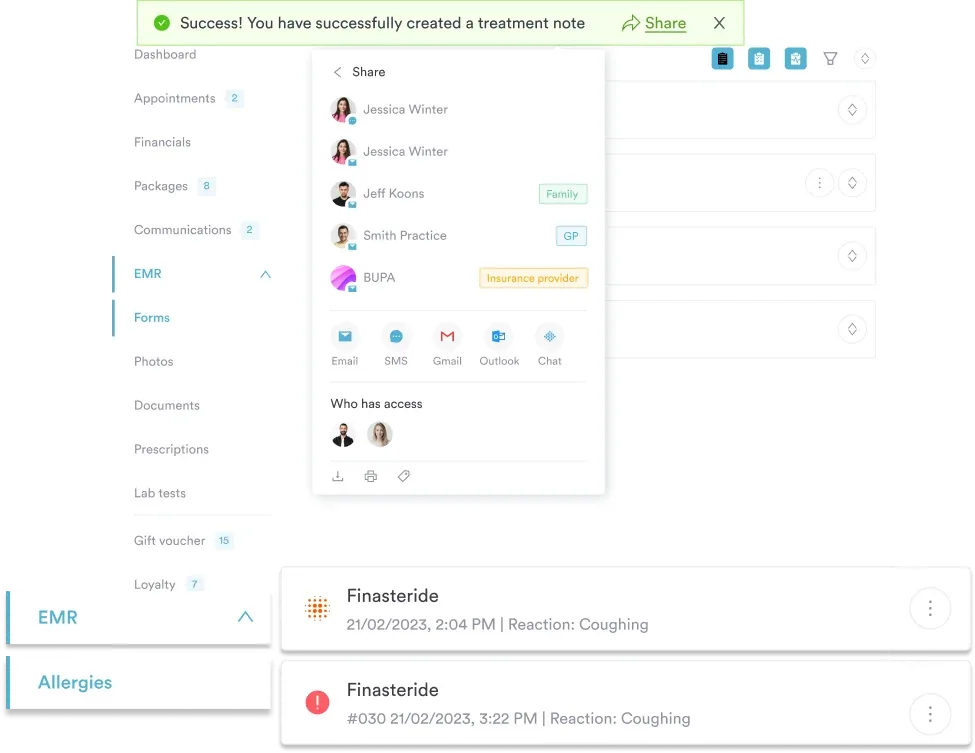
Practice management software like Pabau issues the prescription from the patient’s record, so the pad stops being a separate document to keep, guard, and reorder. Instead, your prescriber credentials are stored once on your staff profile: DEA number, NPI, and state license. Therefore, Pabau will not finalize a script until they are there.
How it works in the US: open the patient record, which already holds the name, date of birth, address, and medication history. Save the patient’s pharmacy to their card. Create the prescription, search the drug database for the medication, then set strength, quantity, sig, and refills. Pabau checks the selection against the patient’s other medications and flags interactions. The eRx button then sends the finished script to that pharmacy by secure fax, and logs it against the chart.
Where Pabau stops: it does not currently hold DEA EPCS certification or Surescripts connectivity in the US market. A secure fax is also not an EPCS-compliant electronic prescription under 21 CFR Part 1311. So Pabau is not a replacement for a controlled substance e-prescribing workflow. If you write Schedule II to V medications, keep a dedicated EPCS-certified platform for those scripts.
Non-controlled medications make up most of what a general practice prescribes, and Pabau handles those end to end. Interaction checks, repeat requests, and prescription tracking all sit with the patient record. The result is fewer callbacks from the pharmacy and less time spent writing. Documentation is ready when an auditor asks who prescribed what, and when.

Pabau issues prescriptions straight from the patient record, checks drug interactions, and keeps every script in the chart with a full prescription report. See how prescribing works in your practice.

A prescription pad template is only compliant when every field earns its place on the page. Prescriber credentials, DEA and NPI numbers, patient identifiers, medication details, refills, substitution, date, and signature all have to be there. Beyond that, your state decides the paper stock and whether a controlled substance script may be written by hand.
Build the layout once, check it against your state board, and reprint it only when a credential changes. If prescribing on paper is slowing your practice down, see how Pabau handles prescriptions from the patient record.

Tracking what the patient actually takes? Medication log template records each dose, the time it was given, and who administered it.
Documenting a reaction to a prescribed drug? Adverse reaction form captures the medication, the symptoms, and the action the practice took.
Checking a drug before you prescribe it? Drug card template sets out the class, the dose range, side effects, and monitoring notes on one page.
Moving your notes off paper as well? Clinical documentation software compares the systems that hold charting, forms, and patient records together.
A prescription pad template is a pre-formatted layout that licensed prescribers use to write prescriptions. It carries prescriber credentials such as name, DEA number, NPI and state license, patient identifiers, medication name, strength, quantity, sig, refills and a signature line. You can build it in a word processor or set it up inside your records system.
Yes, provided the pad carries every required field and meets your state rules. Many states require Schedule II prescriptions to be written on tamper-resistant paper, and several now require controlled substances to be prescribed electronically. Check your state medical board and pharmacy board before ordering a print run.
Yes, for non-controlled medications. Lay out the practice header, credential block, patient block, prescription body and signature line, then save it as a reusable document. Security features such as void pantographs and watermarks cannot be produced in a document editor, so controlled substance pads still need a print vendor.
It depends on the state and the medication. Tamper-resistant stock is usually required for controlled substance prescriptions, while prescriptions for other medications can be printed on standard paper. Medicaid prescriptions written on paper carry their own tamper-resistant requirement. Confirm the position with your state pharmacy board.
Yes, within the prescribing authority their state grants them. Some states allow full practice authority, so only the prescriber’s own credentials appear on the pad. Others require the collaborating or supervising physician’s name and details as well. Your state nursing or medical board sets the rule.
Digital prescribing pulls patient and prescriber details from stored records, checks the medication against the patient’s current drugs, and logs the script against the chart. Paper pads need the same details written out by hand each time, and the only audit trail is the duplicate book. Most practices that switch spend less time on prescription admin.